Nano Banana Pro vs GPT Image 2.5: Which Fits Your Creative Work?
Nano Banana Pro and GPT Image 2.5 can both turn detailed prompts and reference images into polished visuals. This guide compares six practical qualities, separates documented strengths from unproven claims, and shows when to choose each model for character work, branded assets, complex edits, and realistic scenes.
Choosing between Nano Banana Pro vs GPT Image 2.5 starts with the job, not a universal winner. Google positions Nano Banana Pro—officially Gemini 3 Pro Image—as a high-fidelity creation and editing model with strong multi-image composition and creative controls. OpenAI describes Images 2.5 as better at following complex visual instructions, preserving reference subjects, and making precise edits over multiple turns. Those are vendor claims, not the results of a controlled head-to-head test.
One naming detail matters: GPT Image 2.5 is a family. OpenAI offers Flare for general workflows and Sunburst for more precise, longer-running creative work. A comparison should name the variant used; otherwise, a result attributed to “GPT Image 2.5” is hard to reproduce.
Nano Banana Pro vs GPT Image 2.5 at a Glance
| Creative need | Better starting point | Why |
|---|---|---|
| Several recurring people from reference images | Nano Banana Pro | Google explicitly documents combining up to 14 input images while preserving the resemblance of up to five people. |
| A long, specific creative brief | GPT Image 2.5 | OpenAI explicitly emphasizes complex instruction following and retention of composition and individual details. |
| Repeated, narrow edits to one image | GPT Image 2.5 Sunburst | OpenAI positions Sunburst for tighter control across detailed edits. |
| Art direction with camera, focus, and color changes | Nano Banana Pro | Google explicitly lists camera angle, focus, lighting, and color-grading controls. |
| Strict physical plausibility or exact object ratios | Test both | Neither vendor provides a directly comparable score for these tasks. |
This is a workflow recommendation, not a measured ranking. The strongest evidence describes what each developer has demonstrated or prioritized; it does not establish that one model wins every prompt in a category.
Character Consistency: Reference Sets vs Repeated Edits
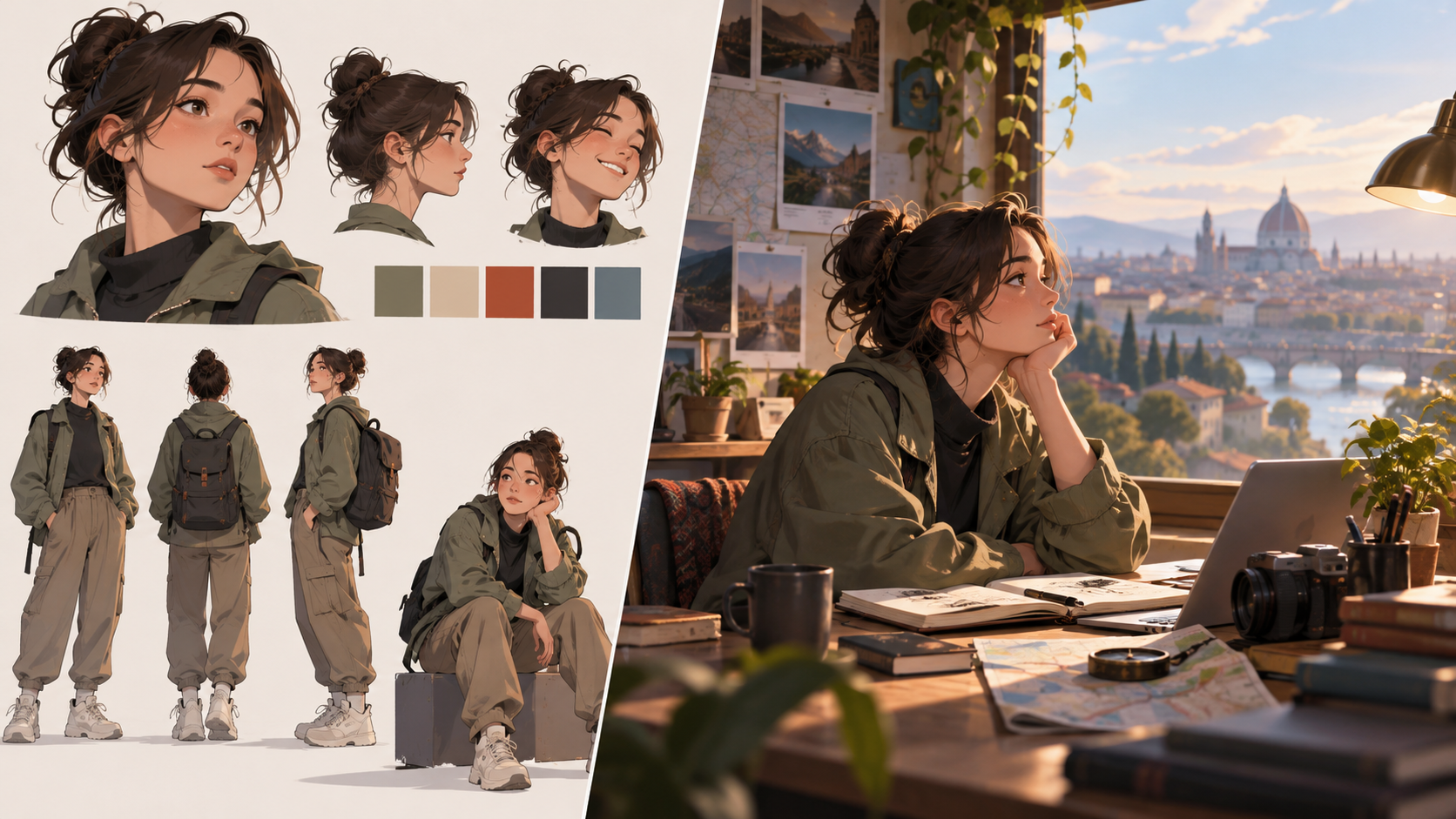
If your campaign, comic, or storyboard needs the same cast in new settings, start with Nano Banana Pro. Google's official examples show multi-reference compositions and state that the model can maintain resemblance for up to five people. That makes it a sensible first test when you have separate reference images for faces, clothing, and a location. “Up to” describes the documented capability, not a guarantee that every face will remain identical.
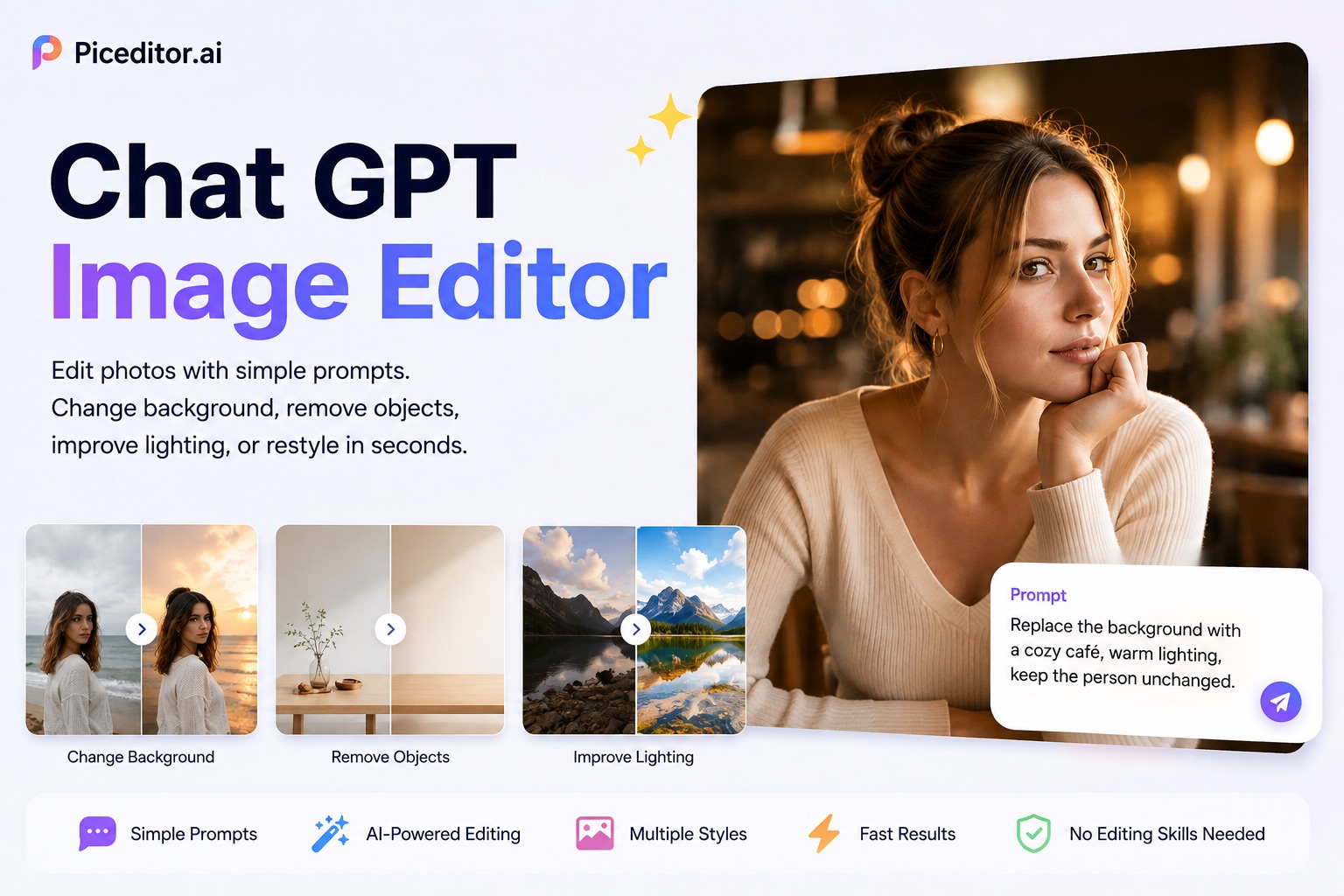
GPT Image 2.5 deserves a serious test for one subject through an editing sequence. OpenAI says the model better preserves recognizable features from reference photos and keeps earlier changes consistent over multiple turns. If you are changing a background, then a jacket, then the lighting while protecting the person's face, that is directly aligned with its stated strengths. Use Sunburst when the final result needs especially careful edits; consider Flare for quicker iteration.
Creative Style and Color: How Much Direction Do You Have?
Both developers claim improved style control, but they describe different strengths. Google highlights localized editing, camera angles, depth of field, lighting changes, and sophisticated color grading. Those controls fit a brief such as “keep the model and outfit, move the viewpoint lower, cool the shadows, and preserve warm skin tones.” OpenAI says Images 2.5 follows visual styles more faithfully and is less likely to drift from a specified composition or brand treatment as a brief becomes more detailed.
For color pairing, neither source reports an objective head-to-head palette score. The useful distinction is operational: try Nano Banana Pro when you want to art-direct color as a visual adjustment; try GPT Image 2.5 when color is one constraint among many in a long written brief. In either case, name exact colors, assign them to specific objects, and inspect the output against your brand palette before publication.
Natural-Language Understanding and Precise Edits
GPT Image 2.5 is the clearer starting point for a dense paragraph of instructions. OpenAI specifically reports gains on complex visual instructions, layouts, and keeping requested individual details in place. It also says the model is better at changing only the requested element while retaining the rest of an image. These claims are especially relevant to product mockups, marketing revisions, and scenes with several placement constraints.
Nano Banana Pro is also built for complex prompts. Google connects its image model to Gemini 3 Pro reasoning and shows examples that turn notes or factual content into diagrams and infographics. It may be the better first pass when the brief combines references, explanatory content, and visual design. For either model, split critical requirements into a short checklist: subjects, positions, text, color, and elements that must stay unchanged. Review each item in the image rather than assuming fluent prose means correct execution.
Physical Plausibility and Object Proportions
An image can look convincing while a chair cannot support its occupant, a hand grips an object impossibly, or a product changes size between scenes. Neither Google nor OpenAI publishes a directly comparable physical-understanding or exact-proportion benchmark for these two models. Claims that one definitively “understands physics better” would overstate the available evidence.
Test the task that actually matters to you. For physical plausibility, specify contact points, weight, reflections, and the direction of light: “The mug rests flat on the table; the hand grips its handle; the cast shadow falls right.” For proportions, use a reference image or explicit relationship: “The bottle is one-third the height of the person, and its cap remains the same width across views.” Generate several candidates, then inspect geometry at full size. If dimensional accuracy is essential, use a measured diagram or 3D reference and verify the final image manually.
Which Model Should You Choose?
Choose Nano Banana Pro first for a multi-person campaign, reference-heavy character work, or a visual that needs active control over camera, focus, lighting, and color. Choose GPT Image 2.5 first for a long natural-language brief or a sequence of precise changes to an existing image. Within the OpenAI family, Flare is the general starting point; Sunburst is positioned for polished work requiring tighter control.
For object scale, physical interactions, or a tightly specified visual identity, run the same brief and references through both models and judge the actual outputs. Keep the requested aspect ratio and revision count the same. You can begin that comparison in PicEditor; check the model selector for the exact version before treating any result as a GPT Image 2.5 test. A label for GPT Image 2 does not mean 2.5.