GPT Image 2.5: Everything New in OpenAI's Latest Image Model
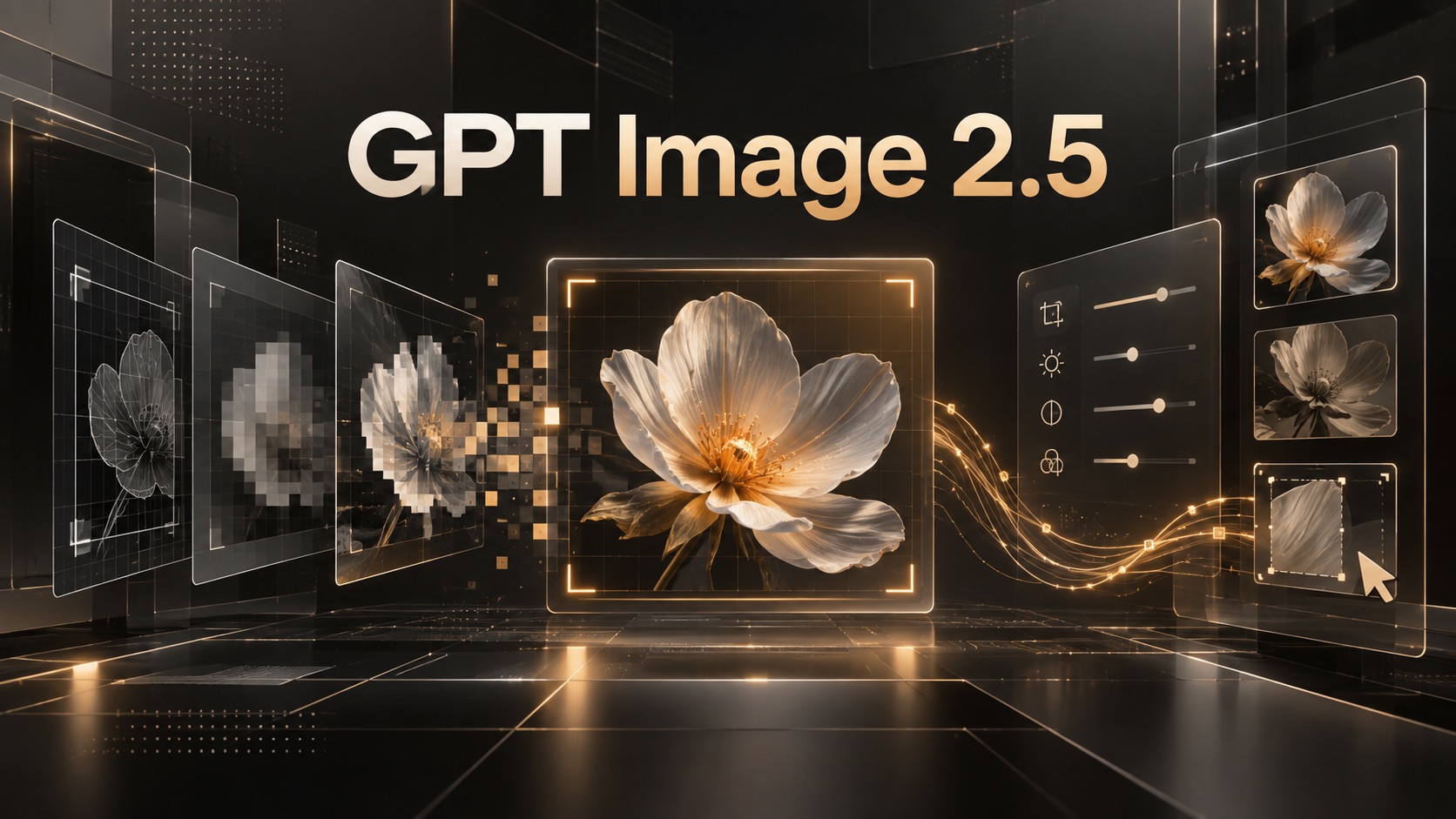
OpenAI released GPT Image 2.5 with faster generation, precise editing, and new Sketch and template tools. See what's new and how to use it.
If you have ever generated AI images for ads, landing pages, social posts, or product campaigns, you probably know the frustrating pattern: the first result is close, but not perfect. You ask to change the background, fix a product label, adjust the lighting, or replace one object — and suddenly the model changes the person’s face, the composition, or other details you wanted to keep.
GPT Image 2.5 is OpenAI’s answer to that workflow problem. Released as ChatGPT Images 2.5, the updated model focuses on faster generation, more natural image quality, stronger consistency across repeated edits, and more precise localized changes.
For creators, marketers, and product teams, the important question is not simply whether GPT Image 2.5 can generate a beautiful first image. It is whether it can help produce usable final assets with fewer frustrating regeneration cycles.
What Is GPT Image 2.5?
GPT Image 2.5, called ChatGPT Images 2.5 inside ChatGPT, is OpenAI’s latest image generation and editing model. It is designed for both text-to-image generation and image-to-image editing workflows, with a stronger focus on faster output, more natural visual fidelity, and consistent results across repeated revisions.
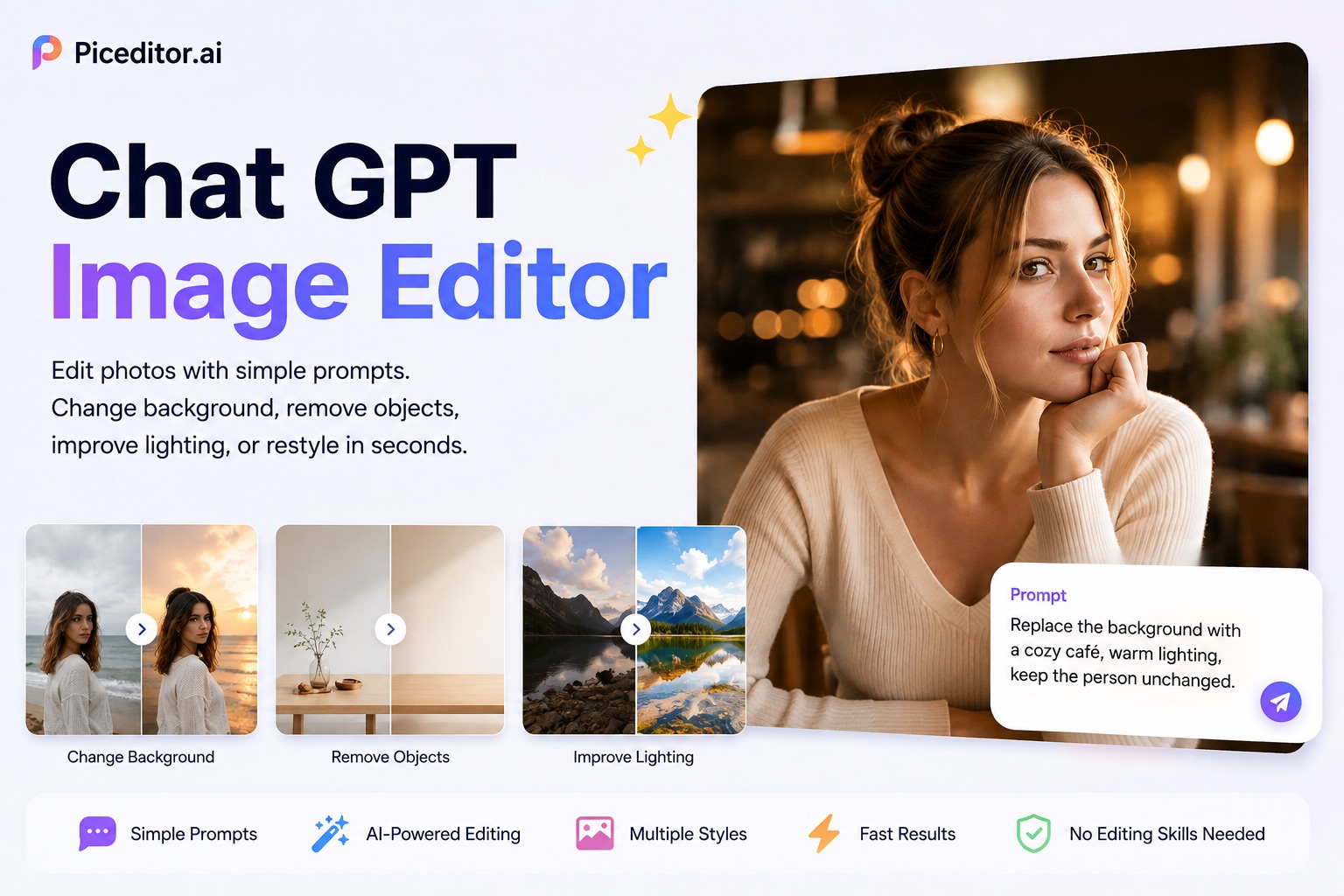
If you want to explore the model without building an API workflow, you can try GPT Image 2.5 for free with PicEditor AI. It offers a simple browser-based way to test image-generation and editing ideas for marketing creatives, product visuals, social assets, and blog content.
The core promise is straightforward: generate faster, preserve important details more reliably, and make edits without accidentally redesigning the rest of the image.
The Biggest GPT Image 2.5 Upgrades
GPT Image 2.5 is not just a visual-quality update. Most of the meaningful changes focus on how the model behaves during an actual creative workflow.
Up to 50% faster image generation. Faster output matters when you are generating multiple concepts for ad tests, blog headers, product listings, social posts, or campaign variations. Shorter waiting times also make iterative prompting feel more like real-time creative direction instead of a stop-and-start process.
More precise localized editing. You can ask the model to update one part of an image, such as a product color, a background object, or a clothing detail, while preserving the rest of the composition. This is especially useful when the original image is already close to approval.
Better multi-turn consistency. Previous image models often introduced new problems after several edits. GPT Image 2.5 is designed to maintain the approved details from earlier versions as you continue refining the image. That makes it more practical for real campaign workflows, where a creative asset may go through several rounds of feedback.
Improved visual fidelity. The update improves lighting, textures, materials, and small details. It also aims to preserve the identity and recognizable features of people, pets, and products when you use reference images.
Stronger text and layout handling. Text-heavy promotional graphics remain difficult for most AI image tools, but GPT Image 2.5 is intended to improve visual information, labels, structured layouts, and small text. You should still check every word before publishing, especially for brand names, prices, calls to action, and legal copy.
New Creative Tools in ChatGPT
OpenAI also added workflow features that make the image model easier to control without relying on increasingly long prompts.
Sketch
The new Sketch feature lets users create a rough drawing directly in ChatGPT. You can sketch a product position, room layout, clothing concept, or scene composition, then add a short instruction describing the desired style.
For example, you could draw a rough hero-section layout with a product on the right, an empty space on the left for copy, and a soft gradient background. GPT Image 2.5 can use that visual structure as a starting point instead of trying to infer the composition entirely from text.
Templates
Templates provide quick starting points for common visual formats, including posters, flyers, product shots, and other marketing-oriented assets.
This is useful when you need a fast creative starting point rather than a fully custom prompt. A template can also help maintain basic layout consistency when several people on the same team are generating assets.
In-Image Comments and Annotations
Instead of rewriting a prompt, you can point to a specific region of the image and explain what should change. You may circle a product, highlight an object, or comment on a visual element that needs revision.
For marketers and content teams, this is one of the most useful upgrades. It moves the interaction closer to a normal design-review workflow: identify the problem, annotate the exact location, and request a focused revision.
Where GPT Image 2.5 Performs Best
GPT Image 2.5 is most useful when image editing is part of the workflow, rather than a one-time generation task.
- Landing page hero images: Create several compositions, then refine the selected option by moving products, changing backgrounds, or creating more negative space for text.
- Product photography: Preserve the shape, label, color, and key visual traits of a product while testing different backgrounds, scenes, and lighting styles.
- Social media campaigns: Produce multiple variations of one campaign concept while keeping the same visual identity, offer hierarchy, and brand direction.
- E-commerce creative: Generate lifestyle settings, seasonal versions, and promotional layouts without needing to recreate the product from scratch for each version.
- Marketing posters: Test different headline positions, calls to action, product placement, and color directions in a controlled layout.
- Content thumbnails: Create blog featured images, YouTube thumbnail concepts, and social-card visuals that remain consistent with your content brand.
- Storyboards and campaign concepts: Keep recurring characters, products, locations, and props consistent across a sequence of images.
This is where PicEditor AI’s GPT Image 2.5 tool can be particularly helpful. You can use it for free to turn a detailed brief into a first draft, then refine the composition, visual mood, setting, or individual elements through focused follow-up instructions.
GPT-Image-2.5 Flare vs. Sunburst
OpenAI provides two GPT Image 2.5 API model variants for different generation and editing priorities. Although developers can integrate these models through an API, understanding the difference is also useful for anyone comparing GPT Image 2.5 output quality and workflow behavior.
| Feature | GPT-Image-2.5 Flare | GPT-Image-2.5 Sunburst |
|---|---|---|
| Main priority | Speed and high-volume creation | Precise edits and polished output |
| Best for | Social content, prototypes, image variations, and fast experiments | Campaign creatives, product images, and final production assets |
| Generation speed | Fastest option | Slower than Flare |
| Editing control | Strong | Highest level of precision |
| Recommended user | Growth teams and content operations | Creative teams and product-marketing workflows |
Choose Flare when speed is the priority. It is a practical fit for generating social-media variations, thumbnail concepts, fast campaign ideas, or multiple versions for A/B testing.
Choose Sunburst when quality control is more important than raw speed. It is better suited to polished product visuals, client-facing campaign assets, landing-page hero images, and images that require detailed multi-round feedback.
For most users, the easiest way to begin is not to configure an API. You can use GPT Image 2.5 for free on PicEditor AI to test prompt ideas and image-editing workflows directly in the browser.
How to Use GPT Image 2.5 on PicEditor AI
You do not need to build an API workflow to explore what GPT Image 2.5 can do. PicEditor AI has launched a dedicated GPT Image 2.5 tool, giving creators a simple browser-based way to try the model for free.
It is a practical option for marketers, designers, e-commerce sellers, and content teams that want to generate or refine images without setting up developer tools. Instead of working with API keys, token pricing, or a custom integration, you can focus on the creative task itself: describe the image you need, generate an initial version, and refine it through clear follow-up instructions.
For example, a SaaS marketing team can use GPT Image 2.5 to explore several landing-page hero-image directions. Start with a prompt that defines the product, audience, composition, style, lighting, and available space for headline copy. Once you find a promising result, make focused edits such as changing the background, simplifying the scene, moving the product, or adjusting the visual mood.
You can try GPT Image 2.5 for free with PicEditor AI when you want to test visual concepts, product-image directions, campaign creatives, social-media assets, or blog illustrations before moving into a larger production workflow.
Final Thoughts
GPT Image 2.5 makes AI image creation more practical with faster generation, sharper results, and more reliable edits. Its biggest advantage is the ability to refine an image without changing the details that already work.
Use Flare for fast idea generation and high-volume content. Choose Sunburst when you need polished visuals and more precise edits.
Want to test it yourself? Try GPT Image 2.5 for free on PicEditor AI.