
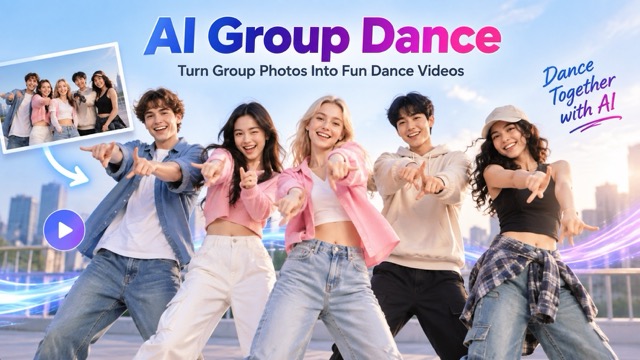
AI Group Dance Generator for Fun Group Dance Videos
Turn One Group Photo Into a Synchronized Dance Video
Create an entertaining AI Group Dance from a group photo and a reference video. Upload the dance video you want to follow, add a photo of friends, couples, family members, teammates, or characters, and let the AI Group Dance Generator recreate the reference movements with your group. You do not need to learn choreography, record everyone dancing, or edit each person separately. AI Group Dance transfers the motion from the reference video while keeping the people in your uploaded image recognizable. Whether you want a funny party clip, K-pop inspired performance, friendship video, or social media post, the AI Group Dance Generator gives you a fast way to transform a static group photo into a coordinated dance video.
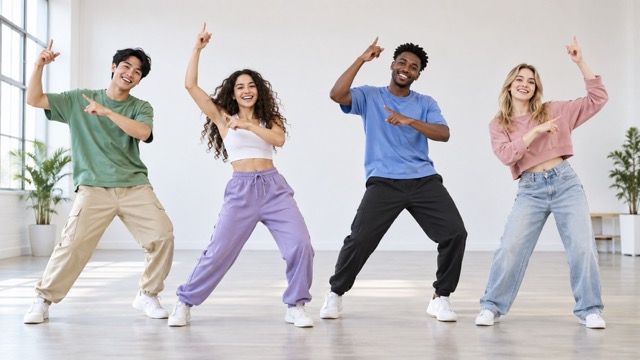
How to Create an AI Group Dance
Create an AI Group Dance by uploading a reference dance video and a clear group photo. The AI Group Dance Generator follows the motion in your video and applies it to the people in your image.

Upload a Reference Video and Group Photo
Upload the dance video you want to copy, then add a clear group photo. For better AI Group Dance results, use an image where faces and bodies are visible and people do not heavily overlap.

Click Generate
Click Generate and let the AI Group Dance Generator analyze the reference motion and transfer the choreography to everyone in your group photo.

Download Your Dance Video
Preview the finished AI Group Dance, then download it for social media, group memories, creative projects, or sharing with friends.
Create Better Group Dance Videos With AI
AI Group Dance makes it easy to transfer dance movements from a reference video to multiple people in one photo. The AI Group Dance Generator focuses on coordinated motion, visual consistency, body spacing, and group rhythm, making it useful for social content, friendship videos, couple clips, family memories, dance challenges, character animation, and creative experiments.
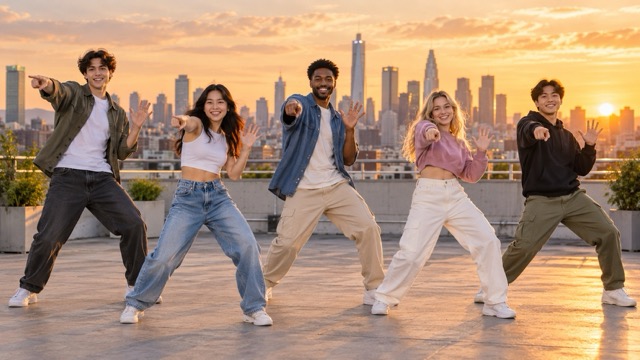
Make Multiple People Dance Together
AI Group Dance is designed for multi-person movement rather than animating only one subject. Upload a reference video and a group photo, and the AI Group Dance Generator applies the dance motion across the people in the scene. Each person participates while the original group arrangement remains recognizable. This works well for friends standing together, couples, families, classmates, teammates, or fictional characters. Instead of animating everyone separately and combining multiple clips, AI Group Dance handles the group within one scene, giving creators a faster way to transform static photos into coordinated dance videos.
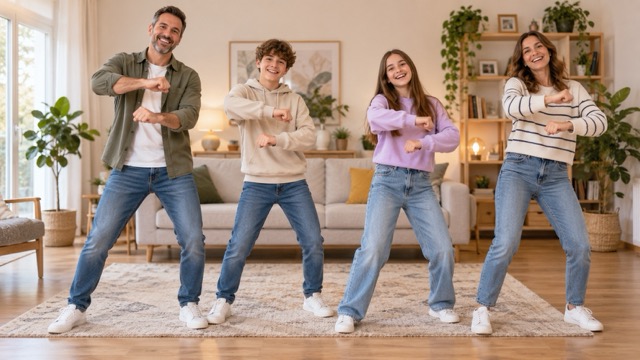
Create Synchronized Group Motion
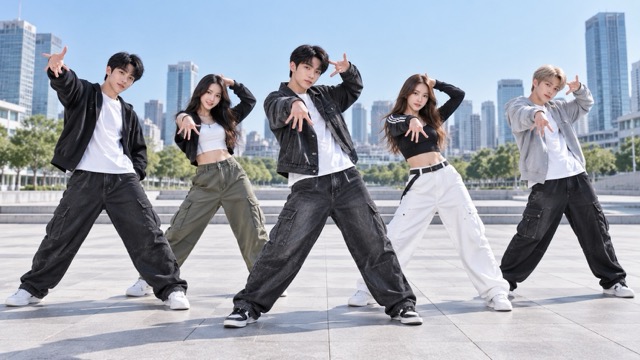
A convincing AI Group Dance depends on coordination. The AI Group Dance Generator follows the rhythm and choreography of your reference video and adapts those movements to the people in your uploaded image. This helps the group feel like part of the same performance rather than separate animations. It is especially useful for K-pop inspired clips, friendship challenges, celebration videos, and social media dance content. With AI Group Dance, a simple group pose can become a dynamic synchronized performance without manual keyframing or professional animation software.
Keep the Group Visually Consistent
Multi-person animation can become distracting when faces change, people merge, or someone disappears during movement. AI Group Dance uses your uploaded photo as the visual reference while transferring movement from the reference video. The AI Group Dance Generator considers each person's appearance and position to keep the final clip connected to the original image. Clear faces, visible bodies, and enough space between subjects can help produce cleaner results. This is especially useful when the identities of friends, partners, family members, or characters matter in the finished AI Group Dance.
Turn Static Photos Into Shareable Dance Clips
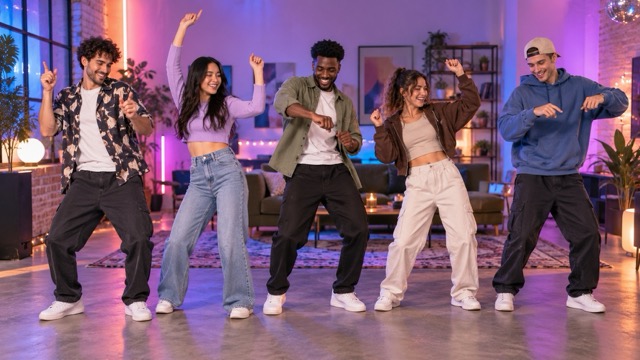
AI Group Dance can turn birthdays, trips, parties, school memories, event photos, character art, and casual group pictures into short dance videos. Simply choose a reference dance video, upload your group photo, and let the AI Group Dance Generator recreate the movement with your subjects. There is no need to gather everyone for another shoot, teach the group the routine, or edit each person manually. Use the finished AI Group Dance for TikTok-style clips, Reels, Shorts, private messages, digital invitations, or creative social posts.
Popular Ways to Use AI Group Dance
AI Group Dance works with many types of group photos and reference videos, from casual friendship pictures to couples, families, characters, and performance-style scenes. The AI Group Dance Generator lets you reuse dance movements from a video and bring them to a completely different group image.
Friends and Party Dance Videos
Turn a party, trip, graduation, reunion, or night-out photo into an AI Group Dance. Upload a reference dance video and let the AI Group Dance Generator transfer the moves to your friends. It is ideal for birthday messages, friendship posts, celebration edits, and funny group content without asking everyone to record the routine together.
Couple and Duo Dance Clips
AI Group Dance also works for two-person photos. Upload a dance reference and use the AI Group Dance Generator with partners, best friends, siblings, or paired characters to create coordinated movement. It is useful for romantic clips, anniversary edits, friendship videos, or lighthearted social content where both subjects follow the same dance.
Family Group Dance Memories
Give family photos a playful new life with AI Group Dance. Add a reference dance video and turn a family portrait into a coordinated animated moment. The AI Group Dance Generator works well for holiday greetings, birthdays, family chat videos, digital albums, and fun memory projects without requiring everyone to gather and film together.

K-Pop and Social Dance Content
Use AI Group Dance to recreate performance-inspired choreography with friends, avatars, models, or characters. Upload a K-pop, hand dance, or viral social video as the motion reference, then let the AI Group Dance Generator apply those movements to your group photo. It is a simple way to create dance-challenge clips, fan edits, and short-form social content.
Why Creators Like AI Group Dance
AI Group Dance makes multi-person animation easier by combining a reference dance video with one group photo. These creator examples show how the AI Group Dance Generator can support social videos, personal memories, and creative experiments.
I used a short dance clip as the reference and uploaded a photo from our weekend trip. AI Group Dance transferred the movement to everyone in the picture and made the group feel like part of one performance. It was much easier than animating each friend separately.
I used a short dance clip as the reference and uploaded a photo from our weekend trip. AI Group Dance transferred the movement to everyone in the picture and made the group feel like part of one performance. It was much easier than animating each friend separately.
I tried AI Group Dance with a photo of two friends and a viral hand-dance video. Both people followed the reference movement, which made it useful for creating a quick social clip without filming the dance ourselves.
I tried AI Group Dance with a photo of two friends and a viral hand-dance video. Both people followed the reference movement, which made it useful for creating a quick social clip without filming the dance ourselves.
Our family rarely records coordinated videos together, so using a reference dance with an old family photo was a fun alternative. The AI Group Dance Generator gave the picture a completely different feeling without another photo or video shoot.
Our family rarely records coordinated videos together, so using a reference dance with an old family photo was a fun alternative. The AI Group Dance Generator gave the picture a completely different feeling without another photo or video shoot.
I experiment with character images, and AI Group Dance gives me a way to apply motion from dance videos to static artwork. I can try different references and quickly see how the group looks with new choreography.
I experiment with character images, and AI Group Dance gives me a way to apply motion from dance videos to static artwork. I can try different references and quickly see how the group looks with new choreography.
The workflow is simple: I upload a reference dance video and a group image, generate the result, and use the finished clip in my content. The AI Group Dance Generator removes several manual editing steps.
The workflow is simple: I upload a reference dance video and a group image, generate the result, and use the finished clip in my content. The AI Group Dance Generator removes several manual editing steps.
AI Group Dance FAQ
Learn how AI Group Dance uses a reference video and group photo, what images work best, and how to improve results with the AI Group Dance Generator.
AI Group Dance is an AI-powered tool that transfers dance movements from a reference video to the people in a group photo. Upload the dance video you want to follow and a static image containing multiple people. The AI Group Dance Generator then recreates the reference movement with the people in your photo, making it useful for friends, couples, families, teams, characters, party photos, and social media content.
The AI Group Dance Generator analyzes the motion and choreography in your reference video, then studies the people and body positions in your uploaded group photo. It transfers the reference movement to the subjects to create an AI Group Dance video. Simply upload the reference video and group image, click Generate, then download the finished result.
Use a well-lit image where each person is easy to identify. Photos with visible faces, clear body shapes, limited overlap, and space between subjects are easier for the AI Group Dance Generator to interpret. Full-body or mostly full-body photos are especially helpful when the reference dance includes larger arm, leg, or body movements.
Yes. AI Group Dance can also transfer reference dance movements to two-person photos. Couples, friends, siblings, partners, or paired characters can follow the same choreography. A clearly framed duo often gives both subjects enough room for visible motion, making the AI Group Dance Generator useful for couple dances, friendship clips, anniversary videos, and creative edits.
Yes. Upload a viral dance, hand-dance, or performance clip as your reference video and use AI Group Dance to recreate those movements with your own group photo. The AI Group Dance Generator is useful for friendship dances, party edits, character performances, couple clips, celebration posts, K-pop inspired content, Reels, Shorts, and other short-form videos.
Turn Your Group Photo Into an AI Group Dance
Upload a reference dance video and a group photo, then let AI Group Dance recreate the movement with your friends, couples, family members, teammates, or characters. The AI Group Dance Generator turns static images into coordinated dance videos without filming or complicated editing.
