
Create an original Juicy-inspired dance with your photo, authorized motion reference, and creative direction.
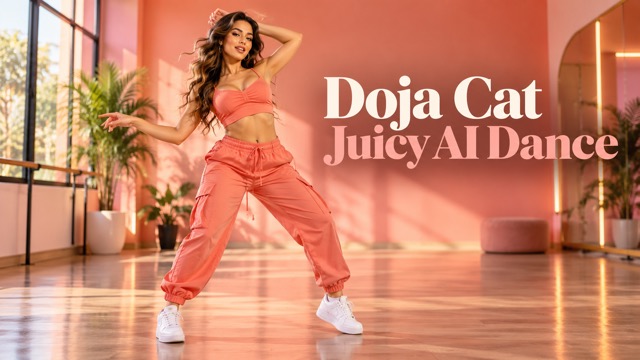
Doja Cat Juicy AI Dance Video Generator
Your Photo, Your Movement, Your Original Dance
Create a Doja Cat Juicy AI dance with your own photo and an authorized movement reference. This Doja Cat Juicy dance AI video generator uses Seedance 2.0 to guide an original performance through choreography, camera direction, and character details. This independent tool is not affiliated with Doja Cat or her representatives.
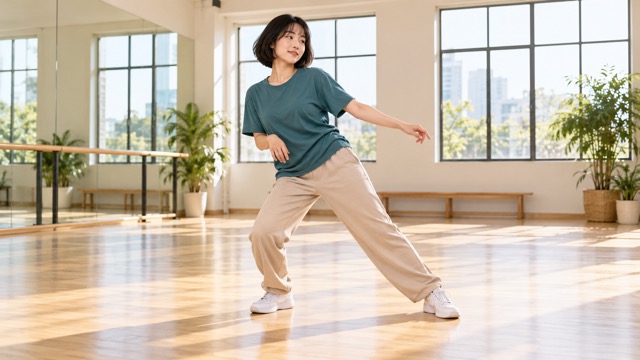
Create A Juicy-Inspired Dance Video
Start your Doja Cat Juicy AI dance with a clear subject and a manageable movement sequence. The Doja Cat Juicy dance AI video generator offers these three steps.

Upload Your Photo
Choose a clear full-body image of yourself or an authorized adult subject. Keep the face, hands, and shoes visible, with room around the body. For Doja Cat Juicy AI dance, a simple background and a natural starting pose make useful references.

Add A Dance Reference And Generate
Select Reference to Video and add your photo plus an authorized dance clip through Upload Reference. Describe choreography, camera, and identity in Prompt. Choose 9:16 and review the available settings and credit cost before generating your Doja Cat Juicy AI dance.

Download Your Dance Video
Preview the completed clip and inspect the face, clothing, hands, and footwork. Download a satisfactory result from My Videos. Refine confusing movements before sharing your Doja Cat Juicy AI dance, then add appropriately licensed music in your preferred editor if needed.
Make Your Doja Cat Juicy AI Dance Your Own
Direct movement, camera, and identity separately. Images are AI-created concept illustrations, not verified video outputs. Prompts describe intended results, not guarantees.
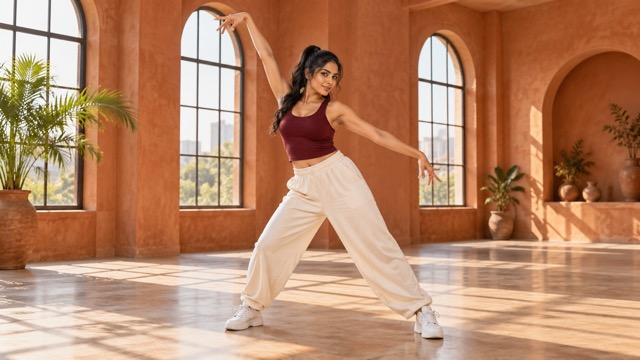
Photo To Juicy-Inspired Dance
A Doja Cat Juicy AI dance begins with a recognizable subject. Use even lighting and a pose close to the opening movement. This Doja Cat Juicy dance AI video generator uses Image 1 to guide appearance; check face shape, hair, proportions, and shoes before sharing.
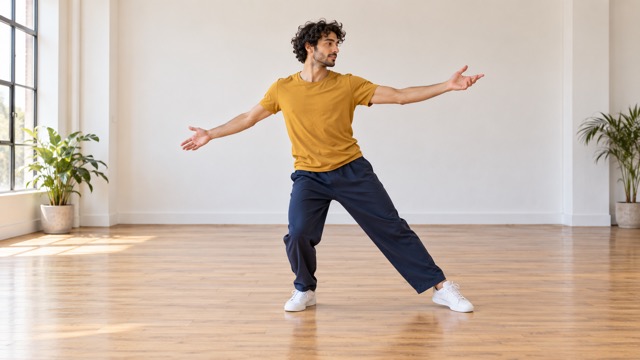
Image And Dance Reference Workflow
Image 1 represents subject identity; Video 1 represents authorized choreography. The mixed-media uploader accepts both. Ask the Doja Cat Juicy dance AI video generator to interpret timing, not recreate an official performance. Choose one visible dancer and minimal cuts. Doja Cat Juicy AI dance results may differ from your reference.
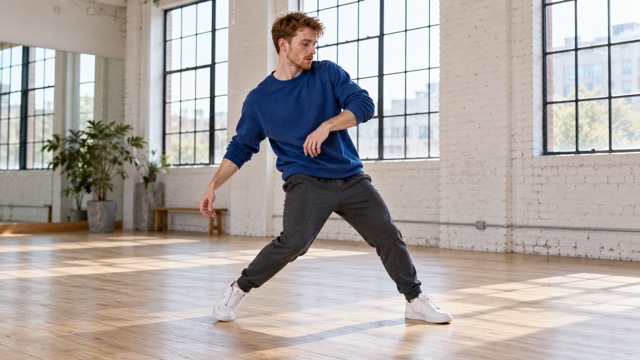
Control Choreography And Camera
Copy and adapt this short Doja Cat Juicy AI dance prompt when using a photo without a video reference:
CHOREOGRAPHY: Animate the adult in the uploaded photo with two grounded side steps, alternating shoulder accents, a gentle hip sway, one open-hand gesture, and a settled final pose. CAMERA: Keep a stable eye-level full-body frame with a subtle push-in. IDENTITY: Retain the face, hairstyle, outfit, shoes, and proportions. STYLE: Original pop-dance highlight, natural balance, soft daylight; no copied music or artist likeness.
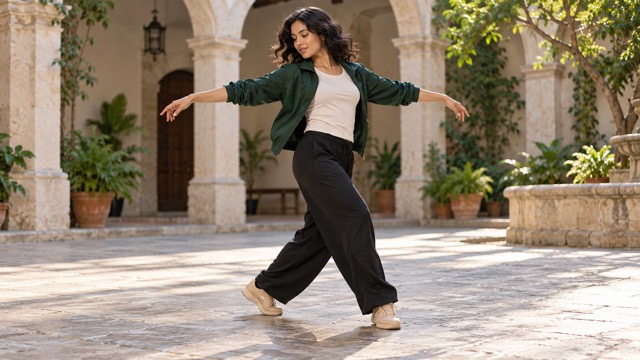
Reference-Guided Dance Direction
Copy this reference prompt into the Doja Cat Juicy dance AI video generator, matching your asset labels:
CHOREOGRAPHY: Use Video 1 to guide the general order of steps, weight shifts, arm gestures, turns, and pauses. Adapt movement naturally to the adult in Image 1. CAMERA: Keep hands and feet visible in a steady full-body view. IDENTITY: Use Image 1 for the same face, hair, clothing, and proportions throughout. STYLE: Original Doja Cat Juicy AI dance concept; no official footage, artist impersonation, or copied soundtrack.
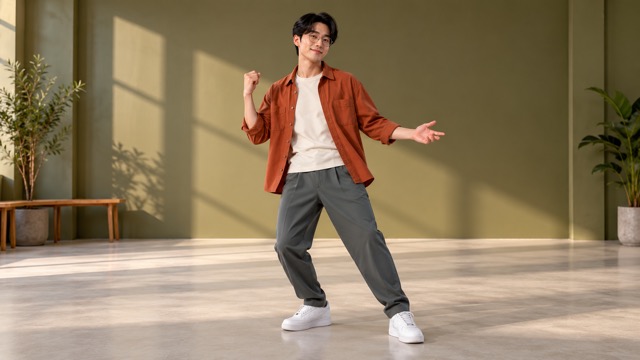
Keep Your Character Consistent
Compare the opening, middle, and final frames of your Doja Cat Juicy AI dance with the photograph. Simplify movement if features drift. The Doja Cat Juicy dance AI video generator accepts identity instructions but cannot guarantee consistency. A stationary camera makes errors easier to spot.
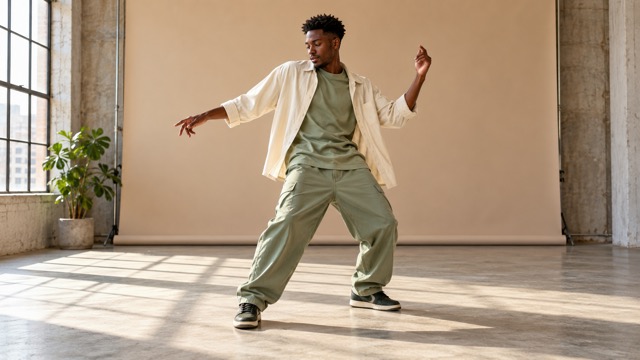
Fashion And Outfit Preservation
Try this outfit-focused prompt for Doja Cat Juicy AI dance:
CHOREOGRAPHY: Show controlled side steps, small shoulder accents, and a gentle quarter turn, using authorized Video 1 for timing when supplied. CAMERA: Hold an eye-level full-body composition under soft studio light. IDENTITY: Keep the adult from Image 1, including garment colors, seams, patterns, accessories, and footwear; allow natural fabric movement. STYLE: Original fashion dance study, grounded feet, coherent anatomy. Avoid wardrobe changes, clothing flicker, duplicate people, and sudden cuts.
Original Character Dance Edits
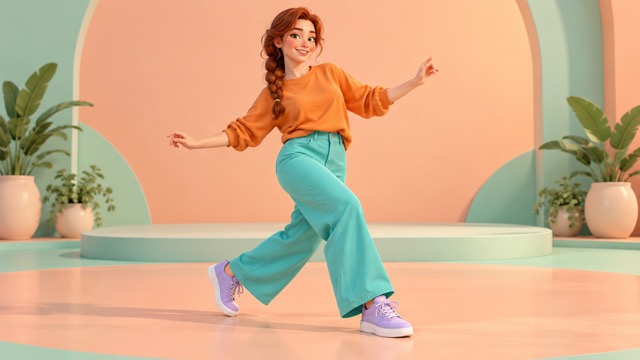
Use an original adult cartoon character in the Doja Cat Juicy dance AI video generator. Copy this adaptable direction:
CHOREOGRAPHY: Animate Image 1 with playful side steps, relaxed arm gestures, clear weight shifts, and a finishing pose. If Video 1 is supplied, use its general timing. CAMERA: Keep a steady medium-wide full-body view. IDENTITY: Preserve the character design, costume, colors, proportions, and illustrated face. STYLE: Polished original animation with coherent joints; do not convert the character into a realistic person.
Vertical Social Video Creation
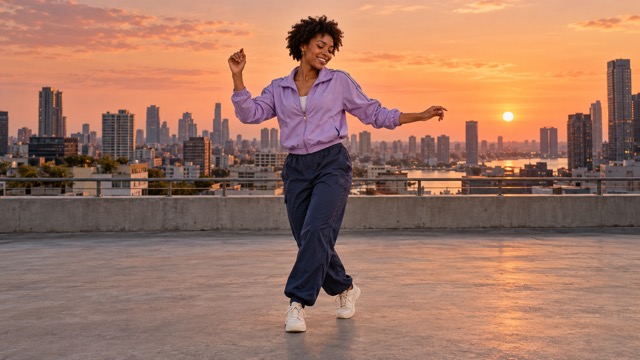
Select 9:16 for a Doja Cat Juicy AI dance on phone screens. Center the performer and leave caption space. The Doja Cat Juicy dance AI video generator exposes resolution and duration controls; choose the current settings that suit your project, then inspect the export.
Creative AI Dance Video Ideas
Explore Doja Cat Juicy AI dance through personal performances, fashion stories, original characters, and social video experiments. Choose a clear creative goal, prepare an authorized subject image, and decide which movements should define the clip. These ideas explain what to create, how to direct it, and what to review before sharing.

Personal Dance Videos
Turn your own full-body photo into an original dance highlight without filming a complete routine. Start with a confident pose, two readable side steps, and a relaxed finishing gesture. Use Doja Cat Juicy AI dance to explore your personal style, then review facial details, foot placement, and body balance before choosing the version to share.

Juicy-Inspired Fan-Style Edits
Interpret the Doja Cat Juicy dance trend through your own styling, setting, and movement choices. Combine a permitted reference with a new outfit or original character to create a distinct fan-style edit. Keep the result clearly unofficial, avoid artist impersonation, and use separately licensed music if your finished concept needs a soundtrack.

Fashion Dance Reels
Give an outfit a short performance that reveals its silhouette, fabric movement, and accessories. Ask the Doja Cat Juicy dance AI video generator for controlled shoulder accents and small turns instead of fast spins. Keep the camera steady, then check garment colors, patterns, seams, and shoes for unwanted changes throughout the clip.

Original Cartoon Dance Videos
Bring an original adult cartoon or 3D character into a playful dance scene. Choose movements that suit its proportions, such as small steps, expressive arms, and a clear final pose. Preserve the illustrated face, costume, and animation style in your prompt. Review the Doja Cat Juicy AI dance for inconsistent joints or unexpected realistic features.

Friends' Dance Edits
Create a personalized dance concept for a friend after getting permission to use their image. Discuss the outfit, mood, and movements first, then choose a recognizable full-body photo. Let your friend review the Doja Cat Juicy AI dance before posting, and avoid presenting an AI-generated performance as footage they actually recorded.

TikTok Dance Content
Design an AI dance video for TikTok around a readable opening movement and a memorable finishing pose. Select 9:16, keep the dancer centered, and leave room for captions and interface overlays. Use a manageable action sequence rather than crowding the clip with gestures, then check the exported framing on a phone before posting.

Instagram Reels
Build a short dance Reel that fits a consistent visual theme, such as warm studio light, casual streetwear, or a sunset setting. The Doja Cat Juicy dance AI video generator can help explore that direction with vertical composition. Review the opening frame, movement pacing, and caption space before adapting the edit for Instagram or YouTube Shorts.

AI Choreography Experiments
Compare different combinations of shoulder accents, weight shifts, arm gestures, and rhythmic pauses. Change one instruction at a time so you can see how it affects your Doja Cat Juicy AI dance. Keep the same subject and camera direction across versions, then select the sequence with the clearest transitions and most convincing balance.

Character Motion Studies
Use an original or authorized character to study how AI interprets body turns, foot contact, and changes in weight. Begin with simple movements and a stable full-body view. Inspect the middle frames as carefully as the opening and ending, noting sliding feet, crossed limbs, or identity changes before refining the next motion study.

Creative Social Video Projects
Develop a dance concept for an original music visual, campaign moodboard, or collaborative social project. Agree on subject permissions and intended use before generating, then review the clip alongside your planned captions and audio. For a different creative direction, explore Neon Duo Dance or Rumpelstiltskin AI Dance.
Example Creative Reactions
Demonstration placeholders only: the following editorial reactions are fictional, not verified customer reviews or evidence of generated results.
Clear framing feels approachable.
Clear framing feels approachable.
Focused camera direction helps.
Focused camera direction helps.
Outfit details deserve attention.
Outfit details deserve attention.
Original characters feel personal.
Original characters feel personal.
Short routines are easier to evaluate.
Short routines are easier to evaluate.
Music permissions matter too.
Music permissions matter too.
Doja Cat Juicy AI Dance FAQ
Practical answers about references, identity, audio, and sharing.
Doja Cat Juicy AI dance describes an original AI-generated dance edit inspired by the trend. It is not an official product, artist performance, or guarantee of a particular choreography.
This Doja Cat Juicy dance AI video generator uses PicEditor’s Seedance 2.0 workflow to animate a photo or interpret mixed references, with text directions for movement and appearance.
Upload your authorized image in Reference to Video and describe a short routine. For Doja Cat Juicy AI dance with reference choreography, add a permitted video alongside the photo and identify the role of each asset in your prompt.
Yes. Add your photo in Reference to Video and enter a movement prompt without a video reference. The built-in dance instructions provide a starting direction; your text can refine choreography, camera, and style.
No. A written sequence can guide a Doja Cat Juicy AI dance. A reference is useful when you want to communicate a specific general timing or movement order.
Yes. Reference to Video has a mixed-media uploader accepting image and video files. Add your subject photo and authorized dance clip together, then identify their respective roles in Prompt.
Use a clear adult full-body photo with visible hands, shoes, and facial features. Avoid heavy occlusion and busy backgrounds. A starting pose resembling the intended opening is helpful.
List actions in sequence, then add Camera and Identity instructions. The built-in Doja Cat Juicy AI dance prompt supplies a basic dance direction; your added text can refine the movement, setting, and character details.
Reference input can guide your Doja Cat Juicy AI dance, but exact timing and joint positions may differ. Complex spins, crossed limbs, occlusion, and fast cuts need careful review.
Ask for full-body framing, eye-level height, and either a static camera or gentle tracking. The Doja Cat Juicy dance AI video generator interprets these requests without guaranteeing precise camera paths.
The photograph and identity instructions guide appearance, but perfect preservation is not guaranteed. Check your Doja Cat Juicy AI dance across several frames for face or hair changes.
Request stable garment colors, patterns, accessories, and shoes. The Doja Cat Juicy dance AI video generator may still introduce changes, so inspect moving fabric and overlapping limbs.
Yes. The generator displays a 9:16 aspect-ratio option. Select it before generation and check that the finished framing keeps the dancer’s hands, feet, and head visible.
You can use your original adult humanoid character as visual input. Describe its animation style and proportions, and review how the model adapts movement to the design.
No original Juicy recording is supplied by this page. The visible Generate Audio option is not a music license and does not promise the song or reference soundtrack.
Use an editor or platform library with permissions appropriate to your project. Availability and rights differ by track, region, platform, and intended use; verify those terms before sharing.
No. Doja Cat Juicy AI dance is an independent creative workflow. PicEditor does not claim endorsement, partnership, or music authorization from the artist, label, or representatives.
Seedance 2.0 is marked paid in PicEditor’s model selector. Check the displayed Required Credits and your account access before generating. No unlimited-free allowance is promised.
Choose from the Video Length control shown for the active model and mode. Doja Cat Juicy AI dance does not have a guaranteed fixed duration; available settings govern each request.
Review PicEditor’s terms, your source permissions, and the destination platform’s rules. Check music rights and synthetic-media disclosure requirements before posting a Doja Cat Juicy AI dance.
Use references you made or have permission to use for this purpose. Public availability alone is not permission. Avoid unauthorized official music-video clips and do not assume audio rights transfer.
Try a shorter routine, simpler gestures, visible feet, and a stable camera. Ask for grounded steps and natural balance. Regenerate or edit clips with noticeable anatomical errors.
The verified workflow accepts mixed references; that does not establish exact choreography transfer. Treat the Doja Cat Juicy dance AI video generator as reference-guided creative generation.
Open the completed result in My Videos and use its Download control. Review the exported Doja Cat Juicy AI dance before editing, adding licensed audio, or sharing.
Create Your Own Juicy-Inspired AI Dance
Start your Doja Cat Juicy AI dance with a clear photo and creative direction. Use an authorized reference when helpful, choose vertical framing, and review every result. Open the Doja Cat Juicy dance AI video generator above to create an original performance with PicEditor AI.
