
Create Polished Clips with Grok Imagine Video 1.5
Turn written ideas or reference images into video with Grok Imagine Video 1.5.
Use Grok Imagine Video 1.5 when a still concept needs movement, pacing, and visual direction. PicEditor AI gives creators a practical way to start with a prompt or source image, refine the idea, and produce a shareable clip.
How to Use Grok Imagine Video 1.5
PicEditor AI keeps the workflow straightforward: define the scene, add an optional starting image, select available settings, and generate a clip with Grok Imagine Video 1.5.

Describe Your Video Idea
Start with a focused prompt for Grok Imagine Video 1.5. Describe the subject, location, action, camera behavior, lighting, and mood in plain language. You can use the Grok Imagine 1.5 video workflow for cinematic shots, product scenes, social clips, or quick concept tests.

Add an Image and Choose Settings
Upload a source image when you want Grok Imagine Video 1.5 to animate an existing visual. Select the available aspect ratio and output options that suit your publishing channel. The Grok Imagine 1.5 AI Video Generator keeps the setup approachable for everyday creative work.

Generate, Review, and Download
Run Grok Imagine Video 1.5, then review the resulting clip for motion, framing, and overall continuity. If the first version is not aligned with your intent, simplify the prompt or make the action more specific before generating again. The Grok Imagine 1.5 video process is designed for quick iteration.
Core Features of Grok Imagine Video 1.5
Explore practical ways to use Grok Imagine Video 1.5 for prompt-based generation, still-image animation, multi-format content planning, and more controlled creative iteration.
Turn Written Prompts into Directed Video Scenes
Use Grok Imagine Video 1.5 to translate a written scene into a short visual sequence. Specify a clear subject, a visible action, and a camera choice such as a close-up, tracking shot, or slow reveal. The model is useful for storyboards, mood pieces, and ad concepts. With the Grok Imagine 1.5 AI Video Generator, creators can explore different directions before moving into a full production workflow.
Animate a Still Image with Intentional Motion
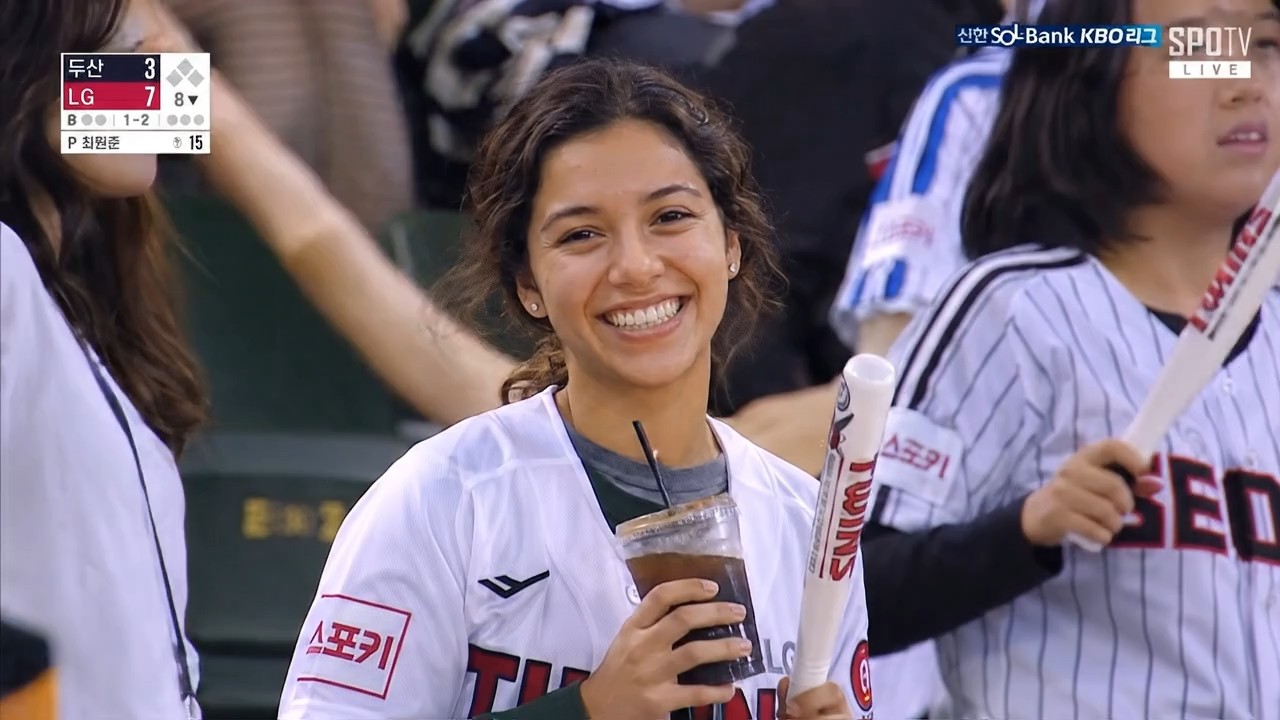
Bring an existing composition to life with Grok Imagine Video 1.5. Upload a portrait, product visual, illustration, or landscape, then explain how the subject and camera should move. Image-to-video generation is especially useful when the starting frame already contains the look you want. The Grok Imagine 1.5 video workflow helps preserve creative direction while adding motion, atmosphere, and a more engaging sense of time.
Prepare Clips for Multiple Content Formats
Create with Grok Imagine Video 1.5 for different viewing contexts instead of forcing every idea into one frame. Choose an available aspect ratio based on where the clip will appear: vertical for mobile-first posts, square for compact placements, or landscape for wider compositions. The Grok Imagine 1.5 AI Video Generator supports a more deliberate workflow for marketers, editors, and creators planning content across several channels.
Build More Specific Prompts for Better Iteration
Improve results from Grok Imagine Video 1.5 by separating the essentials: subject, action, environment, camera, lighting, and style. This structure makes it easier to identify what changed between generations. Instead of replacing the entire prompt, revise one variable at a time. The Grok Imagine 1.5 video workflow is most useful when each iteration has a clear purpose and can be evaluated against a specific creative goal.
Why Create with Grok Imagine Video 1.5
Grok Imagine Video 1.5 is a practical choice for creators who want to move from an idea or source image to a reviewable video concept with fewer setup steps.

Social Media Video Concepts
Use Grok Imagine Video 1.5 to test short visual ideas for reels, posts, teasers, and feed-ready campaigns. A prompt can define the opening image, movement, and tone before you commit time to manual production. This makes the tool useful for exploring several concepts around the same message. The Grok Imagine 1.5 AI Video Generator helps social teams compare creative directions and identify the strongest one faster.

Product and Brand Storytelling
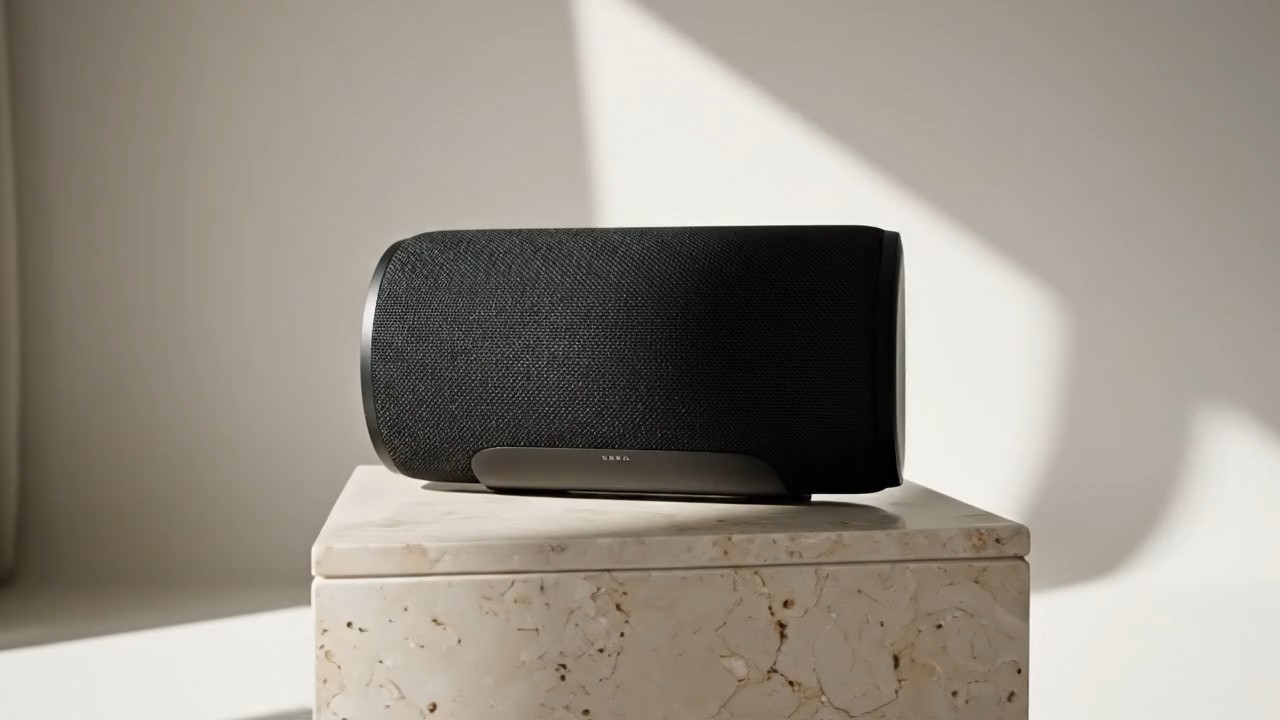
Create product-focused motion with Grok Imagine Video 1.5 by describing the object, setting, lighting, and camera path. You can start from a product image when the source visual needs to remain central to the scene. Use the output as a concept clip, a campaign reference, or a starting point for further edits. The Grok Imagine 1.5 video workflow is a flexible option for early-stage brand ideation.

Storyboard and Previsualization Support
Turn a rough shot idea into a visual reference with Grok Imagine Video 1.5. Directors, marketers, and freelance creators can test framing, movement, and atmosphere before filming or commissioning a larger production. The result does not replace a detailed storyboard, but it can make discussions more concrete. Use Grok Imagine Video 1.5 to align collaborators around a scene direction and reduce ambiguity during planning.

Editorial and Mood-Driven Visuals
Generate atmospheric clips with Grok Imagine Video 1.5 for editorial layouts, music-related posts, visual essays, or mood boards. Describe texture, time of day, lens behavior, and pacing to make the scene feel more intentional. The model is useful when you want a visual idea rather than a literal product demonstration. The Grok Imagine 1.5 video process supports quick exploration across different tones and art directions.

Image-to-Video Experiments for Creators
Use Grok Imagine Video 1.5 to explore how a still illustration, character image, or landscape can evolve over several seconds. Focus the prompt on one primary action and one camera instruction to keep the motion readable. This is useful for creators testing animated posts, cover visuals, or portfolio ideas. With Grok Imagine Video 1.5, a static asset becomes a practical starting point for motion-led experimentation.

Fast Iteration for Creative Teams
Use Grok Imagine Video 1.5 when a team needs multiple visual directions for review. Generate variations with different camera positions, pacing choices, or environmental details, then compare which version communicates the idea most clearly. A structured review process helps teams avoid subjective feedback loops. The Grok Imagine 1.5 AI Video Generator works best as a repeatable concept tool rather than a one-prompt shortcut to every final asset.
What Creators Say About Grok Imagine Video 1.5
See how creators use Grok Imagine Video 1.5 as a practical tool for previsualization, social planning, still-image animation, and more focused review conversations.
I use Grok Imagine Video 1.5 to turn campaign notes into visual references before our weekly review. The clips help the team discuss pacing and composition with much less guesswork. Grok Imagine Video 1.5 gives us a clearer bridge between a rough brief and a production decision.
I use Grok Imagine Video 1.5 to turn campaign notes into visual references before our weekly review. The clips help the team discuss pacing and composition with much less guesswork. Grok Imagine Video 1.5 gives us a clearer bridge between a rough brief and a production decision.
The image-to-video workflow in Grok Imagine Video 1.5 is useful when I already have a strong key visual. I can test a few motion directions without rebuilding the concept from scratch. Grok Imagine Video 1.5 makes that early exploration easier to share with clients and collaborators.
The image-to-video workflow in Grok Imagine Video 1.5 is useful when I already have a strong key visual. I can test a few motion directions without rebuilding the concept from scratch. Grok Imagine Video 1.5 makes that early exploration easier to share with clients and collaborators.
I rely on Grok Imagine Video 1.5 for quick vertical concepts when planning social posts. Writing the subject, action, and camera movement separately gives me more consistent iterations. Grok Imagine Video 1.5 helps me keep the planning process efficient without flattening the creative idea.
I rely on Grok Imagine Video 1.5 for quick vertical concepts when planning social posts. Writing the subject, action, and camera movement separately gives me more consistent iterations. Grok Imagine Video 1.5 helps me keep the planning process efficient without flattening the creative idea.
For product launches, Grok Imagine Video 1.5 gives our team a fast way to explore shot ideas before we book production resources. We use the generated clips as internal references, not finished commercials. Grok Imagine Video 1.5 gives us a useful visual checkpoint before we invest in a final shoot.
For product launches, Grok Imagine Video 1.5 gives our team a fast way to explore shot ideas before we book production resources. We use the generated clips as internal references, not finished commercials. Grok Imagine Video 1.5 gives us a useful visual checkpoint before we invest in a final shoot.
I like using Grok Imagine Video 1.5 for mood-heavy concepts because I can refine lighting, framing, and pace in small steps. The first result is not always the final direction, but each variation makes the creative decision clearer. Grok Imagine Video 1.5 works best for me when each iteration answers one specific creative question.
I like using Grok Imagine Video 1.5 for mood-heavy concepts because I can refine lighting, framing, and pace in small steps. The first result is not always the final direction, but each variation makes the creative decision clearer. Grok Imagine Video 1.5 works best for me when each iteration answers one specific creative question.
Our studio uses Grok Imagine Video 1.5 when a written idea is hard to explain with a static deck. A short generated clip gives collaborators something concrete to react to. It saves time during concept selection and helps us move into detailed production planning with better alignment. Grok Imagine Video 1.5 is now part of how we make early discussions more visual and productive.
Our studio uses Grok Imagine Video 1.5 when a written idea is hard to explain with a static deck. A short generated clip gives collaborators something concrete to react to. It saves time during concept selection and helps us move into detailed production planning with better alignment. Grok Imagine Video 1.5 is now part of how we make early discussions more visual and productive.



FAQs About Grok Imagine Video 1.5
Find practical answers about Grok Imagine Video 1.5, including supported inputs, prompt structure, configurable settings, audio availability, benchmark context, and suitable creative use cases.
Grok Imagine Video 1.5 is xAI's preview video-generation model for creating short clips from visual inputs. On PicEditor AI, it is presented through a streamlined generation workflow for creators. Use Grok Imagine Video 1.5 when you want to turn a written concept or starting image into a reviewable video draft.
Yes. Grok Imagine Video 1.5 can be used for text-to-video creation by starting with a written prompt. A good prompt explains the subject, visible action, environment, camera behavior, and mood. This approach helps Grok Imagine Video 1.5 produce iterations that are easier to compare and evaluate during a creative workflow.
Yes. Use Grok Imagine Video 1.5 with a source image when you want the clip to begin from an existing visual. Describe the intended subject motion and camera movement clearly. The Grok Imagine 1.5 AI Video Generator is especially useful when the starting composition already reflects your preferred art direction and needs an added sense of time.
Start by making the prompt easier to inspect. For Grok Imagine Video 1.5, separate the scene into subject, action, environment, camera, lighting, and style. If the output feels unfocused, reduce the number of actions or simplify the background. When the motion is too generic, specify the camera behavior.
xAI's Imagine API page describes native audio generation for its video models. Since the option is available, include concise sound cues such as ambient noise, dialogue tone, or music direction. Treat audio as part of the scene plan rather than adding several conflicting instructions at once when using Grok Imagine Video 1.5.
Use Grok Imagine Video 1.5 for concept videos, social clips, mood pieces, storyboard support, product scenes, and image-to-video experiments. The Grok Imagine 1.5 video workflow should be treated as a creative production aid: review every result and adjust it for your intended audience and channel.
Start Creating with Grok Imagine Video 1.5
Turn a prompt or source image into a motion-led concept with Grok Imagine Video 1.5. Explore a focused workflow on PicEditor AI, review each variation carefully, and create a clip that fits your next campaign, social post, storyboard, or visual experiment.
