Explore Seedance 2.5 Flash for scene concepts, photo animation, and video with sound.
Seedance 2.5 Flash AI Video Generator
Turn Your Scene Idea Into Motion And Sound
Create a clear visual story with Seedance 2.5 Flash, an AI video generator for turning scene ideas into moving images. Start with text to video when the world exists only in your imagination, or choose image to video when a photograph should guide the opening. Use Seedance 2.5 Flash to explore a product reveal, a character moment, or a campaign concept, then review the motion and sound together before choosing your next take.
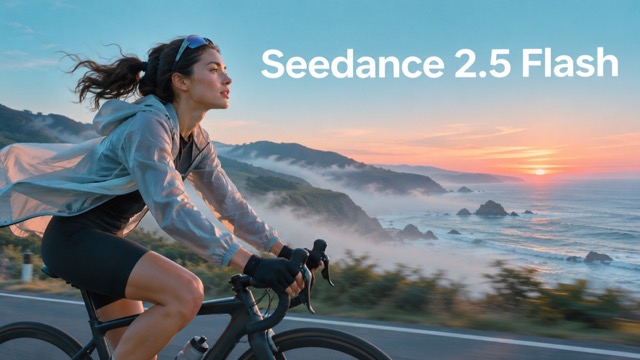
How To Create With Seedance 2.5 Flash
Give Seedance 2.5 Flash a focused brief, choose your starting material, and review the result. These three steps keep the AI video generator workflow centered on the scene you want.

Describe Your Scene Or Upload A Photo
Choose text to video for an original scene, or image to video for an existing visual. Give Seedance 2.5 Flash a clear subject, a setting, and one main action. Use a sharp source image when its composition should guide the opening.

Click Generate
Review your prompt and the available output settings before submitting. Tell Seedance 2.5 Flash how the camera should move and which sounds belong in the scene. Keep your first attempt focused so you can judge the result against a specific goal.

Review And Download Your Video
Watch the full Seedance 2.5 Flash clip before downloading your preferred take. Check the subject, motion, framing, and audio together. If one detail misses the brief, revise that instruction first, then compare the next result with the direction you originally intended.
What You Can Create With Seedance 2.5 Flash
Build a useful scene around a deliberate starting point. Seedance 2.5 Flash gives this AI video generator several ways to interpret your brief, from a written idea to supplied reference material. Choose the approach that makes your creative priorities clearest.

Seedance 2.5 Flash Text To Video
Start with a scene you can describe but have not photographed. Seedance 2.5 Flash supports text to video, letting a written brief establish the visual starting point. For a lake sequence, describe the boat, morning mist, and slow camera approach before adding smaller details. Give Seedance 2.5 Flash one clear action to develop, then compare the opening and closing moments against your intention. This approach makes abstract ideas easier to discuss during a creative review.

Seedance 2.5 Flash Image To Video
Give an existing photograph a motion brief with Seedance 2.5 Flash. The image to video workflow starts from a supplied frame, so you can concentrate your prompt on what should happen next. For a product photograph, request a gentle camera move, a small change in fabric, or a controlled shift in light. Review Seedance 2.5 Flash results for shape, texture, and framing before selecting a take, especially when packaging or recognizable details matter.
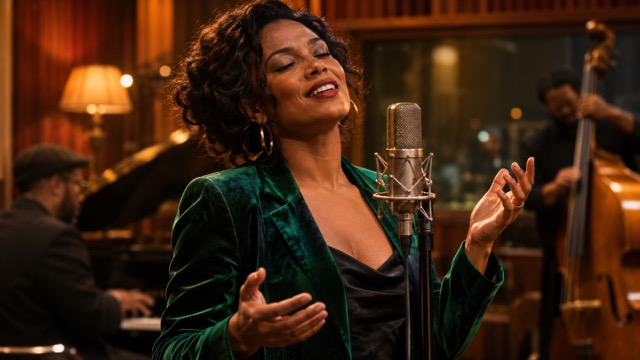
Seedance 2.5 Flash With Native Audio
Plan a scene around what viewers should hear as well as see. Seedance 2.5 Flash supports video generation with audio, including sound cues that belong to the scene. A singer at a microphone, footsteps in a quiet room, or waves beside a coastal road each suggests a different listening experience. Keep the sound direction specific, and review dialogue timing and background levels in the Seedance 2.5 Flash result before using it in a larger edit.
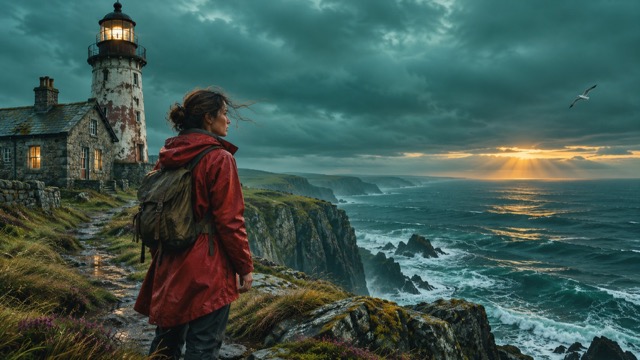
Guide Seedance 2.5 Flash With References
Use references to give Seedance 2.5 Flash a more concrete creative brief. The model supports image, video, and audio references; explain the intended role of each asset instead of leaving their relationship ambiguous. This reference-based video workflow can help you explore a character, location, or motion idea around existing material. With Seedance 2.5 Flash, keep references visually compatible and judge the result against the details that matter most to your scene.
Put Seedance 2.5 Flash Into Your Creative Workflow
Use Seedance 2.5 Flash when a moving example would help someone understand your idea. Match the AI video generator brief to the audience, placement, and decision at hand, then evaluate the result for that specific purpose.

Social Campaign Concepts
Social media managers can use Seedance 2.5 Flash to explore an opening moment before planning a complete campaign. Brief the AI video generator on a single hook, such as a product reveal or an unexpected change of setting. Compare Seedance 2.5 Flash takes for immediate clarity, room for captions, and an ending that works with the next shot.

Product Photography In Motion
Ecommerce designers can turn a selected product photograph into a motion concept with Seedance 2.5 Flash. Use image to video to explore a restrained camera approach, moving fabric, or changing reflections around the item. Review Seedance 2.5 Flash footage against the original photograph, checking important edges and colors before building a product presentation around the strongest take.
Storyboards For Creative Pitches
Directors and storyboard artists can use Seedance 2.5 Flash to make a proposed scene easier for collaborators to evaluate. A text to video brief might show an arrival, a location reveal, or a quiet character moment. Bring Seedance 2.5 Flash clips into a pitch alongside notes about timing, composition, and the specific creative decisions still open for discussion.

Music And Atmosphere Studies
Independent musicians and visual designers can use Seedance 2.5 Flash to explore the mood of a track through movement, color, and setting. Brief the AI video generator on a stage atmosphere or an imagined landscape. Evaluate Seedance 2.5 Flash scenes for visual rhythm, then select material that supports the song without distracting from its emotional focus.
Creative Perspectives On Seedance 2.5 Flash
These illustrative perspectives describe priorities different creators may bring to a video workflow. Names and comments are fictional examples, not verified customer testimonials or evidence of measured performance.
I value a clear opening more than a busy sequence. Working from one scene idea makes it easier to discuss the hook, compare alternatives, and decide what deserves another pass.
I value a clear opening more than a busy sequence. Working from one scene idea makes it easier to discuss the hook, compare alternatives, and decide what deserves another pass.
Starting with an approved photograph gives the team a useful visual anchor. I still check the product closely, but the motion concept helps us talk about framing in concrete terms.
Starting with an approved photograph gives the team a useful visual anchor. I still check the product closely, but the motion concept helps us talk about framing in concrete terms.
A moving concept makes a pitch discussion more specific. I can point to a pause, a reveal, or a camera angle and explain what I want the finished scene to communicate.
A moving concept makes a pitch discussion more specific. I can point to a pause, a reveal, or a camera angle and explain what I want the finished scene to communicate.
I like reviewing one creative change at a time. It keeps feedback focused and helps the team distinguish a stronger idea from a version that simply has more movement.
I like reviewing one creative change at a time. It keeps feedback focused and helps the team distinguish a stronger idea from a version that simply has more movement.
Thinking about sound and movement together gives the scene a clearer purpose. I look for a mood that supports the track, with enough visual space for the performance to remain central.
Thinking about sound and movement together gives the scene a clearer purpose. I look for a mood that supports the track, with enough visual space for the performance to remain central.
A restrained product scene is often the most useful starting point. I want the item to stay recognizable, the composition to feel deliberate, and the final edit to leave room for messaging.
A restrained product scene is often the most useful starting point. I want the item to stay recognizable, the composition to feel deliberate, and the final edit to leave room for messaging.

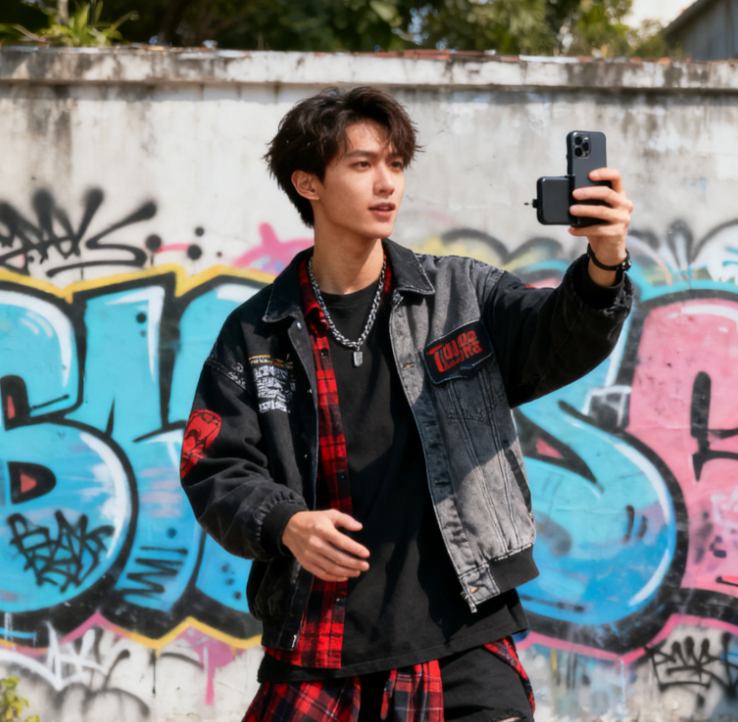


Seedance 2.5 Flash Questions Answered
Find practical guidance on Seedance 2.5 Flash prompts, image inputs, output resolution, references, and generation costs before deciding how to approach your next scene.
Seedance 2.5 Flash is a video model in ByteDance's Seedance 2.5 family. It supports creating video from text, starting frames, and reference material, with audio generation also available. As an AI video generator, it suits visual concept development and short scenes. Start with a clear creative goal and review each result before choosing a final clip.
For Seedance 2.5 Flash text to video, describe the subject, setting, main action, camera movement, and desired mood. Add a sound cue when it helps explain the scene. Keep the sequence easy to follow and avoid conflicting directions. When refining a take, change the most important instruction first so the comparison remains useful.
Yes. Seedance 2.5 Flash supports image to video using a starting frame, and also supports first and last frame guidance. Choose a clear image, then describe the intended motion rather than repeating every visible detail. Inspect the generated result for distorted objects or unexpected changes before adding it to your project.
Official specifications list 480p and 720p output for Seedance 2.5 Flash. The standard 2.5 model also offers 1080p, so the two versions should not be treated as identical. Choose output settings with the final placement in mind, and assess fine details at the size your audience will actually see.
Seedance 2.5 Flash accepts image, video, and audio references. Official limits are up to ten images, five videos, and five audio clips. Give each reference a clear purpose, such as subject appearance or camera movement. Fewer relevant references can make a brief easier to understand than a large collection with conflicting directions.
Do not assume Seedance 2.5 Flash is free or unlimited. Check the credit requirement shown for your selected settings before submitting a generation. Duration, resolution, and the available plan can affect your choices. For creative exploration, begin with a focused scene so you can evaluate the direction before committing to additional takes.
Create Your Next Scene With Seedance 2.5 Flash
Bring one scene idea, one useful image, or a focused creative brief to Seedance 2.5 Flash. Decide what should move, what the audience should notice, and how the moment should feel. Start with a clear direction, review your result, and build from the take that works.