GPT Image 2 Now Creates Transparent Images—and PicEditor Is Ready
OpenAI has moved GPT Image 2 transparent backgrounds into preview, making it possible to generate reusable PNG and WebP assets with genuine alpha transparency. PicEditor has already integrated the capability, giving creators a direct way to produce cutout-ready product images, stickers, graphics, and design elements online.
OpenAI has released one of the most practical GPT Image 2 updates yet: the model can now generate images with genuine transparent backgrounds.
The feature entered preview on August 20, 2026, when OpenAI Developers announced it on X. Because the news is still fresh, it may not appear prominently in Google results—but it is already documented by OpenAI and available to use through PicEditor.
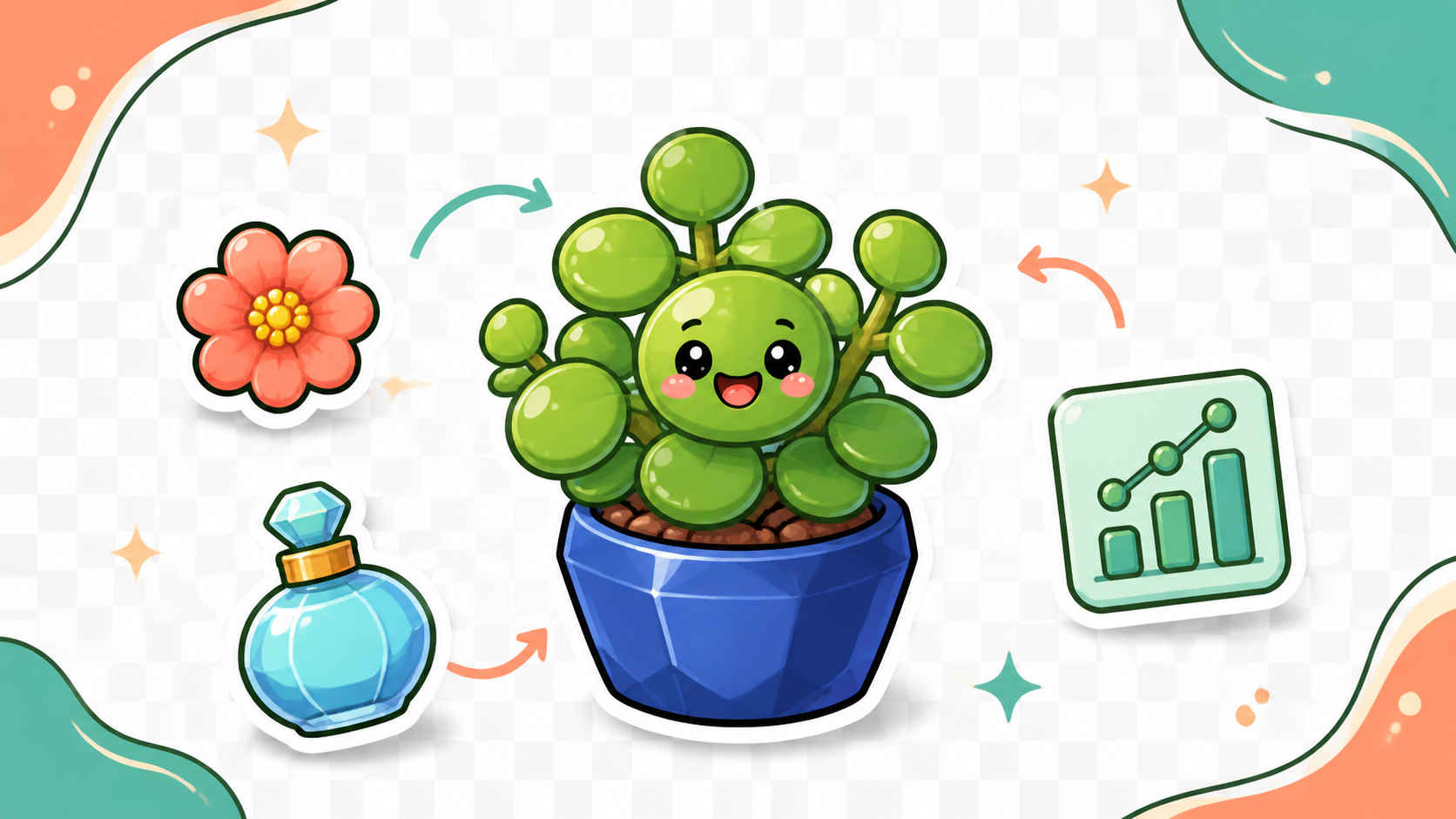
The update also received a personal signal boost from Tibo, who works on Codex and ChatGPT at OpenAI. In his post, he demonstrated the feature with a transparent cactus image intended for a laptop sticker. That simple example captures the point of the release: an AI-generated image no longer has to be trapped inside a rectangular background.
What OpenAI actually changed
Until now, asking an image model for a “transparent background” could produce several different results. The model might return a white background, draw a fake gray checkerboard, or create an ordinary image that still required a separate background-removal tool.
This update is different. GPT Image 2 can return an image with an alpha channel—the part of a PNG or WebP file that records which pixels should be transparent, opaque, or partially transparent. That means the output can be placed directly over a website color, presentation theme, product mockup, social post, or print layout without a visible box around it.
It is an important distinction: this is not simply AI-powered background removal after generation. Transparency is produced as part of the requested image output.
Why GPT Image 2 transparent backgrounds matter
Transparent assets are basic building blocks in almost every visual workflow.
Product teams need clean objects that can move between campaign backgrounds.
Designers need stickers, icons, decorations, and illustrations that can be resized and rearranged.
Presentation creators need graphics that sit naturally on branded slides.
Merchandising teams need artwork that can be placed on different products and colors.
OpenAI’s new transparent-image-assets Cookbook demonstrates four representative uses:
- Reusing one set of product images across seasonal storefront designs.
- Placing transparent charts over an existing PowerPoint theme.
- Generating independent icons, stickers, and decorative elements for templates.
- Applying the same print design to different garments and merchandise previews.
The most valuable improvement appears around difficult edges. Conventional background-removal tools can clip thin reeds, hairlike fibers, sheer ribbons, glass, or translucent materials.
OpenAI’s examples show why generating the alpha channel directly can better preserve those subtle details. The result is not just faster—it can be a more reusable starting asset.
The API detail, briefly
For developers, the implementation is a small option rather than a new model. A GPT Image 2 request sets background="transparent" and uses PNG or WebP output; JPEG does not support this mode.
OpenAI also warns that the written prompt takes priority, so asking for a scene or colored backdrop can override the transparency request. The prompt should focus on an isolated subject and explicitly ask for a fully transparent background.
That is the essential technical context. Most creators should not need to manage API credentials, request payloads, or image decoding themselves—and this is where PicEditor becomes relevant.
PicEditor has already integrated the new capability
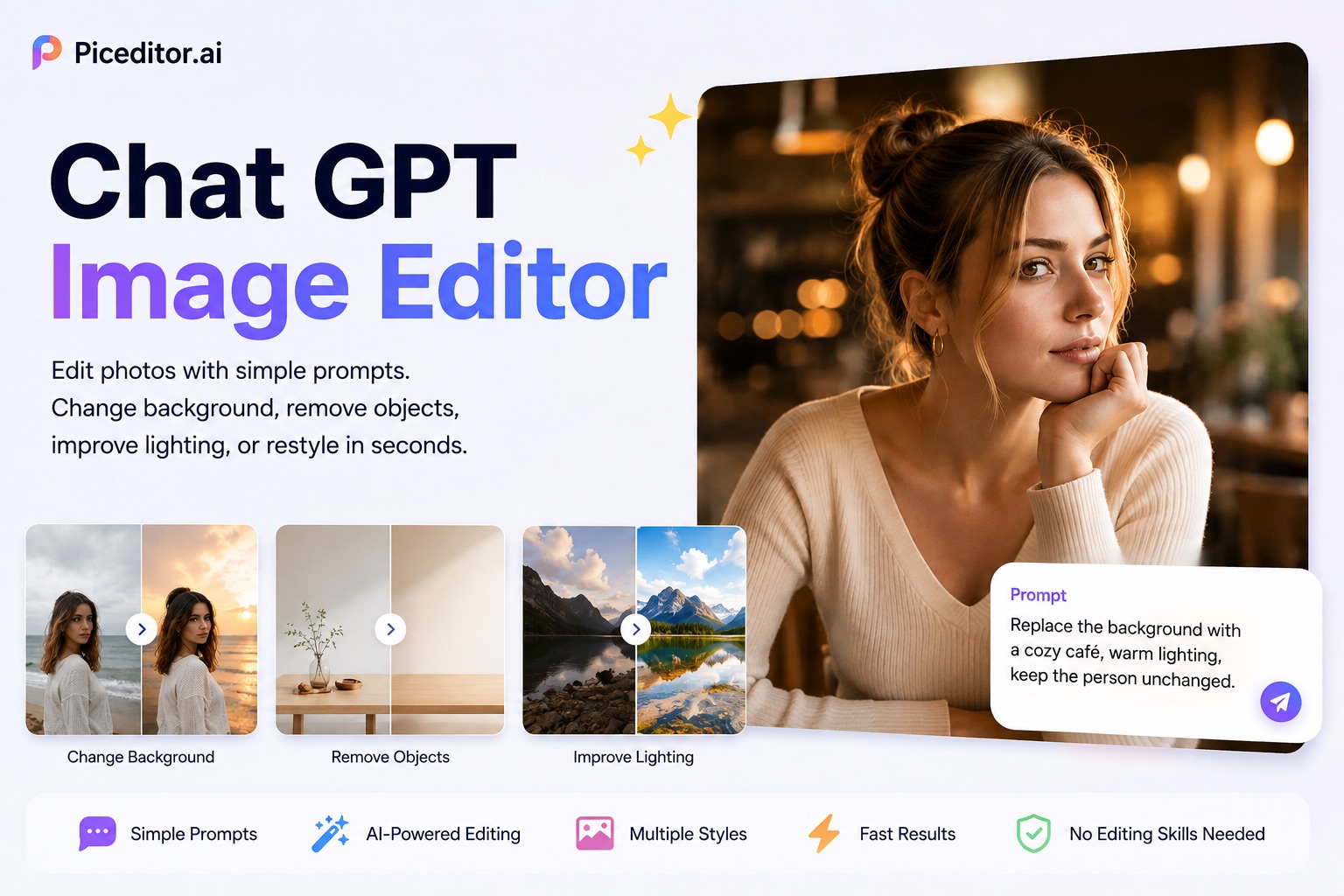
PicEditor has connected GPT Image 2 to its online image-generation and editing experience and now provides the corresponding transparent-background service. Instead of building an API workflow, users can work with the model through a visual interface.
The practical flow is simple:
- Open the PicEditor GPT Image 2.
- Describe the asset you want, or upload a reference image for an image-to-image task.
- Choose the transparent-background service, set the visible output options, and generate the reusable asset.
PicEditor already supports prompt-based generation and reference-image editing, along with controls for aspect ratio, resolution, and multiple outputs. The integration makes the new OpenAI capability accessible to marketers, online sellers, designers, and creators who want the result rather than the underlying infrastructure.
Prompts that should work better
The new feature still depends on clear instructions. A strong prompt should identify one isolated subject, request the complete object in frame, and avoid descriptions of floors, walls, scenery, or cast shadows.
For example:
Create one premium glass perfume bottle, fully visible and centered, with accurate translucent edges. Isolate the object on a genuinely transparent background. No backdrop, floor, frame, cast shadow, text, or watermark.
For a sticker:
Create a playful cactus character sticker with a close-fitting cream border. Keep everything outside the sticker border fully transparent. No scene, rectangle, shadow, text, or watermark.
These prompts tell GPT Image 2 what must remain visible and what must become transparent. If the result includes data, labels, or brand-critical details, those elements should still be reviewed before publication.
A small feature with a large practical effect
GPT Image 2 transparent backgrounds turn generated images into components rather than finished rectangles. That makes the feature especially valuable for people producing product catalogs, ads, presentations, templates, stickers, merchandise, and web assets at scale.
OpenAI supplied the underlying capability; PicEditor makes it immediately usable through a familiar creative workflow. For creators, the real news is not that another API parameter exists. It is that reusable transparent AI assets can now be created directly, with less cleanup between an idea and the final design.