
Edit Images from Prompts withChat GPT Photo Editor
Upload a reference image and describe the change you want.
Chat GPT Image Editor helps you turn an uploaded image into a cleaner, stronger, or completely revised visual. Use prompts to remove objects, change outfits, retouch products, add details, replace scenes, or polish photos while keeping the subject and layout under control.
AI Image Tools
Everything You Need to Edit Photos Faster
Open the PicEditor AI tools library for background removal, photo enhancement, object cleanup, face swap, upscaling, and more focused image workflows.
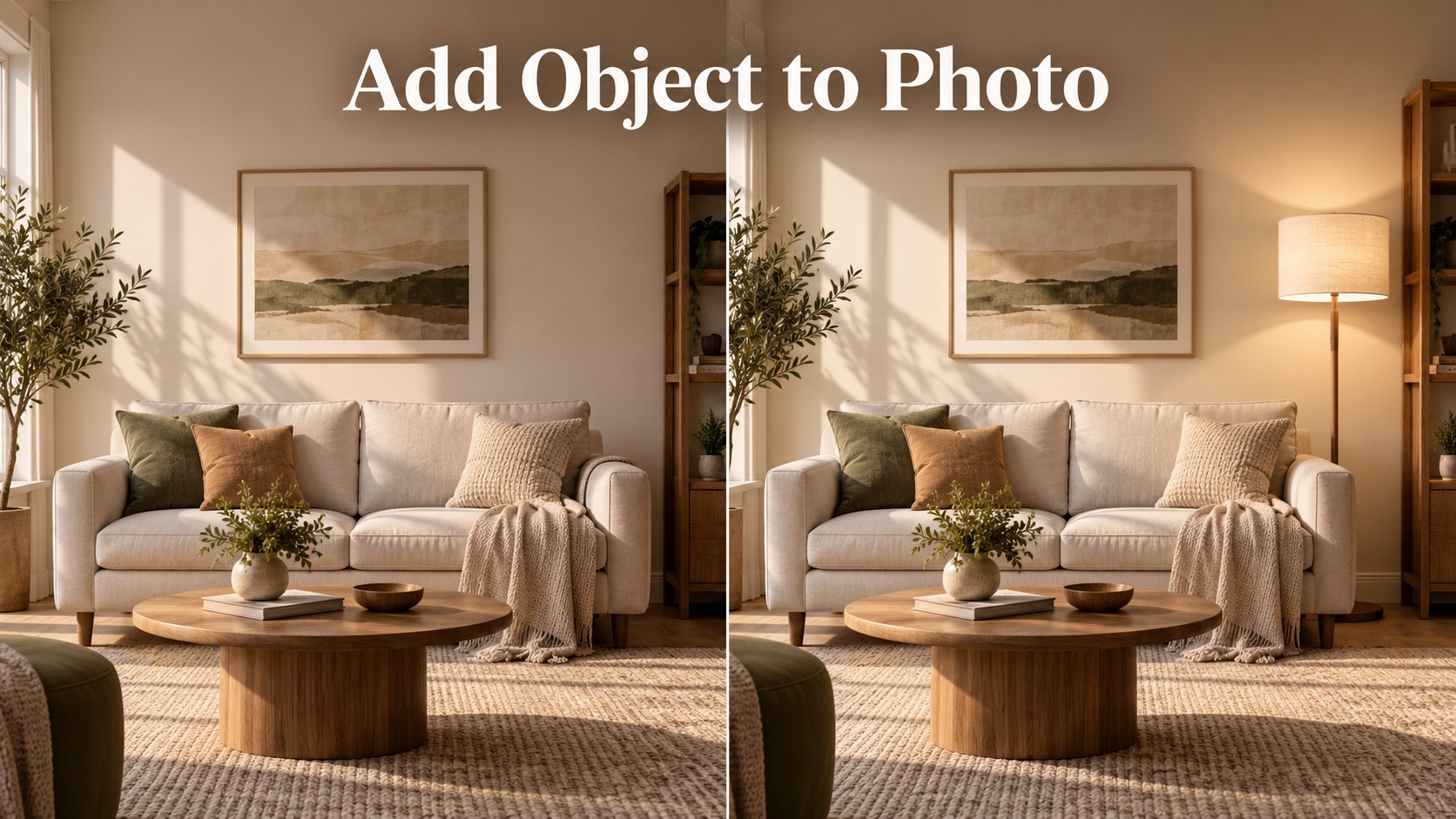
Add Object to Photo

Eyeliner Filter

AI Bust Down Filter

Image Splitter

Add White Background to Photo

Snapchat Text Remover

Realistic AI Skin Generator

Add speech bubble to photo

Change Photo Background

AI Clothes Wrinkle Remover

AI LinkedIn Profile Picture

GPT Transparent BG Image Editor

Image to Layers

3D Angle Editor

Change Background of Photo
Add Text to Image
Speech Bubble Meme Generator
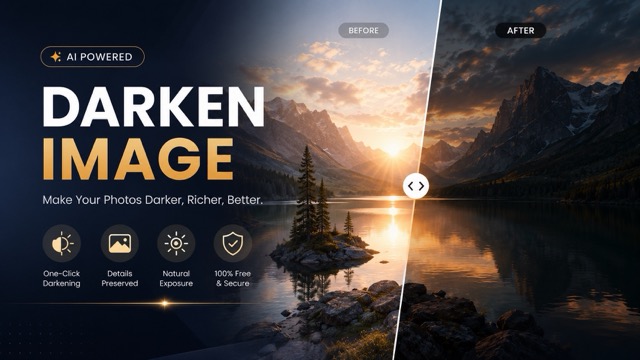
AI Image Darkener
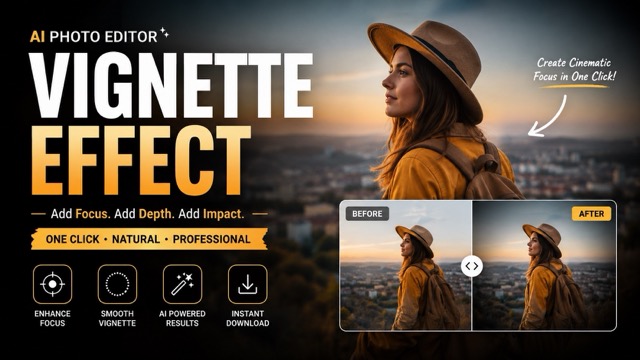
AI Vignette Effect
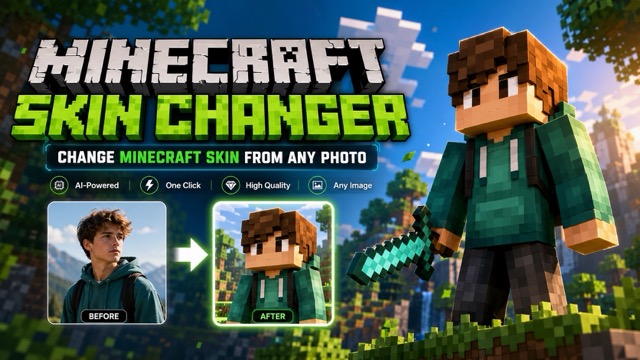
AI Change Minecraft Skin
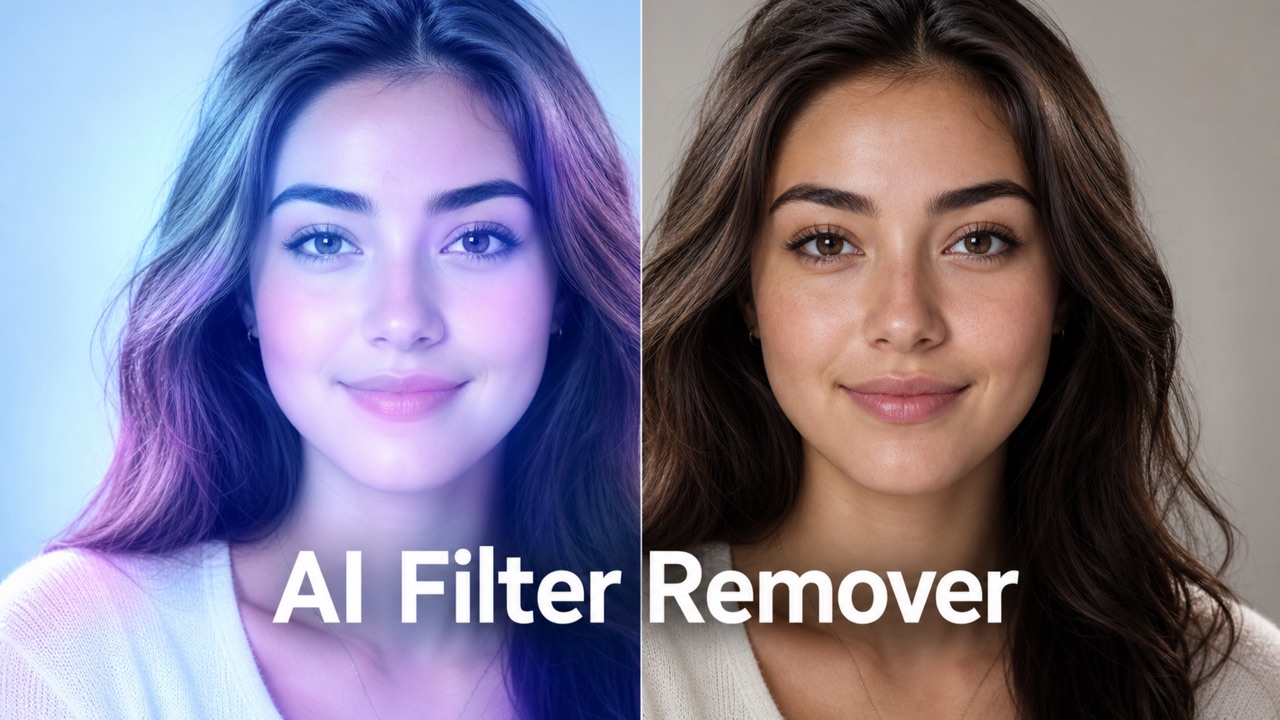
Remove Color From Image
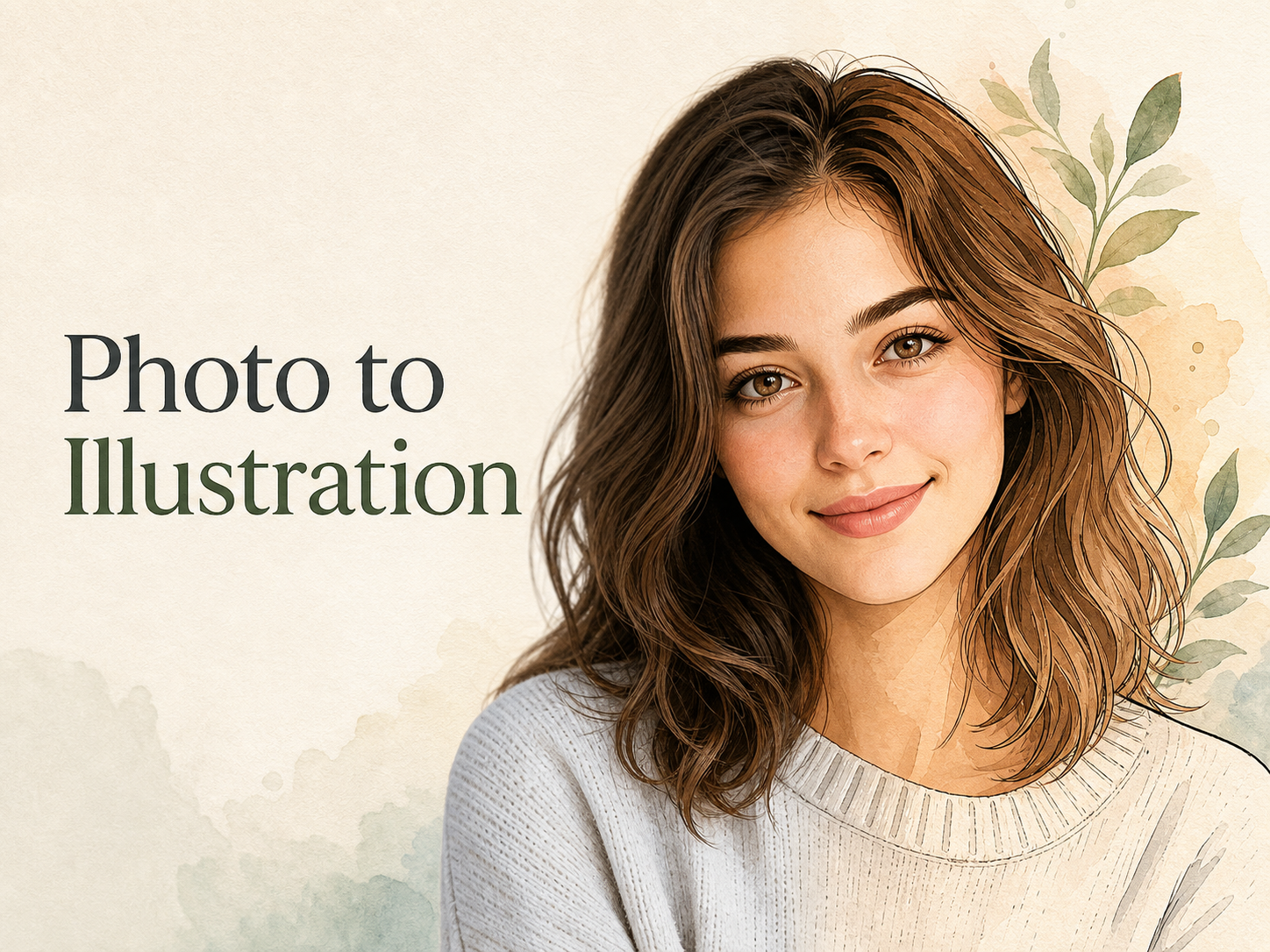
Photo to Illustration
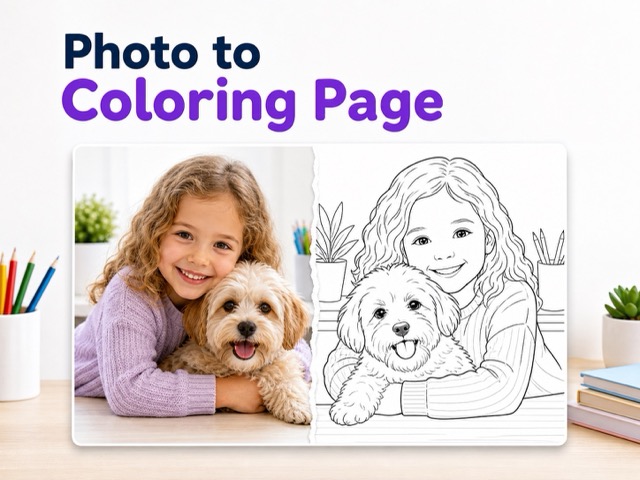
Photo to Coloring Page
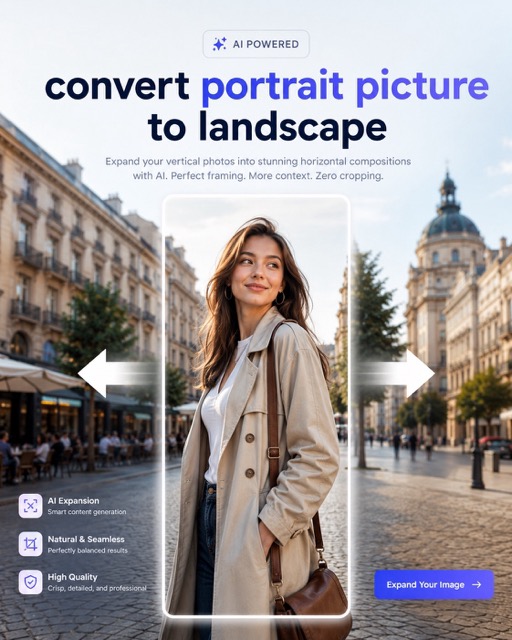
convert portrait picture to landscape
ChatGPT Photo Editor & Image Editor
Edit uploaded images with Chat GPT Image Editor using clear prompts, reference guidance, and simple output controls.
Chat GPT Photo Editor helps you upload a reference photo, describe the change you want, and generate a new edited result. Use prompt editing for background replacement, object cleanup, style changes, product scenes, portraits, and creative revisions. ChatGPT Photo Editor workflows become easier when edits start with a clear image and prompt. Chat GPT Image Editor keeps edits focused.
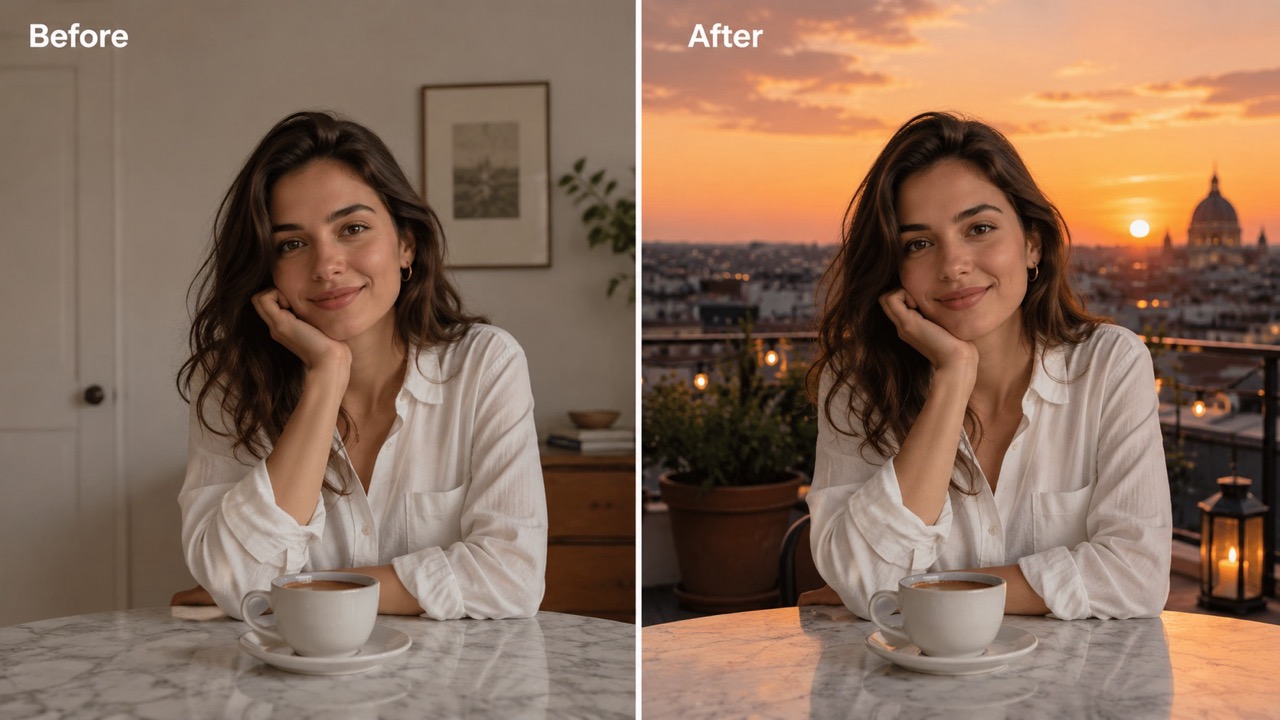
How to Use Chat GPT Image Editor
Chat GPT Image Editor follows one image-to-image workflow: upload a reference, describe the edit, choose visible settings, and generate. The flow supports chat gpt image editor free discovery, chatgpt image editor online free testing, and practical image revisions. This workflow handles prompt-guided editing, while ChatGPT Photo Editor needs such as retouching, cleanup, relighting, and scene replacement fit naturally into the same process. Chat GPT Image Editor keeps the workflow direct.
Upload Your Reference Image
Start Chat GPT Image Editor by uploading the image you want to edit. Add another reference if the result needs a style direction, background idea, product angle, outfit example, or character detail. Chat GPT Image Editor works best when the main subject is visible and the reference image clearly shows what should be preserved. This image editor can follow multiple visual cues, but one strong reference is often enough. Users comparing chat gpt image editor free options should begin with a simple photo before trying complex edits. Chat GPT Image Editor starts from the uploaded image.
Describe the Edit in the Prompt Box
Write what Chat GPT Image Editor should change. Mention the subject, background, lighting, style, added elements, removed distractions, and details that must stay the same. ChatGPT Photo Editor prompts are stronger when they separate the edit from the preserved parts. For example, ask Chat GPT Image Editor to keep the face and pose while changing the room into a warm studio scene. People searching chatgpt image editor online free usually want this direct prompt control without learning manual editing steps.
Choose Settings and Generate
Select the aspect ratio, resolution, number of images, and public visibility setting that fit the use case. Then click Generate Image. Chat GPT Image Editor creates an edited version from the uploaded reference and prompt. Review the result, adjust the wording, and generate again if the image needs a cleaner background, more accurate lighting, or better subject preservation. This editor rewards specific feedback, and ChatGPT Photo Editor edits usually improve when one clear change is requested at a time.
Why Use Chat GPT Photo Editor for Real Image Edits?
Chat GPT Image Editor is built around useful changes to uploaded images. It helps users revise existing photos, preserve important details, replace weak backgrounds, polish product visuals, and create stronger creative versions. This image-to-image flow gives prompt control to image-to-image editing, while ChatGPT Photo Editor tasks become easier to explain in normal language.
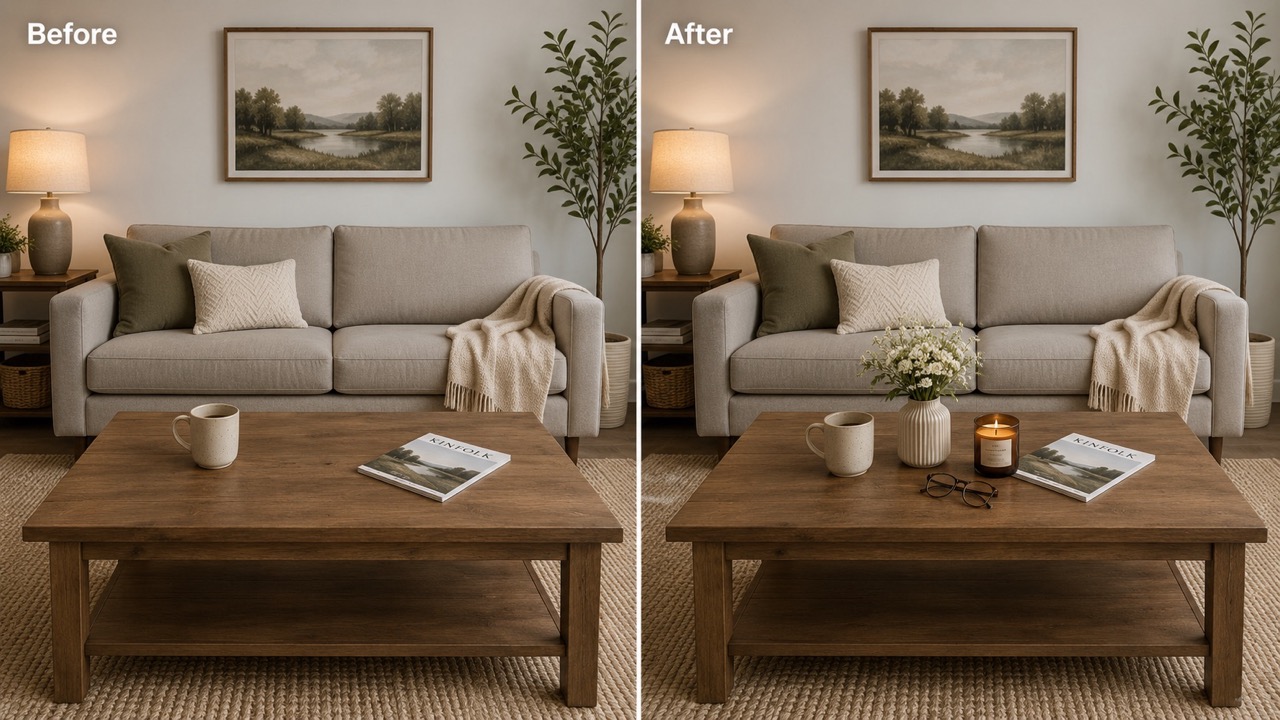
Turn a Rough Photo into a Better Visual
Chat GPT Image Editor helps when an image has the right subject but the wrong finish. Upload a photo and ask for cleaner lighting, a stronger background, better mood, or a more professional scene. This editor can keep the original structure while improving the parts that make the image feel unfinished. This is useful for creators who found chat gpt image editor free searches because they need fast image revision, not a complicated manual workflow. ChatGPT Photo Editor tasks like soft retouching, relighting, and background cleanup become easier when Chat GPT Image Editor receives clear instructions. Chat GPT Image Editor improves rough images fast.
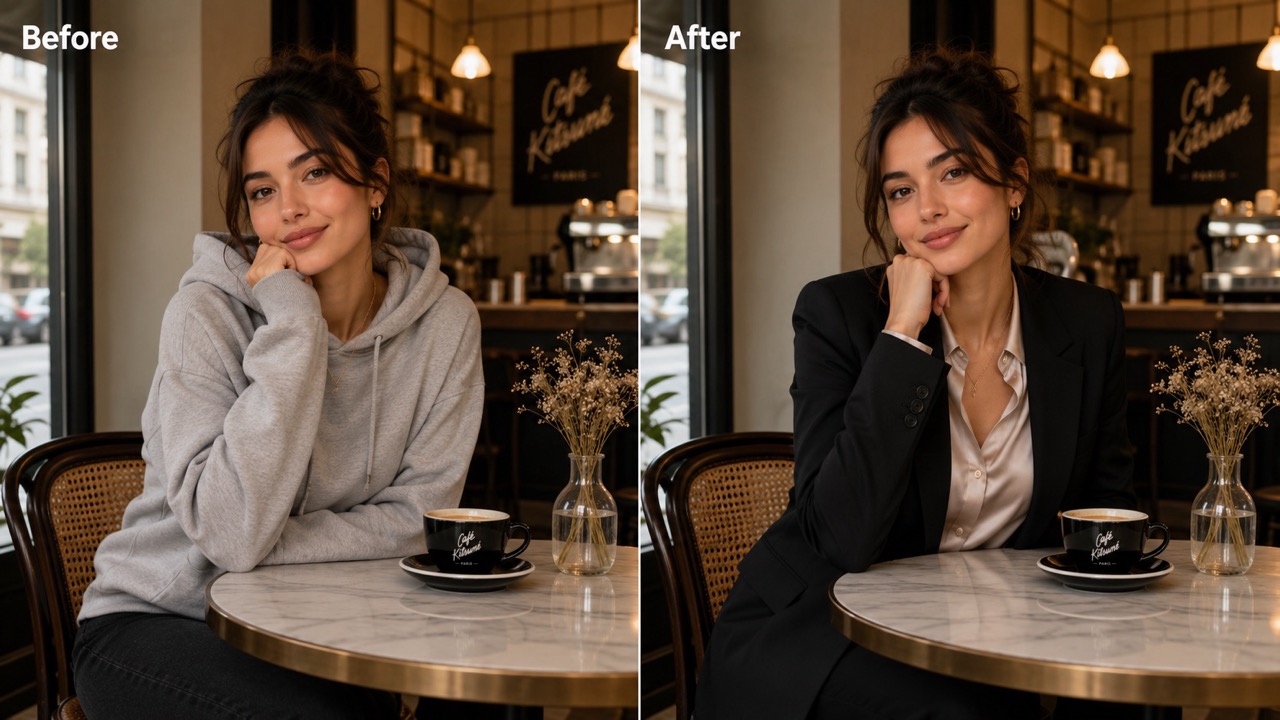
Protect the Subject While Changing the Scene
A useful edit should not destroy the original subject. Chat GPT Image Editor lets users ask for a new environment while keeping the face, pose, product shape, outfit, logo placement, or composition recognizable. This editing flow is valuable for background replacement, lifestyle image creation, and realistic scene upgrades. When users search chatgpt image editor online free, they often want this balance between change and control. ChatGPT Photo Editor prompts can say what to preserve first, then define what should become different. Chat GPT Image Editor gives the edit a clearer target. Chat GPT Image Editor helps users guide major scene changes.
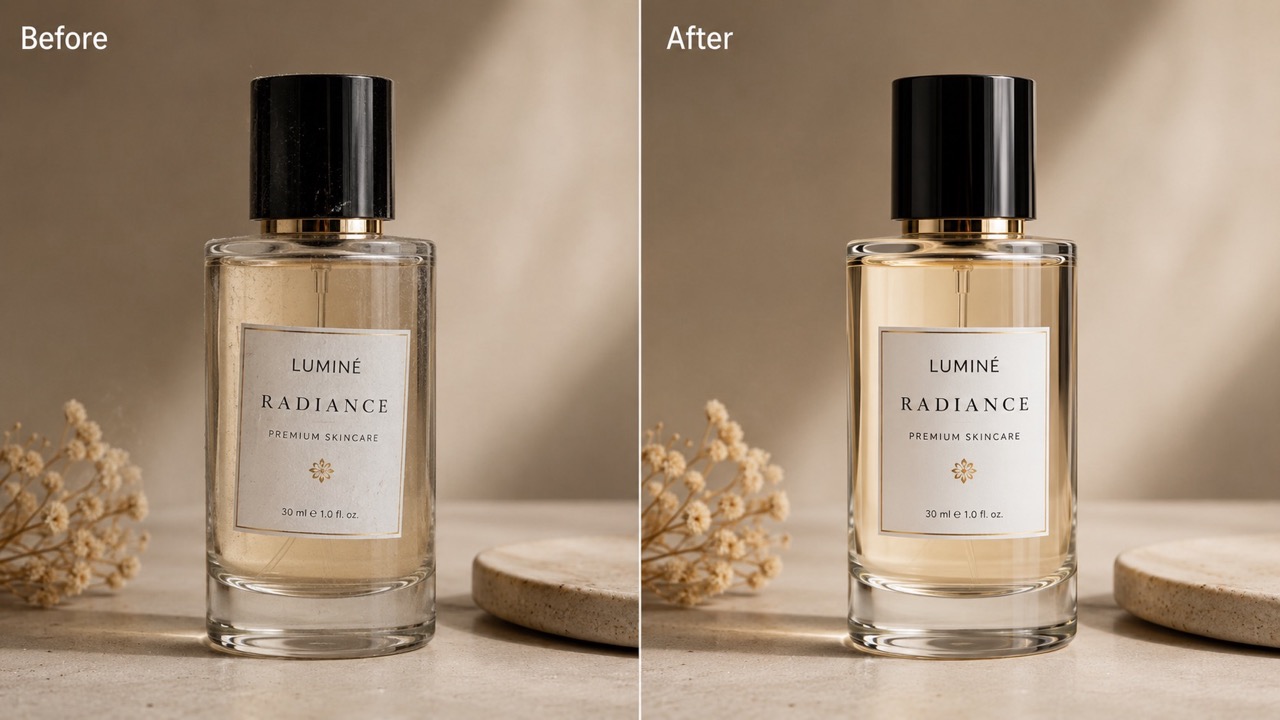
Create Product and Marketing Image Variations
Chat GPT Image Editor is helpful for testing product scenes before planning a full shoot. Upload a simple product photo and prompt a premium studio setting, seasonal background, social ad look, or lifestyle placement. ChatGPT Photo Editor edits can remove clutter, improve lighting, and make the product feel ready for a page section or campaign test. Teams comparing chat gpt image editor free tools can use Chat GPT Image Editor to explore several visual directions quickly. This workflow keeps ideas practical because every output starts from a reference image.
Who Needs Chat GPT Image Editor?
Chat GPT Image Editor serves users who already have an image and need a better version. It fits creators, marketers, product teams, designers, bloggers, and anyone researching chat gpt image editor free or chatgpt image editor online free for practical image-to-image editing. ChatGPT Image Editor gives direct prompt control, and ChatGPT Photo Editor use cases are covered through reference-based edits.

Creators Improving Existing Photos
Creators can use Chat GPT Image Editor when a photo has potential but needs a better scene, cleaner lighting, or fewer distractions. ChatGPT Photo Editor prompts help turn ordinary portraits, travel shots, and social visuals into more polished assets. A creator searching chatgpt image editor online free may not want to rebuild the image from scratch. Chat GPT Image Editor keeps the original reference central, so the final result still connects to the source photo.
Marketers Building Page Assets
Landing pages need visuals that match the exact feature, audience, and promise. Chat GPT Image Editor helps marketers turn a rough reference into a section image, cover visual, ad concept, or comparison asset. ChatGPT Image Editor is useful when stock photos feel generic and custom design takes too long. Marketers comparing chat gpt image editor free choices can use Chat GPT Image Editor to create focused variations for headlines, hero areas, and product stories.
Product Teams Testing Visual Angles
Product teams can upload a basic product image and use Chat GPT Image Editor to test different backgrounds, surfaces, moods, and usage contexts. ChatGPT Photo Editor prompts support cleanup, relighting, and commercial styling. Instead of guessing which scene fits the offer, teams can compare quick visual directions. ChatGPT Image Editor helps keep product identity consistent while Chat GPT Image Editor changes the surrounding environment for each audience segment. Chat GPT Image Editor supports fast visual testing.

Designers Exploring Faster Revisions
Designers can use Chat GPT Image Editor as a fast revision step before polishing final assets elsewhere. Upload a rough visual, describe the desired correction, and compare results for direction. ChatGPT Image Editor works well for mood tests, background options, lighting studies, and layout-safe image changes. Designers who check chatgpt image editor online free options often want speed with control. Chat GPT Image Editor supports that by keeping prompt instructions tied to a real reference.
What Users Say About Chat GPT Image Editor
Users choose Chat GPT Image Editor because it edits uploaded images through direct prompts. These stories show how ChatGPT Image Editor helps with page visuals, product scenes, portraits, and campaign tests. ChatGPT Photo Editor tasks become easier when users can explain the exact image change they want.
I used Chat GPT Image Editor to fix a product photo that looked too plain for a landing page. I uploaded the bottle, asked for a warmer lifestyle scene, and kept the label position the same. ChatGPT Image Editor gave me usable variations quickly. ChatGPT Photo Editor style prompts helped me remove distracting shadows without losing the product shape. Chat GPT Image Editor saved me from starting over.
I used Chat GPT Image Editor to fix a product photo that looked too plain for a landing page. I uploaded the bottle, asked for a warmer lifestyle scene, and kept the label position the same. ChatGPT Image Editor gave me usable variations quickly. ChatGPT Photo Editor style prompts helped me remove distracting shadows without losing the product shape. Chat GPT Image Editor saved me from starting over.
My team needed a few ad concepts from one reference image. Chat GPT Image Editor made the process simple because we could upload the photo, write the scene change, and generate alternatives. ChatGPT Photo Editor prompts were easy for non-designers to understand. We had searched chat gpt image editor free before, but Chat GPT Image Editor felt more useful because it focused on editing a real image.
My team needed a few ad concepts from one reference image. Chat GPT Image Editor made the process simple because we could upload the photo, write the scene change, and generate alternatives. ChatGPT Photo Editor prompts were easy for non-designers to understand. We had searched chat gpt image editor free before, but Chat GPT Image Editor felt more useful because it focused on editing a real image.
I found Chat GPT Image Editor while comparing chatgpt image editor online free results for blog visuals. I wanted to keep the person in my reference photo but replace the dull background. ChatGPT Image Editor understood the direction after I added clear preservation notes. ChatGPT Photo Editor edits looked much better when I asked for one change at a time. Chat GPT Image Editor made the article image feel custom.
I found Chat GPT Image Editor while comparing chatgpt image editor online free results for blog visuals. I wanted to keep the person in my reference photo but replace the dull background. ChatGPT Image Editor understood the direction after I added clear preservation notes. ChatGPT Photo Editor edits looked much better when I asked for one change at a time. Chat GPT Image Editor made the article image feel custom.
I often have portraits that are almost right but need better lighting or a cleaner background. Chat GPT Image Editor helped me keep the face and pose while improving the whole mood. ChatGPT Photo Editor wording made the edits easier to guide. I tried chatgpt image editor online free searches because I wanted fast results, and Chat GPT Image Editor gave me a practical way to refine each upload.
I often have portraits that are almost right but need better lighting or a cleaner background. Chat GPT Image Editor helped me keep the face and pose while improving the whole mood. ChatGPT Photo Editor wording made the edits easier to guide. I tried chatgpt image editor online free searches because I wanted fast results, and Chat GPT Image Editor gave me a practical way to refine each upload.


FAQs About Chat GPT Image Editor
Find quick answers about Chat GPT Image Editor, uploaded references, prompt writing, subject preservation, and practical editing uses. ChatGPT Image Editor is designed for image-to-image work, and ChatGPT Photo Editor needs can be handled through clear instructions.
Chat GPT Image Editor edits uploaded reference images with prompts. It can replace backgrounds, remove distractions, restyle scenes, improve lighting, polish product photos, and create edited versions that still follow the source image.
Upload the image first, then write what should change and what should stay the same. ChatGPT Image Editor works better when your prompt includes the subject, desired scene, style, lighting, and preservation notes.
Yes. Chat GPT Image Editor can preserve the main subject when your prompt clearly says to keep the face, pose, product shape, outfit, logo, or layout unchanged.
ChatGPT Photo Editor usually refers to photo-focused edits such as retouching, cleanup, background replacement, and relighting. Chat GPT Image Editor covers those edits through uploaded references and prompt instructions.
Searches for chat gpt image editor free and chatgpt image editor online free usually come from users who want prompt-based image editing without complex manual steps. This workflow focuses on uploading, prompting, and generating.
Use clear photos with visible subjects, clean product shots, portraits, lifestyle images, or simple scenes. ChatGPT Photo Editor results are usually stronger when the reference image is not blurry or overly crowded.
Edit Your Image with Chat GPT Image Editor
Upload a reference image, describe the edit, and let Chat GPT Image Editor generate a new version for your next post, page, product scene, portrait, or campaign test. ChatGPT Image Editor gives prompt control to practical edits, and ChatGPT Photo Editor workflows become easier to repeat.
