
AI Image Tools
Everything You Need to Edit Photos Faster
Open the PicEditor AI tools library for background removal, photo enhancement, object cleanup, face swap, upscaling, and more focused image workflows.
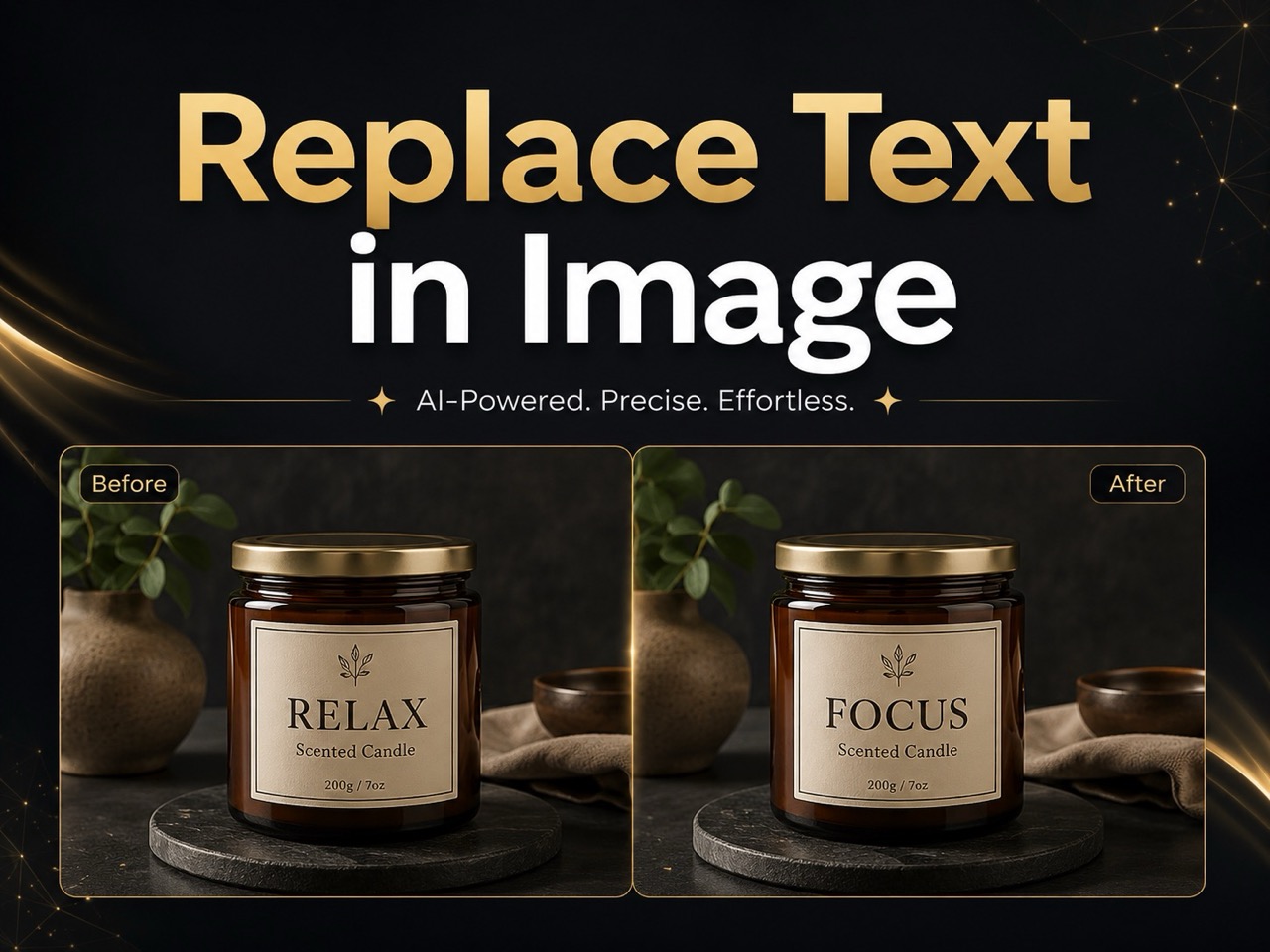
Replace Text in Image
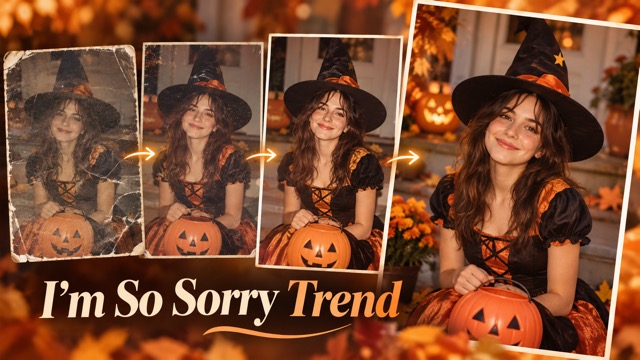
I'm So Sorry Trend AI Photo Editor

AI Halloween Generator
Corpse Bride AI Filter

AI Blemish Remover
FLUX 3 Image Klein

Ideogram 4.5

AI Portrait Retouching

Snatched Waist Editor

AI Facial Expression Changer

AI Texture Generator

AI Nose Piercing Filter

Replace Object in Photo Online

Add Object to Photo

AI Bust Down Filter

Image Splitter

Add White Background to Photo

Snapchat Text Remover

Realistic AI Skin Generator

Add speech bubble to photo

Change Photo Background

AI Clothes Wrinkle Remover

AI LinkedIn Profile Picture
Eyeliner Filter Online for Realistic AI Makeup Try-On
Try the AI Eyeliner Filter on Your Photo in Seconds
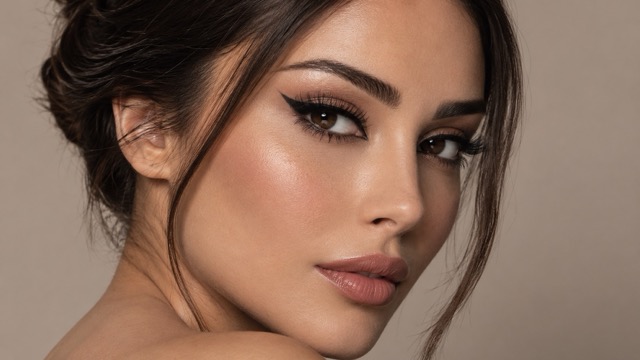
See how different liner styles look before you reach for a makeup brush. PicEditor’s Eyeliner Filter turns a clear selfie into a realistic virtual makeup preview while keeping your facial features recognizable. Use the AI Eyeliner Filter to test a soft everyday line, sharp cat eye, lifted fox eye, siren eyes, brown liner, colorful wings, or bold graphic shapes. Instead of drawing eyeliner manually in a photo editor, upload one portrait, describe the look you want, and create polished variations in seconds. The Eyeliner Filter is designed for personal makeup planning, beauty content, social posts, mood boards, and creative experiments, giving you a fast way to compare styles on the same face.
How to Use the Eyeliner Filter Online
Create a virtual eyeliner try-on in three simple steps. The Eyeliner Filter uses your uploaded portrait as the visual reference, while your prompt controls the liner shape, thickness, color, wing length, finish, and overall makeup mood. For the most natural AI Eyeliner Filter result, choose a front-facing or slightly angled image with clear eyes, balanced lighting, and minimal blur.

1. Upload a Clear Portrait
Start with a selfie or beauty portrait where both eyes and the upper lash line are visible. A high-quality reference helps the Eyeliner Filter understand your eye area, face angle, skin texture, and existing makeup. You can use a casual phone photo or a polished portrait, but avoid heavy shadows across the eyes. A clean starting image gives the AI editor more room to create precise wings and natural-looking line placement without changing the rest of your face.

2. Describe Your Eyeliner Style
Tell the Eyeliner Filter exactly what you want: soft brown tightline, classic black wing, sharp cat eye, fox-eye lift, siren eyes, bridal liner, floating graphic liner, or a colored statement look. Add details such as thin or bold lines, short or extended wings, matte or glossy finish, and subtle or dramatic intensity. The AI editor responds better when your prompt describes both the eyeliner and the mood you want to preserve.

3. Generate, Compare, and Refine
Generate the result, compare the new eyeliner with your original photo, and refine the prompt if the wing is too long, too thick, or too dramatic. The Eyeliner Filter makes it easy to produce several alternatives from one portrait, so you can compare subtle daytime makeup with stronger evening looks. Use the tool again with small prompt changes until the line shape, symmetry, color, and overall balance match the look you have in mind.
Why Use an AI Eyeliner Filter for Virtual Makeup Try-On
A useful Eyeliner Filter should do more than place a dark line over the eyes. It should help you explore makeup ideas while protecting the identity, proportions, lighting, and texture of the original portrait. PicEditor combines reference-based image editing with natural-language control, giving the AI Eyeliner Filter enough flexibility for quick personal previews and polished beauty concepts.
Keep Your Face Natural While Changing the Eyeliner
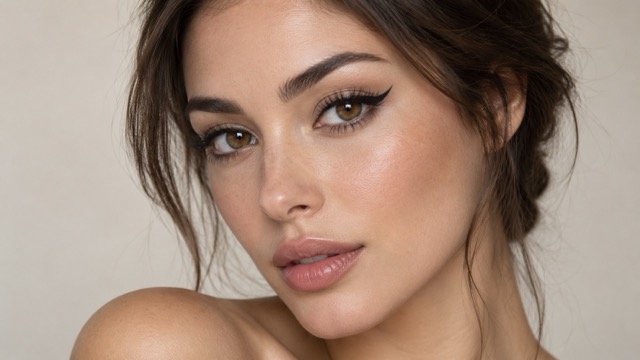
Sticker-style makeup effects can make the eye area feel flat or disconnected from the face. The Eyeliner Filter works from the full reference portrait, helping the new liner follow the visible eye shape, angle, lash line, and lighting more naturally. Ask the AI editor to preserve skin texture, eyebrow shape, eye color, hairstyle, and facial proportions while changing only the eyeliner. Add instructions such as “keep the face unchanged” or “edit only the eyeliner” for a more controlled virtual eyeliner try-on.
Compare Winged, Cat-Eye, Fox-Eye, and Siren Styles
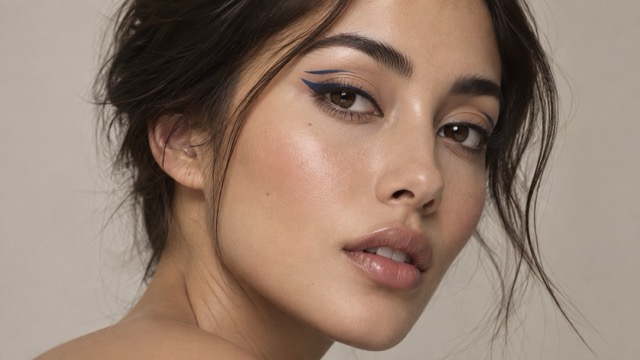
Different eyeliner shapes can change the visual balance of the same portrait. Use the Eyeliner Filter to compare a short everyday wing, extended cat eye, upward fox-eye line, smoky siren eyes, or soft brown lash-line definition without applying and removing real makeup. The AI Eyeliner Filter lets you adjust wing angle, inner-corner taper, line thickness, outer-corner lift, color, and intensity. Generate several versions from the same reference so the comparison stays consistent and useful.
Create Subtle Daily Makeup or Bold Editorial Looks
Your ideal eyeliner may depend on the occasion. The Eyeliner Filter can create soft tightlining for work, a clean brown wing for daytime photos, classic black liner for dinner, bridal definition for formal portraits, or graphic color for fashion content. With the AI Eyeliner Filter, you control how noticeable the change should be. Describe the desired softness, contrast, finish, or mood, and the tool can build a more coherent makeup concept around the portrait.
Turn One Selfie Into Multiple Beauty Content Ideas
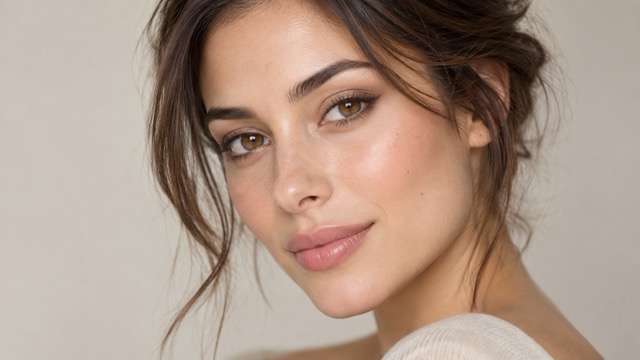
Beauty creators often need several visual directions before choosing a final thumbnail, tutorial, campaign mood, or social post. The Eyeliner Filter helps build those options from one portrait: subtle wing, sharp cat eye, colored graphic liner, or smoky evening makeup. Because the AI Eyeliner Filter starts from the same face, variations can remain visually related while showing clear makeup differences. Use it for before-and-after posts, beauty mood boards, content planning, portfolio concepts, and creative testing.
What Can You Do With the Eyeliner Filter?
The Eyeliner Filter supports more than one type of beauty edit. Whether you are deciding what makeup to wear, planning a social post, exploring a trend, or presenting a creative concept, the AI Eyeliner Filter gives you a visual answer before you spend time recreating the look in real life.
Preview Makeup Before Applying It
Not sure whether a thin wing or dramatic cat eye will suit the look you are planning? Upload a selfie and use the Eyeliner Filter as a quick virtual eyeliner try-on. Compare line thickness, wing length, color, and outer-corner lift on the same face. The AI Eyeliner Filter is especially helpful before events, dates, parties, shoots, or weddings when you want to narrow down a direction before doing the real makeup.
Build Before-and-After Beauty Content
A clear transformation is easy for viewers to understand. Use the Eyeliner Filter to create a clean before-and-after concept showing how a soft portrait changes with a winged, fox-eye, or evening eyeliner style. The AI Eyeliner Filter can support reels, shorts, thumbnails, tutorials, blog graphics, and social carousels where the eyeliner is the main visual story rather than a full-face makeover.
Explore Eyeliner for Different Moods
The same person may want natural liner for daytime, brown soft glam for a romantic look, black cat-eye liner for a classic style, or bright graphic eyeliner for an editorial mood. The tool lets you explore these directions without starting from scratch. Use the AI Eyeliner Filter to keep the portrait consistent while changing the makeup mood, making side-by-side style decisions easier.

Plan Beauty Campaigns and Creative Concepts
Makeup artists, creators, photographers, and small beauty brands can use the Eyeliner Filter during early visual planning. Test several eyeliner directions on a sample portrait, compare which style supports the campaign mood, and use the preferred version as a reference for a shoot or design brief. The AI Eyeliner Filter can speed up concept exploration when you need visual options before committing to products, styling, or production.
Why Creators Like This Eyeliner Filter
From subtle makeup tests to bolder content concepts, users value an Eyeliner Filter that makes style comparison fast and easy. These sample scenarios reflect the kinds of workflows the AI Eyeliner Filter is designed to support.
I wanted to compare a short everyday wing with a sharper cat eye before filming a makeup reel. The Eyeliner Filter made the difference easy to see on the same selfie, and I could refine the shape without redrawing anything by hand.
I wanted to compare a short everyday wing with a sharper cat eye before filming a makeup reel. The Eyeliner Filter made the difference easy to see on the same selfie, and I could refine the shape without redrawing anything by hand.
The AI makeup tool was useful for testing brown liner versus black liner. I liked that I could describe a softer finish and keep the rest of my portrait natural instead of getting a heavy full-face effect.
The AI makeup tool was useful for testing brown liner versus black liner. I liked that I could describe a softer finish and keep the rest of my portrait natural instead of getting a heavy full-face effect.
For quick campaign concepts, the tool gives me several directions from one portrait. A subtle wing, a graphic version, and a stronger evening look can all be compared before we choose what to develop further.
For quick campaign concepts, the tool gives me several directions from one portrait. A subtle wing, a graphic version, and a stronger evening look can all be compared before we choose what to develop further.
I use the AI makeup tool when I want to see whether a trend actually fits my aesthetic. Trying a fox-eye or siren-eyes direction virtually is much faster than doing a full makeup test just for one photo.
I use the AI makeup tool when I want to see whether a trend actually fits my aesthetic. Trying a fox-eye or siren-eyes direction virtually is much faster than doing a full makeup test just for one photo.
The editor works well for mood-board planning because I can keep the model and lighting consistent while changing the line style. That makes feedback much clearer when discussing a beauty concept with a team.
The editor works well for mood-board planning because I can keep the model and lighting consistent while changing the line style. That makes feedback much clearer when discussing a beauty concept with a team.


Eyeliner Filter FAQ
Learn how the Eyeliner Filter works, what kinds of liner you can create, and how to get a more realistic virtual makeup result with the AI Eyeliner Filter.
An Eyeliner Filter is an image-editing tool that adds or changes eyeliner on a portrait. Instead of drawing the line manually, you upload a reference photo and describe the look you want. PicEditor’s AI Eyeliner Filter can generate styles such as tightline definition, soft brown wings, classic black cat eyes, fox-eye shapes, siren eyes, colored liner, and graphic eyeliner. The goal is to give you a visual makeup preview while keeping the person in the original photo recognizable.
Start with a clear portrait where the eye area is visible and not covered by heavy hair, blur, or deep shadow. Describe the eyeliner precisely: for example, a thin black wing with a short upward flick, natural lash-line placement, balanced symmetry, realistic skin texture, and no changes to the rest of the face. The Eyeliner Filter works best when the prompt explains both what should change and what should remain untouched. If the first result is too dramatic, reduce wing length, thickness, contrast, or shadow in the next AI Eyeliner Filter prompt.
Yes. The Eyeliner Filter can compare several line shapes from the same portrait. Try a short everyday wing, sharp cat-eye eyeliner, elongated fox-eye liner, smoky siren eyes, subtle tightlining, or a floating graphic shape. With the AI Eyeliner Filter, you can also specify color, thickness, inner-corner detail, outer-corner lift, and makeup mood. Keeping the reference photo unchanged makes it easier to see how each style affects the visual balance of your eyes.
Yes. You do not need to trace the eyelid with a brush tool or understand layers, masks, and manual retouching. Upload your image, write a short description, and let the Eyeliner Filter create the transformation. A simple prompt such as “add a soft brown winged eyeliner, keep the face unchanged, preserve natural skin texture, and make both eyes symmetrical” is enough to start. The tool is designed for users who want a fast visual result, while more detailed prompts give creators extra control over style and finish.
Use portraits with good lighting, visible eyes, moderate resolution, and a natural face angle. Front-facing and slight three-quarter views are usually easier for an Eyeliner Filter than extreme profiles or images where the eyelids are hidden. Avoid strong blur, sunglasses, heavy hair across the eyes, and very dark shadows. The AI Eyeliner Filter can work with casual selfies or polished portraits, but a clean reference helps preserve eye shape, identity, and realistic makeup texture.
Try the Eyeliner Filter on Your Photo
Turn one selfie into a realistic makeup preview and explore the liner styles you have been curious about. Use the AI Eyeliner Filter to test soft wings, cat eyes, fox-eye shapes, siren eyes, brown liner, or bold graphic looks without drawing them manually. Generate your first Eyeliner Filter result, compare variations, refine the details, and choose the style that best fits your face, mood, or creative project.
