Edit one detail at a time, keep the same person and framing, then reveal the original photo in a carefully arranged carousel.
AI Image Tools
Everything You Need to Edit Photos Faster
Open the PicEditor AI tools library for background removal, photo enhancement, object cleanup, face swap, upscaling, and more focused image workflows.

Replace Text in Image

AI Halloween Generator
Corpse Bride AI Filter

AI Blemish Remover
FLUX 3 Image Klein

Ideogram 4.5
AI Portrait Retouching

Snatched Waist Editor
AI Facial Expression Changer

AI Texture Generator

AI Nose Piercing Filter
Replace Object in Photo Online

Add Object to Photo
Eyeliner Filter

AI Bust Down Filter

Image Splitter

Add White Background to Photo
Snapchat Text Remover
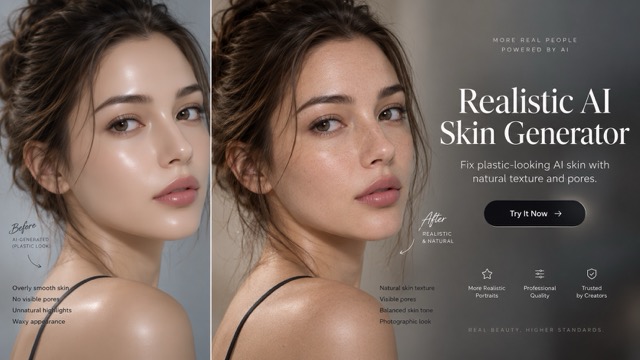
Realistic AI Skin Generator

Add speech bubble to photo

Change Photo Background

AI Clothes Wrinkle Remover
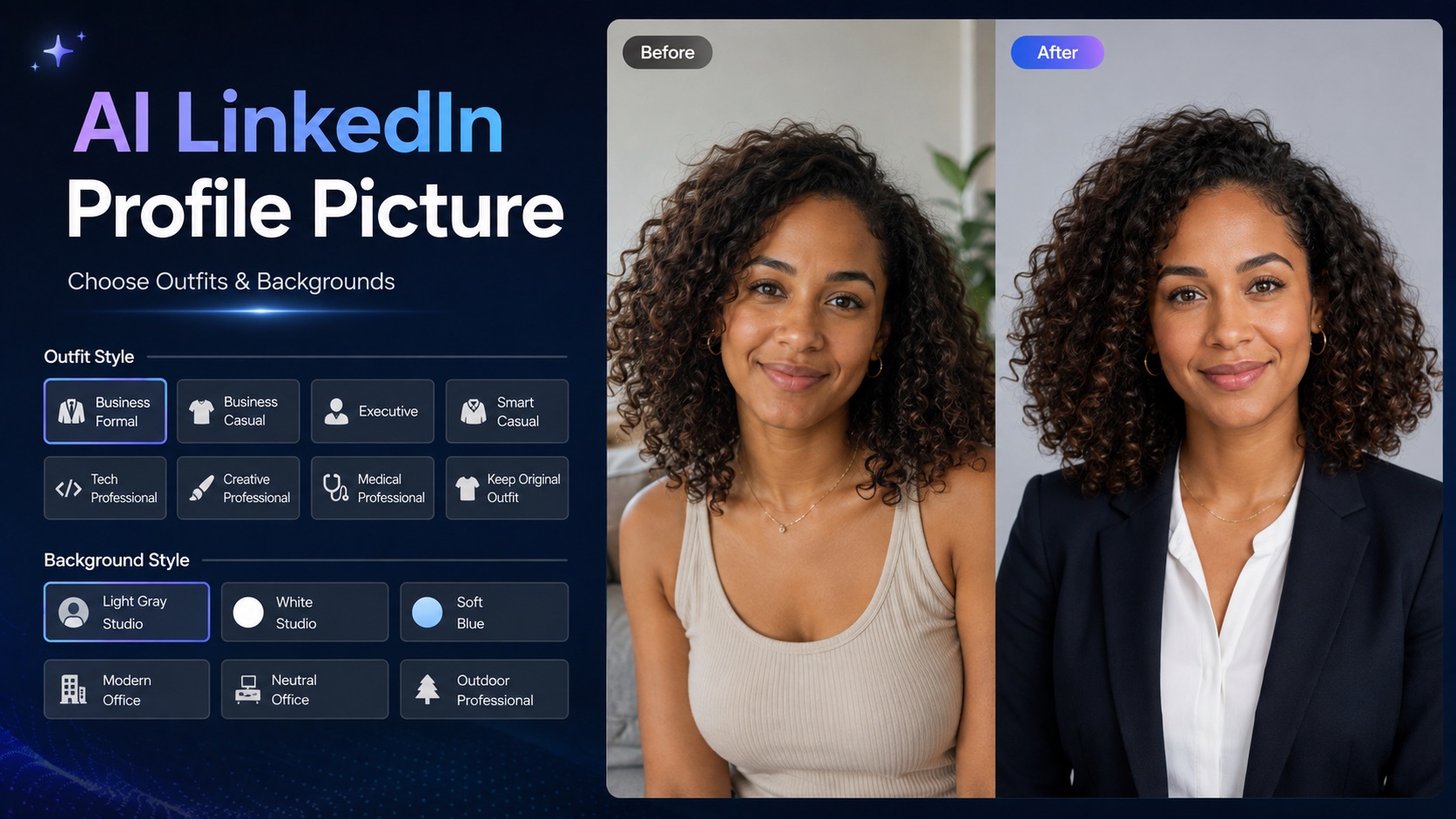
AI LinkedIn Profile Picture
I'm So Sorry Trend AI Photo Editor
One Photo, Five Slides, An Honest Reveal
Build your im so sorry trend from a real photo you own or have permission to edit. Create a polished opening image, then remove one planned change at a time. This im so sorry trend ai workflow helps you direct clothing, hair, and background edits with text prompts while checking the same face, pose, and framing. Save each version yourself and finish with your genuine, unedited original.
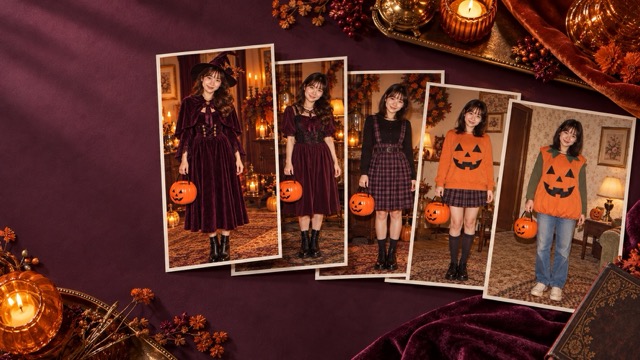
How To Do The Im So Sorry Trend
Plan the im so sorry trend before generating. Keep an untouched source, list the three intended edits, and review every saved slide together so changes follow a clear, understandable sequence.

Upload Your Photo
Choose a clear, authorized old photo for your im so sorry trend ai project. Save an untouched copy outside the editor. Remove identifying school information before uploading, and choose a consistent crop that leaves enough room for the hairstyle, clothing, and surrounding scene.

Click Generate
Enter your editing prompt and click Generate to create the polished image. For each im so sorry trend reversal, specify just one change and generate another version. Compare faces, hands, framing, and unrelated details before accepting each result; revise the prompt when necessary.

Download Your Photos
Download each approved image separately and keep your original file untouched. Arrange your im so sorry trend ai carousel with the polished result first, followed by each reversal and the genuine original. Add any captions or music yourself in your chosen social platform.
Five Stages Of The Im So Sorry Trend
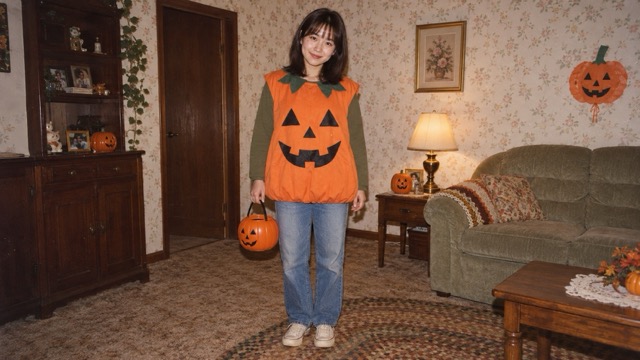
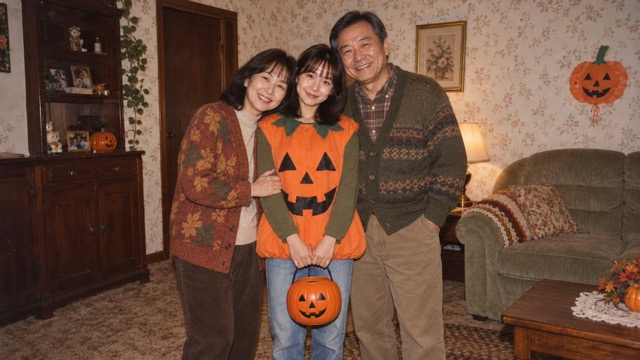
Perfected Photo
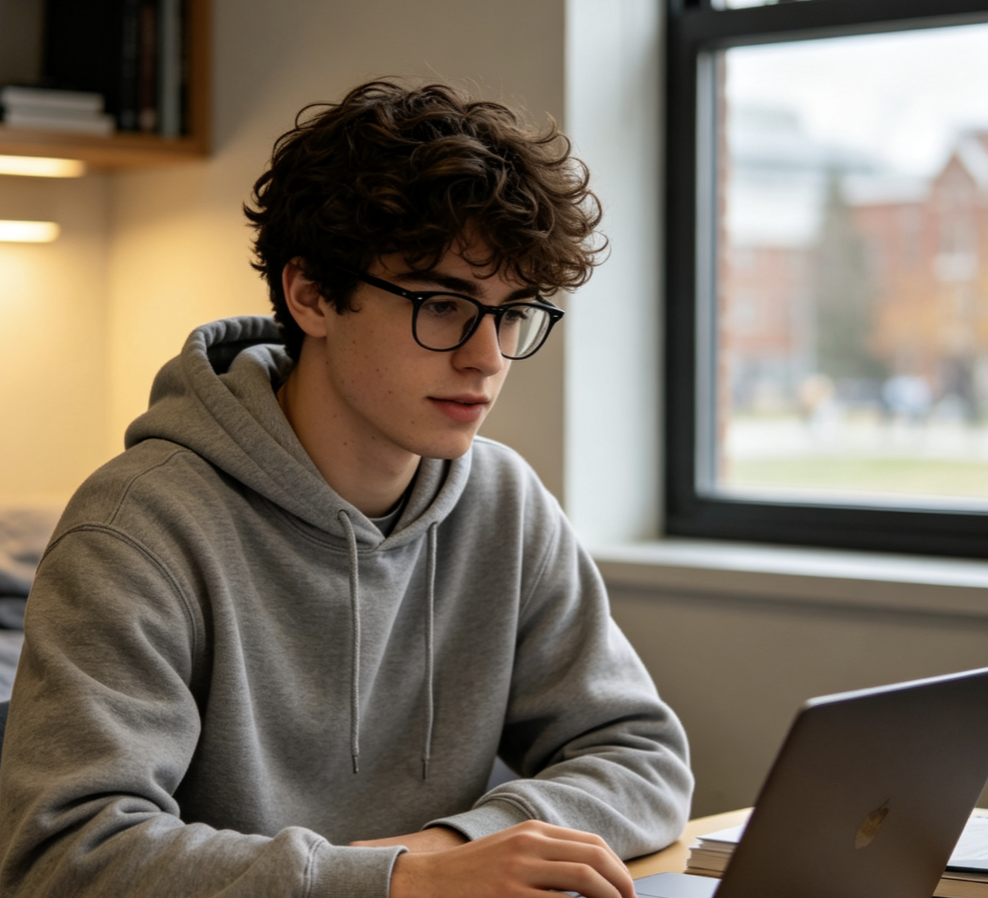
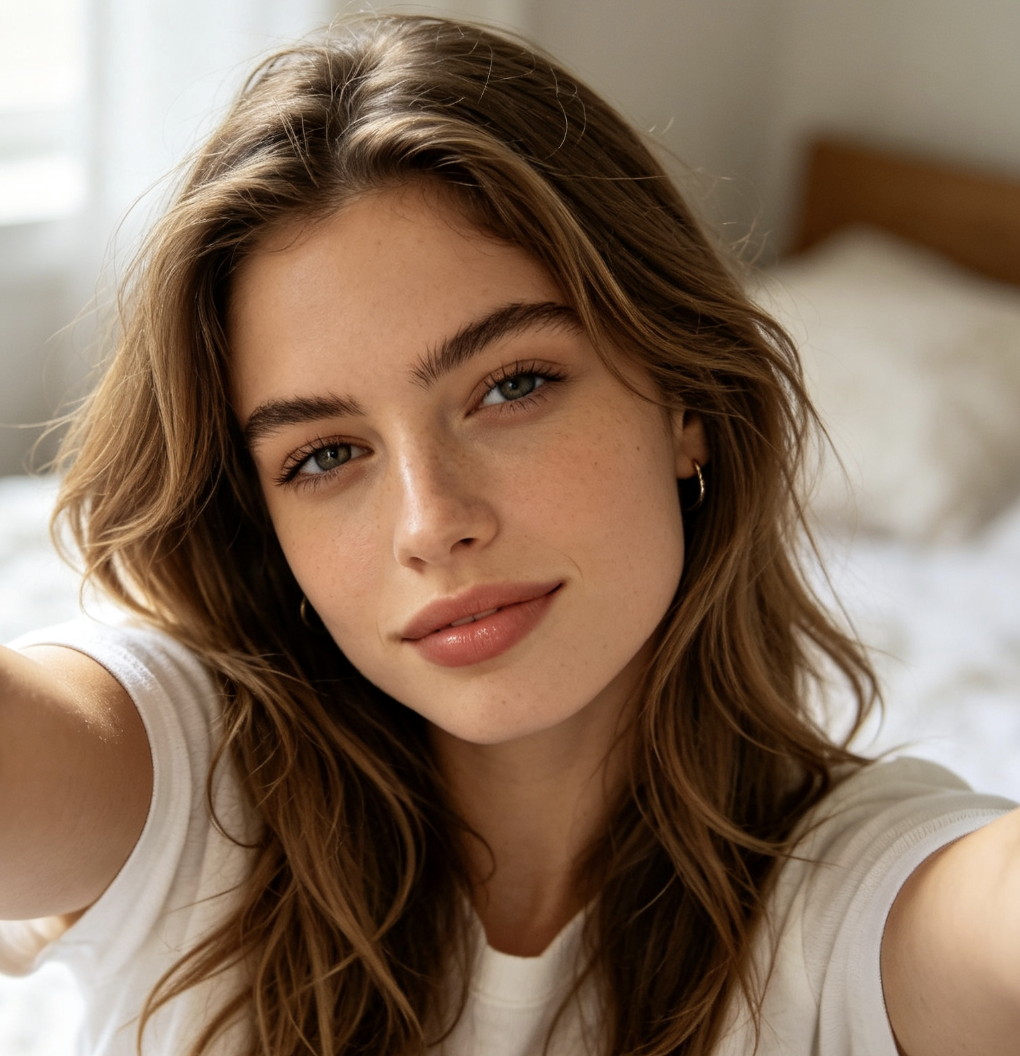
Start your im so sorry trend with a deliberately improved version of an authorized photograph. Specify the outfit, hairstyle, and background together for this opening slide, while asking the model to retain the person and composition. Our fictional adult Halloween illustration demonstrates the sequence; it is not a real customer photograph.
Perfected Photo Prompt: Edit this authorized old photo into a polished version for an original I'm So Sorry photo carousel. Keep exactly the same person, apparent age, face, expression, pose, camera angle, crop, and framing. Change only these specified elements: [outfit], [hair], [background]. Keep all other details consistent. No extra people, identity changes, captions, logos, or watermark.
Undo Background
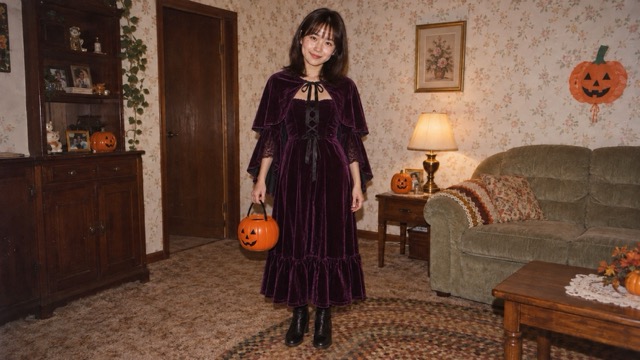
For the second im so sorry trend slide, restore only the setting. Keep the improved clothing and hair, the same expression, and the original camera position. Describe the old location specifically instead of requesting a general vintage look. In your im so sorry trend ai sequence, compare doorway lines, subject scale, and lighting before accepting the version.
Undo One Edit Prompt: Undo only this change: [specific element]. Preserve the same person, age, face, expression, body pose, camera angle, crop, and all remaining edits. Match the previous carousel slide closely. Do not reverse other changes. No text, logos, extra people, or watermark.
Undo Hair Edit
Continue the im so sorry trend by restoring the original hairstyle or hair color while preserving the background reversal and edited outfit. Your im so sorry trend ai prompt should explicitly protect the face, apparent age, and expression. Inspect the hairline and accessories carefully, because generative editing can alter neighboring details even when your instruction is narrow.
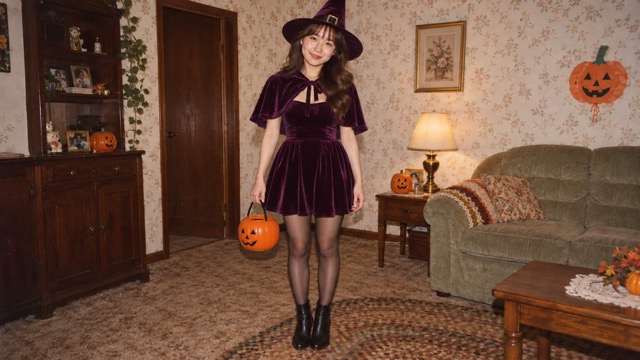
Undo Outfit Edit
The next im so sorry trend slide returns the original clothing while retaining the previous reversals. Keep the pose stable. With im so sorry trend ai editing, a specific instruction is a guide, not a guarantee. Reject any version that introduces unrelated changes or a misleading body comparison.

Original Photo Reveal
End the im so sorry trend with the actual file you preserved before editing. Do not generate a substitute and present it as historical evidence. For your im so sorry trend ai carousel, the reveal should celebrate a memory rather than shame its subject. The demonstration artwork here is entirely synthetic, including its simulated vintage source, and illustrates the editing order only. Your personal final slide must be your authentic original.
Personal Memories For The Im So Sorry Trend
The im so sorry trend can tell a playful story without mocking a body, a childhood appearance, a family situation, or an emotionally sensitive experience.
Childhood Halloween
Revisit your own childhood Halloween photo with an imaginative costume, tidy hair, and a different setting. Keep the im so sorry trend kind: the punchline is the fictional editing, not the child. Obtain guardian authorization for anyone else depicted and preserve the actual original for the final slide.
School Portrait For The Im So Sorry Trend AI
Adults revisiting their own school portraits can explore a hairstyle or outfit they once imagined. Before an im so sorry trend ai edit, obscure school names, badges, student numbers, and other private details. Avoid changing age or facial identity. Keep classmates outside the frame unless their use is authorized.
Baby Photo For The Im So Sorry Trend AI
Use your own baby photo or an appropriate image of a child under your guardianship. An im so sorry trend should stay gentle and nonsexual, with small changes to clothing or surroundings. Never use another child without lawful guardian authorization, and consider keeping the finished carousel within the family.

Postpartum Memory
A parent may choose their own postpartum memory and control every decision about sharing it. Keep the im so sorry trend focused on a garment, hair, or room detail, avoiding body judgment or invented recovery claims. Ask permission from anyone else pictured and leave out sensitive medical information.
Creative Perspectives
These fictional names and illustrative reviews describe possible workflows, not verified customer experiences.
I like that the im so sorry trend ends with the photograph I actually kept. Saving each version separately makes the reveal feel personal, and reviewing small changes keeps the story understandable.
I like that the im so sorry trend ends with the photograph I actually kept. Saving each version separately makes the reveal feel personal, and reviewing small changes keeps the story understandable.
The im so sorry trend ai approach gives me a clear editing plan. I can focus on one detail, compare the results, and arrange my own carousel without rushing the original reveal.
The im so sorry trend ai approach gives me a clear editing plan. I can focus on one detail, compare the results, and arrange my own carousel without rushing the original reveal.
For my im so sorry trend concept, the useful part is checking the same pose and framing throughout. Specific prompts help me describe the changes, while keeping the original gives me a reliable reference.
For my im so sorry trend concept, the useful part is checking the same pose and framing throughout. Specific prompts help me describe the changes, while keeping the original gives me a reliable reference.
Im So Sorry Trend Questions
Check the workflow, permissions, and limits.
The im so sorry trend is a photo carousel that opens with an idealized edit, progressively removes changes, and ends with a real original. Also called the sorry i lied trend, its story depends on a consistent subject and understandable reversals, rather than an unrelated collection of generated portraits.
Ask for one reversal at a time and inspect the result. If the model changes other details, regenerate from your original using the required combination of outfit, hair, and background edits. The im so sorry trend ai workflow needs manual review; it does not provide a guaranteed edit history or pixel-perfect undo.
Use a clear source and repeat instructions to retain apparent age, face, expression, pose, and crop. Compare the eyes, jawline, hands, and proportions across every im so sorry trend slide. Consistent AI photo editing can still drift. Reject misleading changes.
Use the image-to-image prompt to describe a clothing, hairstyle, hair-color, or background change. Keep requests specific and review the output rather than assuming exact control. For the im so sorry trend ai sequence, save independent versions and retain your source.
Keep the genuine original in your own storage before uploading. Use only authorized photographs and remove identifying school or medical information. Apply guardian permission rules to children, even in a private im so sorry trend project. Do not assume automatic deletion or a special privacy guarantee; consult the site policies before uploading sensitive images.
Review the credits shown in the generator and current account pricing before generating; no free or unlimited offer is promised. Save each approved result using the available download control. Arrange the im so sorry trend yourself on TikTok or Instagram, adding captions and music there. PicEditor does not post the carousel for you.
Create Your Sorry I Lied Photos
Start your im so sorry trend with one authorized original and a clear three-edit plan. Use im so sorry trend ai prompts below, review each version, and keep the genuine source ready for the reveal. This independent, fan-inspired AI photo editing workflow is not affiliated with or endorsed by TikTok, Instagram, or the original trend creators.