
AI Image Tools
Everything You Need to Edit Photos Faster
Open the PicEditor AI tools library for background removal, photo enhancement, object cleanup, face swap, upscaling, and more focused image workflows.
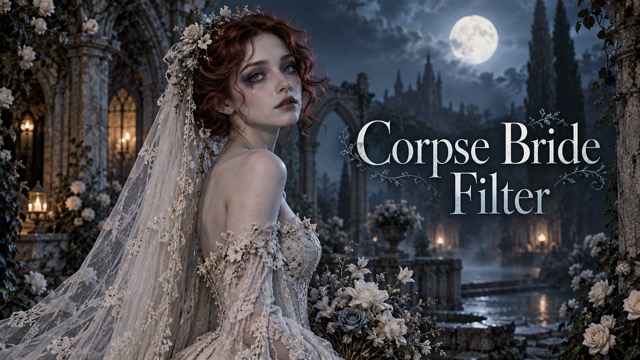
Corpse Bride AI Filter
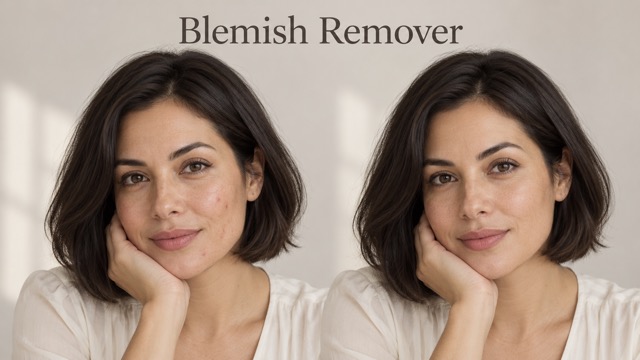
AI Blemish Remover
FLUX 3 Image Klein

Ideogram 4.5

AI Portrait Retouching

Snatched Waist Editor

AI Facial Expression Changer

AI Texture Generator

AI Nose Piercing Filter

Replace Object in Photo Online

Add Object to Photo

Eyeliner Filter

AI Bust Down Filter

Image Splitter

Add White Background to Photo

Snapchat Text Remover

Realistic AI Skin Generator

Change Photo Background

AI Clothes Wrinkle Remover

AI LinkedIn Profile Picture

GPT Transparent BG Image Editor

Image to Layers

3D Angle Editor
Add Speech Bubble to Photo Online with AI
Add Speech Bubble to Photo for Conversations, Comics, and Memes
Add speech bubble to photo in seconds and give any image a voice. Upload a selfie, pet photo, meme, comic, or social image, describe what the subject should say, and let AI create a clean bubble that fits the scene. You can add speech bubble to photo online without manually drawing shapes or using complex design software. Use this speech bubble maker to create reactions, conversations, jokes, and stories, or quickly add speech bubble to image, add speech bubble to picture, and add text bubble to photo.
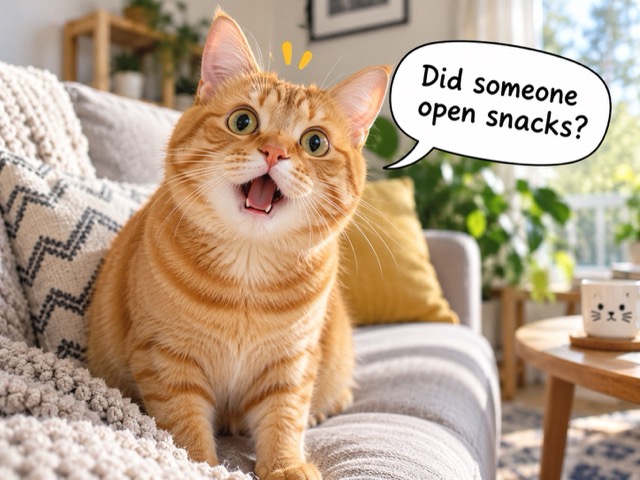
How to Add Speech Bubble to Photo
Add speech bubble to photo in three simple steps. Upload an image, describe the dialogue and bubble style you want, then generate the result. AI helps place the bubble naturally while keeping the subject visible, making it easy to create memes, comics, reactions, and social posts without a complicated editor.

Upload a Photo to Add Speech Bubble to Photo
Upload a portrait, selfie, pet photo, reaction image, screenshot, or comic artwork. A clear subject helps AI understand where to place the bubble when you add speech bubble to photo, image, or picture.
Describe How to Add Speech Bubble to Photo
Enter the dialogue and describe the bubble style you want. Choose a classic comic bubble, chat bubble, shout bubble, or thought bubble, and tell AI which subject should be speaking and where the bubble should appear.

Generate Your Add Speech Bubble to Photo Edit
Generate your result and review the placement. If the bubble covers an important detail or the dialogue feels too long, adjust your prompt and regenerate. Save the version that works best for memes, posts, comics, stories, or messages.
Create Better Speech Bubble Photos with Less Editing
Add speech bubble to photo with AI that considers the subject, open space, and overall composition. Create natural-looking dialogue for memes, comics, social posts, pet photos, and visual stories without manually building every bubble.
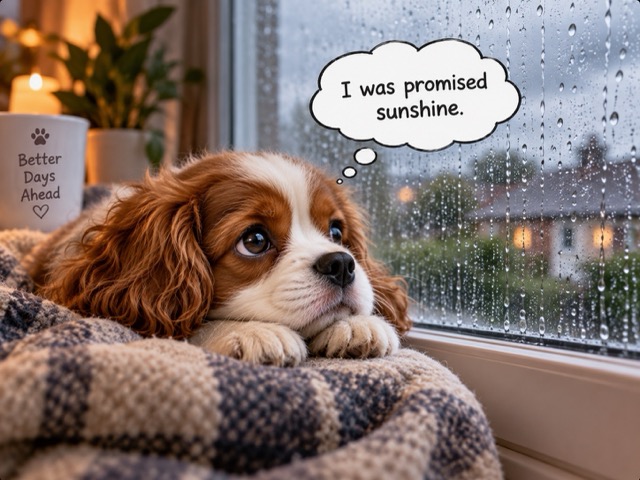
Add Speech Bubble to Photo with Scene-Fit Dialogue
Turn a silent photo into a conversation by describing what the subject should say. AI uses the image composition to help connect the bubble to a person, pet, character, or object. Add text bubble to photo for jokes, reactions, quotes, or stories without manually drawing and positioning every element. You can also add speech bubble to image or picture for quick social posts and personal messages.
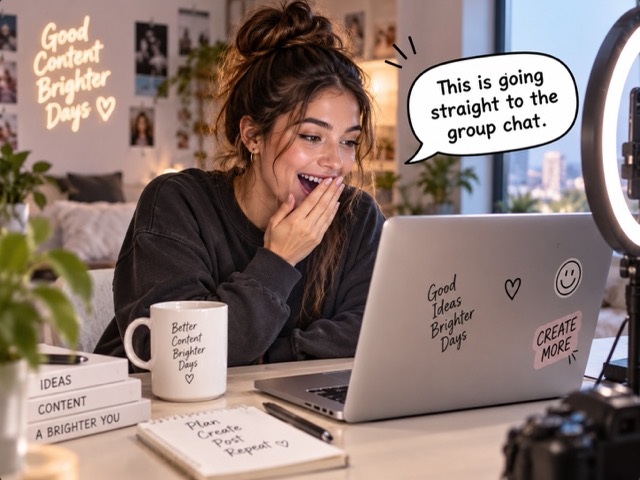
Add Speech Bubble to Photo in Multiple Bubble Styles
Choose a bubble style that matches the mood of your image. Use classic speech bubbles for dialogue, thought bubbles for inner reactions, jagged bubbles for surprise, or clean chat bubbles for modern posts. Simply describe the style you want and let the speech bubble generator handle the creative direction.
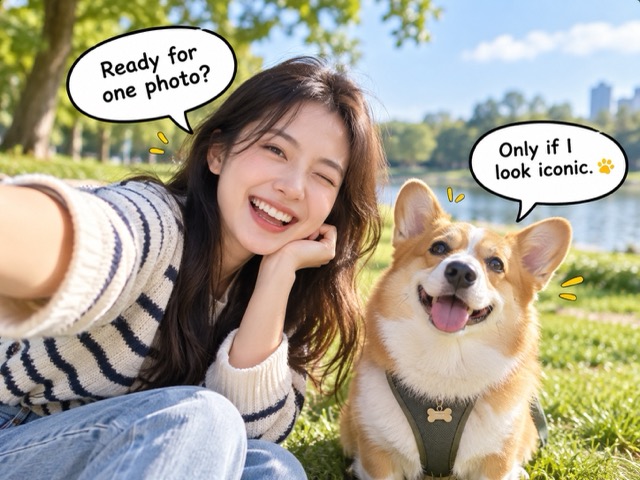
Add Speech Bubble to Photo Without Hiding Details
Keep faces, products, gestures, and important details visible when you add speech bubble to photo. Tell AI to position the bubble above or beside the subject, use available empty space, or reduce the bubble size for crowded images. This helps create cleaner memes and polished visual stories.
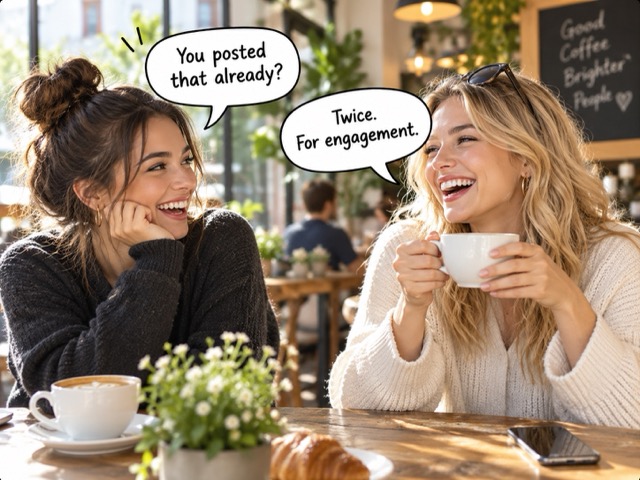
Add Speech Bubble to Photo for Shareable Memes
Turn ordinary photos into funny conversations and reaction memes with one line of dialogue. Add speech bubble to photo for pets, screenshots, friends, or playful brand content. Keep captions short, generate a few variations, and choose the result with the strongest joke or reaction.
Ways to Add Speech Bubble to Photo
When you add speech bubble to photo, the same simple workflow can support humor, communication, storytelling, marketing, and personal creativity. Start with an image you already have, decide what the subject should say, and shape the bubble around the context.
Add Speech Bubble to Photo for Funny Pet Posts
Give cats, dogs, birds, or any pet a voice. Add speech bubble to photo and turn a simple expression into a joke, reaction, or mini story. A surprised cat can say 'You ate my snack?' while a sleepy dog can answer 'Five more minutes.' Pet photos work well because real expressions paired with human-like dialogue create instant humor. Keep the wording short and make the bubble match the pet's face.
Add Speech Bubble to Photo for Memes and Reactions
Add speech bubble to photo when a facial expression already tells half the joke. Reaction images, screenshots, and candid photos become more specific once you add a line of dialogue. An AI speech bubble generator helps you test several captions quickly. Use it to add text bubble to photo for chats, communities, comments, and social feeds, or create a speech bubble meme that responds to a current conversation.
Add Speech Bubble to Photo for Comics and Stories
Use speech bubbles to turn separate images into a simple narrative. Add speech bubble to photo for character introductions, mini comics, visual lessons, storyboard frames, or fictional conversations. You can add dialogue bubble to photo for direct speech and add thought bubble to photo for inner reactions. Keep one visual style across each frame so the speech bubble maker supports the story without overpowering the artwork.
Add Speech Bubble to Photo for Social Content
Brands, creators, and small businesses can add speech bubble to photo to make social graphics feel more conversational. A product can introduce a new feature, a mascot can announce a promotion, or a team photo can carry a playful line. The bubble draws attention without requiring a full poster redesign. Keep the wording concise and the original subject visible so the image still feels polished.
Why Creators Love Adding Speech Bubbles with AI
See how creators use speech bubbles to turn everyday photos into fun conversations, memes, stories, and social content.
I wanted a quick way to add speech bubble to photo for reaction posts, and the workflow was much easier than opening a full design editor. I could try different lines, change the bubble style, and keep the photo looking clean.
I wanted a quick way to add speech bubble to photo for reaction posts, and the workflow was much easier than opening a full design editor. I could try different lines, change the bubble style, and keep the photo looking clean.
I use it whenever I need a funny visual for our community posts. Being able to describe the dialogue and let AI handle the placement saves me from manually moving text boxes around.
I use it whenever I need a funny visual for our community posts. Being able to describe the dialogue and let AI handle the placement saves me from manually moving text boxes around.
Pet photos become much more entertaining with the right speech bubble. I can test several captions quickly and pick the one that best matches the expression in the photo.
Pet photos become much more entertaining with the right speech bubble. I can test several captions quickly and pick the one that best matches the expression in the photo.
For short comic scenes, this makes it easy to experiment with dialogue before I build the final layout. It gives me a fast way to see whether a line actually works with the image.
For short comic scenes, this makes it easy to experiment with dialogue before I build the final layout. It gives me a fast way to see whether a line actually works with the image.
I often need conversational graphics for social campaigns. Adding a speech bubble gives an ordinary photo more personality without making the design feel crowded or overly promotional.
I often need conversational graphics for social campaigns. Adding a speech bubble gives an ordinary photo more personality without making the design feel crowded or overly promotional.
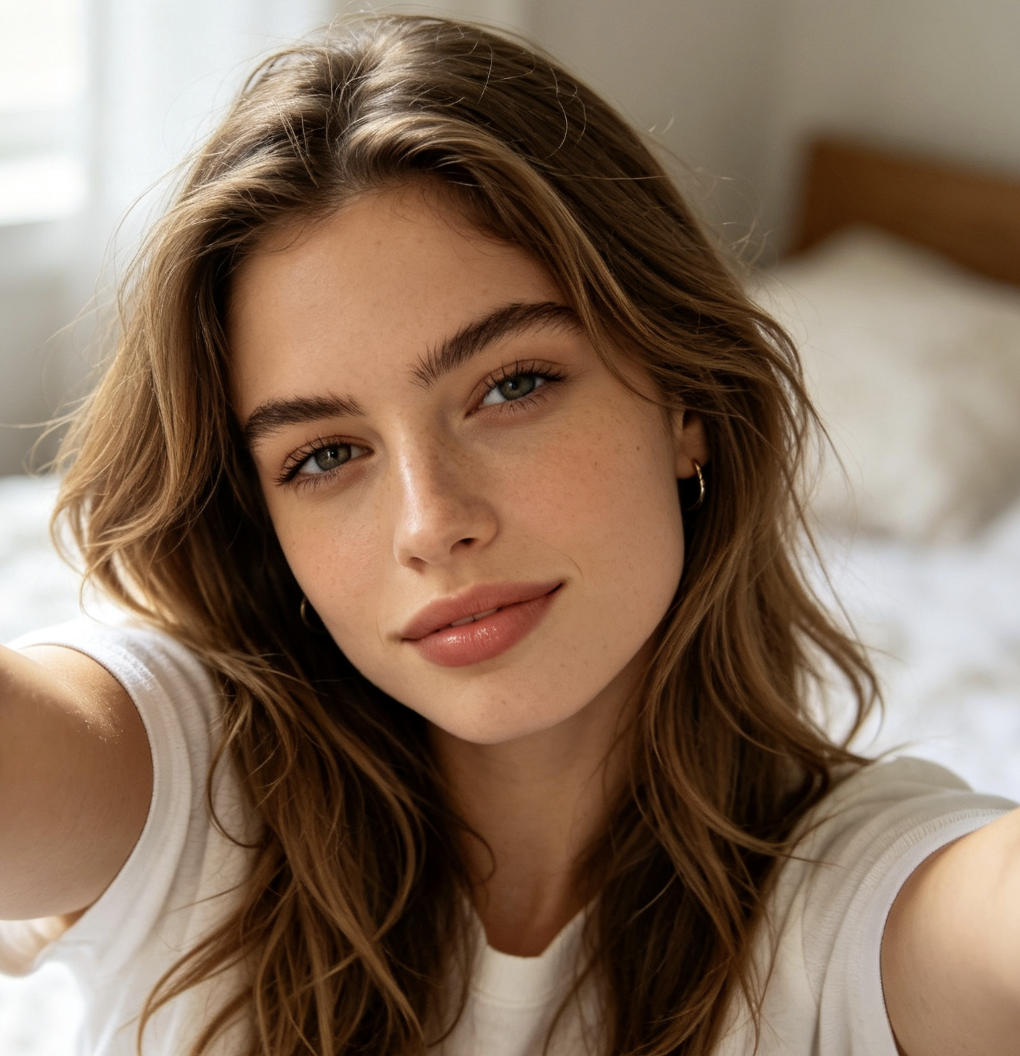
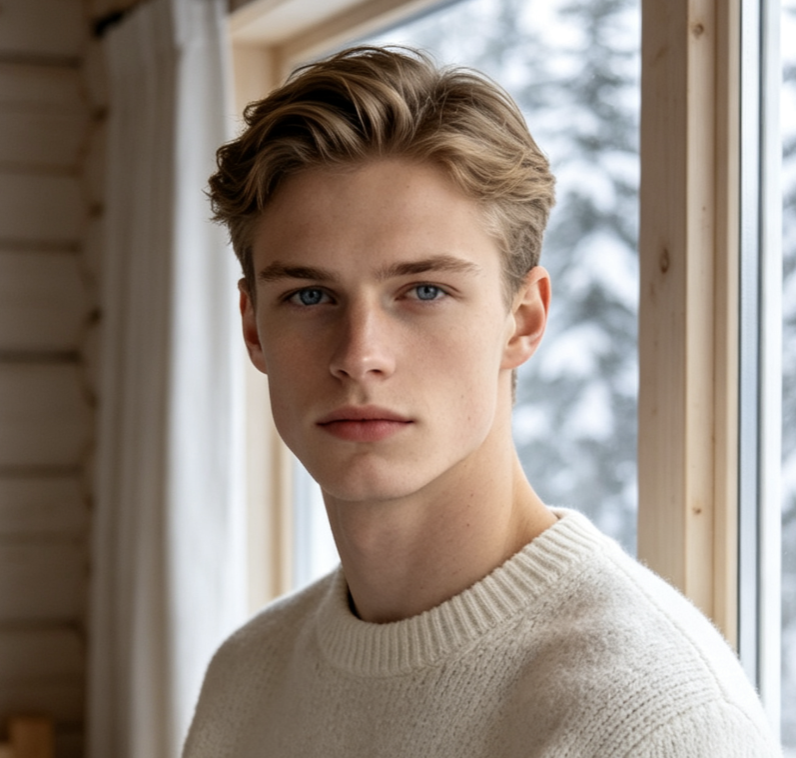
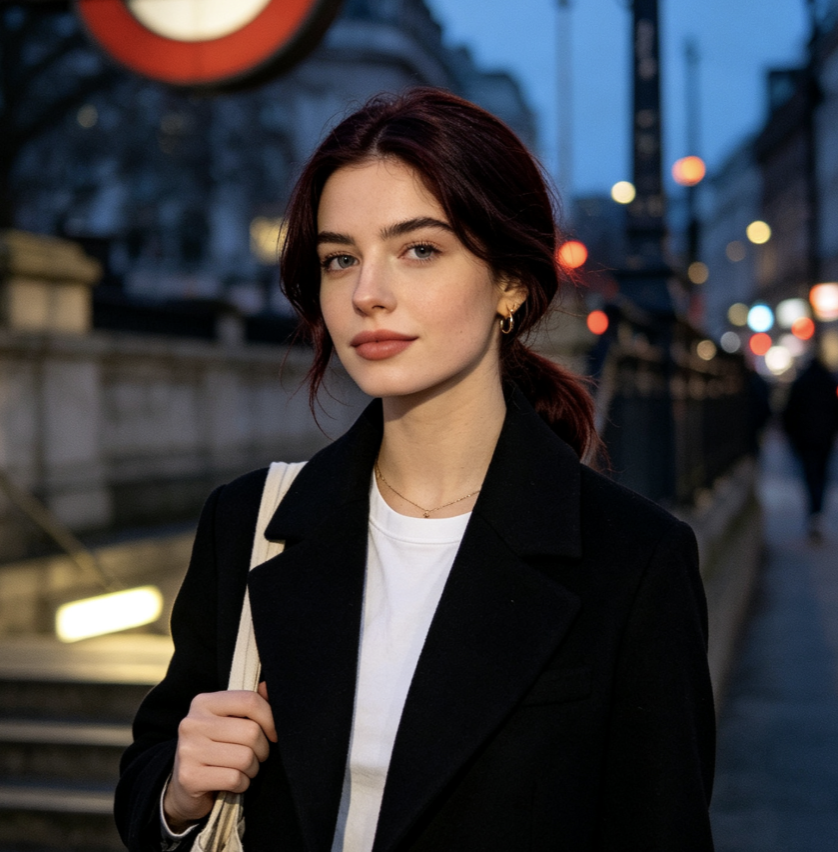
Add Speech Bubble to Photo FAQ
Find quick answers about bubble styles, placement, meme creation, and the best text to use when you add speech bubble to photo.
Upload your image, enter or describe the dialogue you want, choose a speech bubble style, and generate the edited version. You can add speech bubble to photo online without manually drawing the bubble. For better results, keep the text short and tell the AI where the bubble should appear. The same process can be used to add speech bubble to image or add speech bubble to picture when you want a fast edit from an existing file.
Yes. You can add speech bubble to photo with a classic dialogue bubble, thought bubble, comic bubble, chat bubble, or dramatic reaction style. If the image has more than one subject, describe which person or character should receive each bubble. For clearer results, use short dialogue and avoid placing multiple large bubbles over important parts of the image.
Match the bubble to the image style and place it in open space near the speaker. When you add speech bubble to photo, specify the direction of the bubble tail, the size, and the preferred position. A clean white comic bubble works well for many images, while softer rounded shapes fit casual social posts. If the first result covers a face or key object, shorten the text or ask the AI to reposition the bubble.
Yes. Add speech bubble to photo to create reaction memes, pet memes, friend-group jokes, or conversational images. For meme-style results, use a short line that matches the expression in the photo. You can also add speech bubble to meme images that already have a strong reaction face. The fastest approach is to generate several caption variations and keep the version with the clearest joke.
Short, direct dialogue is usually easier to read and more visually effective. When you add speech bubble to photo, aim for one sentence or a brief phrase unless the image has plenty of empty space. Use natural conversational wording, avoid very long paragraphs, and match the tone to the subject. A thought bubble can carry an inner reaction, while a standard speech bubble works best for spoken dialogue.
Add Speech Bubble to Photo and Make Your Image Speak
Turn photos into conversations, jokes, reactions, and mini stories with AI. Add speech bubble to photo, add text bubble to photo, or use the speech bubble maker for memes, comics, pets, and social posts. Upload an image, describe the dialogue, and create a clean, shareable result in seconds.
