
Upload a photo and use AI technology to generate realistic and consistent views from different camera angles.
AI Image Tools
Everything You Need to Edit Photos Faster
Open the PicEditor AI tools library for background removal, photo enhancement, object cleanup, face swap, upscaling, and more focused image workflows.

Replace Object in Photo Online

Add Object to Photo

Eyeliner Filter

AI Bust Down Filter

Image Splitter

Add White Background to Photo

Snapchat Text Remover

Realistic AI Skin Generator

Add speech bubble to photo

Change Photo Background

AI Clothes Wrinkle Remover

AI LinkedIn Profile Picture

GPT Transparent BG Image Editor

Image to Layers
Change Background of Photo
Add Text to Image
Speech Bubble Meme Generator
AI Image Darkener
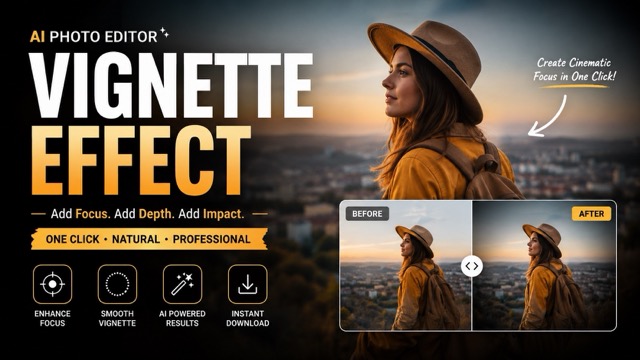
AI Vignette Effect
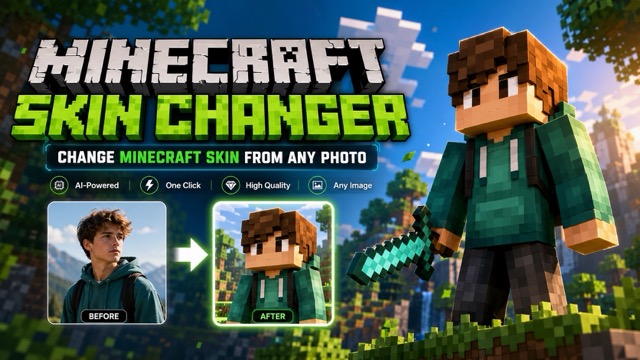
AI Change Minecraft Skin
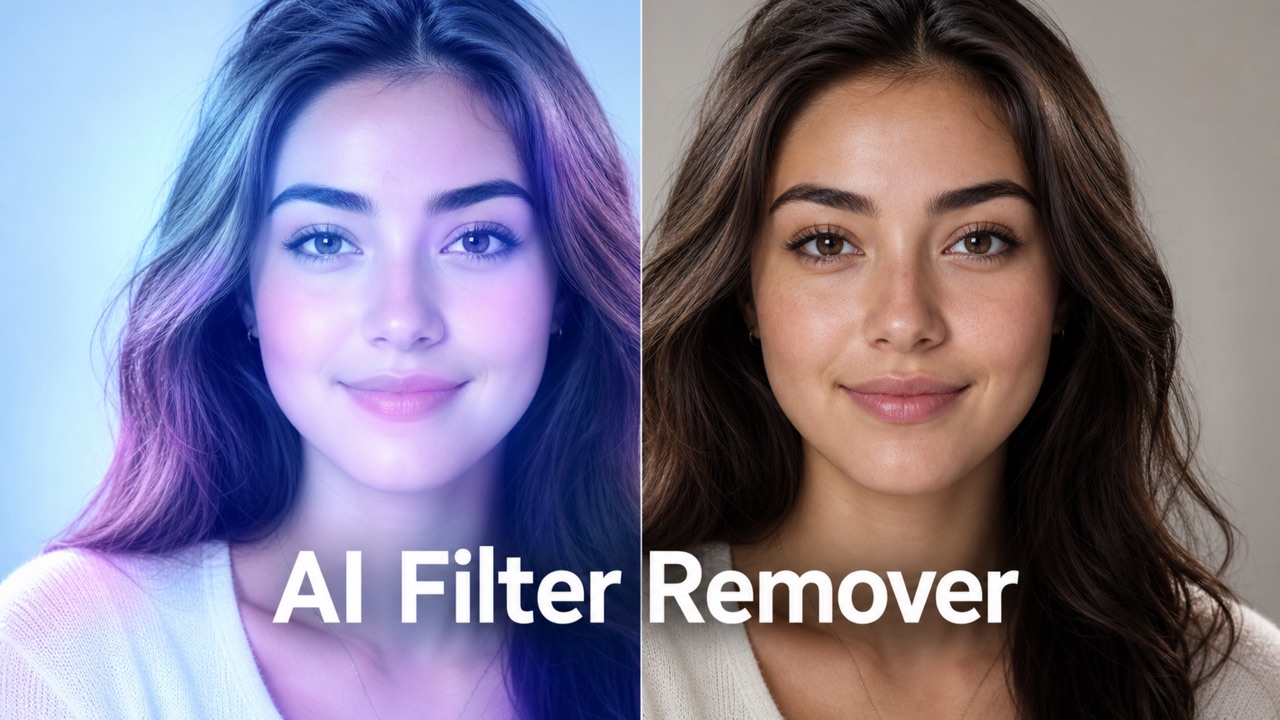
Remove Color From Image
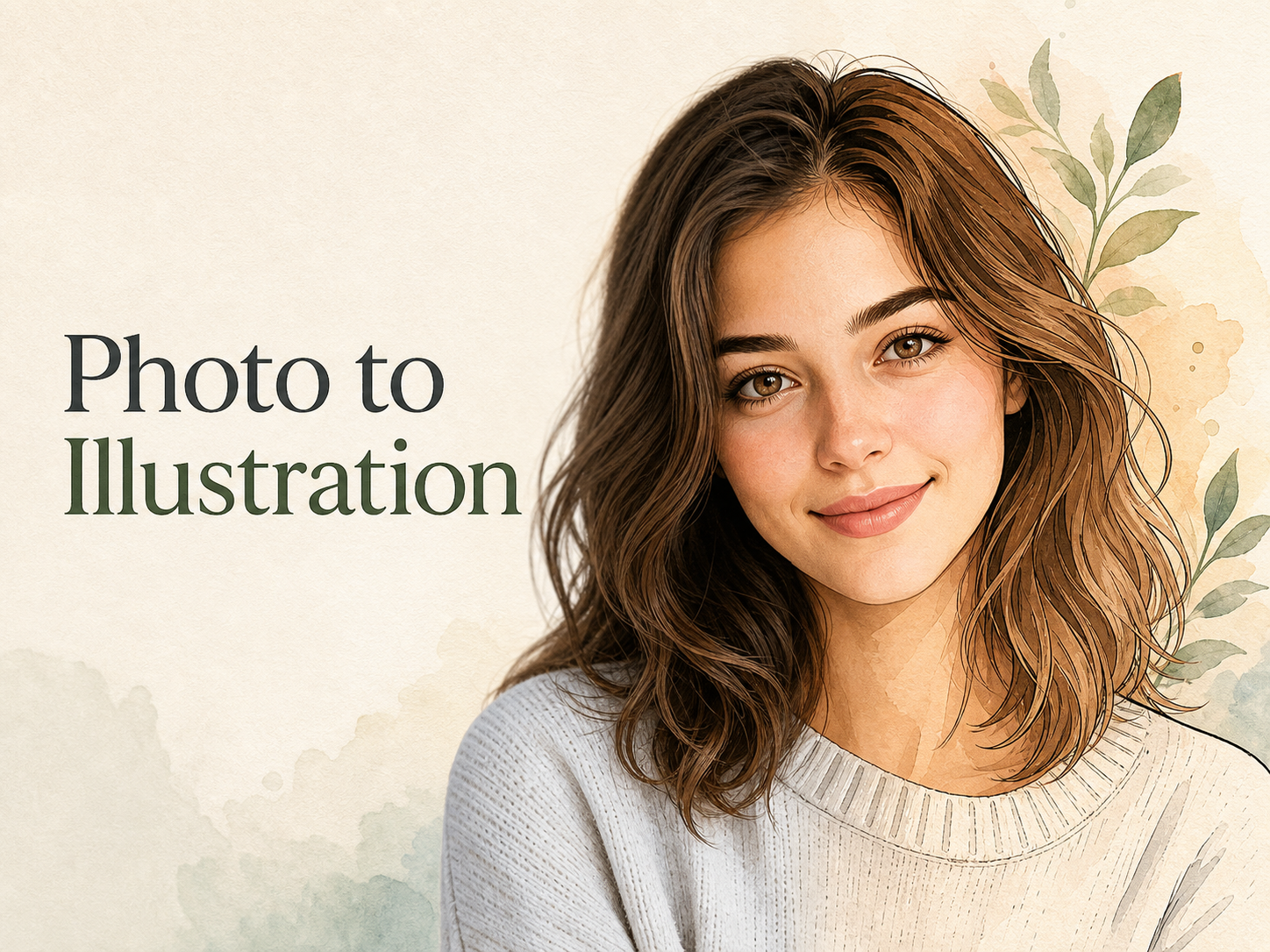
Photo to Illustration

Photo to Coloring Page
3D Angle Editor – Generate New Camera Angles from One Image
Turn a Single Image into Consistent Multi-Angle Views with the 3D Angle Editor
Upload a photo and use the 3D Angle Editor to generate new camera perspectives in seconds. Create front, side, back, overhead, low-angle, and three-quarter views while preserving the subject's appearance and key details—no 3D modeling or complex editing software required.
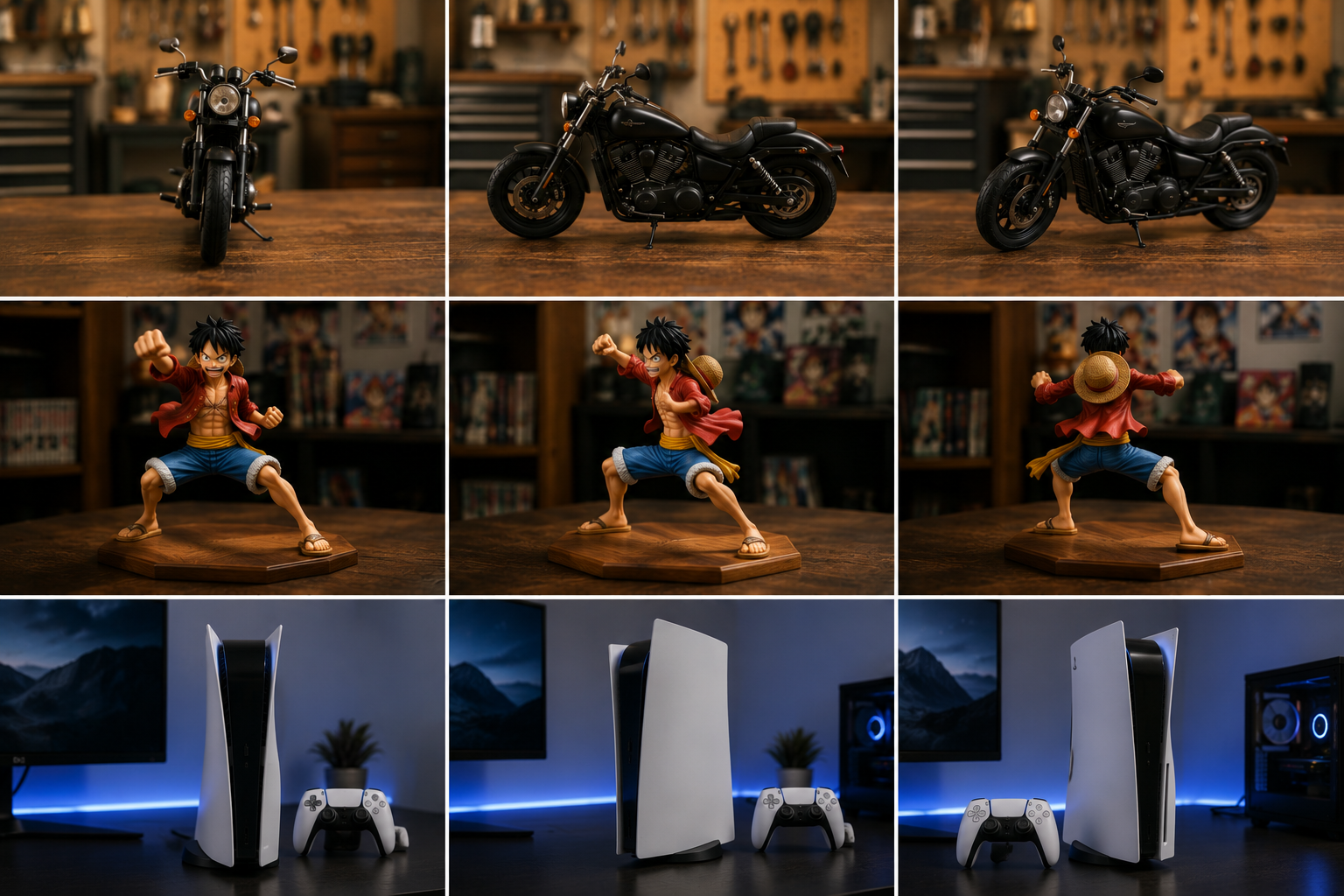
Create New Perspectives with the 3D Angle Editor
Explore AI-powered camera angle editing designed for fast, consistent, and flexible multi-view image generation.
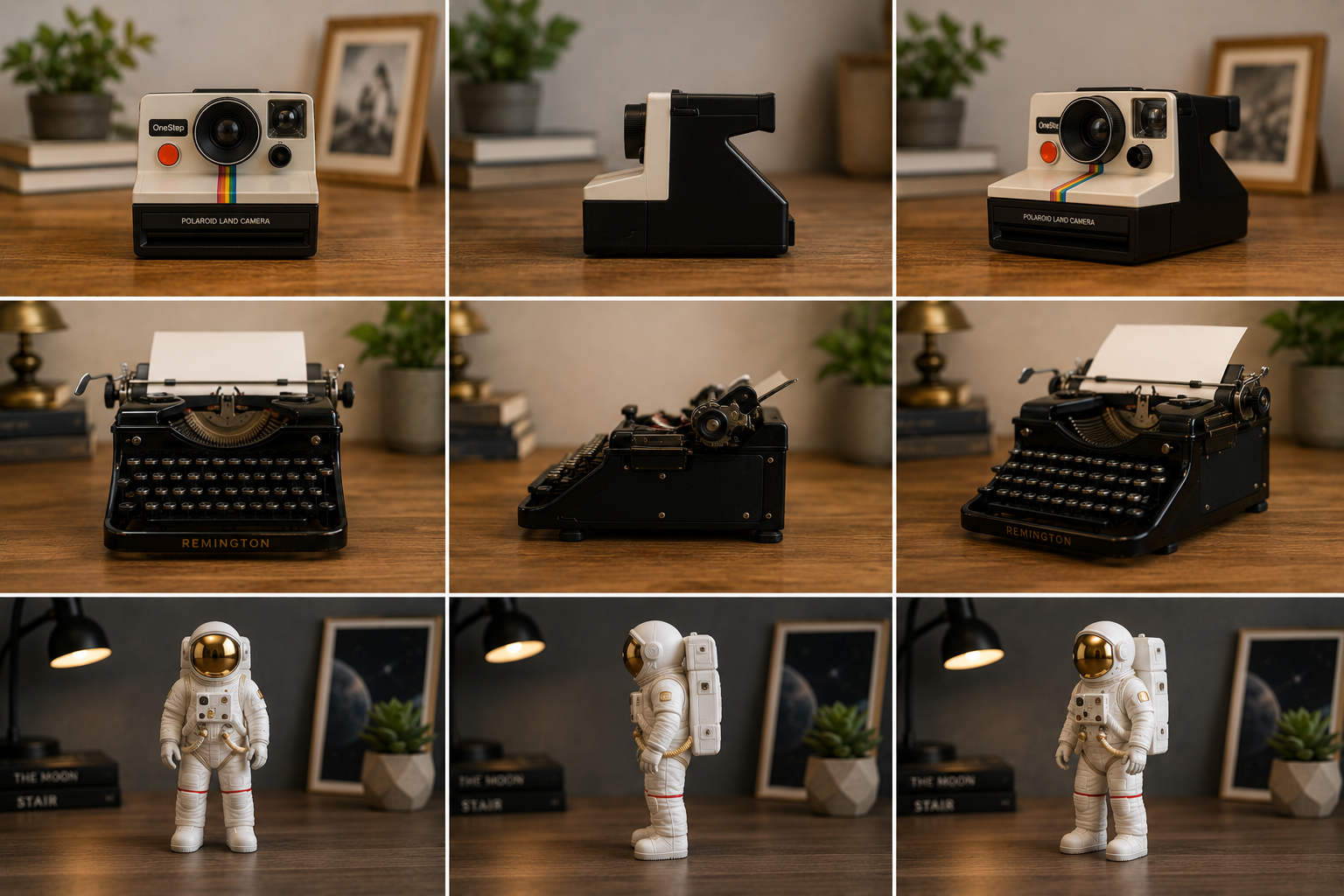
Generate Multiple Camera Angles with the 3D Angle Editor
Transform a single reference image into new viewpoints without arranging another photo shoot or building a 3D model. The 3D Angle Editor analyzes the subject and generates the views for faster visual exploration.
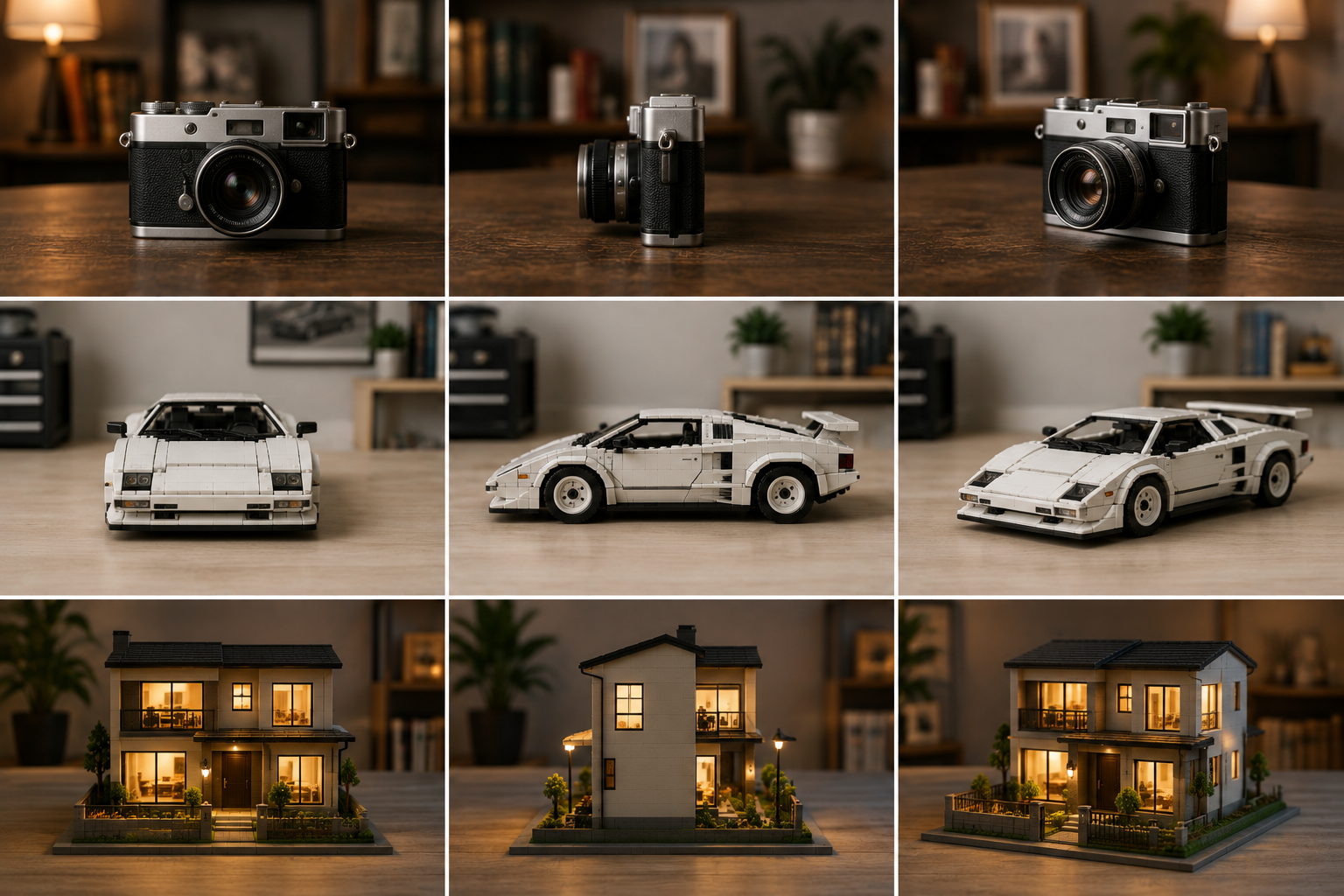
Keep Subjects Consistent with the 3D Angle Editor
Preserve recognizable facial features, product shapes, clothing details, colors, and overall proportions as the camera angle changes. This makes the 3D Angle Editor useful for product concepts, character references, fashion visuals, and creative content that needs visual continuity.
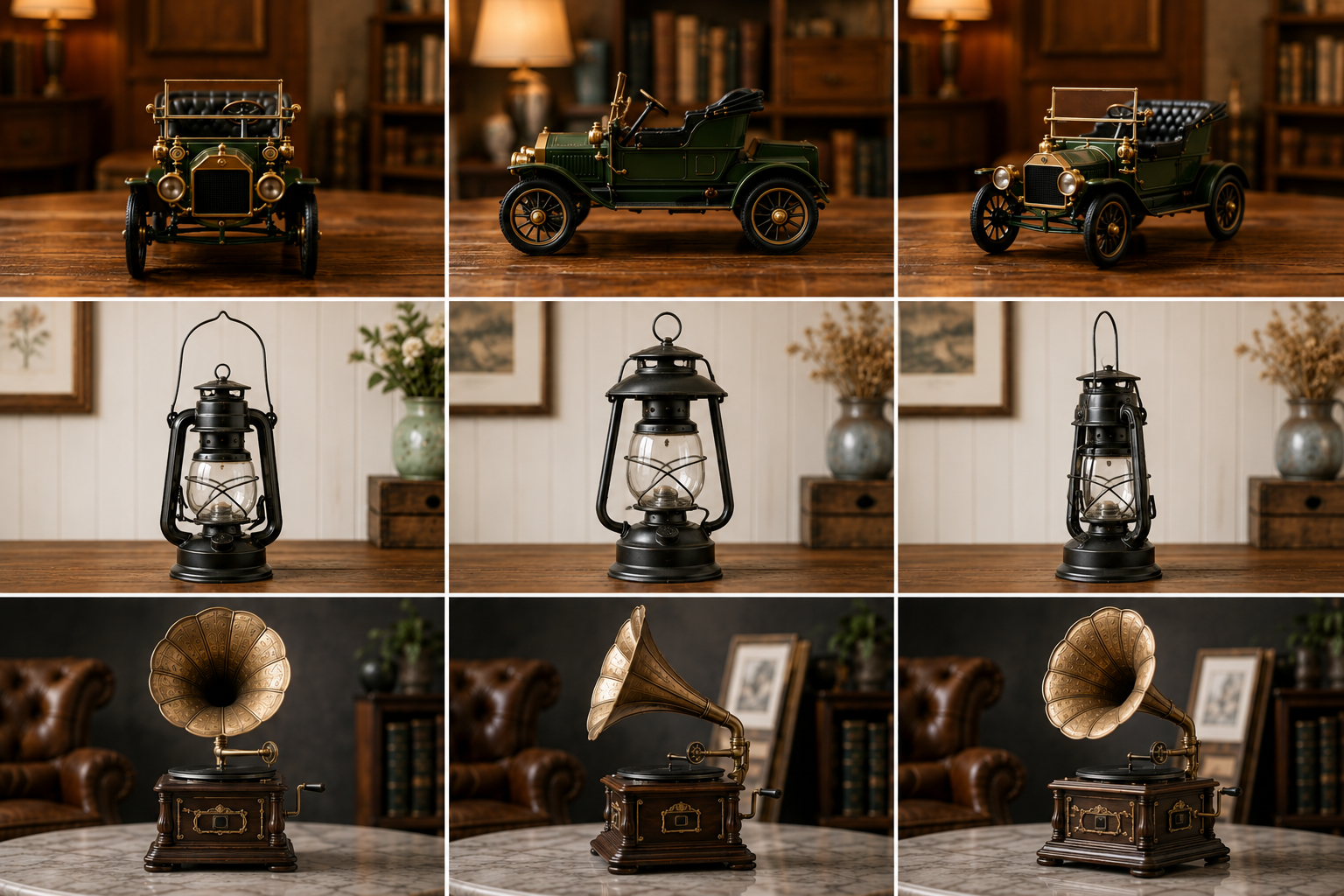
Create New Views with the 3D Angle Editor—No Modeling Needed
Skip complicated 3D software, manual reconstruction, and repeated photo shoots. Simply upload your image, select a preset view, and let the 3D Angle Editor handle the transformation. Anyone can create useful new visuals in just a few simple steps, with no modeling or technical experience required.
How to Use Our 3D Angle Editor
Transform one reference image into a new camera perspective—upload your image, select the viewpoint, then generate and download the result.
Upload an Image to the 3D Angle Editor
Add a clear photo or illustration of a person, product, object, or character. For better results, choose an image with good lighting, visible details, and minimal obstruction around the subject.

Select a Camera Perspective
Use the 3D Angle Editor to choose from preset views such as front, side, back, three-quarter, overhead, and low angle. Upload an image, and let AI generate the new camera view.
Generate and Download
Let the 3D Angle Editor create the selected view while preserving important visual details. Preview the result, regenerate when needed, and download your preferred image for use in your project.
Who Can Benefit from the 3D Angle Editor?
Discover how ecommerce teams, character artists, content creators, and fashion brands can use the 3D Angle Editor to explore ideas faster and expand their visual workflows.

Online Stores and Product Teams
Ecommerce teams often need complete product galleries, but photographing every item from multiple directions can slow down launches and increase production costs. The 3D Angle Editor turns one clear product photo into additional front, side, rear, overhead, and three-quarter views. Sellers can use these perspectives to explore richer product pages, prepare listing concepts, and present important shapes and details more clearly before arranging any final commercial shoot.
Character Designers and Animation Teams
Character artists regularly need front, profile, rear, and three-quarter references to communicate a design clearly. Instead of redrawing every viewpoint at the beginning of a project, they can use the 3D Angle Editor to explore a character from several camera positions. The generated views help teams review silhouettes, clothing details, proportions, and accessories while developing turnaround sheets, storyboards, game concepts, or animation references.

Creators and Social Media Teams
Content teams must continually adapt visuals for posts, carousels, thumbnails, covers, and vertical formats. The 3D Angle Editor helps turn one source image into profile views, overhead compositions, low-angle shots, and other perspective variations. This gives creators more ways to reuse a strong campaign image while maintaining a recognizable subject and a consistent visual direction across different social platforms.
Fashion Labels and Apparel Marketers
Fashion brands need varied imagery to communicate garment shape, styling, construction, and overall presentation. Starting with one outfit or accessory photo, the 3D Angle Editor can generate additional side, back, elevated, and three-quarter perspectives for lookbooks, campaign concepts, and product storytelling. It is especially useful for smaller teams that want to evaluate more creative directions before investing in extensive model and studio production.
How Creators Use the 3D Angle Editor
See how the 3D Angle Editor supports faster visual exploration and more flexible creative workflows. Replace these sample statements with verified customer testimonials before publishing.
The 3D Angle Editor gives me a fast way to explore additional product views from a single reference image. It is especially useful during early concept development, when I need visual options before committing to a full photo shoot.
The 3D Angle Editor gives me a fast way to explore additional product views from a single reference image. It is especially useful during early concept development, when I need visual options before committing to a full photo shoot.
I use the 3D Angle Editor to generate alternative viewpoints for character concepts. The results help me compare silhouettes, refine costume details, and prepare clearer visual references for the next stage of design.
I use the 3D Angle Editor to generate alternative viewpoints for character concepts. The results help me compare silhouettes, refine costume details, and prepare clearer visual references for the next stage of design.
Producing a complete set of outfit photos used to require more studio time than our small team could manage. With the 3D Angle Editor, I can start with one strong campaign image and explore side, back, and three-quarter views for lookbooks and product concepts. It gives us more visual options while keeping the styling and overall identity of each collection recognizable.
Producing a complete set of outfit photos used to require more studio time than our small team could manage. With the 3D Angle Editor, I can start with one strong campaign image and explore side, back, and three-quarter views for lookbooks and product concepts. It gives us more visual options while keeping the styling and overall identity of each collection recognizable.
Creating fresh visuals for several platforms can quickly turn one campaign into multiple separate production tasks. The 3D Angle Editor helps me transform a single source image into profile views, overhead compositions, and dynamic camera perspectives for social posts, thumbnails, and covers. Our content stays visually consistent while each channel gets a format that feels purpose-built.
Creating fresh visuals for several platforms can quickly turn one campaign into multiple separate production tasks. The 3D Angle Editor helps me transform a single source image into profile views, overhead compositions, and dynamic camera perspectives for social posts, thumbnails, and covers. Our content stays visually consistent while each channel gets a format that feels purpose-built.
FAQ about 3D Angle Editor
Find answers about how the 3D Angle Editor handles camera angle generation, supported images, output consistency, and better multi-angle results.
A 3D Angle Editor is an AI-powered tool that creates new camera views from a single image. Upload a photo and choose a preset angle, such as front, side, back, overhead, low angle, or three-quarter view. The AI then generates the selected view while preserving the subject’s recognizable appearance and key details—without 3D modeling or another photo shoot.
Upload a reference image, select a preset angle or describe the camera position you want, adjust the output settings, and click Generate. The tool creates a new image from the requested viewpoint while attempting to preserve the subject's appearance and important details.
You can choose from supported preset views, including front, left or right side, back, three-quarter, overhead, top-down, and low-angle views. Simply select the angle you need, and the 3D Angle Editor will generate the image from that perspective.
The 3D Angle Editor works best with clear photos of people, products, objects, characters, and illustrations. Use a well-lit image with a recognizable subject, visible edges, and limited obstruction. Extremely blurred images, heavy occlusion, or complex backgrounds may reduce consistency.
No. The 3D Angle Editor is designed to create new viewpoints directly from an uploaded image, so you do not need 3D modeling experience or professional camera equipment to get started.
The 3D Angle Editor may infer details that are not visible in the original image, especially on the back or hidden side of a subject. Review important brand, identity, text, material, and structural details before using generated images in commercial projects.
Turn One Image into a New Camera Perspective
Upload a reference image to the 3D Angle Editor, choose your desired viewpoint, and generate consistent multi-angle visuals without complex 3D software. Start exploring new perspectives with the 3D Angle Editor today.
