
AI Image Tools
Everything You Need to Edit Photos Faster
Open the PicEditor AI tools library for background removal, photo enhancement, object cleanup, face swap, upscaling, and more focused image workflows.

AI Portrait Retouching

Snatched Waist Editor

AI Facial Expression Changer

AI Nose Piercing Filter

Replace Object in Photo Online

Add Object to Photo

Eyeliner Filter

AI Bust Down Filter

Image Splitter

Add White Background to Photo

Snapchat Text Remover

Realistic AI Skin Generator

Add speech bubble to photo

Change Photo Background

AI Clothes Wrinkle Remover

AI LinkedIn Profile Picture

GPT Transparent BG Image Editor

Image to Layers

3D Angle Editor

Change Background of Photo
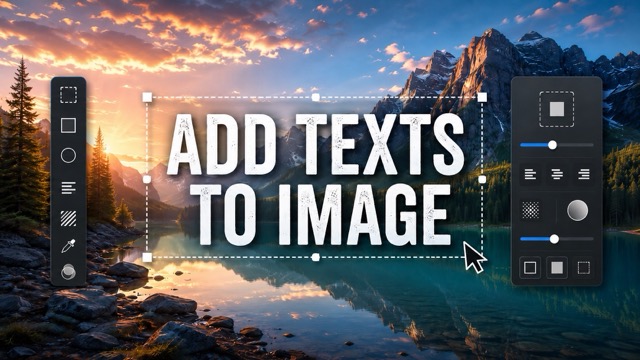
Add Text to Image
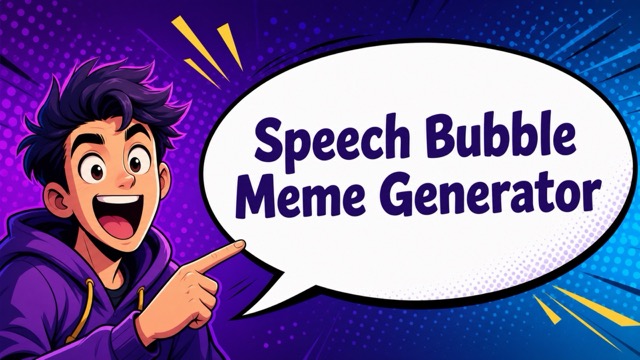
Speech Bubble Meme Generator
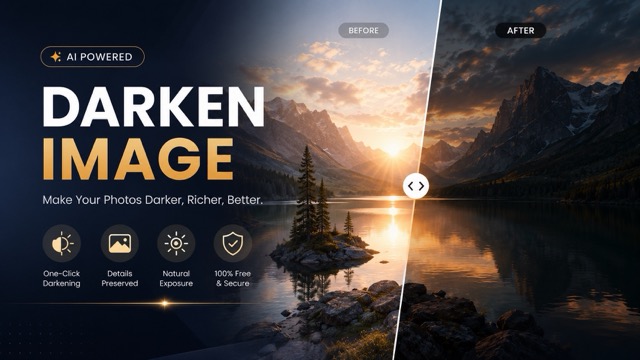
AI Image Darkener
AI Texture Generator: Create Textures from Text
Turn Simple Ideas Into Detailed AI Textures
Create realistic and creative surfaces with our AI Texture Generator. Describe the texture you want and turn your words into detailed wood, marble, metal, stone, fabric, paper, or abstract textures in seconds. With Text to Texture technology, you can explore materials, colors, patterns, and artistic styles without designing every detail manually.
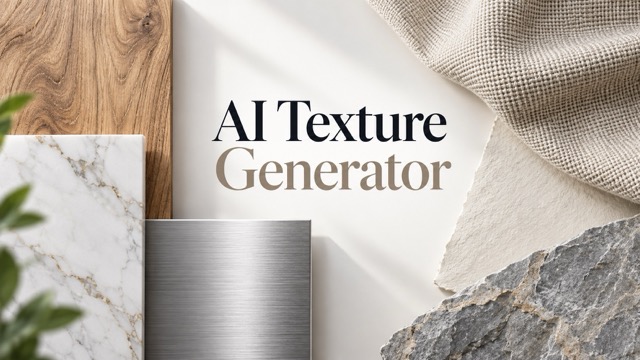
How to Use the AI Texture Generator
The AI Texture Generator turns texture creation into three simple steps. Describe the material or visual effect you want, let Text to Texture interpret your idea, then download the result. Create natural materials, decorative patterns, stylized surfaces, and backgrounds from a simple prompt.

Enter Your Texture Prompt
Describe the surface you want, such as warm oak, polished marble, rough stone, brushed metal, vintage paper, or soft linen. Add details about color, pattern, grain, roughness, or mood for more control. A clear Text to Texture prompt helps the AI Texture Generator understand the material and visual style you need.

Generate Your AI Texture
Click Generate and let the AI Texture Generator turn your prompt into a texture image. Text to Texture interprets material, color, and surface details to match your request. Adjust words such as smooth, weathered, polished, cracked, woven, glossy, or matte to explore different results.

Preview and Download
Preview the result and choose the texture that best fits your project. Download it when you are satisfied, or return to your Text to Texture prompt to create more versions with different colors, materials, or surface details.
Create More With an AI Texture Generator
Our AI Texture Generator helps you explore realistic materials, artistic surfaces, decorative patterns, and custom visuals from text. Instead of searching large texture libraries, describe what you need and use Text to Texture to create a closer match. From natural wood grain to futuristic metal, one tool supports many creative styles.
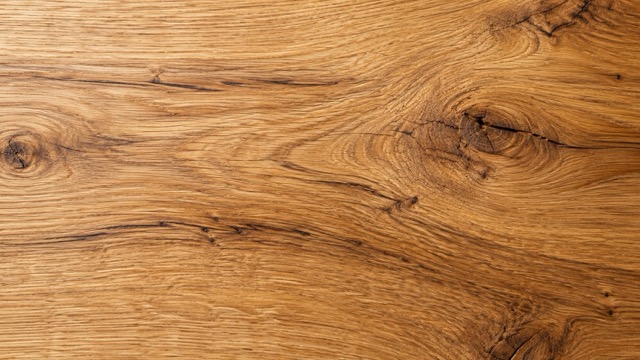
Turn Text Into Custom Textures
Describe the surface in your own words and let the AI Texture Generator turn it into visual texture. A prompt such as "dark walnut wood with fine grain and subtle scratches" gives Text to Texture clear material, color, and detail instructions. Keep the prompt simple or add more visual details, then refine individual words to generate new variations.
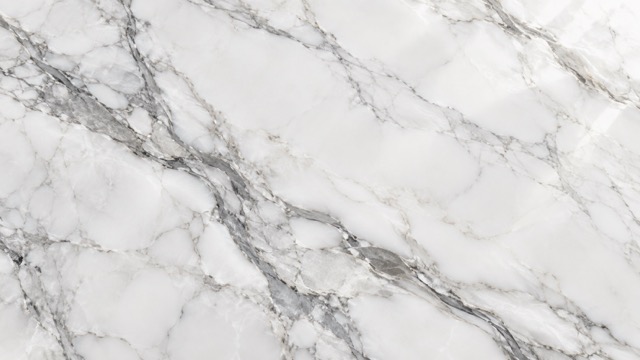
Generate Different Material Styles
Use the AI Texture Generator to create wood, marble, metal, stone, fabric, paper, concrete, brick, painted surfaces, and more. Text to Texture also lets you combine ideas such as aged copper with oxidation, white marble with gold veins, or dark concrete with subtle cracks. Quickly explore several material directions without switching tools.
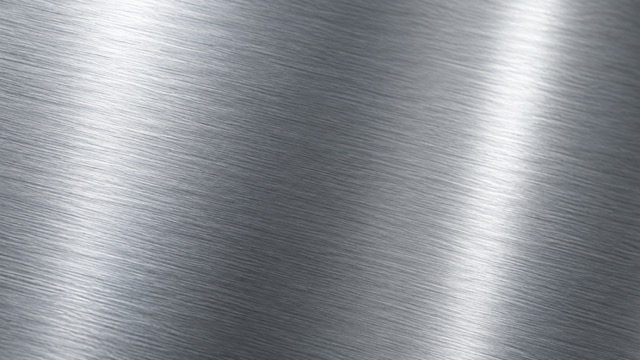
Control Color, Detail, and Surface Feel
Color, grain, roughness, patterns, wear, and reflections can completely change a texture. Add these details directly to your Text to Texture prompt, such as smooth beige limestone, rough volcanic rock, pale painted wood, or glossy ceramic. Clear surface details help the AI Texture Generator create more focused results.
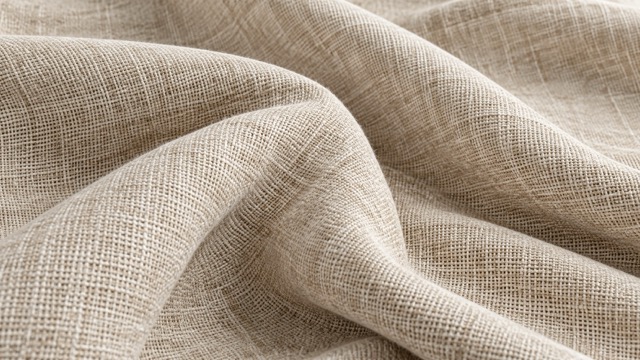
Create Realistic or Artistic Textures
The AI Texture Generator can create both realistic materials and imaginative surfaces for posters, illustrations, backgrounds, and concept art. Use Text to Texture prompts for watercolor paper, hand-painted surfaces, fantasy metal, crystal, clay, mosaic, or abstract brush textures. Change a few words to move from natural materials to expressive creative styles.
What Can You Create With an AI Texture Generator?
Use the AI Texture Generator when you need a material reference, background, decorative surface, creative pattern, or visual starting point. Text to Texture helps you create realistic or stylized variations quickly without relying on the same stock textures.
Textures for 3D and Concept Design
Create references for wood, stone, metal, fabric, concrete, leather, and painted surfaces. The AI Texture Generator helps you test different material directions before choosing one. A Text to Texture prompt can define color, age, weathering, pattern, and mood for concept or 3D workflows.
Backgrounds for Graphic Design
Add depth to posters, banners, presentations, packaging, and web visuals with custom surfaces. The AI Texture Generator can create paper grain, painted walls, metallic effects, marble, concrete, fabric, and abstract backgrounds. Describe the mood and material, then generate options that fit your layout.
Textures for Games and Digital Worlds
Explore surfaces for environments, props, walls, floors, terrain, and buildings. The AI Texture Generator can visualize worn metal, old wood, cracked stone, futuristic panels, or fantasy materials. Text to Texture helps connect each surface to the atmosphere and style of your digital world.

Textures for Art and Creative Projects
Create handmade paper, watercolor grain, ink stains, painted canvas, collage surfaces, retro patterns, and dreamy materials. Text to Texture makes experimentation easy because prompts can be changed instantly. The AI Texture Generator helps artists explore more visual ideas with less manual work.
Why Creators Use Our AI Texture Generator
Creators use the AI Texture Generator when they need more control than a stock library can provide. Text to Texture makes it easy to turn specific material ideas into custom images without building each surface manually.
I needed wood and stone references for a scene, but stock textures did not match the mood. The AI Texture Generator let me describe warmer colors and natural wear, then create several versions quickly. Text to Texture made testing ideas much easier.
I needed wood and stone references for a scene, but stock textures did not match the mood. The AI Texture Generator let me describe warmer colors and natural wear, then create several versions quickly. Text to Texture made testing ideas much easier.
I use the AI Texture Generator for poster and packaging backgrounds. I can ask for paper grain, marble, brushed metal, or painted surfaces instead of searching through hundreds of files. Text to Texture gives me a faster creative starting point.
I use the AI Texture Generator for poster and packaging backgrounds. I can ask for paper grain, marble, brushed metal, or painted surfaces instead of searching through hundreds of files. Text to Texture gives me a faster creative starting point.
I like how quickly the AI Texture Generator creates variations. I can start with stone, then change the color, cracks, roughness, and lighting. Text to Texture makes experimentation much faster during early project stages.
I like how quickly the AI Texture Generator creates variations. I can start with stone, then change the color, cracks, roughness, and lighting. Text to Texture makes experimentation much faster during early project stages.
I am not a professional texture artist, so creating detailed surfaces can be difficult. The AI Texture Generator gives me an easier way to make backgrounds and material visuals using simple Text to Texture prompts.
I am not a professional texture artist, so creating detailed surfaces can be difficult. The AI Texture Generator gives me an easier way to make backgrounds and material visuals using simple Text to Texture prompts.
For concept work, I often need unusual materials that are hard to find in texture libraries. The AI Texture Generator lets me describe weathered copper, fantasy crystal, aged paper, or painted concrete and explore different directions quickly.
For concept work, I often need unusual materials that are hard to find in texture libraries. The AI Texture Generator lets me describe weathered copper, fantasy crystal, aged paper, or painted concrete and explore different directions quickly.



AI Texture Generator FAQ
Learn how the AI Texture Generator works, what textures you can create, and how to write better Text to Texture prompts.
An AI Texture Generator creates visual textures from written descriptions. Describe a surface such as "dark walnut wood with fine grain" or "white marble with thin gray veins," and AI interprets the material and details to generate an image. This process is often called Text to Texture.
The AI Texture Generator can create wood, marble, stone, metal, concrete, paper, fabric, brick, rust, clay, abstract patterns, and more. Text to Texture prompts can also combine ideas such as weathered bronze with oxidation or black marble with gold veins.
Start with the material, then add color, pattern, surface condition, age, finish, and style. Instead of writing "wood," try "warm oak wood with fine grain, small knots, matte finish, and subtle weathering." Clear visual details usually help the AI Texture Generator produce more focused results.
Yes. The AI Texture Generator supports realistic and artistic surfaces. For realism, describe grain, fibers, cracks, scratches, reflections, and roughness. For stylized results, use Text to Texture terms such as hand-painted, watercolor, fantasy, retro, geometric, or abstract.
AI-generated textures can support graphic design, digital art, website visuals, posters, backgrounds, concept art, game references, and product visualization. Text to Texture is especially useful when you need a specific surface that is difficult to find in a standard texture library.
Create Your Next Texture With AI
Use the AI Texture Generator to create wood, marble, metal, fabric, stone, paper, abstract, and custom textures in seconds. With a simple Text to Texture workflow, you can explore more ideas and move from concept to usable visuals faster.
