Upload a portrait and describe an original fan-art style character poster or realistic fictional scene.
AI Image Tools
Everything You Need to Edit Photos Faster
Open the PicEditor AI tools library for background removal, photo enhancement, object cleanup, face swap, upscaling, and more focused image workflows.
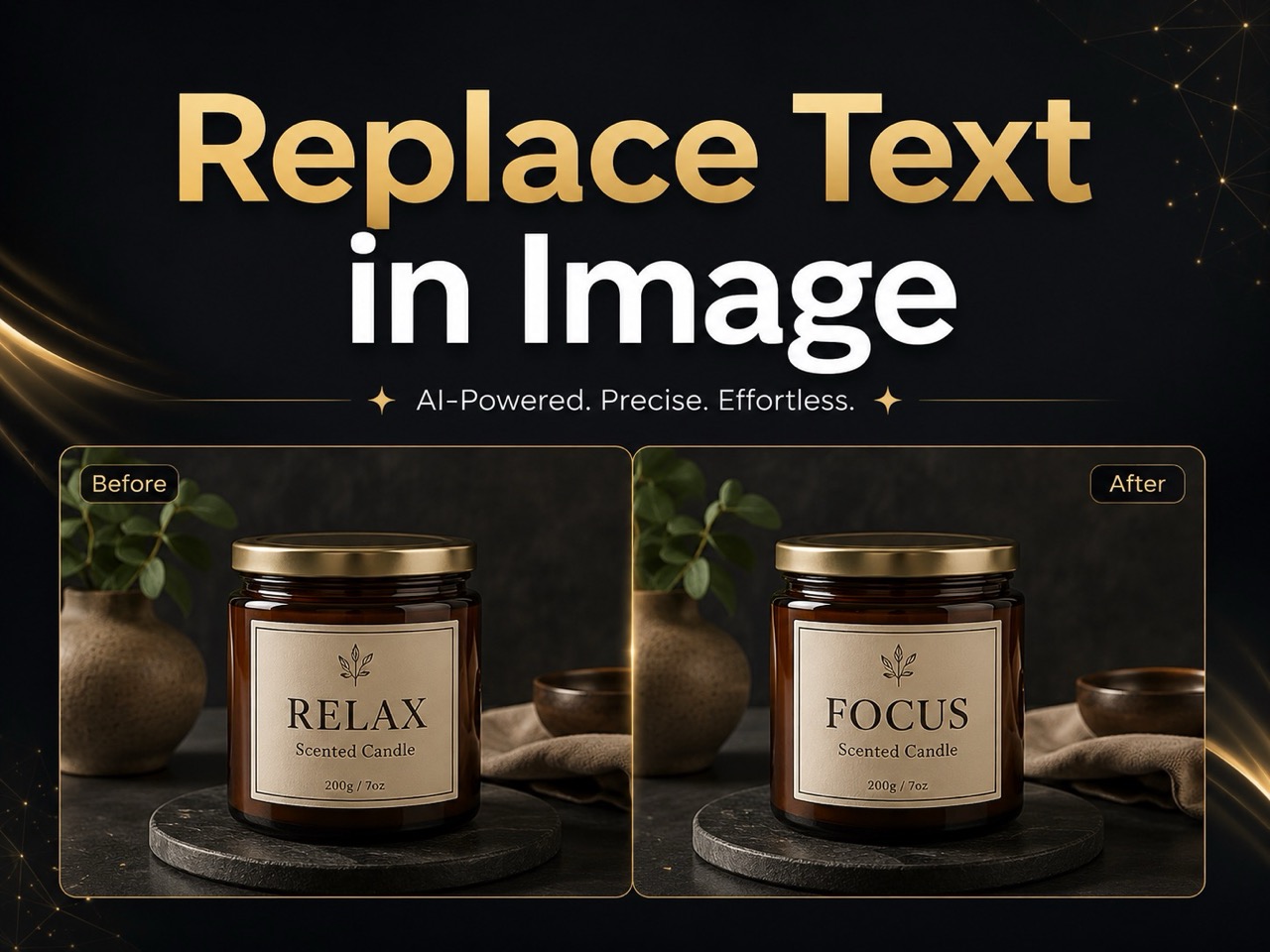
Replace Text in Image
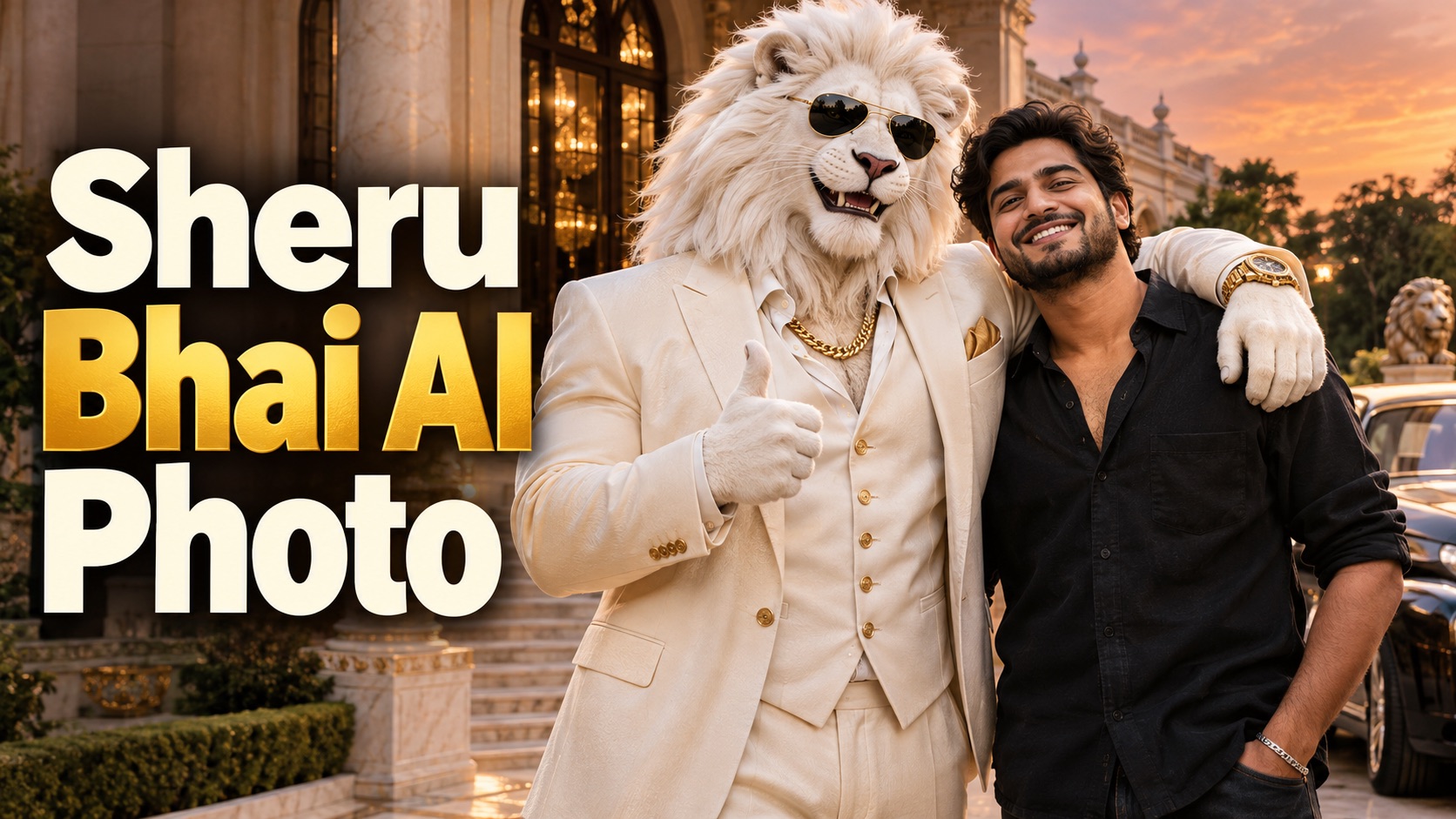
Sheru Bhai AI Photo
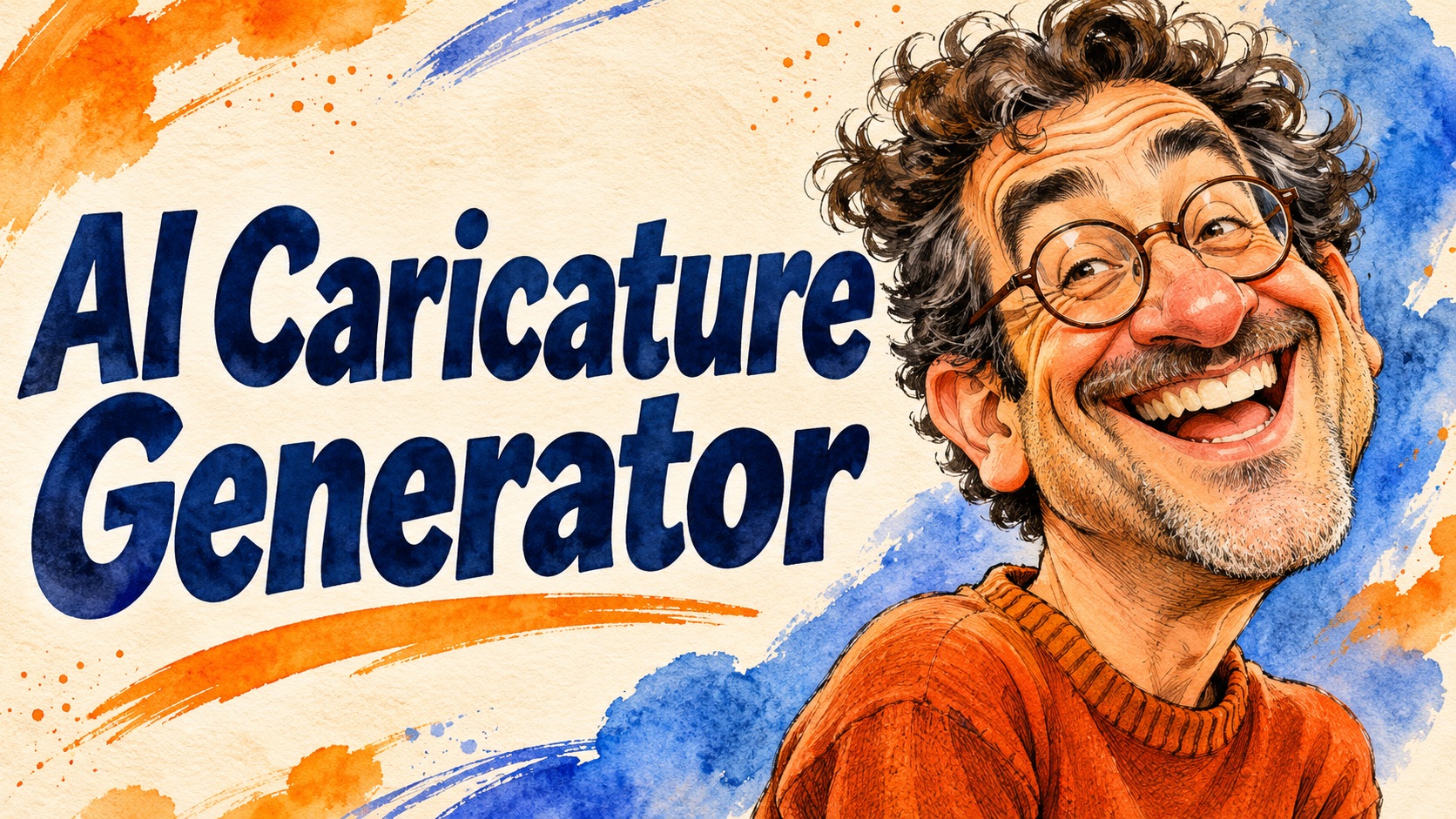
AI Caricature Generator
Self Hug Sketch
AI Snow Globe Photo
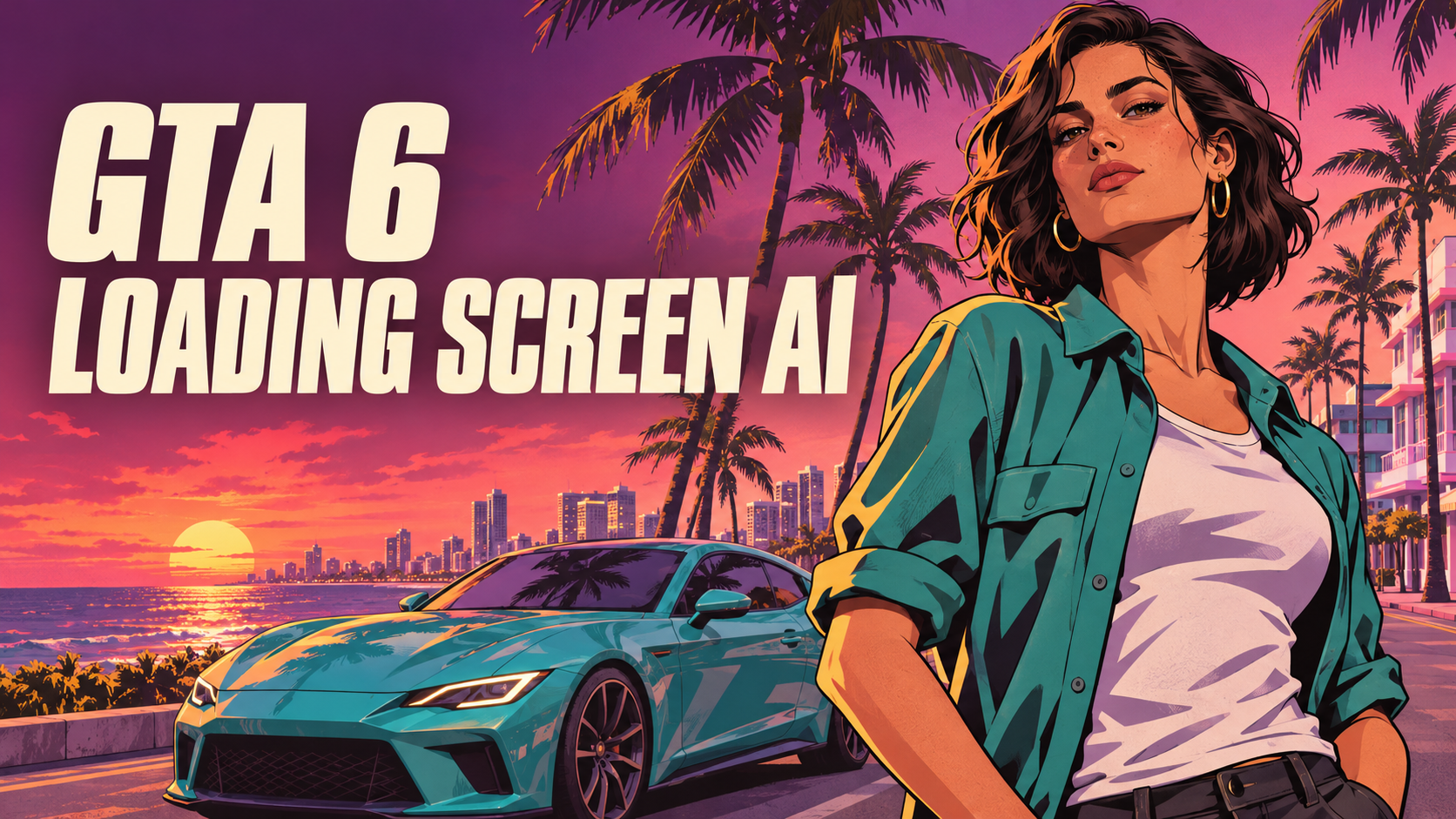
GTA 6 Loading Screen AI
3 Layer Photo Editing
Make Them All Wear White Trend
Photo Booth With Friend
Waist Heart Trend
Bold Glamour Filter
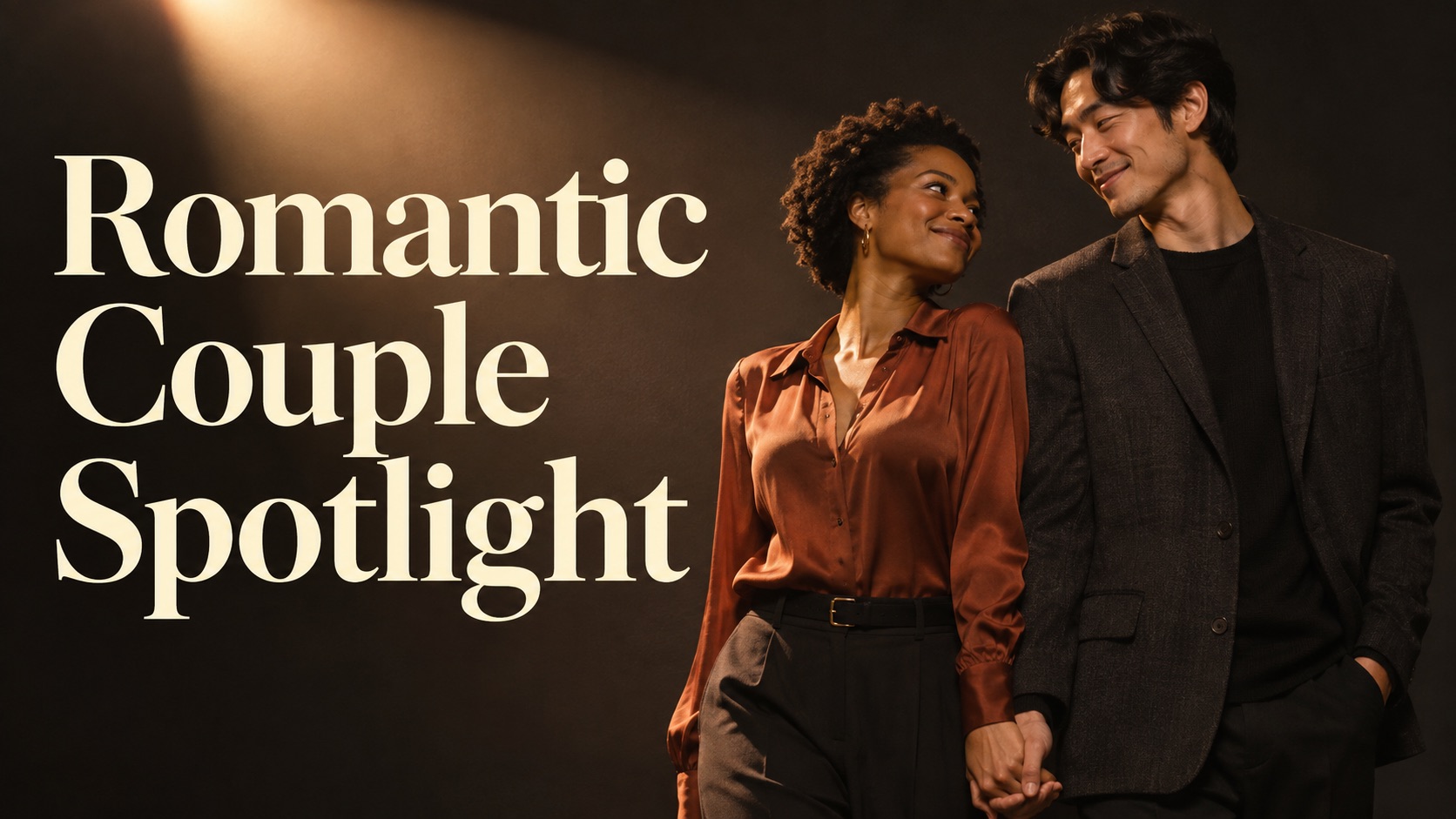
Romantic Couple Spotlight
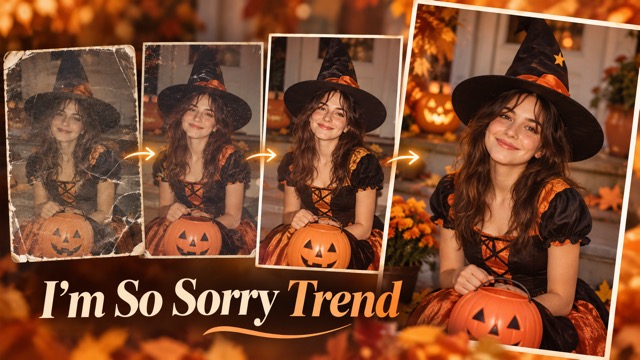
I'm So Sorry Trend AI Photo Editor
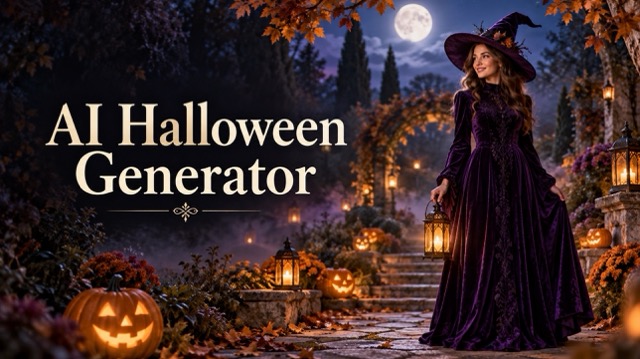
AI Halloween Generator
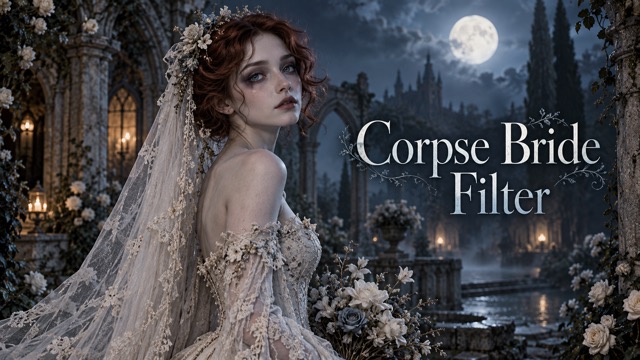
Corpse Bride AI Filter
AI Blemish Remover
FLUX 3 Image Klein
Ideogram 4.5
AI Portrait Retouching
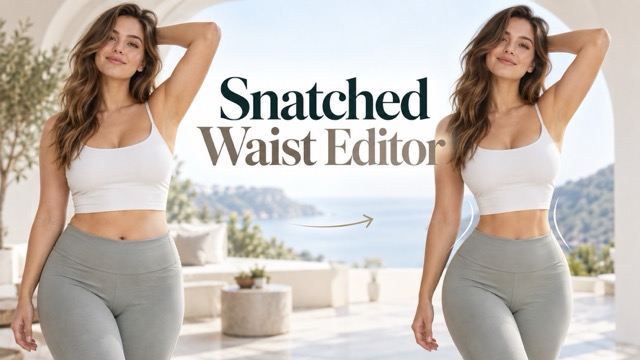
Snatched Waist Editor
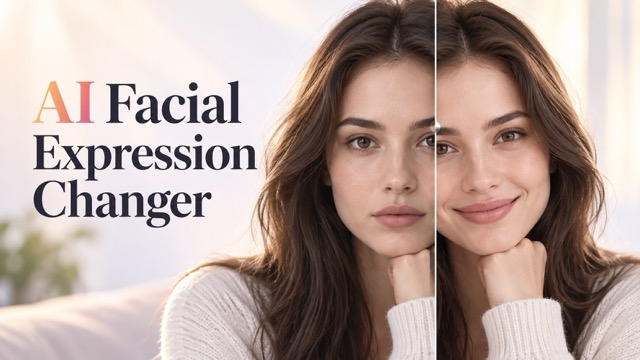
AI Facial Expression Changer
AI Texture Generator
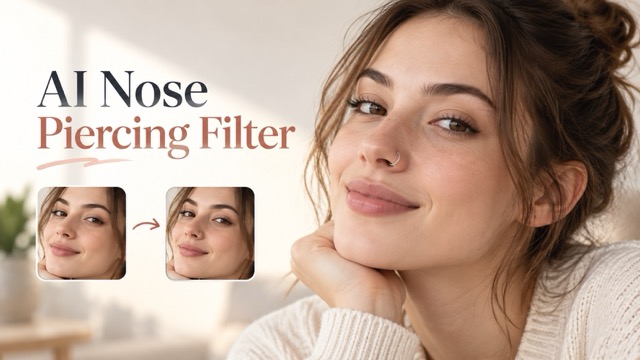
AI Nose Piercing Filter
GTA 6 AI Photo Generator for Fan-Style Portraits
Create An Original Character Poster From Your Photo
Create a GTA 6 AI photo that puts your own portrait at the center of an original fan-art style scene. The GTA 6 AI photo tool combines your photograph with your written direction, giving you a starting point for a character poster, profile picture or social image. Choose illustrated outlines and sunset colors, or describe a more realistic fictional game scene. Use a photo of yourself or someone who has given permission. This independent fan-art style photo editor is not affiliated with, endorsed by, or sponsored by Rockstar Games or Take-Two Interactive.
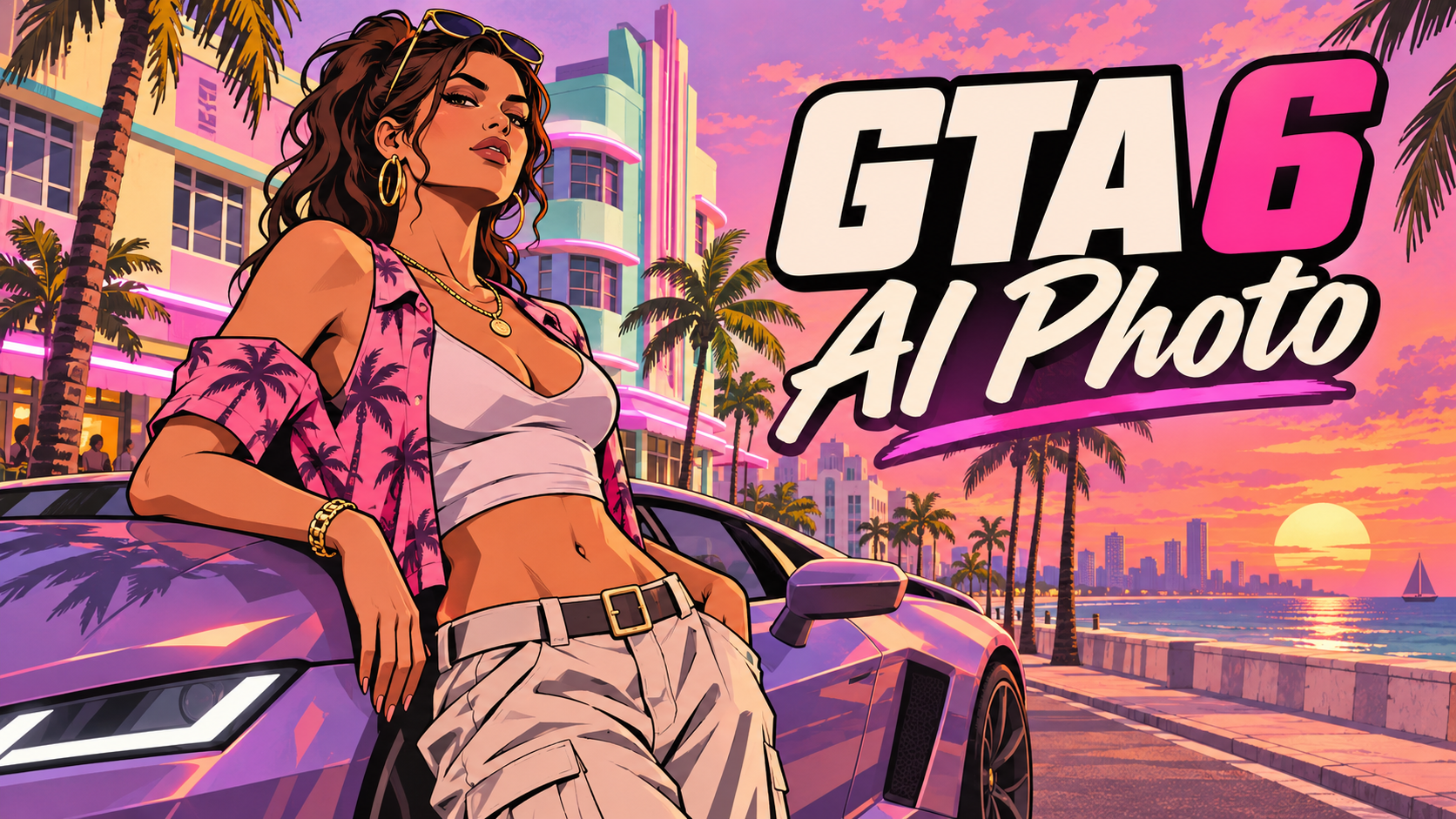
How To Create A GTA 6 AI Photo
A GTA 6 AI photo starts with a clear portrait and a description of the image you want. Use the GTA 6 AI photo tool to explore a character poster without preparing a separate reference scene. Review the result carefully, because stylization can change small details.
Upload Your Photo
Choose a sharp selfie or portrait with a visible face, hairstyle and skin tone. A simple pose and even lighting give the GTA 6 AI photo tool useful visual information. Upload only your own image or a portrait you have permission to use. Leave some room around your head and shoulders if you want the final scene to include clothing and a background.
Describe Your Poster Style
Write a GTA 6 AI photo prompt that describes the setting, lighting and finish. Ask for bold outlines and cel shading for an illustrated poster, or realistic materials and neon reflections for a fictional game-scene portrait. Add a few details about the outfit or surroundings, and keep the person as the main subject.
Generate And Download
Check the settings and credit cost shown in the GTA 6 AI photo generator, then start generation. Compare the face, hair and clothing with your reference and inspect hands and background details. If you like the result, download it; otherwise, revise the prompt or use a clearer photo and try again.
Explore GTA 6 AI Photo Styles
A GTA 6 AI photo can be a graphic character poster or a realistic fictional scene. Use the GTA 6 AI photo generator with a clear direction and review the results before sharing.
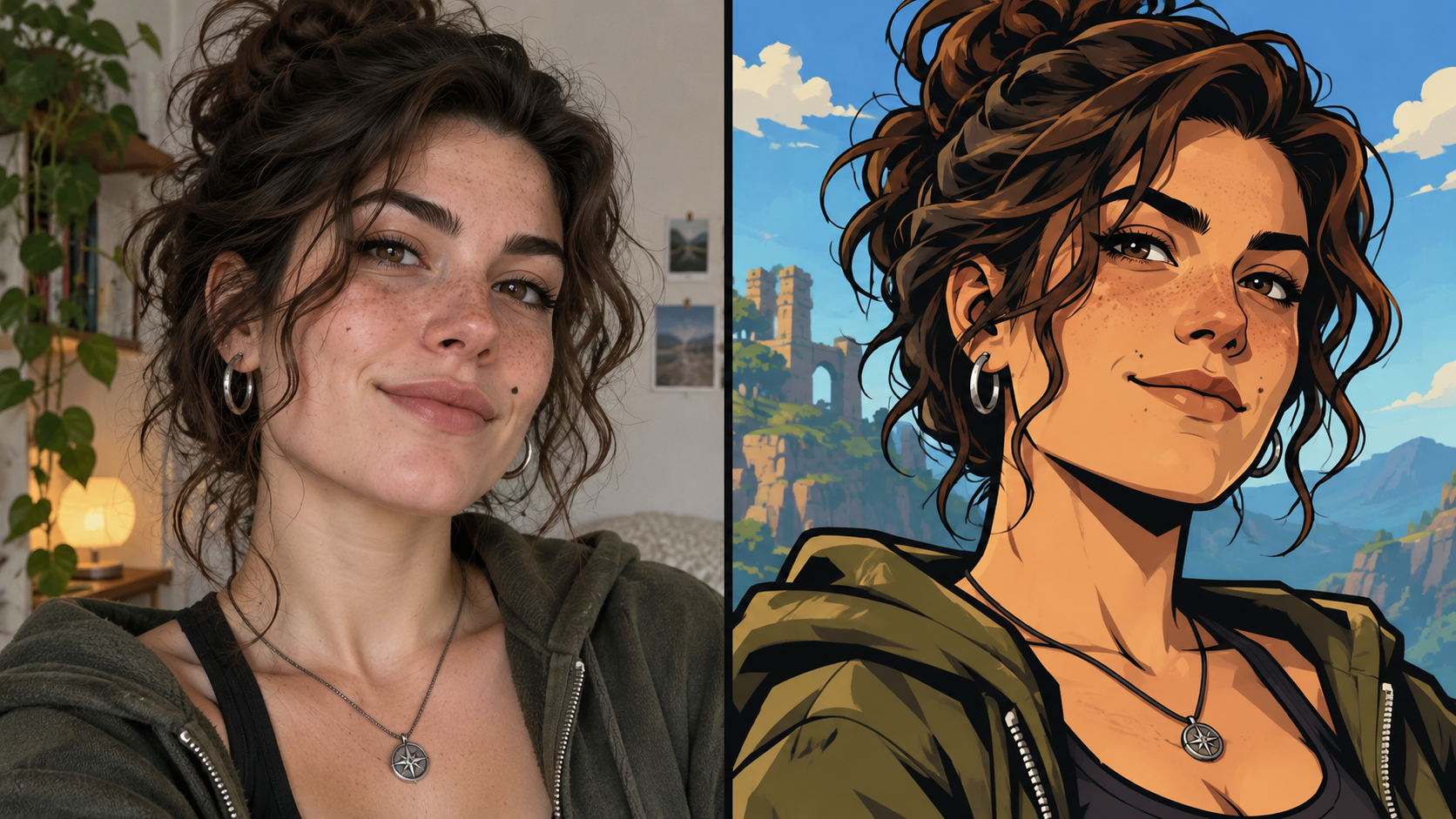
From Selfie to Character
A GTA 6 AI photo begins with the person in your source image. The GTA 6 AI photo generator uses that reference to create a new composition, rather than simply placing a colored filter over the original.
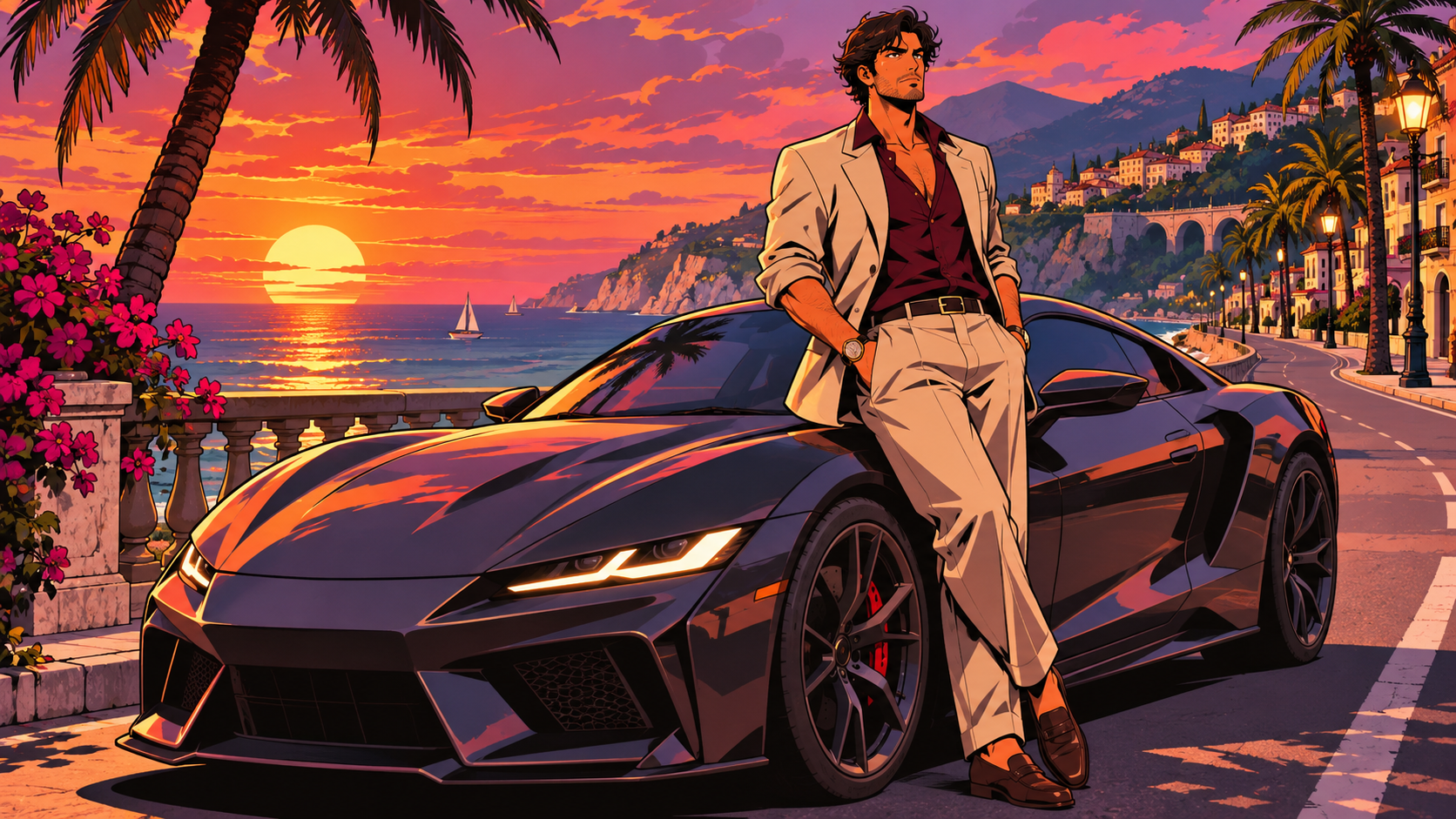
Illustrated Character Poster
For a graphic poster, describe the GTA 6 AI photo with strong contours, simplified shapes and cel-shaded shadows. Ask the GTA 6 AI photo generator for a fictional coastal street, pastel buildings and an unbranded sports car, while keeping the person prominent.
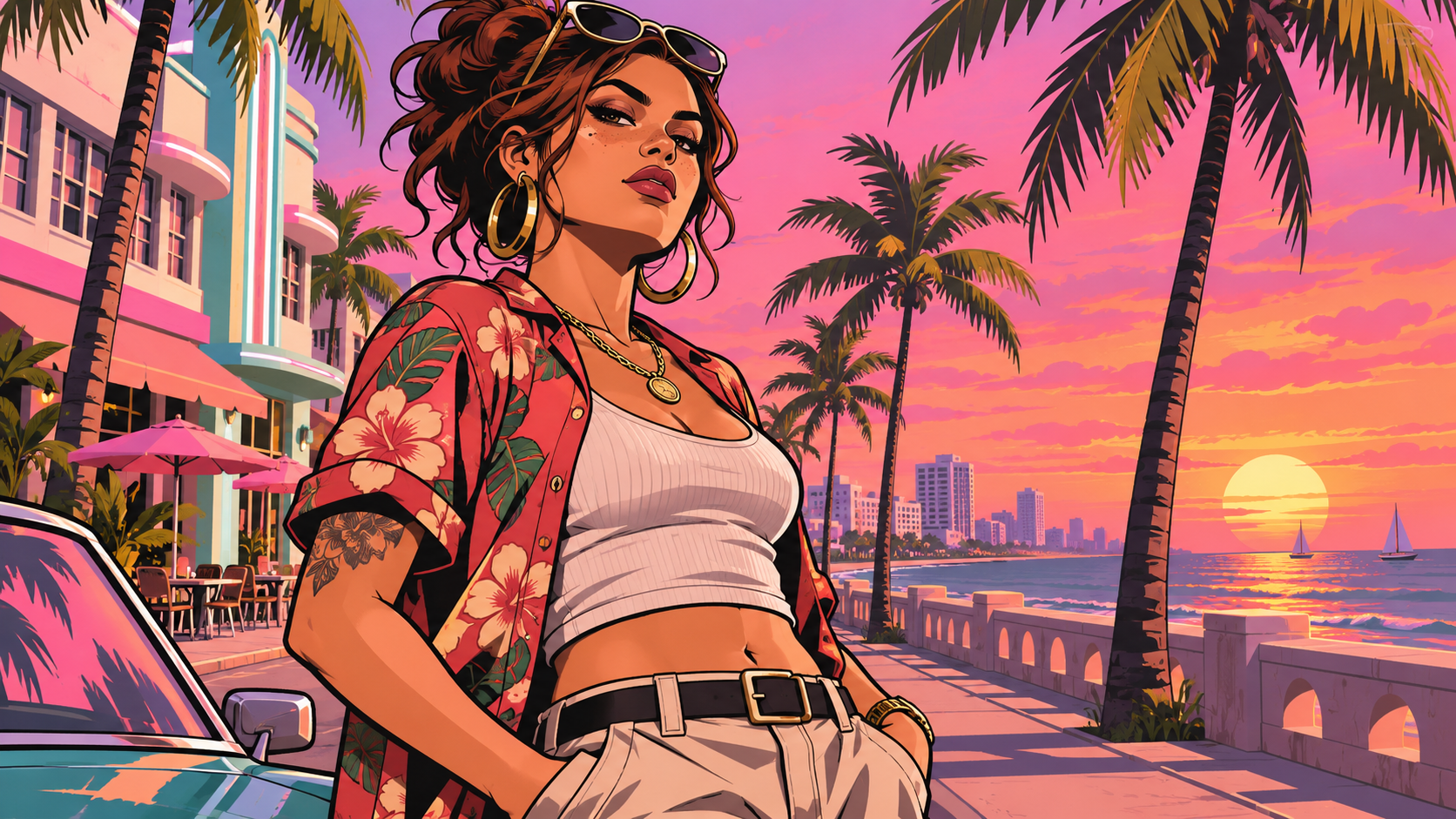
Vice City-Inspired Sunset
A vice city ai photo can use a pink-orange sky, palm silhouettes and pastel waterfront buildings to establish a warm coastal atmosphere. Tell the GTA 6 AI photo generator where you want the person to stand and how much of the street should be visible.
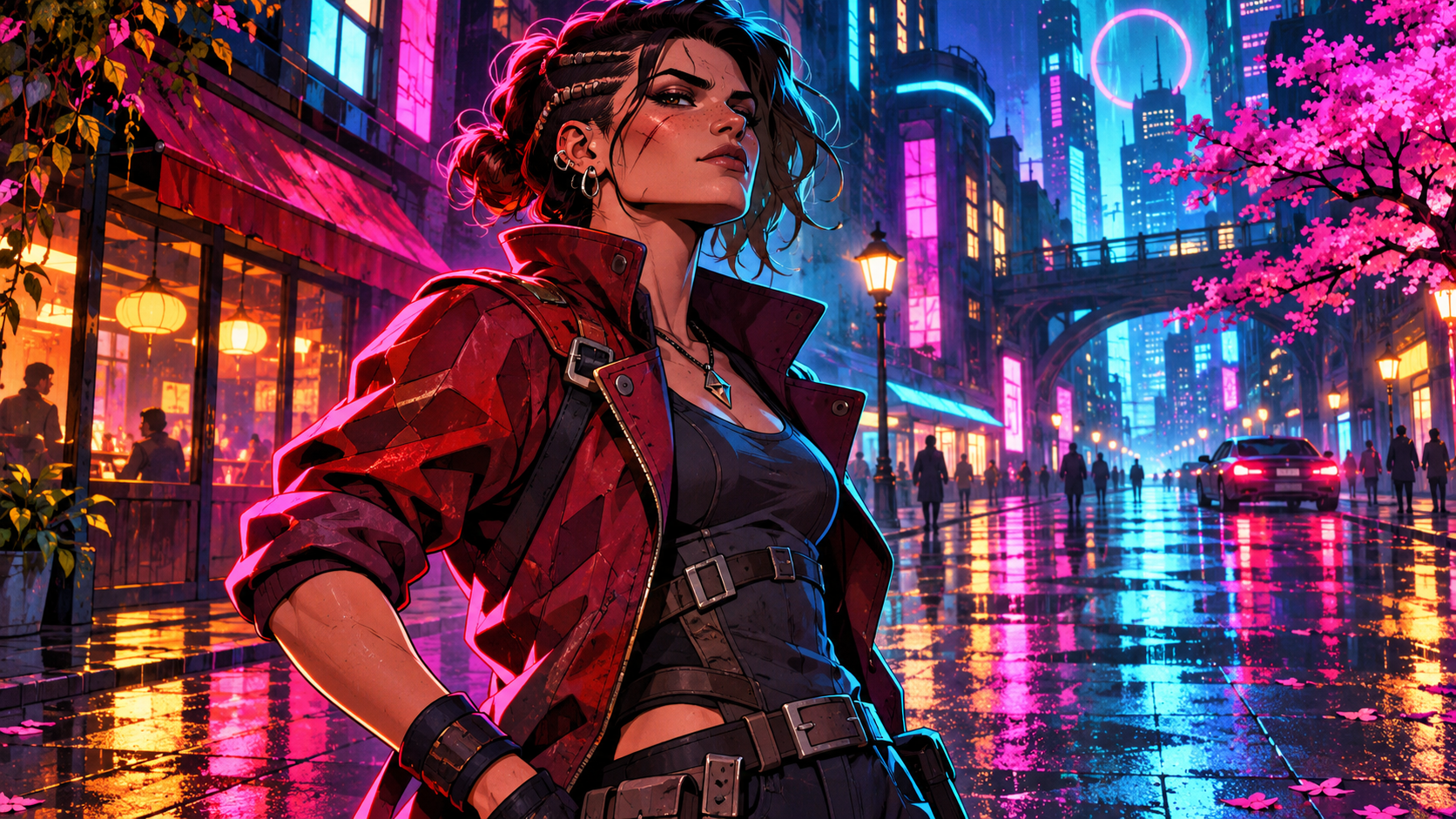
Neon Night Portrait
A GTA 6 AI photo does not have to take place at sunset. The GTA 6 AI photo generator can interpret those details as an illustrated fan-art style scene, with a clear silhouette against the lights.
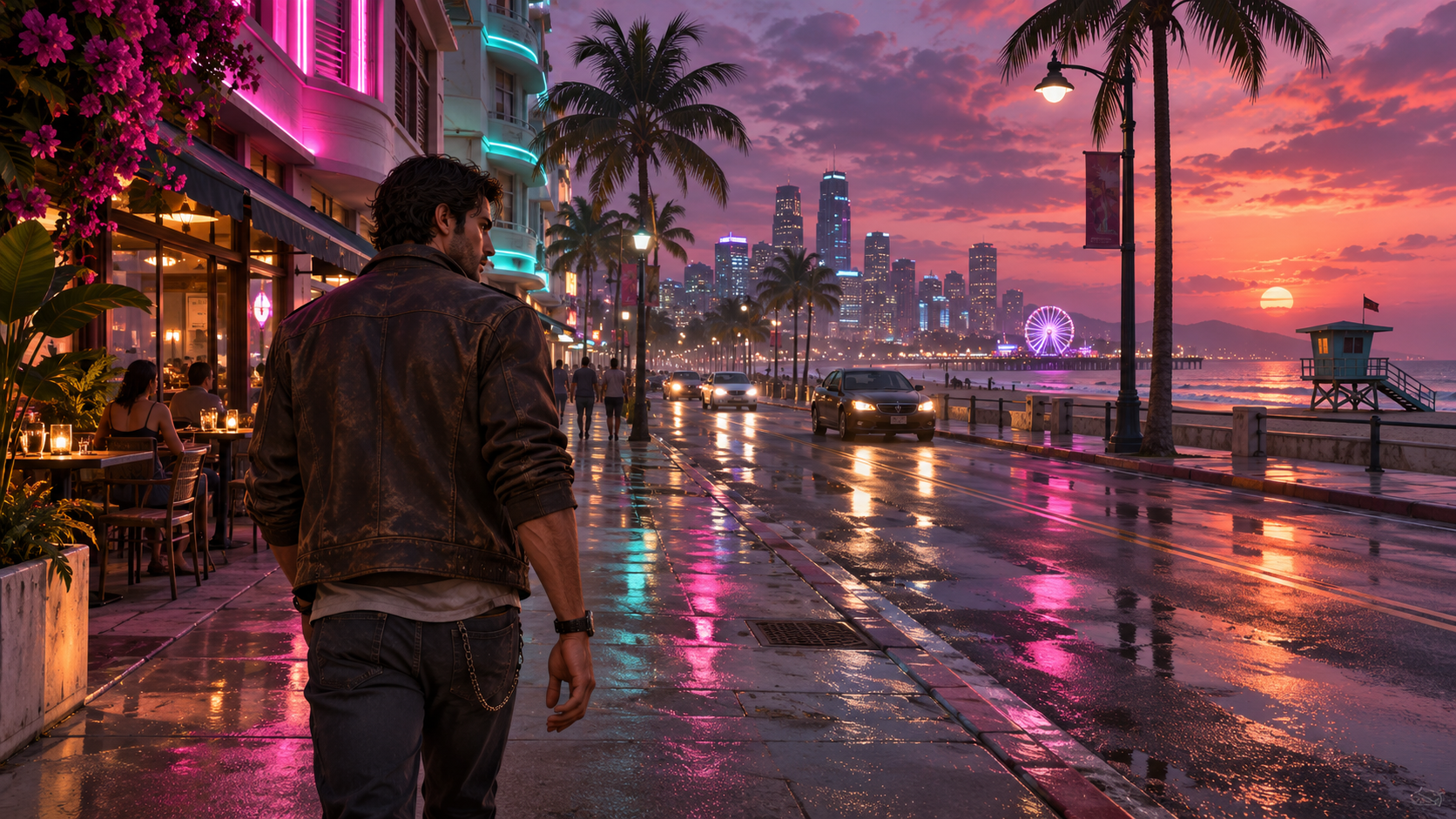
Realistic Game-Scene Style
For a different finish, describe a GTA 6 AI photo as a realistic fictional open-world still, with natural-looking materials and cinematic lighting. The GTA 6 AI photo generator can use the uploaded portrait as the identity reference while the prompt describes a coastal street, a dusk sky and reflections.
Ideas For Your GTA 6 AI Photo
Think about where the finished image will appear. The GTA 6 AI photo generator can give each destination a different composition, from a close avatar to a wider personal poster.
Profile Pictures
Create a GTA 6 AI photo with a close view of your face and a simple background. Check the result at a small size, then choose a crop that keeps your eyes and hairstyle visible. A clear silhouette helps a character portrait remain recognizable in a compact avatar.
Social Character Posters
Use the GTA 6 AI photo generator to plan a fan-art style social image with a wider view of your outfit and setting. Describe a sunset boulevard or neon street, and leave space around the person when you plan to add your own caption separately.
Realistic Character Scenes
Try a GTA 6 AI photo with realistic lighting for a fictional game-scene concept. Describe an original character and surroundings, then compare the result with an illustrated version. Share it as AI-generated creative artwork and choose an appropriate crop for the destination.
Personal Wallpaper
Create a GTA 6 AI photo for a personal wallpaper. Start with a wider portrait, describe a coastal backdrop, and check the crop against your screen before saving.
GTA 6 AI Photo FAQs
Find practical answers about photos, prompts, pricing and the finished artwork.
For a GTA 6 AI photo, choose one clear portrait with visible facial features and hair. Even lighting and an unobstructed face give the GTA 6 AI photo generator more information to work with. Use your own image or one you have permission to edit.
The GTA 6 AI photo generator uses your portrait as a visual reference and the prompt asks it to keep recognizable features. AI can still alter facial details, so inspect the result and try another clear image or prompt if necessary. Exact identity preservation is not guaranteed.
Describe the style in your GTA 6 AI photo prompt. Request bold outlines and cel shading for a poster, or realistic materials and cinematic lighting for a fictional game-scene portrait. There is no separate style preset required: your written description guides the direction.
A GTA 6 AI photo prompt is a description of the subject, setting and visual finish you want. For an illustrated result, try: Turn the uploaded portrait into an original Vice City-inspired fan-art poster. Keep the face, hairstyle, and skin tone recognizable. Use bold outlines, cel shading, a pink-orange sunset, pastel buildings, palms, and an unbranded sports car. Avoid official characters, logos, and copied cover layouts.
For a GTA 6 AI photo with a more realistic finish, try: Use the uploaded portrait as the identity reference for an original fictional open-world game-style still. Show the same person on a palm-lined coastal street at dusk, with realistic materials, neon reflections, and cinematic lighting. Keep the subject recognizable. Exclude game UI, official assets, and logos.
Yes. A gemini gta 6 prompt, gemini gta vice city prompt or gta 6 chatgpt prompt can be adapted as a written starting point. The GTA 6 AI photo generator on this page uses its configured image model; those search terms do not mean that this page connects to Gemini or ChatGPT. Replace vague language with specific choices about pose, location and lighting.
If you are looking for a gta ai photo editor free option, check the displayed generation cost and your available credit balance before starting. Access and credit availability can depend on your account and settings. The GTA 6 AI photo generator shows its current cost in the interface.
After a GTA 6 AI photo is generated, review the result and use the available download control for the image you want to save. Check the final crop and visible details before posting or using it in another design.
Only upload a portrait that belongs to you or that you have permission to use. Ask the person for consent before creating a GTA 6 AI photo featuring them, and consider where the finished image will be shared.
This GTA 6 AI photo page focuses on a personal character portrait or poster with written scene direction. The GTA 6 Loading Screen AI tool focuses on a loading-screen-inspired composition. Open /image/gta-6-loading-screen-ai/ for that distinct visual treatment.
Create Your GTA 6 AI Photo
Upload a portrait and give the GTA 6 AI photo generator your own scene direction. Choose a graphic character poster or a realistic fictional setting, then review and download the result.