
Tell AI what text to replace, e.g. Replace "Aloe" with "Shea" and keep the same font.
AI Image Tools
Everything You Need to Edit Photos Faster
Open the PicEditor AI tools library for background removal, photo enhancement, object cleanup, face swap, upscaling, and more focused image workflows.
Corpse Bride AI Filter

AI Blemish Remover
FLUX 3 Image Klein

Ideogram 4.5
AI Portrait Retouching

Snatched Waist Editor
AI Facial Expression Changer

AI Texture Generator
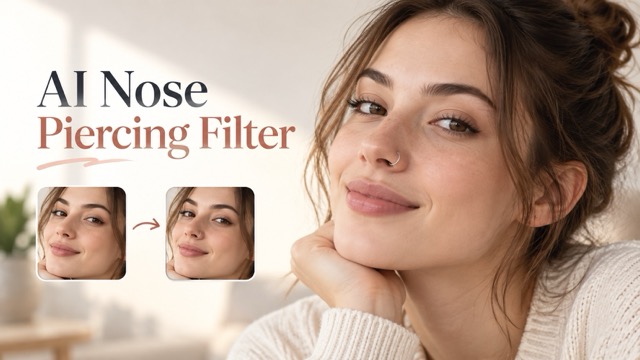
AI Nose Piercing Filter
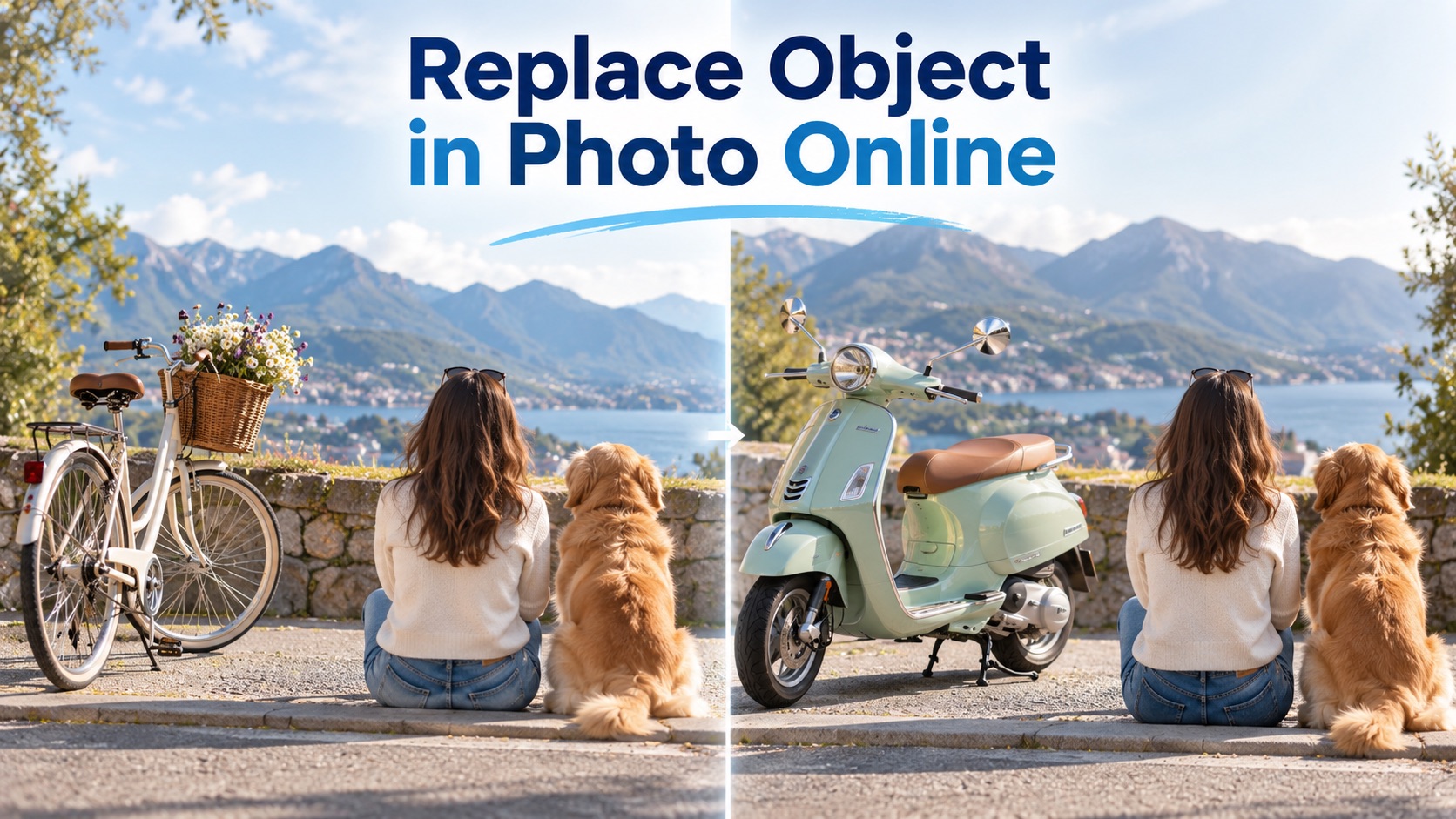
Replace Object in Photo Online
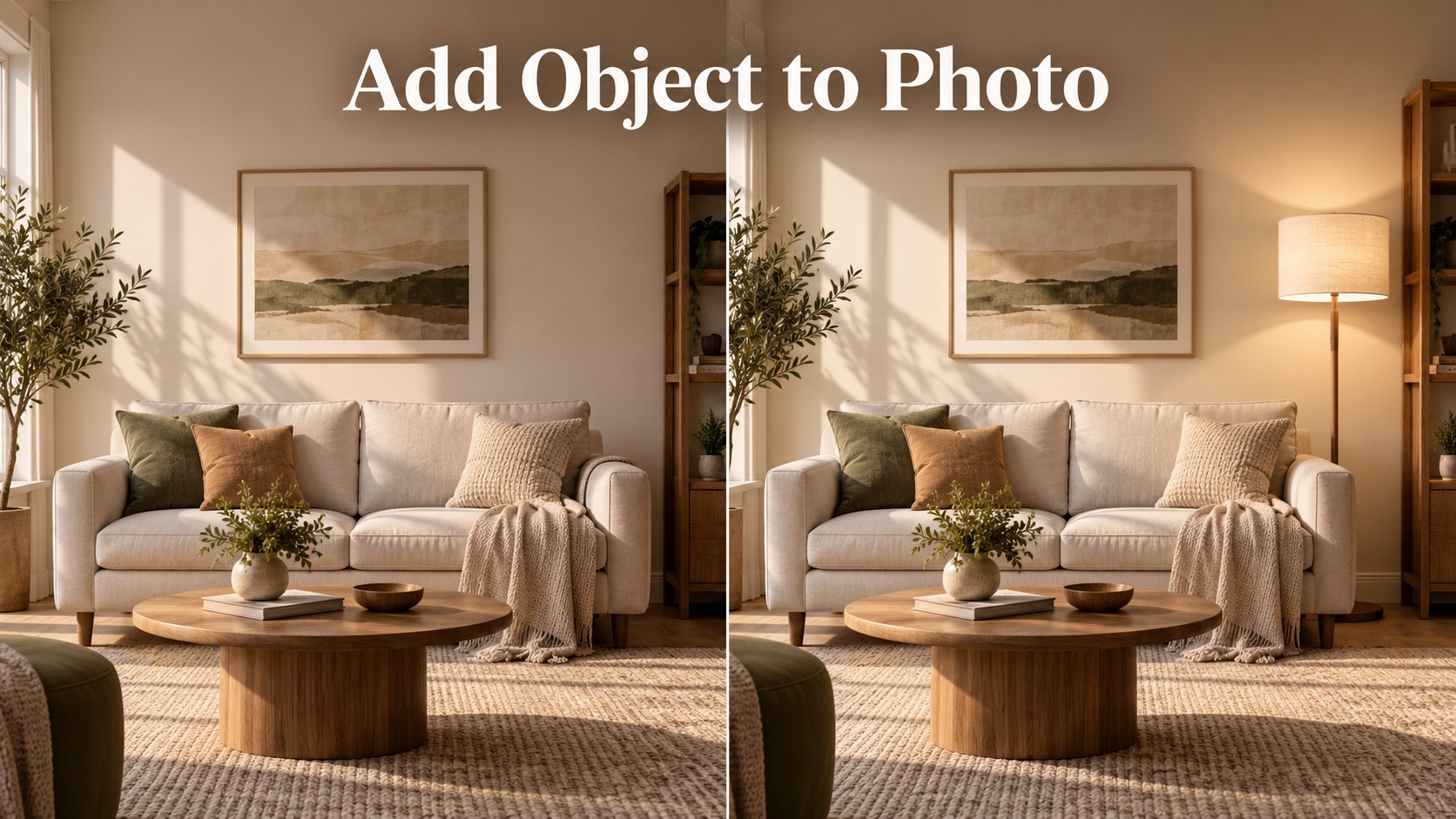
Add Object to Photo

Eyeliner Filter

AI Bust Down Filter

Image Splitter

Add White Background to Photo

Snapchat Text Remover

Realistic AI Skin Generator

Add speech bubble to photo

Change Photo Background

AI Clothes Wrinkle Remover

AI LinkedIn Profile Picture

GPT Transparent BG Image Editor

Image to Layers
Replace Text in Image
Replace Text in Image online with AI while keeping the original look, layout, and message clear.
Replace Text in Image lets you upload a picture, enter what words should change, and generate a natural result. Use it to change text in image designs, edit text in photo assets, and update signs, labels, screenshots, posters, or product visuals without rebuilding the whole image.
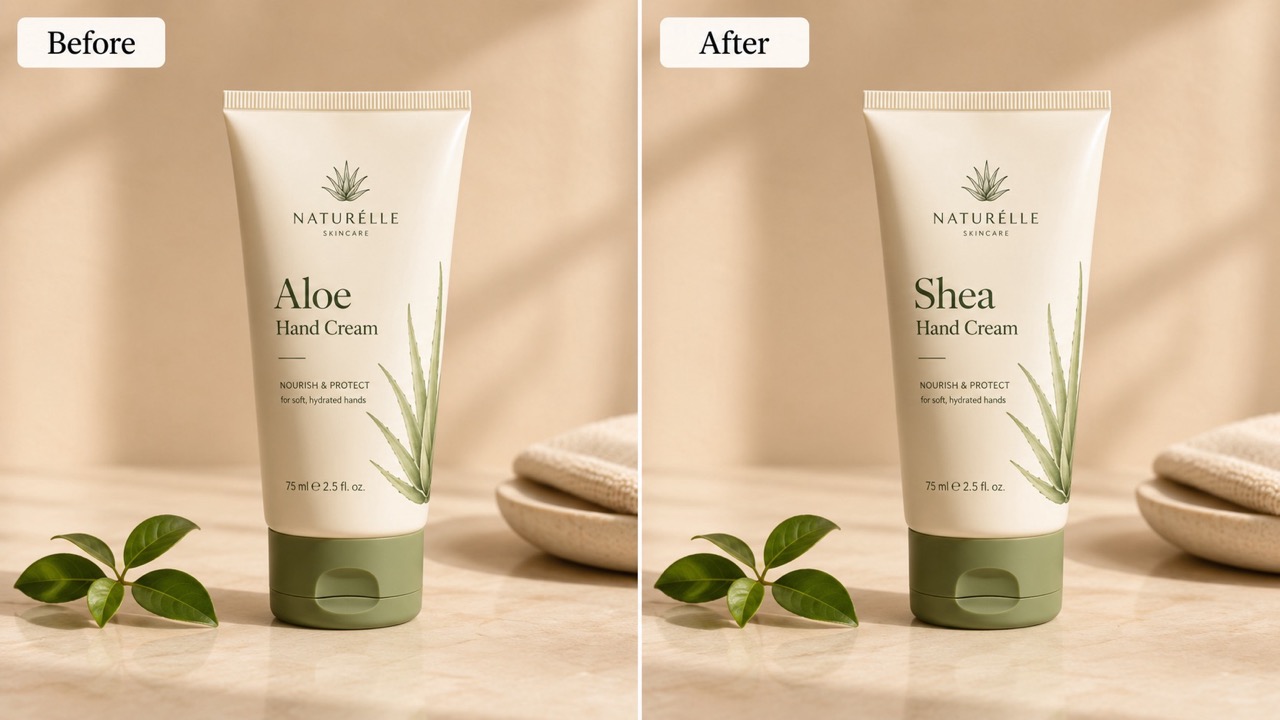
How to Use Replace Text in Image
Follow three important steps: upload a reference image, write the replacement instruction, and click Generate Image. This flow makes replace text in image online simple for product images, social posts, ads, mockups, and everyday visuals. It also helps change text in image files and edit text in photo examples without manual masking.

Upload Reference Image
Start Replace Text in Image by uploading the picture that contains the words you want to update. Use a clear image where the target text is visible. This helps the AI replace text in image with same font details, background texture, lighting, and placement. A sharp source image also helps change text in image areas that include shadows or texture.

Enter the Replacement Prompt
Type a simple instruction such as replace Summer Sale with Winter Sale. You can also say change text in image at the top label or edit text in photo on the front sign. The clearer the old and new wording, the cleaner Replace Text in Image works. For complex images, add location cues so the system does not edit unrelated words.

Click Generate Image
Click Generate Image and let Replace Text in Image create the edited result. The old wording is removed, the background is rebuilt, and the new wording is blended into the same position. Preview the result, then use it in your design workflow. This makes replace text in image online practical for quick corrections.
Why Use Replace Text in Image
The value is simple: save finished visuals, correct the message, and keep the image believable. Replace Text in Image is built for users who need fast text updates, style-matched results, and fewer manual design steps. It supports change text in image and edit text in photo tasks that would otherwise require careful masking.
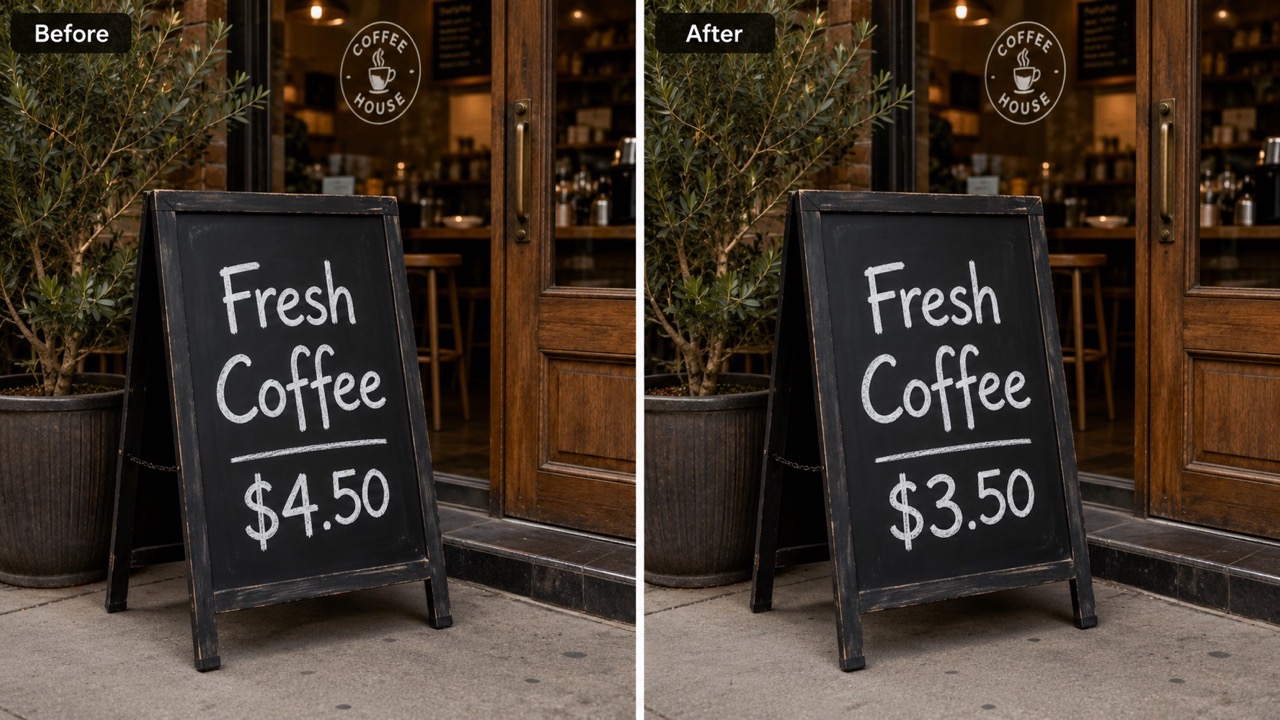
Replace Existing Words Without Rebuilding the Design
Use Replace Text in Image when the design is good but the wording is wrong. Instead of recreating a label, banner, menu, flyer, or screenshot, upload the image and tell the AI what to replace. It can change text in image areas while preserving the surrounding layout. It can also edit text in photo scenes where words sit on paper, fabric, walls, packages, or signs. This is useful when one phrase, price, date, name, or callout needs a quick correction. It also supports replace text in image ai prompts for fast message tests. This keeps approvals moving because the image can stay familiar while the message becomes current.
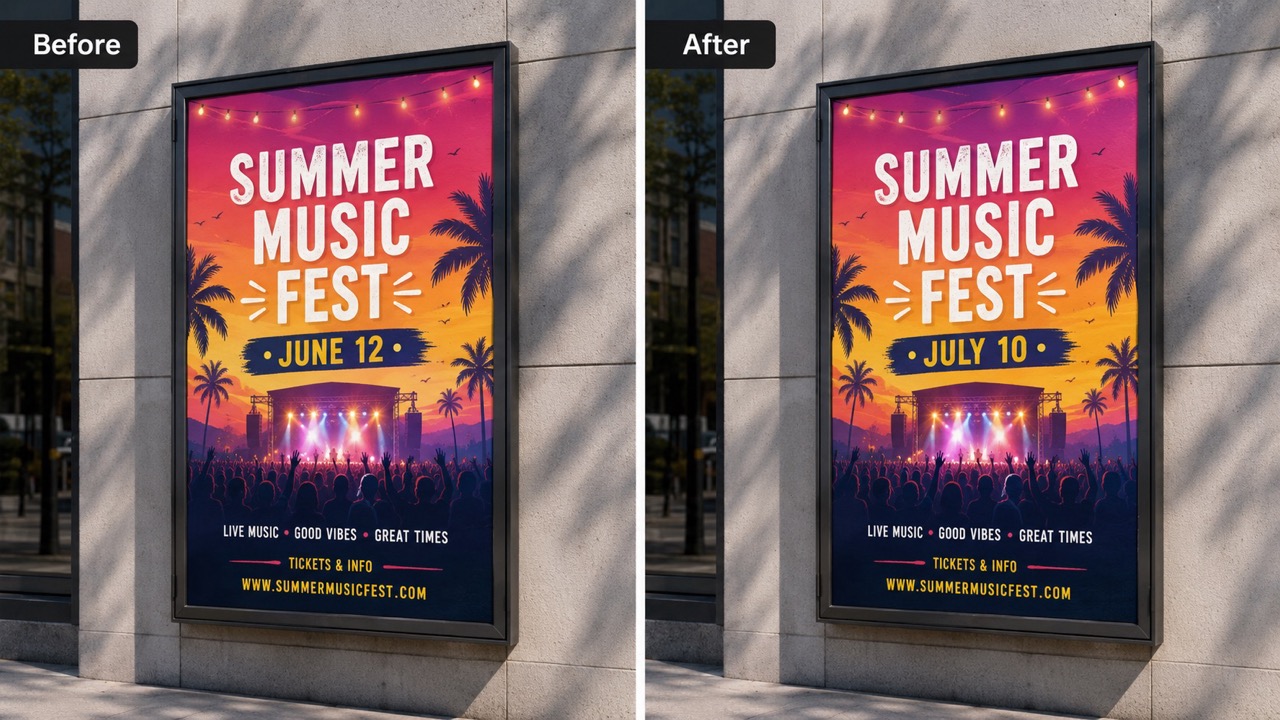
Keep the New Text Looking Native
Replace Text in Image focuses on visual fit, not just word swapping. It studies the original letters, spacing, angle, color, shadow, edge softness, and background, then blends the new wording into the same area. Use replace text in image with same font when you need edits that look intentional. The same workflow helps edit text in photo assets with perspective, texture, blur, or uneven lighting, so the final image does not look covered with a flat text layer. Try replace text in image with ai when realism matters. It is useful for brand assets where a small mismatch can make the whole image feel fake.
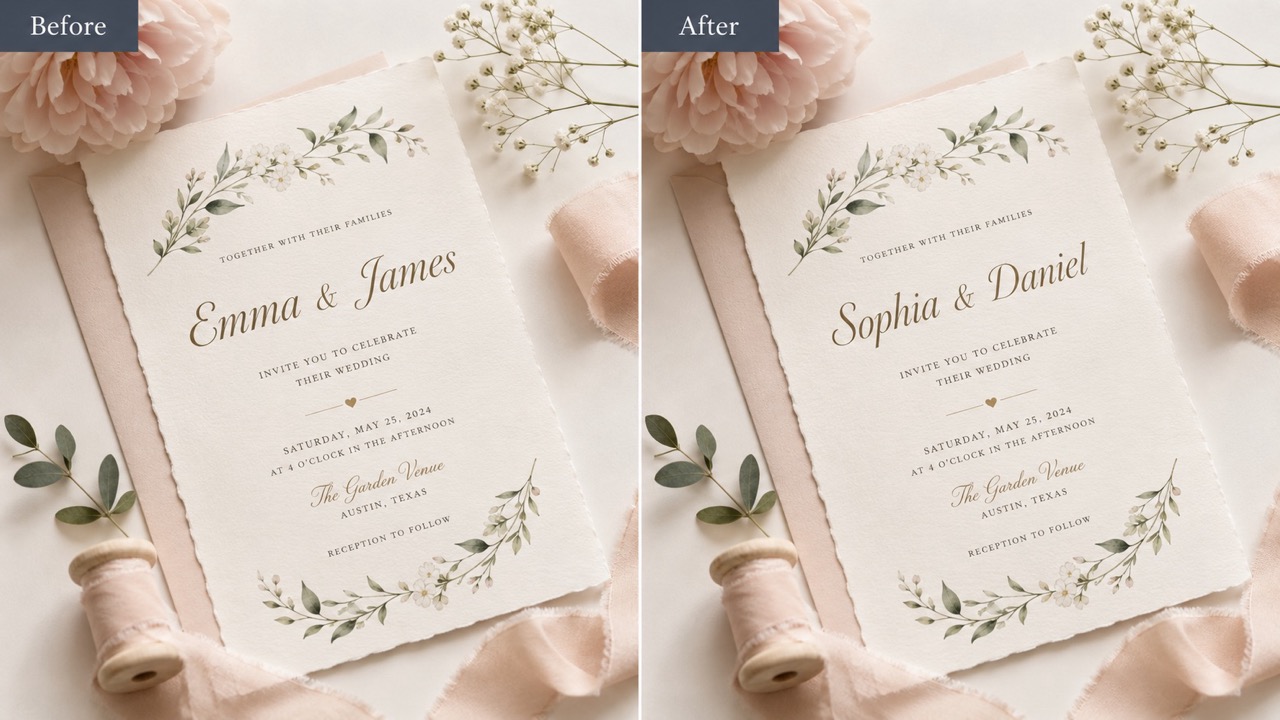
Update Visual Content for Different Markets
Replace Text in Image helps teams turn one finished visual into multiple variants. You can replace text in image with ai for seasonal campaigns, regional offers, product names, tutorial screenshots, or localized packaging drafts. Use ai replace text in image when manual editing would take too long. The same page can change text in image materials and edit text in photo examples for listings, ads, newsletters, and support content while keeping the source image recognizable. Replace text in image ai prompts work well for short, specific instructions. Teams can explore wording options before asking for final design files.
Use Cases for Replace Text in Image
Replace Text in Image works best when you already have a strong visual and only the words need to change. It supports creative, commercial, educational, and practical image editing needs. Use it to change text in image files, edit text in photo content, and prepare message variations for different audiences. It also helps change text in image sets when different audiences need different wording.

Product Images and Packaging Drafts
Use Replace Text in Image to update product names, flavors, prices, size labels, or promo lines on mockups. It helps change text in image packaging without starting from the original design file. For ecommerce teams, replace text in image online makes testing different offers faster. You can edit text in photo mockups, compare claims, and reuse one image for multiple product messages. This is helpful when stock, price, or compliance information changes after photos are already prepared.

Marketing Ads, Posters, and Social Visuals
Campaign visuals often need small wording changes after the layout is approved. Replace Text in Image can update headlines, dates, discount lines, and event details. Use replace text in image ai for quick variants, then edit text in photo style posts for channels that need fresh copy. It is also useful when you must change text in image ads before launch. The same visual can support several ad angles without waiting for another creative export.

Screenshots, Tutorials, and Interface Examples
When screenshots contain outdated labels or demo text, Replace Text in Image can adjust them without recreating the whole scene. Use change text in image for button labels, headings, or sample names. Use ai replace text in image when interface text must still look natural. You can also edit text in photo tutorials that include device screens, printed guides, or annotated visuals. This keeps documentation current when release notes, UI names, or onboarding examples change.

Signs, Menus, Cards, and Real-World Photos
Real photos are harder to edit because text may sit on wood, paper, glass, fabric, or walls. Replace Text in Image helps edit text in photo scenes while matching texture and perspective. Use replace text in image with ai for menus, signs, invitations, notices, or printed material. Add change text in image instructions with exact old and new words for cleaner results. This helps small businesses refresh printed-style visuals when the original artwork is unavailable.
What Users Say About Replace Text in Image
Users rely on Replace Text in Image when they need practical edits that look native. These stories show how the feature helps teams update visuals, correct copy, and publish faster. It is useful for change text in image work, edit text in photo updates, and replace text in image with same font edits.
I used Replace Text in Image to correct a product label after the packaging mockup was already approved. The result kept the same style and saved a full redesign. I could change text in image files quickly and still send a polished visual to our store team. It also helped me edit text in photo mockups for several product pages. The edit looked consistent enough for an internal launch review.
I used Replace Text in Image to correct a product label after the packaging mockup was already approved. The result kept the same style and saved a full redesign. I could change text in image files quickly and still send a polished visual to our store team. It also helped me edit text in photo mockups for several product pages. The edit looked consistent enough for an internal launch review.
For social ads, tiny copy changes happen all the time. Replace Text in Image helps me test new hooks without rebuilding every creative. I use replace text in image online for quick drafts and edit text in photo posts when the words need to match the original scene. Replace text in image ai prompts make the process predictable. It feels built for the speed of campaign testing.
For social ads, tiny copy changes happen all the time. Replace Text in Image helps me test new hooks without rebuilding every creative. I use replace text in image online for quick drafts and edit text in photo posts when the words need to match the original scene. Replace text in image ai prompts make the process predictable. It feels built for the speed of campaign testing.
I needed replace text in image with same font for a menu photo, and the new words blended better than a manual overlay. Replace Text in Image kept the texture and angle, which made the edit look like it belonged in the original photo. It is my shortcut when I need to change text in image menus. I did not need the original design file.
I needed replace text in image with same font for a menu photo, and the new words blended better than a manual overlay. Replace Text in Image kept the texture and angle, which made the edit look like it belonged in the original photo. It is my shortcut when I need to change text in image menus. I did not need the original design file.
Our tutorials change often, and screenshots become outdated fast. Replace Text in Image made it easy to update labels and example names. The ai replace text in image workflow gave us clean examples for help articles without scheduling another design pass. We also use it to edit text in photo guides. The updated screenshots kept the same visual context.
Our tutorials change often, and screenshots become outdated fast. Replace Text in Image made it easy to update labels and example names. The ai replace text in image workflow gave us clean examples for help articles without scheduling another design pass. We also use it to edit text in photo guides. The updated screenshots kept the same visual context.



FAQs About Replace Text in Image
Get concise answers about prompts, matching style, supported images, and how to get better Replace Text in Image results. These answers cover change text in image, edit text in photo, ai replace text in image, and replace text in image online workflows.
Upload a reference picture, type the old text and the new text, then generate. Replace Text in Image will remove the original wording, rebuild the covered area, and place the replacement in a matching style. Use replace text in image online for fast visual updates.
Yes. Use change text in image instructions such as replace Open with Closed, or specify a location like the top banner, front label, or lower caption. Clear wording helps Replace Text in Image avoid changing unrelated text.
Use replace text in image with same font in your prompt when style matching matters. The AI will try to match font, color, size, spacing, angle, and lighting. You can also say replace text in image with same font online.
It works for posters, product labels, screenshots, signs, menus, cards, and many real photos. For best edit text in photo results, use clear images with readable text. Clear sources help change text in image areas accurately.
Replace Text in Image is meant for text replacement, not general rewriting. It should keep other objects, colors, layout, and unrelated text unchanged unless you ask otherwise. Use edit text in photo prompts only for the target wording.
Yes. You can use replace text in image with ai for names, prices, labels, dates, headings, short phrases, and localized wording. Very long text may need layout adjustments. Replace text in image ai instructions should stay specific.
Start Replace Text in Image Now
Upload your image, enter the words to replace, and generate a natural edit. Use replace text in image with ai, change text in image, or edit text in photo whenever your visual is right but the wording is not. Start with replace text in image ai prompts like replace old phrase with new phrase.
