
AI Image Tools
Everything You Need to Edit Photos Faster
Open the PicEditor AI tools library for background removal, photo enhancement, object cleanup, face swap, upscaling, and more focused image workflows.
Corpse Bride AI Filter
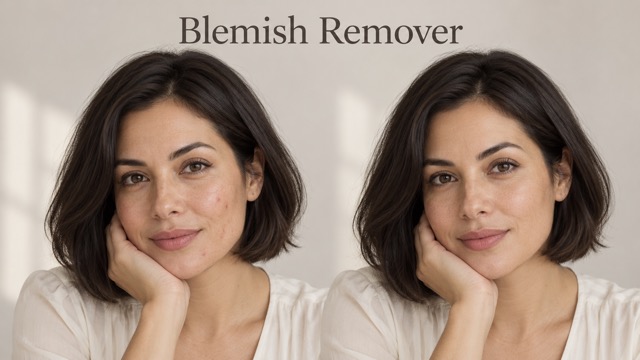
AI Blemish Remover
FLUX 3 Image Klein

Ideogram 4.5

AI Portrait Retouching

Snatched Waist Editor

AI Facial Expression Changer

AI Texture Generator

AI Nose Piercing Filter

Replace Object in Photo Online

Add Object to Photo

Eyeliner Filter

AI Bust Down Filter

Image Splitter

Add White Background to Photo

Snapchat Text Remover

Add speech bubble to photo

Change Photo Background

AI Clothes Wrinkle Remover

AI LinkedIn Profile Picture

GPT Transparent BG Image Editor

Image to Layers

3D Angle Editor
Realistic AI Skin Generator for Natural-Looking Portraits
Fix Plastic-Looking AI Skin with Natural Texture, Pores, and Detail
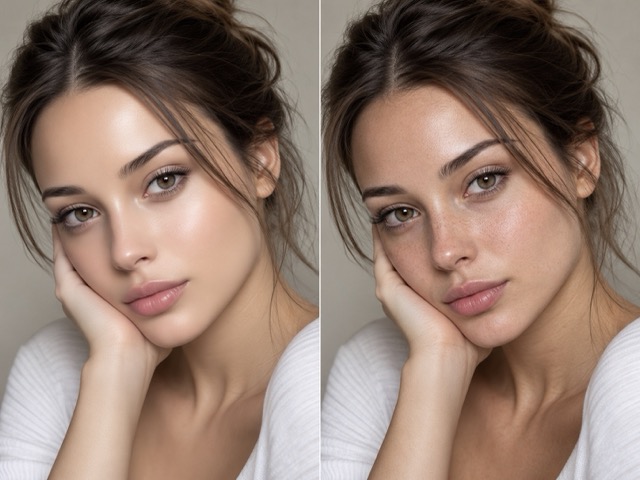
Use our realistic AI skin generator to turn overly smooth AI portraits into more natural-looking faces with visible pores, subtle texture, balanced highlights, and believable skin variation. Upload an AI-generated portrait, choose the skin finish you want, and let the realistic AI skin generator refine the skin while keeping the face, expression, and overall composition recognizable. Whether you want to make AI skin look realistic, soften waxy surfaces, or add realistic skin texture to AI image results, the workflow is simple. The realistic AI skin generator works as an AI skin enhancer for portraits, helping creators reduce the plastic look common in synthetic faces without making the subject appear harsh or over-retouched. This realistic skin generator also works as an AI skin texture generator for portrait-focused refinement.
How to Use the Realistic AI Skin Generator
Create more realistic AI skin in three simple steps. Upload your portrait, choose the skin look you want, then generate and download the result. The realistic AI skin generator adds natural facial texture while helping preserve the original identity, expression, lighting, and composition.

Upload Your Photo
Upload a clear AI-generated portrait or face photo. The realistic AI skin generator works best when the face is visible and the lighting is easy to read. You can use portraits with waxy skin, missing pores, over-smoothed cheeks, or unnatural highlights.

Choose Your Desired Skin Look
Select the skin finish you want, such as natural skin texture, visible pores, subtle freckles, soft fine lines, balanced skin tone, or polished realistic skin. The realistic AI skin generator adapts the facial texture while keeping the original portrait recognizable.

Generate and Download
Click Generate and let AI create the refined portrait. Preview the realistic skin result, compare the improved texture, and download your finished image when you are satisfied.
Make AI Portrait Skin Look More Real
The realistic AI skin generator focuses on the details that often make AI portraits feel artificial: missing pores, waxy surfaces, flat skin tone, overly perfect cheeks, and unrealistic light reflection. Use the realistic AI skin generator to add controlled texture and restore a more believable human finish without turning the image into an over-sharpened close-up.
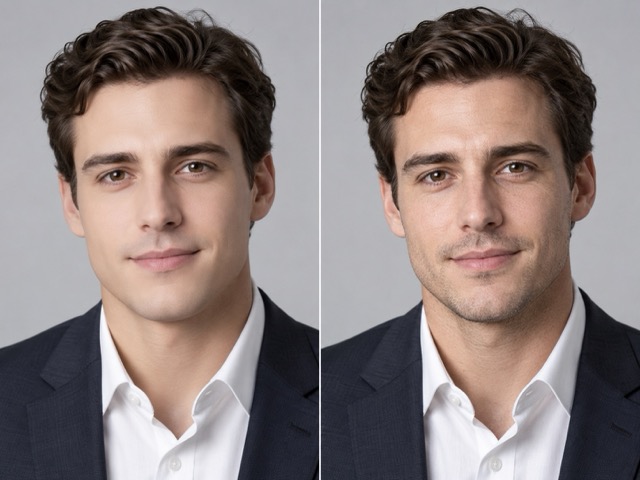
Restore Natural Skin Texture and Pores
Use the realistic AI skin generator to restore micro-texture that many AI portraits lose during generation. Add natural pores, subtle skin variation, soft fine lines, and small realistic details without making the face harsh. As an AI skin texture generator, it is designed for portrait realism rather than 3D materials. The realistic AI skin generator should add enough detail for the face to feel photographed instead of plastic.
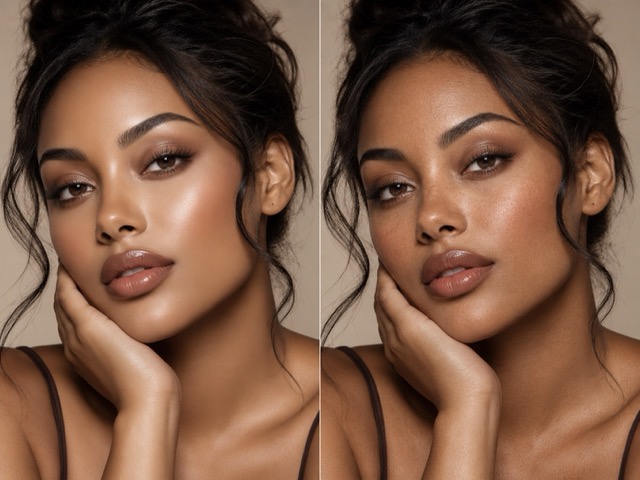
Fix Plastic-Looking AI Skin
Use the realistic AI skin generator when an AI face looks waxy, airbrushed, or unnaturally perfect. It can balance pores, fine texture, skin tone changes, and subtle imperfections to reduce the plastic finish. As an AI skin texture generator and realistic skin generator, it should keep the portrait polished while restoring enough irregularity to feel human. The realistic AI skin generator is most useful when the original lighting and composition already work well.
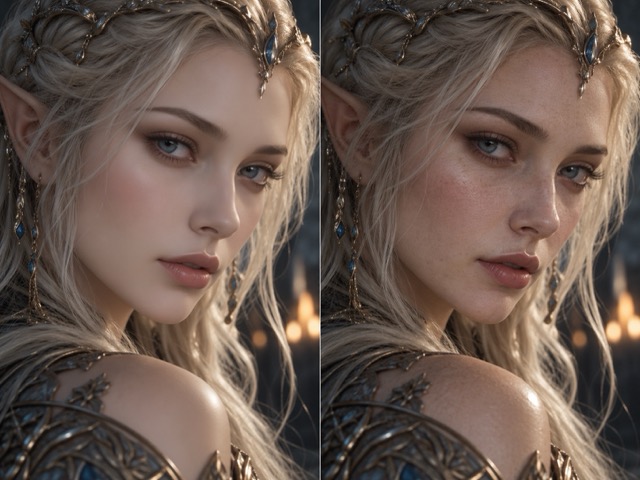
Preserve Facial Identity and Expression
A useful realistic AI skin generator should improve skin realism without rebuilding the whole face. Preserve identity, expression, pose, hairstyle, and composition while refining only surface detail. An AI skin enhancer should support the existing portrait, not redesign it. The realistic AI skin generator is ideal when you already like the character but dislike the synthetic skin. Use prompts such as 'keep the same face and expression, add realistic pores and subtle skin texture.' The AI skin texture generator workflow can also help keep a character series visually consistent.
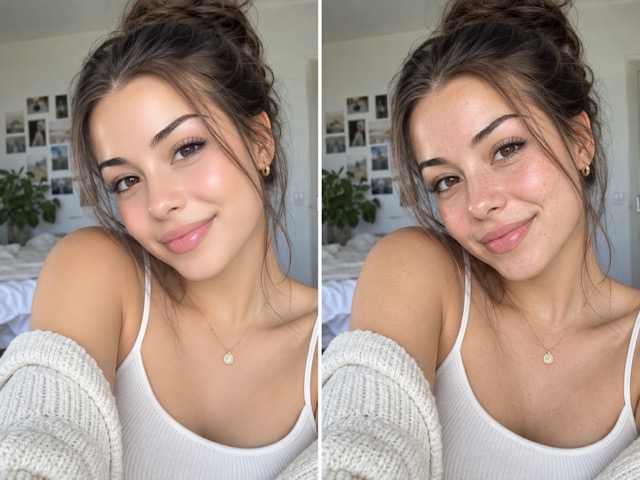
Balance Pores, Highlights, and Skin Tone
Real skin does not reflect light like polished plastic. The realistic AI skin generator can create softer highlight transitions, believable pores, and subtle tonal variation across the face. Ask for natural highlights on the forehead, cheeks, and nose while keeping shadows soft. An AI skin enhancer should keep pores, tone, and highlights balanced. Used as a realistic skin generator, the realistic AI skin generator works well for beauty portraits, cinematic characters, profile photos, and social visuals.
Where Realistic AI Skin Makes the Biggest Difference
The realistic AI skin generator is useful whenever a portrait looks technically impressive but still feels obviously synthetic. From social portraits to character concepts, the realistic AI skin generator helps add believable skin detail while supporting the mood, lighting, and identity already present in the image.
Improve AI Headshots and Profile Photos
AI headshots often look artificial because the skin is too perfect. Use the realistic AI skin generator to add pores, slight tonal variation, and softer highlights before using a portrait for a profile, portfolio, or personal brand. The realistic AI skin generator can keep the face polished while making it feel more photographic. A realistic skin generator is especially useful when you want subtle realism rather than dramatic texture.
Refine AI Fashion and Beauty Portraits
Fashion and beauty images need polished skin, but polished does not have to mean plastic. Use the realistic AI skin generator to add fine texture beneath makeup, natural pores around the cheeks and nose, subtle freckles, and more realistic highlights. The realistic AI skin generator helps editorial portraits feel photographed rather than airbrushed. An AI skin texture generator can restore believable detail without making the skin look rough.
Make AI Characters Feel More Human
Fantasy, game, and cinematic characters still benefit from believable facial skin. Use the realistic AI skin generator to add pores, fine lines, subtle asymmetry, and realistic light response without changing the costume, hairstyle, or character design. The realistic AI skin generator is useful for concept art, story characters, posters, and close-up scenes. An AI skin texture generator can add realism without changing the character concept.

Upgrade AI Portraits for Social Media
Social portraits need to look believable at a glance. The realistic AI skin generator helps reduce waxy foreheads, over-smoothed cheeks, and plastic highlights before posting. Use the realistic AI skin generator for selfies, lifestyle portraits, creator visuals, or promotional content while maintaining a clean finish. An AI skin enhancer can provide the final realism pass, and the realistic AI skin generator should preserve the style of the original image.
How Creators Use More Realistic AI Skin
See how creators use realistic AI skin to improve portraits, character close-ups, beauty images, and social content while keeping faces recognizable and natural.
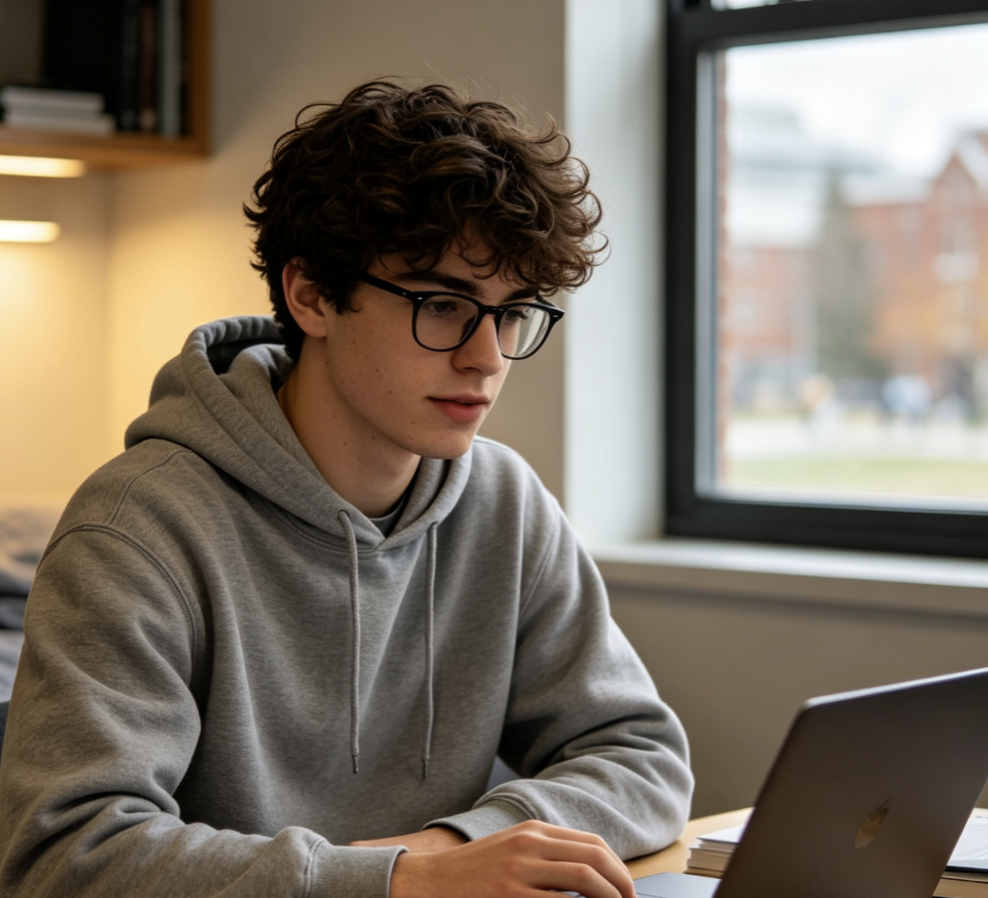
I liked the face in my AI portrait but the skin looked almost like porcelain. The realistic AI skin generator helped me add subtle pores and texture without changing the expression, which made the image feel much closer to a real photo.
I liked the face in my AI portrait but the skin looked almost like porcelain. The realistic AI skin generator helped me add subtle pores and texture without changing the expression, which made the image feel much closer to a real photo.
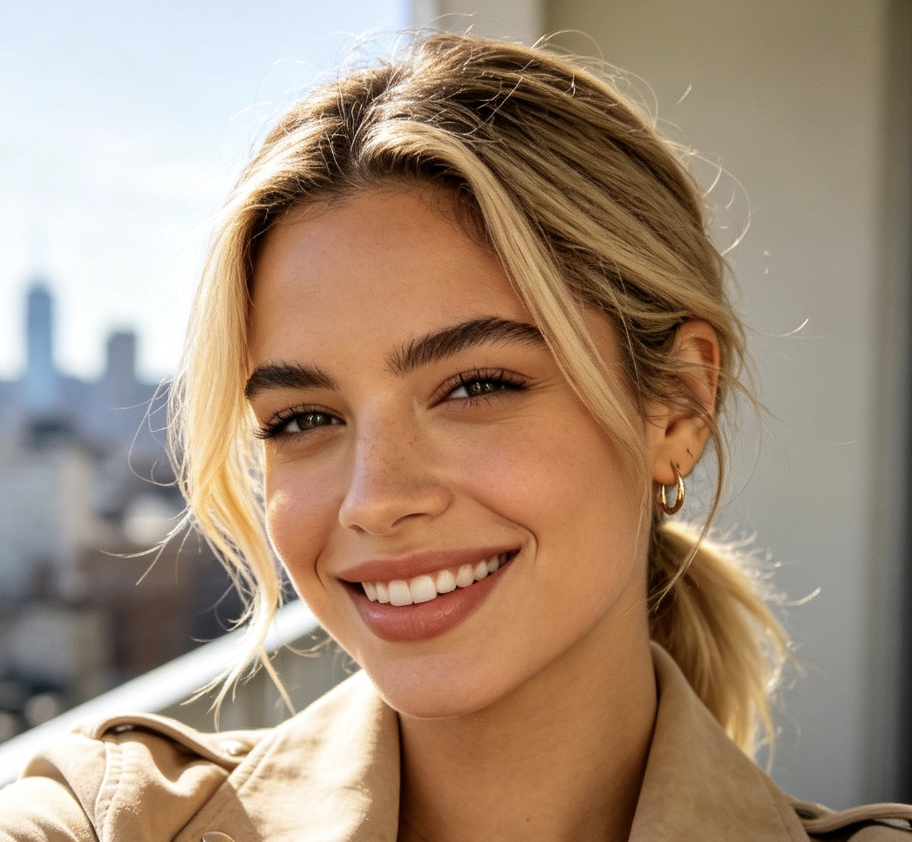
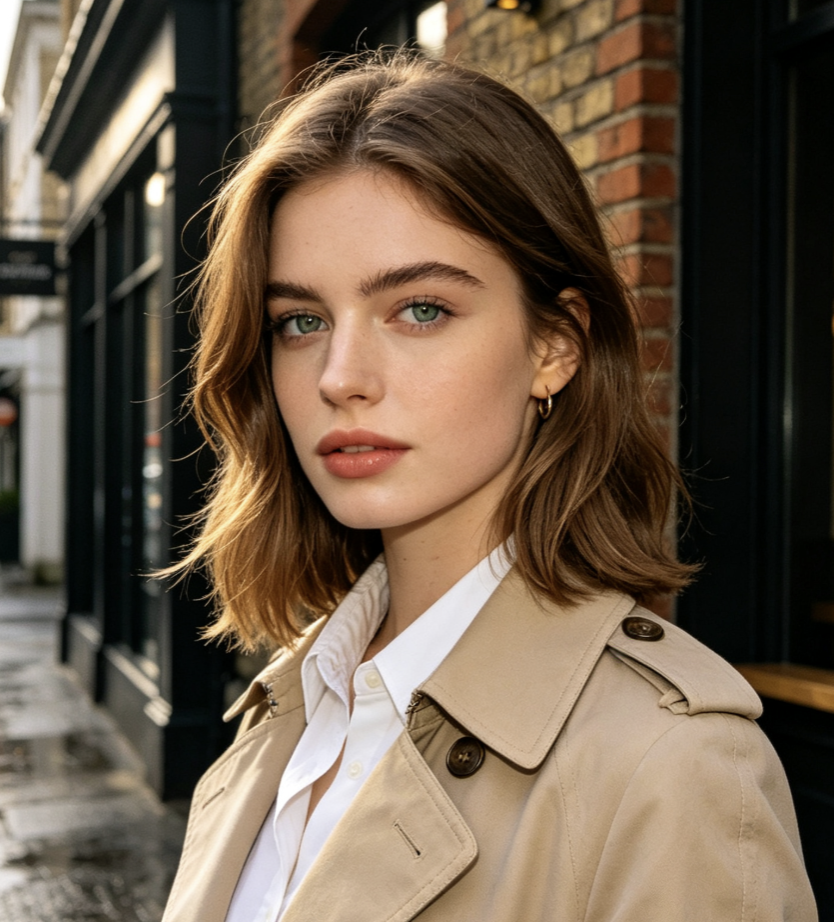
The biggest improvement was around the cheeks and forehead. The realistic AI skin generator gave the portrait more natural texture while keeping the beauty look clean enough for social content.
The biggest improvement was around the cheeks and forehead. The realistic AI skin generator gave the portrait more natural texture while keeping the beauty look clean enough for social content.
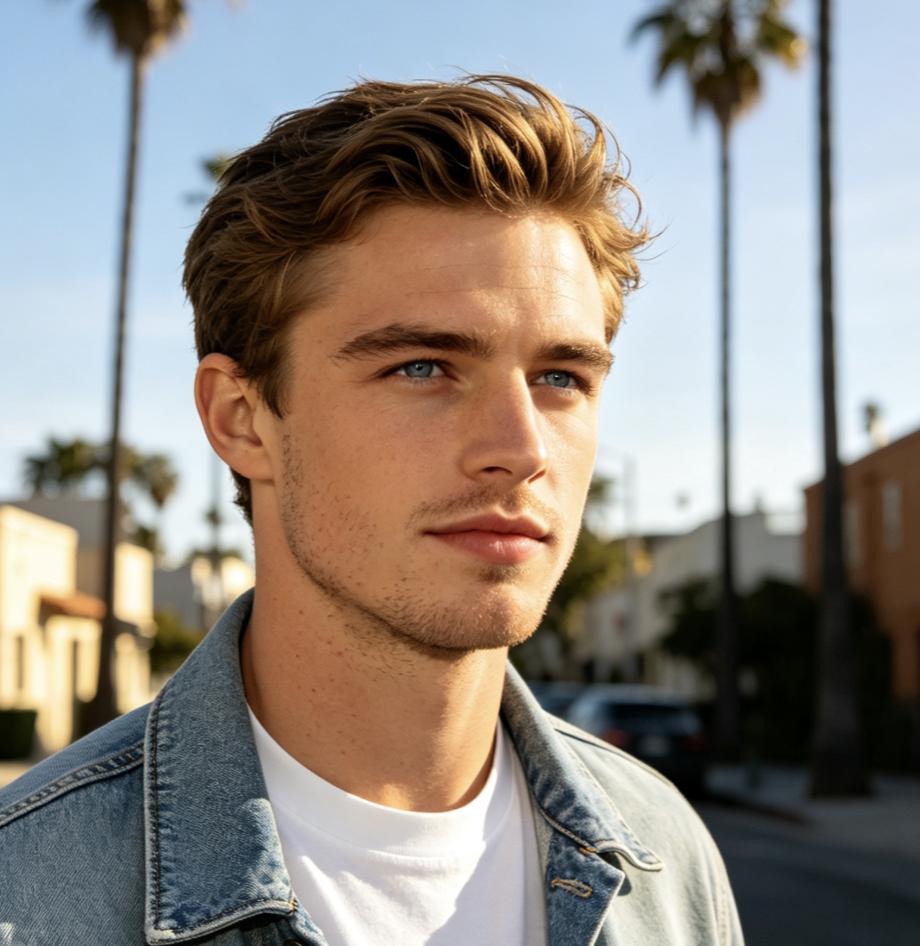
I use realistic skin details for character close-ups. The realistic AI skin generator makes the faces feel less synthetic without forcing me to regenerate the entire character from scratch.
I use realistic skin details for character close-ups. The realistic AI skin generator makes the faces feel less synthetic without forcing me to regenerate the entire character from scratch.
Some of my AI headshots looked good until I zoomed in. The realistic AI skin generator helped reduce the waxy finish and create a more believable photo texture for profile images.
Some of my AI headshots looked good until I zoomed in. The realistic AI skin generator helped reduce the waxy finish and create a more believable photo texture for profile images.
I wanted realistic skin without making the portrait harsh. The realistic AI skin generator gave me enough pore detail and tone variation to feel natural while still keeping the image polished.
I wanted realistic skin without making the portrait harsh. The realistic AI skin generator gave me enough pore detail and tone variation to feel natural while still keeping the image polished.
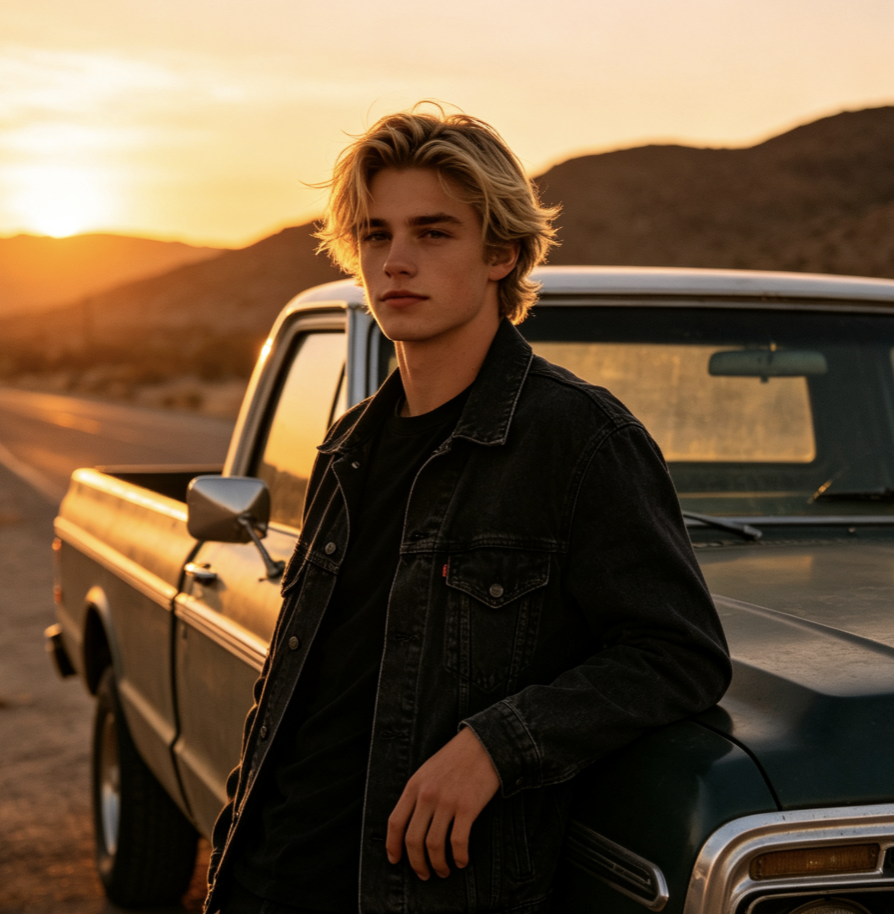
Realistic AI Skin Generator FAQ
Learn how the realistic AI skin generator handles pores, plastic-looking skin, AI portraits, facial identity, natural skin texture, and different skin styles.
A realistic AI skin generator is an image-to-image tool designed to make synthetic portrait skin look more natural. It can add realistic pores, subtle fine lines, small tonal changes, natural highlights, and skin texture while reducing the waxy or plastic appearance common in AI-generated faces. Unlike a 3D PBR skin texture tool, this realistic AI skin generator is intended for portrait images and photo-style results. It is an AI skin texture generator for faces, not game-ready surface maps.
Start by uploading a clear portrait to the realistic AI skin generator. Choose the skin condition or finish you want, such as natural pores, subtle freckles, fine texture, or balanced realistic skin, then click Generate. AI refines the facial texture while helping preserve the original face, expression, lighting, and composition.
Yes. Fixing plastic-looking skin is one of the main uses for a realistic AI skin generator. The tool can reduce the overly smooth finish by adding micro-texture, natural pore visibility, subtle tone variation, and more believable light reflection. A realistic skin generator should improve realism without overcorrecting. For the most natural result, use moderate texture rather than exaggerated pores, wrinkles, or blemishes.
The goal is to improve surface realism while keeping the portrait recognizable, but AI edits can sometimes alter small facial details. The realistic AI skin generator is designed to preserve identity, facial structure, expression, pose, hairstyle, and composition as much as possible while changing the appearance of the skin.
You can choose a skin style that matches your portrait, such as natural everyday skin, visible pores, subtle freckles, softly textured skin, polished realistic beauty skin, or more mature skin with light fine lines. The best option depends on the lighting, subject, and overall visual style of the original image.
Make AI Skin Look Real, Not Plastic
Use the realistic AI skin generator to add natural pores, subtle texture, believable highlights, and more lifelike skin variation to AI portraits. Upload your image, choose the skin look you want, and let the realistic AI skin generator refine the face without forcing you to recreate the entire portrait. Whether you need an AI skin enhancer for a headshot, beauty image, character close-up, or social portrait, the realistic AI skin generator gives synthetic faces a more photographic finish.
