
Describe what you want to add, e.g. “Add a red chair by the window”
AI Image Tools
Everything You Need to Edit Photos Faster
Open the PicEditor AI tools library for background removal, photo enhancement, object cleanup, face swap, upscaling, and more focused image workflows.

Eyeliner Filter

AI Bust Down Filter

Image Splitter

Add White Background to Photo

Snapchat Text Remover

Realistic AI Skin Generator

Add speech bubble to photo

Change Photo Background

AI Clothes Wrinkle Remover

AI LinkedIn Profile Picture

GPT Transparent BG Image Editor

Image to Layers

3D Angle Editor
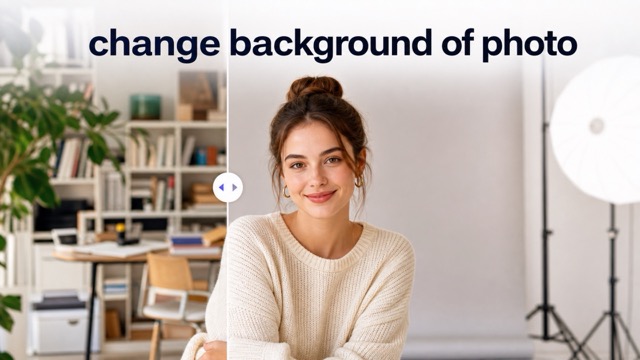
Change Background of Photo
Add Text to Image
Speech Bubble Meme Generator
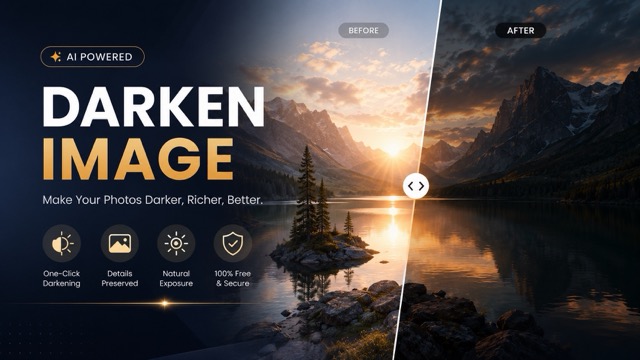
AI Image Darkener
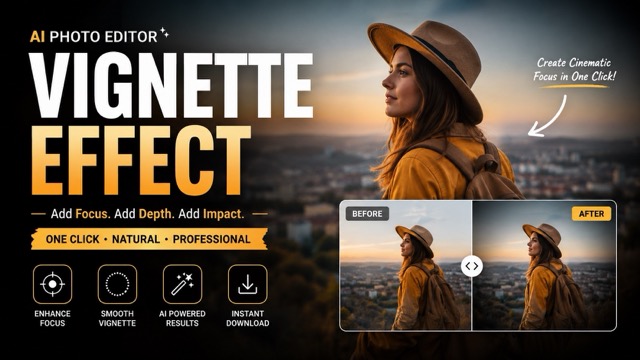
AI Vignette Effect
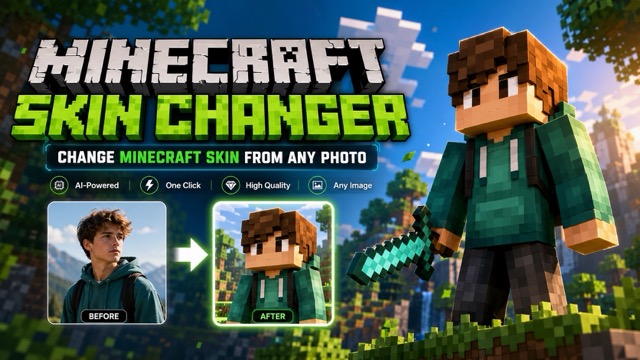
AI Change Minecraft Skin
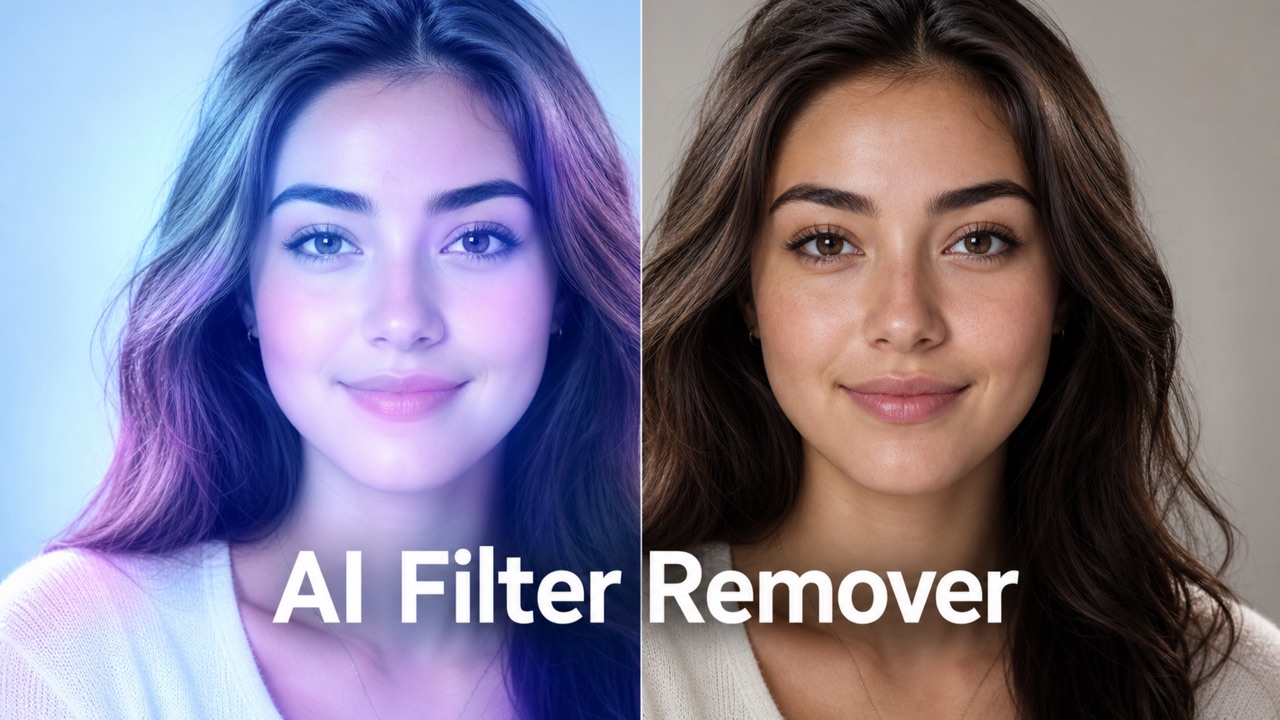
Remove Color From Image
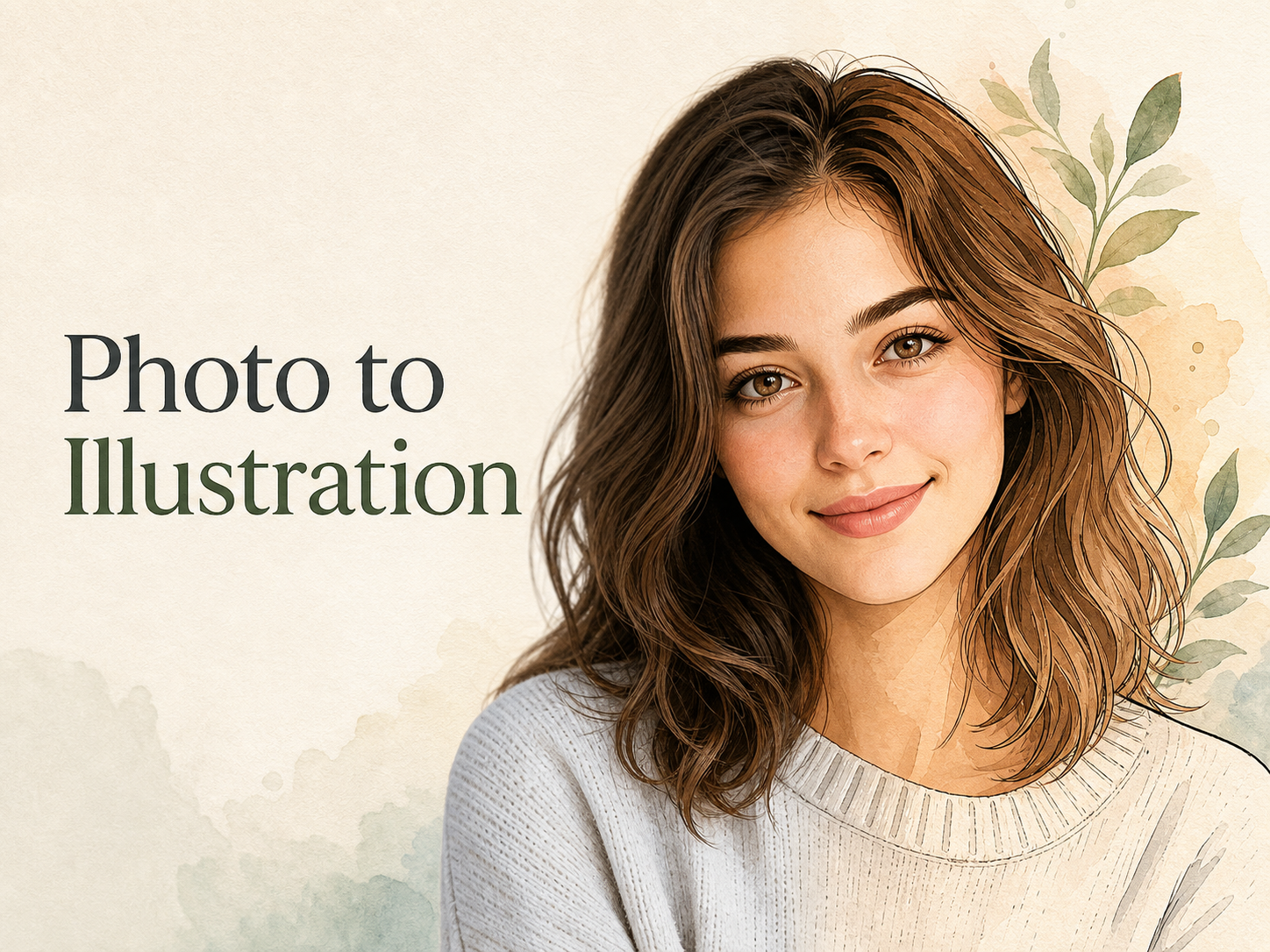
Photo to Illustration
Photo to Coloring Page
convert portrait picture to landscape
Add Object to Photo: Insert Anything with AI
Add new objects to existing photos with a simple text request while keeping the original scene natural and recognizable. Use Add Object to Photo Online to make focused scene additions from a prompt. AI Add Object to Photo keeps the edit focused on the element you describe.
Use Add Object to Photo when a picture is almost right but needs one more detail. Upload your image, describe the object you want, and generate a new version that fits the existing perspective, lighting, scale, and surroundings. AI Add Object to Photo editing helps you place items into portraits, rooms, product-free scenes, travel photos, social posts, and creative compositions without rebuilding the whole image.
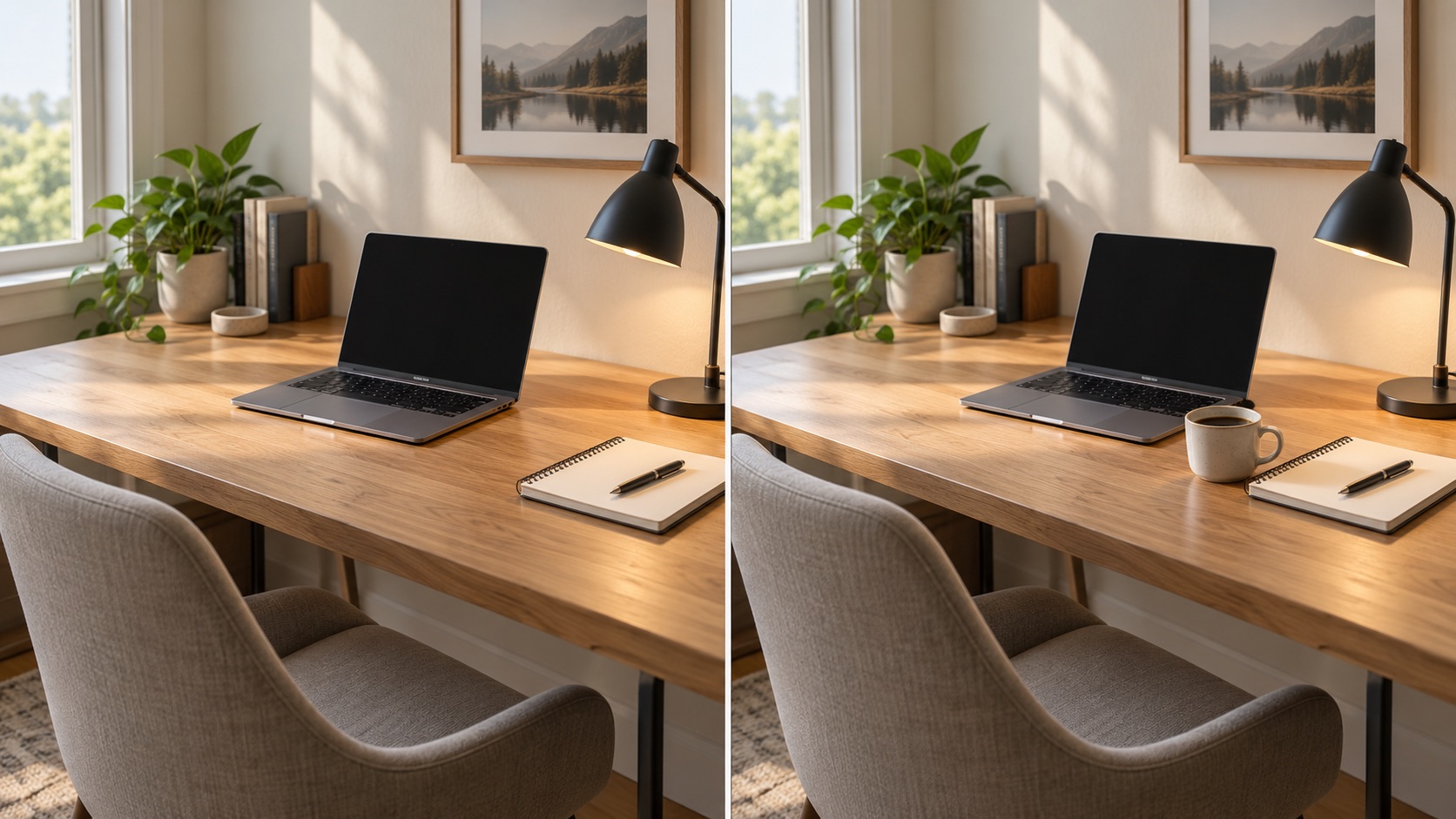
How to Use Add Object to Photo in 3 Steps
Use this simple Add Object to Photo Online workflow to place a new element into an existing picture with a text instruction instead of manually rebuilding the scene. Add Object to Photo with AI lets you move from an existing image to a targeted edit without manual compositing. Add Object to Photo keeps the workflow simple from upload to generation.

Upload Your Photo
Start Add Object to Photo by uploading the image you want to edit. Choose a clear photo with the main subjects and background visible so the model has enough context to understand the scene. Add Object to Image works best when the area where you want the new element is not heavily obstructed. You do not need a second reference image for this workflow.

Describe What You Want to Add
Enter a short instruction describing the object, appearance, and placement you want. For example, ask to add a red armchair beside the window, a small vase on the table, or a dog sitting near the person. Add Object to Photo Online uses your text request to guide the edit, while Add Something to Photo prompts can include useful details such as size, position, material, color, or style.

Generate Your Edited Photo
Click generate to let Add Object to Photo create the edited image. The model analyzes the existing composition and places the requested object into the scene with matching perspective, lighting, shadows, and depth. Review the result, then generate again with a more specific instruction if you want a different position or look. This Add Object to Photo with AI workflow keeps the process direct from request to result.
What Add Object to Photo Helps You Change
Use Add Object to Photo for focused additions that make an existing image more complete, more useful, or more visually specific without changing everything around the edit. AI Add Object to Photo is designed for targeted scene changes, and Add Object to Image keeps the edit centered on what you explicitly request. Add Object to Image gives you another direct way to describe that focused change. Add Object to Photo keeps the original image as the foundation for each change.
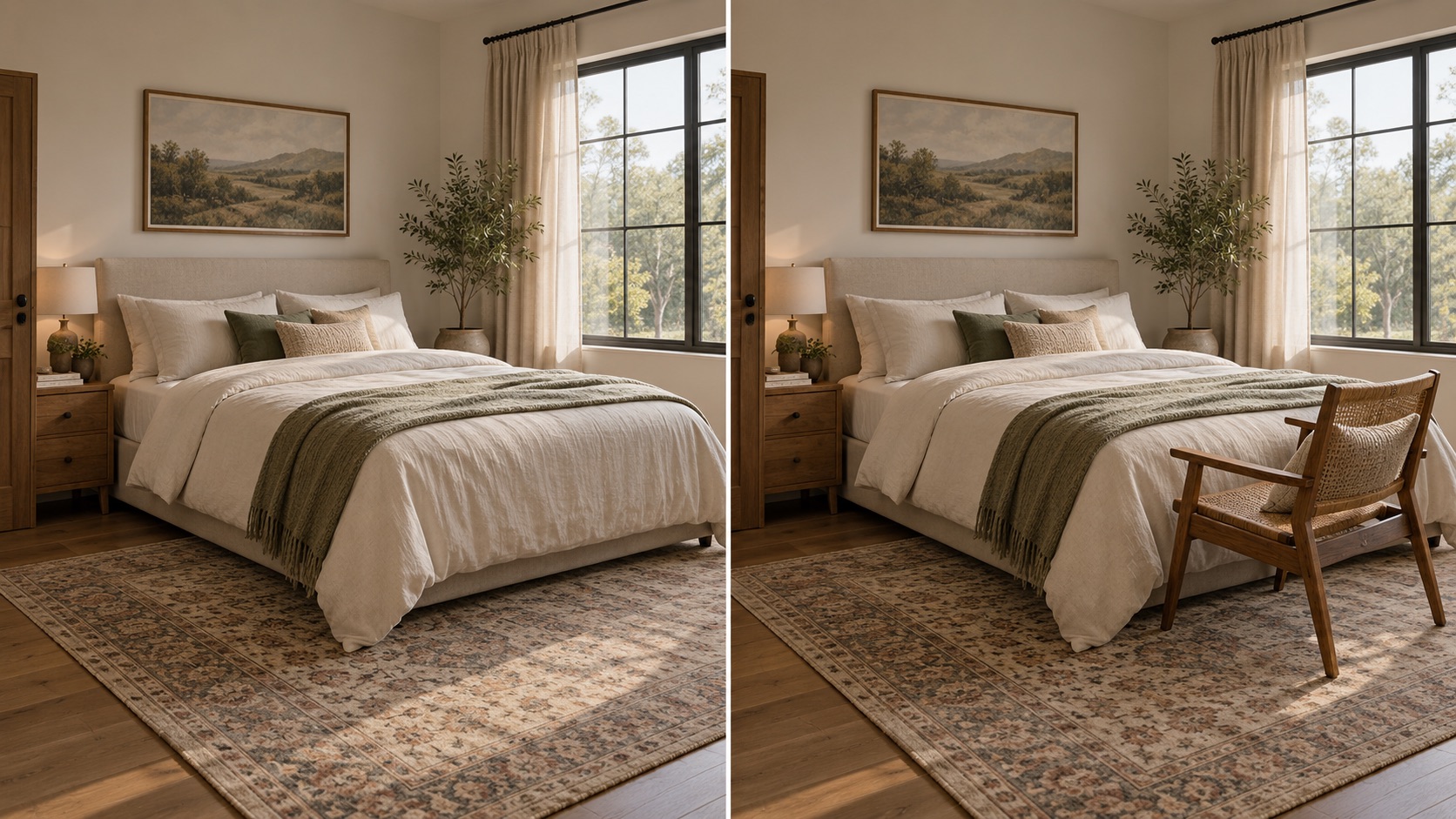
Make a Missing Detail Feel Like It Belongs
A useful edit should look connected to the original photograph rather than pasted on top. Add Object to Photo analyzes placement so the new element can follow existing light, camera angle, depth, and scale. AI Add Object to Photo is useful for a plant in an empty corner, a lamp beside a sofa, or another believable detail. AI Object Insertion focuses on how the new item relates to the scene. Add Objects to Photos when a composition feels unfinished, use Add Object to Image Online to test one addition, or choose Add Object to Photo with AI when shadows and lighting continuity matter.
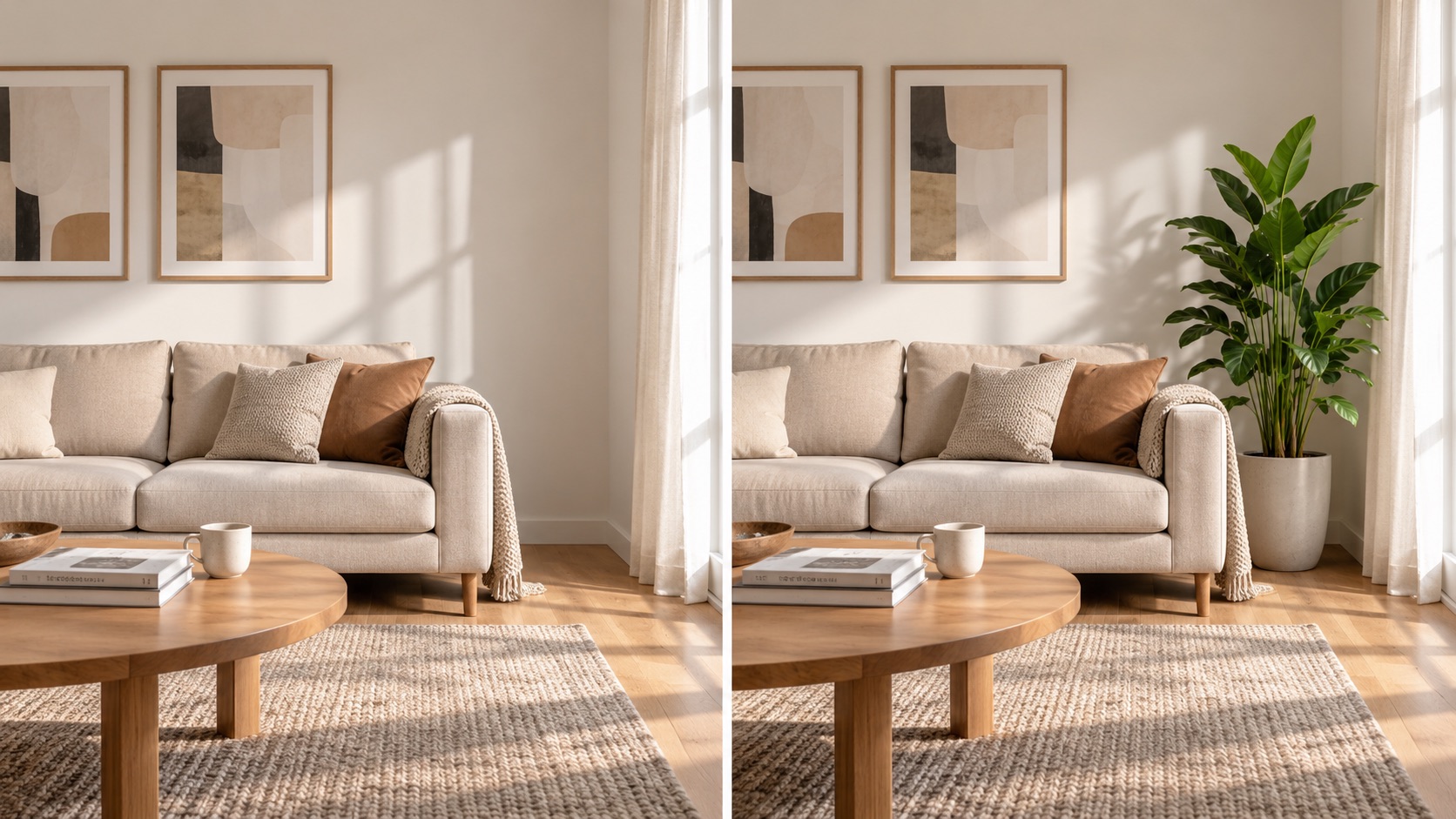
Change One Part Without Rebuilding the Scene
When the original photo already has the subject, angle, and mood you want, rebuilding the whole image can create unnecessary changes. Add Object to Image keeps the existing composition and focuses on one addition. Add Object to Photo with AI can place a chair, hat, flowers, or another prop while preserving unrelated areas. Insert Object into Photo instructions make placement easier to define. AI Add Object to Photo supports quick revisions from the same source, while Add Object to Image can test alternate objects. Add Something to Photo when the existing image already communicates most of the idea.
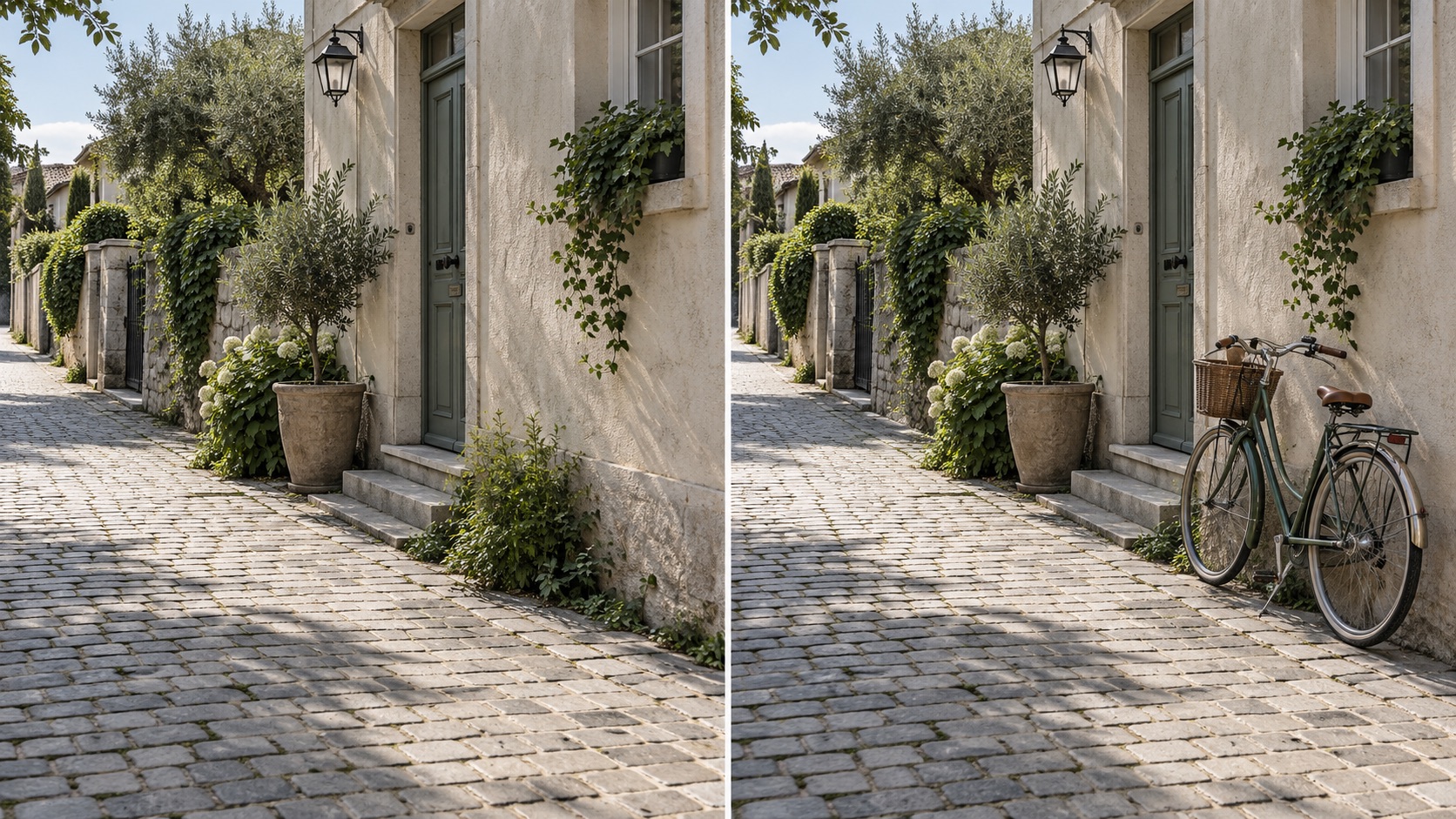
Turn Simple Text into a Precise Visual Edit
You do not need to mask an area or prepare a second object image. Add Object to Photo Online works from a natural-language instruction describing what should appear and where. Include color, material, size, orientation, or relative position when those details matter. AI Add Object to Photo can interpret requests like a wooden stool under the window or a balloon behind the chair. Add Elements to Photos becomes more controllable when the prompt explains the relationship to the scene. Insert Object into Photo requests can specify foreground or background placement, and AI Add Object to Photo can refine the result.
Ways to Use Add Object to Photo
From room styling to creative storytelling, Add Object to Photo supports edits where the original picture works well and only needs a carefully placed new element. AI Add Object to Photo supports both practical and imaginative additions, while Add Object to Image provides a clear way to iterate on one scene. Add Object to Photo also makes repeated concept testing easier from one source image.

Complete Interior and Room Photos
Add Object to Photo can fill an empty part of a room with a believable side table, lamp, plant, cushion, or wall decoration. Add Object to Image Online helps test how one extra element changes the balance of the space before you alter the real scene. Add Objects to Photos to compare several layout ideas from the same base image. AI Add Object to Photo keeps the room structure recognizable, while Add Object to Image lets you vary the new item. Add Elements to Photos for small styling choices, or use Add Object to Photo Online to compare furnishing ideas quickly.

Create More Expressive Social Images
A simple prop can change the story of a photo. Use Add Object to Photo for balloons, flowers, signs, seasonal decorations, accessories, or small background details that support a social post. AI Add Object to Photo lets you explore those variations without staging another shoot. Add Something to Photo when you already like the subject and composition but need one extra visual cue. Add Object to Image can create alternate props from the same source, while Add Objects to Photos works well for a themed series. Add Something to Photo with a clear purpose so the new detail supports the existing story.

Add Props for Creative Concepts
Writers, designers, and visual creators can use Add Object to Photo with AI to place story props into an existing scene. AI Object Insertion can add a lantern, books, signs, tools, or environmental details while retaining the original setting. Insert Object into Photo prompts can specify location and appearance so each prop has a clear role. Add Object to Image Online is useful for quick concept previews, and Add Elements to Photos can develop a scene without replacing it. AI Add Object to Photo keeps additions tied to the source, while AI Object Insertion and Insert Object into Photo prompts also support rapid storyboarding.

Build Variations from One Base Photo
Add Object to Photo Online can reuse one base photo and change only the added element. Add Elements to Photos for seasonal versions, themed scenes, editorial concepts, or alternate compositions. Add Object to Image can create one version with a plant, another with a lamp, and another with wall art while the main photo stays recognizable. AI Add Object to Photo makes those alternatives easier to compare because the surrounding scene remains familiar. Add Objects to Photos for controlled visual variations instead of rebuilding the full image each time.
What Users Say About Add Object to Photo
People use Add Object to Photo for focused visual edits, quick concept variations, and scene additions that would otherwise require another photo shoot or manual compositing. AI Add Object to Photo is useful when the goal is one deliberate addition rather than a completely new image. AI Add Object to Photo keeps the source scene central during those variations.
I used Add Object to Photo to place a floor lamp beside my sofa in an otherwise finished room photo. The lighting stayed consistent, and Add Object to Image gave me a second version with a plant. AI Add Object to Photo made both results feel connected to the original shot.
I used Add Object to Photo to place a floor lamp beside my sofa in an otherwise finished room photo. The lighting stayed consistent, and Add Object to Image gave me a second version with a plant. AI Add Object to Photo made both results feel connected to the original shot.
I use AI Add Object to Photo for small props in visual concepts. Add Object to Photo with AI lets me adjust placement without rebuilding the scene, and Add Object to Image is useful when I want to compare alternate props from the same source.
I use AI Add Object to Photo for small props in visual concepts. Add Object to Photo with AI lets me adjust placement without rebuilding the scene, and Add Object to Image is useful when I want to compare alternate props from the same source.
Add Object to Photo Online helped me place seasonal decorations into an existing social image without changing the person or background. Add Something to Photo prompts are easy to refine, and AI Add Object to Photo gives me enough control for small finishing details.
Add Object to Photo Online helped me place seasonal decorations into an existing social image without changing the person or background. Add Something to Photo prompts are easy to refine, and AI Add Object to Photo gives me enough control for small finishing details.
I tested AI Object Insertion on a desk photo with a notebook, cup, and plant. Insert Object into Photo prompts were easy to adjust, while Add Object to Image Online and Add Object to Image kept the original desk and lighting recognizable across versions.
I tested AI Object Insertion on a desk photo with a notebook, cup, and plant. Insert Object into Photo prompts were easy to adjust, while Add Object to Image Online and Add Object to Image kept the original desk and lighting recognizable across versions.


Add Object to Photo FAQ
Get quick answers about prompts, object placement, multiple additions, and how Add Object to Photo with AI fits new elements into an existing image. Add Object to Image guidance can help you write clearer requests for more predictable edits. Add Object to Image also supports concise, object-specific editing requests. Add Object to Photo can be refined by changing only the instruction.
Upload your image, describe the object and where you want it placed, then click generate. Add Object to Photo uses that instruction to create the edited result while keeping unrelated parts of the image as consistent as possible. AI Add Object to Photo then blends the requested element into the source scene.
Yes. Add Object to Photo Online can handle requests for furniture, decorations, props, accessories, animals, signs, plants, and many other visible elements when the request fits the scene. Add Object to Image can also create ordinary items or imaginative props described in plain language. Add Object to Photo Online is suitable for both realistic and creative additions.
No. AI Add Object to Photo can generate the requested element from your text description, so this workflow only requires the original photo and your instruction. Add Object to Image creates the new element directly from your words.
Include the object, placement, size, color, material, or style when those details matter. Add Object to Image usually performs better when the request clearly explains the relationship between the new object and the existing scene. AI Add Object to Photo also benefits from spatial cues such as beside, behind, above, or in the foreground. Insert Object into Photo prompts should be concise but specific.
Yes. Add Objects to Photos can be done through separate generations or by requesting multiple additions in one clear prompt. For more control, add one or a few related objects at a time. AI Add Object to Photo is easier to control when each addition has a clear placement. Add Objects to Photos gradually if you need to compare each change.
The model aims to preserve the original subjects, composition, and background while making the requested addition. Add Elements to Photos works best when your prompt focuses on the new object instead of asking for unrelated scene changes. Add Object to Image is intended for focused edits rather than unnecessary changes across the whole frame. Add Elements to Photos one at a time when preservation of the original scene matters most.
Add the Missing Detail to Your Photo
Upload an image, describe the new element, and use Add Object to Photo to create a revised scene with the object placed naturally into the original composition. Add Something to Photo in seconds with a direct text request.
