
AI Image Tools
Everything You Need to Edit Photos Faster
Open the PicEditor AI tools library for background removal, photo enhancement, object cleanup, face swap, upscaling, and more focused image workflows.

Snatched Waist Editor

AI Facial Expression Changer

AI Nose Piercing Filter

Replace Object in Photo Online

Add Object to Photo

Eyeliner Filter

AI Bust Down Filter

Image Splitter

Add White Background to Photo

Snapchat Text Remover

Realistic AI Skin Generator

Add speech bubble to photo

Change Photo Background

AI Clothes Wrinkle Remover

AI LinkedIn Profile Picture

GPT Transparent BG Image Editor

Image to Layers

3D Angle Editor
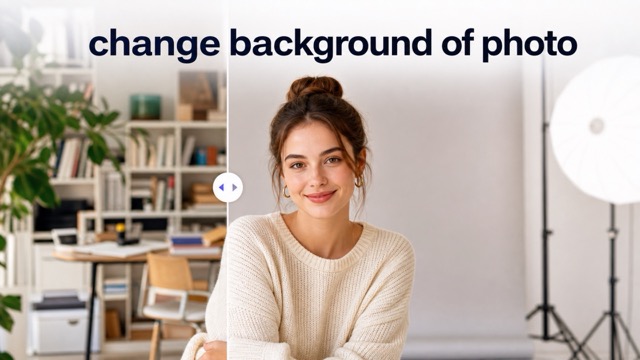
Change Background of Photo
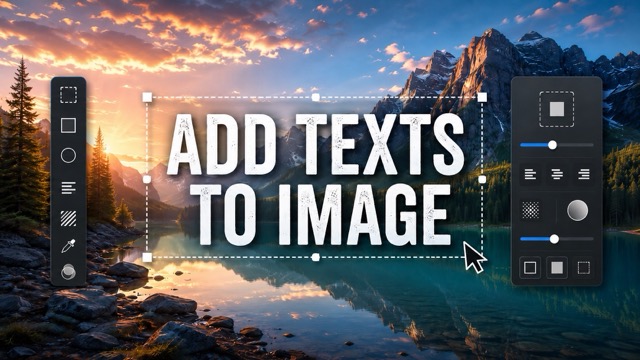
Add Text to Image
Speech Bubble Meme Generator
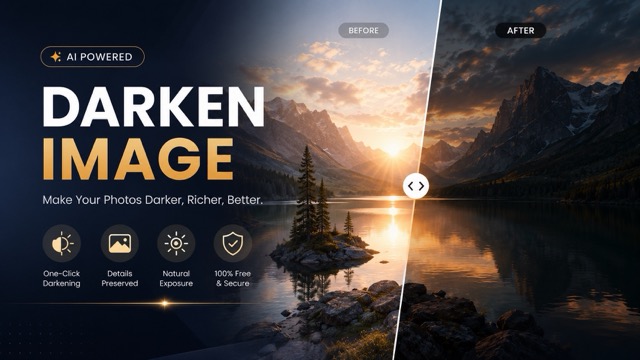
AI Image Darkener
AI Portrait Retouching Online
Retouch Portraits Naturally Without Complex Editing
Give portraits a cleaner, more polished appearance with AI Portrait Retouching. Upload an image and let AI reduce blemishes, uneven tone, and distracting skin details while preserving natural texture and recognizable facial features. From profile photos and professional headshots to lifestyle images and social content, Portrait Retouching provides a fast way to refine portraits without complicated manual editing.
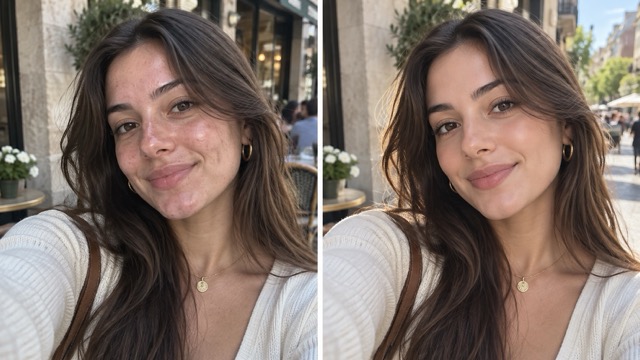
How to Use AI Portrait Retouching
AI Portrait Retouching turns portrait cleanup into three simple steps. Upload a clear image, click Generate, and download the finished portrait. Clear facial details and balanced lighting usually help produce more natural Portrait Retouching results.

Upload Image
Upload a selfie, headshot, beauty portrait, or lifestyle photo. A clear image with visible facial details gives AI Portrait Retouching better information for natural skin refinement.

Click Generate
Click Generate and let AI Portrait Retouching automatically reduce blemishes, uneven tone, and distracting imperfections while preserving recognizable facial features and natural skin texture.

Download
Review the finished portrait, then download the image for profiles, portfolios, social media, marketing content, or personal use.
Natural AI Portrait Retouching for Everyday Photos
Good retouching improves a portrait without making the edit obvious. AI Portrait Retouching reduces distracting imperfections while preserving the details that keep a face realistic. It works for headshots, selfies, beauty photos, lifestyle content, and other portraits where a clean but natural finish matters.
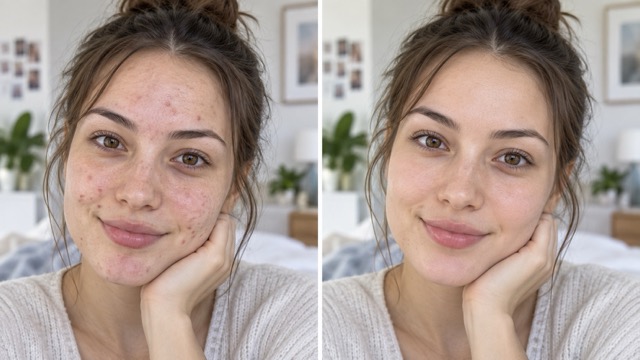
Refine Skin Without Losing Natural Texture
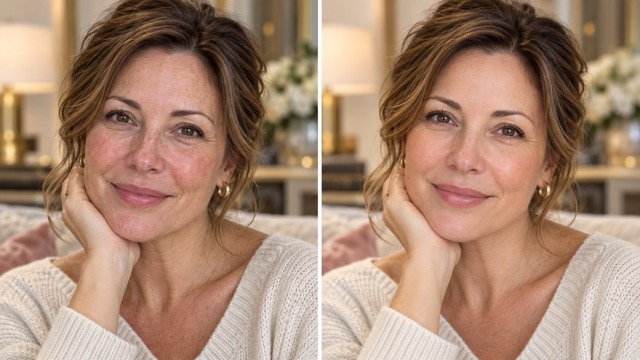
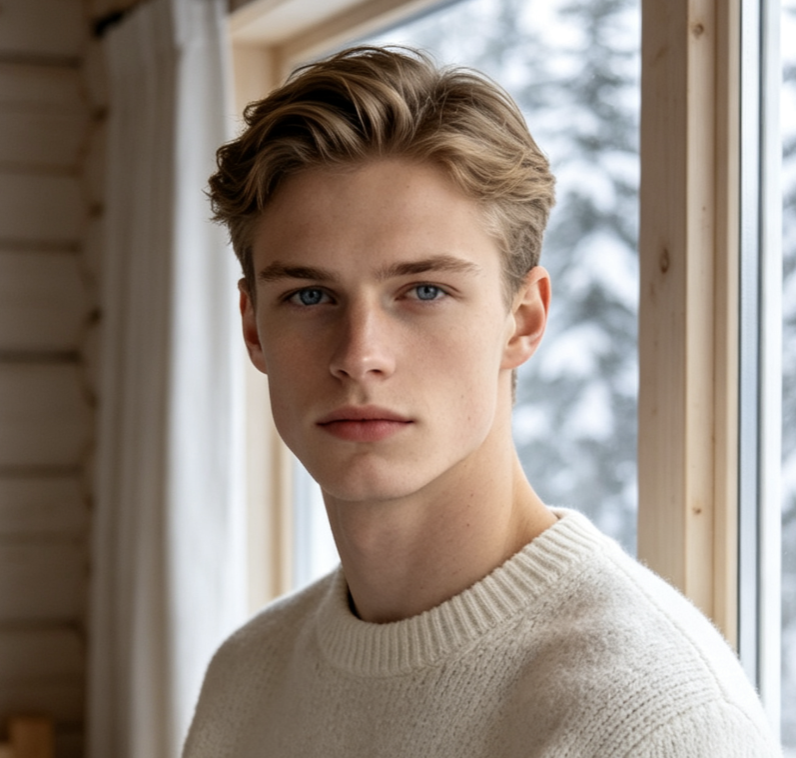
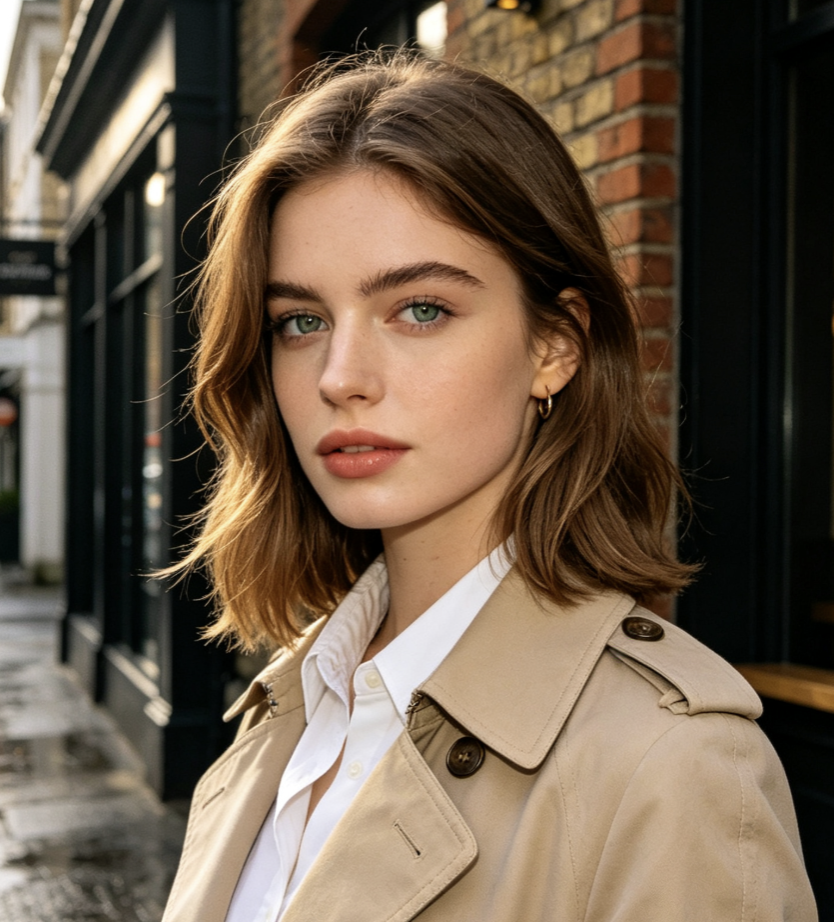
AI Portrait Retouching reduces blemishes, minor redness, and uneven areas while preserving visible skin texture. Instead of applying a flat blur across the face, it creates a cleaner result that still looks believable and recognizable. This makes Portrait Retouching useful when you want a polished photo without an artificial skin effect.
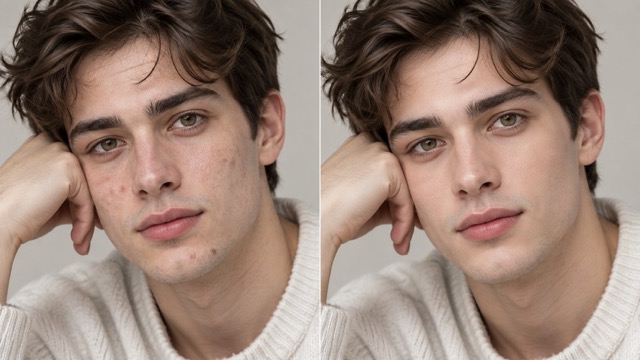
Polish Headshots and Profile Photos
AI Portrait Retouching can refine temporary imperfections and improve overall facial presentation before you use an image for a professional profile, portfolio, biography, or social account. Upload the image and click Generate to create a cleaner finishing pass without a complex editing workflow.
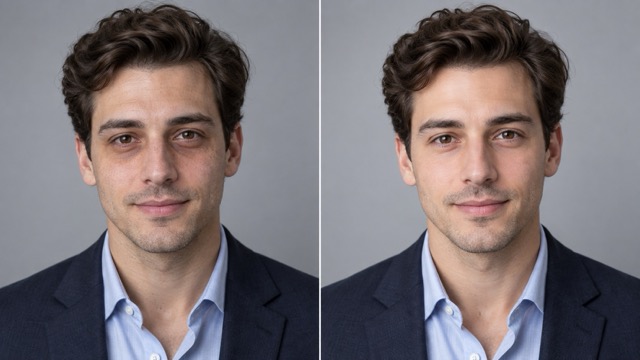
Enhance Portraits While Preserving Identity
AI Portrait Retouching focuses on refinement rather than changing the person. It helps preserve facial proportions, recognizable features, hairstyle, and overall identity while cleaning distracting details. The result feels like a polished version of the original portrait rather than a different face.
Save Time on Repetitive Retouching
Traditional Portrait Retouching can require spot healing, masking, smoothing, and repeated adjustments. AI Portrait Retouching simplifies the process: upload an image, click Generate, and download the result. It is useful for creators, photographers, marketers, and everyday users who need polished portraits quickly.
Where AI Portrait Retouching Works Best
AI Portrait Retouching works well for people-focused photos that need a clean, natural finish. Use it for profiles, portfolios, social posts, marketing images, and personal portraits where small imperfections distract from the subject.
Professional Headshots
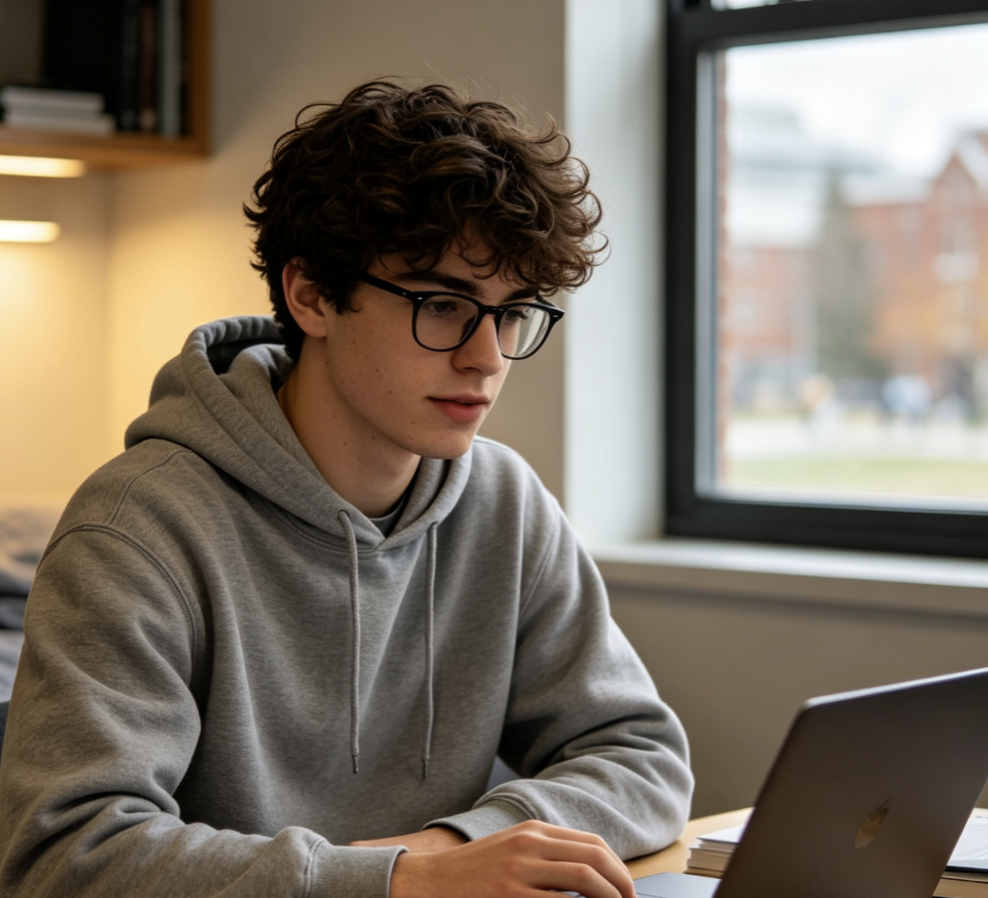
Use AI Portrait Retouching for company profiles, resumes, speaker pages, websites, and other professional materials. It helps reduce temporary imperfections while keeping facial details recognizable and natural.
Social Media Portraits
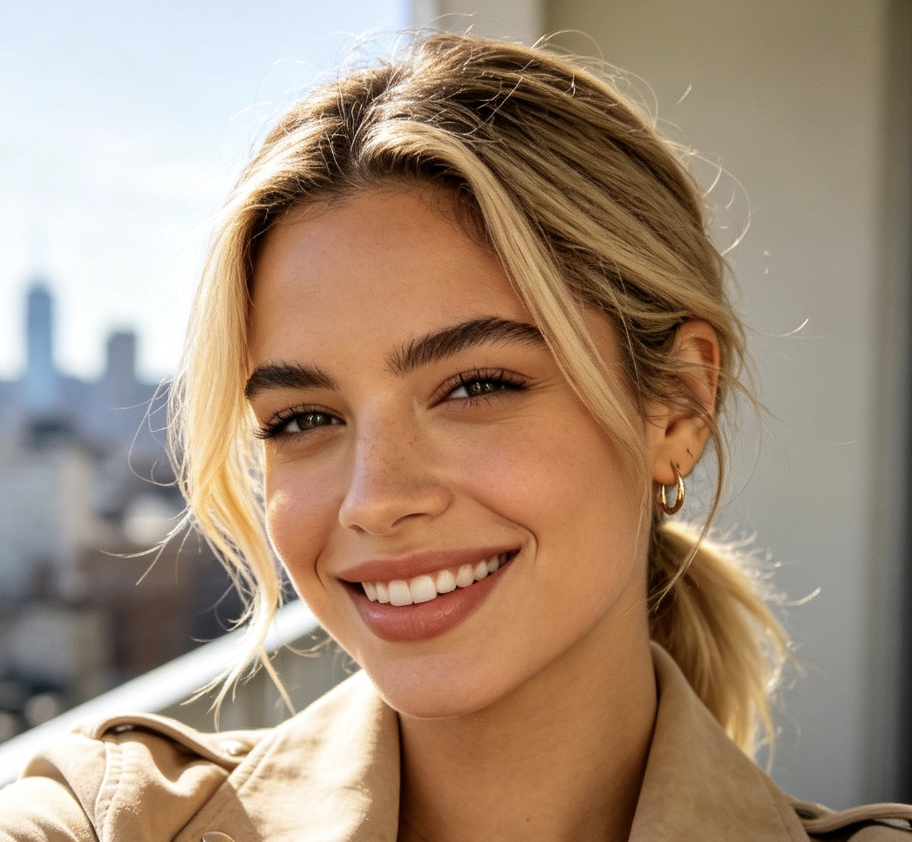
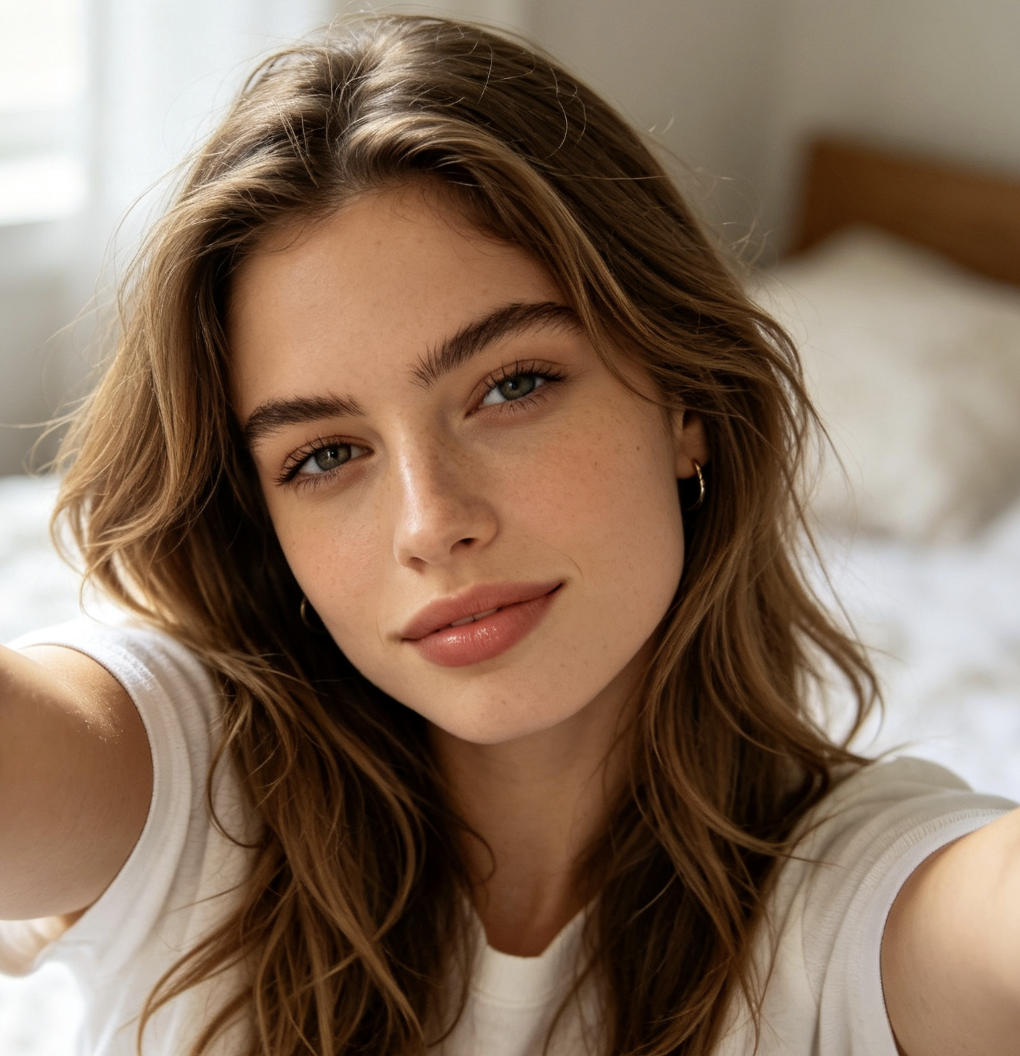
Give selfies and lifestyle portraits a subtle finishing pass before posting. AI Portrait Retouching reduces distracting blemishes and uneven texture while keeping the image natural and recognizable.
Photography and Client Previews
Photographers can use AI Portrait Retouching for quick preliminary cleanup or client previews. Upload the portrait, generate a refined version, and use it as a faster starting point for polished presentation.

Beauty and Lifestyle Content
AI Portrait Retouching helps beauty and lifestyle images balance polish with realism. Reduce distracting imperfections while preserving important facial details for creator campaigns, fashion portraits, and lifestyle content.
Why Users Choose AI Portrait Retouching
Users choose AI Portrait Retouching because it makes portrait cleanup faster while keeping faces recognizable. Upload an image, click Generate, and get a cleaner portrait without spending time on detailed manual retouching.
I use AI Portrait Retouching when I need a clean headshot quickly. It reduces small distractions without making my skin look artificial.
I use AI Portrait Retouching when I need a clean headshot quickly. It reduces small distractions without making my skin look artificial.
Portrait Retouching usually takes several manual steps. This gives me a cleaner result much faster and leaves more time for the overall photo.
Portrait Retouching usually takes several manual steps. This gives me a cleaner result much faster and leaves more time for the overall photo.
The AI Portrait Retouching result still looked like me. I wanted a cleaner profile photo, not a completely different face.
The AI Portrait Retouching result still looked like me. I wanted a cleaner profile photo, not a completely different face.
I create a lot of portrait content, and AI Portrait Retouching makes it much easier to prepare several images quickly.
I create a lot of portrait content, and AI Portrait Retouching makes it much easier to prepare several images quickly.
AI Portrait Retouching is useful when a good photo only needs a final cleanup. The workflow is simple and the result stays natural.
AI Portrait Retouching is useful when a good photo only needs a final cleanup. The workflow is simple and the result stays natural.
AI Portrait Retouching FAQ
Learn how AI Portrait Retouching works, what it can improve, and which images produce the most natural-looking results.
AI Portrait Retouching automatically improves portrait details such as temporary blemishes, uneven skin tone, and distracting spots. Upload your image and click Generate to create a cleaner portrait while preserving recognizable facial structure and natural-looking skin.
The goal is natural refinement rather than heavy smoothing. AI Portrait Retouching reduces distracting imperfections while preserving useful skin texture. Clear, high-quality photos usually provide the best balance between cleanup and realism.
Clear portraits with visible facial details and balanced lighting usually work best. Selfies, professional headshots, lifestyle portraits, beauty photos, and family images can all be used for AI Portrait Retouching.
AI Portrait Retouching can reduce the visible appearance of temporary blemishes, small spots, redness, and uneven areas in a photo while preserving important facial characteristics.
AI Portrait Retouching is suitable for photographers, creators, marketers, professionals, businesses, and everyday users. Simply upload an image, click Generate, and download the refined portrait without advanced editing skills.
Give Your Portrait a Natural Professional Finish
Upload your image, click Generate, and let AI Portrait Retouching reduce distracting imperfections while preserving natural facial details. Download a cleaner, polished portrait in just a few steps.
