Upload one clear selfie, choose a scene and create a portrait beside the white lion boss. No prompt writing needed.
AI Image Tools
Everything You Need to Edit Photos Faster
Open the PicEditor AI tools library for background removal, photo enhancement, object cleanup, face swap, upscaling, and more focused image workflows.
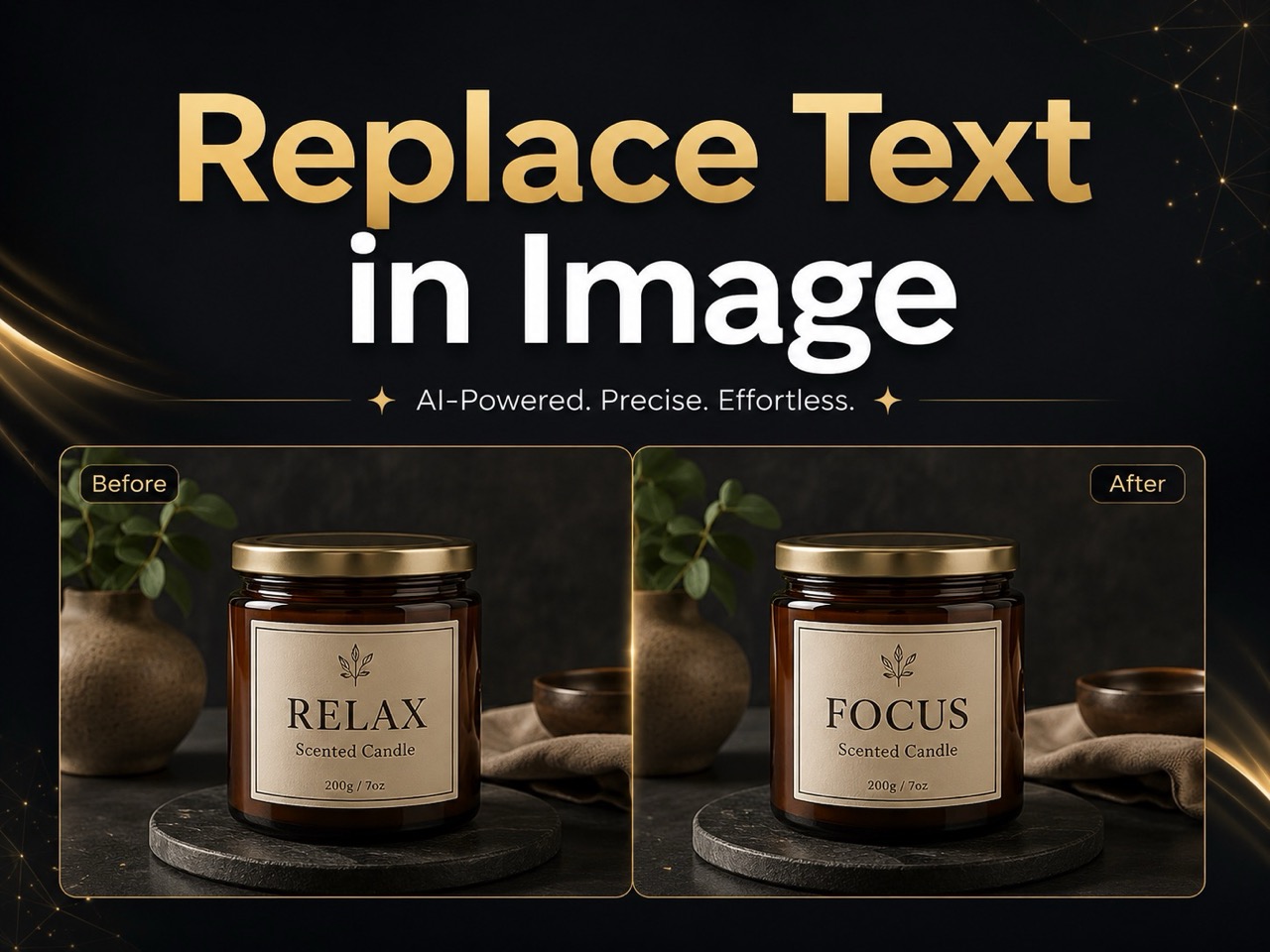
Replace Text in Image
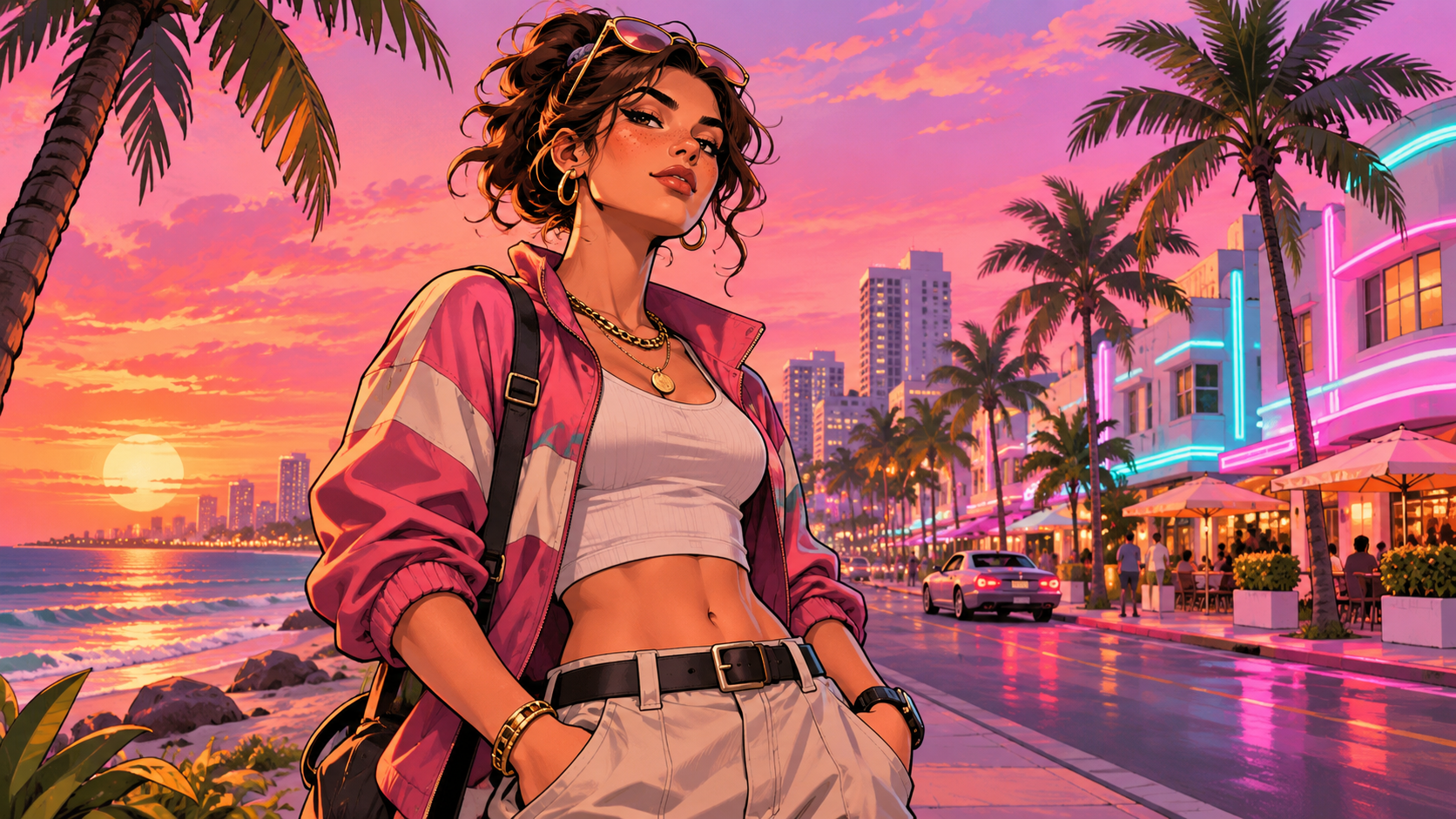
GTA 6 AI Photo
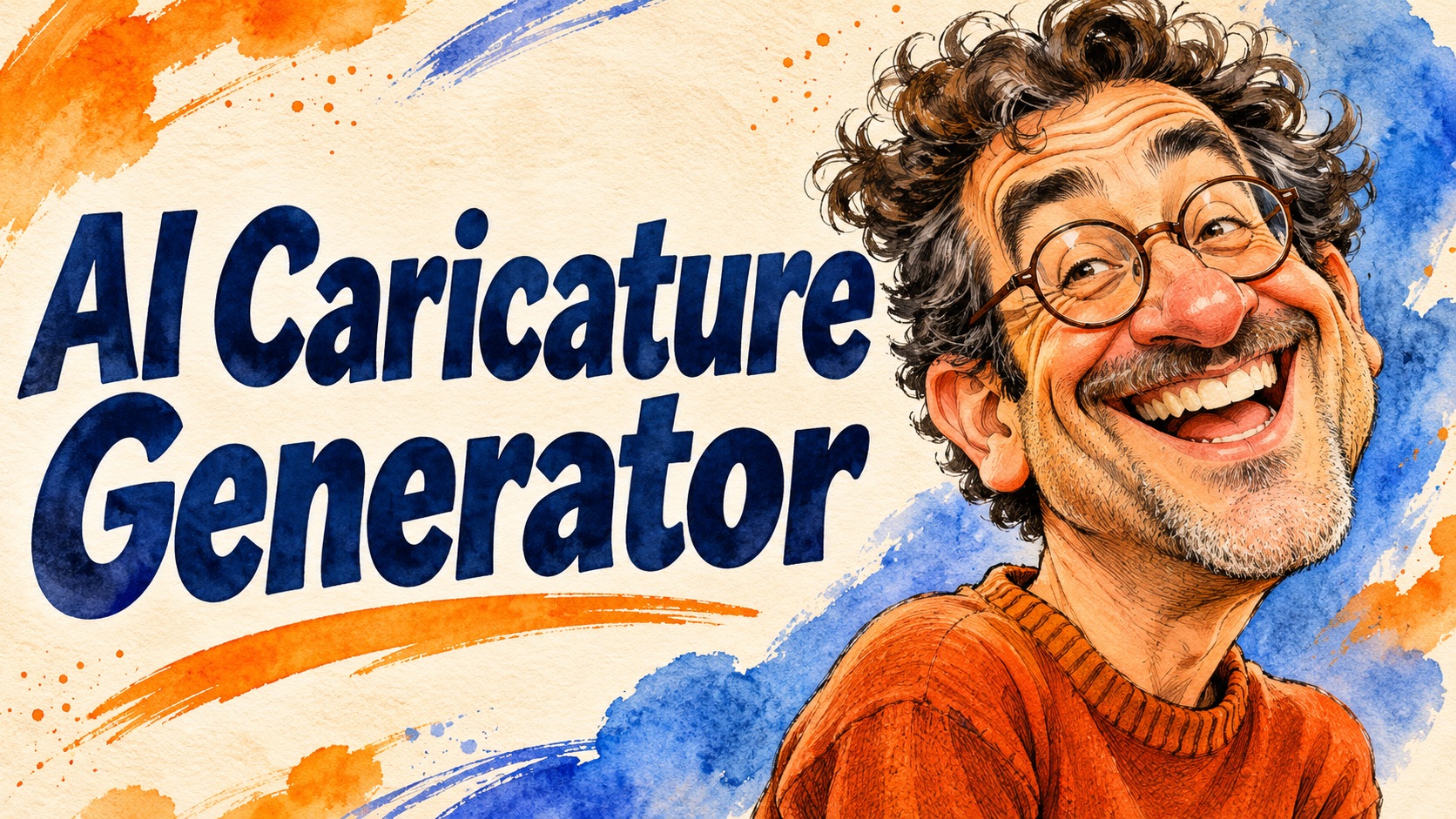
AI Caricature Generator
Self Hug Sketch

AI Snow Globe Photo
GTA 6 Loading Screen AI
3 Layer Photo Editing

Make Them All Wear White Trend
Photo Booth With Friend
Waist Heart Trend
Bold Glamour Filter
Romantic Couple Spotlight
I'm So Sorry Trend AI Photo Editor
AI Halloween Generator
Corpse Bride AI Filter
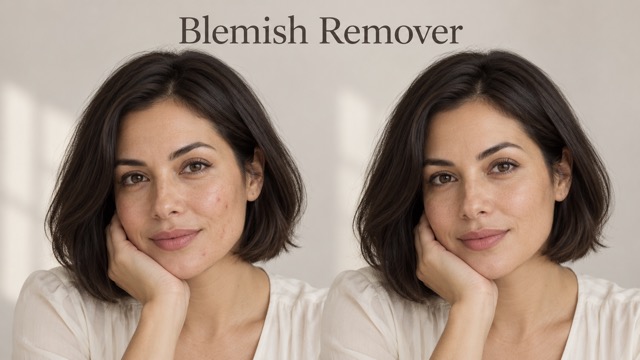
AI Blemish Remover
FLUX 3 Image Klein
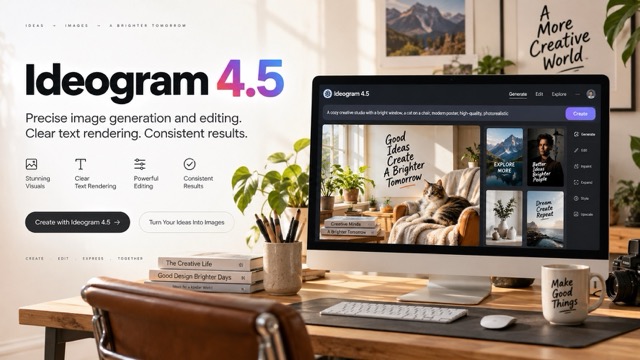
Ideogram 4.5
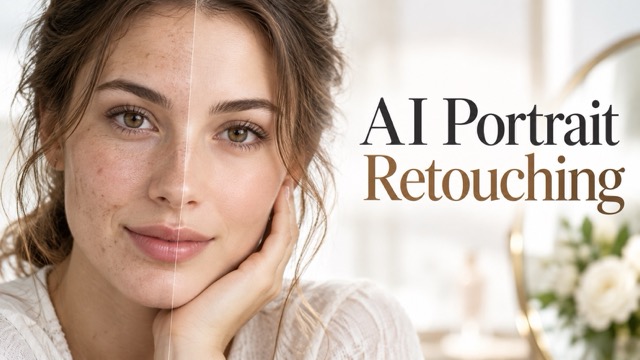
AI Portrait Retouching

Snatched Waist Editor
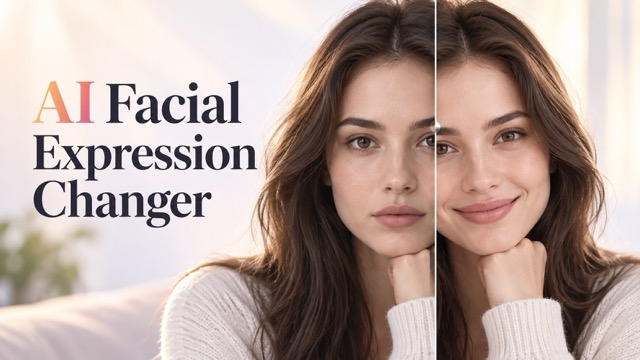
AI Facial Expression Changer
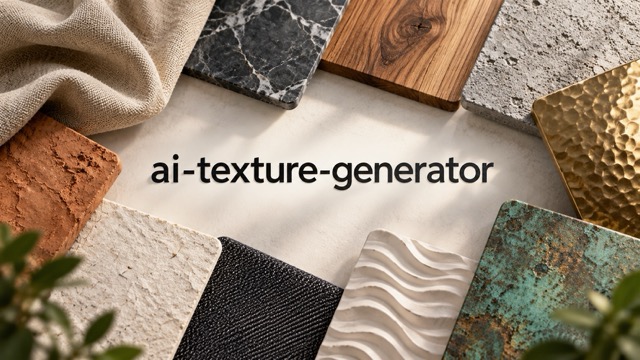
AI Texture Generator
AI Nose Piercing Filter
Sheru Bhai AI Photo: Stand Beside The White Lion Boss
One Selfie, Three Scenes, Your Own Sheru Bhai Photo
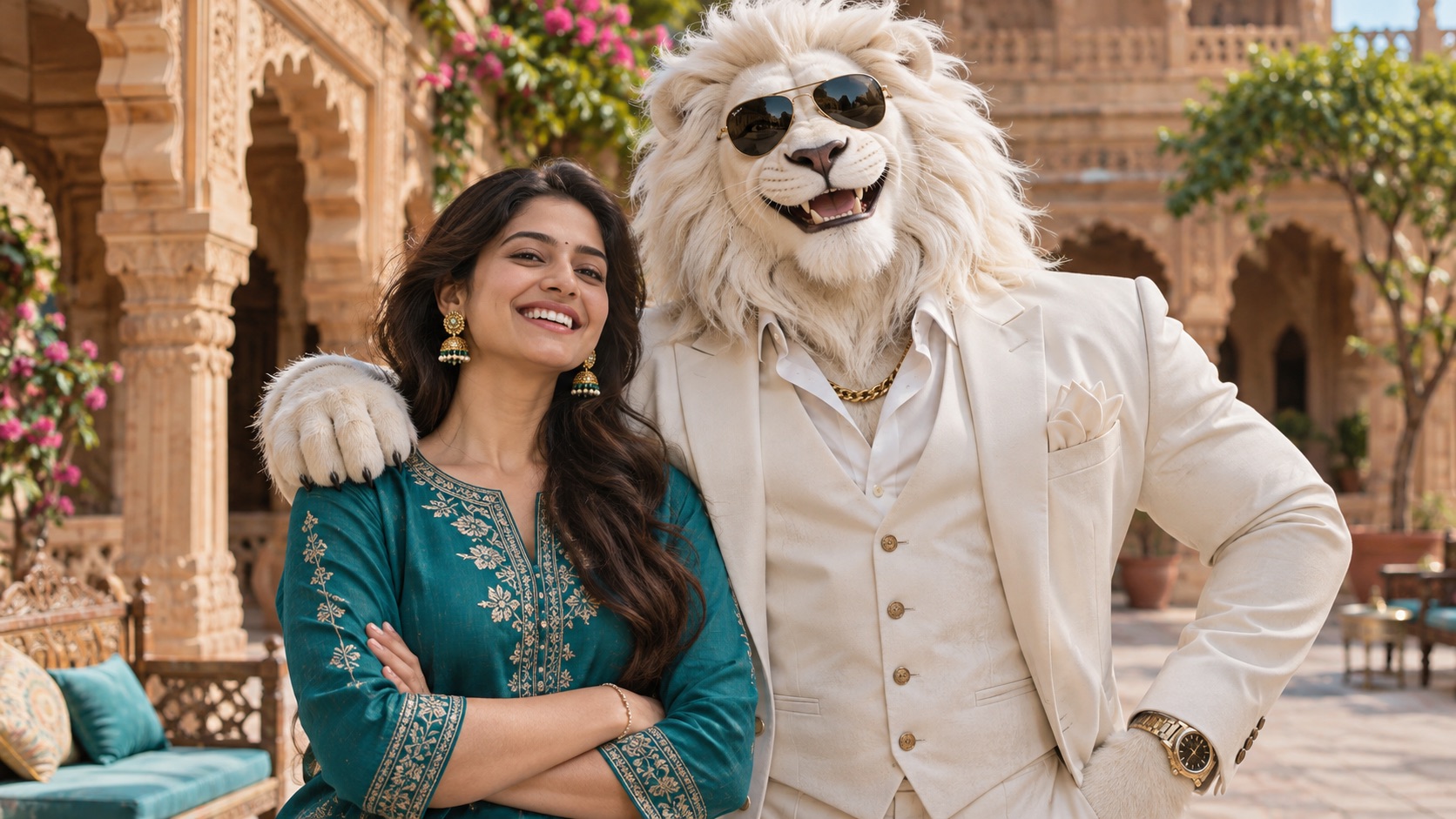
Create Sheru Bhai AI Photo with your own selfie and step into a portrait beside the white lion boss. Sheru Bhai AI Photo Generator prepares the character and scene, so you can focus on choosing a picture you like. Keep your face human while Sheru appears in his ivory suit, gold chain and dark aviator sunglasses. Make a photo with Sheru Bhai in a palace courtyard, beside a supercar or over a cup of chai. Your Sheru Bhai photo starts with one clear portrait, with no prompt writing needed.
How To Create Sheru Bhai AI Photo
Use Sheru Bhai AI Photo Generator in four simple steps. Start with one clear image and choose the setting for your portrait.

Upload Your Selfie
Add one photo with a single person clearly visible. Use your own picture or a picture you have permission to edit.

Choose Your Scene
Select Palace Courtyard, Supercar Night or Street Chai. The scene supplies the pose and setting without a written prompt.

Generate Your Photo
Check the displayed generation cost and settings. Start generation when you are ready.

Save Your Sheru Bhai Photo
Inspect your face, hands and the lion character. Save your preferred result using the available download control.
Three Ways To Make Sheru Bhai AI Photo Yours
Sheru Bhai AI Photo Generator offers three prepared settings with one shared idea: your human portrait beside a recognizable white lion boss. Compare the palace, nighttime car and neighborhood chai looks by their mood and composition. Choose a Sheru Bhai photo that fits what you want to share, rather than adding unrelated details to a complicated prompt.
Sheru Bhai AI Photo With Your Face Still Human
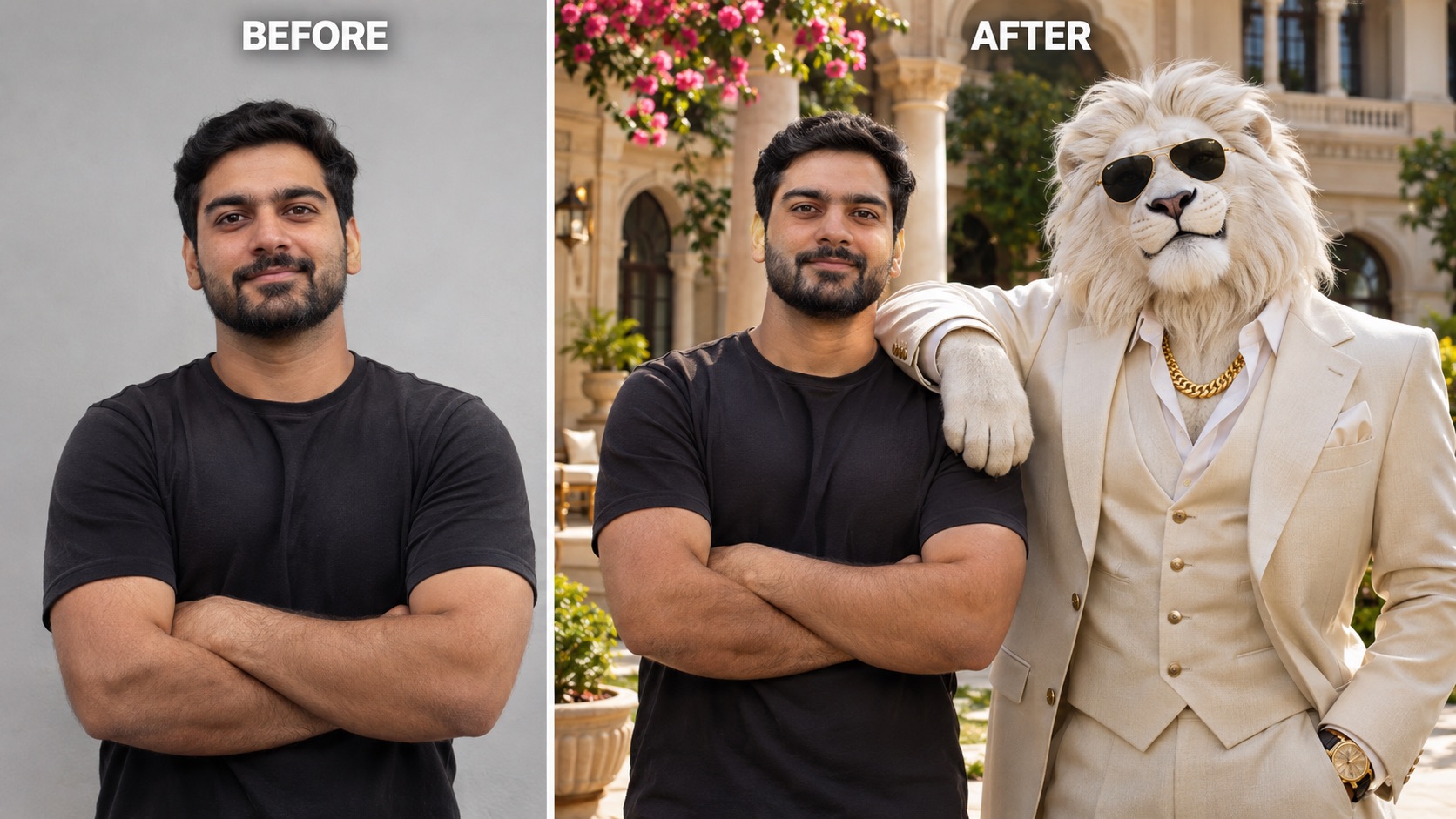
Sheru Bhai AI Photo places you beside a separate lion character, so the portrait is about meeting the boss rather than becoming him. Your uploaded picture supplies the reference for your face, hairstyle and skin tone. Sheru Bhai AI Photo Generator pairs that human reference with the white mane, ivory suit and gold accessories that define the character. The Palace Courtyard scene gives both subjects room in a softly lit composition, with a relaxed shoulder-to-shoulder pose and a clear view of each face.
Choose this look when you want a photo with Sheru Bhai that feels friendly and direct. A clear reference is especially useful for a Sheru Bhai photo from a selfie, because facial details need to remain readable beside the larger lion head. Sheru Bhai AI Photo aims for recognizable identity, while leaving the scene open to AI variation. Review the eyes, smile and shoulder contact before choosing your favorite Sheru Bhai photo.
Sheru Bhai AI Photo Beside A Supercar
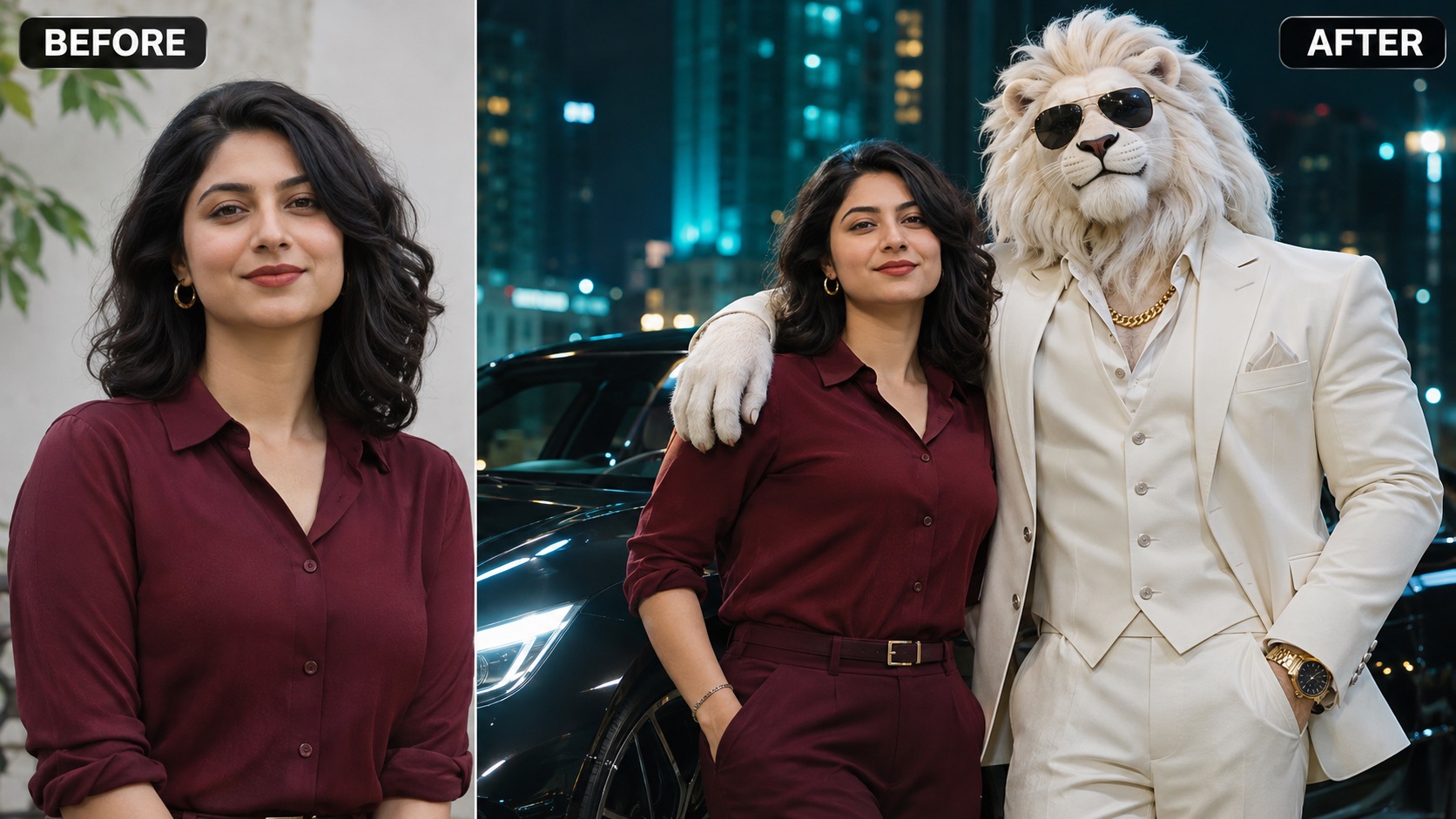
Give Sheru Bhai AI Photo a cinematic nighttime setting with Supercar Night. The scene places you and the white lion boss beside an unbranded luxury sports car, using city lights and a clear two-subject composition. Sheru Bhai AI Photo Generator prepares this direction without asking you to describe headlights, reflections or camera angles. The car supports the mood while the two faces remain the focus, making the scene useful when you want a bold Sheru Bhai photo instead of a crowded action sequence.
A portrait of Sheru Bhai with a supercar works best when the faces stand out from the darker background. Start with an evenly lit upload and avoid a source where your face is tiny. For a Sheru Bhai profile picture, check how the duo reads in a tighter crop before posting. Sheru Bhai AI Photo gives you a dramatic scene to explore without turning your human face into the lion.
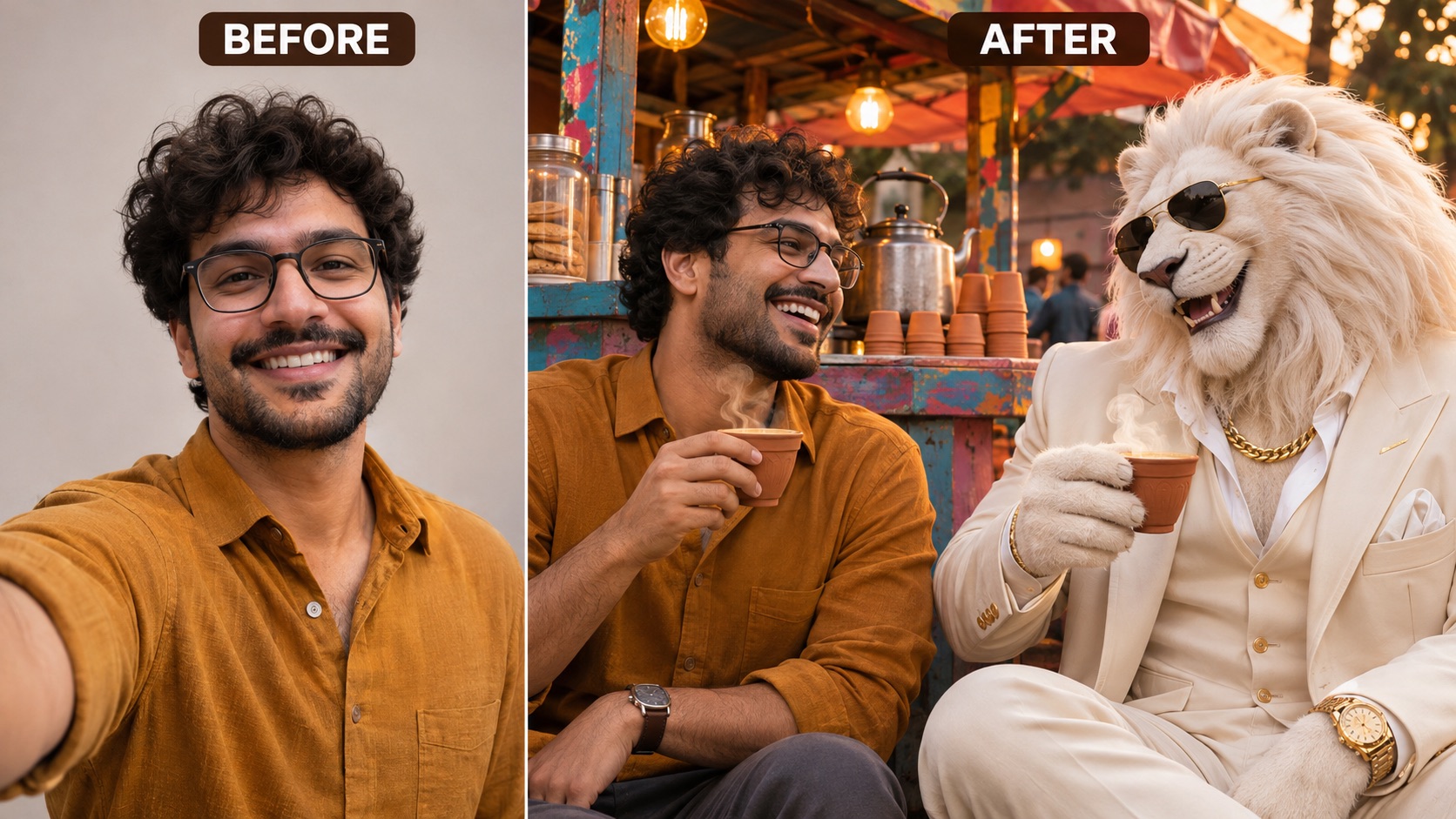
Sheru Bhai AI Photo In A Friendly Chai Scene
Sheru Bhai AI Photo can feel relaxed as well as grand. Street Chai brings you and the lion boss to a neighborhood tea stall, with small cups, warm light and a conversational seated pose. Sheru Bhai AI Photo Generator keeps the character in his recognizable white suit while changing the atmosphere around him. The contrast between an imposing lion and an ordinary tea break gives this Sheru Bhai photo a playful friendship theme, with less emphasis on cars or palace architecture.
Try this setting for a photo with Sheru Bhai that suits a casual social post or a friendly surprise for someone who enjoys the character. A Sheru Bhai photo from a selfie still depends on a clear face, even when the surrounding scene changes completely. Sheru Bhai AI Photo asks the model to keep the human identity separate from the lion. Inspect the cups, hands and seated proportions when comparing the finished Sheru Bhai photo.
Ideas For Your Sheru Bhai AI Photo
Sheru Bhai AI Photo works as a playful portrait concept for profiles, social posts and personal messages. Sheru Bhai AI Photo Generator gives each idea a visual starting point; you choose the scene and decide how to use the picture after reviewing it.

A Sheru Bhai Profile Picture With Personality
A Sheru Bhai profile picture can make the friendship between you and the lion the whole idea. Choose Palace Courtyard for clear faces and a quieter background. Sheru Bhai AI Photo puts the two subjects together, so check the circular crop used by your chosen app: a wide portrait may need more room than a small avatar allows. Keep both heads visible, or use the full image in your profile gallery. Sheru Bhai AI Photo Generator supplies the scene, while your source photo supplies the expression that makes the portrait feel personal.

A Sheru Bhai Photo For Social Posts
A portrait of Sheru Bhai with a supercar brings city lights and a confident duo pose to a social post. Use Sheru Bhai AI Photo as the image, then add a caption in your social app if you want a joke or a short story. The picture itself does not need lettering to explain the meeting. Sheru Bhai AI Photo Generator builds a still composition, so focus on faces, lighting and the car silhouette. This Sheru Bhai photo can stand alone in a feed without requiring an animated entrance or spoken dialogue.
A Friendly Surprise For Someone You Know
Make a photo with Sheru Bhai for an adult friend who enjoys the character, using a picture they have agreed to share. Street Chai gives the idea a warm, conversational tone. Sheru Bhai AI Photo can become the centerpiece of a birthday message or a group-chat surprise after you save the image. Add your own greeting outside the generator rather than expecting precise event text inside the picture. Sheru Bhai AI Photo Generator provides a prepared scene, and a recognizable selfie helps the person feel part of the playful fictional meeting.

A Still Image For A Character Story
Sheru Bhai AI Photo can supply a portrait for a fictional story about meeting the white lion boss. Choose a palace encounter, a night beside the car or a casual tea break to suggest a different chapter. A Sheru Bhai photo from a selfie keeps a familiar human at the center of that idea. Sheru Bhai AI Photo Generator creates a still Sheru Bhai photo; any narration, motion or editing happens in a separate workflow. Choose the result whose expression supports your story and keep the human and lion visually distinct throughout your post.
Creative Reactions To Sheru Bhai AI Photo
Illustrative personas and reactions describe possible creative preferences; these are not verified customer reviews.
Sheru Bhai AI Photo makes a friendly Sheru Bhai profile picture feel personal, with both faces visible.
Sheru Bhai AI Photo makes a friendly Sheru Bhai profile picture feel personal, with both faces visible.
I like seeing Sheru Bhai with a supercar in a clear nighttime portrait, with the faces prominent.
I like seeing Sheru Bhai with a supercar in a clear nighttime portrait, with the faces prominent.
A relaxed Sheru Bhai photo over chai feels warm and playful, with a memorable contrast between the characters.
A relaxed Sheru Bhai photo over chai feels warm and playful, with a memorable contrast between the characters.
Sheru Bhai AI Photo Generator gives my palace portrait idea a simple starting point for a character story.
Sheru Bhai AI Photo Generator gives my palace portrait idea a simple starting point for a character story.
Sheru Bhai AI Photo Questions Answered
Find practical answers about your selfie, scene choices and finished still image before creating Sheru Bhai AI Photo.
Sheru Bhai AI Photo is an AI portrait concept featuring Sheru Bhai, a fictional lion boss commonly shown with a white mane, an ivory suit, gold jewelry and dark sunglasses. Here, the prepared scenes place your human likeness beside that separate character. Sheru Bhai AI Photo Generator uses your uploaded portrait as the human reference, then builds the selected environment around the duo. The goal is a personal Sheru Bhai photo with a readable meeting or friendship theme. The result is a still image you can review before saving.
No prompt writing is needed for the prepared scenes in Sheru Bhai AI Photo Generator. Upload one portrait, select a scene and start generation after checking the displayed cost. The character description, interaction and setting are already prepared. Sheru Bhai AI Photo uses that direction together with your photo, so you do not need to copy a long prompt from another website. If you want a simpler first attempt, start with Palace Courtyard and a clear front-facing portrait. Review the result before deciding to make another version.
Use a sharp picture with one face clearly visible, even lighting and enough detail around the hair and shoulders. A Sheru Bhai photo from a selfie is easier to assess when the reference is recent and looks like you. Avoid heavy filters, strong shadows over the eyes and hands covering your face. Sheru Bhai AI Photo Generator uses the photo as a reference rather than a guarantee of identical features. For a Sheru Bhai profile picture, pay particular attention to facial detail and leave enough room for the final crop.
Yes. Sheru Bhai AI Photo offers Palace Courtyard, Supercar Night and Street Chai as prepared scene choices. Pick the courtyard for a direct portrait, Sheru Bhai with a supercar for a dramatic night setting, or chai for a friendly everyday moment. Sheru Bhai AI Photo Generator supplies the scene instructions, so you do not need to upload a separate palace, car or lion reference. Each option is a new composition based on your human portrait. The scenes change the atmosphere while keeping the same basic two-subject idea.
This Sheru Bhai AI Photo workflow is designed to keep your face human and add the lion beside you. It does not ask the model to replace your head with an animal head. Sheru Bhai AI Photo Generator uses separate descriptions for the human and the white lion boss, including the character’s mane, suit and accessories. AI generation can still change facial details, so compare the finished picture with your upload. A good Sheru Bhai photo should keep the two identities distinct and show natural contact between shoulders, hands and paws.
This page creates a still Sheru Bhai AI Photo. It does not create an entrance sequence, spoken dialogue or a moving auction scene as part of the same output. You can use a saved portrait as an idea for a separate video project, but that requires another workflow. Sheru Bhai AI Photo Generator is useful when your immediate goal is a portrait, social image or friendly character encounter. Before sharing, check the faces, hands, accessories and background, then choose the picture whose composition works best for your intended post.
Create Your Own Sheru Bhai AI Photo
Start with a clear selfie and choose the encounter you want to create. Sheru Bhai AI Photo brings your human portrait together with the white lion boss in a palace, beside a car or over chai. Use Sheru Bhai AI Photo Generator to turn a familiar face into a playful scene, then inspect the details and save the result you prefer. Your next Sheru Bhai photo can begin with a picture you already like.