Upload one portrait or shared couple photo, choose a composition, and create three connected frames with soft white transitions.
AI Image Tools
Everything You Need to Edit Photos Faster
Open the PicEditor AI tools library for background removal, photo enhancement, object cleanup, face swap, upscaling, and more focused image workflows.
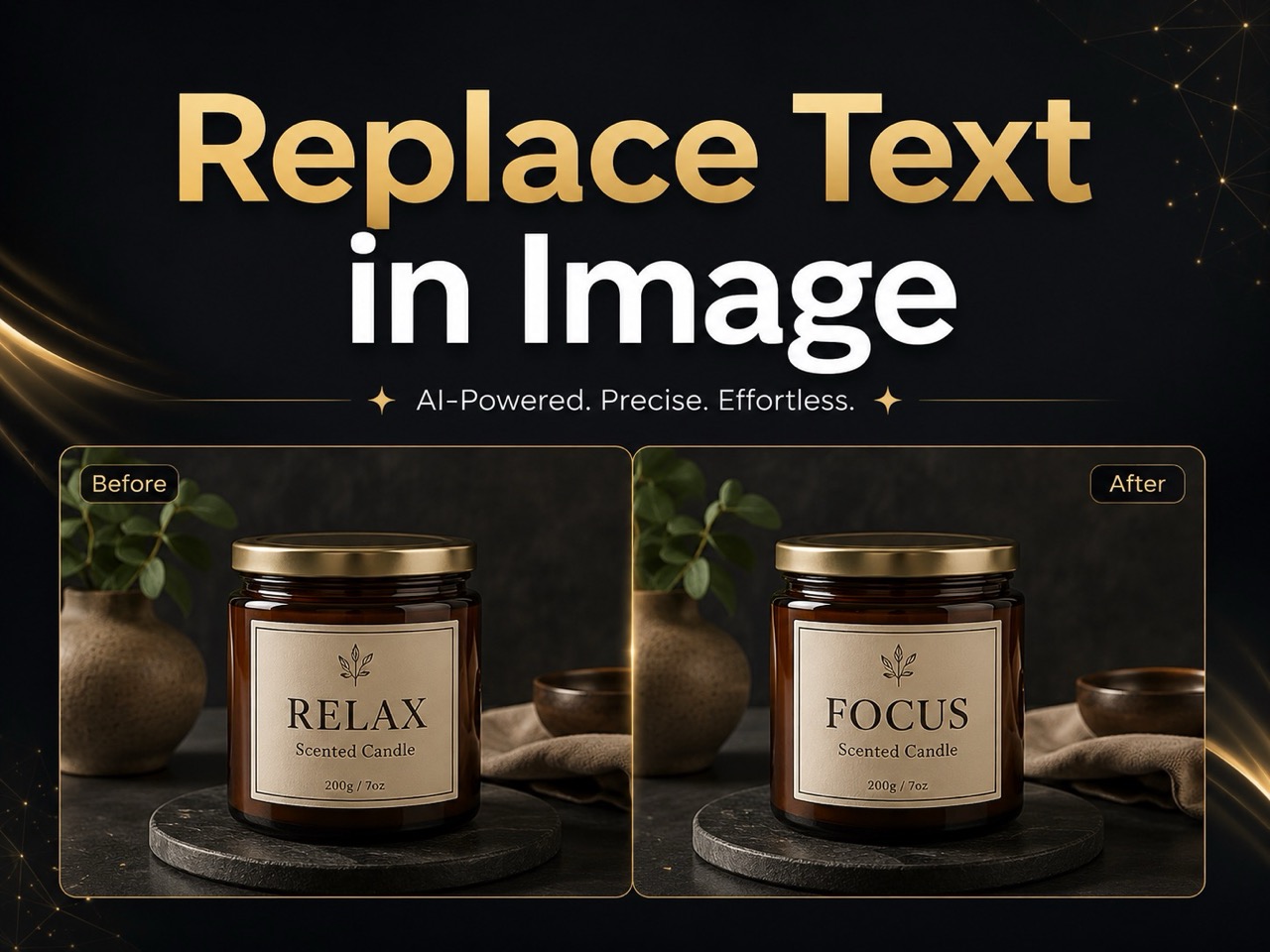
Replace Text in Image
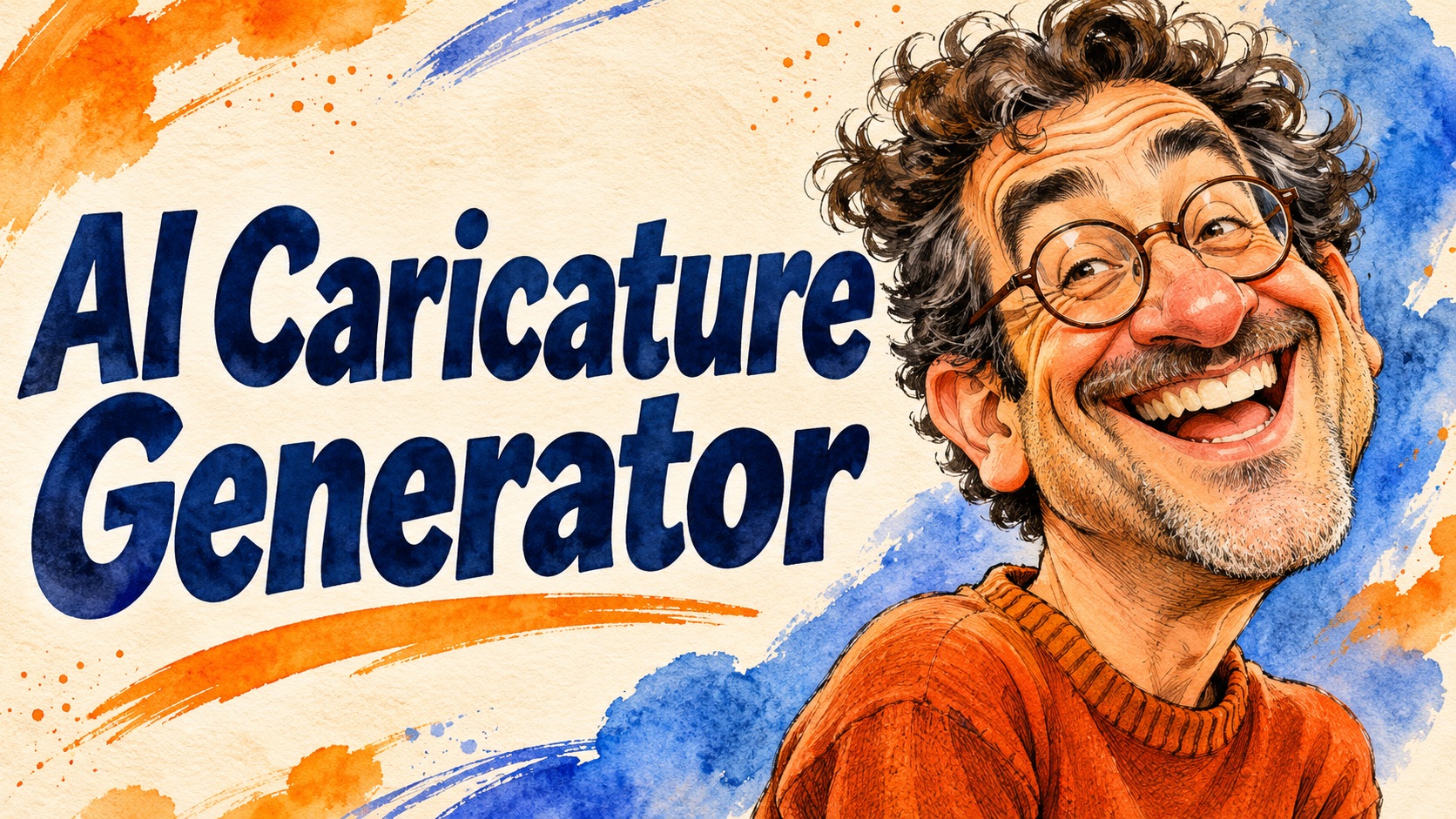
AI Caricature Generator
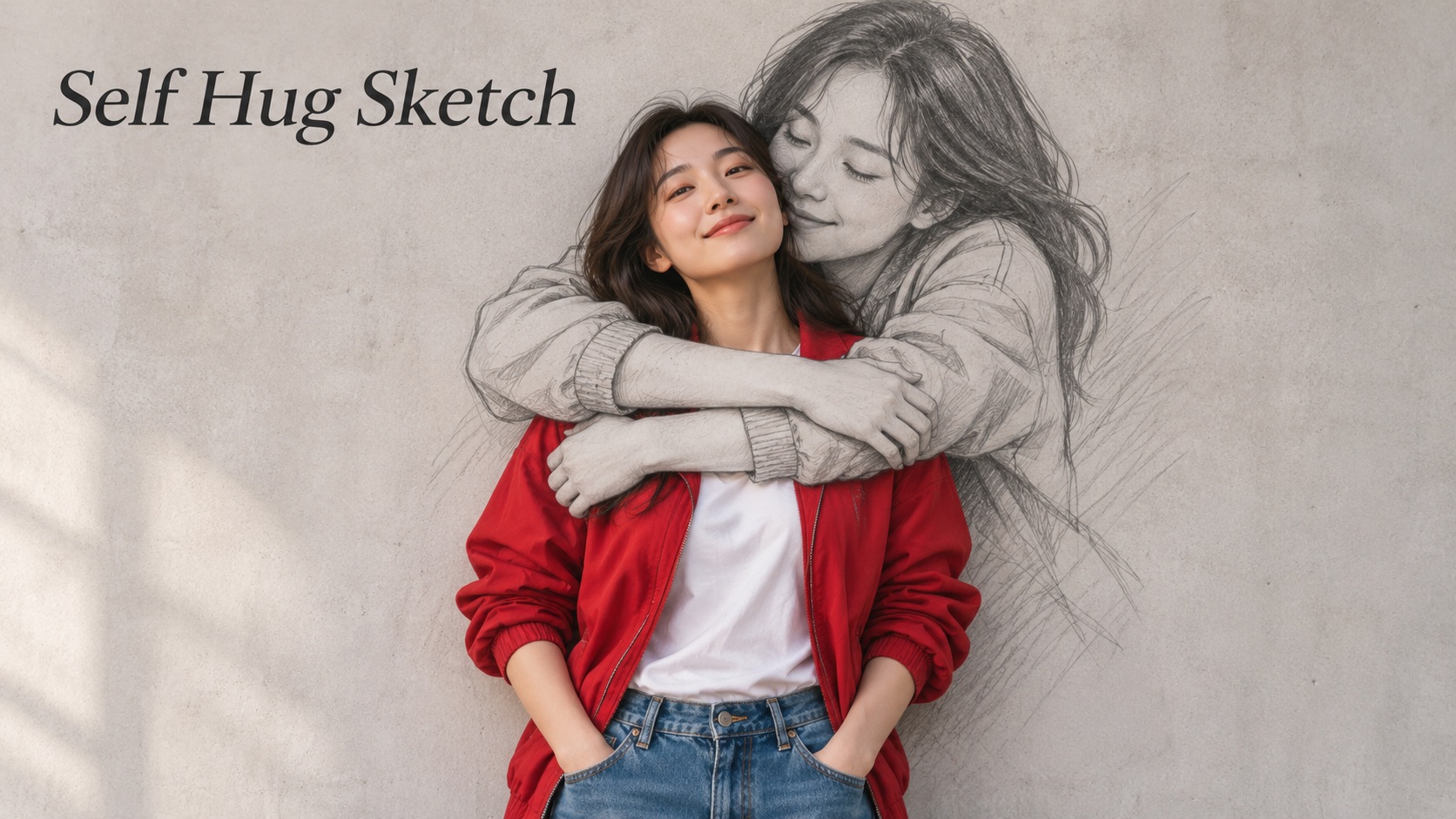
Self Hug Sketch

AI Snow Globe Photo

GTA 6 Loading Screen AI
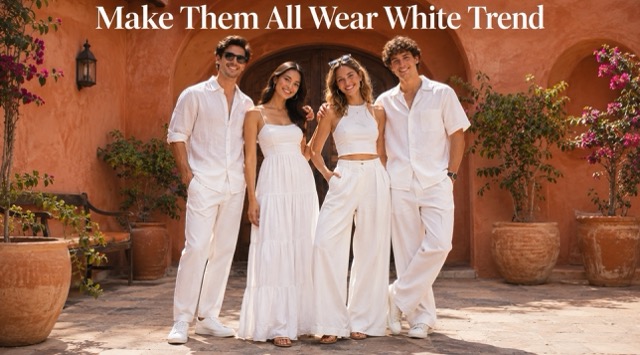
Make Them All Wear White Trend
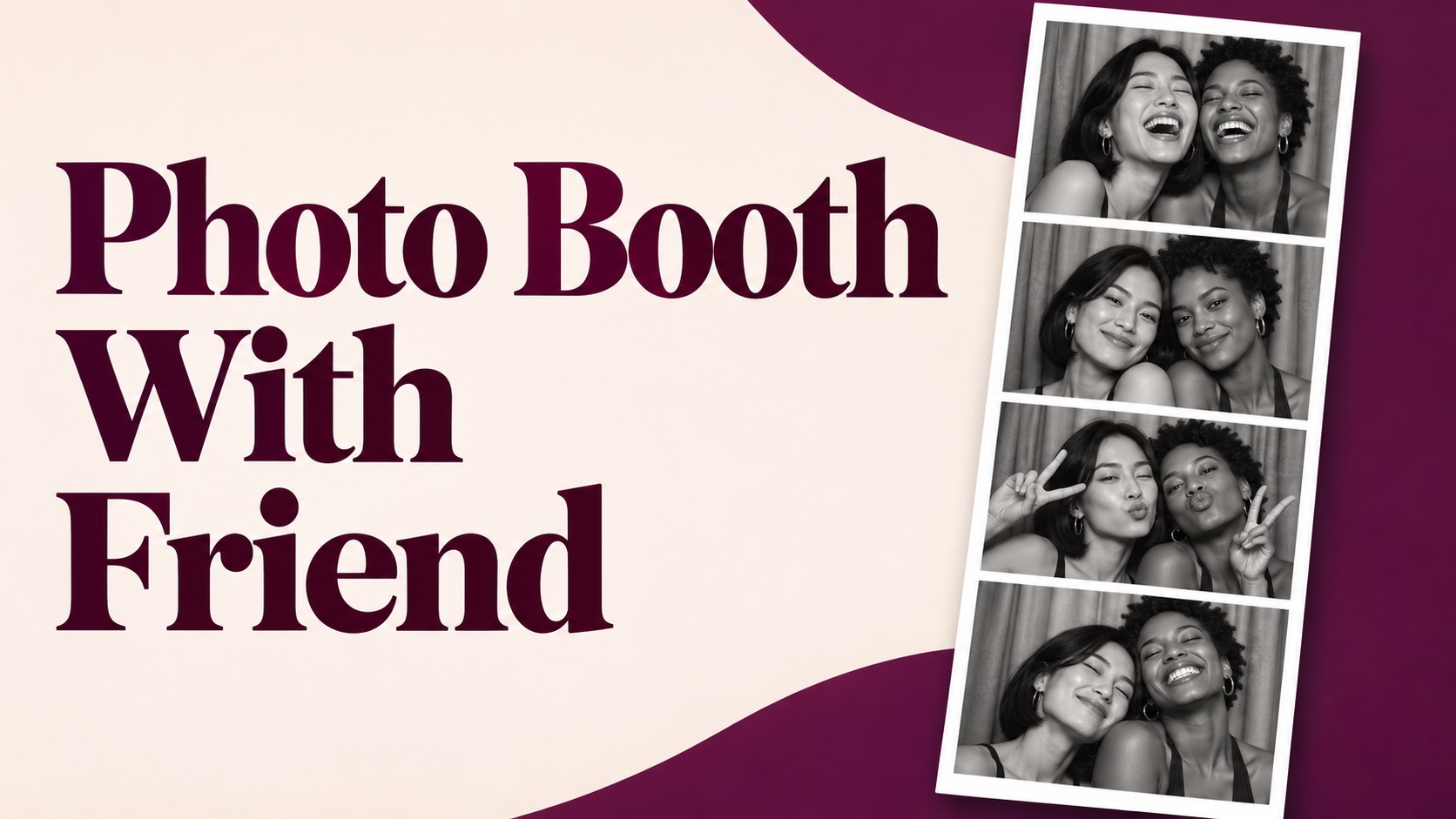
Photo Booth With Friend
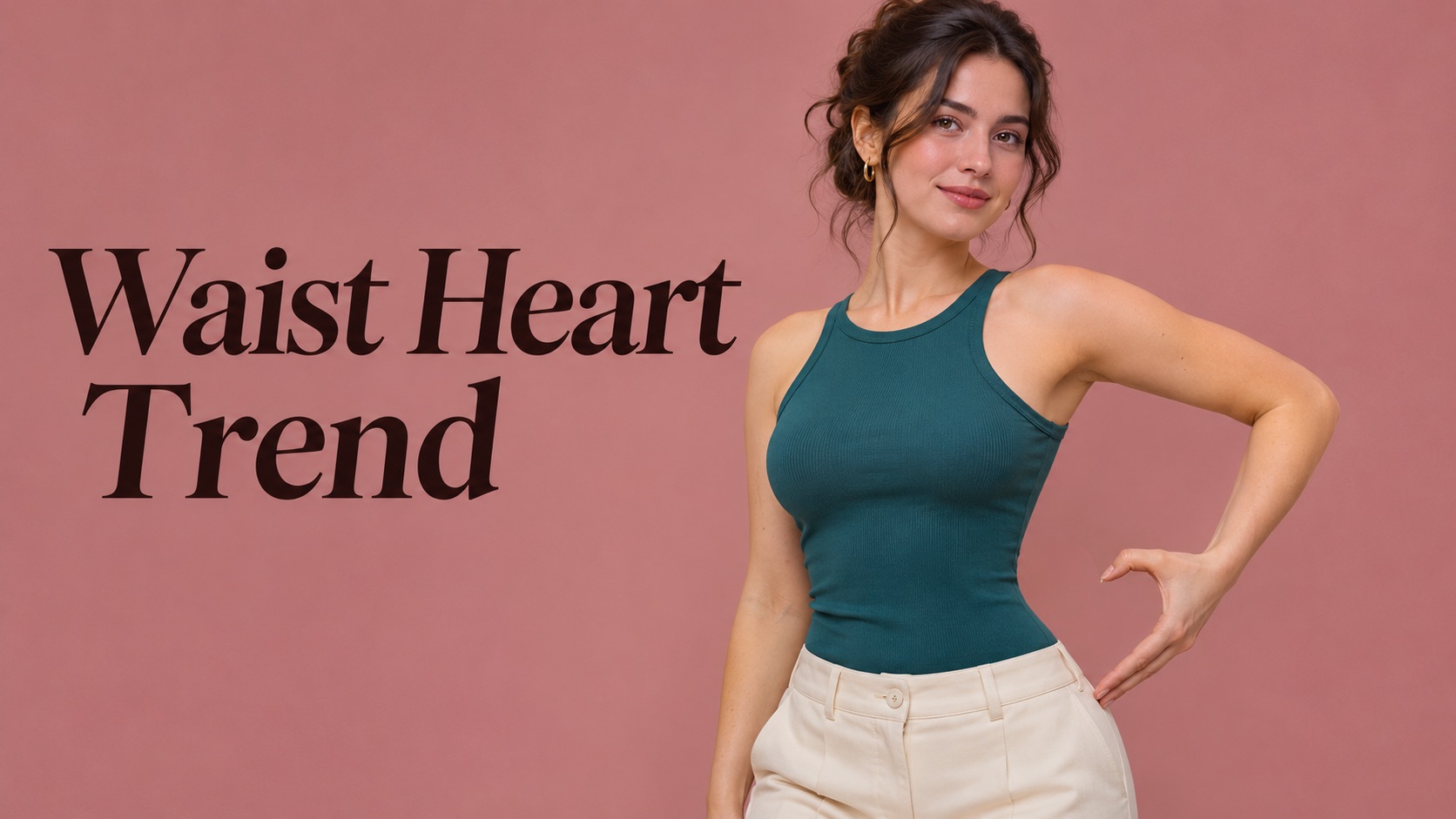
Waist Heart Trend
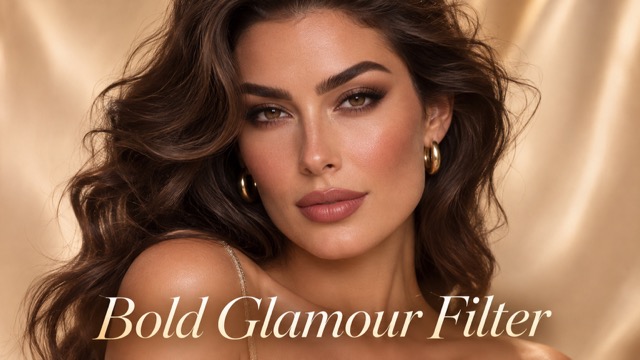
Bold Glamour Filter
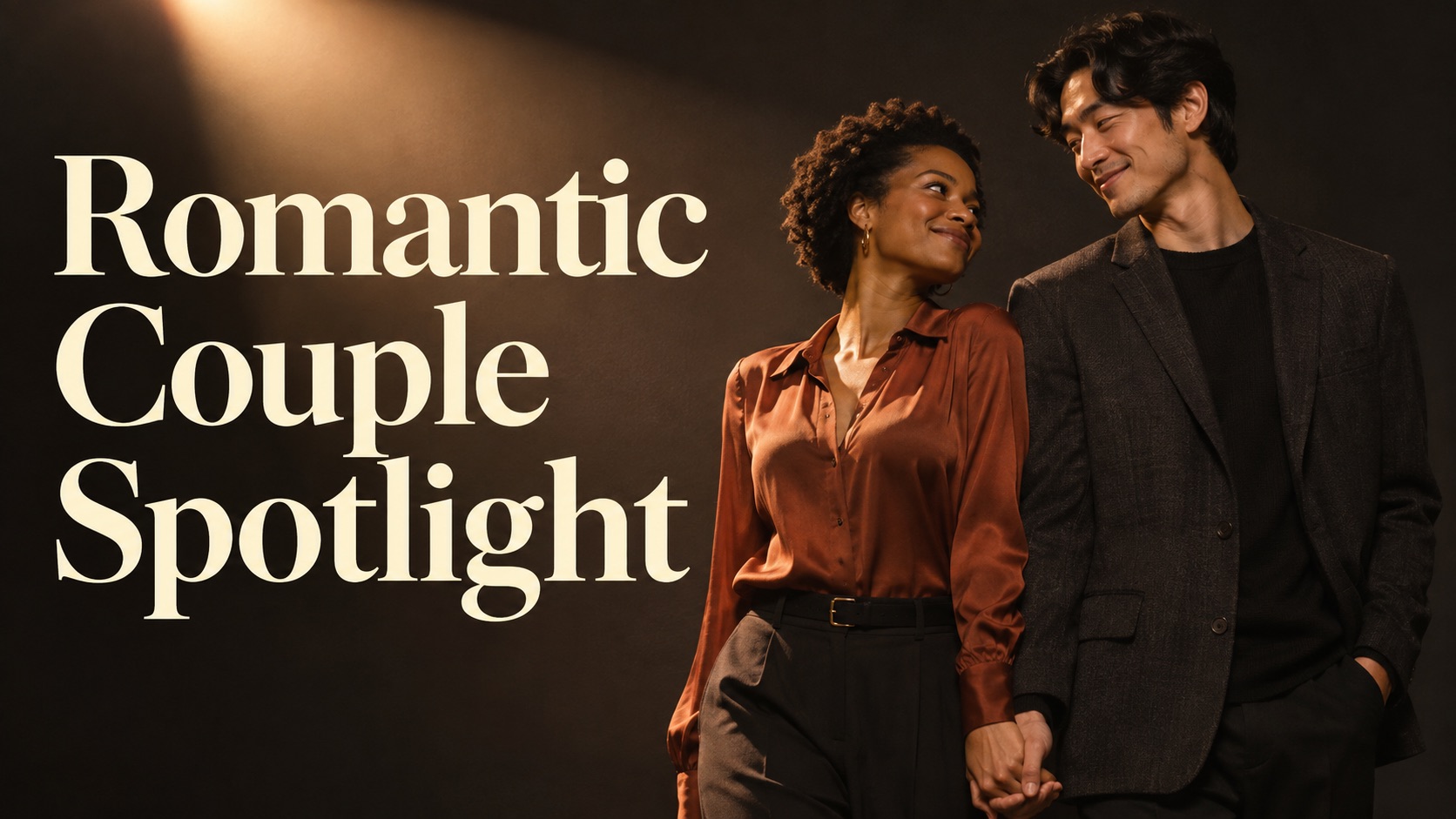
Romantic Couple Spotlight
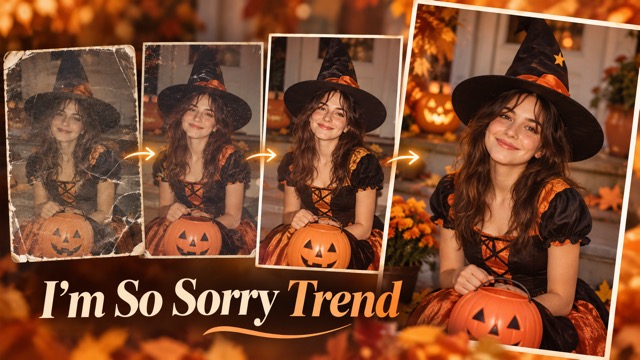
I'm So Sorry Trend AI Photo Editor
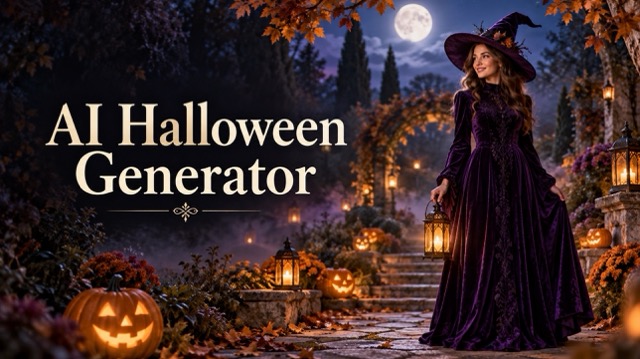
AI Halloween Generator
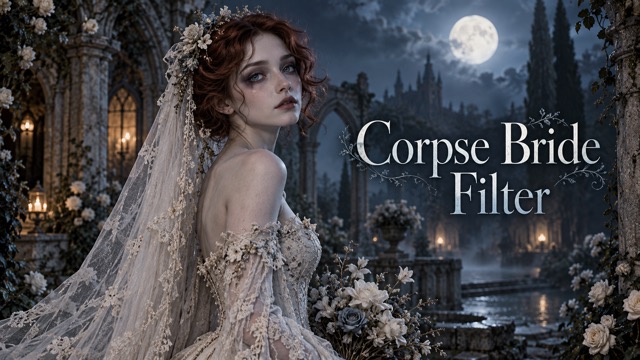
Corpse Bride AI Filter
AI Blemish Remover
FLUX 3 Image Klein

Ideogram 4.5
AI Portrait Retouching
Snatched Waist Editor
AI Facial Expression Changer

AI Texture Generator
AI Nose Piercing Filter
Replace Object in Photo Online
Add Object to Photo
3 Layer Photo Editing For Dreamy Portraits
One Photo, Three Connected Moments
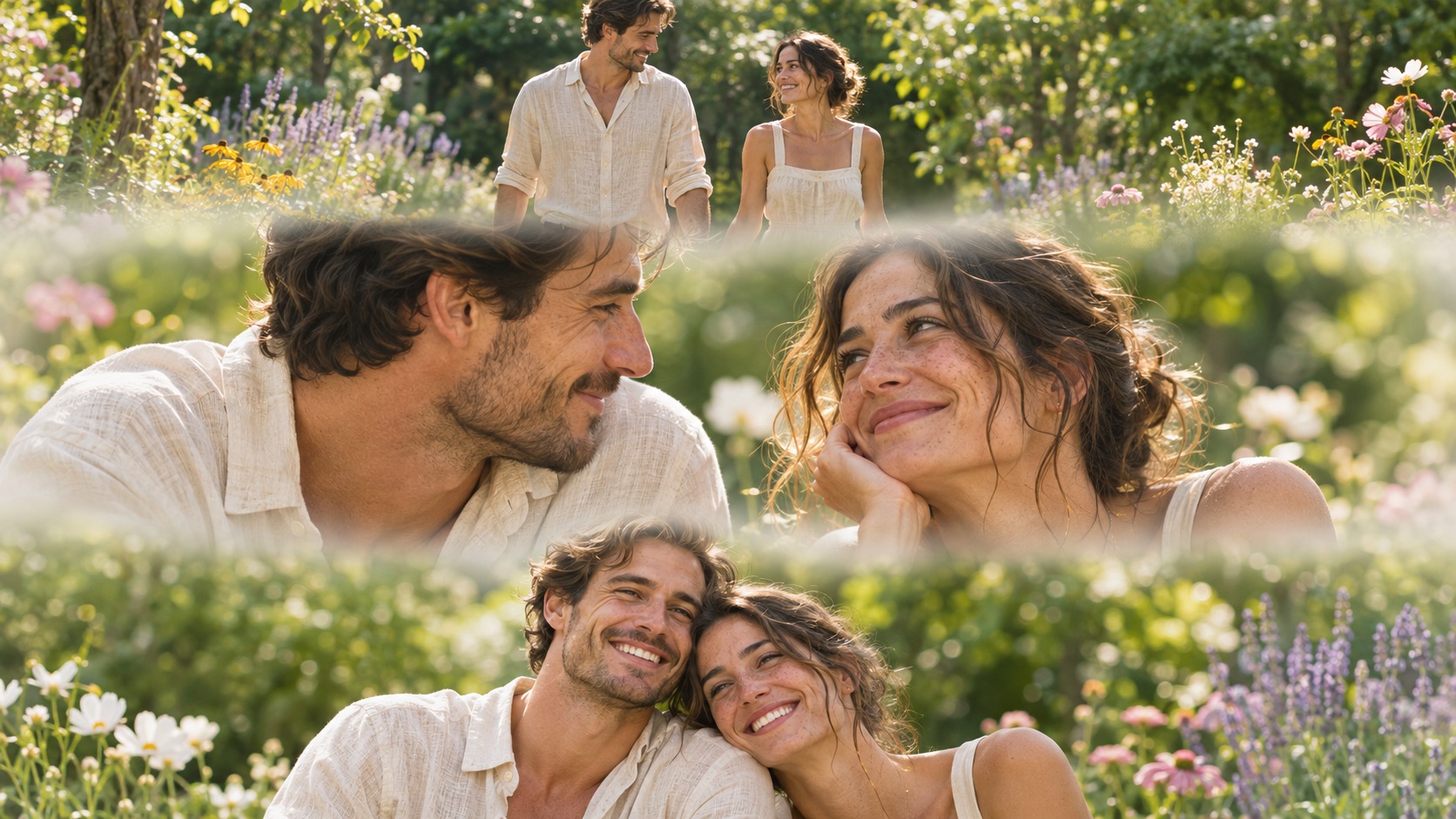
Give a favorite portrait a gentle cinematic rhythm with 3 layer photo editing. Turn one source photo into three stacked views, connected by soft white mist transitions and a consistent photographic mood. Use 3 layer photo editing online to explore a closer expression, a relaxed pose, and a wider view in one composition. This three-panel photo collage brings variety to the picture while keeping attention on the people. Choose a solo or couple composition and let 3 layer photo editing shape the sequence around your source. The result is a finished image you can review and save for your next visual story.
How To Use 3 Layer Photo Editing
Start 3 layer photo editing online with one clear photo. Follow these four steps to create and review your composition.

Upload Your Photo
Add one clear portrait or one shared couple photo. Keep every intended face visible.

Choose Your Composition
Select Solo Portrait or Couple Portrait to match your photo. The preset supplies the creative direction.

Generate Your Image
Click Generate to create your three-panel photo collage. Wait for the result to appear.

Review And Save
Check faces and framing across all three sections. Save the version you like using the result download control.
What 3 Layer Photo Editing Adds To Your Photo
3 layer photo editing combines composition, atmosphere, and a clear source reference. Explore three ways to build a three-panel photo collage that feels connected from top to bottom, then use 3 layer photo editing online with the photograph you want to transform.
Three Views With One Recognizable Subject
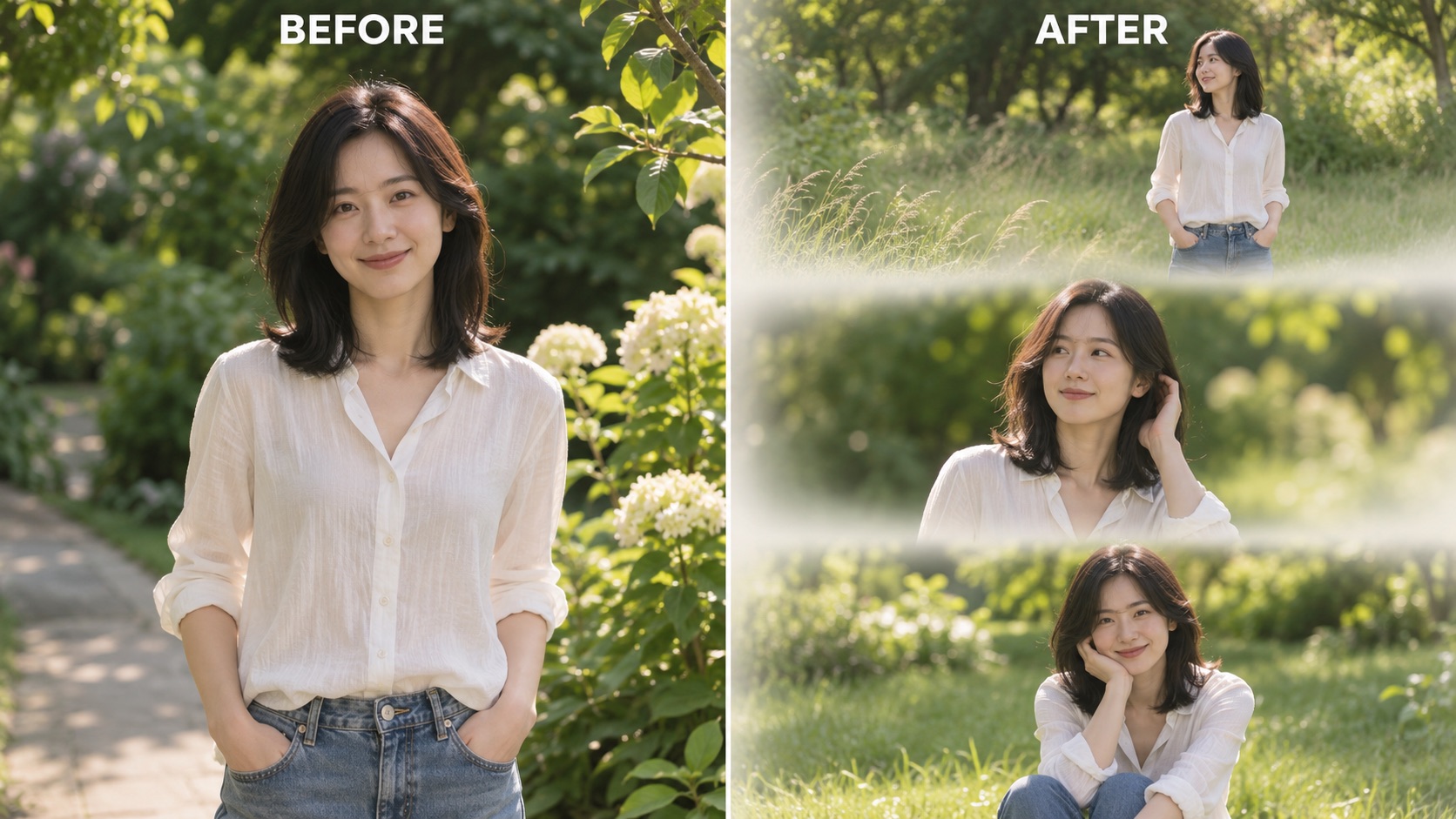
3 layer photo editing gives a single portrait room to tell a fuller visual story. A medium view establishes the person, a closer crop draws attention to expression, and a relaxed final pose adds another beat. Instead of repeating an identical crop, the three-panel photo collage is directed toward complementary views of the same subject. Clothing, hair, and facial references come from the uploaded photo, so the composition has a clear visual anchor.
Use 3 layer photo editing online when you want a cinematic portrait collage without arranging three separate source photographs. A clear face and unobstructed shoulders provide useful reference detail. Keep enough room around the head for the new crops to feel comfortable. With 3 layer photo editing, the goal is a connected portrait sequence with natural texture and consistent atmosphere. Review the eyes, accessories, and expressions in each section before saving your three-panel photo collage.
Soft White Mist Transitions Between Frames
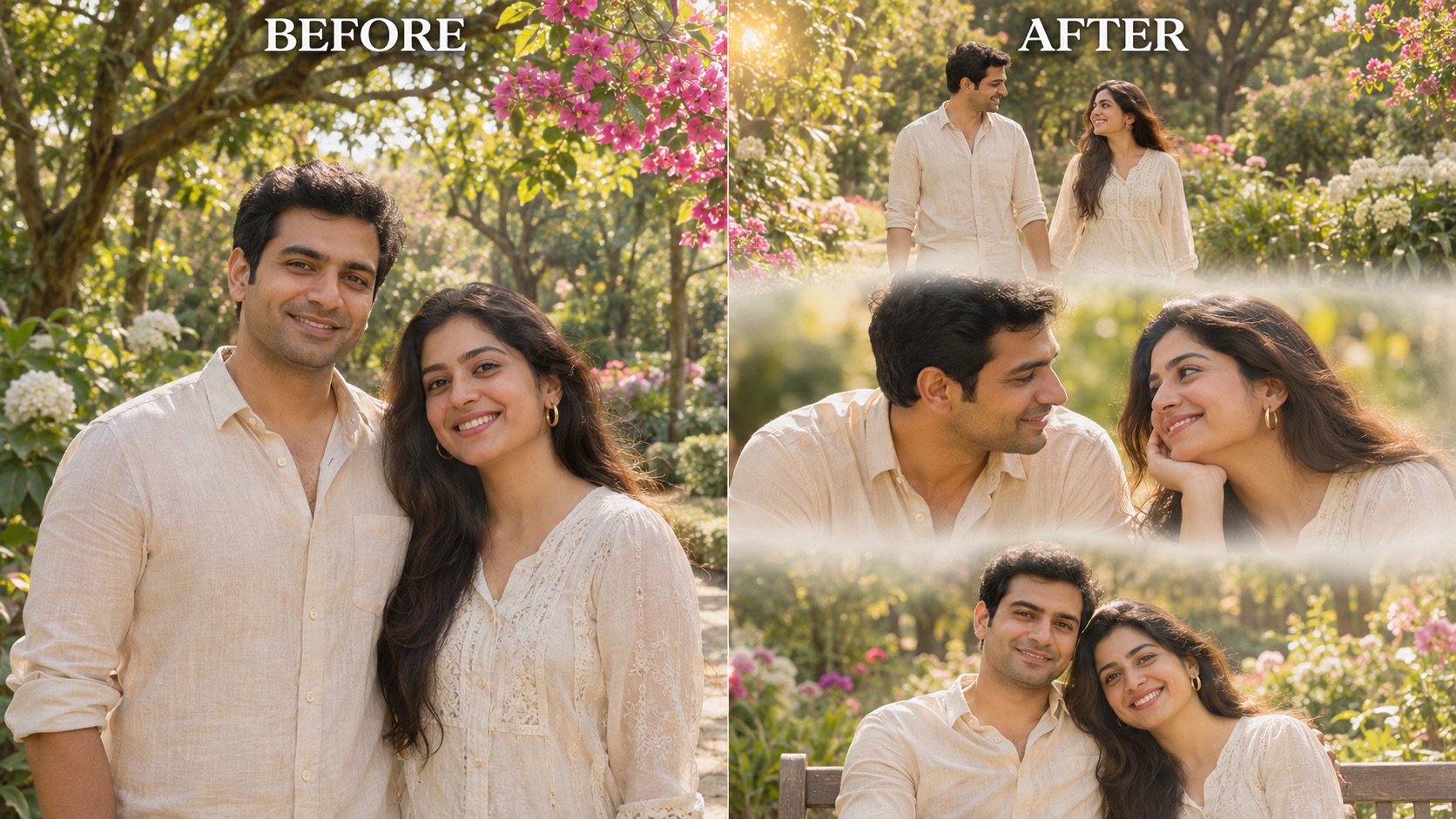
3 layer photo editing uses soft white mist transitions to connect the photographs with a light, airy finish. Each section remains readable, but the seams feel softer than a rigid grid. Warm highlights, gentle foliage blur, and a restrained palette help the three-panel photo collage read as one piece. The visual focus stays on the person rather than on decorative stickers or heavy graphic borders.
Try 3 layer photo editing online for a cinematic portrait collage that feels like several moments from the same afternoon. The treatment works toward consistent lighting across the three views, giving the sequence a shared mood. In 3 layer photo editing, the white transition belongs between the frames, leaving eyes and important facial details clear. Choose a source with distinct facial features and straightforward lighting. Then examine the seams as well as the subject, making sure your three-panel photo collage remains clear at the size you plan to share.
A Shared Photo Becomes A Couple Sequence
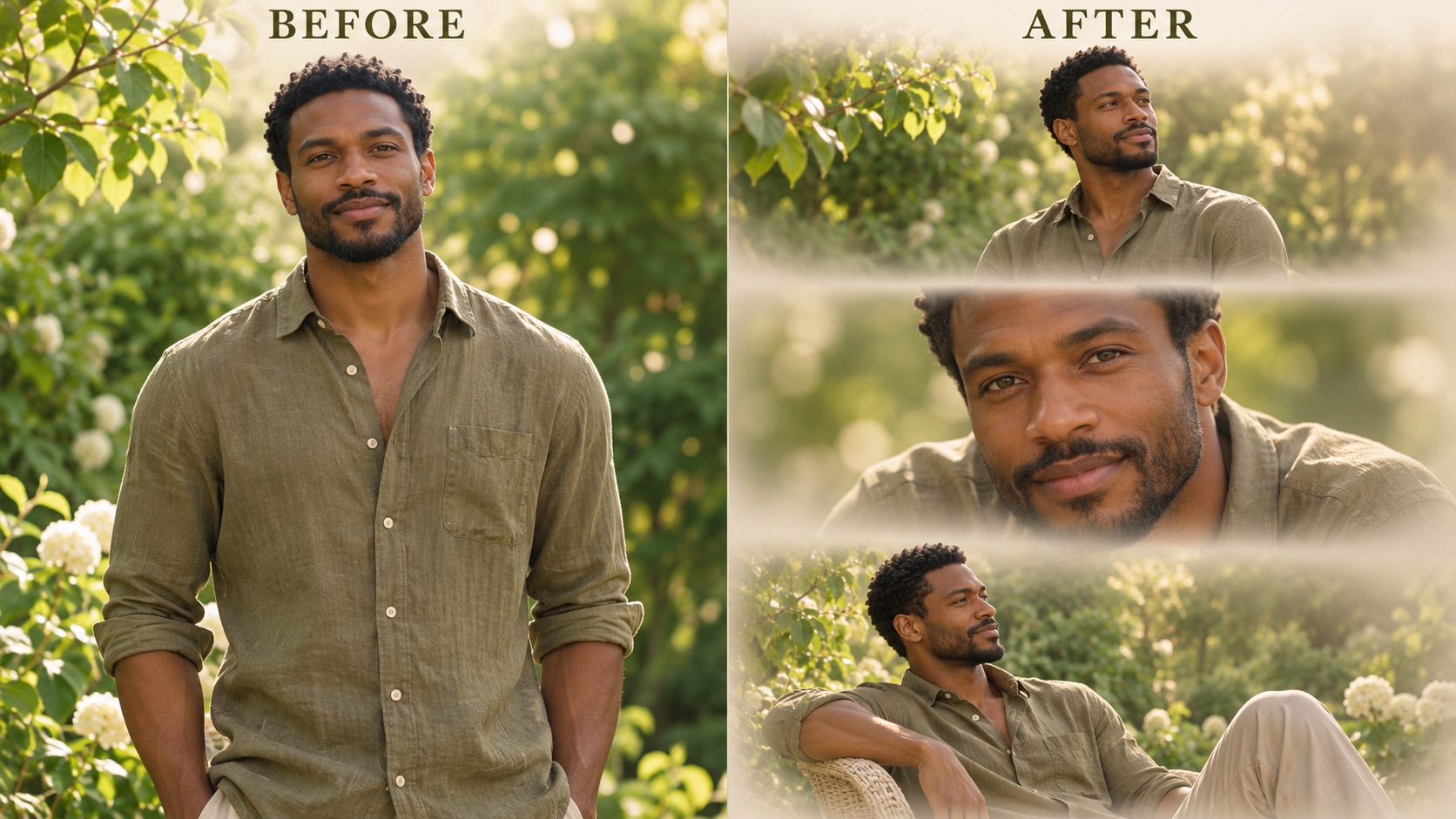
3 layer photo editing can begin with one photograph containing both partners. Choose Couple Portrait to guide the sequence toward two people together, with a wider shared view, a closer exchange, and a relaxed final frame. Each face should be clearly visible in the source. The three-panel photo collage is designed around those two references rather than introducing an unrelated partner.
If you searched for 3 layer photo prompt couple ideas, this preset gives you a practical starting point without writing a long instruction. Use 3 layer photo editing online with a shared photo that has similar lighting on both faces. The cinematic portrait collage aims for a gentle, connected mood while retaining recognizable clothes and hair. Review both people in every section of 3 layer photo editing, including hands and relative proportions. A successful three-panel photo collage feels cohesive even as the pose and camera distance change.
Where To Use 3 Layer Photo Editing
3 layer photo editing works as a creative starting point for personal stories, shared memories, and portrait concepts. Consider how the finished three-panel photo collage will be viewed, then choose a source that makes the people easy to recognize.

Personal Portrait Stories
Use 3 layer photo editing online to give a favorite selfie a more considered presentation. A three-panel vertical collage can move from a wider view to a small change in expression without needing three separate photos. Keep the original hairstyle and familiar clothes as visual reference points, then let the composition add variety. For a personal mood board, 3 layer photo editing online offers a way to explore the same subject across connected frames. Choose a photograph with a clear face and a relaxed expression. The three-panel photo collage should feel like you, with room for an imagined photographic sequence. Review the finished 3 layer photo editing result before using it as a profile introduction or story image.

Couple Memories
3 layer photo editing online gives a shared photograph a gentle narrative flow. For 3 layer photo prompt couple inspiration, start with an image where both people face the light and remain easy to recognize. The couple preset directs the three-panel vertical collage toward connected moments rather than three unrelated portraits. A three-panel photo collage can emphasize closeness through a shared setting, consistent clothing, and changes in framing. Use 3 layer photo editing online to revisit an anniversary photo or a casual afternoon together. These are newly generated interpretations, so select the expressions and poses that feel right for both people. 3 layer photo editing works best as a creative keepsake you review together.
Social Story Artwork
Create a cinematic portrait collage for a story post or visual introduction with 3 layer photo editing. The three stacked sections establish a reading order, leading attention from the upper frame through to the final expression. Soft white mist transitions keep that movement gentle and give the picture a shared visual atmosphere. Use 3 layer photo editing online when you want one composed image rather than several disconnected uploads. Preview the three-panel photo collage in the destination layout, since social platforms may crop the outer edges. Keep faces away from those edges when choosing a result. 3 layer photo editing can supply the artwork, while your caption gives the moment its personal context.

Portrait Mood Boards
3 layer photo editing online can help you explore a photography direction before planning a real shoot. Notice how a wider pose, a closer portrait, and a quiet final frame change the reading of one subject. A three-panel vertical collage makes these differences easy to compare within a consistent mood. Use 3 layer photo editing online to collect visual ideas for framing, clothing, and warm natural light. The three-panel photo collage serves as a creative reference rather than a record of a completed session. Discuss the parts you like with your photographer, especially the relationship between pose and crop. Save a 3 layer photo editing result that communicates one clear direction instead of combining competing treatments.
Creative Perspectives On 3 Layer Photo Editing
Illustrative reactions from fictional creative roles describe the intended appeal of this workflow; these are not verified customer reviews.
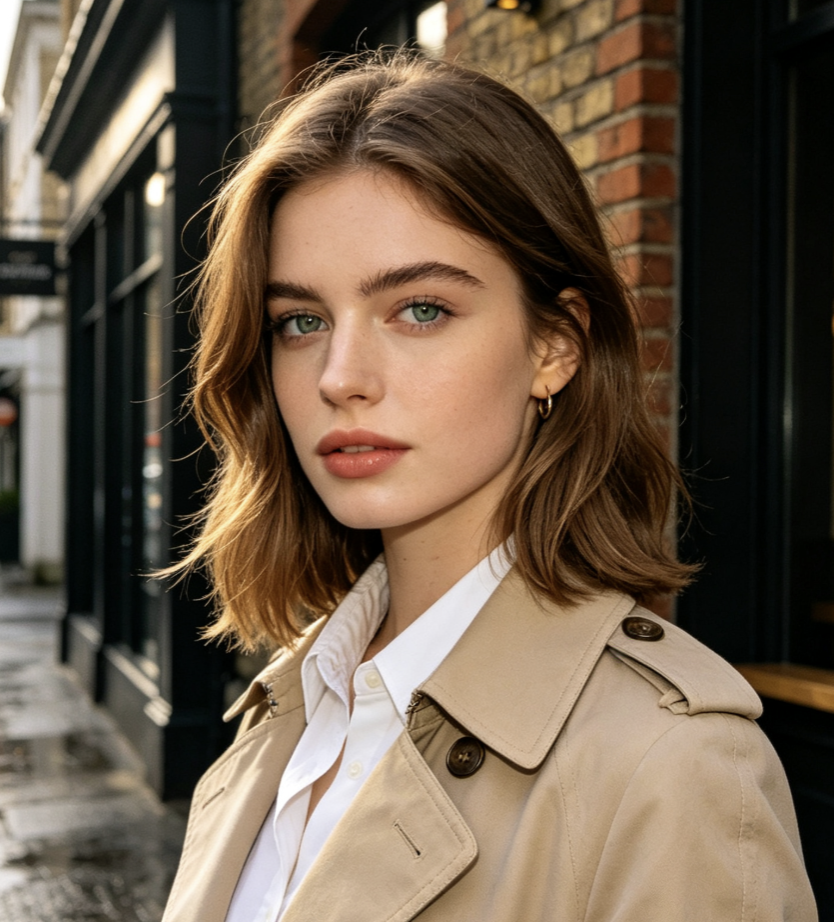
3 layer photo editing gives this three-panel photo collage a clear rhythm. Each view adds a different detail.
3 layer photo editing gives this three-panel photo collage a clear rhythm. Each view adds a different detail.
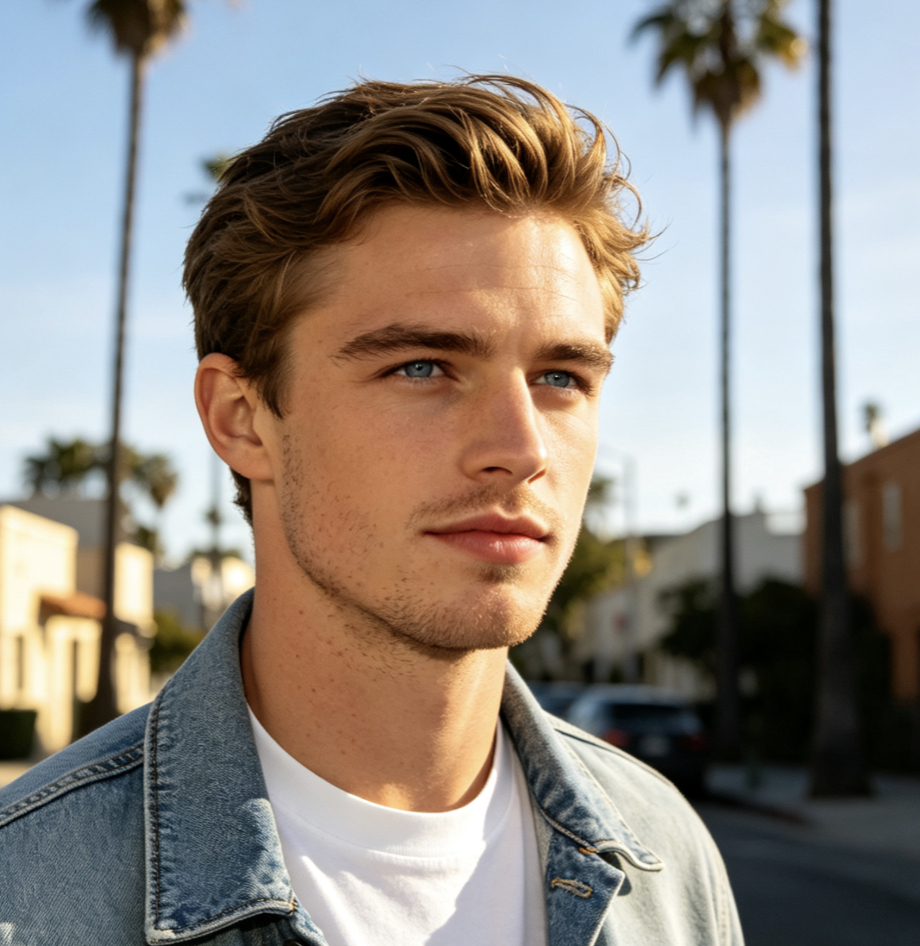
For 3 layer photo prompt couple ideas, I like how 3 layer photo editing connects both people across the sequence.
For 3 layer photo prompt couple ideas, I like how 3 layer photo editing connects both people across the sequence.
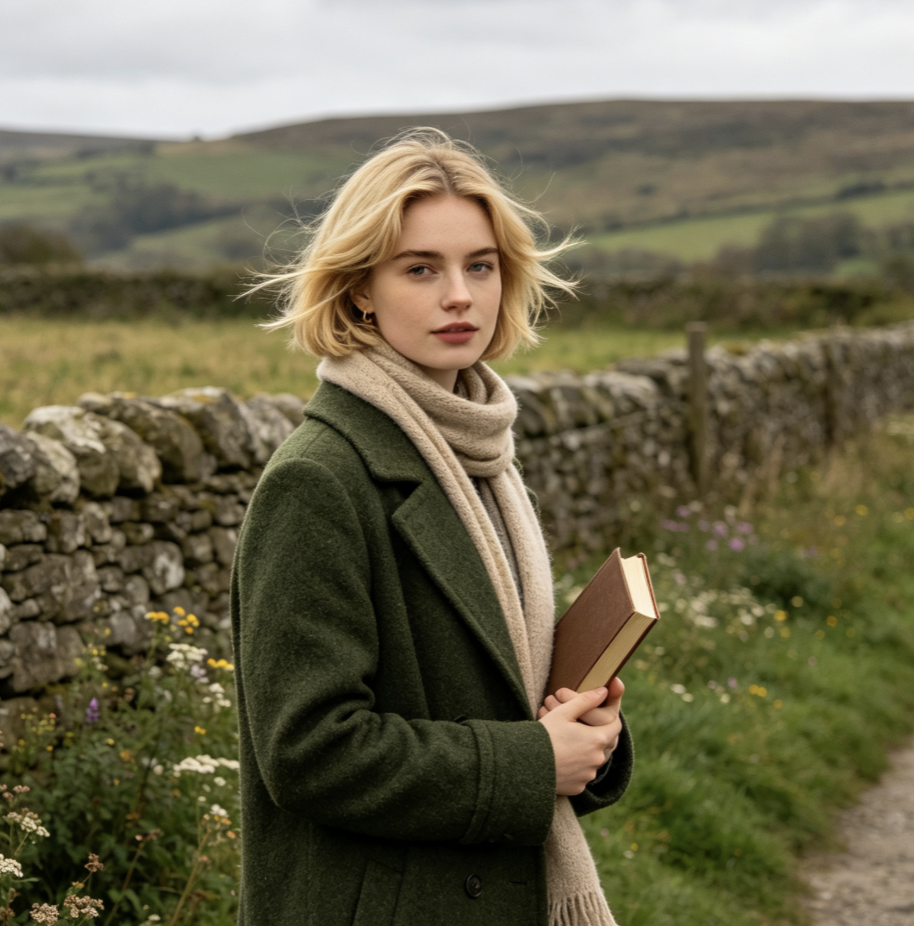
Soft white mist transitions give 3 layer photo editing online a gentle, consistent photographic mood.
Soft white mist transitions give 3 layer photo editing online a gentle, consistent photographic mood.
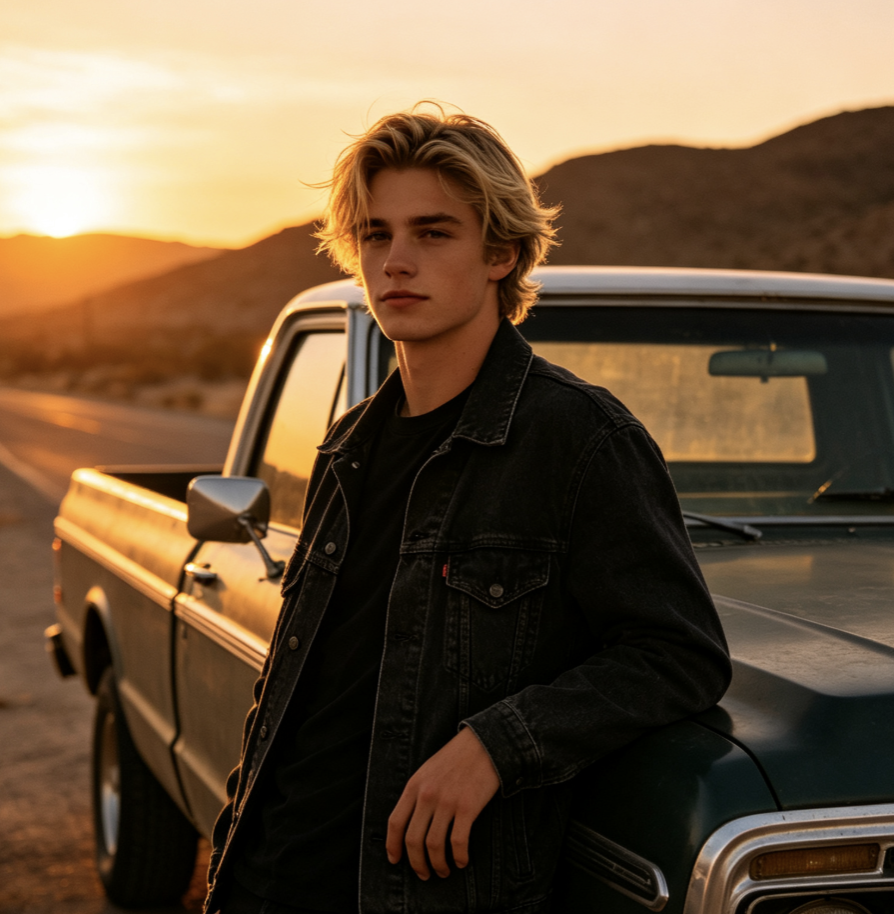
A three-panel vertical collage makes 3 layer photo editing useful for discussing crops, expressions, and photographic direction.
A three-panel vertical collage makes 3 layer photo editing useful for discussing crops, expressions, and photographic direction.
3 Layer Photo Editing Questions
Find practical answers about the source photo, preset selection, and result review before starting 3 layer photo editing online. Understand what the layout creates and how to choose a coherent result.
3 layer photo editing online creates one finished composition with three photographs arranged from top to bottom. The sequence uses the same source person or couple, with different framing and poses connected by a shared photographic mood. Here, soft white mist transitions provide the characteristic gentle seams. A three-panel photo collage is a visual layout, not a promise of three independently editable document layers. If you need to move separate objects or work with a layered project file, that is a different editing workflow.
Choose one sharp source photograph with an unobstructed face, natural lighting, and enough detail in the hair and clothing. For two people, upload a single shared photo with both faces visible and choose Couple Portrait. Avoid combining unrelated screenshots or using an existing collage as the source for 3 layer photo editing online. A simpler photograph gives the composition a clearer identity reference. Strong reference detail helps you judge the three-panel photo collage afterward.
You do not need to write a custom prompt for this workflow. 3 layer photo editing online uses a built-in composition instruction and the Solo Portrait or Couple Portrait preset you select. If you arrived looking for a 3 layer photo prompt couple example, upload one shared photo and choose the couple option. The preset guides the three-panel photo collage around both people. The internal direction includes the stacked layout, consistent clothing references, and soft white seams.
3 layer photo editing online uses your uploaded photograph as the identity and clothing reference, with instructions to keep those details recognizable across the sequence. AI interpretation can still change small features, accessories, or fabric details, especially as the pose changes. Review all three sections rather than checking only the first face. In a three-panel photo collage, consistency matters across the whole image. A cinematic portrait collage should feel connected through its people as well as its color.
A conventional collage usually arranges photographs you already have. 3 layer photo editing starts from one source photo and generates complementary views to form a new sequence. The result is a three-panel photo collage with a consistent person or couple and a shared setting. The white blended seams also give the composition a softer finish than a rigid grid. Use 3 layer photo editing online for this generated interpretation, and choose a standard collage maker when you need to preserve three existing photographs exactly as they are.
Begin with an uncluttered photo and choose the preset that matches the number of people in it. In 3 layer photo editing, similar light on each face helps the sequence maintain a consistent atmosphere. Check that the transitions sit between the frames, that the same clothing remains recognizable, and that the crops give every face enough space. A three-panel photo collage reads best when the views complement one another. Before sharing 3 layer photo editing, preview the image in the intended destination so unexpected cropping does not hide an expression.
Create Your 3 Layer Photo Editing Story
Start with one portrait or one shared couple photo and explore three connected views. Use 3 layer photo editing online to create a gentle photographic sequence with a clear subject and a consistent mood. Choose your composition, generate, and save the version that tells your story.