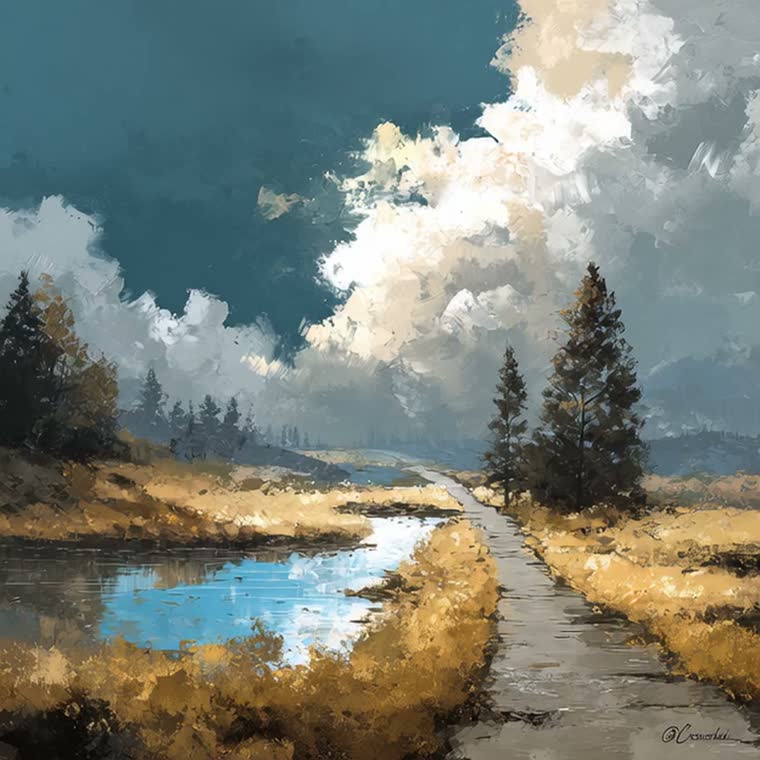
Upload one portrait and create an exaggerated caricature with expressive features and a recognizable likeness. No prompt writing needed.
AI Image Tools
Everything You Need to Edit Photos Faster
Open the PicEditor AI tools library for background removal, photo enhancement, object cleanup, face swap, upscaling, and more focused image workflows.
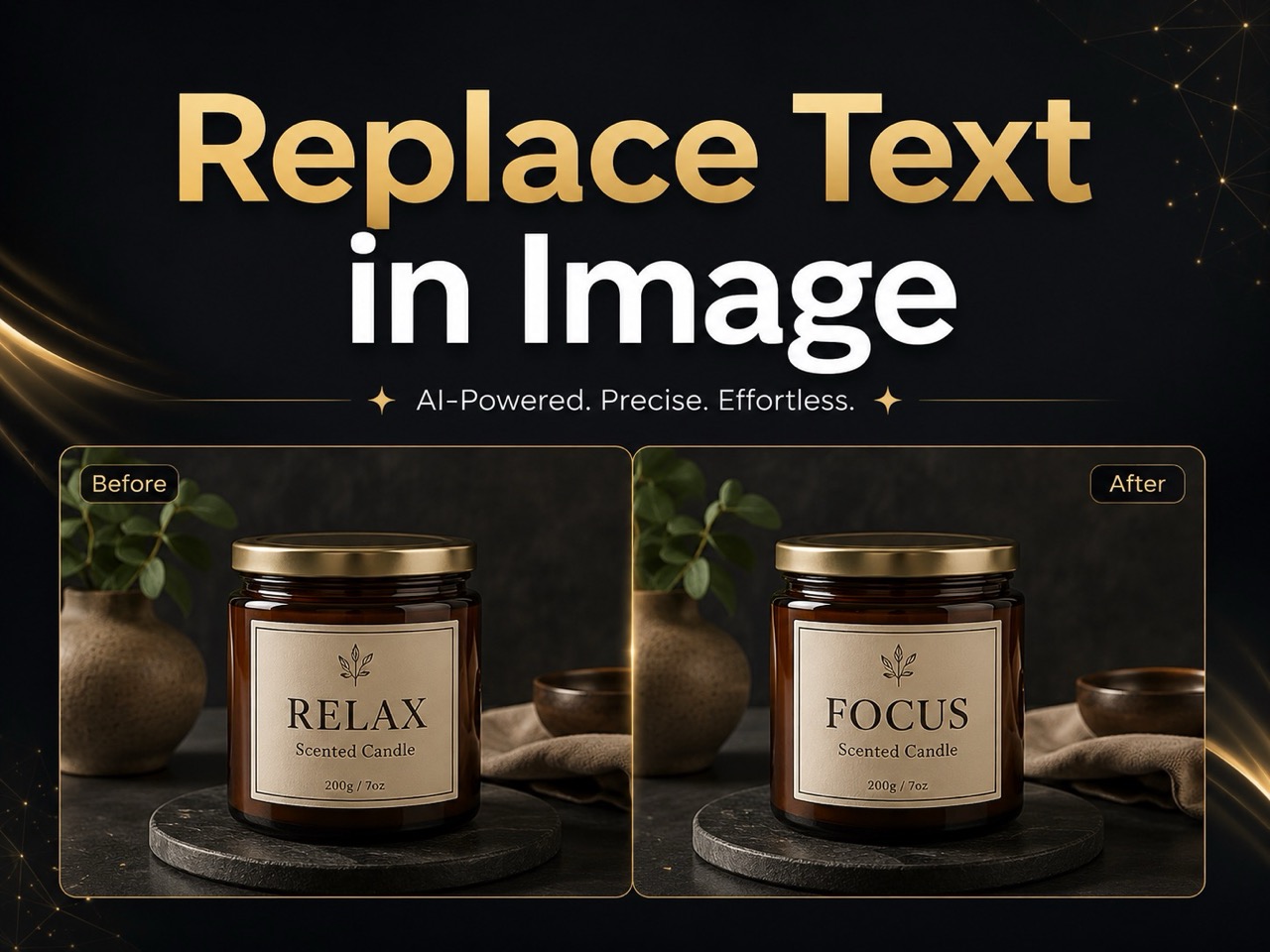
Replace Text in Image
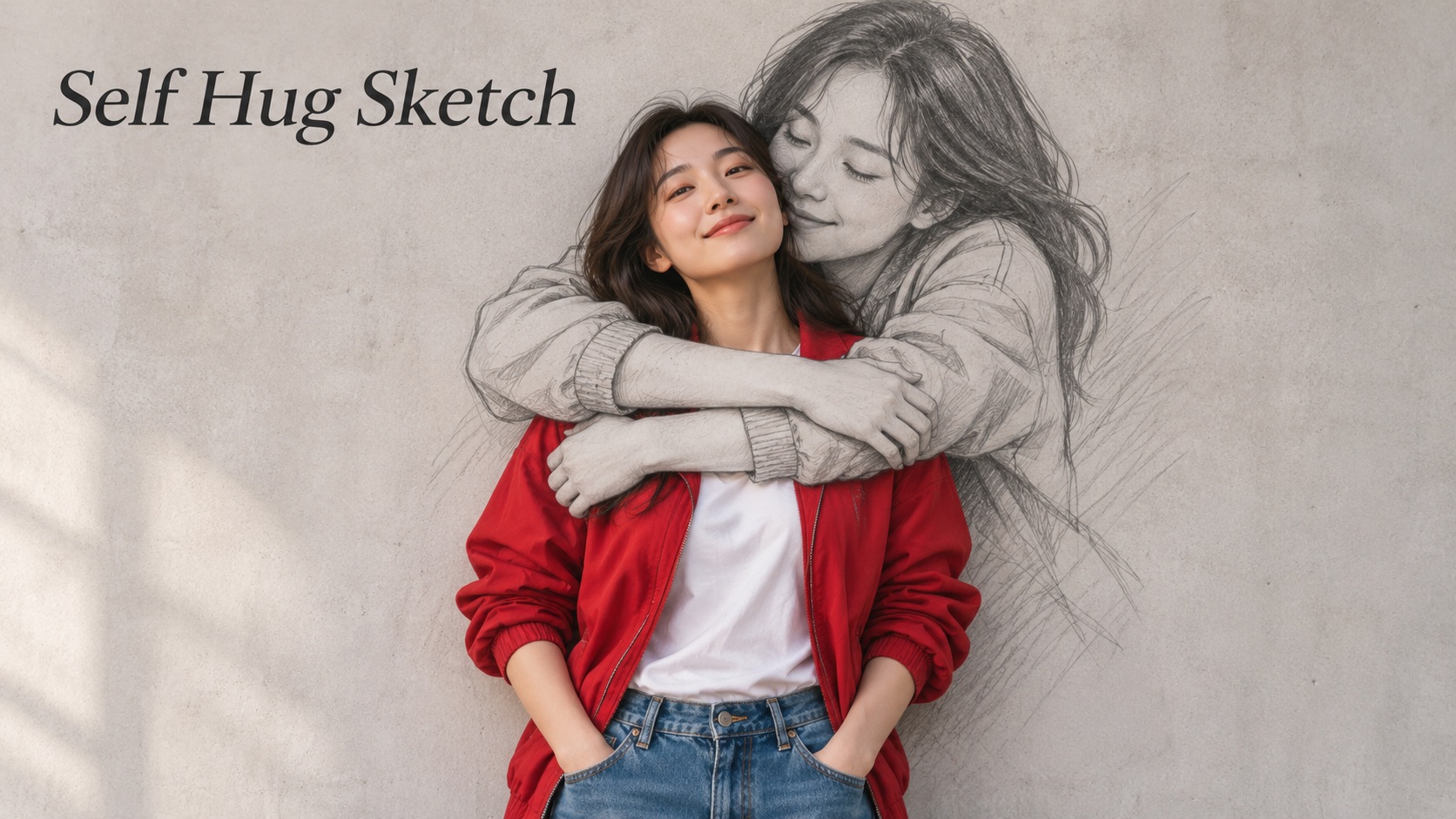
Self Hug Sketch
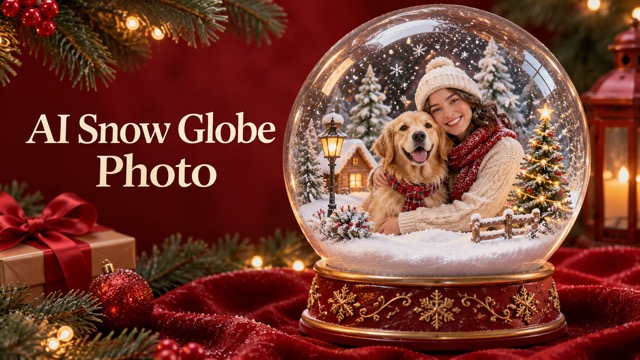
AI Snow Globe Photo
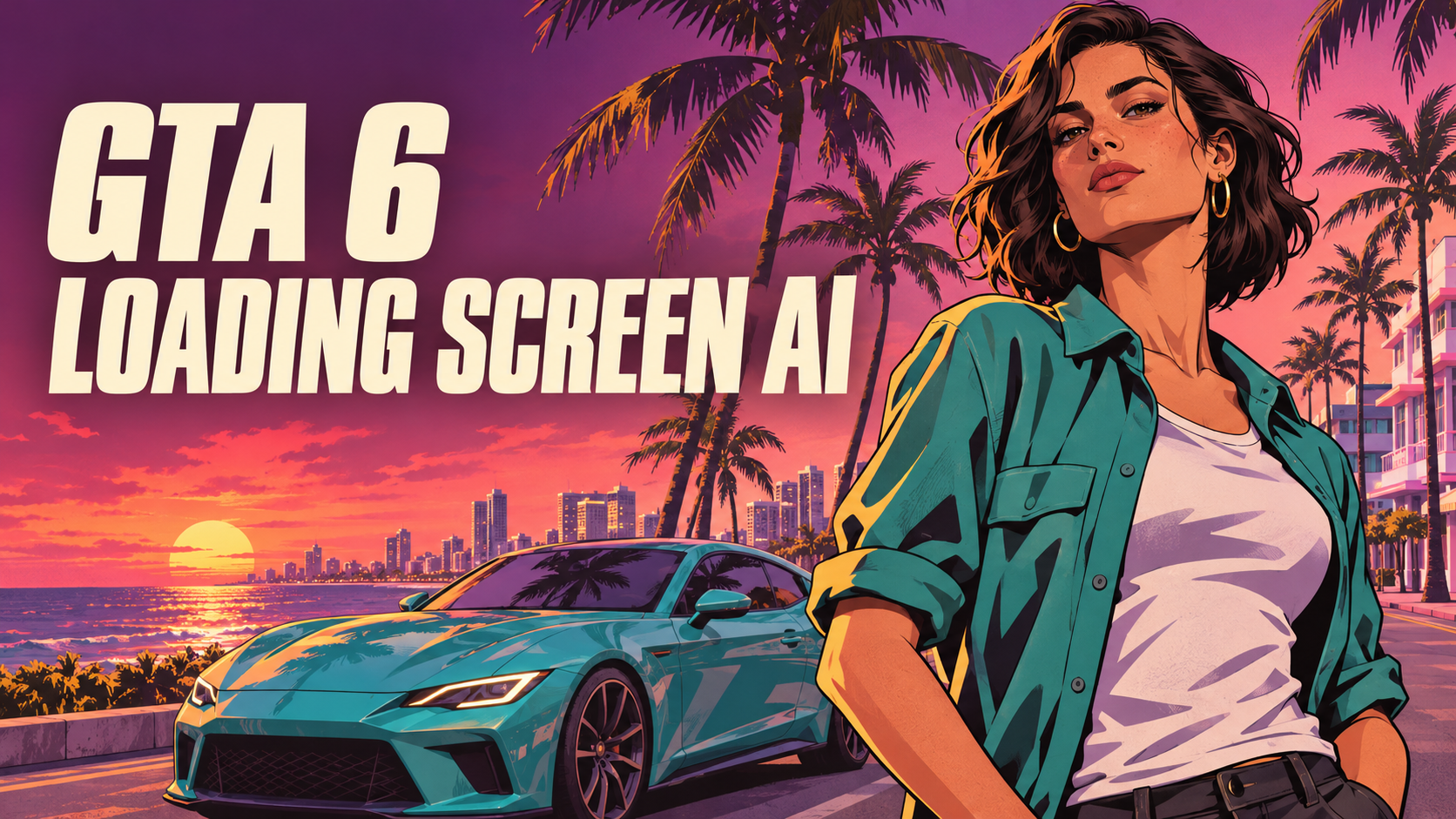
GTA 6 Loading Screen AI
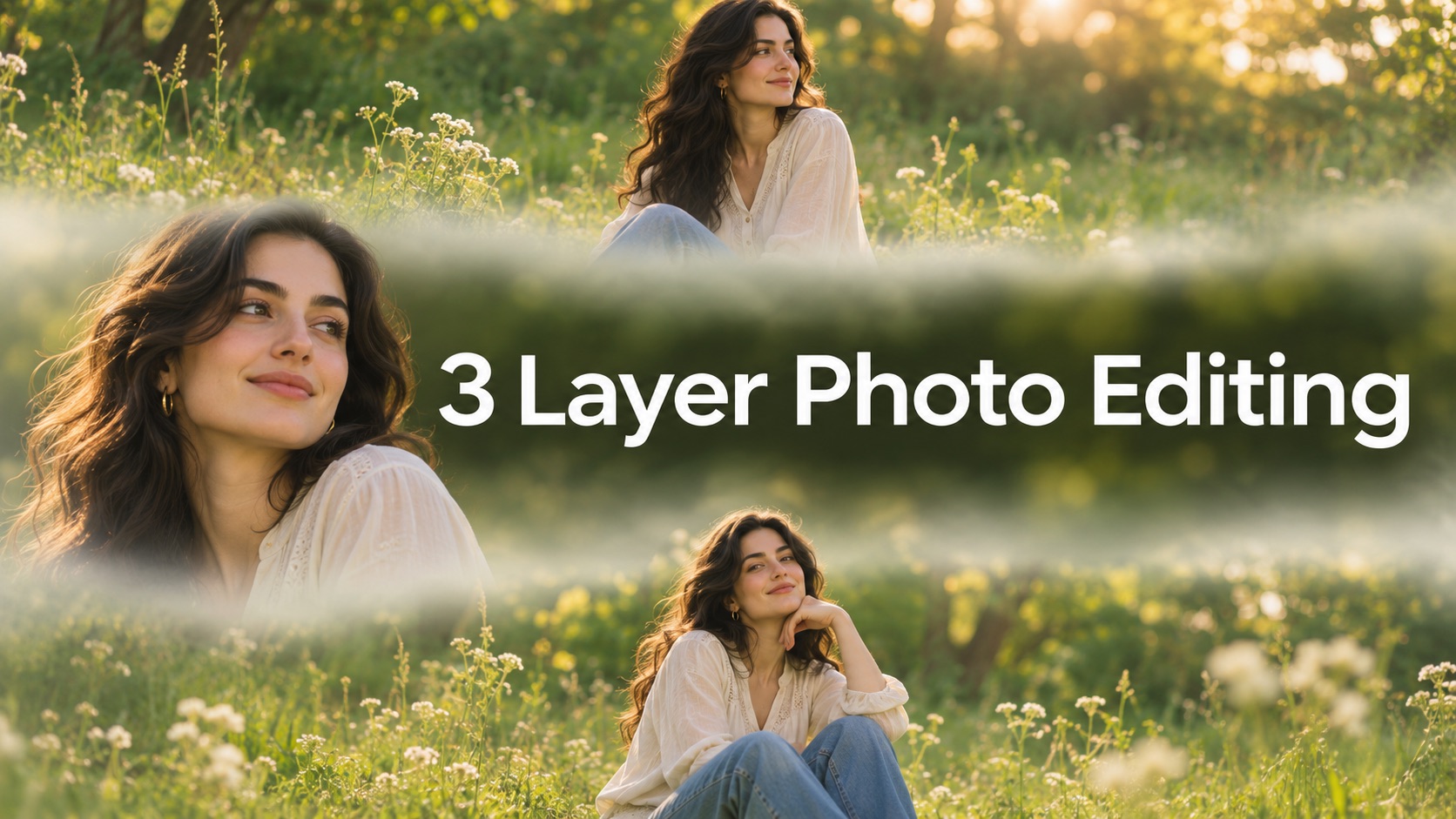
3 Layer Photo Editing
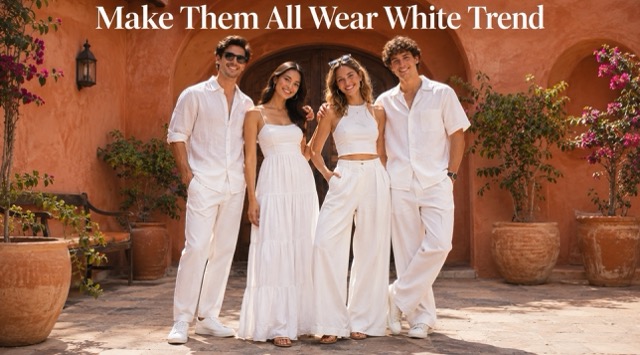
Make Them All Wear White Trend
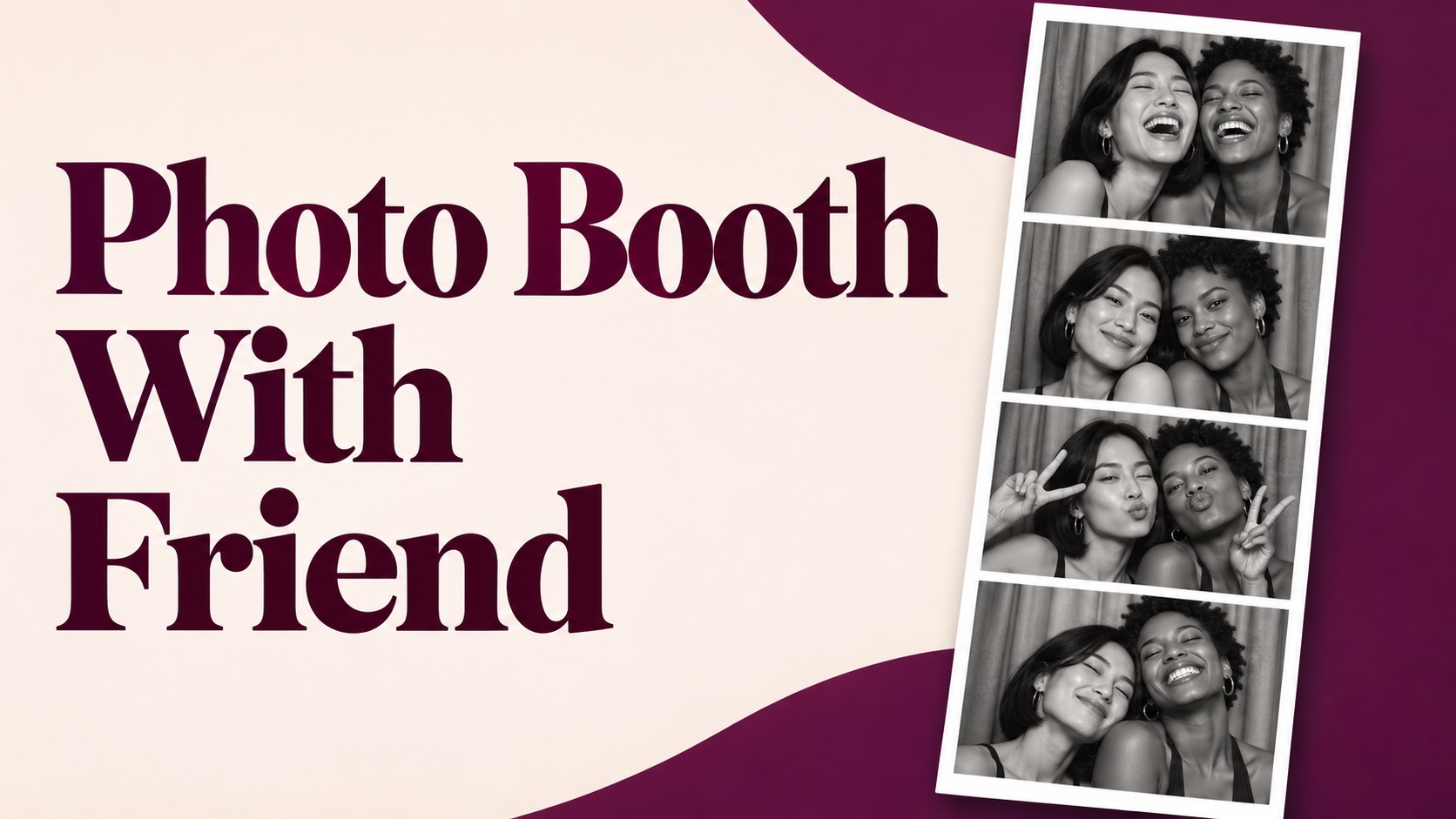
Photo Booth With Friend
Waist Heart Trend
Bold Glamour Filter
Romantic Couple Spotlight
I'm So Sorry Trend AI Photo Editor
AI Halloween Generator
Corpse Bride AI Filter
AI Blemish Remover
FLUX 3 Image Klein
Ideogram 4.5
AI Portrait Retouching
Snatched Waist Editor
AI Facial Expression Changer
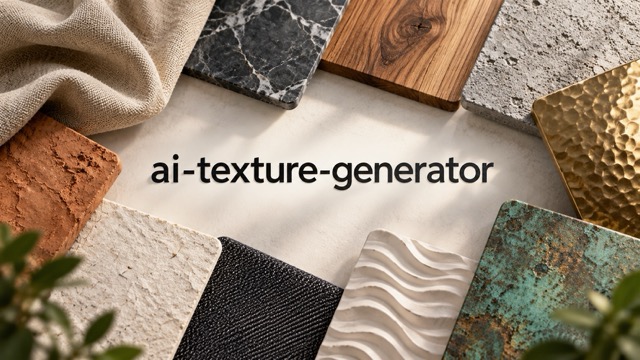
AI Texture Generator
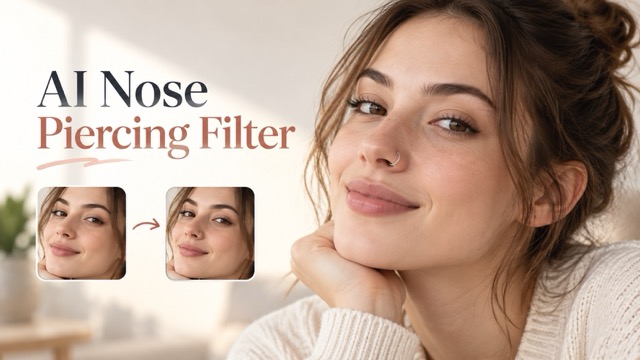
AI Nose Piercing Filter
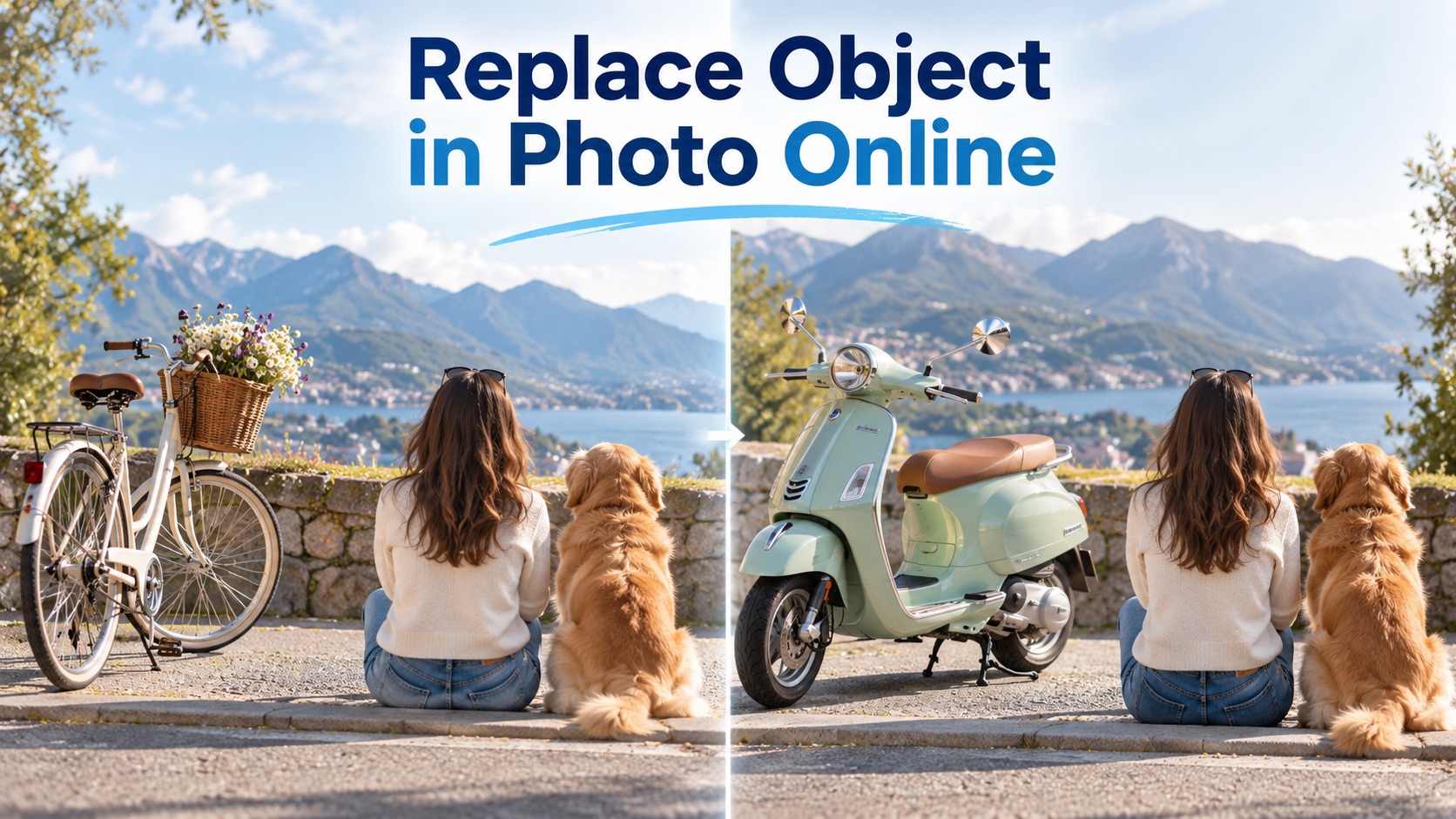
Replace Object in Photo Online
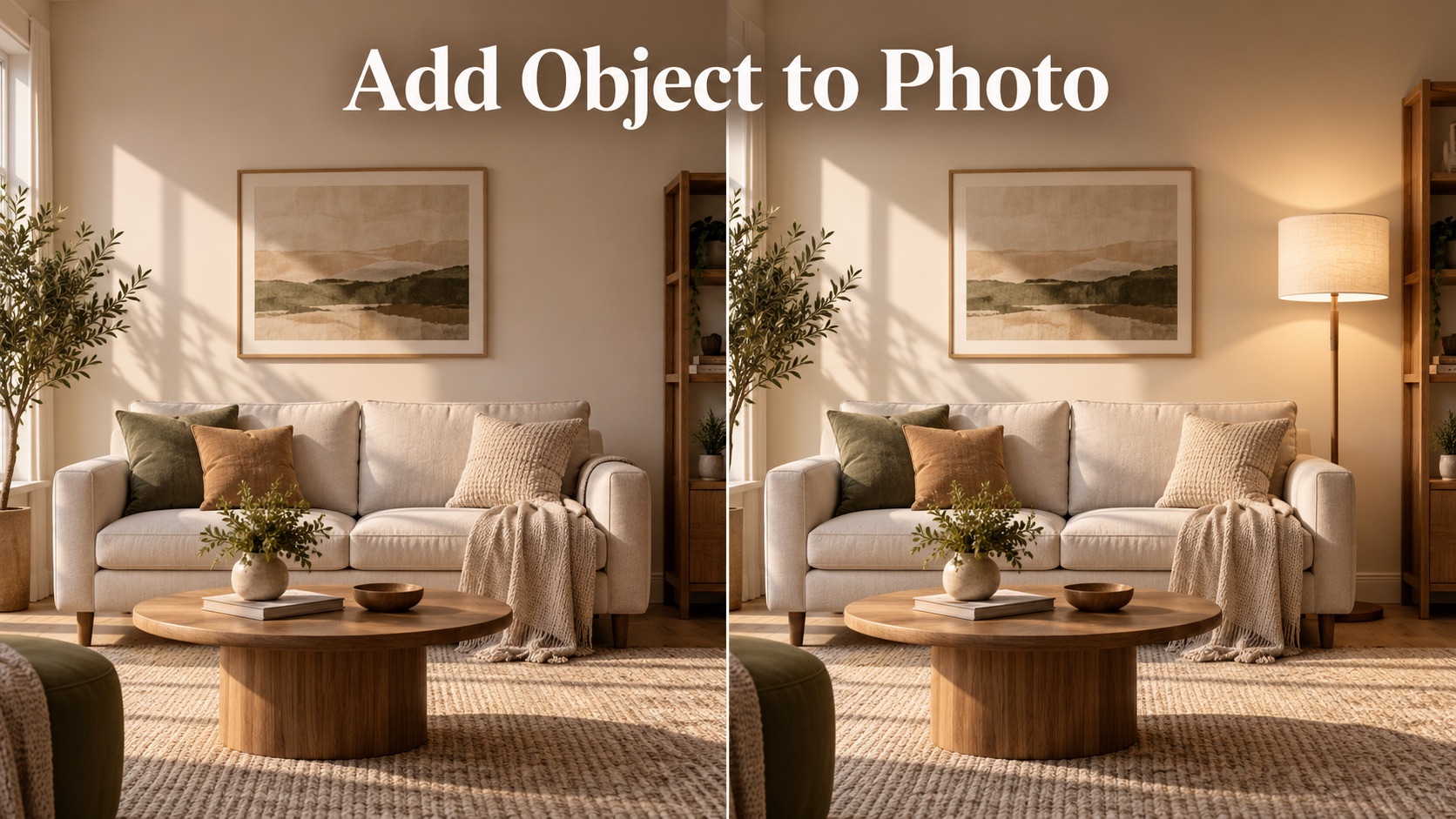
Add Object to Photo
AI Caricature Generator: Your Face With More Personality
Turn Photo Into Caricature Art With Playful Exaggeration
AI Caricature Generator transforms one portrait into an exaggerated illustrated likeness, giving familiar features a bigger stage. A wide grin, expressive brows, distinctive glasses, or a sweeping hairstyle can become the visual focus. This photo to caricature experience starts with your image, so you can create a caricature from photo details that already feel personal. AI Caricature Generator applies a prepared drawing direction without asking you to write instructions. Use this AI caricature maker for a bold avatar, a birthday illustration, or simply a different way to see yourself.
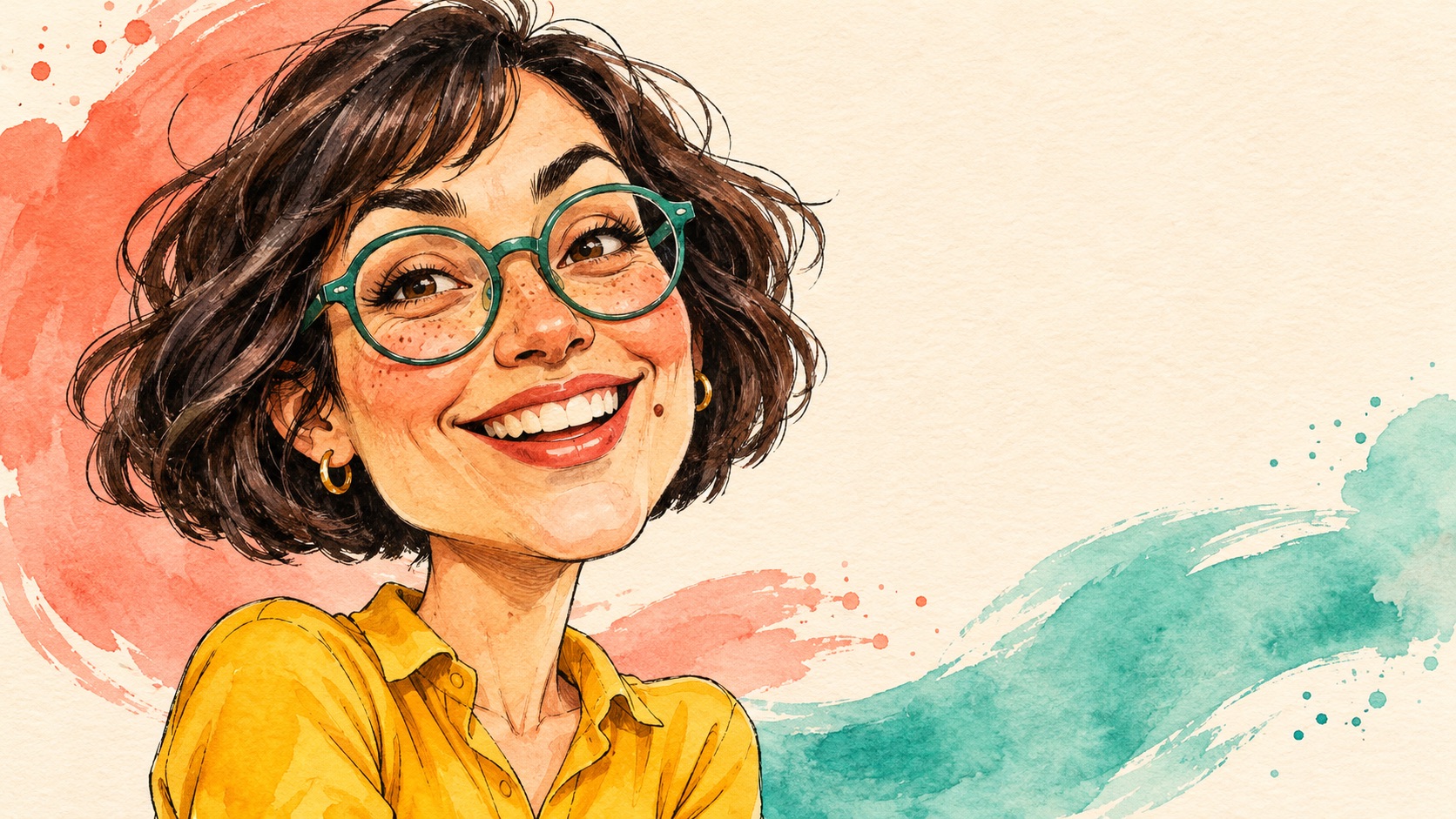
How To Use AI Caricature Generator
AI Caricature Generator takes your photo to caricature in a short upload-and-generate workflow. No written prompt is needed for photo to caricature.

Choose Your Portrait
Choose one clear photo of one person. Keep the whole face and hairstyle visible.

Upload Your Photo
Add the selected portrait to the upload area. Check that you have chosen the intended image.

Run AI Caricature Generator
Press Generate to apply the prepared caricature effect. Wait for the finished image to appear.

Review And Download
Compare the illustration with your original portrait. Download the version you want to keep.
What AI Caricature Generator Brings To Your Portrait
AI Caricature Generator focuses on recognizable details, expressive proportions, and a finished illustrated look. Explore how photo to caricature changes the visual emphasis while keeping your original person central.
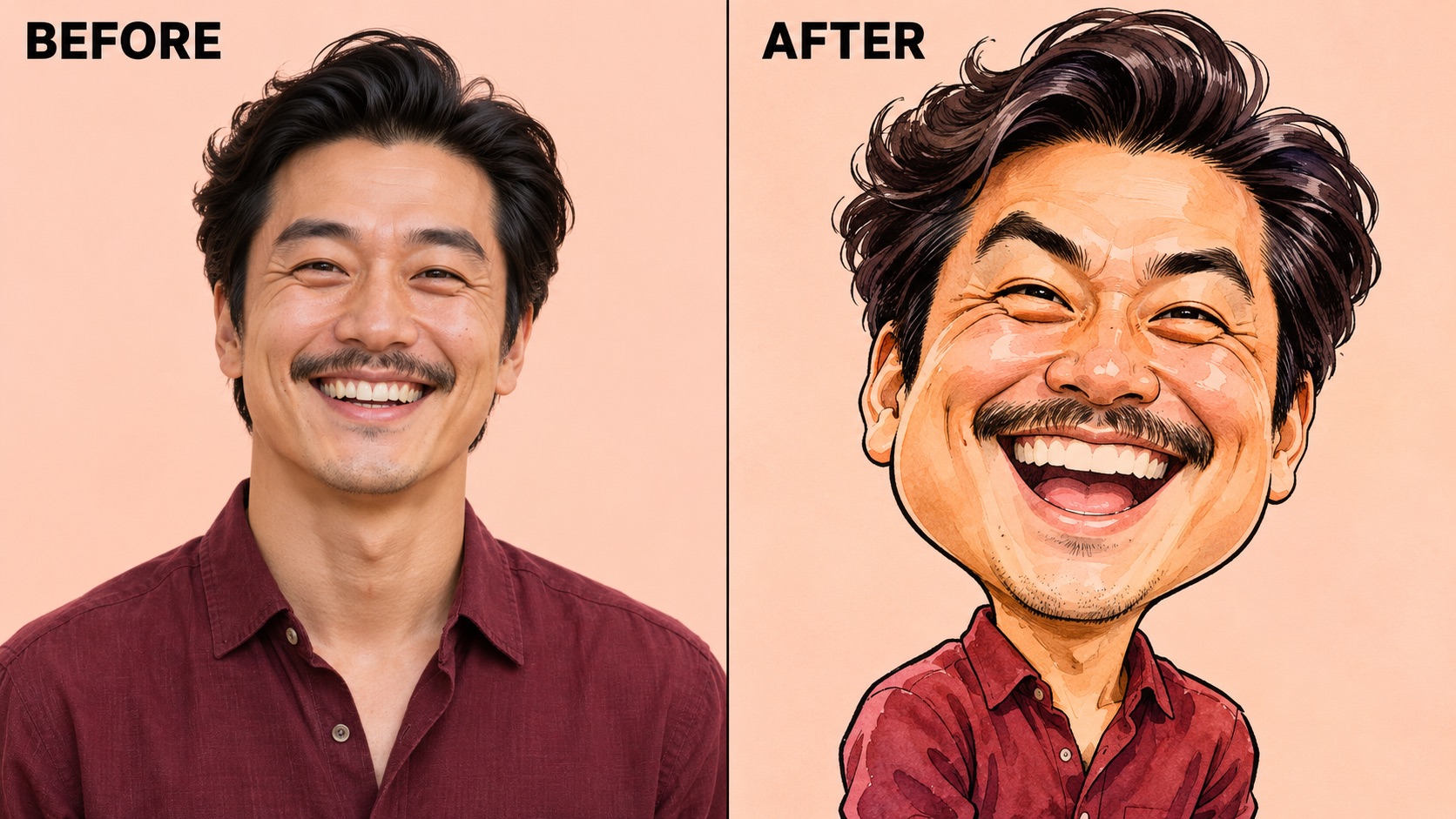
AI Caricature Generator: Keep The Details That Make You Recognizable
AI Caricature Generator uses the uploaded portrait as the reference for a drawing with individual character. Your hairstyle, glasses, expression, and overall facial structure provide the starting cues. Instead of choosing an unrelated character, this AI caricature maker aims to keep those cues connected as proportions become more playful. A caricature from photo features works best when the image already shows what makes the person distinctive.
With photo to caricature, look for a recognizable combination rather than an exact photographic copy: the curve of a smile, the direction of the brows, and the silhouette of the hair. AI Caricature Generator is directed to preserve that relationship while adding expressive linework and color. A clear, unobstructed source gives the drawing useful detail. Review the result beside the original, especially around glasses and eyes, and decide whether the exaggeration still feels like the person you wanted to portray.
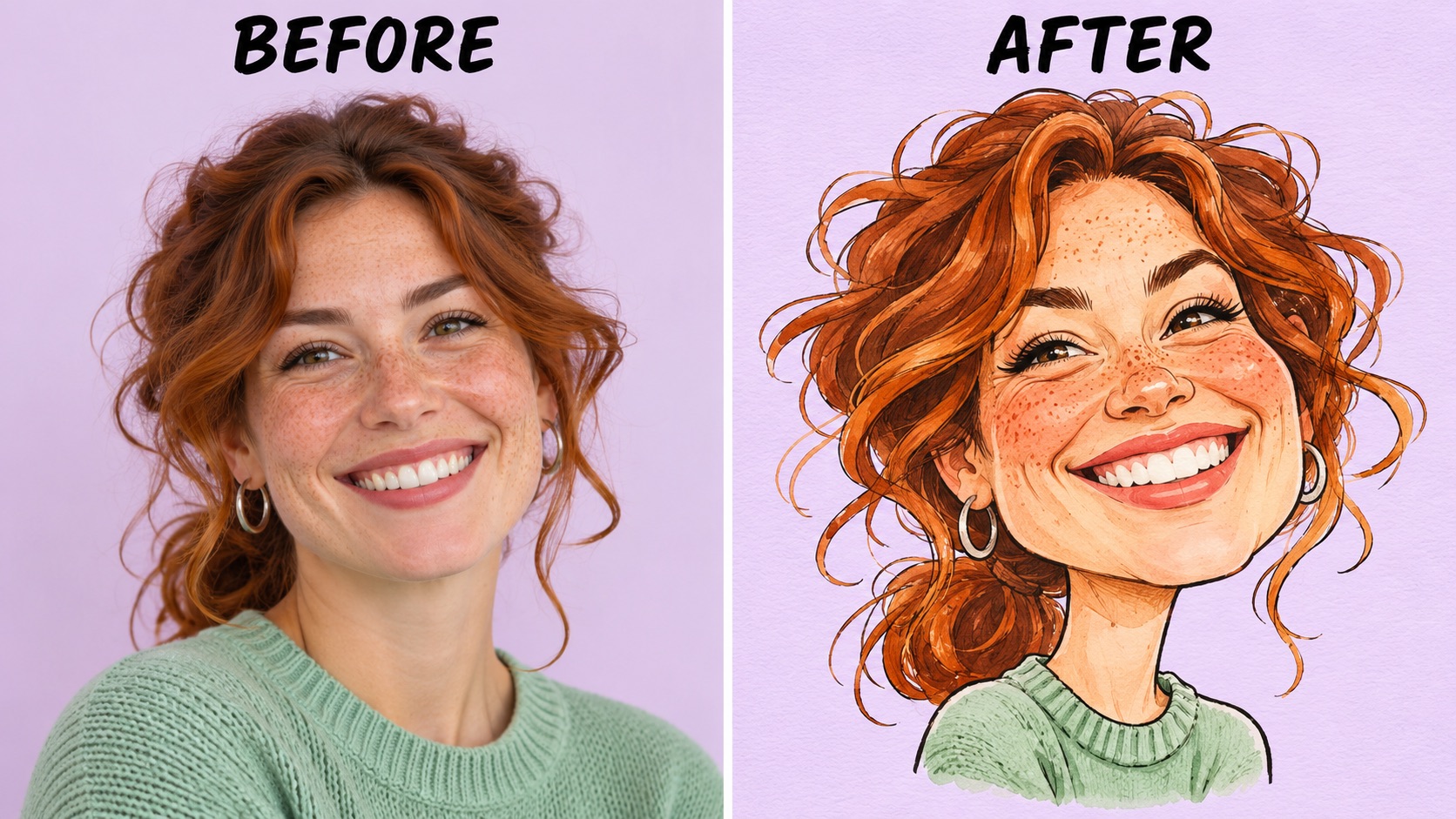
AI Caricature Generator: Make Expressions And Proportions More Playful
AI Caricature Generator gives a portrait comic energy through deliberate visual emphasis. The prepared effect combines a larger head, compact shoulders, expressive eyebrows, and an amplified smile with a hand-drawn finish. A big head caricature draws attention to the face, where small changes in expression can carry much of the humor. This AI caricature maker is intended for affectionate exaggeration that keeps the original expression understandable.
Photo to caricature works differently from simply enlarging every facial feature. A useful drawing has a focal point, supported by quieter details around it. AI Caricature Generator follows that direction so the result can feel lively without becoming visually chaotic. Start with a relaxed expression or a natural grin, then compare how the illustration interprets it. You do not need to stage an extreme pose or write a description; the uploaded image supplies the face and the prepared effect supplies the drawing direction.
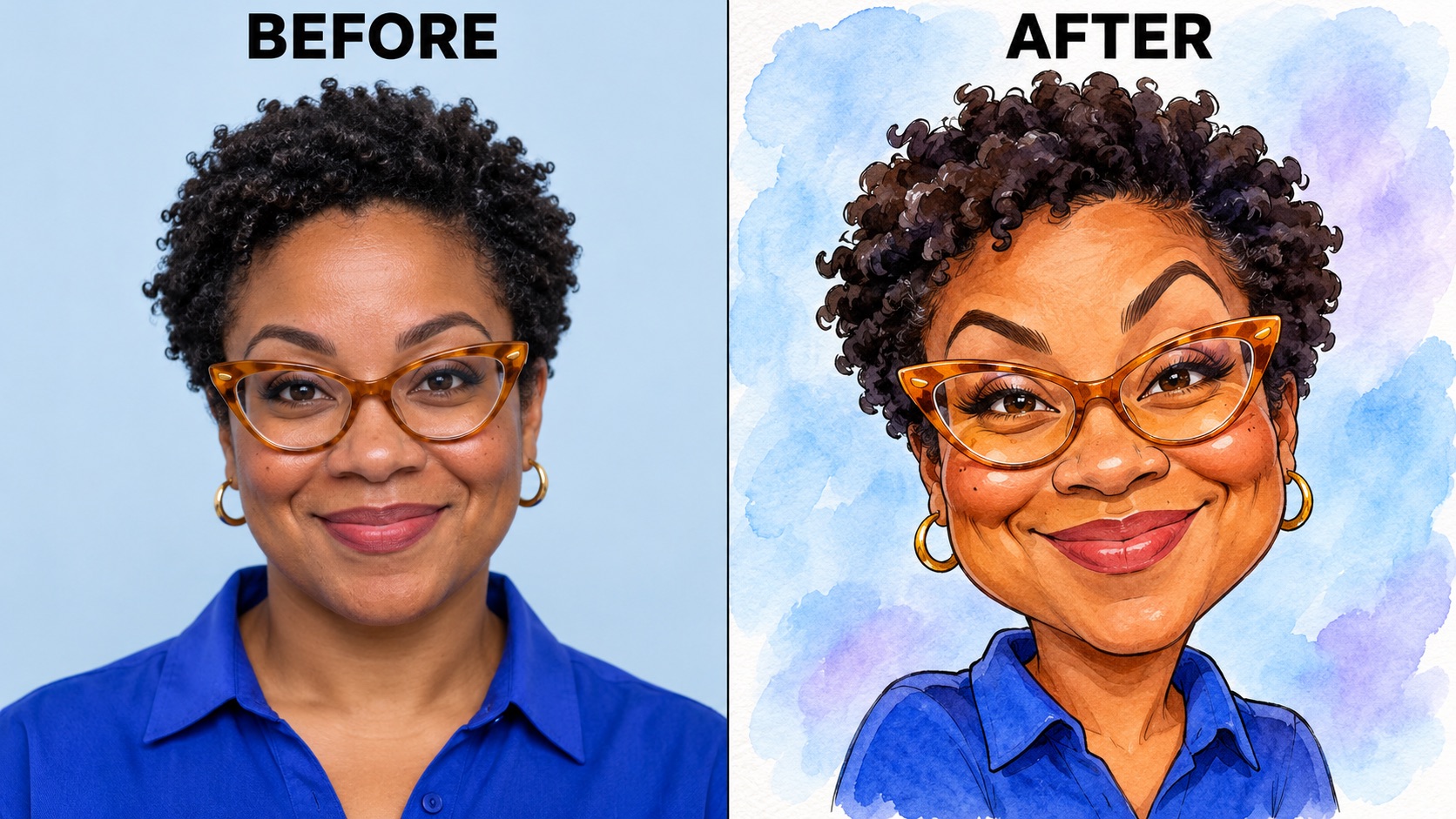
AI Caricature Generator: Create An Illustration With A Clear Visual Focus
AI Caricature Generator turns a portrait into a drawing you can consider for an avatar, a personal greeting, or a creative post. Bold contours and simplified shapes help the face remain the main subject. This AI caricature maker uses an illustrated treatment rather than relying on photographic skin texture, giving familiar details a different rhythm. Photo to caricature can make an ordinary headshot feel more informal and expressive.
Think about the final placement when reviewing your image. For a profile circle, keep the eyes, smile, and hairstyle inside the crop. For a greeting card, leave room in your design for a message added afterward. AI Caricature Generator acts as your AI caricature maker for the portrait artwork; you can arrange the downloaded illustration in a separate layout if needed. A big head caricature often benefits from a simple surrounding design because the enlarged face already provides a strong focal point. Check the image at its intended display size before sharing.
Ways To Use AI Caricature Generator
AI Caricature Generator can give familiar portraits a lighthearted role in everyday projects. Choose a use that suits the person, then let your photo to caricature result provide the illustration.

AI Caricature Generator For Personal Avatars With Character
AI Caricature Generator offers a playful starting point for a social profile, messaging avatar, or community introduction. Choose a photo that already shows your usual hairstyle and an expression people associate with you. This AI caricature maker can turn those familiar cues into a more expressive drawing, making the avatar feel personal. For photo to caricature artwork used at a small size, check the silhouette and eye area before adding elaborate backgrounds. A big head caricature gives the face more space within the frame, but the final crop still matters. Use a separate design tool for exact platform dimensions or additional text.

AI Caricature Generator: Turn Photo Into Caricature For Greetings
AI Caricature Generator can provide the portrait illustration for a birthday greeting, farewell message, or personal celebration. Start with a recent image of the person and choose an expression that fits the occasion. A caricature from photo details can feel more specific than a generic celebratory graphic because the face is part of the idea. Use this AI caricature maker to explore a warm, exaggerated interpretation, then build your greeting around the downloaded artwork. Photo to caricature supplies the visual centerpiece; add names, dates, and your message in your layout afterward. AI Caricature Generator is most useful here when the portrait carries the personality and the surrounding design stays simple.

AI Caricature Generator For Creator Introductions And Social Posts
AI Caricature Generator gives a creator a visual alternative for an introduction post, a personal update, or an informal channel graphic. The exaggerated expression can set a friendly tone while recognizable details connect the illustration with the actual person. This AI caricature maker works from the uploaded portrait rather than requiring you to invent a character from scratch. Use photo to caricature when the face itself is the story: a smile, raised eyebrow, or familiar pair of glasses. AI Caricature Generator creates a still portrait, so arrange any headings, captions, or other graphic elements separately. A clean composition leaves the expression room to communicate without competing decoration.

AI Caricature Generator For Informal Team And Community Portraits
AI Caricature Generator can help you explore illustrated portraits for an informal team introduction, club page, or community celebration. Work with one person per upload so each face has a clear reference. This AI caricature maker follows the same prepared direction for every portrait, although individual generated results can vary. For a consistent set from this AI caricature maker, start photo to caricature with similarly framed and lit portraits, then review the collection together. AI Caricature Generator is useful as an individual portrait workflow; create each image separately and assemble your layout afterward. Ask people to approve the version used for their introduction, especially if the image will represent them beyond a private conversation.
Creative Perspectives On AI Caricature Generator
Illustrative reactions from fictional personas describe possible creative preferences; these are not verified customer reviews.
AI Caricature Generator interests me for avatars with familiar glasses and a warm expression.
AI Caricature Generator interests me for avatars with familiar glasses and a warm expression.
I like photo to caricature greetings where AI Caricature Generator supplies a personal visual centerpiece.
I like photo to caricature greetings where AI Caricature Generator supplies a personal visual centerpiece.
AI Caricature Generator should feel recognizable. I value an AI caricature maker with warm exaggeration.
AI Caricature Generator should feel recognizable. I value an AI caricature maker with warm exaggeration.
I want AI Caricature Generator portraits with a strong smile and readable outline.
I want AI Caricature Generator portraits with a strong smile and readable outline.
AI Caricature Generator Questions
Understand the photo to caricature workflow, choose a useful source portrait, and review the illustrated result before using it.
AI Caricature Generator transforms an uploaded portrait into an exaggerated illustrated version of the person. The prepared effect uses expressive linework, a larger head, compact proportions, and emphasized facial expression. This AI caricature maker starts from the person in your image, with instructions to retain distinctive identity cues while changing the visual style. Photo to caricature is a creative reinterpretation, so likeness can vary between results. Compare the hairline, glasses, eyes, and smile with the source rather than expecting a photographic duplicate. AI Caricature Generator is designed around a single portrait and a fixed caricature direction, keeping photo to caricature focused on the face.
Upload one clear portrait, press Generate, and review the completed illustration. AI Caricature Generator supplies the drawing direction, so you do not need to describe the desired effect in a text box. This photo to caricature converter uses the uploaded photo as its visual reference. Keep the whole head visible and choose an image where the face is large enough to read. AI Caricature Generator then applies the prepared transformation. If the first image does not capture the person well, consider a different source portrait before creating another result. This AI caricature maker does not require manual tracing, facial-point placement, or a drawing file. Review and download the finished portrait when you are happy with its expression.
An AI caricature maker changes more than the drawing style; a caricature also emphasizes selected proportions or expressions for humorous effect. AI Caricature Generator focuses on that exaggerated portrait direction, including a larger head and expressive facial features. The aim is a caricature from photo details that stay connected to the original person. A photo to caricature converter should be judged by the combination of likeness and exaggeration, rather than illustration style alone. With this AI caricature maker, look for a recognizable hairstyle, accessories, and facial character beneath the playful proportions. AI Caricature Generator produces a still image; photo to caricature emphasizes expression rather than animating it.
For this AI caricature maker, choose one evenly lit portrait with the complete face and hairstyle visible. AI Caricature Generator has a more useful reference when the eyes, brows, mouth, and head shape are easy to distinguish. Heavy beauty filters, deep shadows, or a face hidden by a hand can obscure those details. For this photo to caricature converter, a straightforward headshot or upper-body portrait is a practical starting point. This AI caricature maker uses the image you supply, so choose an expression you actually want reflected in the drawing. AI Caricature Generator does not need a forced comic pose; a natural smile can already provide an expressive foundation.
This AI caricature maker uses a prepared effect: upload one image and generate without writing a prompt. AI Caricature Generator does not expose custom style instructions or an exaggeration slider in this workflow. The portrait gives this AI caricature maker its reference for expression and visible details. Use this photo to caricature converter when you want the defined exaggerated drawing treatment rather than an open-ended image editor. This AI caricature maker applies its direction to the uploaded person, so you can try a different portrait if you want another facial expression as the starting point. AI Caricature Generator is a focused tool; additional layout changes, lettering, or other edits can be handled separately after downloading the image.
Compare the finished image with the original portrait and inspect the eyes, smile, glasses, hair, and visible clothing. AI Caricature Generator can reinterpret small details, so choose a version whose expression and likeness fit your intended use. With photo to caricature artwork, also look at the final crop: a profile circle or greeting layout can remove part of a large head. This AI caricature maker creates the illustration, while your final design determines how it is presented. AI Caricature Generator results should be reviewed at the size people will actually see. For a physical print, check the downloaded file dimensions against your printer requirements instead of assuming every image suits a large poster.
Turn Photo Into Caricature With AI Caricature Generator
Give a familiar portrait a more expressive illustrated personality. AI Caricature Generator starts with one photo and applies a prepared caricature direction, so you can focus on choosing the face and reviewing the result. Explore a personal avatar or a greeting illustration with this AI caricature maker. Upload a clear portrait and see how the expression takes shape.