Upload a photo and turn your subject into a festive Christmas snow globe scene.
AI Image Tools
Everything You Need to Edit Photos Faster
Open the PicEditor AI tools library for background removal, photo enhancement, object cleanup, face swap, upscaling, and more focused image workflows.
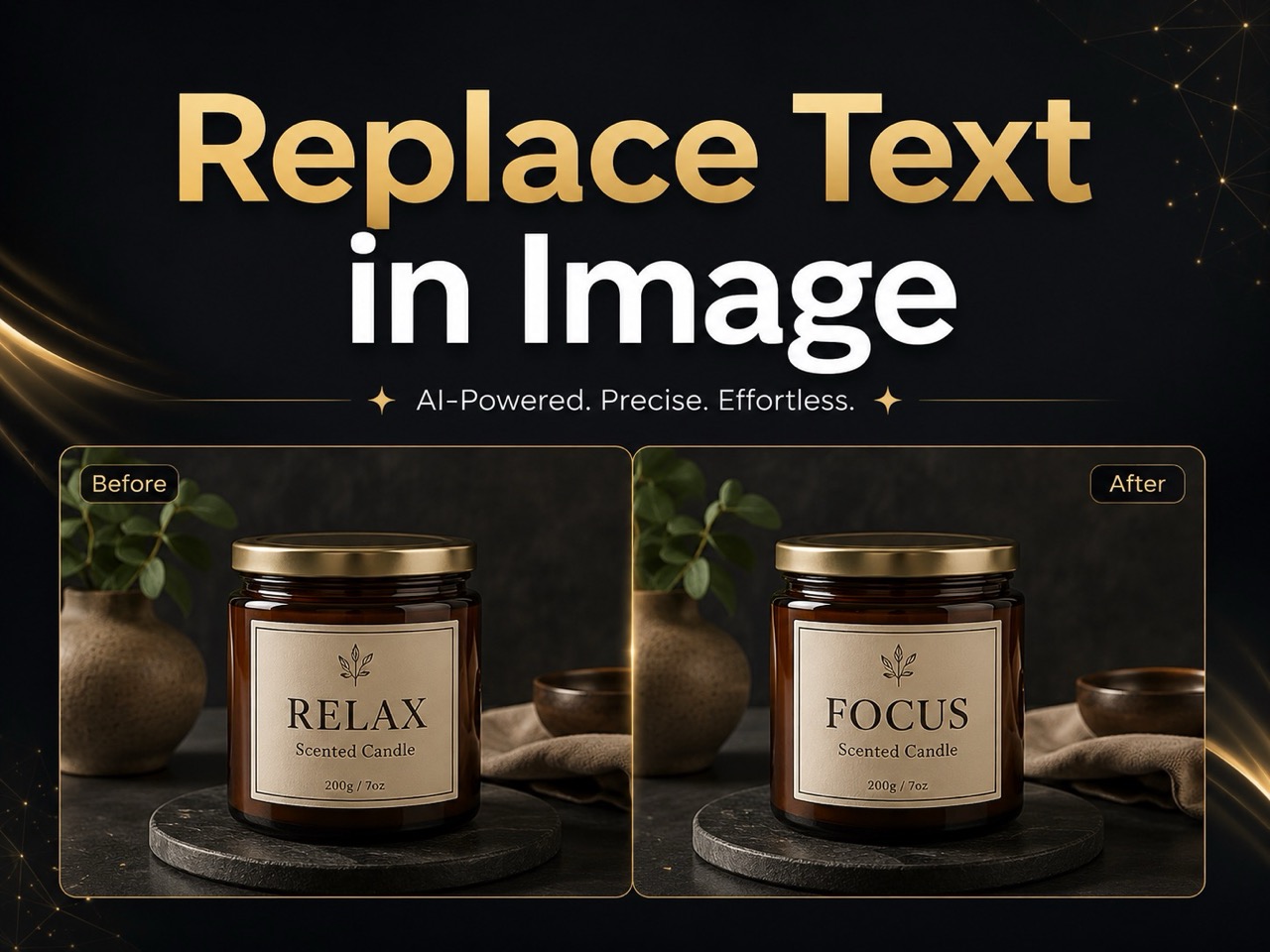
Replace Text in Image
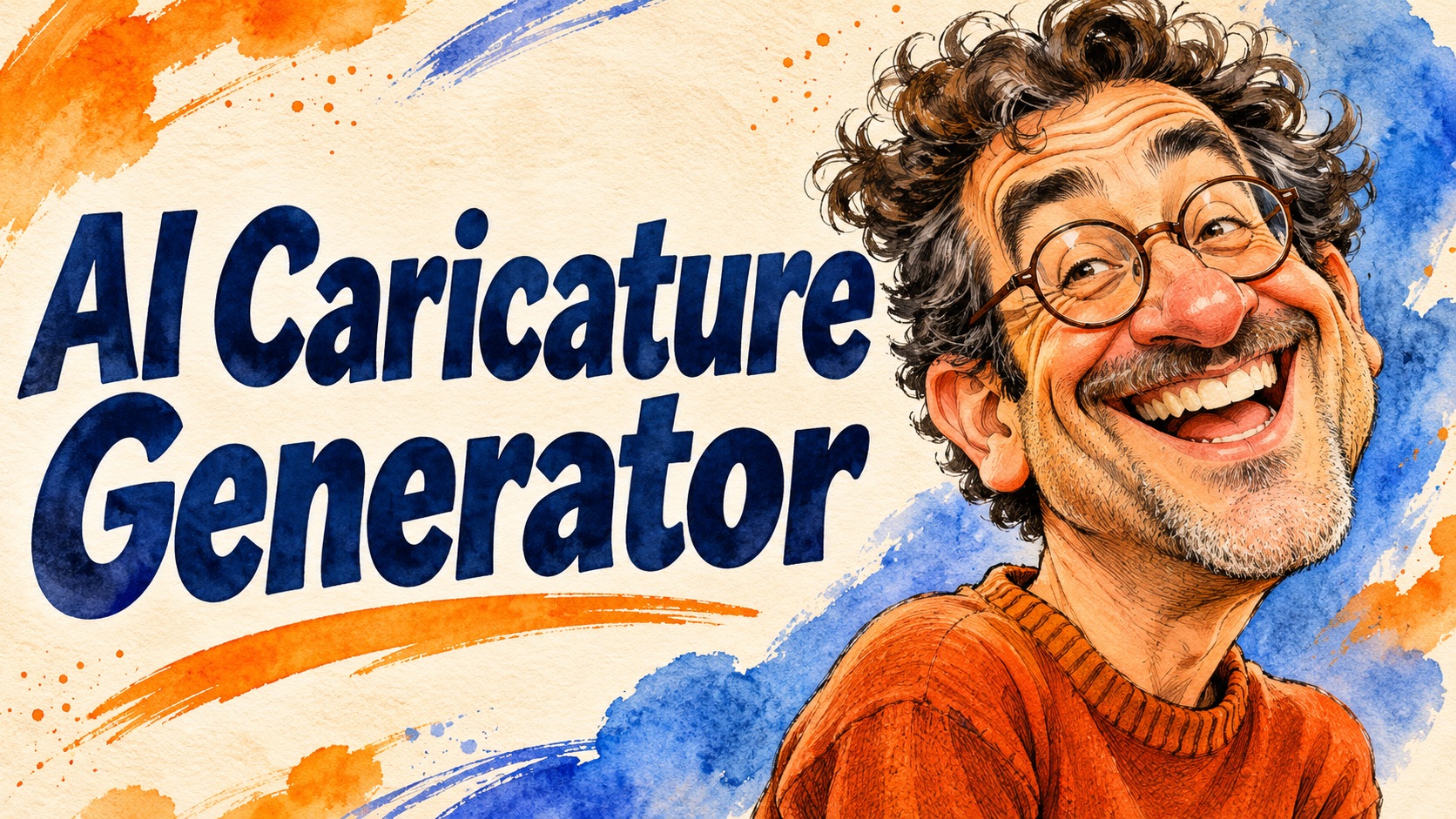
AI Caricature Generator
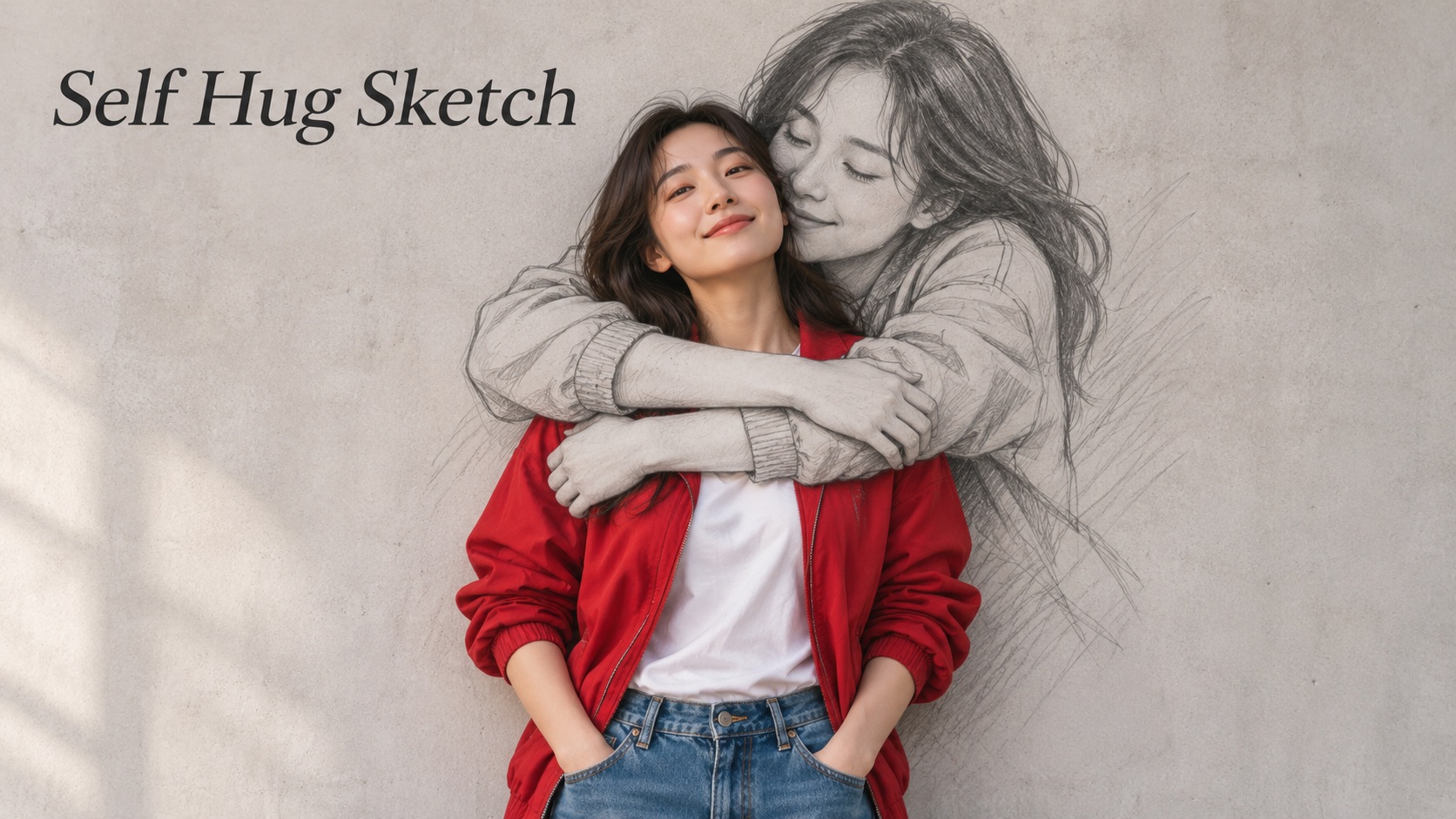
Self Hug Sketch

GTA 6 Loading Screen AI
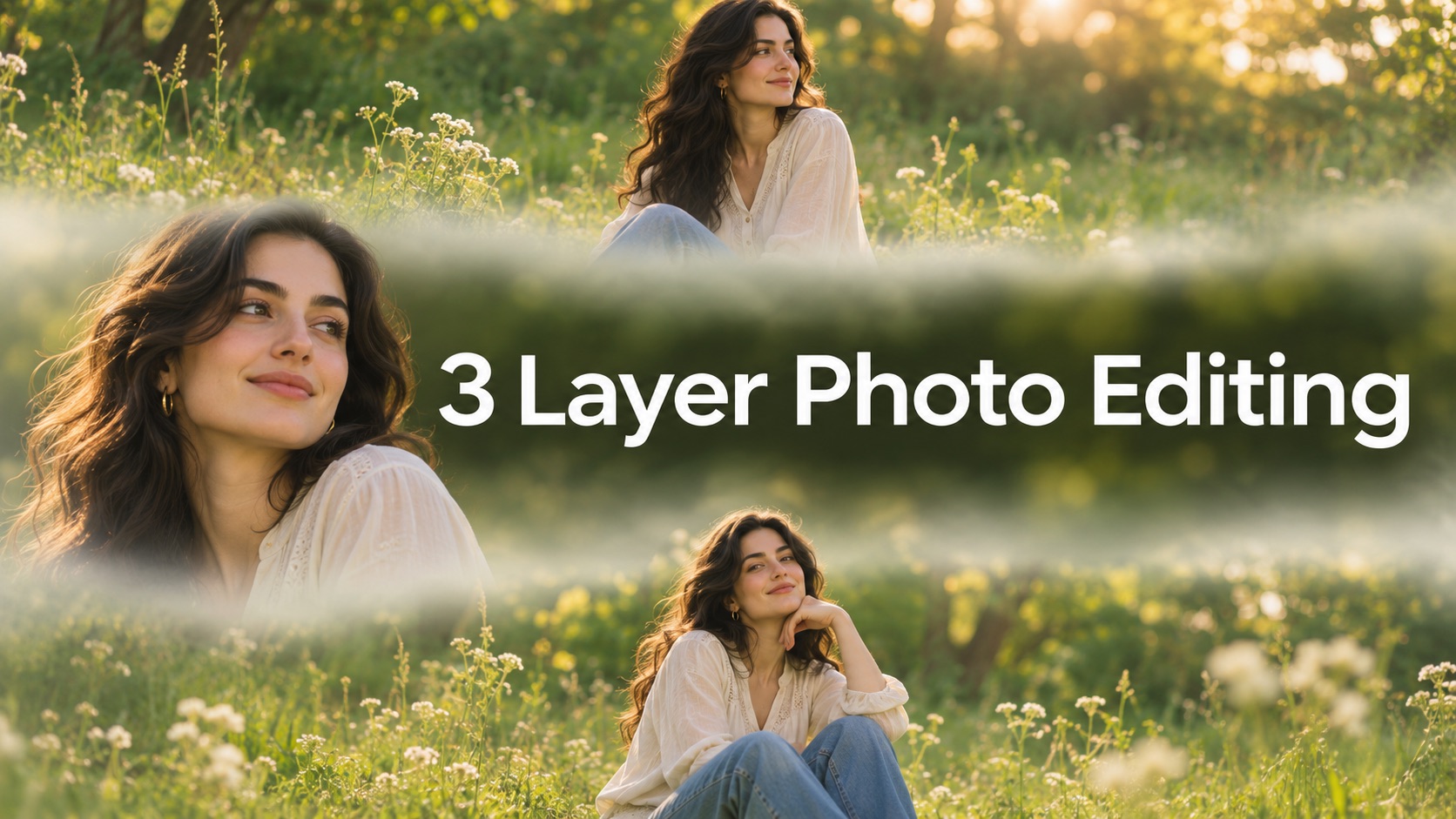
3 Layer Photo Editing

Make Them All Wear White Trend
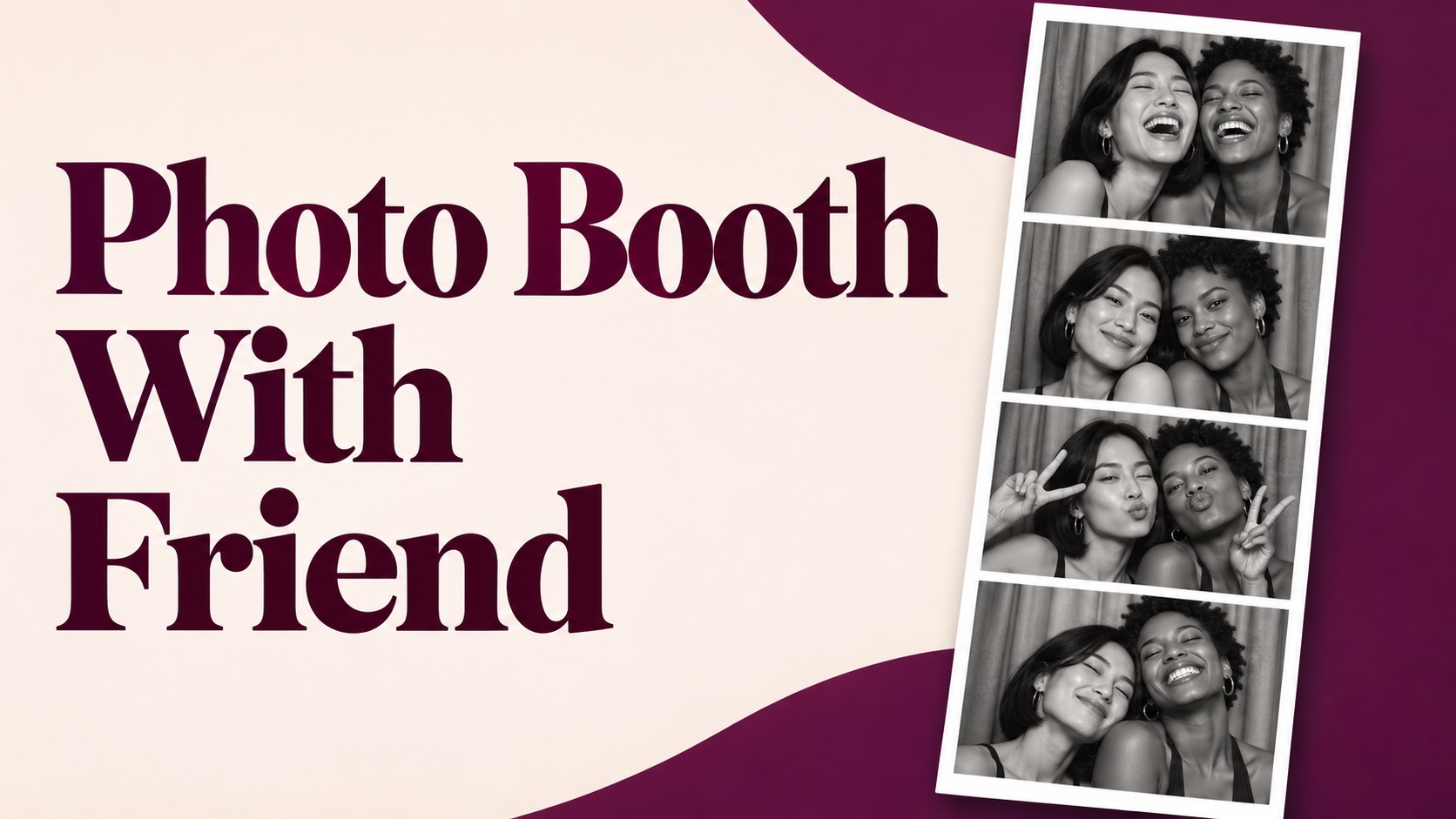
Photo Booth With Friend

Waist Heart Trend
Bold Glamour Filter
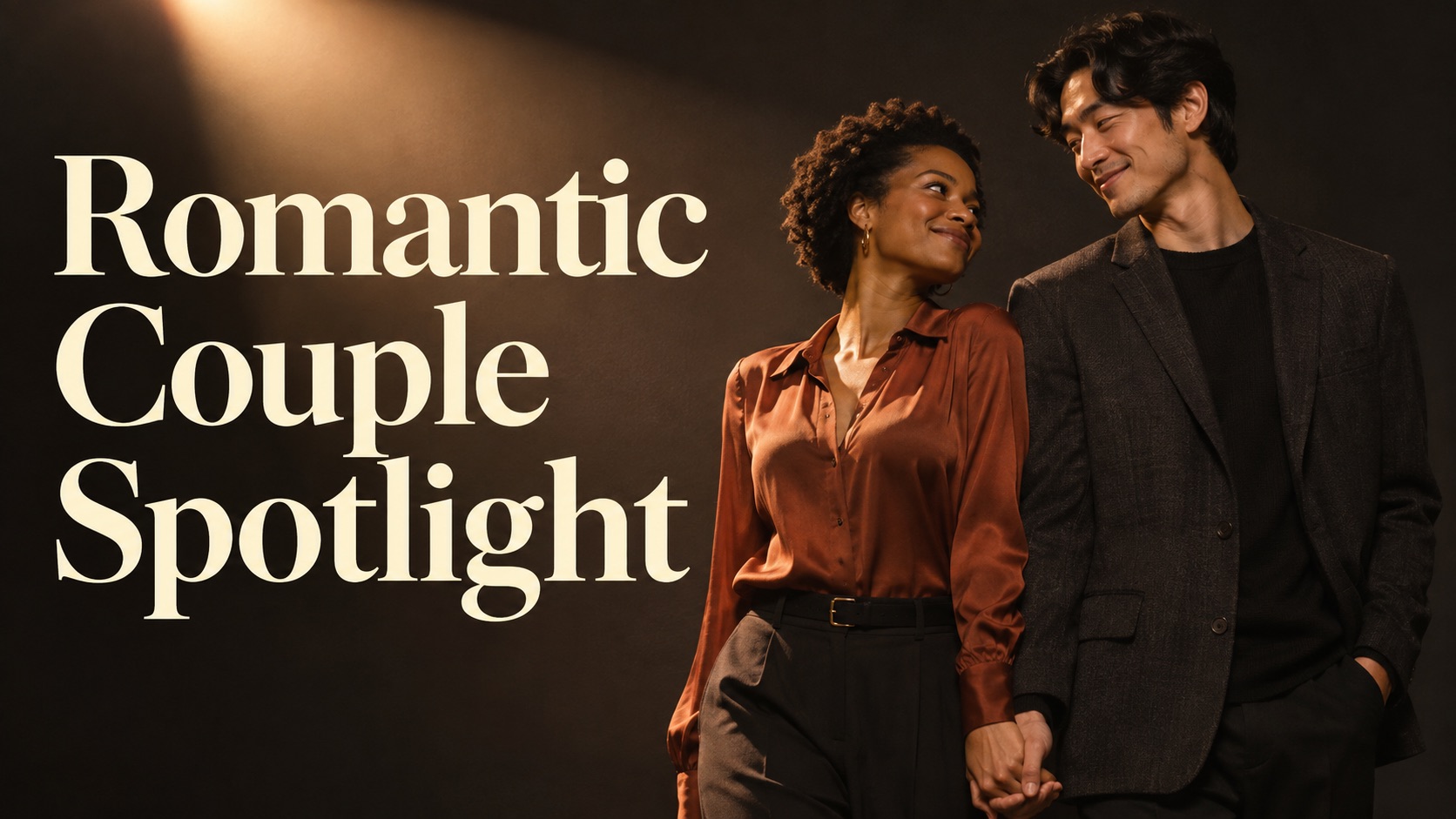
Romantic Couple Spotlight
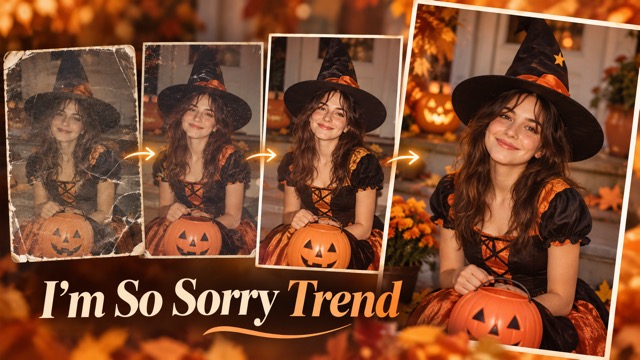
I'm So Sorry Trend AI Photo Editor
AI Halloween Generator
Corpse Bride AI Filter
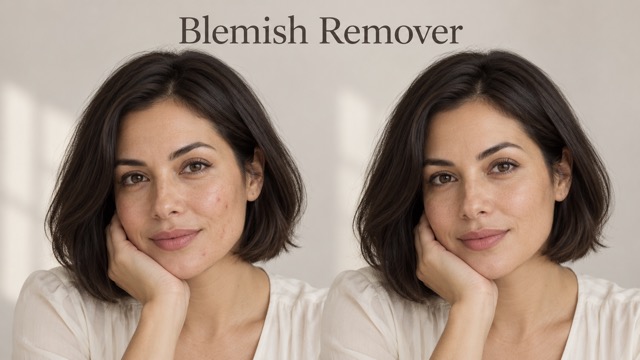
AI Blemish Remover
FLUX 3 Image Klein

Ideogram 4.5
AI Portrait Retouching

Snatched Waist Editor
AI Facial Expression Changer
AI Texture Generator
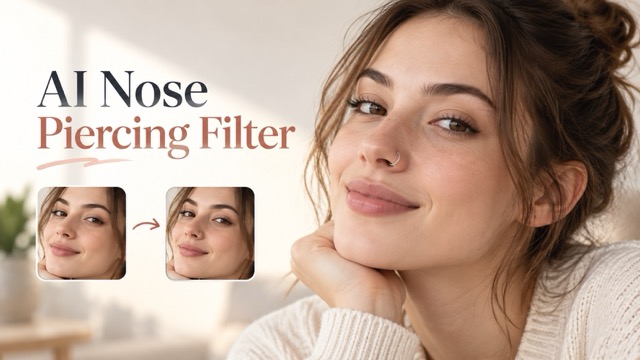
AI Nose Piercing Filter
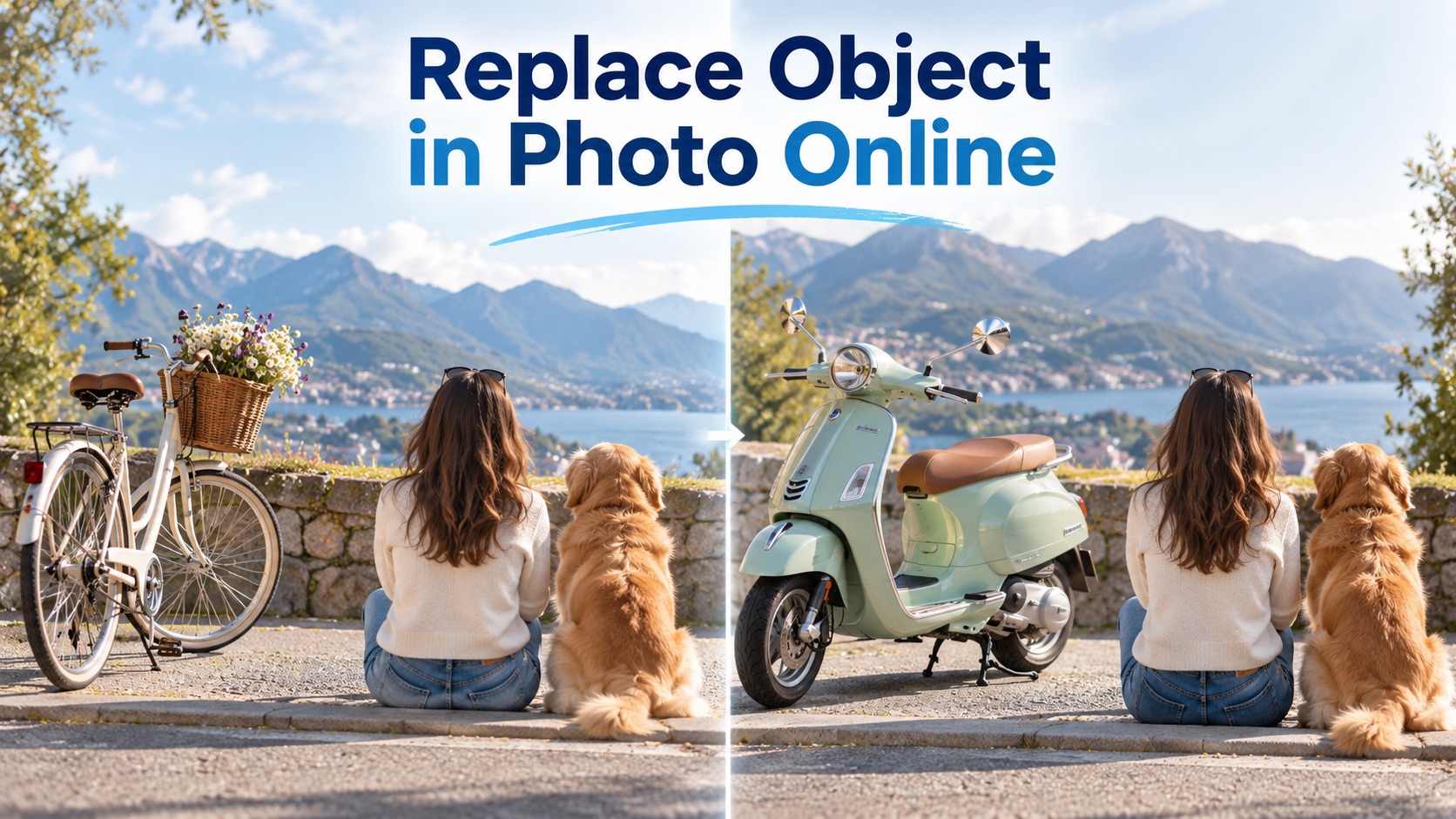
Replace Object in Photo Online
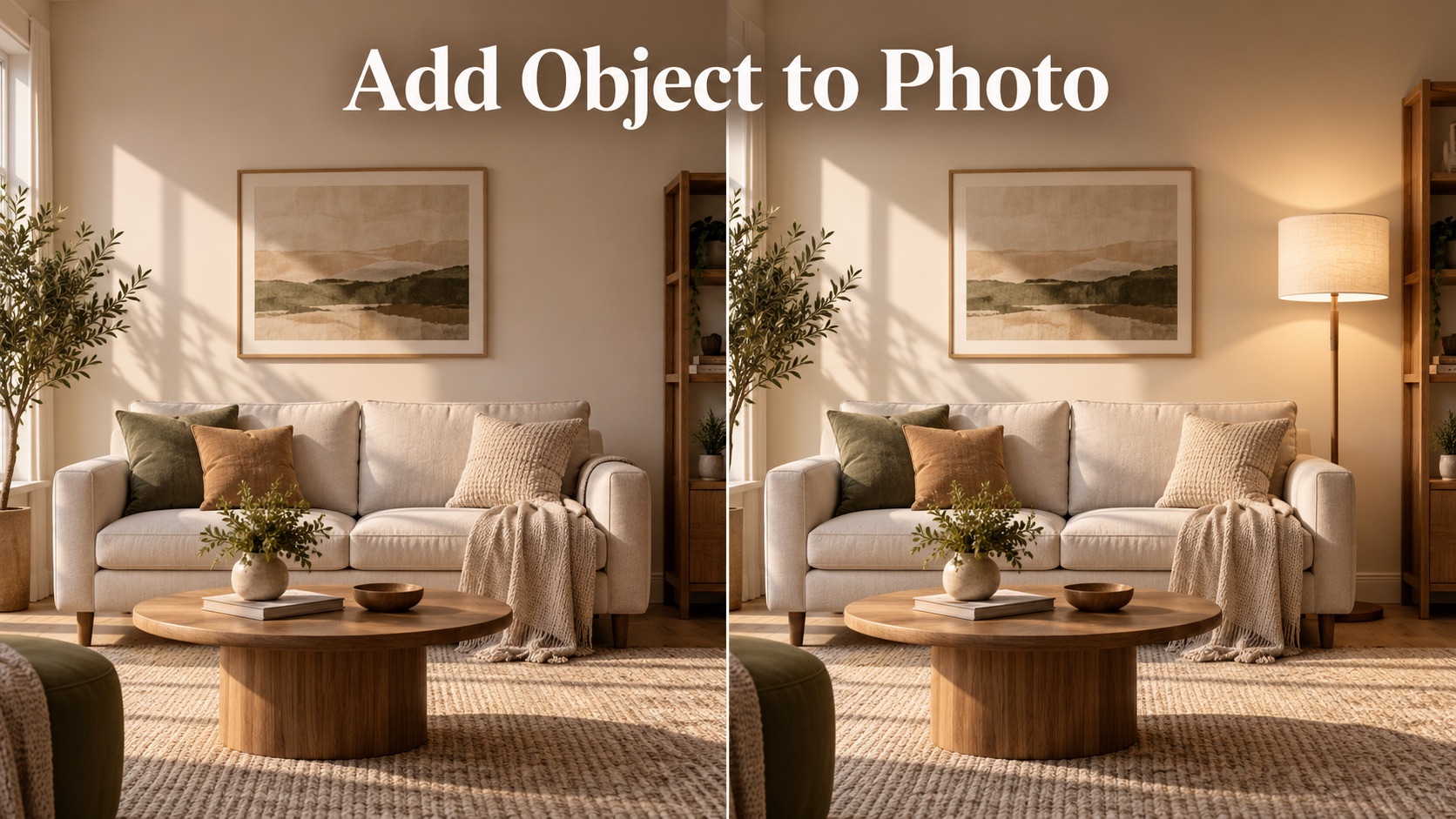
Add Object to Photo
AI Snow Globe Photo
Turn Your Photo Into A Christmas Snow Globe
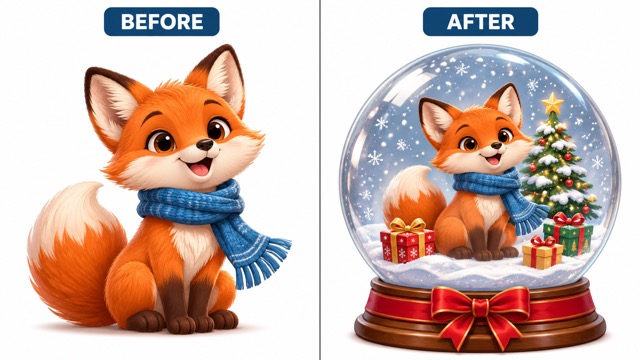
Create an AI snow globe photo from a photo of a person, pet, or character. Upload your image and let the AI snow globe generator place your subject in a festive glass globe with a miniature winter scene. Use your finished AI snow globe photo for seasonal cards, social posts, or a keepsake to share. An AI snow globe photo can give a familiar image a new setting for Christmas.
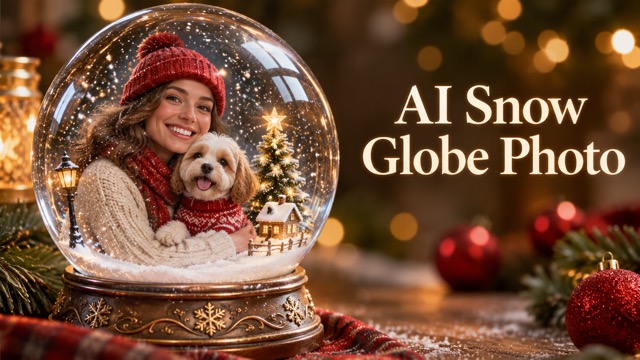
How To Make An AI Snow Globe Photo
Turn a favorite picture into an AI snow globe photo in three steps. The AI snow globe generator builds the festive scene around your uploaded subject. Your AI snow globe photo begins with the image you choose.

Upload Your Photo
Choose a clear photo that shows the subject you want in your AI snow globe photo. A well-lit image with a visible face or recognizable features gives the AI snow globe generator a useful starting point. Upload one image to begin.

Click Generate
Click Generate to turn your image into an AI snow globe photo. The AI snow globe generator uses the uploaded subject as a reference and creates a Christmas scene inside a transparent globe. Review the result for the features and composition that matter to you.

Download Your Photo
When you like your AI snow globe photo, download the image and use it in a holiday greeting or seasonal post. Keep the original photo as well, so you can return to the AI snow globe generator and try another result.
Explore Your AI Snow Globe Photo
From portraits to pets, an AI snow globe photo turns a familiar subject into a miniature Christmas scene.
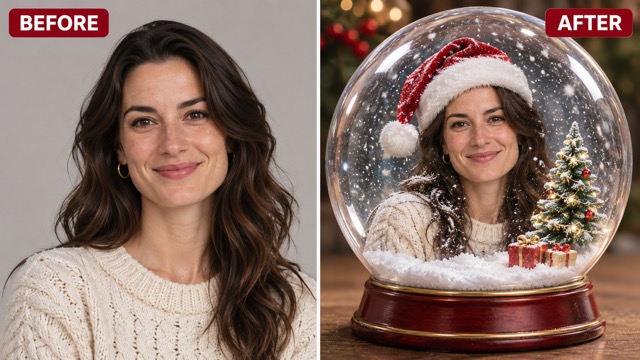
Put Your Favorite Subject Inside The Globe
An AI snow globe photo starts with the subject you already love. Use a portrait, a pet picture, or an image of a character as the reference for the scene. The AI snow globe generator places that subject inside a clear glass sphere, so the result feels like a miniature holiday display.
For a recognizable AI snow globe photo, choose an image where important details are easy to see. The AI snow globe generator interprets the source creatively, so inspect the face, markings, and silhouette in the result. A centered subject helps the AI snow globe photo retain a clear focal point.
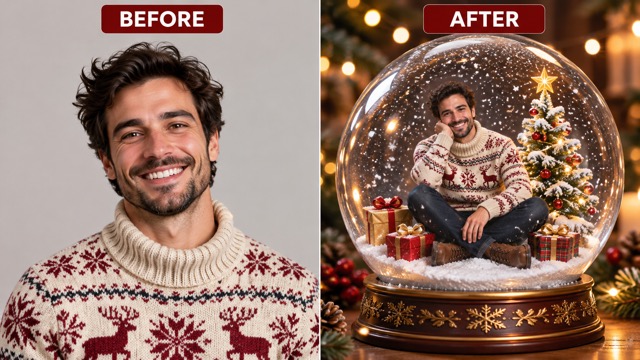
Create A Miniature Christmas Scene
Give your AI snow globe photo a seasonal setting with snow, a small decorated tree, warm lights, and a glass globe. These elements make the subject feel at home in a tiny winter world. The AI snow globe generator combines the familiar photo with a festive composition.
Use the AI snow globe photo as a digital greeting or a visual starting point for your own design. With the AI snow globe generator, the uploaded picture provides the subject while the generated setting supplies the Christmas atmosphere. The AI snow globe photo brings the subject and seasonal details into one composition.
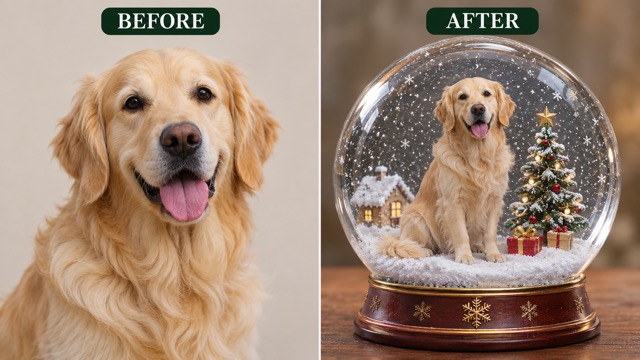
Make A Holiday Portrait From A Pet Photo
A pet can be the centerpiece of an AI snow globe photo. Start with a clear picture of your dog, cat, or another animal and look for the coat colors, markings, and expression that make your companion recognizable. The AI snow globe generator surrounds the subject with a snowy miniature scene.
The finished AI snow globe photo can bring a personal touch to a card or social post. Try the AI snow globe generator with different source photos to explore different poses and compositions. A favorite pet portrait can make an AI snow globe photo especially personal.
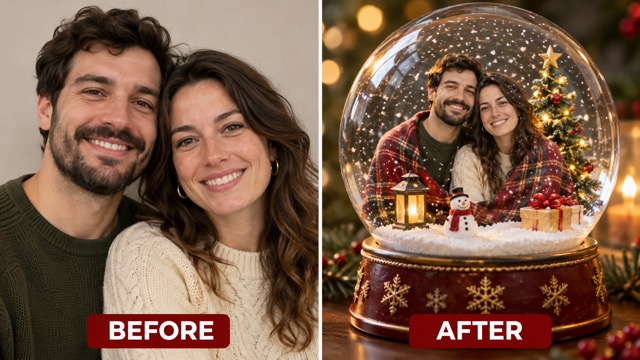
Turn A Portrait Into A Keepsake
Use an individual or family picture to create an AI snow globe photo with a personal holiday theme. The globe and winter decorations frame the people in your image as the focus of a miniature scene. The AI snow globe generator transforms the visual setting around your chosen subject.
A clear source photo helps you check the finished AI snow globe photo against the details you want to retain. Save a result you like and use the AI snow globe generator again when you want another interpretation. An AI snow globe photo makes a playful addition to your holiday collection.
Share Your Snow Globe Creation
After generating an AI snow globe photo, download it for a digital holiday card, a seasonal profile image, or a post for friends and family. A single image can become the centerpiece of a festive message or a small personal project.
Your AI snow globe photo is a still image. The AI snow globe generator creates the globe scene from your upload; add any captions or other design elements separately in your preferred editor. Choose an AI snow globe photo that suits the place where you plan to share it.
Ideas For Your AI Snow Globe Photo
Use an AI snow globe photo to bring a personal subject into a festive setting. Each AI snow globe photo starts with an image that matters to you.

Pet Holiday Cards
Make your pet the star of an AI snow globe photo for a digital holiday greeting. Choose a clear portrait and let the AI snow globe generator add a snowy setting around the familiar face.

Family Christmas Greetings
Create an AI snow globe photo from a favorite family picture for a seasonal message. Check the resulting faces and composition before sharing the image with relatives.

Festive Social Posts
Use an AI snow globe photo as the visual for a Christmas post or profile update. Download the result from the AI snow globe generator and add your own greeting in your chosen app.

Character Artwork
Transform a character picture into an AI snow globe photo with a miniature winter setting. The AI snow globe generator provides a new scene while the uploaded artwork guides the subject.
Creative Perspectives
These fictional names and illustrative comments describe possible creative uses, not verified customer experiences.
A snowy globe is a lovely way to turn a favorite pet portrait into a seasonal greeting.
A snowy globe is a lovely way to turn a favorite pet portrait into a seasonal greeting.
I like the idea of giving a familiar family picture a miniature holiday setting to share with relatives.
I like the idea of giving a familiar family picture a miniature holiday setting to share with relatives.
A character inside a little winter scene feels like a playful starting point for a Christmas card.
A character inside a little winter scene feels like a playful starting point for a Christmas card.
AI Snow Globe Photo Questions
Find answers about your source image, the result, and ways to use it.
An AI snow globe photo is a generated image that places the subject of a source picture inside a decorative snow globe scene. The AI snow globe generator uses the upload as a visual reference and creates a new Christmas composition.
Try a clear image of a person, pet, or character for your AI snow globe photo. A visible subject and recognizable details make it easier to compare the result with your original. The AI snow globe generator creates a new interpretation, so details may vary.
Upload a clear picture of your pet and click Generate. Review the AI snow globe photo for familiar features such as coat color and markings. Download a result you like, or return to the AI snow globe generator to try another image. A front-facing pet portrait is a useful starting point for an AI snow globe photo.
You can start your AI snow globe photo with a family picture. Choose an image where the people are visible, then check the generated scene for their recognizable features. The AI snow globe generator creates a new image rather than physically placing people in a globe. A group AI snow globe photo may vary in how faithfully it renders each person.
Inspect the AI snow globe photo and download the image you want to keep. You can use the AI snow globe generator again with another photo or another generation, then share your chosen result in your preferred app.
The AI snow globe photo is a still image. The AI snow globe generator creates a festive image from your upload; adding animation, music, or captions is a separate step in a tool that supports those features.
Choose a sharp, well-lit reference for your AI snow globe photo and keep the subject visible. After generating, inspect facial features, clothing, or pet markings. The AI snow globe generator can interpret details differently, so try another source or result if needed. Review the AI snow globe photo at a useful size before deciding to share it.
A finished AI snow globe photo can be used in a digital card, a holiday post, or a personal keepsake. Download the result from the AI snow globe generator, then arrange any text or additional design elements in your preferred editor.
Create Your AI Snow Globe Photo
Turn a favorite portrait, pet picture, or character image into an AI snow globe photo. Upload your photo to the AI snow globe generator and make a little Christmas world around your subject. Your AI snow globe photo is ready to download after generation.