Kling Image 4.0 GeneratorRealism. Typography. Image Sets.
From a clear brief to a polished image
Explore image creation with Kling Image 4.0 Generator. Describe a scene in detail, bring references into the brief, and develop visuals with careful attention to composition, materials, and atmosphere, from realistic product shots to expressive typography.

AI Image Tools
Everything You Need to Edit Photos Faster
Open the PicEditor AI tools library for background removal, photo enhancement, object cleanup, face swap, upscaling, and more focused image workflows.
Replace Text in Image
AI Caricature Generator
Self Hug Sketch

AI Snow Globe Photo

GTA 6 Loading Screen AI
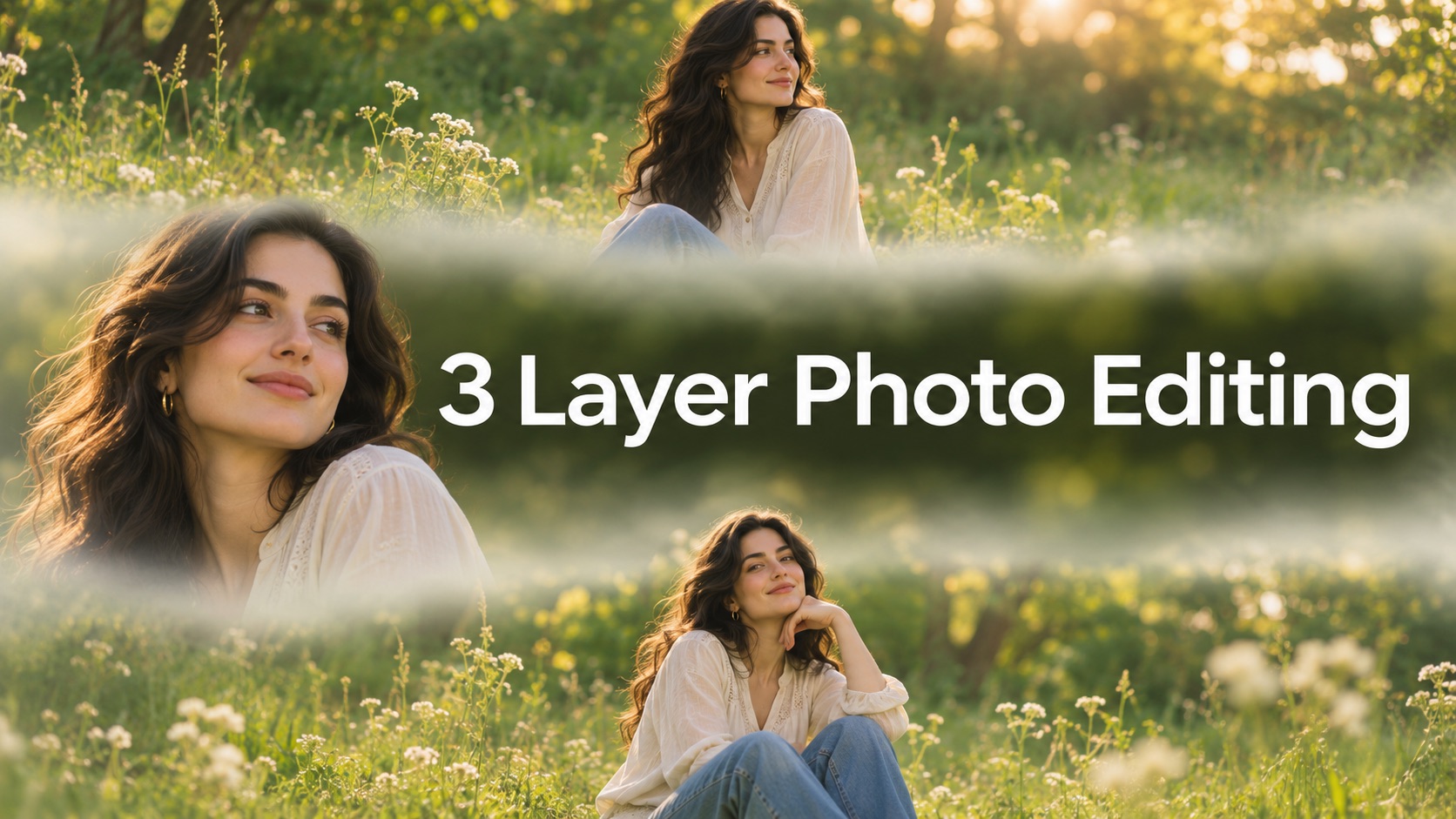
3 Layer Photo Editing

Make Them All Wear White Trend
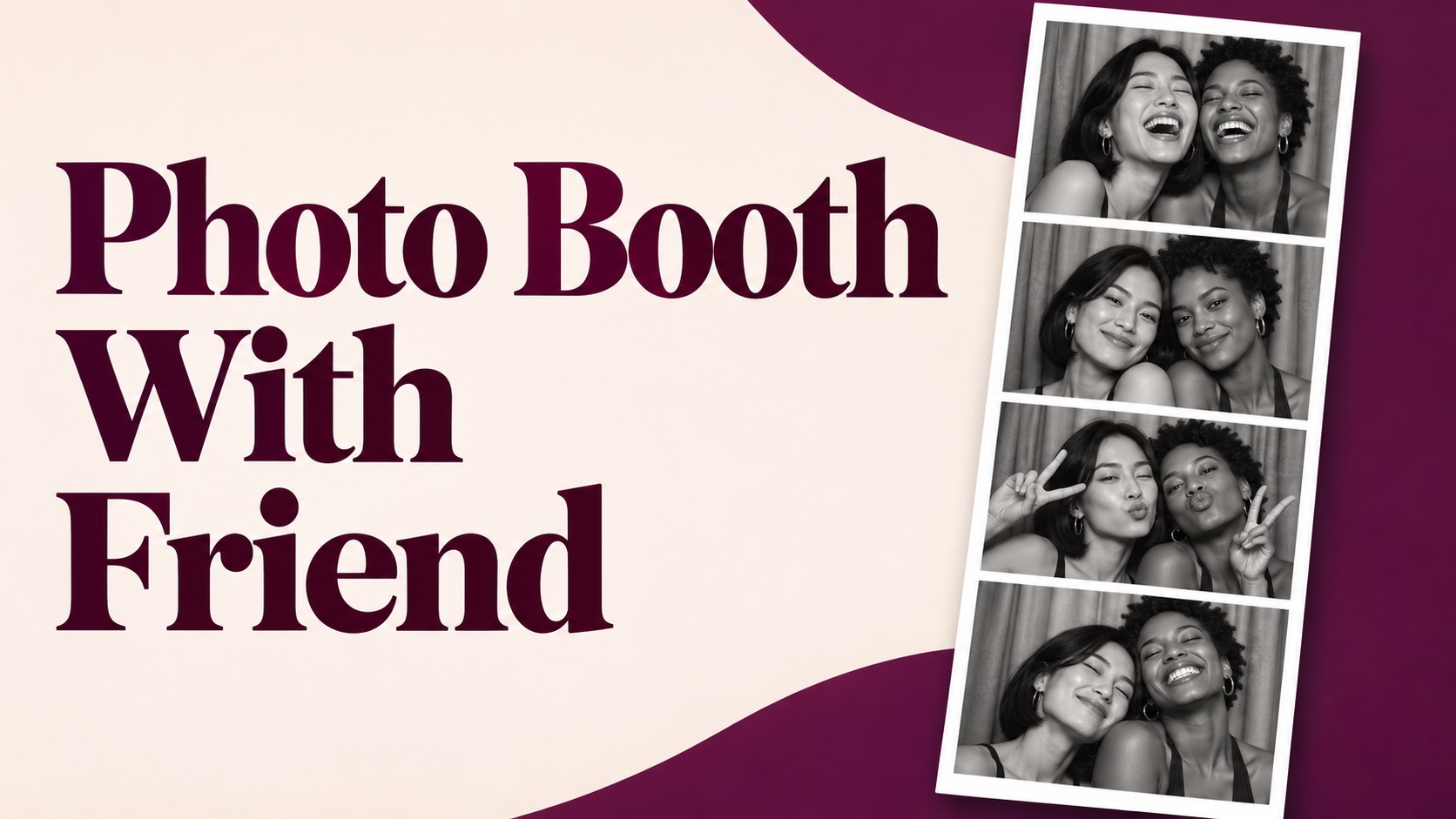
Photo Booth With Friend
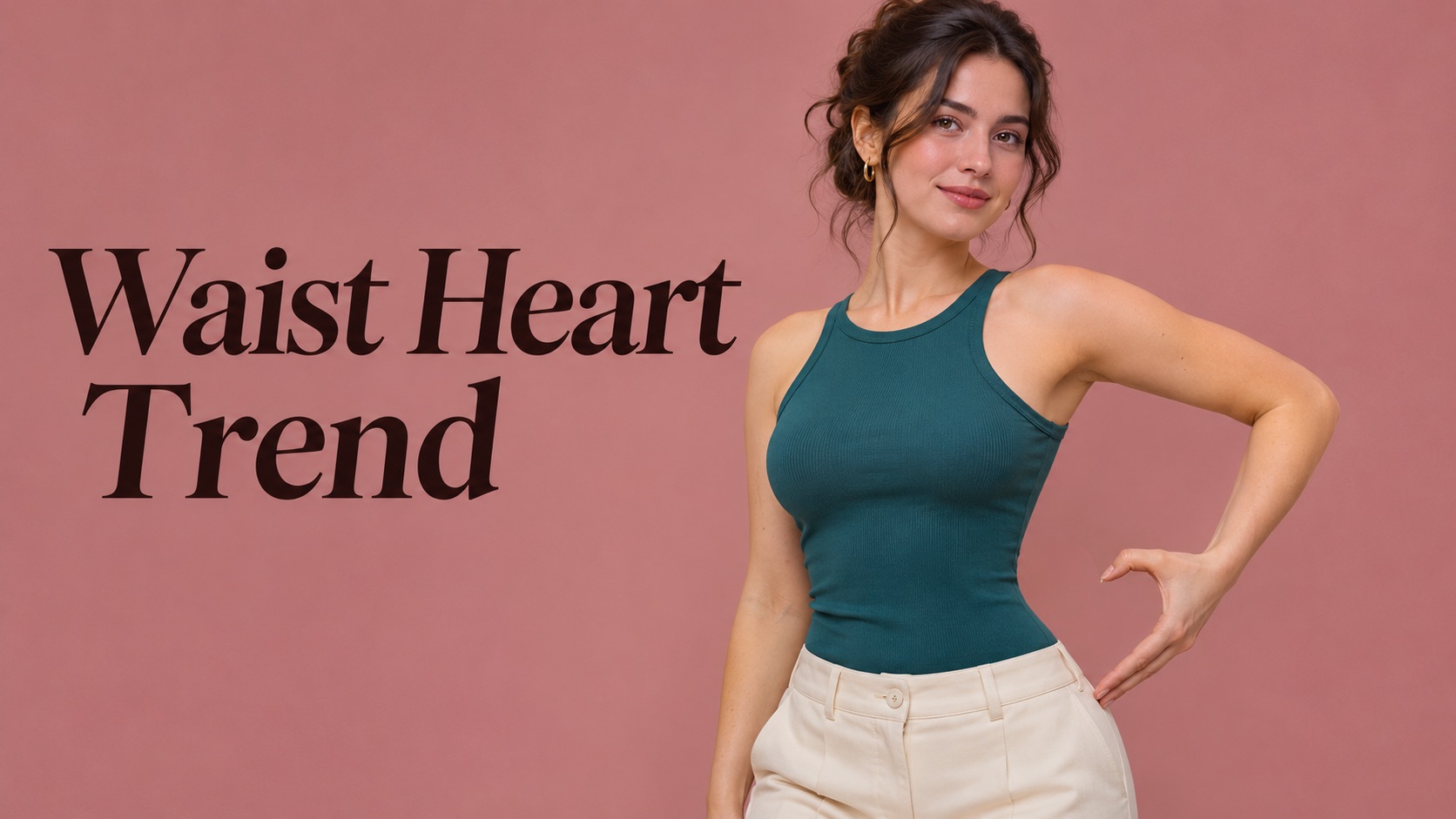
Waist Heart Trend
Bold Glamour Filter

Romantic Couple Spotlight
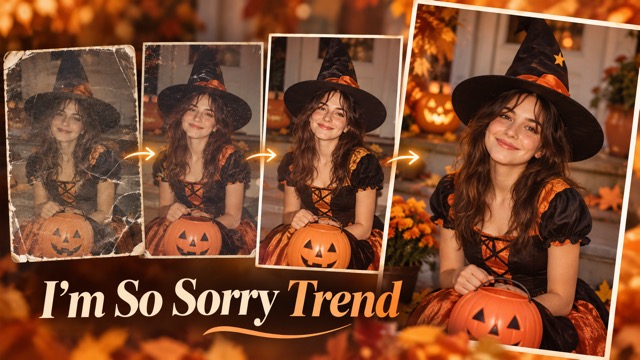
I'm So Sorry Trend AI Photo Editor
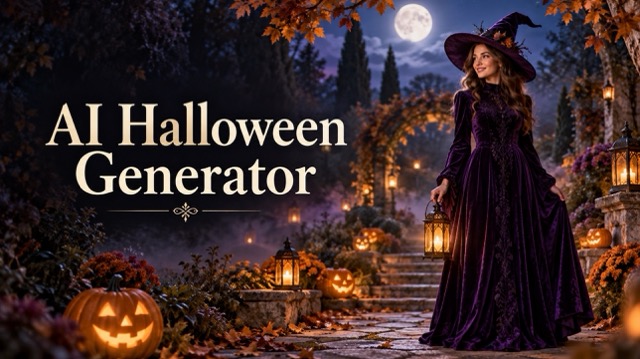
AI Halloween Generator
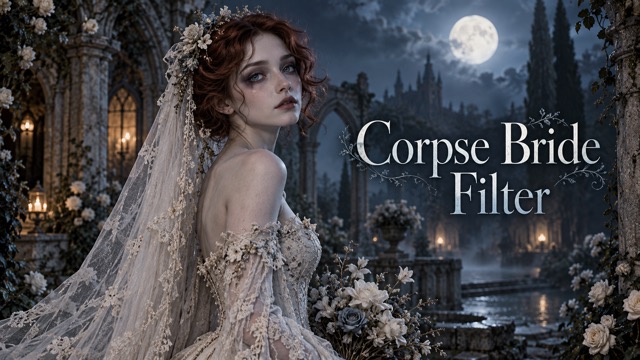
Corpse Bride AI Filter
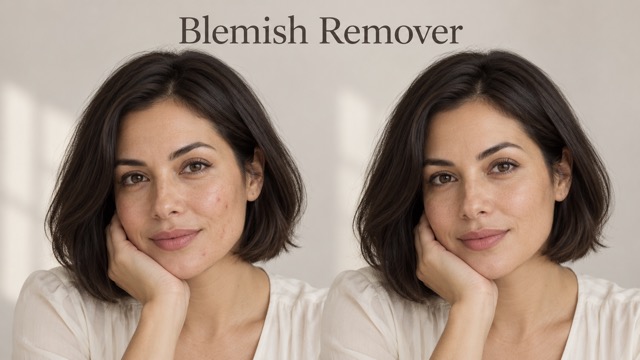
AI Blemish Remover
FLUX 3 Image Klein
Ideogram 4.5
AI Portrait Retouching

Snatched Waist Editor
AI Facial Expression Changer
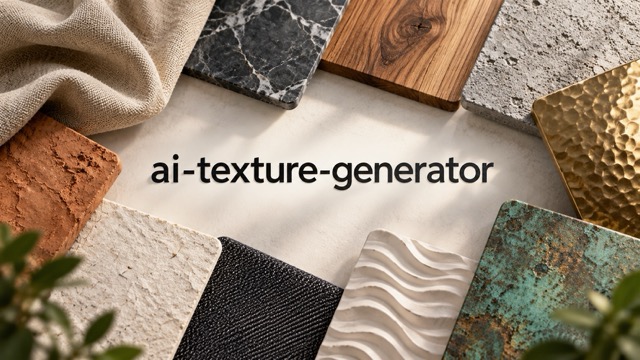
AI Texture Generator
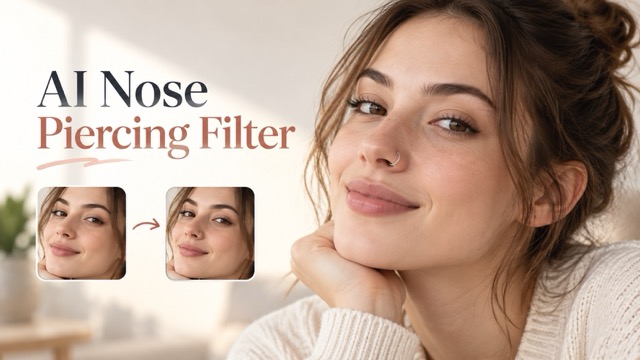
AI Nose Piercing Filter
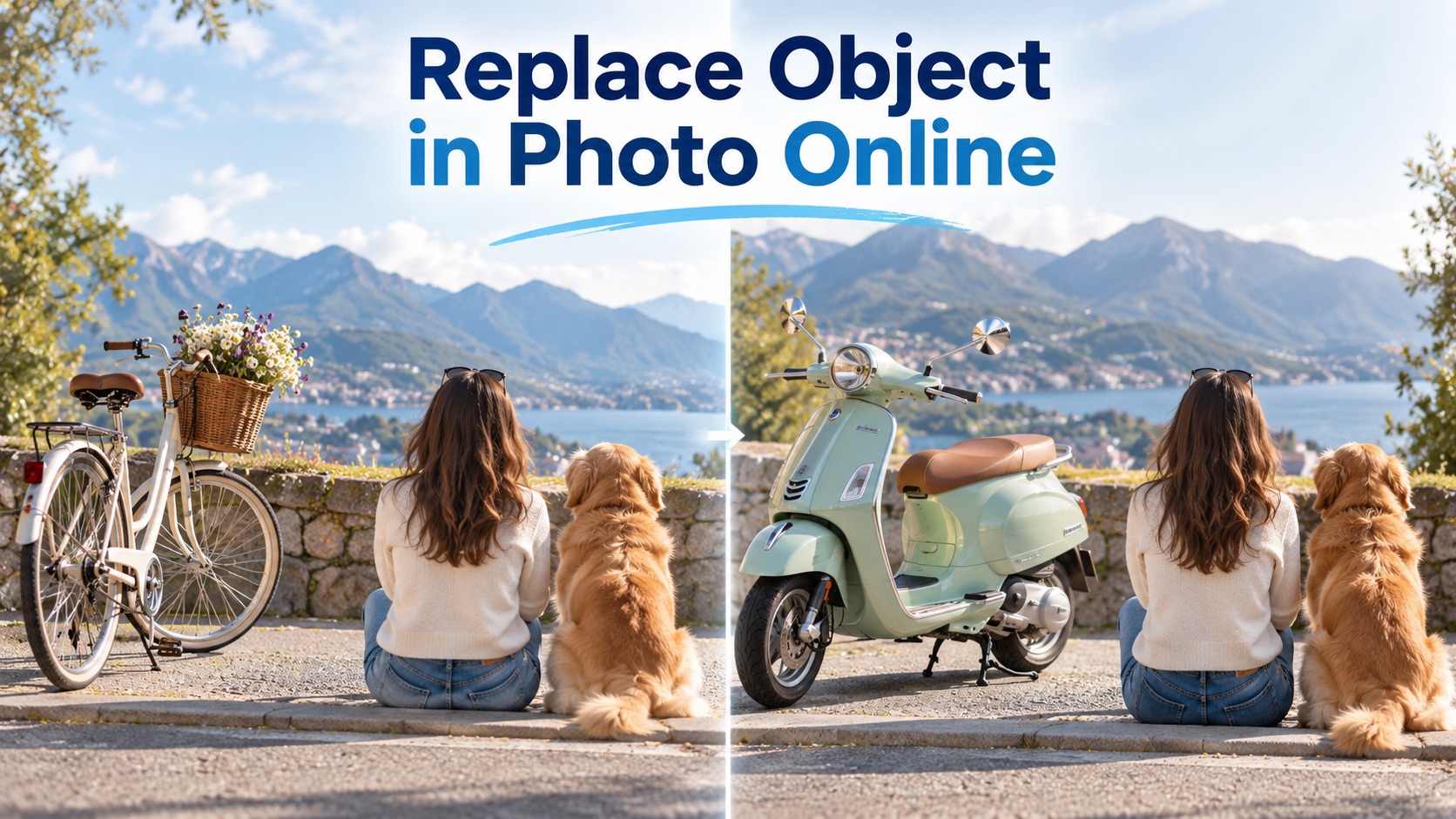
Replace Object in Photo Online
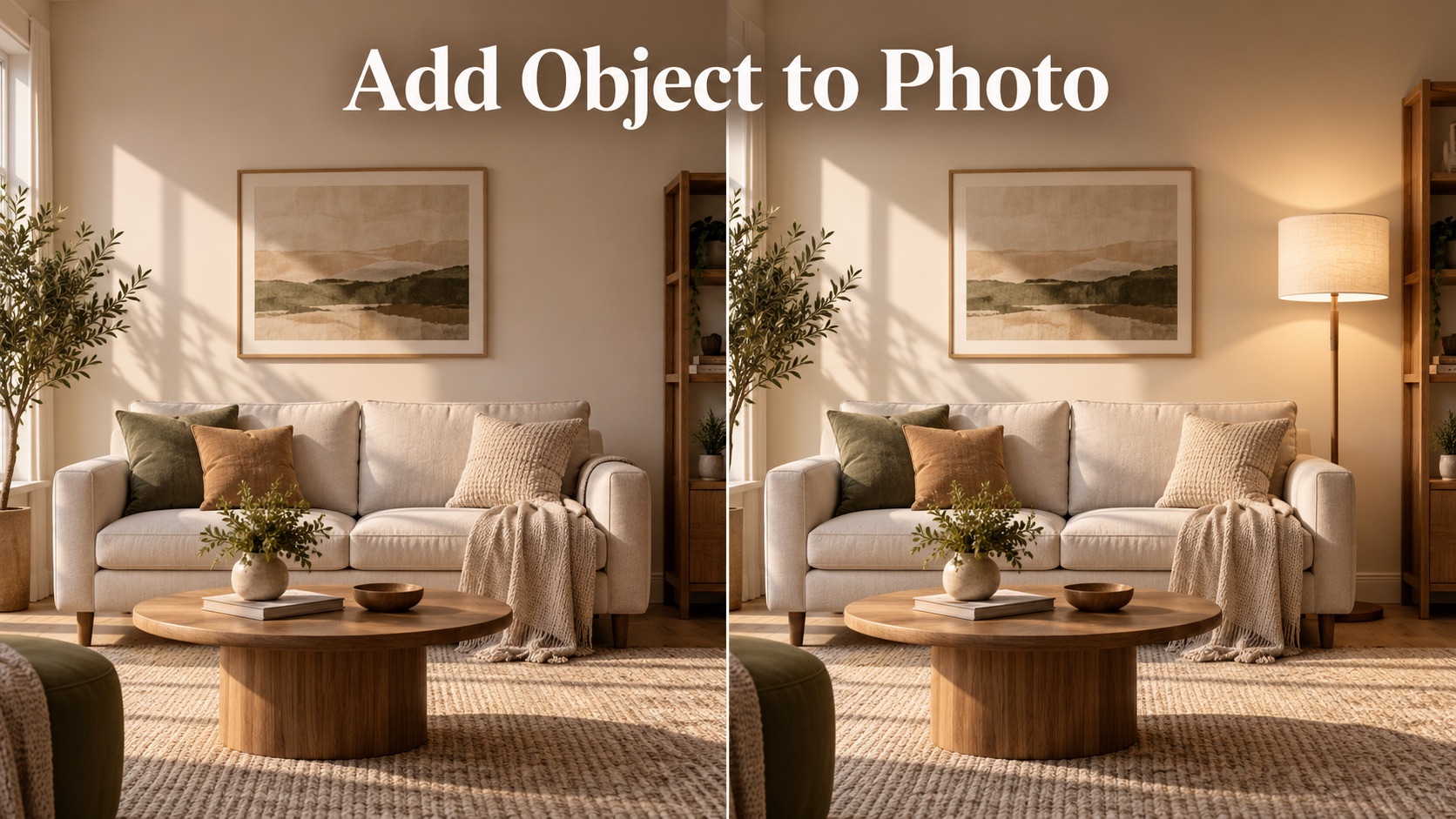
Add Object to Photo
Kling Image 4.0 Generator: Turn Your Ideas into Detailed Images
Build a visual brief with Kling Image 4.0 Generator.
Use Kling Image 4.0 Generator to explore lighting, materials, composition, and visual style. Start with a specific idea, develop a direction, and refine the details that matter to your project before choosing the final image.

How to Work with Kling Image 4.0 Generator
A useful image starts with a clear brief. Give Kling Image 4.0 Generator a subject, setting, and visual direction, then compare the result with your intent and make focused changes as you develop the composition.

Write Your Kling Image 4.0 Generator Brief
Begin your Kling Image 4.0 Generator prompt with the subject and what it is doing. Add the setting, viewpoint, lighting, and important materials. Keep essential requirements together so the brief has a clear priority rather than a list of competing effects.

Choose References for Kling Image 4.0 Generator
When a reference matters, explain what Kling Image 4.0 Generator should take from it: the subject, color palette, composition, or visual style. Separate what you want preserved from what you want changed.

Review and Refine Your Kling Image 4.0 Generator Result
Compare the Kling Image 4.0 Generator result with your original brief. Check anatomy, object shapes, reflections, text, and the edges of the frame. If the composition works, change one concern at a time.
Explore the Creative Range of Kling Image 4.0 Generator
Bring a distinct brief to each project. Kling Image 4.0 Generator supports image creation around realism, typography, reference guidance, and related visuals, giving you different ways to develop a concept without losing its central idea.
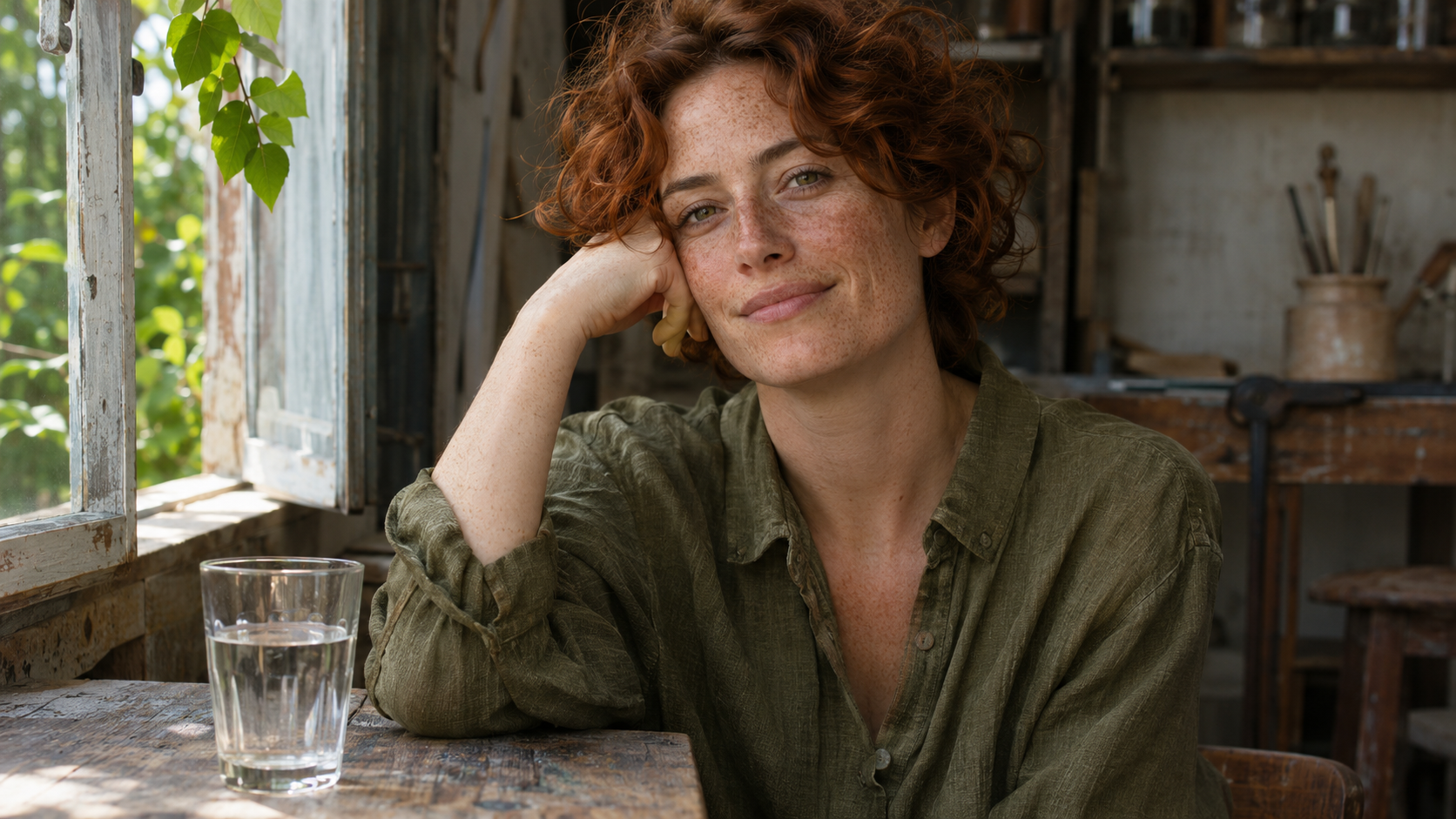
Realistic Light, Skin, and Materials with Kling Image 4.0 Generator
Kling AI designed the model behind Kling Image 4.0 Generator for more natural lighting, skin texture, and material detail, and it supports native output up to 8K. Available settings depend on the service you use. For a convincing scene, describe how the light reaches the subject and how each surface responds. A glass bottle, brushed metal cap, and linen backdrop should feel different, with shadows and reflections that belong in the same space.

Typography and Text Layouts with Kling Image 4.0 Generator
Use Kling Image 4.0 Generator for concepts that combine words and visuals. Kling AI says the model can render up to 2,000 characters in a single image, in languages including English, Chinese, Japanese, Korean, Spanish, and Portuguese. Specify the exact wording, where it goes, and how it relates to the subject, then proofread every line of the output before you use the design.
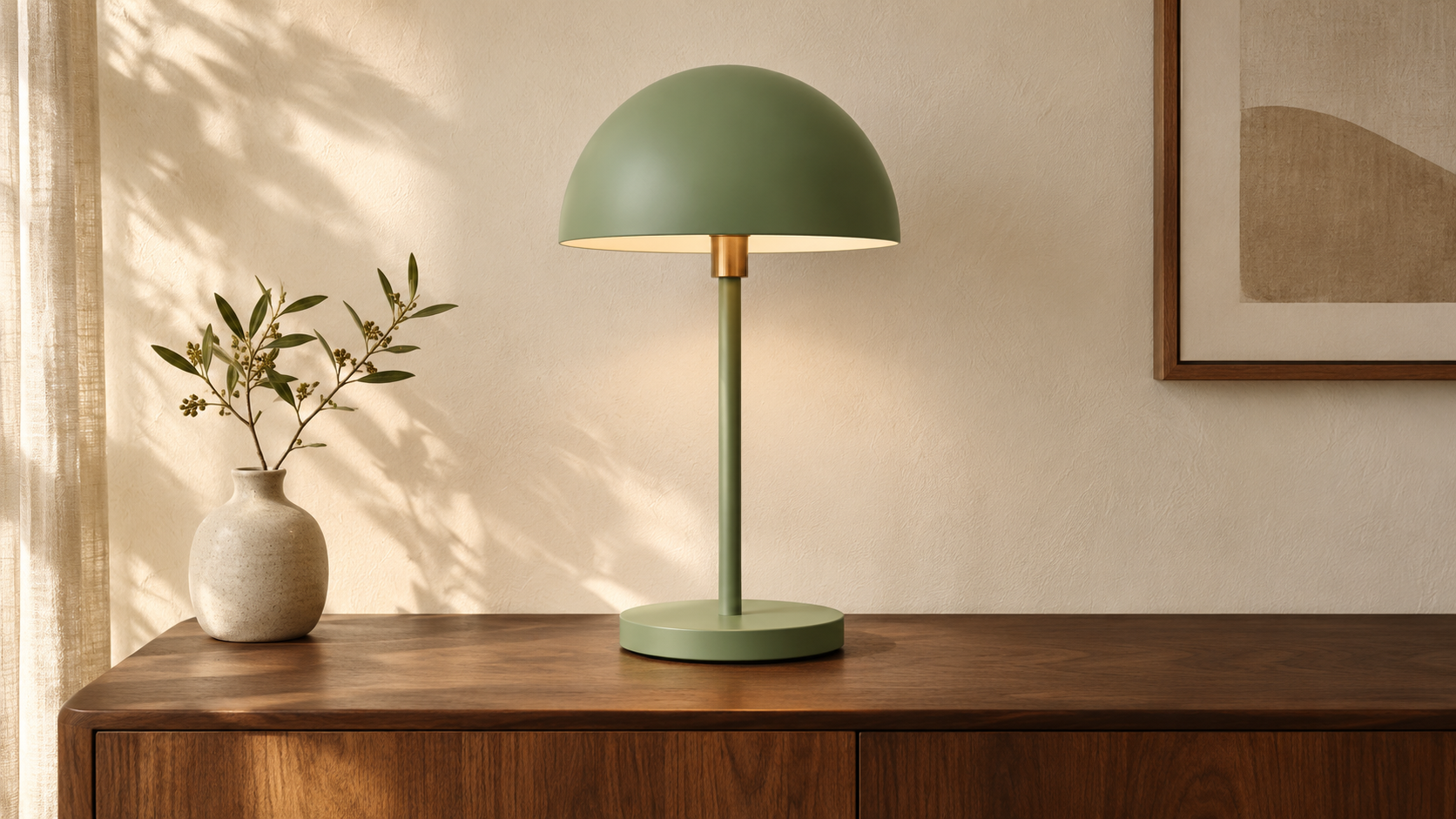
Reference-Guided Image Creation with Kling Image 4.0 Generator
Give Kling Image 4.0 Generator visual references when the brief depends on a particular subject or look. The model supports up to ten reference images per input. Explain which reference defines the object, which suggests the palette, and which establishes the framing. Check fine details afterward, especially when the subject needs to stay recognizable across different settings.

Consistent Image Sets with Kling Image 4.0 Generator
The model behind Kling Image 4.0 Generator offers a series mode that creates up to ten related images from one prompt. Plan what each image should communicate and which elements should stay consistent. Give each image a distinct purpose, then review the set together for changes in color, proportions, or important subject details.
Put Kling Image 4.0 Generator to Work on Your Next Brief
Different projects need different kinds of clarity. Use Kling Image 4.0 Generator to explore an image around its intended placement, audience, and message, then judge the result against the practical needs of that specific creative brief.

Product Scenes with Kling Image 4.0 Generator
E-commerce teams can use Kling Image 4.0 Generator to explore product scenes before a shoot or a listing update. Describe the shape, finish, and viewing angle that matter, and keep props purposeful so the product stays the focal point. Leave room around the subject for cropping. Compare each Kling Image 4.0 Generator result with the real product, because a concept image should not misstate its color, proportions, or materials.

Campaign Visuals with Kling Image 4.0 Generator
Before prompting Kling Image 4.0 Generator, decide where the image will run and what the viewer should notice first. A wide banner may need open space beside the subject, while a social crop needs a stronger central focus. Describe that arrangement directly. If the visual includes a headline, quote the exact wording and check the spelling in every Kling Image 4.0 Generator output before it goes into a campaign.

Storyboards with Kling Image 4.0 Generator
Plan a short sequence before asking Kling Image 4.0 Generator for related frames. Write down what changes from image to image and what must stay the same, including clothing, props, and location. Kling AI’s guide describes a storyboard series mode suited to storytelling projects such as short dramas, animations, and advertisements. Review the frames together for continuity. A storyboard made with Kling Image 4.0 Generator is still a set of images, so motion and timing need separate production work.
Long-Form Layouts with Kling Image 4.0 Generator
Kling AI says the model behind Kling Image 4.0 Generator supports long-form images, such as e-commerce product detail pages and web page designs, as a single complete layout. Decide the reading order and the role of each section before you prompt. Treat the result from Kling Image 4.0 Generator as a visual concept: a rendered page image still needs real text, responsive implementation, and working interactions before it becomes a usable website.
Illustrative Creative Briefs for Kling Image 4.0 Generator
These fictional personas show how different creative briefs could use Kling Image 4.0 Generator. They are examples of project needs and review priorities, rather than customer endorsements, measured results, or accounts of hands-on testing with the model.
I usually have a clear idea of the lighting I want, but explaining it to everyone else takes some work. With Kling Image 4.0 Generator, I can turn that direction into something we can actually discuss: softer shadows, a warmer background, a tighter crop. I still check the product details against our photography. For choosing the mood of a shoot, though, having an image in front of us makes a difference.
I usually have a clear idea of the lighting I want, but explaining it to everyone else takes some work. With Kling Image 4.0 Generator, I can turn that direction into something we can actually discuss: softer shadows, a warmer background, a tighter crop. I still check the product details against our photography. For choosing the mood of a shoot, though, having an image in front of us makes a difference.
My cover layouts need breathing room. A beautiful portrait is no use if the headline has nowhere to go. I like being able to give Kling Image 4.0 Generator the composition first, then work through the expression and background. I check the crop in our actual layout before making a decision. That part matters more to me than adding another dramatic effect to an already busy image.
My cover layouts need breathing room. A beautiful portrait is no use if the headline has nowhere to go. I like being able to give Kling Image 4.0 Generator the composition first, then work through the expression and background. I check the crop in our actual layout before making a decision. That part matters more to me than adding another dramatic effect to an already busy image.
I care more about whether a sequence reads clearly than whether every frame looks spectacular on its own. I approach Kling Image 4.0 Generator with the scene already broken into beats, including the coat, bag, and other details that need to carry through. Then I lay the frames out together. Seeing the sequence that way gives me something concrete to bring into a conversation about camera angles and continuity.
I care more about whether a sequence reads clearly than whether every frame looks spectacular on its own. I approach Kling Image 4.0 Generator with the scene already broken into beats, including the coat, bag, and other details that need to carry through. Then I lay the frames out together. Seeing the sequence that way gives me something concrete to bring into a conversation about camera angles and continuity.
Sometimes I know the atmosphere of an illustration before I know what belongs in the foreground. I use Kling Image 4.0 Generator to explore that awkward stage. A greenhouse scene, for example, gives me room to play with warm interior light against a cooler landscape. I take the composition ideas back to my own drawing and leave the details I do not need. It is a starting point for me.
Sometimes I know the atmosphere of an illustration before I know what belongs in the foreground. I use Kling Image 4.0 Generator to explore that awkward stage. A greenhouse scene, for example, gives me room to play with warm interior light against a cooler landscape. I take the composition ideas back to my own drawing and leave the details I do not need. It is a starting point for me.
An individual campaign image can look great and still feel out of place next to everything else. When I work with Kling Image 4.0 Generator, I start with the palette and lighting before describing the separate scenes. I want the images to feel related without repeating the same composition. Looking at them side by side helps me decide which direction belongs in the campaign and which one needs another pass.
An individual campaign image can look great and still feel out of place next to everything else. When I work with Kling Image 4.0 Generator, I start with the palette and lighting before describing the separate scenes. I want the images to feel related without repeating the same composition. Looking at them side by side helps me decide which direction belongs in the campaign and which one needs another pass.
I find it easier to discuss a page when there is a visual direction to react to. I use Kling Image 4.0 Generator to explore how the opening image and supporting sections might fit together. I am looking for a clear reading order and a consistent mood. Once that direction makes sense, I move into the actual layout, where I can work properly with the text, spacing, and responsive behavior.
I find it easier to discuss a page when there is a visual direction to react to. I use Kling Image 4.0 Generator to explore how the opening image and supporting sections might fit together. I am looking for a clear reading order and a consistent mood. Once that direction makes sense, I move into the actual layout, where I can work properly with the text, spacing, and responsive behavior.
Questions About Kling Image 4.0 Generator
Learn where Kling Image 4.0 Generator fits in an image workflow, what the model supports, and what to check as you refine a result. Match the available settings to the needs of your project before generating.
Kling Image 4.0 Generator is an image creation tool built on the Kling Image 4.0 model from Kling AI. Kling AI describes the model as a unified system for image understanding and generation, with strengths in realism, text rendering, and image sets. Start by describing the image you need, then add details that make the brief specific. Judge each result by whether it fits your project, including composition, subject accuracy, and placement.
Kling AI documents native 2K, 4K, and 8K generation for the model behind Kling Image 4.0 Generator. The settings exposed by a particular service can differ, so check the available resolution before starting a job. More pixels can give you room to crop, but they do not replace a careful review. Inspect the output for invented details, uneven textures, and small errors that may become visible in a larger placement.
Yes. The model behind Kling Image 4.0 Generator supports text rendering, including layouts with multiple text areas. For a useful first draft, provide the exact wording and explain its size, position, and visual hierarchy. Keep important text away from busy parts of the scene. Check spelling, punctuation, line breaks, and small print in the result; generated lettering still needs proofreading before it appears in a published design or product image.
The model supports up to ten reference images per input, although the service hosting Kling Image 4.0 Generator may expose a different selection of controls. Explain the purpose of each reference instead of expecting the model to infer every relationship. Identify what should remain recognizable and what can change. For example, separate the product reference from the background inspiration, then inspect the result for changes to shape, color, or small details.
Kling Image 4.0 Generator uses a model with a series mode that can generate up to ten related images from a single prompt. Give the set a shared subject and visual direction, then explain the purpose of individual images. This can help organize a storyboard or campaign concept. Review the images together afterward, because a coherent brief does not guarantee that every face, object, or fine detail will remain identical.
Give Kling Image 4.0 Generator a clear subject, action or state, setting, and composition. Add lighting and material details that explain the intended look. If text belongs in the image, quote it exactly and describe its placement. Avoid piling up conflicting instructions. After reviewing the result, keep the parts of the brief that worked and revise the most important mismatch first, making each iteration easier to evaluate against the original idea.
Start Your Next Brief with Kling Image 4.0 Generator
Choose one idea and give it a clear visual direction. Use Kling Image 4.0 Generator to explore the subject, light, and composition, then refine the details until the image supports the story you want to tell.