Describe a subject, choose a retro mood, and create a polished 1980s-inspired image.
AI Image Tools
Everything You Need to Edit Photos Faster
Open the PicEditor AI tools library for background removal, photo enhancement, object cleanup, face swap, upscaling, and more focused image workflows.
Replace Text in Image
AI Cow Makeup Photo
Sheru Bhai AI Photo
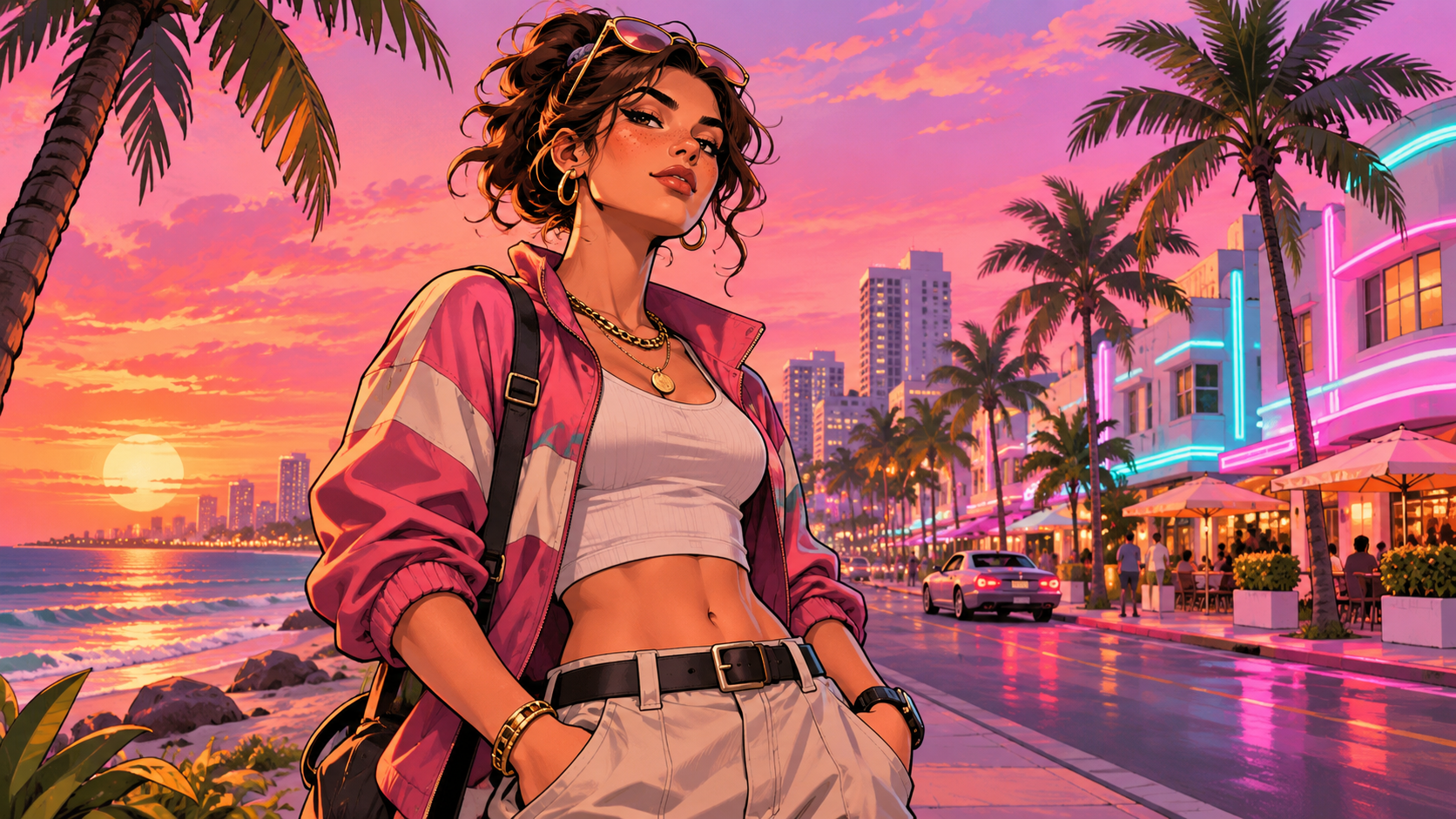
GTA 6 AI Photo
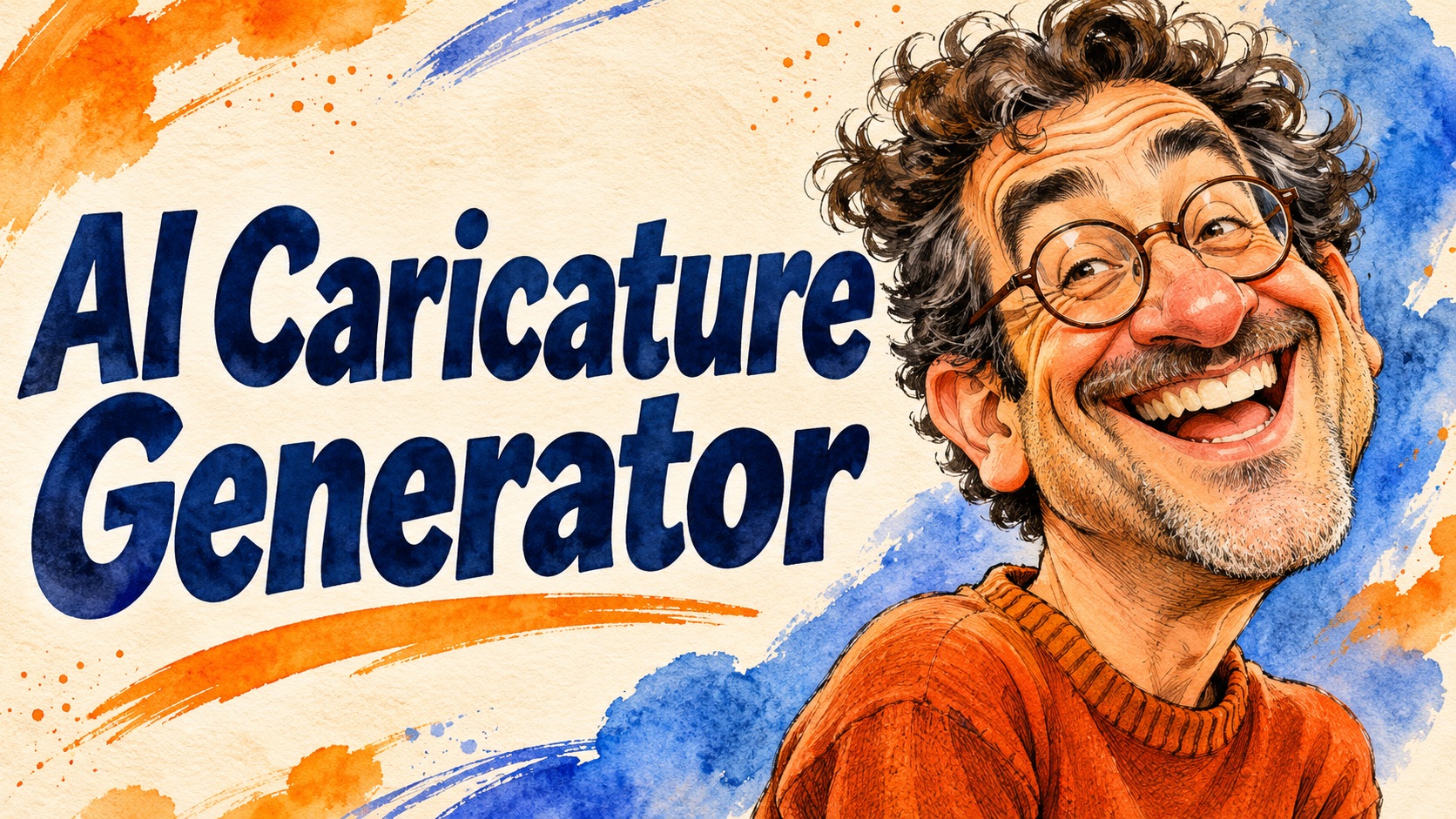
AI Caricature Generator
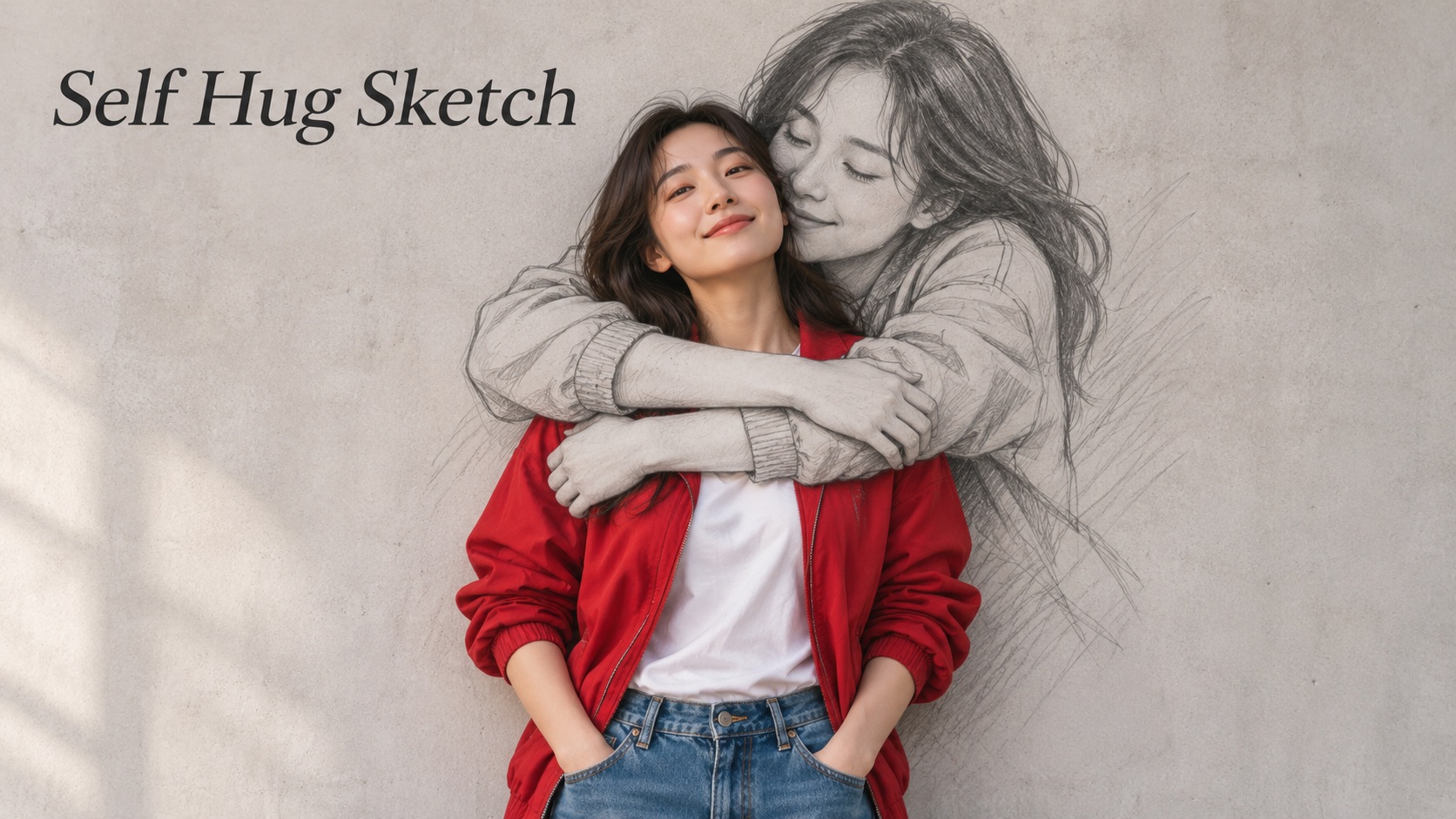
Self Hug Sketch

AI Snow Globe Photo
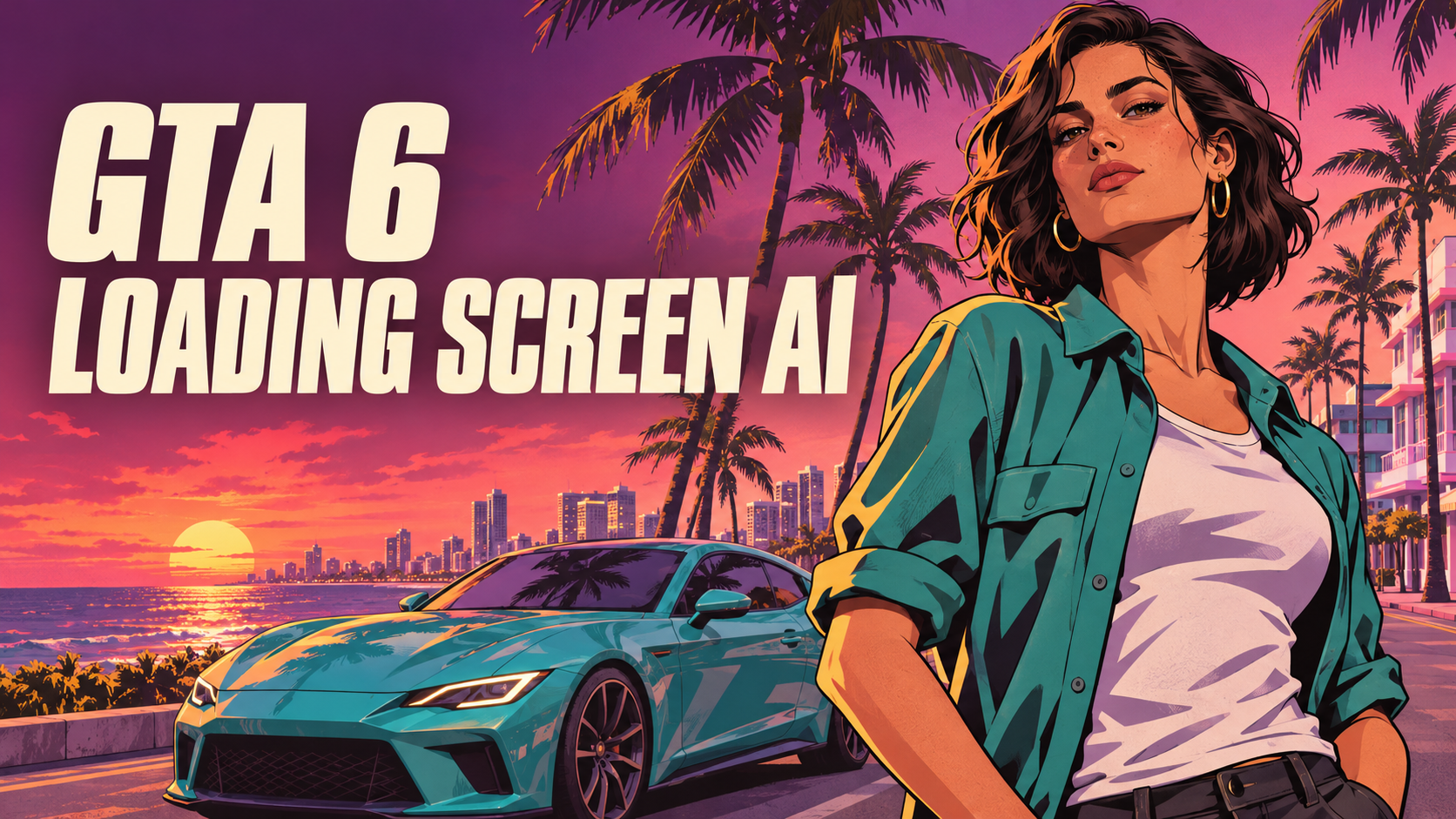
GTA 6 Loading Screen AI
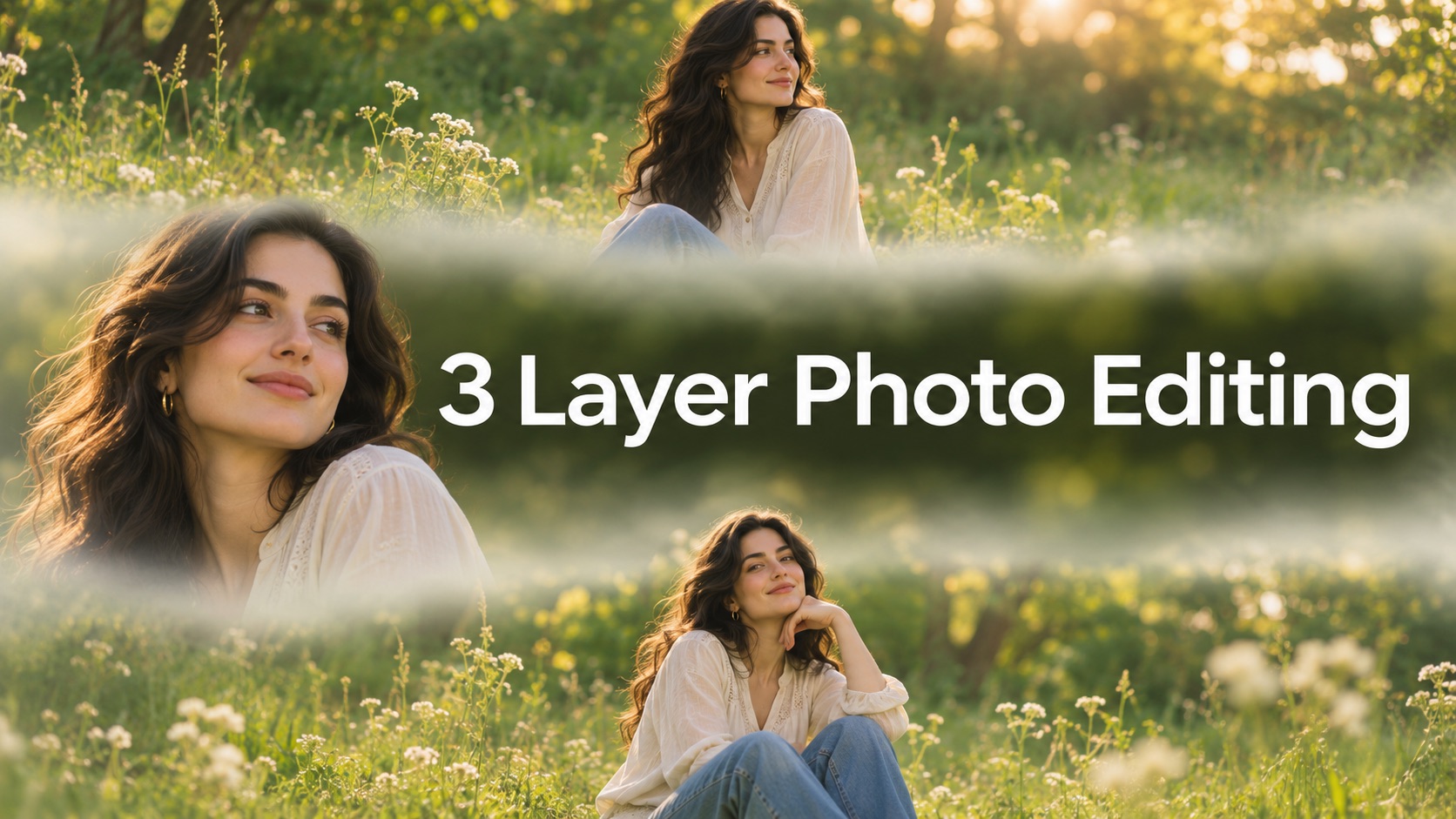
3 Layer Photo Editing
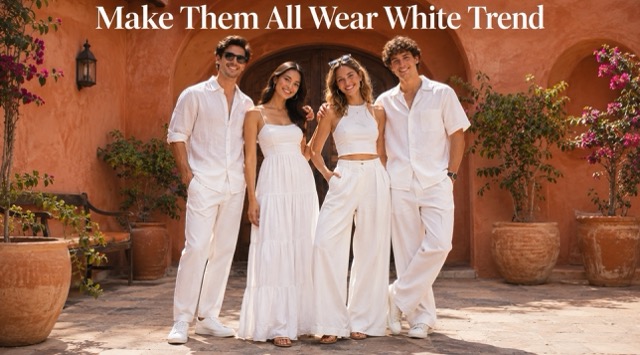
Make Them All Wear White Trend
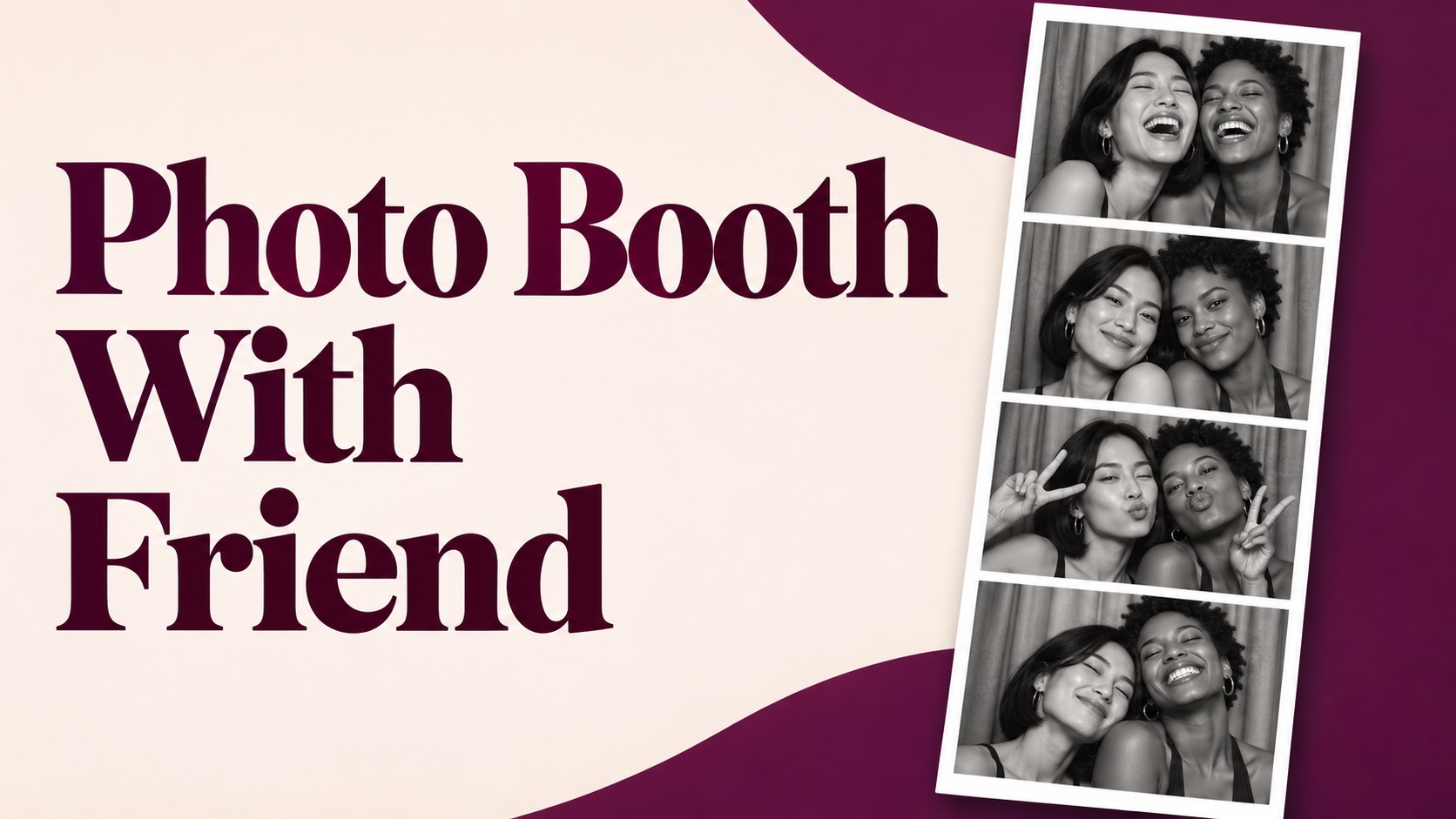
Photo Booth With Friend
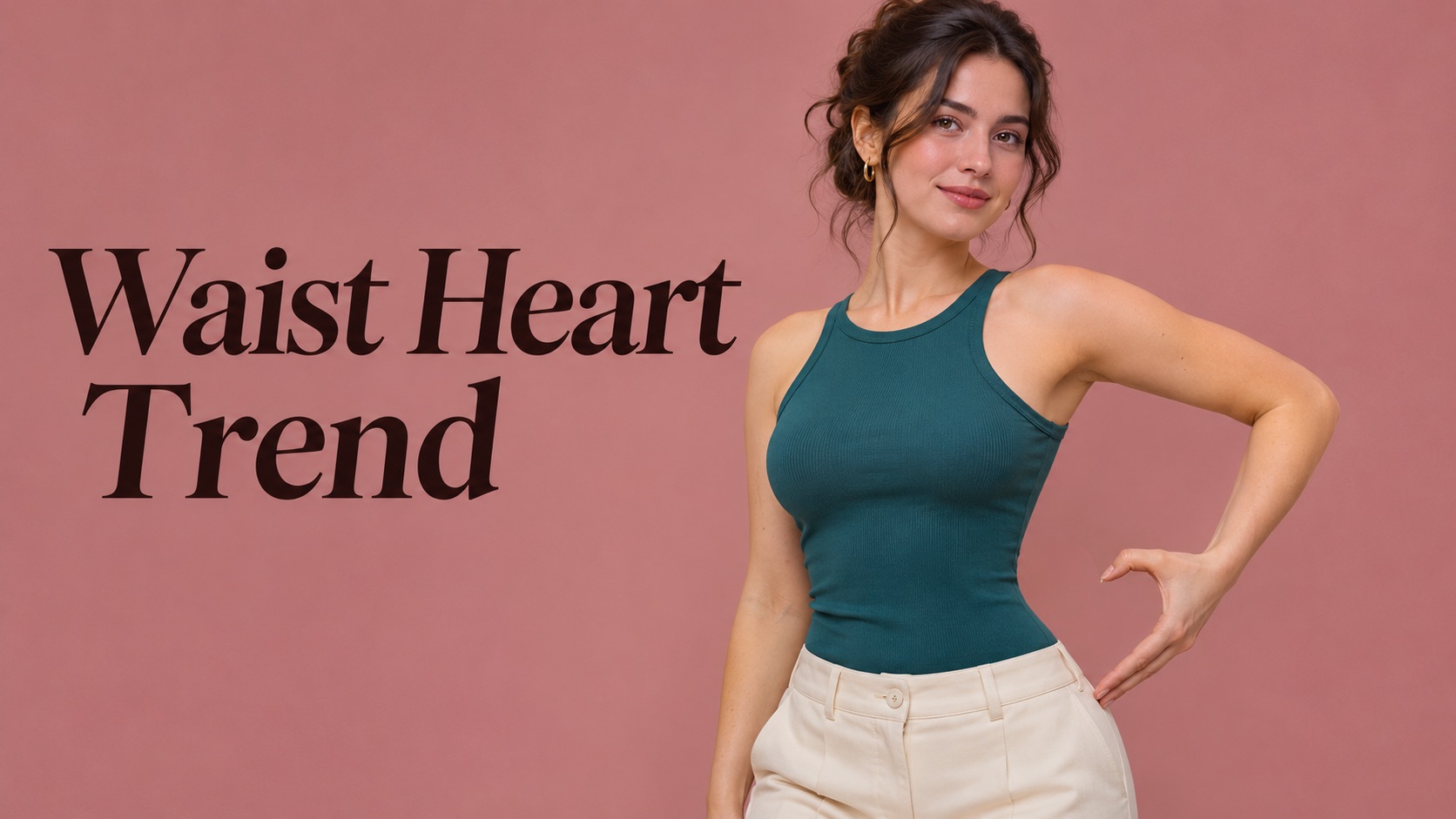
Waist Heart Trend
Bold Glamour Filter
Romantic Couple Spotlight
I'm So Sorry Trend AI Photo Editor
AI Halloween Generator
Corpse Bride AI Filter

AI Blemish Remover
FLUX 3 Image Klein
Ideogram 4.5
AI Portrait Retouching

Snatched Waist Editor
AI Facial Expression Changer
Create A 1980s AI Photo Generator Look
Turn Any Idea Into A Polished Retro Portrait
Step into a brighter decade with an image tool built for analog color, bold studio lighting, vintage fashion, and nostalgic detail. Describe a person, scene, or mood and shape a finished image with neon accents, soft film grain, flash photography, and unmistakable 1980s energy. Explore a distinctive retro scene. Use a clear subject and a single visual theme to give the image a stronger focal point. Explore a distinctive retro scene. Choose details that work together: lighting, wardrobe, and background should tell the same story. Small changes to color and framing can shift the mood from playful to cinematic. Use the 80s photo generator to explore this direction.
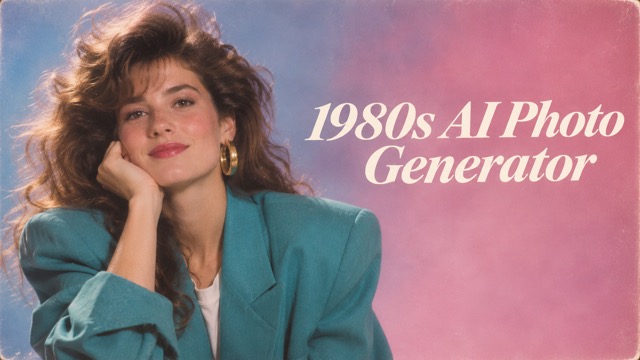
Make A 1980s AI Photo In Three Steps
Start with a clear subject and a retro mood, then refine the details to create an image that feels distinctly yours.

Describe Your Scene
Start with a person, place, outfit, or feeling, or upload a reference photo. Describe a setting such as a portrait studio, roller rink, arcade, or sunset highway. Add one or two details, like a denim jacket or cassette player, to give the 1980s AI photo generator a clear starting point without crowding the scene.

Choose The Retro Mood
Choose the color and lighting that suit your idea. Try soft flash, warm film grain, pastel neon, or high-contrast synthwave. Mention a recognizable era detail, such as a bold studio backdrop, and decide whether you want a close portrait or a wider scene. One main mood helps the result feel cohesive.

Review And Refine
Generate your image and check the face, hands, clothing, and lighting. If a detail feels off, adjust your prompt and try again. Change one thing at a time, such as the crop or the strength of the grain, so you can see which choices bring your retro idea closer to the result you want.
Shape The Details That Make The Decade
The 1980s were not one single style. Use focused directions to move between candid snapshots, polished studio portraits, music-video drama, and playful pop design. Describe the light source as well as the colors to give the portrait a convincing atmosphere. A close crop emphasizes expression, while a wider frame gives the setting room to tell its story. Try warm flash for a candid look or soft studio light for a polished portrait.
Build Authentic Retro Color
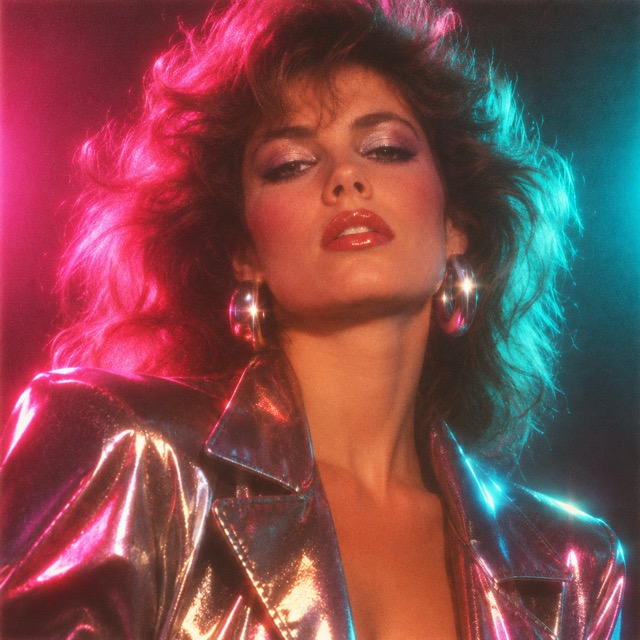
Ask for warm skin tones, electric blue shadows, magenta highlights, amber flash, or faded print color. Film grain, slight halation, and a gentle lens flare can make a clean digital image feel more tactile. Keep the palette intentional: neon pink and cyan create a nightlife mood, while cream, red, and cobalt feel closer to vintage catalog photography. A thoughtful color direction helps the 1980s AI photo generator result feel designed instead of randomly old. The 1980s AI photo generator helps you explore a distinctive retro scene. An intentional palette helps a series feel cohesive across different crops and settings. The 1980s AI photo generator helps you explore a distinctive retro scene. Use a recognizable era cue, such as a cassette player or a bold studio backdrop, to anchor the scene. Describe the light source as well as the colors to give the portrait a convincing atmosphere.
Style The Wardrobe And Set
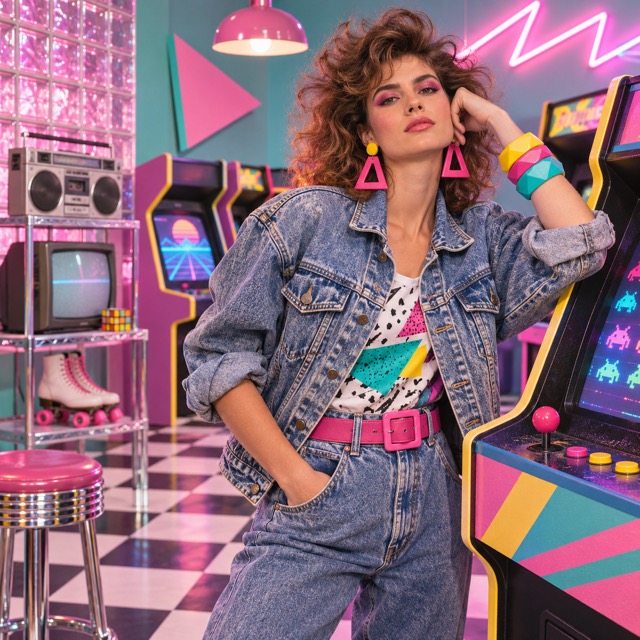
Describe the clothing and environment that carry the story. Try denim jackets, oversized sweatshirts, leather, geometric earrings, bright windbreakers, satin eveningwear, or a classic studio blazer. Pair the outfit with a roller rink, arcade, bedroom, record store, or sunlit street. The 80s photo generator look becomes more believable when the clothes, props, and background belong to the same moment. A close crop emphasizes expression, while a wider frame gives the setting room to tell its story. Try warm flash for a candid look or soft studio light for a polished portrait. Use a clear subject and a single visual theme to give the image a stronger focal point.
Choose A Camera Language
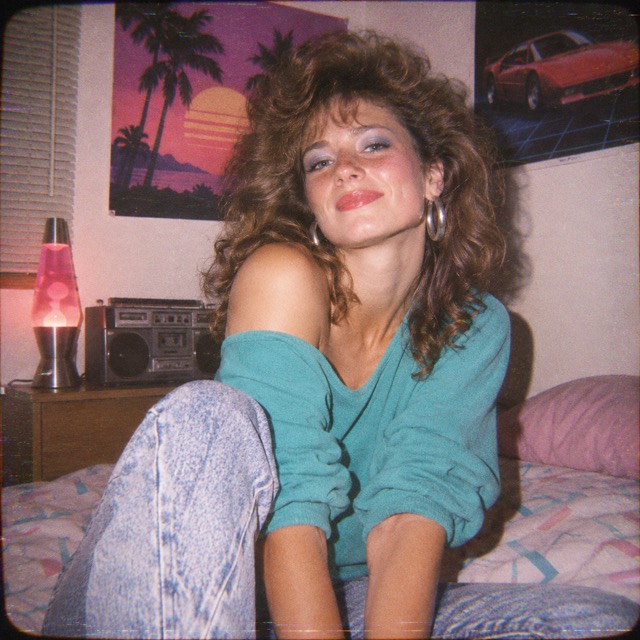
Camera direction changes the emotional tone. A direct flash portrait feels candid and immediate. A soft-focus studio frame feels polished. A low angle creates music-video confidence, while a disposable-camera crop feels personal. Mention the framing, lens feeling, light source, and amount of grain you want. This 1980s AI photo generator gives you more control when the camera language supports the subject. Choose details that work together: lighting, wardrobe, and background should tell the same story. Small changes to color and framing can shift the mood from playful to cinematic. Keep the face and expression readable when adding grain, flash, or neon light.
Create A Connected Image Set
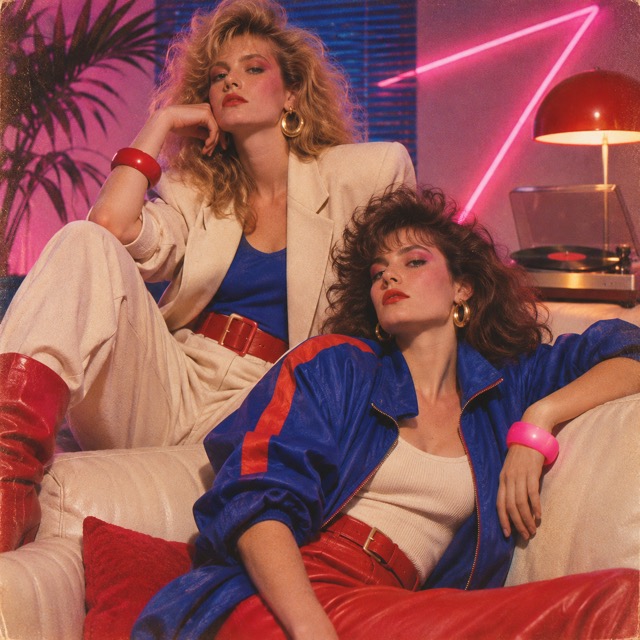
Use one concept across a profile image, poster-style portrait, party invitation, mood board, or social carousel. Keep the main palette and wardrobe consistent while changing the pose or crop. A short list of shared details helps every frame belong together. The 80s photo generator approach works especially well for themed birthdays, music projects, fashion concepts, and nostalgic personal stories. Start with a simple direction, then refine the details that matter most. An intentional palette helps a series feel cohesive across different crops and settings. Use a recognizable era cue, such as a cassette player or a bold studio backdrop, to anchor the scene.
Ideas For Your 1980s AI Photo
Retro visuals can support personal projects, social content, design exploration, and creative planning. Pick a goal and write the prompt around the finished image you need. Small changes to color and framing can shift the mood from playful to cinematic. Keep the face and expression readable when adding grain, flash, or neon light. Start with a simple direction, then refine the details that matter most.

Retro Profile Portraits
Make a profile image with soft flash, bold color, and a clear face. Keep the background simple so the crop remains readable at small sizes. Use a clear subject and a single visual theme to give the image a stronger focal point. Choose details that work together: lighting, wardrobe, and background should tell the same story. Small changes to color and framing can shift the mood from playful to cinematic.

Music And Playlist Artwork
Explore an album-cover mood with stage light, chrome details, analog grain, and a strong central subject. Leave negative space when you plan to add approved text later. Keep the face and expression readable when adding grain, flash, or neon light. Start with a simple direction, then refine the details that matter most. An intentional palette helps a series feel cohesive across different crops and settings.
Party And Event Concepts
Preview a themed invitation, dress code, or backdrop idea before the event. Match the palette to the decade mood you want guests to feel. Use a recognizable era cue, such as a cassette player or a bold studio backdrop, to anchor the scene. Describe the light source as well as the colors to give the portrait a convincing atmosphere. A close crop emphasizes expression, while a wider frame gives the setting room to tell its story.

Fashion And Design Boards
Test silhouettes, props, lighting, and location ideas for a shoot or campaign. Use the image as a concept reference and confirm any rights before publishing. Try warm flash for a candid look or soft studio light for a polished portrait. Use a clear subject and a single visual theme to give the image a stronger focal point. Choose details that work together: lighting, wardrobe, and background should tell the same story.
1980s AI Photo Generator Questions
Use these answers to choose a clearer source idea before you generate. Keep the face and expression readable when adding grain, flash, or neon light. Start with a simple direction, then refine the details that matter most.
Name the subject, setting, wardrobe, camera feeling, lighting, palette, and texture. One or two specific references work better than a long list of unrelated decade words. Keep the face and expression readable when adding grain, flash, or neon light. Start with a simple direction, then refine the details that matter most.
Yes. Ask for soft-focus studio light, direct flash, neon contrast, VHS texture, or music-video drama. Keep one main mood so the composition stays readable. An intentional palette helps a series feel cohesive across different crops and settings. Use a recognizable era cue, such as a cassette player or a bold studio backdrop, to anchor the scene.
Yes. Reuse the same palette, wardrobe details, and camera language, then change the pose, crop, or setting. This helps a set feel related. Describe the light source as well as the colors to give the portrait a convincing atmosphere. A close crop emphasizes expression, while a wider frame gives the setting room to tell its story.
Use an image you own or have permission to transform. Describe which identity, pose, clothing, or color details should remain clear, and review the result before sharing. Try warm flash for a candid look or soft studio light for a polished portrait. Use a clear subject and a single visual theme to give the image a stronger focal point.
Use it for personal concepts, social posts, mood boards, or other purposes allowed by your PicEditor account and the image rights. Check any brand or platform rules before publication. Choose details that work together: lighting, wardrobe, and background should tell the same story. Small changes to color and framing can shift the mood from playful to cinematic.
Ready To Make A Retro Portrait?
Choose a subject, add one strong 1980s direction, and turn a simple idea into a polished image with character. Start with color and lighting, then refine the wardrobe or setting until the decade feels right. An intentional palette helps a series feel cohesive across different crops and settings. Use a recognizable era cue, such as a cassette player or a bold studio backdrop, to anchor the scene. Describe the light source as well as the colors to give the portrait a convincing atmosphere.