Upload one clear portrait, describe your mood, and create a personalized cow-inspired image.
AI Image Tools
Everything You Need to Edit Photos Faster
Open the PicEditor AI tools library for background removal, photo enhancement, object cleanup, face swap, upscaling, and more focused image workflows.
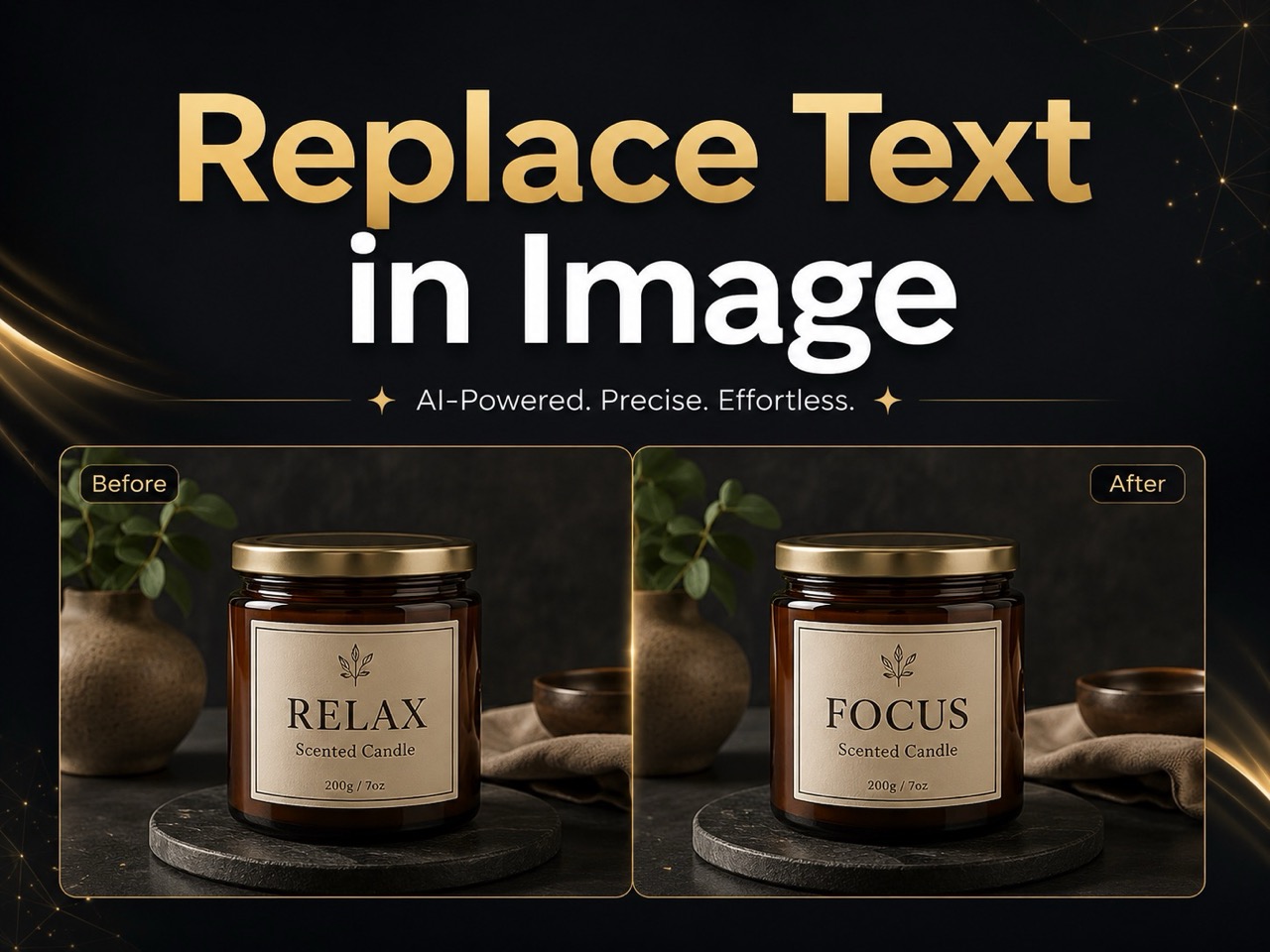
Replace Text in Image
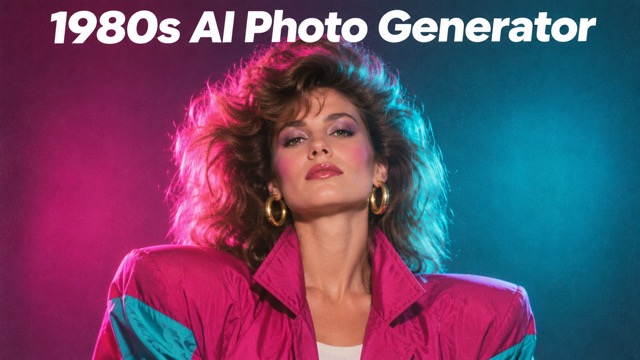
1980s AI Photo Generator

Sheru Bhai AI Photo
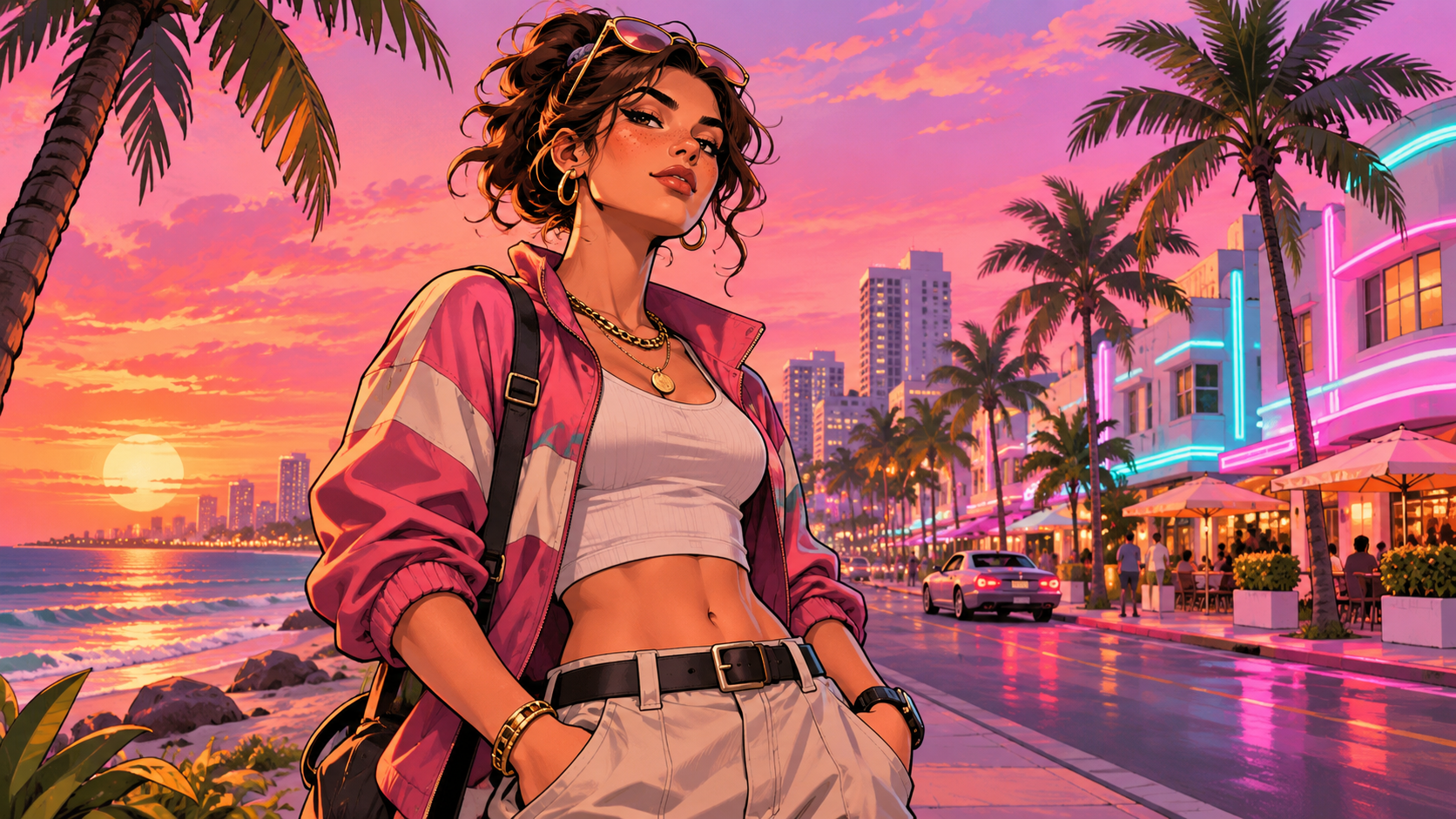
GTA 6 AI Photo
AI Caricature Generator
Self Hug Sketch

AI Snow Globe Photo

GTA 6 Loading Screen AI
3 Layer Photo Editing

Make Them All Wear White Trend
Photo Booth With Friend
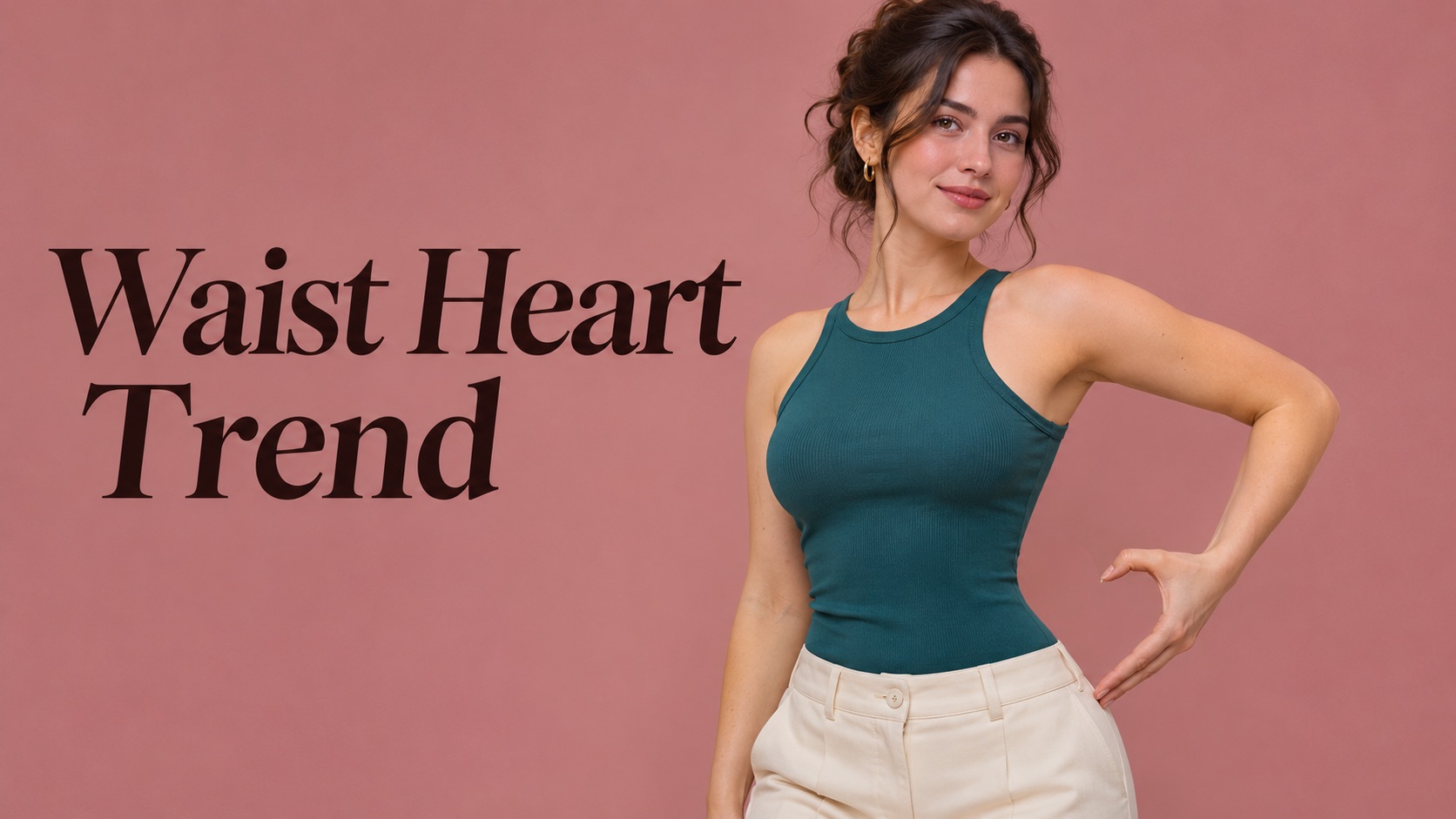
Waist Heart Trend
Bold Glamour Filter
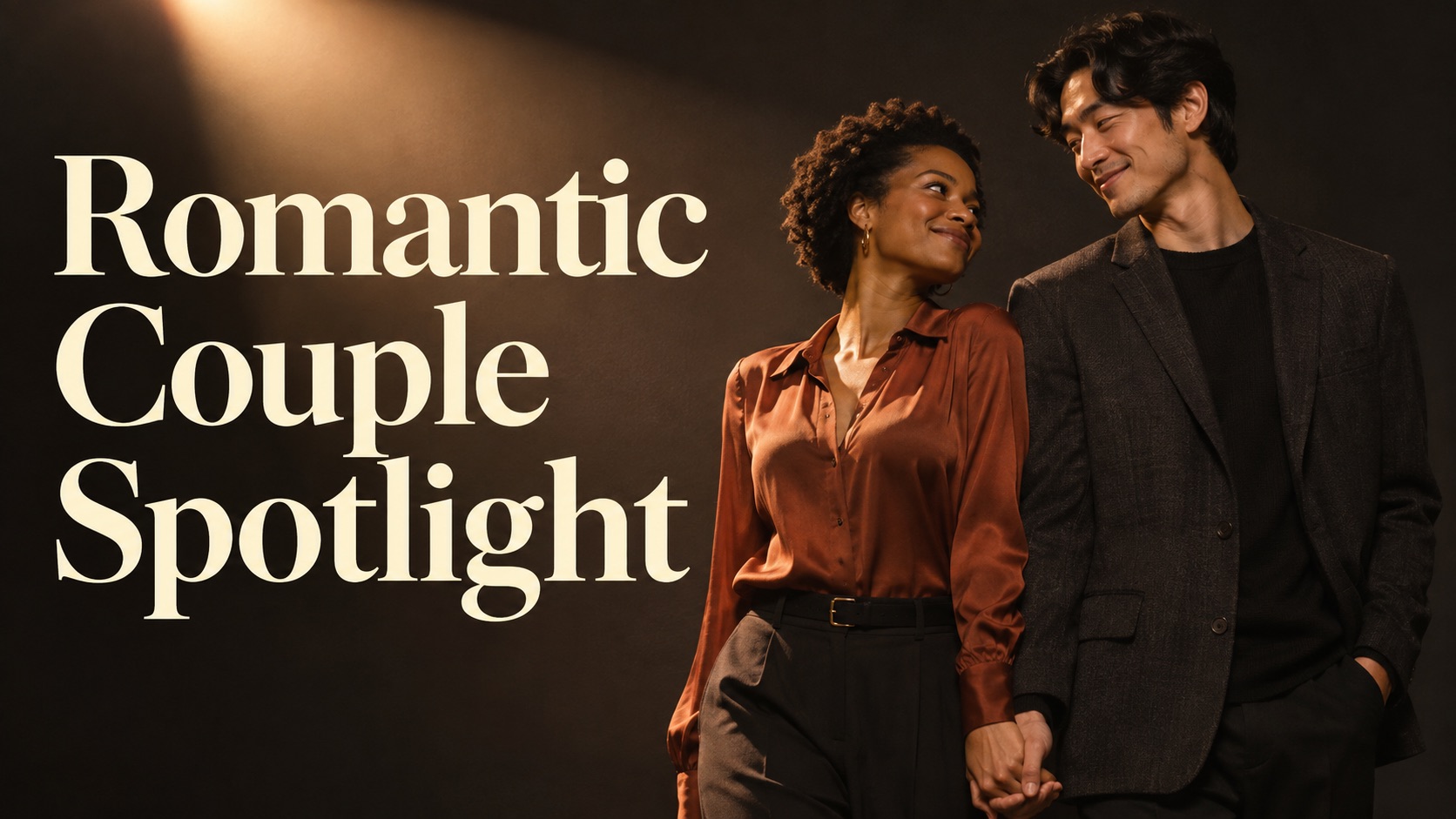
Romantic Couple Spotlight
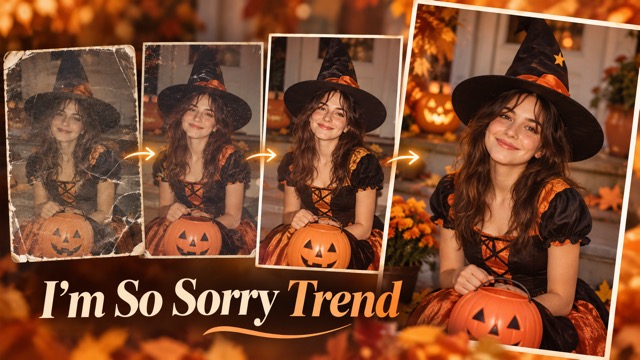
I'm So Sorry Trend AI Photo Editor
AI Halloween Generator
Corpse Bride AI Filter
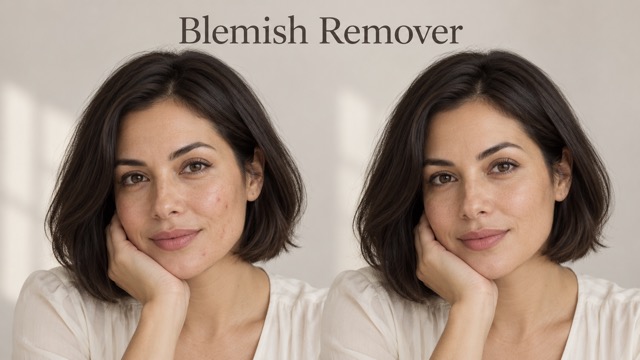
AI Blemish Remover
FLUX 3 Image Klein

Ideogram 4.5
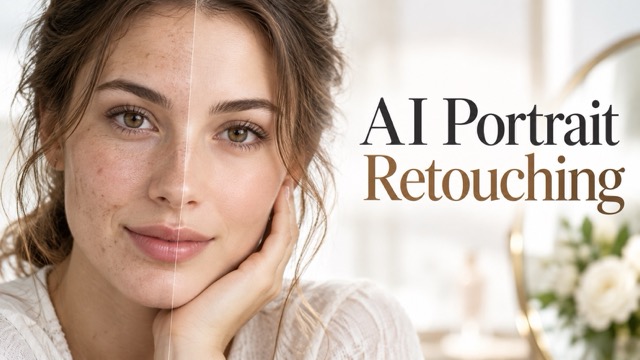
AI Portrait Retouching

Snatched Waist Editor
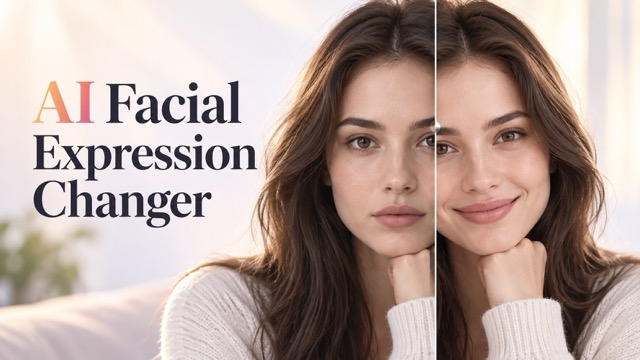
AI Facial Expression Changer
Create An AI Cow Makeup Photo From Your Selfie
A Playful AI Cow Makeup Photo With Your Face At The Center
Turn one clear portrait into a bright cow-inspired beauty image with white and brown patches, a soft pink nose, gentle horns, and expressive ears. Keep your identity visible, choose a mood, and make a result that works for a profile, mood board, or social post. This AI cow makeup photo keeps the face recognizable while adding the theme. Use this AI cow makeup photo idea when you want a clear, playful result. The look can feel soft, funny, editorial, or surreal. The style keeps your expression visible. The cow makeup filter guides this look.
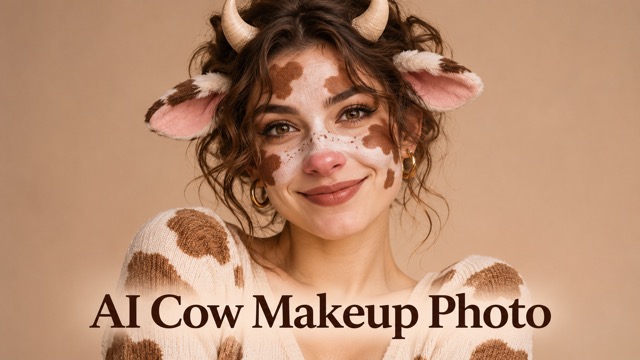
Create Your AI Cow Makeup Photo In Three Steps
The workflow keeps decisions simple. Your source image establishes the person and pose. A short direction guides color, lighting, background, and the level of fantasy. Review the preview, adjust one detail at a time, and save the version that feels most like you. This look keeps the face recognizable while adding the theme. Use this look idea when you want a clear, playful result. The style keeps your expression visible. The cow makeup filter guides this look.

Upload A Clear Portrait
Choose a front-facing photo with visible eyes, brows, hair, and shoulder room. Even light and a natural expression give the generator enough information to place patches and accessories without turning the face into a generic mask. This AI cow makeup photo keeps the face recognizable while adding the theme. Use this AI cow makeup photo idea when you want a clear, playful result. The style keeps your expression visible. The cow makeup filter guides this look.

Describe The Mood
Write a short direction such as cute studio, soft editorial, playful festival, or bold SFX. Keep one main idea so the colors, horns, ears, and background support one another. This AI cow makeup photo keeps the face recognizable while adding the theme. Use this AI cow makeup photo idea when you want a clear, playful result. The style keeps your expression visible. The cow makeup filter guides this look.

Review And Save
Check the eyes, hairline, patch edges, and overall balance. If the paint feels heavy or the accessories feel too large, refine the wording and create another version before downloading. This AI cow makeup photo keeps the face recognizable while adding the theme. Use this look idea when you want a clear, playful result. The style keeps your expression visible. The cow makeup filter guides this look.
Build A Cow Look That Still Feels Like You
Preserve the person first, then add the theme. Use these directions to refine the portrait. This themed portrait keeps the face recognizable while adding the theme. Use this themed portrait idea when you want a clear, playful result. The themed style adds a friendly visual cue without hiding your expression.
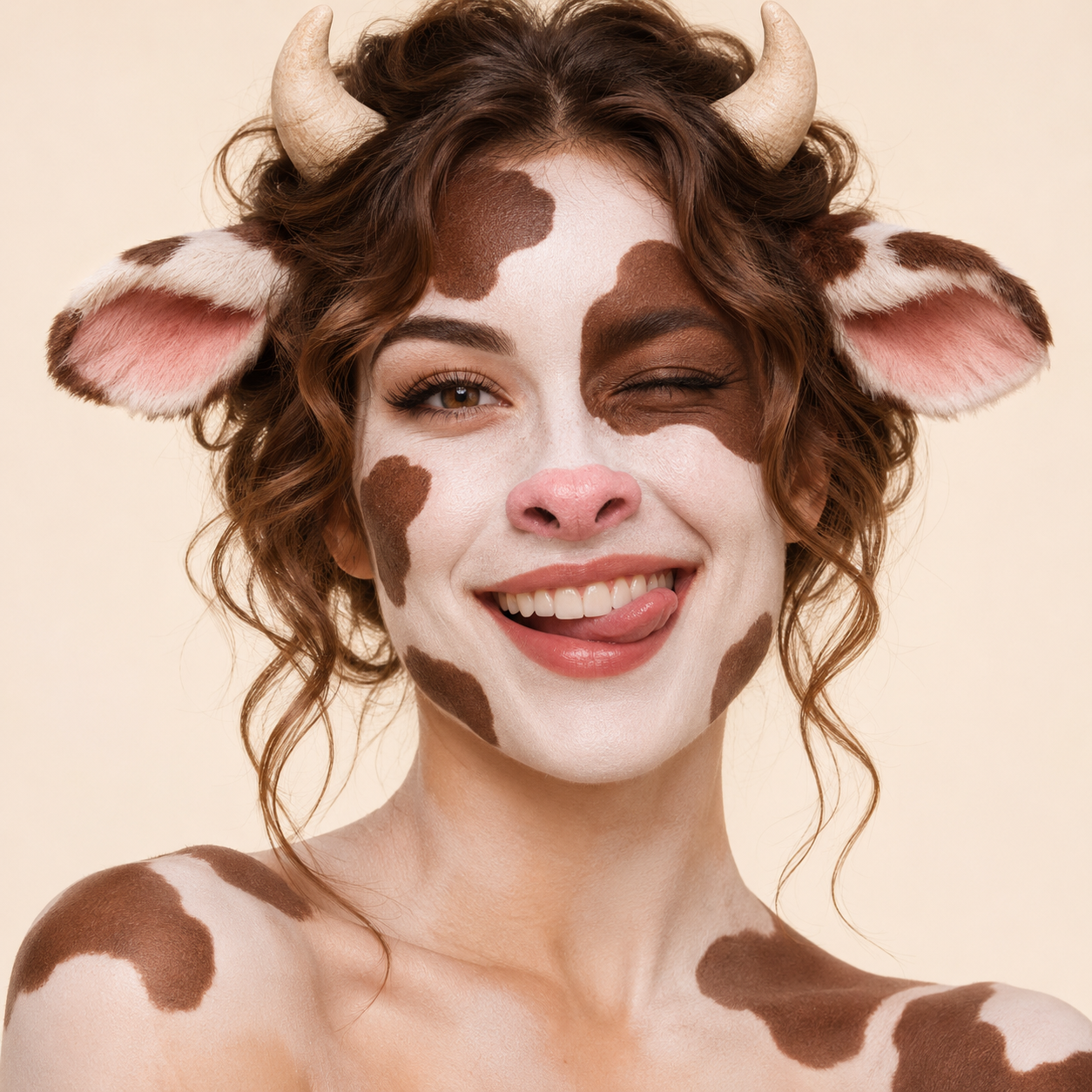
Keep Your Face Recognizable
Start with a chest-up image taken near eye level. Visible eyes, brows, hair, and natural skin texture help the result retain your expression. Ask for lighter paint when you want the human face to remain prominent, or request fuller white coverage when you want a costume effect. Small brown patches can follow the cheeks and forehead, while a pink nose and short horns add the idea without overwhelming the portrait. If the source is sharp, the generator can place details more naturally around your hairline and jaw. This makes the result useful for an avatar, a cover image, or a private style study. This look keeps the face recognizable while adding the theme. Use this look idea when you want a clear, playful result. A themed portrait can feel soft, funny, editorial, or boldly surreal. The style keeps your expression visible. The cow makeup filter guides this look.
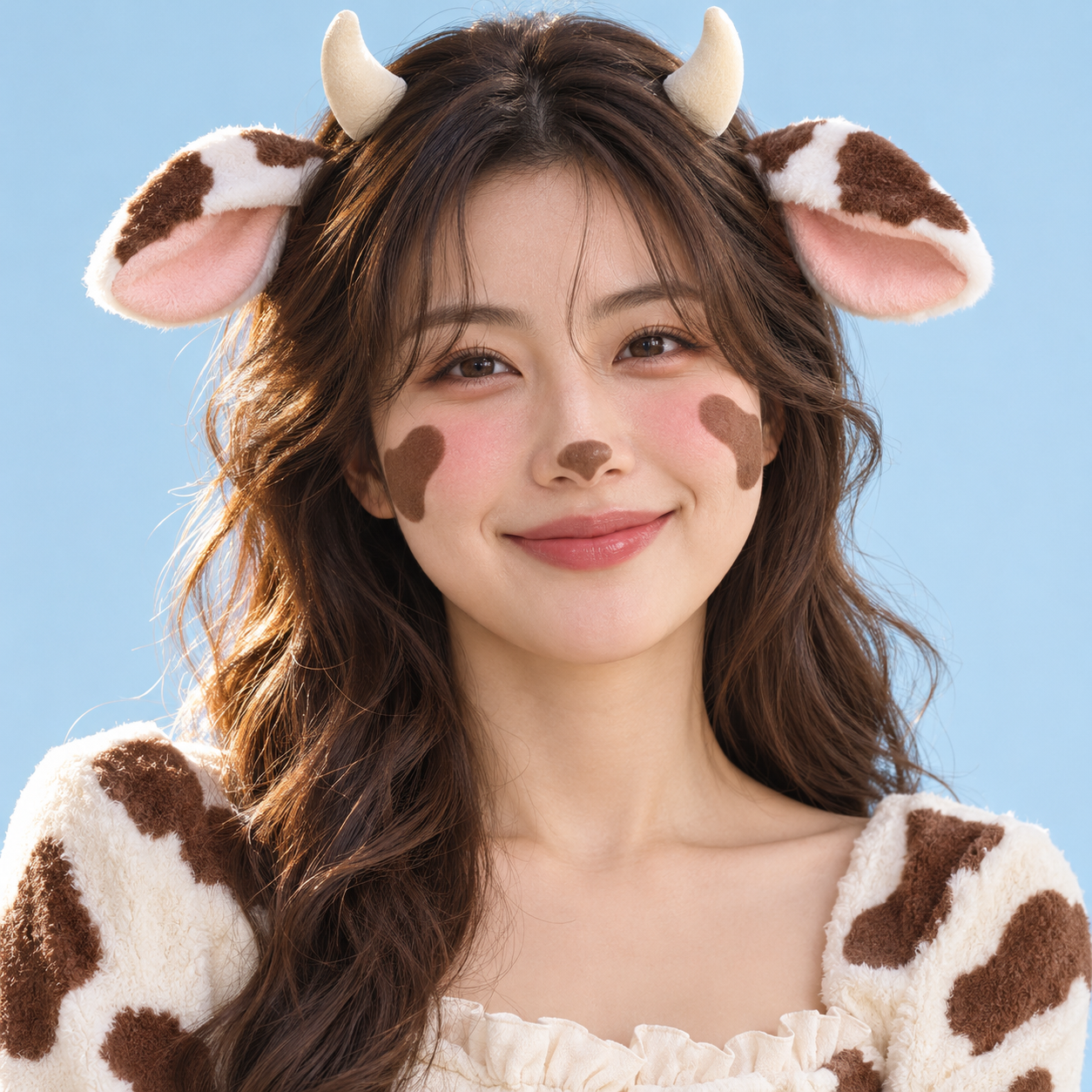
Choose Cute Or SFX-Inspired Styling
A cute direction can use rounded brown patches, pink cheeks, a soft smile, warm daylight, and a simple top. A theatrical direction can use sculpted texture, stronger contrast, defined ears, and a glossy pink nose. Tell the generator which direction leads instead of combining every reference at once. Choose an editorial, phone-style, or studio frame. Keeping the mood specific makes the visual story easier to read and gives you a better base for later variations. This themed portrait keeps the face recognizable while adding the theme. Use this themed portrait idea when you want a clear, playful result. A themed portrait can feel soft, funny, editorial, or boldly surreal. The style keeps your expression visible. The cow makeup filter guides this look.
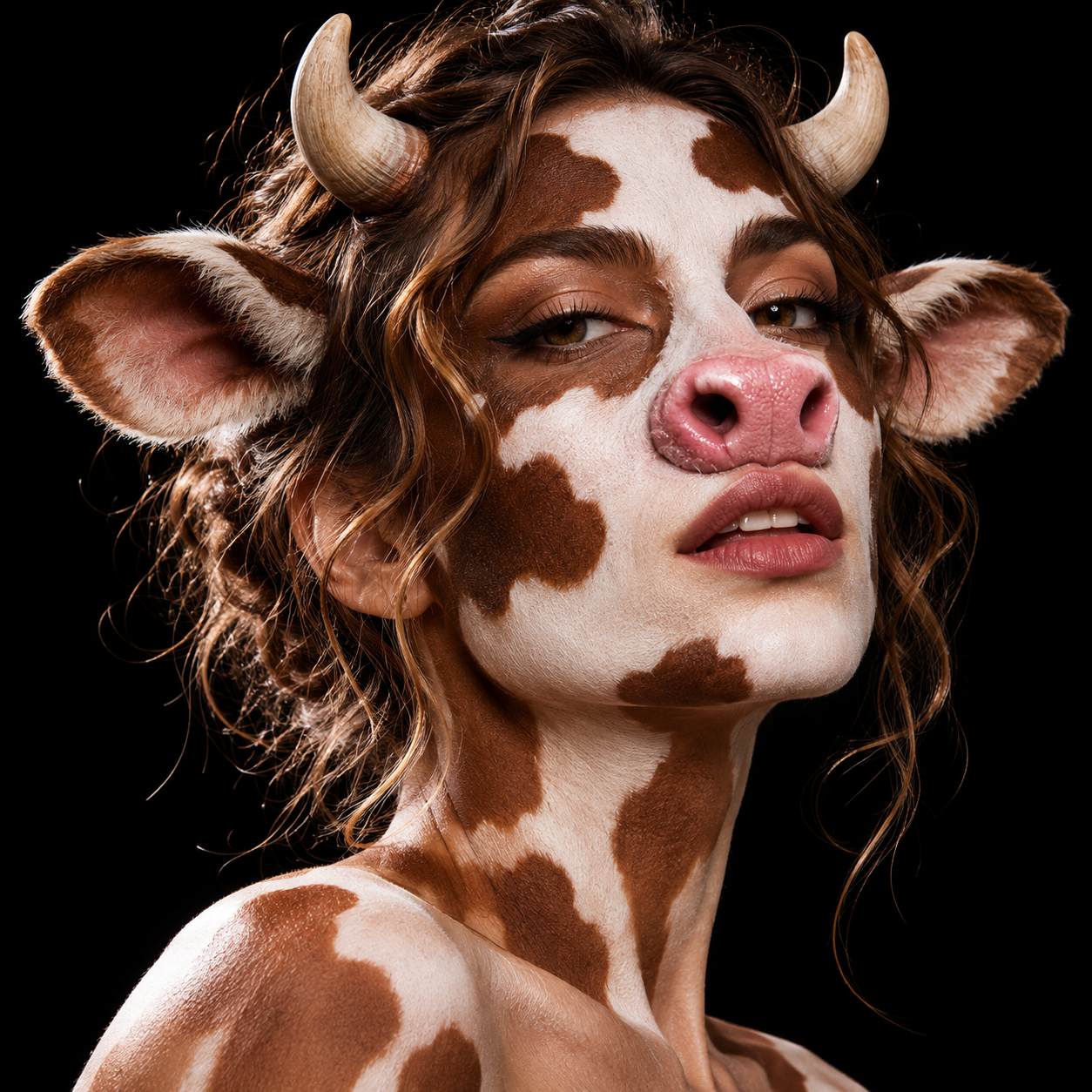
Control Light, Color, And Background
A plain black background creates high contrast and lets white paint, brown patches, and a pink nose stand out. Cream, pale blue, or warm beige creates a softer beauty-editorial finish. Ask for diffused window light when you want gentle texture, or a crisp key light when you want graphic edges. Keep the color request focused on natural white and chocolate brown, warm neutrals, or candy-pink accents. A controlled setting keeps the face and accessories clear. This themed portrait keeps the face recognizable while adding the theme. Use this themed portrait idea when you want a clear, playful result. A themed portrait can feel soft, funny, editorial, or boldly surreal. The style keeps your expression visible. The cow makeup filter guides this look.
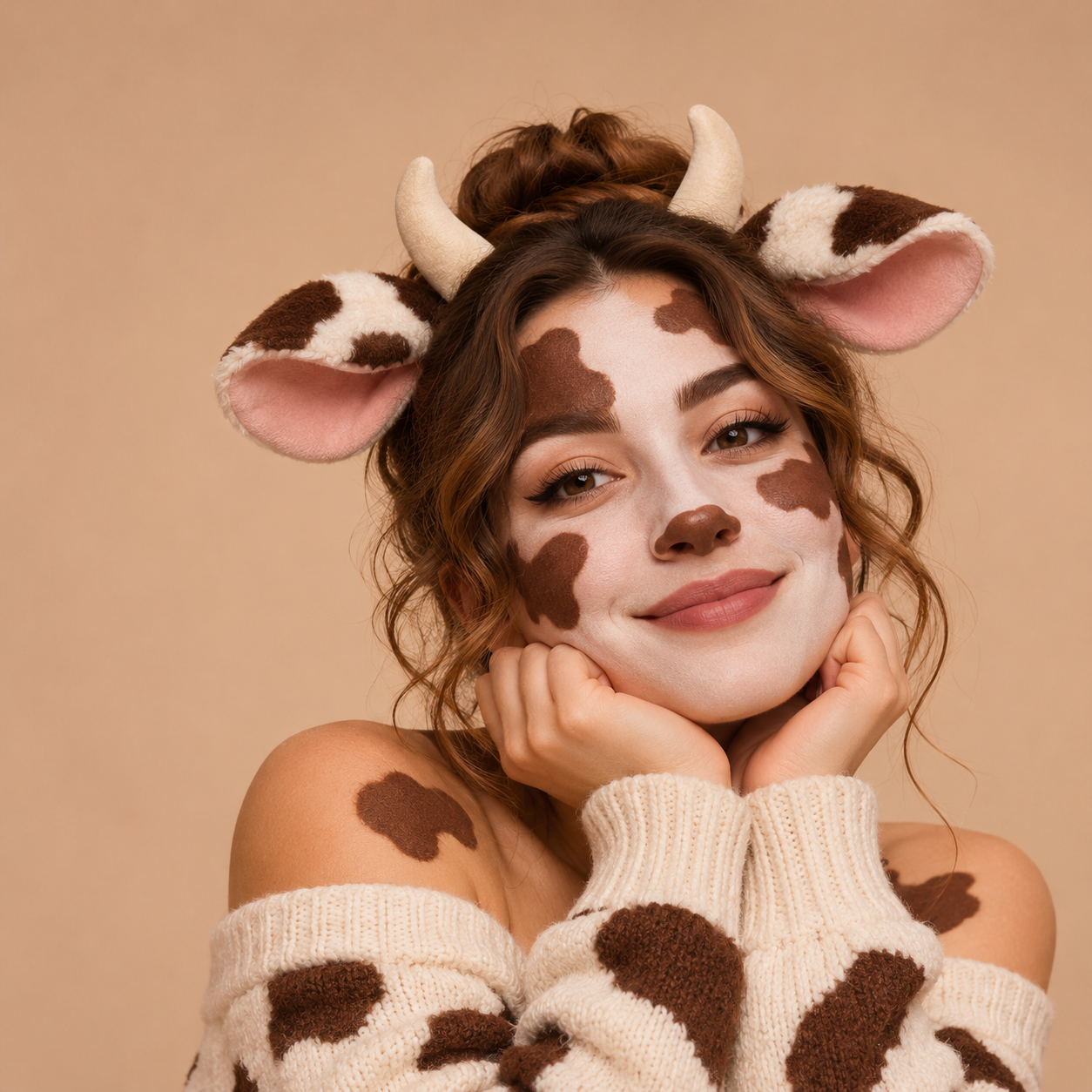
Make Variations For Every Share
Use one portrait to explore a close-up avatar, a square community post, a vertical story cover, or a waist-up mood-board frame. Keep the same face and core markings while changing the expression, wardrobe, or backdrop. A small controlled change is easier to compare than a completely new prompt. Build a connected mini-series for a weekend, costume plan, campaign, or creative challenge. Save the strongest version and return to it when you want a matching set. This themed portrait keeps the face recognizable while adding the theme. Use this themed portrait idea when you want a clear, playful result. A themed portrait can feel soft, funny, editorial, or boldly surreal. The themed style adds a friendly visual cue without hiding your expression.
Where To Use Your AI Cow Makeup Photo
A themed portrait can be personal, social, or commercial. Start with the use case that matches your goal, then keep the source and direction specific. This themed portrait keeps the face recognizable while adding the theme. Use this themed portrait idea when you want a clear, playful result. The themed style adds a friendly visual cue without hiding your expression.

Social Profile Refresh
Give an avatar a humorous seasonal twist without hiding your expression. Ask for a clean crop, readable eyes, and a simple background so the image remains clear at small sizes. This themed portrait keeps the face recognizable while adding the theme. Use this themed portrait idea when you want a clear, playful result. The themed style adds a friendly visual cue without hiding your expression.

Short-Form Content Covers
Create a bright cover for a makeup reel, trend explainer, or behind-the-scenes post. Request a vertical composition with breathing room around the face so the theme reads before the caption. This themed portrait keeps the face recognizable while adding the theme. Use this themed portrait idea when you want a clear, playful result. The themed style adds a friendly visual cue without hiding your expression.

Beauty And Costume Concepts
Test patch placement, horn scale, color balance, and lighting before planning a real shoot. Use the image as a reference for products, wardrobe, or a handmade costume. This themed portrait keeps the face recognizable while adding the theme. Use this themed portrait idea when you want a clear, playful result. The themed style adds a friendly visual cue without hiding your expression.

Friendly Brand Storytelling
Support a farm-to-table story, festival post, or lighthearted launch when the tone fits your audience. Use your own approved portrait or a model image with permission. This themed portrait keeps the face recognizable while adding the theme. Use this themed portrait idea when you want a clear, playful result. The themed style adds a friendly visual cue without hiding your expression.
Why Creators Keep Exploring This Look
The appeal is recognition with a playful surprise. This themed portrait keeps the face recognizable while adding the theme. Use this themed portrait idea when you want a clear, playful result. The themed style adds a friendly visual cue without hiding your expression.
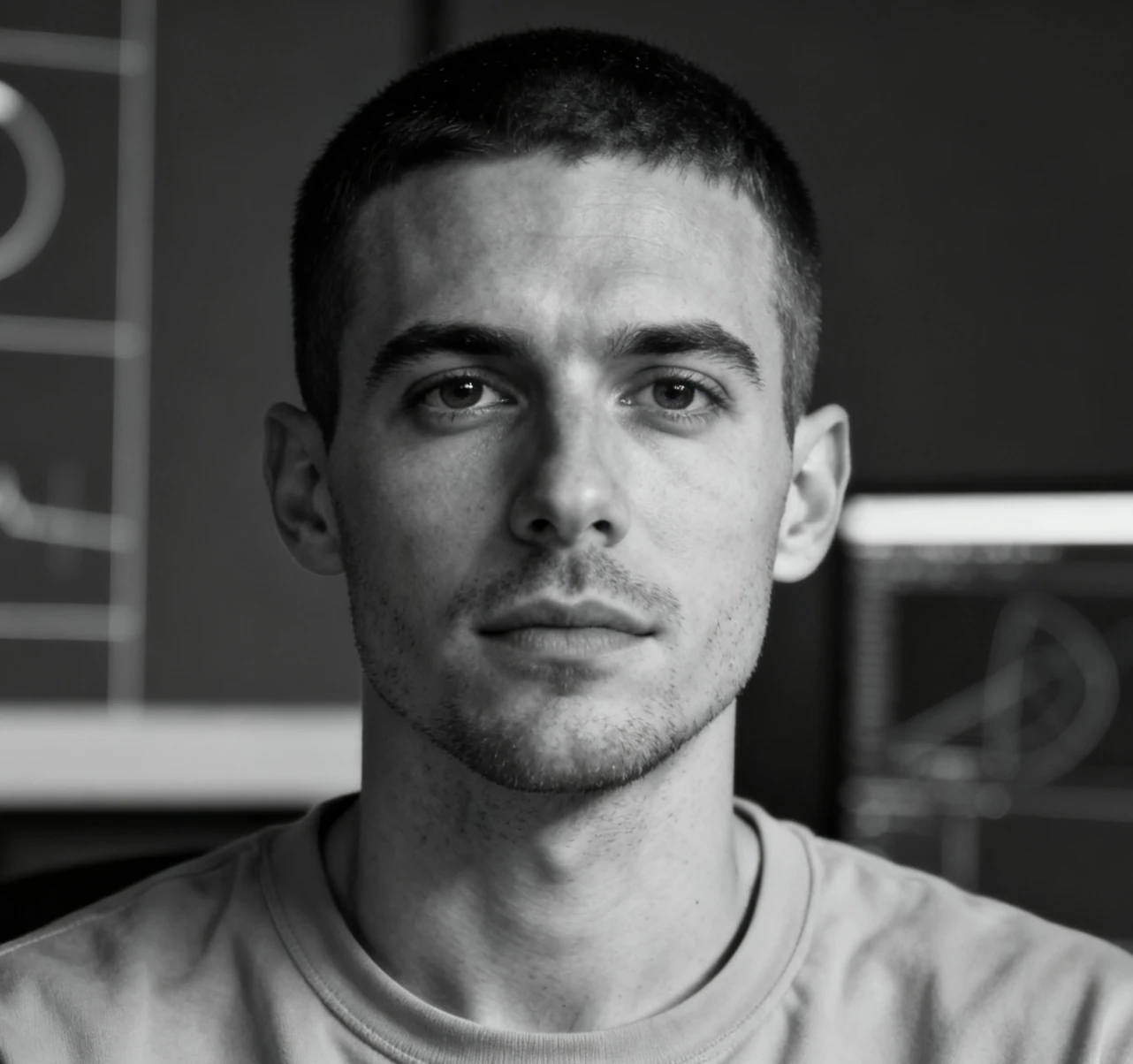
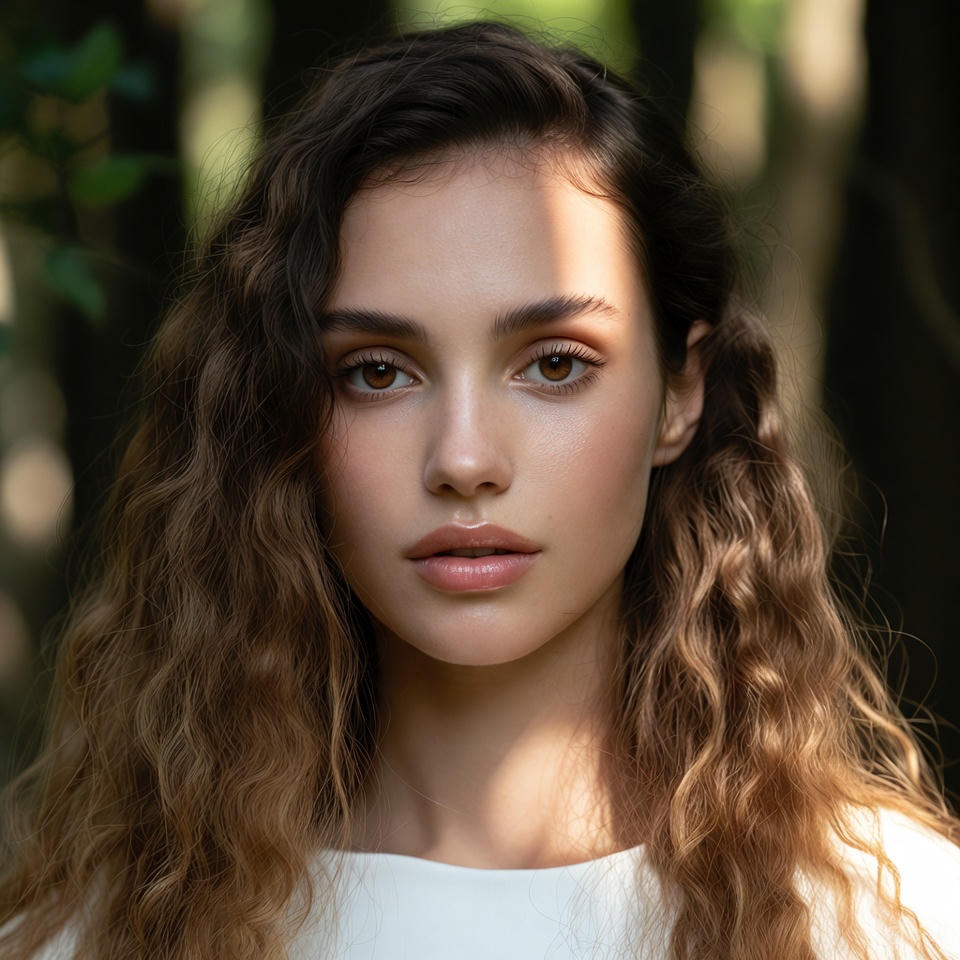
I wanted a funny profile image that still looked like me. This look keeps the face recognizable.
I wanted a funny profile image that still looked like me. This look keeps the face recognizable.
I tested a soft version and a dramatic version before planning a costume. This look keeps the face recognizable.
I tested a soft version and a dramatic version before planning a costume. This look keeps the face recognizable.
The clean background helped the horns and pink nose read well on a phone screen. This look keeps the face recognizable.
The clean background helped the horns and pink nose read well on a phone screen. This look keeps the face recognizable.
A short prompt and a sharp photo made the result feel much more natural. This look keeps the face recognizable.
A short prompt and a sharp photo made the result feel much more natural. This look keeps the face recognizable.
I made a small set of variations for a themed weekend and kept the same face in every frame. This look keeps the face recognizable.
I made a small set of variations for a themed weekend and kept the same face in every frame. This look keeps the face recognizable.
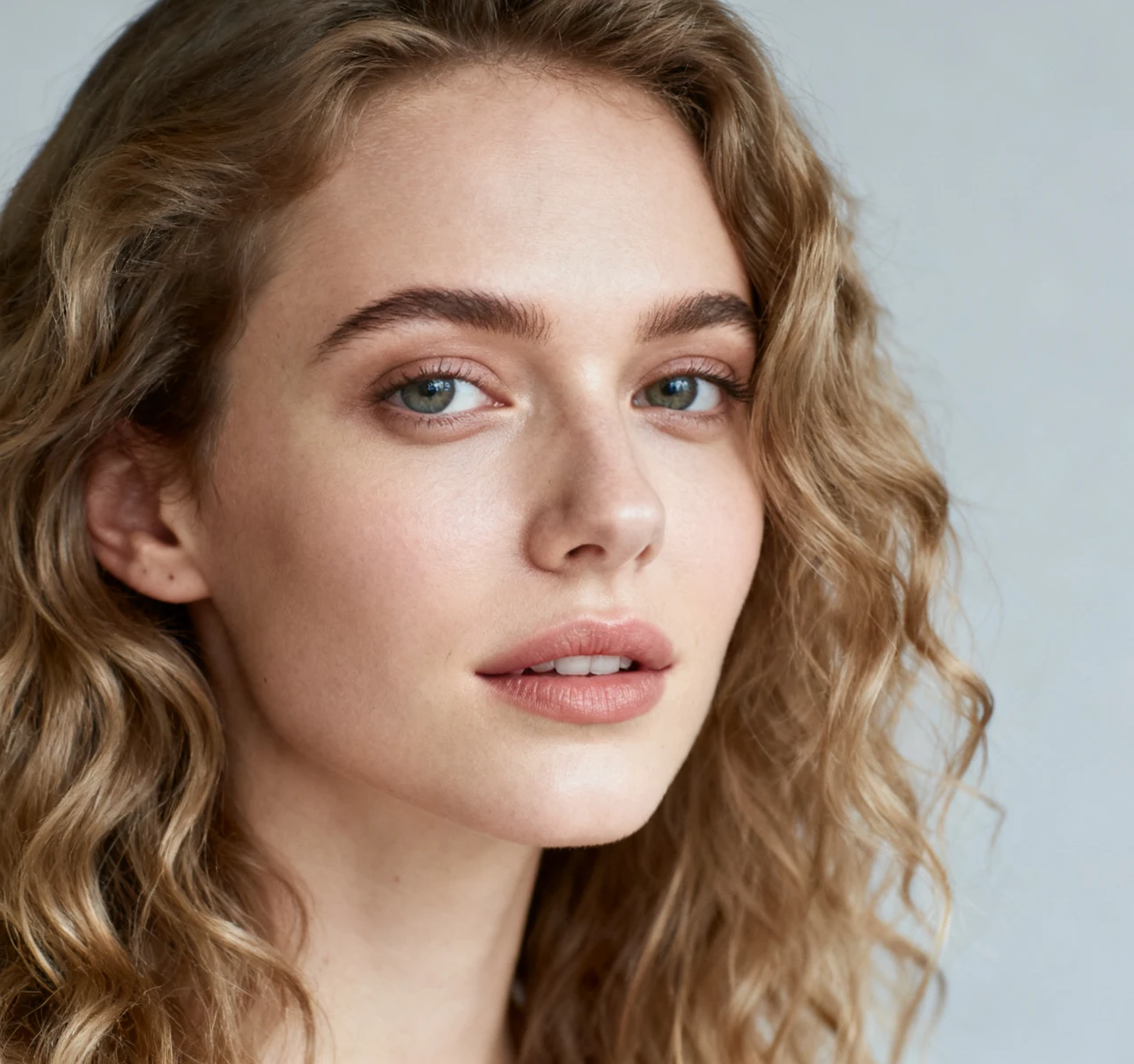


AI Cow Makeup Photo Questions
Use these answers to prepare a stronger source image and a clearer creative direction. This themed portrait keeps the face recognizable while adding the theme. The themed style adds a friendly visual cue without hiding your expression.
Use one front-facing, well-lit portrait with visible eyes, brows, hair, and a little shoulder room. Avoid sunglasses, heavy filters, and extreme angles. A clear source gives the generator room to preserve your identity while adding the cow-inspired details. This themed portrait keeps the face recognizable while adding the theme. The themed style adds a friendly visual cue without hiding your expression.
Yes. Describe one mood in plain language. Ask for soft pink cheeks and rounded patches for a cute look, or sculpted texture, stronger contrast, horns, and a glossy nose for a dramatic look. Keep one main direction. This themed portrait keeps the face recognizable while adding the theme. The themed style adds a friendly visual cue without hiding your expression.
Yes. Mention a simple background and one lighting idea, such as a plain black studio, warm window light, or a clean cream backdrop. A controlled setting keeps attention on the face. This themed portrait keeps the face recognizable while adding the theme. The themed style adds a friendly visual cue without hiding your expression.
Ask for lighter paint, visible skin texture, natural facial proportions, and patches that follow the face. Start with a sharp portrait and avoid piling on unrelated style words. This themed portrait keeps the face recognizable while adding the theme. The themed style adds a friendly visual cue without hiding your expression.
Use the generated image wherever your PicEditor account and the image rights allow. Use your own photo or one you have permission to transform, and check platform or brand rules before publishing. This themed portrait keeps the face recognizable while adding the theme. The themed style adds a friendly visual cue without hiding your expression.
Ready To Try Your AI Cow Makeup Photo?
Upload a clear portrait, describe the mood you want, and create a cow-inspired image that still feels personal. Start gently, compare a bolder variation, and keep your favorite. Use it for a profile, costume concept, or creative experiment. This themed portrait keeps the face recognizable while adding the theme. Use this themed portrait idea when you want a clear, playful result. A themed portrait can feel soft, funny, editorial, or boldly surreal. The themed style adds a friendly visual cue without hiding your expression.