
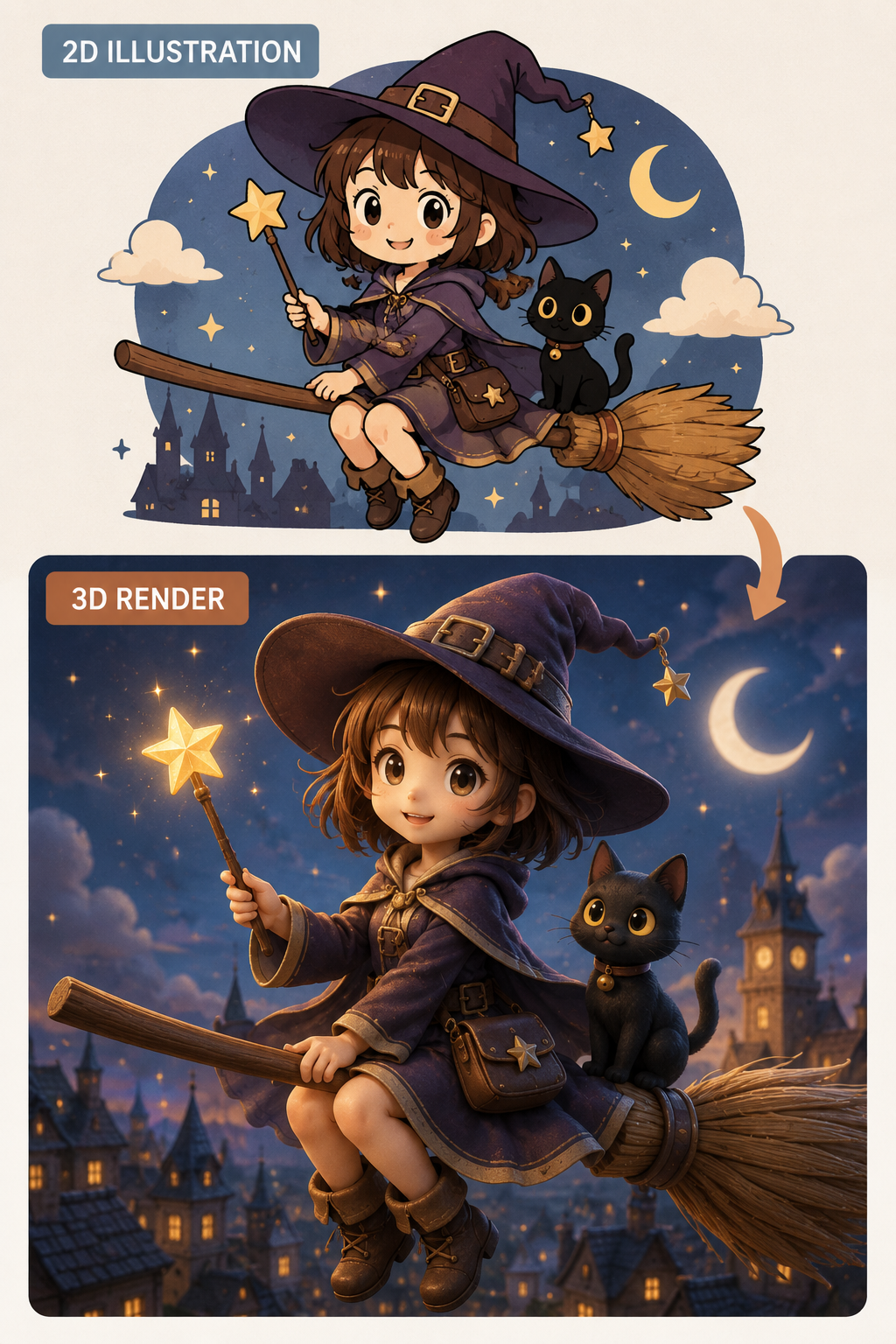
Upload a 2D image and turn it into a realistic 3D-style visual with natural depth and dimension.
AI Image Tools
Everything You Need to Edit Photos Faster
Open the PicEditor AI tools library for background removal, photo enhancement, object cleanup, face swap, upscaling, and more focused image workflows.

AI Nose Piercing Filter

Replace Object in Photo Online

Add Object to Photo

Eyeliner Filter

AI Bust Down Filter

Image Splitter

Add White Background to Photo

Snapchat Text Remover

Realistic AI Skin Generator

Add speech bubble to photo

Change Photo Background

AI Clothes Wrinkle Remover

AI LinkedIn Profile Picture

GPT Transparent BG Image Editor

Image to Layers

3D Angle Editor

Change Background of Photo
Add Text to Image
Speech Bubble Meme Generator
AI Image Darkener
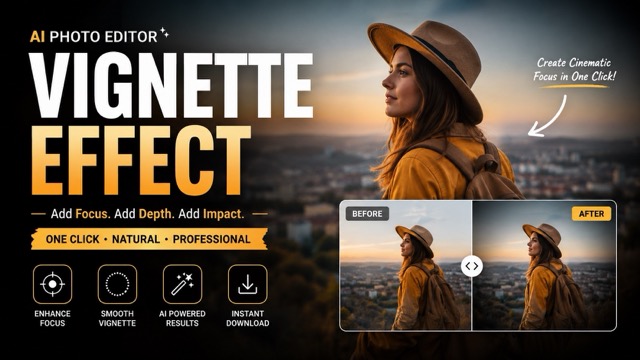
AI Vignette Effect
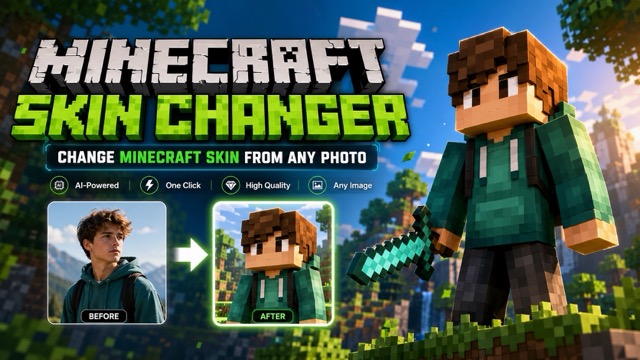
AI Change Minecraft Skin
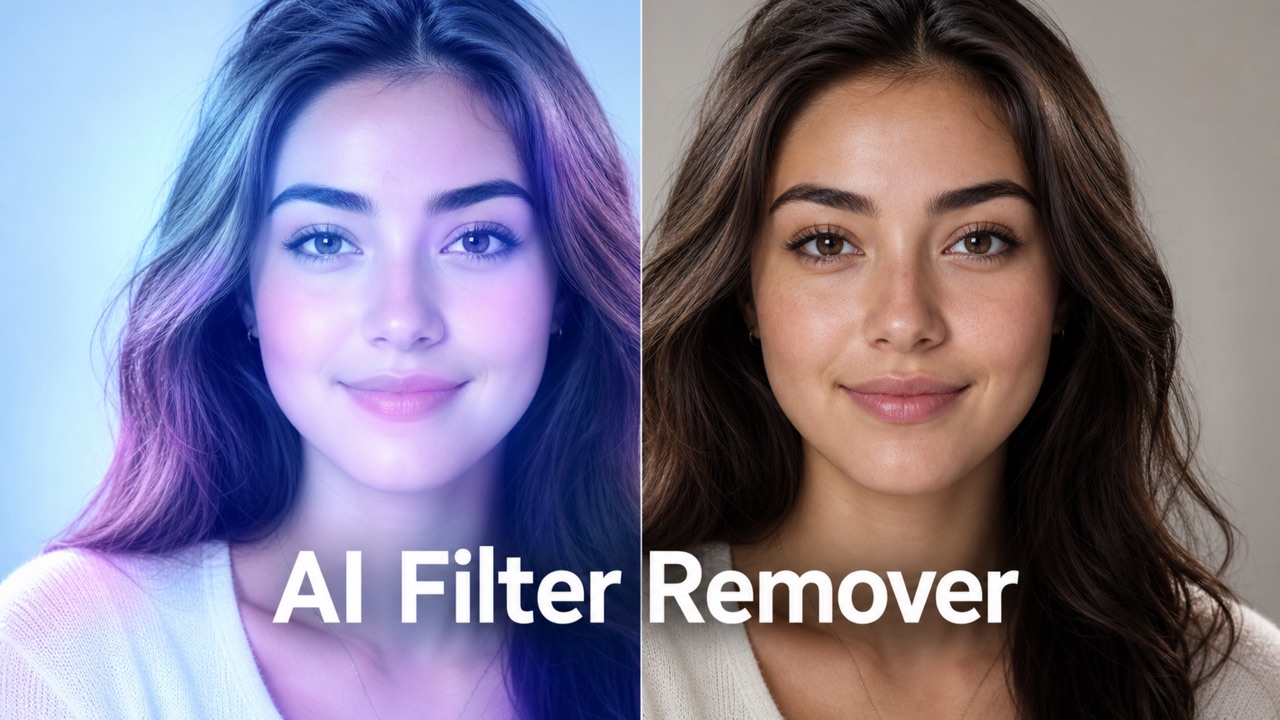
Remove Color From Image
2D to 3D Converter – Turn Any Image into 3D
Create Realistic 3D-Style Images Online with AI
Upload a 2D image to our 2D to 3D Converter and turn it into a realistic 3D-style visual with natural depth and dimension.
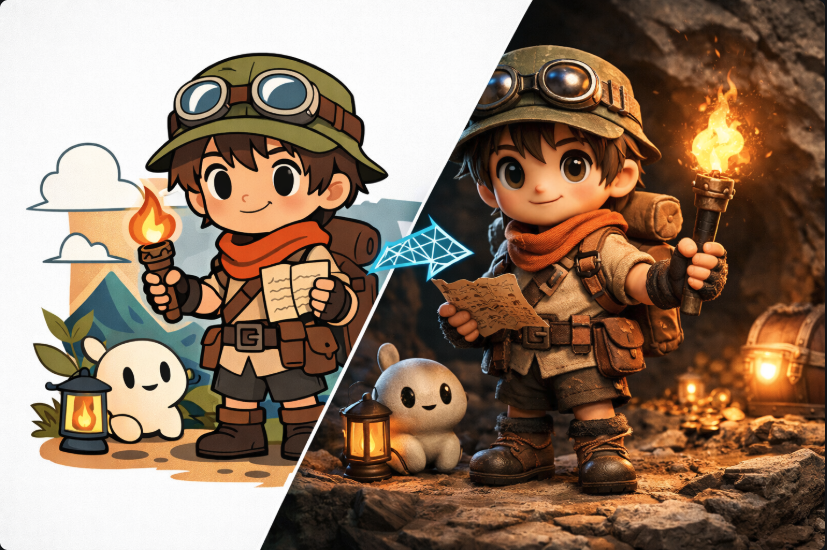
Convert 2D Images into Realistic 3D-Style Visuals
Use our AI-powered 2D to 3D Converter to add depth, volume, and a more immersive look to any image.
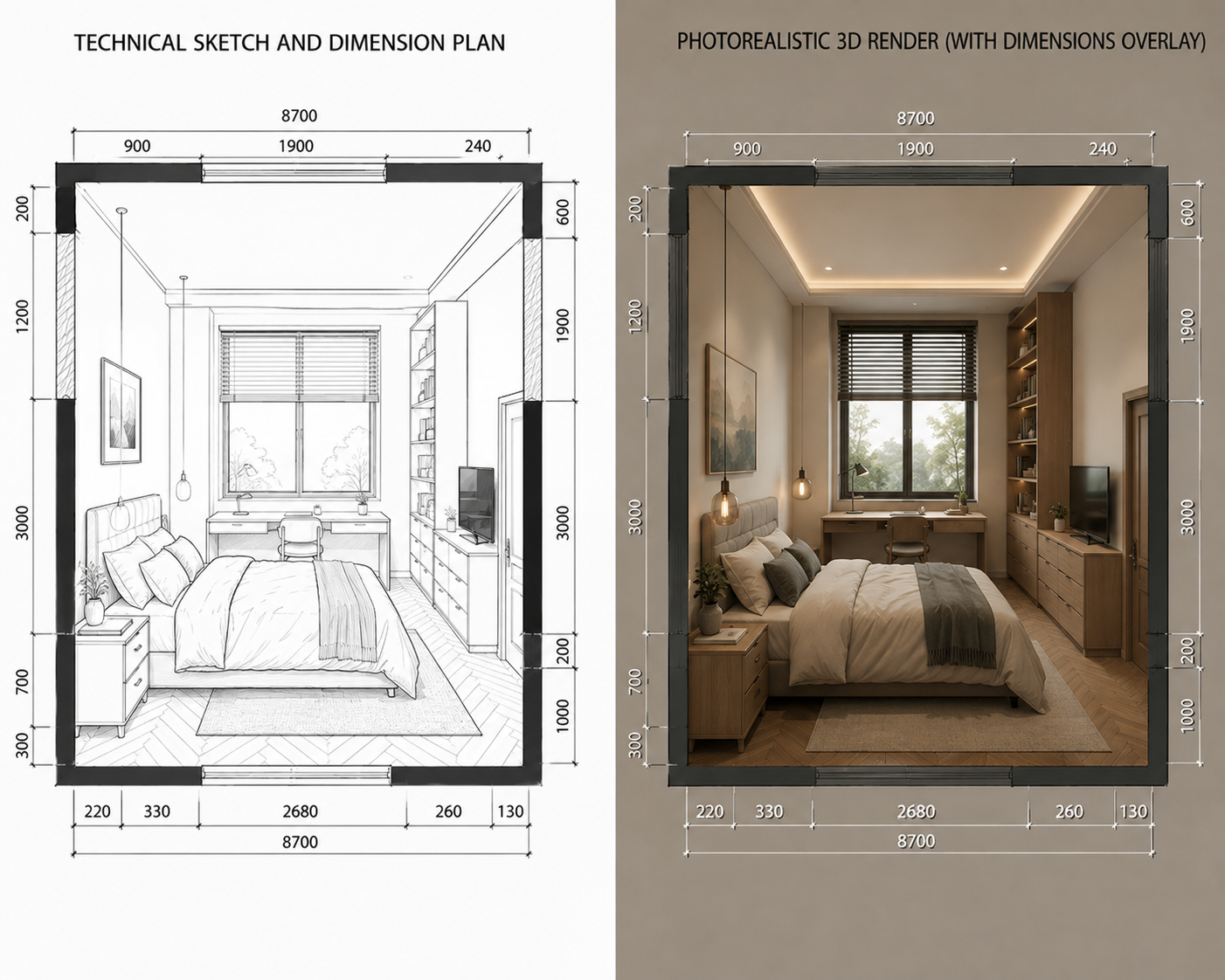
Turn Any 2D Image into a 3D-Style Visual
Transform portraits, product photos, illustrations, character designs, and digital artwork into engaging 3D-style images. The AI 2D to 3D Converter analyzes the subject, composition, lighting, edges, and spatial relationships to create a more dimensional result. It preserves recognizable colors, shapes, textures, and important details while adding convincing visual depth.
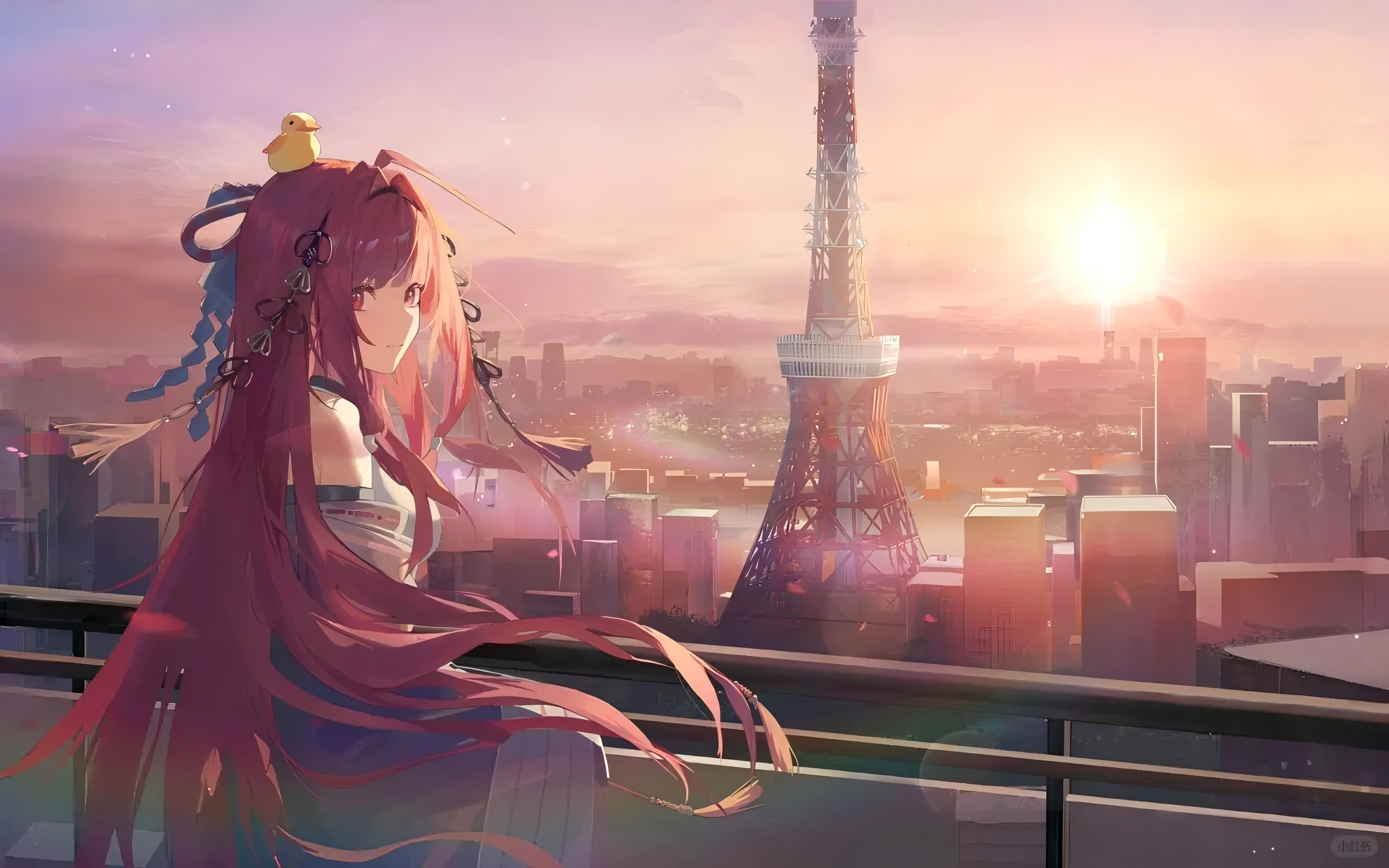
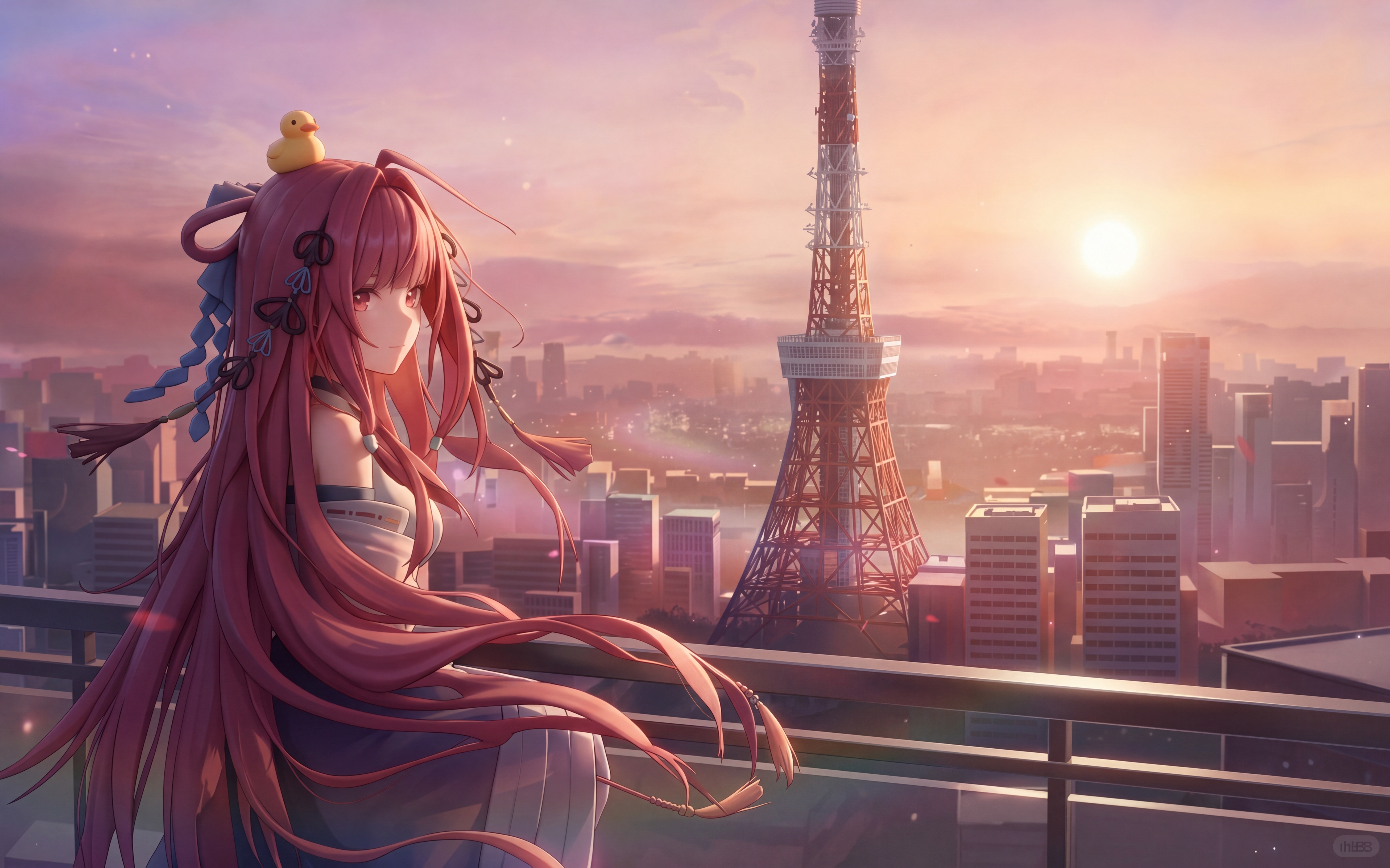
Add Natural Depth and Dimension with AI
The 2D to 3D Converter enhances foreground separation, background distance, object volume, perspective, shadows, and lighting. AI identifies depth cues throughout the image to create smoother transitions between near and distant elements. Produce polished, dimensional visuals without manually creating depth maps, separating layers, or adjusting complex perspective settings.
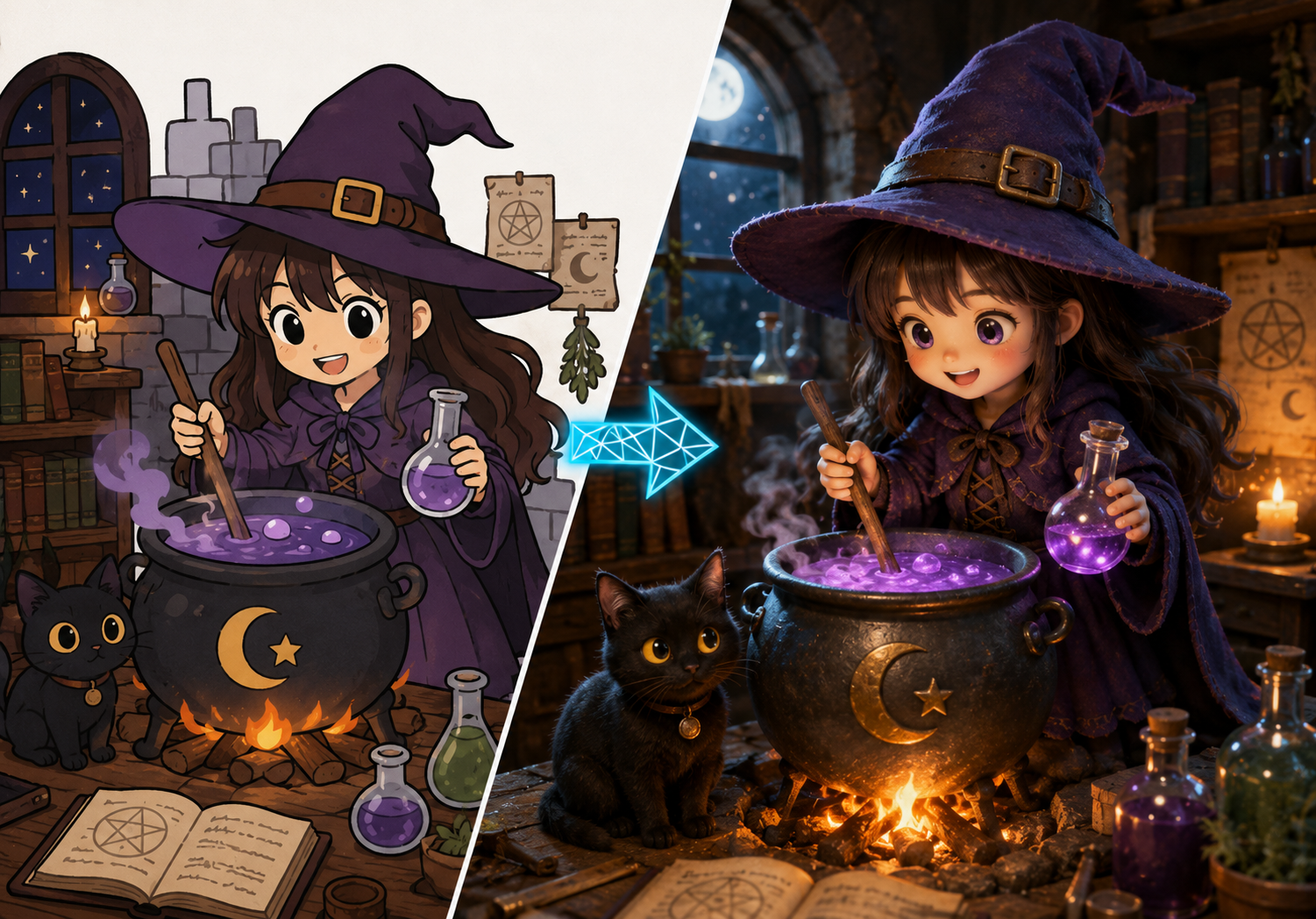
Create 3D-Style Images Without 3D Software
Create dimensional images with the 2D to 3D Converter without learning complicated 3D modeling, texturing, lighting, or rendering tools. Simply upload an image, let AI generate the 3D-style effect, preview the result, and download your preferred version. Use it for product promotions, social media, advertisements, thumbnails, character concepts, and other creative projects.
How to Use the 2D to 3D Converter
Turn a flat image into a 3D-style visual in three simple steps—upload, convert, and download.

Upload Your 2D Image
Choose a clear portrait, product photo, illustration, or other 2D image for the 2D to 3D Converter. Images with a visible subject, good lighting, and clear edges usually produce the best results.

Convert 2D to 3D
Start the 2D to 3D Converter and let AI analyze the image, separate visual layers, and create a natural sense of depth and dimension automatically.

Preview and Download
Preview the result from the 2D to 3D Converter, generate another version if needed, and download the finished image for your creative or commercial project.
What Can You Create with the 2D to 3D Converter?
Create dimensional visuals for ecommerce, social media, portraits, artwork, and a wide range of creative projects.

Ecommerce Product Images
Use the 2D to 3D Converter to give ordinary product photos more depth and visual impact for listings, promotional banners, landing pages, and campaign concepts. A 3D-style presentation can help products stand out while keeping their recognizable colors, shapes, and key details.

Social Media Content
Transform flat photos and illustrations with the 2D to 3D Converter into immersive visuals for posts, covers, thumbnails, and ads. The added depth helps creators refresh existing assets and build more attention-grabbing content without starting from scratch.
Portraits and Avatars
The 2D to 3D Converter adds dimensional lighting and a stronger sense of volume to portraits, profile pictures, and character images. Create distinctive 3D-style avatars for personal branding, communities, games, and creative profiles.
Artwork and Design Concepts
Explore how sketches, illustrations, posters, and concept art could look with added depth using the 2D to 3D Converter. Designers can quickly test more dimensional visual directions before investing time in detailed 3D modeling or manual compositing.
How Creators Use the 2D to 3D Converter
See how creators use AI-powered 2D-to-3D image conversion to produce dimensional visuals faster and bring fresh depth to their creative work.
The 2D to 3D Converter gives our product photos much more visual depth without adding a complicated editing step. It is a quick way to explore stronger creative directions for listings and campaign graphics.
The 2D to 3D Converter gives our product photos much more visual depth without adding a complicated editing step. It is a quick way to explore stronger creative directions for listings and campaign graphics.
I use the 2D to 3D Converter to turn flat character illustrations into more dimensional references. The results make it easier to evaluate lighting, volume, and presentation before I move into detailed production.
I use the 2D to 3D Converter to turn flat character illustrations into more dimensional references. The results make it easier to evaluate lighting, volume, and presentation before I move into detailed production.
The 2D to 3D Converter helps our small team refresh existing fashion images with a polished 3D-style look. We can create more engaging campaign concepts without arranging a new shoot for every idea.
The 2D to 3D Converter helps our small team refresh existing fashion images with a polished 3D-style look. We can create more engaging campaign concepts without arranging a new shoot for every idea.
Turning a familiar photo into a dimensional visual with the 2D to 3D Converter gives us fresh options for posts, covers, and thumbnails. The workflow is simple and fits naturally into our everyday content process.
Turning a familiar photo into a dimensional visual with the 2D to 3D Converter gives us fresh options for posts, covers, and thumbnails. The workflow is simple and fits naturally into our everyday content process.



FAQ about 2D to 3D Converter
Find answers about AI image conversion, supported images, 3D-style outputs, and tips for getting better results.
A 2D to 3D Converter is an AI-powered tool that transforms a flat image into a 3D-style visual. It analyzes the subject, composition, lighting, and visual layers, then adds depth and dimension without requiring manual 3D modeling.
Upload a supported 2D image and start the 2D to 3D Converter. AI analyzes the image and generates a new version with enhanced depth, volume, and perspective. You can then preview and download the result.
Portraits, product photos, objects, characters, illustrations, and digital artwork can all work well with the 2D to 3D Converter. For better results, use a clear, well-lit image with a recognizable subject and visible edges.
No. The 2D to 3D Converter is designed for beginners and does not require 3D modeling, depth-map editing, or professional design experience. Simply upload an image and let AI handle the conversion.
The 2D to 3D Converter creates a 3D-style image with enhanced visual depth and dimension. It does not necessarily generate a fully editable 3D mesh or model file for professional 3D software.
For better results from the 2D to 3D Converter, use a high-quality source image with good lighting, a clear main subject, visible edges, and limited background clutter. Avoid heavily blurred, pixelated, or obstructed images when possible.
Turn Your 2D Image into a 3D-Style Visual
Use the 2D to 3D Converter to upload an image and create a realistic 3D-style result with natural depth and dimension in seconds—no 3D modeling skills required.
