
AI Image Tools
Everything You Need to Edit Photos Faster
Open the PicEditor AI tools library for background removal, photo enhancement, object cleanup, face swap, upscaling, and more focused image workflows.

AI Portrait Retouching

Snatched Waist Editor

AI Facial Expression Changer

AI Nose Piercing Filter

Replace Object in Photo Online

Add Object to Photo

Eyeliner Filter

AI Bust Down Filter

Image Splitter

Add White Background to Photo

Snapchat Text Remover

Realistic AI Skin Generator

Add speech bubble to photo

Change Photo Background

AI Clothes Wrinkle Remover

AI LinkedIn Profile Picture

GPT Transparent BG Image Editor

Image to Layers

3D Angle Editor
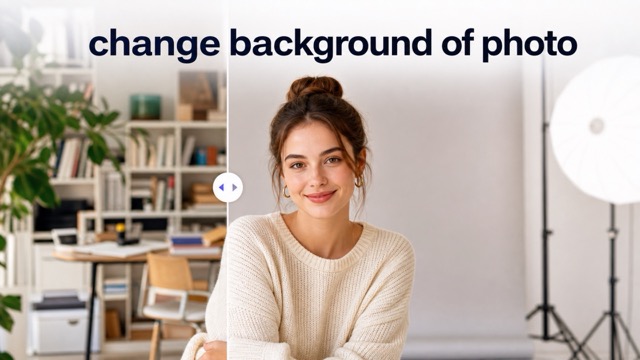
Change Background of Photo
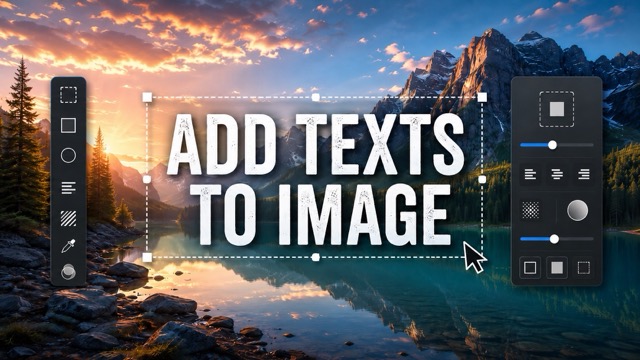
Add Text to Image
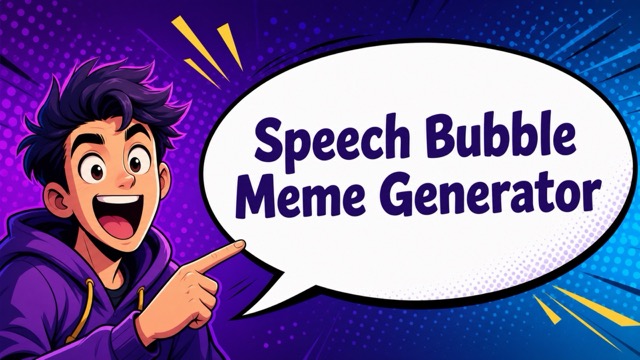
Speech Bubble Meme Generator
AI Image Darkener
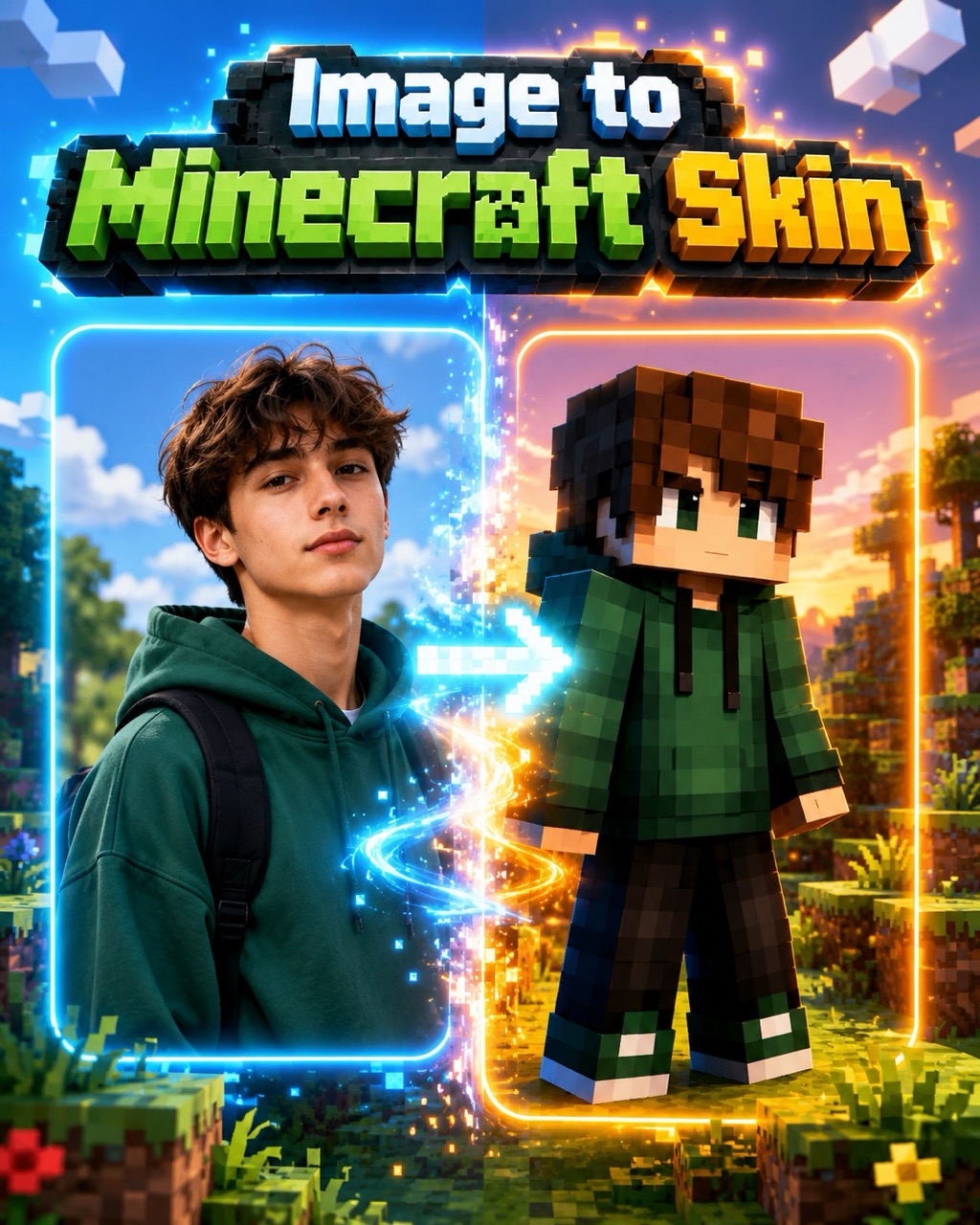
Image to Minecraft Skin: Make a Blocky Skin from Any Picture
Use Image to Minecraft Skin to turn a portrait, pet photo, mascot, or character reference into a blocky pixel-art skin concept with clean Minecraft-inspired details.
Image to Minecraft Skin turns your uploaded picture into a clean, blocky character skin preview. Upload an image, click generate, and create a Minecraft-style result that keeps key colors, clothing, facial cues, and personality from the original reference. Image to Minecraft Skin AI works best with a clear subject.
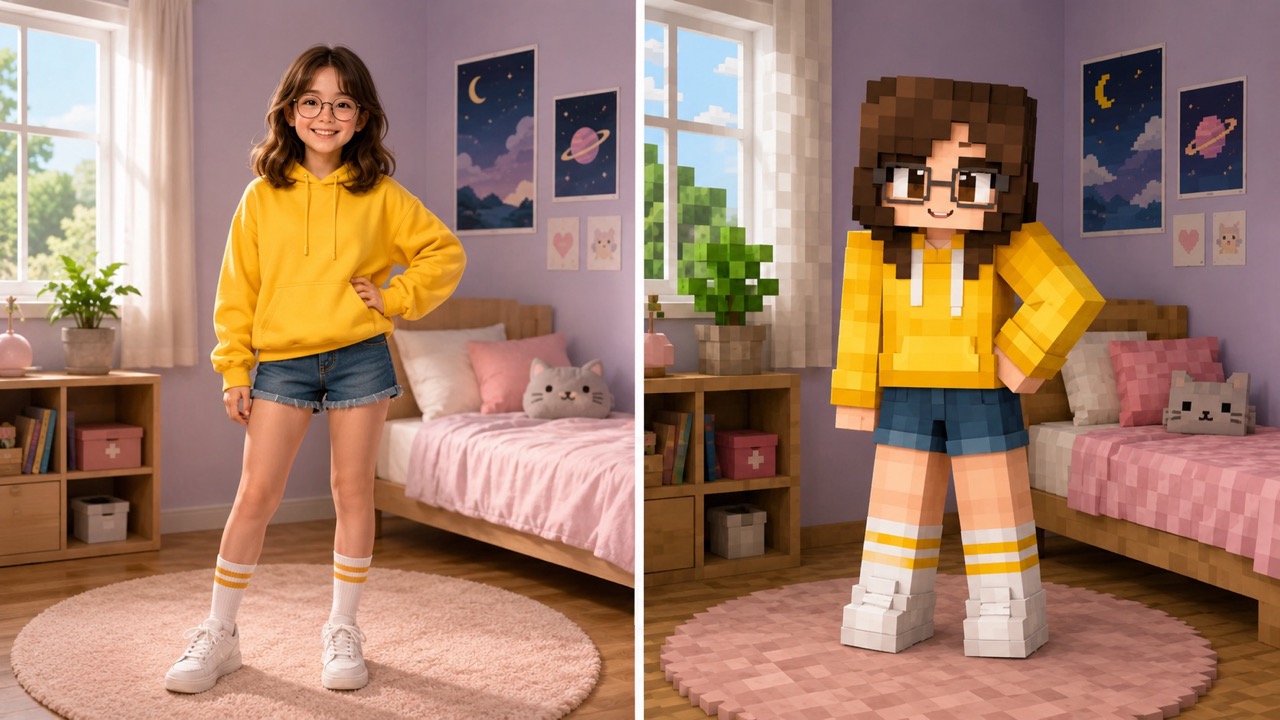
How Image to Minecraft Skin Works in 3 Steps
The workflow is simple: upload your image, click generate, and get a Minecraft-inspired skin result. Image to Minecraft Skin keeps the process focused so users can move from reference photo to blocky character idea quickly. AI Minecraft Skin Generator and Photo to Minecraft Skin make visual references easier to transform.

Upload Your Image
Start Image to Minecraft Skin by uploading a clear portrait, pet photo, mascot, drawing, or character reference. A front-facing image works best because the AI Minecraft Skin Generator can read hair, outfit colors, accessories, and face details more accurately. Photo to Minecraft Skin begins with the reference you already have, so no long prompt is needed.

Click Generate
After the image is loaded, click generate. Image to Minecraft Skin studies the main subject, simplifies the shapes, and uses Photo to Minecraft Skin logic to rebuild the reference as a blocky pixel-art character instead of a realistic photo. AI Minecraft Skin Generator From Image focuses on the uploaded image, not random presets.

Get Your Skin Preview
Review the generated result from Image to Minecraft Skin. The output gives you a centered Minecraft-style skin preview with recognizable colors, outfit parts, and character mood, ready to use as inspiration for your next custom skin design. Use the AI Minecraft Skin Generator again with another reference to compare options.
Why Use Image to Minecraft Skin for Custom Characters?
Image to Minecraft Skin is useful when a regular photo, sketch, or mascot needs to become a readable blocky character idea. It focuses on identity, color, and Minecraft-style simplicity through AI Minecraft Skin Generator support.
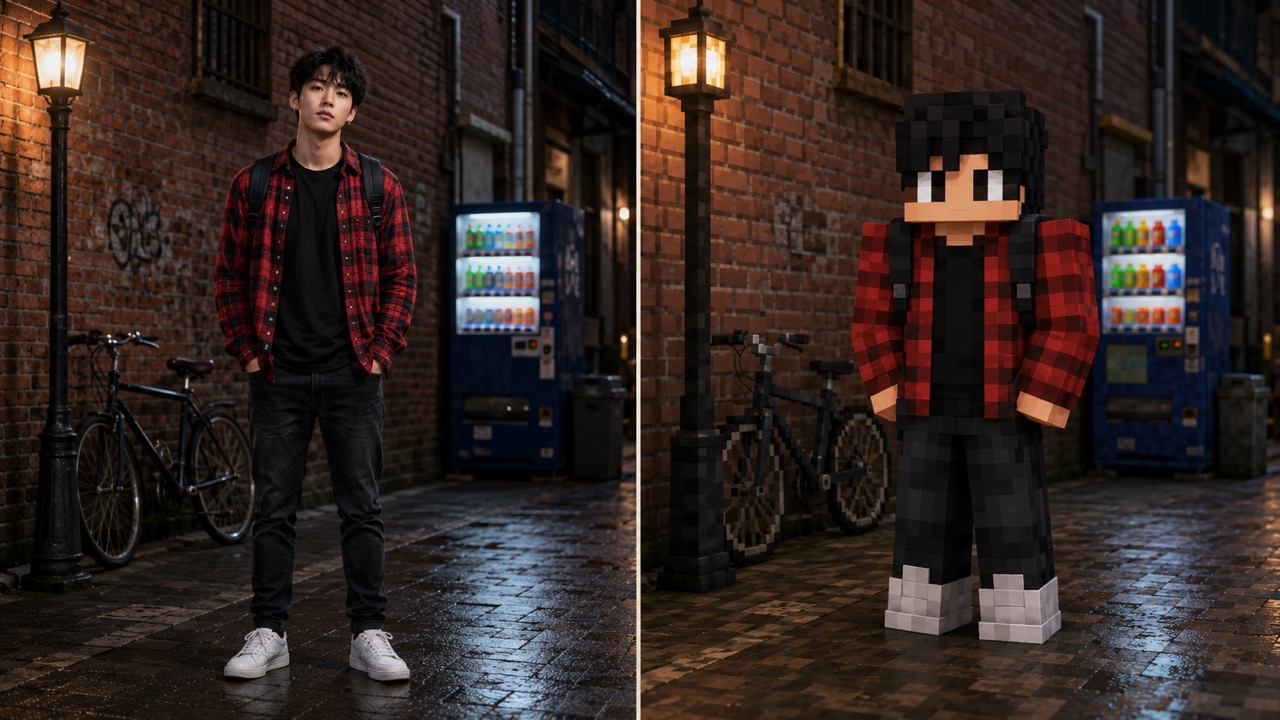
Turn Real Photos into Minecraft-Style Skin Ideas
Image to Minecraft Skin helps users turn a selfie, friend photo, pet image, or character portrait into a blocky skin concept without drawing every pixel by hand. Instead of guessing how a reference should look in square proportions, the AI Minecraft Skin Generator studies the subject and recreates important visual cues. This makes Photo to Minecraft Skin useful for roleplay players, server owners, and creators who need a recognizable character direction fast. Use Minecraft Skin Generator From Image when you want a photo-based idea that still feels clean, simple, and readable. AI Minecraft Skin Generator and Photo to Minecraft Skin also help users compare different references before choosing one design direction.
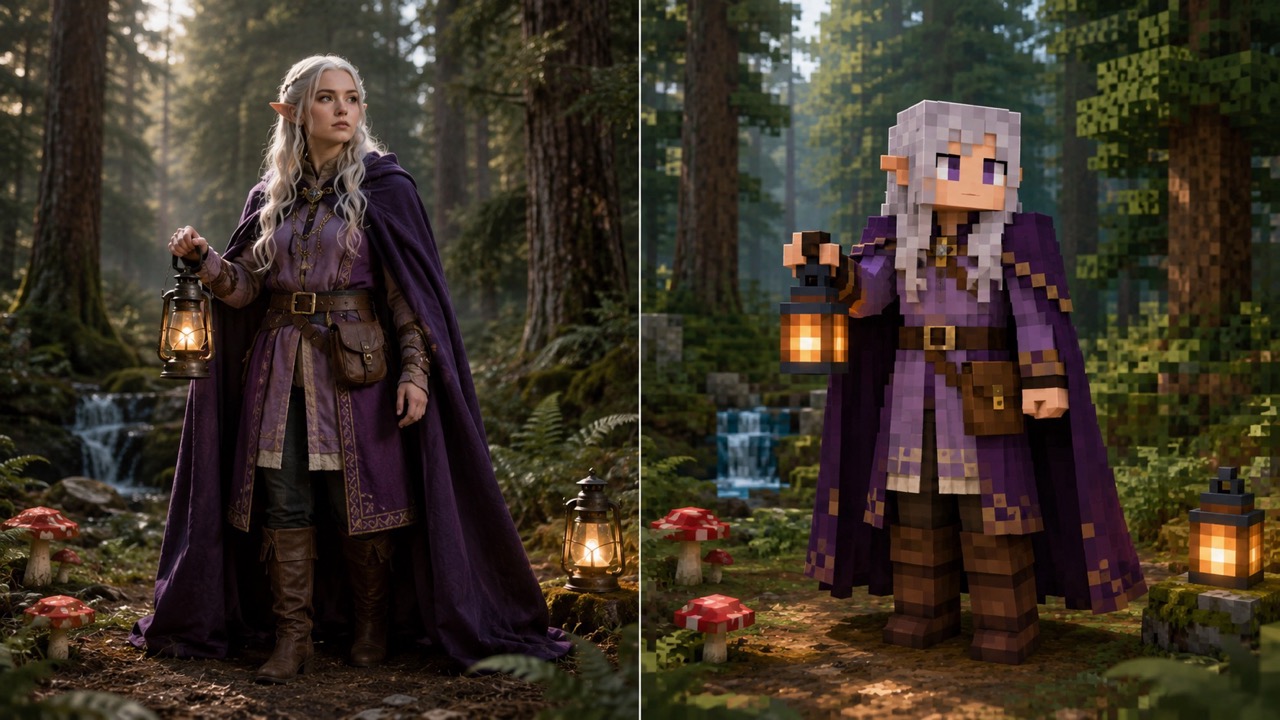
Keep the Details That Make the Character Recognizable
Good Image to Minecraft Skin results are not about copying every tiny photo detail. They are about preserving the details users actually recognize: hair shape, outfit palette, glasses, hats, animal markings, or a favorite color pattern. AI Minecraft Skin Generator From Image is built for that balance. It simplifies the image into Minecraft-style blocks while keeping enough visual identity to make the character feel personal. Image to Minecraft Skin AI is especially helpful when the uploaded picture has a strong costume, mascot shape, or fantasy character design. The AI Minecraft Skin Generator keeps the reference readable while Photo to Minecraft Skin reduces distracting detail.
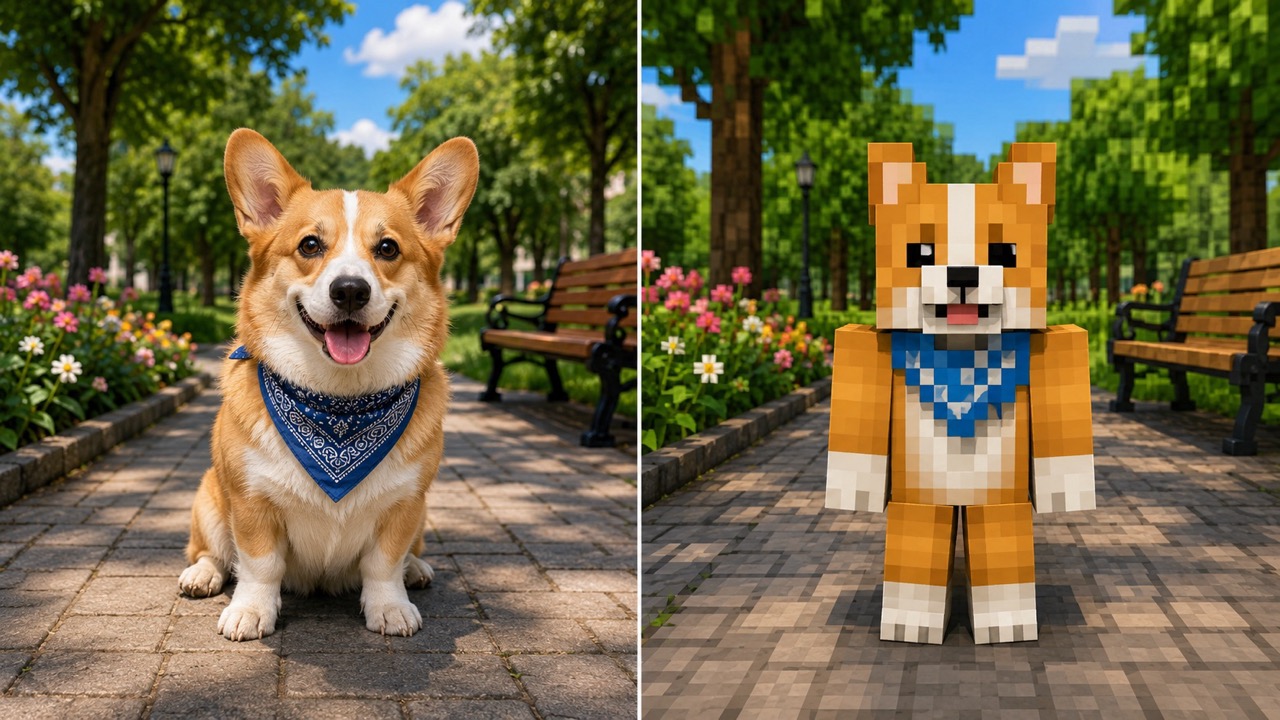
Create Cleaner Character Concepts Before Editing Pixels
Many users know the character they want but struggle to translate it into a Minecraft look. Image to Minecraft Skin gives them a starting point before manual pixel editing. The image to minecraft skin converter AI can turn messy references into a simpler blocky direction, while image to minecraft skin generator and image to minecraft skin maker help users compare ideas from different photos. Use Photo to Minecraft Skin for portraits, pets, avatars, or costumes that need a clear Minecraft-inspired character base. The image to minecraft skin converter AI, image to minecraft skin generator, and image to minecraft skin maker make iteration easier when one reference is not enough.
Who Can Use Image to Minecraft Skin?
Image to Minecraft Skin supports players, creators, server teams, and artists who want a faster way to convert visual references into Minecraft-inspired skin ideas. Each use case starts from an image, so the final concept stays connected to a visible subject instead of a vague description.

Players Making Personal Avatars
Players can use Image to Minecraft Skin to turn their own photo into a blocky avatar concept. The AI Minecraft Skin Generator can keep hairstyle, jacket color, glasses, or other personal details, while Photo to Minecraft Skin makes the result feel closer to the uploaded reference than a random preset. For personal avatars, Minecraft Skin Generator From Image gives a useful first direction before any manual refinements. Image to Minecraft Skin also helps players create matching looks for friends, teams, or themed survival worlds.

Creators Designing Characters for Videos
Creators often need a fast character look for thumbnails, roleplay scenes, short videos, or story concepts. Image to Minecraft Skin helps turn a reference image into a Minecraft-style character idea quickly. Image to Minecraft Skin AI can simplify costumes, fantasy outfits, and mascot faces into blocky forms, while AI Minecraft Skin Generator keeps the result aligned with the original subject. Photo to Minecraft Skin gives creators a visual shortcut when they already have a reference but not a finished skin concept.

Server Owners Building Themed NPC Looks
Server owners can use Image to Minecraft Skin when they need matching skin concepts for guides, merchants, guards, or event characters. Uploading reference art gives the generator a clearer direction than writing a long description. AI Minecraft Skin Generator From Image is helpful for turning themed images into simple blocky characters, and Photo to Minecraft Skin can keep each NPC visually distinct. Minecraft Skin Generator From Image also helps maintain a consistent theme across a server cast.

Artists Exploring Pixel-Art Adaptations
Artists can use Image to Minecraft Skin as a visual translation step. A drawing, creature, or fashion concept can become a blocky character draft before deeper editing. The image to minecraft skin converter AI helps reduce complex references into cleaner shapes, while image to minecraft skin generator and image to minecraft skin maker offer a quick way to test which reference image creates the strongest Minecraft-style result. AI Minecraft Skin Generator supports fast exploration without replacing creative judgment.
What Users Say About Image to Minecraft Skin
Users choose Image to Minecraft Skin because it turns existing photos and references into clearer Minecraft-style character ideas without making the process complicated. Photo to Minecraft Skin is especially helpful for personal avatars.
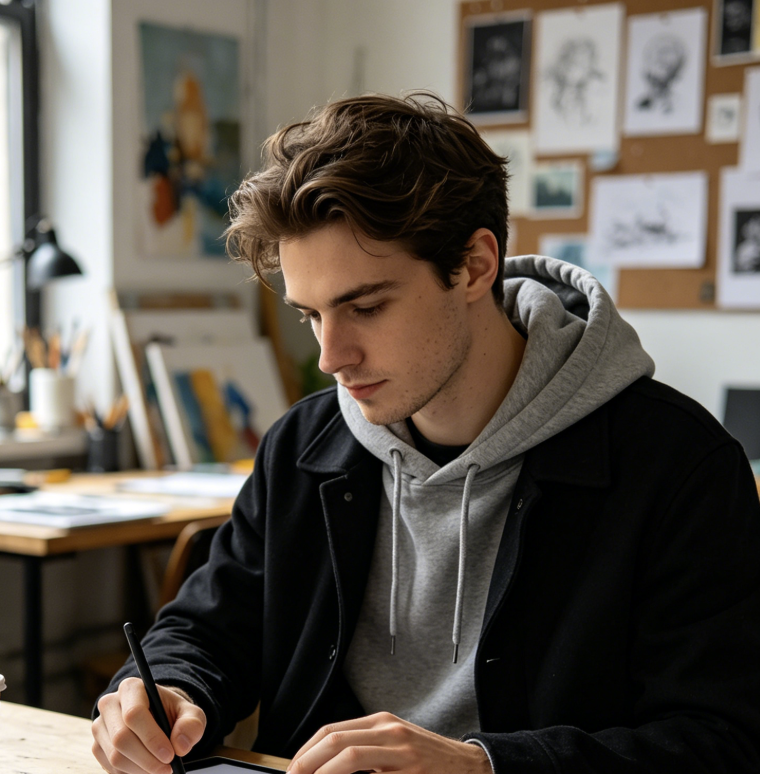
I used Image to Minecraft Skin with a selfie and the result actually kept my hoodie color, hair shape, and glasses. It gave me a better starting point than trying to draw everything from scratch. Photo to Minecraft Skin made my avatar feel personal instead of generic, and the AI Minecraft Skin Generator gave me a clear style direction.
I used Image to Minecraft Skin with a selfie and the result actually kept my hoodie color, hair shape, and glasses. It gave me a better starting point than trying to draw everything from scratch. Photo to Minecraft Skin made my avatar feel personal instead of generic, and the AI Minecraft Skin Generator gave me a clear style direction.
For my roleplay series, I needed several character concepts fast. Image to Minecraft Skin helped me test references before committing to final edits. The AI Minecraft Skin Generator captured the costume colors clearly, and Image to Minecraft Skin AI worked well for fantasy outfits. Photo to Minecraft Skin saved me from rewriting the same character notes again.
For my roleplay series, I needed several character concepts fast. Image to Minecraft Skin helped me test references before committing to final edits. The AI Minecraft Skin Generator captured the costume colors clearly, and Image to Minecraft Skin AI worked well for fantasy outfits. Photo to Minecraft Skin saved me from rewriting the same character notes again.
I uploaded my dog photo as a joke, but Image to Minecraft Skin turned it into a cute blocky character idea. Minecraft Skin Generator From Image was useful because the markings stayed recognizable. It made me want to build a whole pet-themed skin set with Photo to Minecraft Skin.
I uploaded my dog photo as a joke, but Image to Minecraft Skin turned it into a cute blocky character idea. Minecraft Skin Generator From Image was useful because the markings stayed recognizable. It made me want to build a whole pet-themed skin set with Photo to Minecraft Skin.
I usually sketch characters first, then struggle with the Minecraft version. Image to Minecraft Skin gave me a simple draft that kept the main colors and silhouette. The image to minecraft skin maker flow is great for testing which sketch works best, and AI Minecraft Skin Generator made the first draft much faster.
I usually sketch characters first, then struggle with the Minecraft version. Image to Minecraft Skin gave me a simple draft that kept the main colors and silhouette. The image to minecraft skin maker flow is great for testing which sketch works best, and AI Minecraft Skin Generator made the first draft much faster.
FAQs About Image to Minecraft Skin
Get quick answers about Image to Minecraft Skin, Photo to Minecraft Skin, and how to create a cleaner Minecraft-style character result from an uploaded image.
Upload an image, click generate, and review the result. Image to Minecraft Skin turns the main subject into a blocky Minecraft-style skin preview.
Clear portraits, pets, mascots, drawings, costumes, and character references work best. Photo to Minecraft Skin performs better when the subject is visible and not too small. The AI Minecraft Skin Generator needs readable colors and shapes.
Yes. The AI Minecraft Skin Generator can adapt pets, mascots, creatures, and objects into Minecraft-style character concepts while keeping key colors and features. Image to Minecraft Skin works best with one main subject.
Image to Minecraft Skin focuses on a skin preview and character concept. You can use the result as a visual base for later pixel editing if needed. The image to minecraft skin generator is meant to speed up the first draft.
AI Minecraft Skin Generator From Image can preserve major visual cues such as hairstyle, outfit color, glasses, markings, and overall character mood. Photo to Minecraft Skin is strongest with clear reference photos.
Use a front-facing image with good lighting and a clear subject. Image to Minecraft Skin works best when clothing, hair, and face details are easy to read. The image to minecraft skin converter AI also benefits from simple backgrounds.
Start Your Image to Minecraft Skin Creation
Upload a reference and let Image to Minecraft Skin turn it into a blocky character concept. Try AI Minecraft Skin Generator now and create a custom Minecraft-style look from your picture. Photo to Minecraft Skin makes the process fast when you already have a visual reference. Choose AI Minecraft Skin Generator From Image for reference-based results, or use image to minecraft skin converter AI, image to minecraft skin generator, and image to minecraft skin maker when testing several concepts.
