
AI Image Tools
Everything You Need to Edit Photos Faster
Open the PicEditor AI tools library for background removal, photo enhancement, object cleanup, face swap, upscaling, and more focused image workflows.

AI Portrait Retouching

Snatched Waist Editor

AI Facial Expression Changer

AI Nose Piercing Filter

Replace Object in Photo Online

Add Object to Photo

Eyeliner Filter

AI Bust Down Filter

Image Splitter

Add White Background to Photo

Snapchat Text Remover

Realistic AI Skin Generator

Add speech bubble to photo

Change Photo Background

AI Clothes Wrinkle Remover

AI LinkedIn Profile Picture

GPT Transparent BG Image Editor

Image to Layers

3D Angle Editor
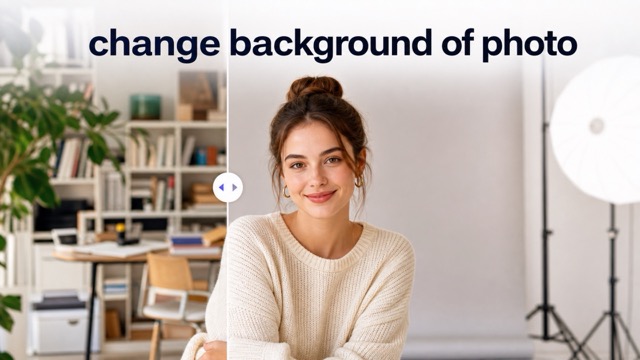
Change Background of Photo
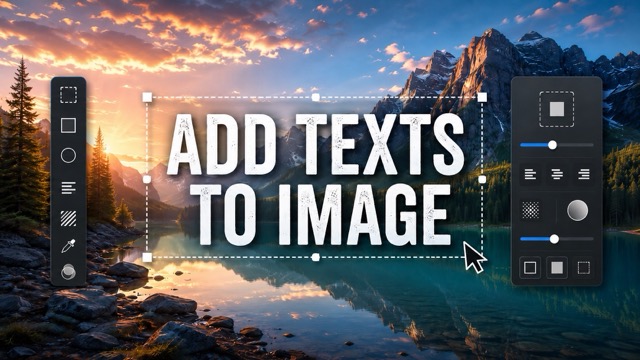
Add Text to Image
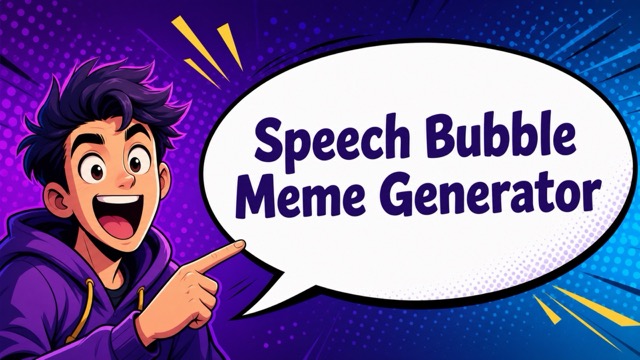
Speech Bubble Meme Generator
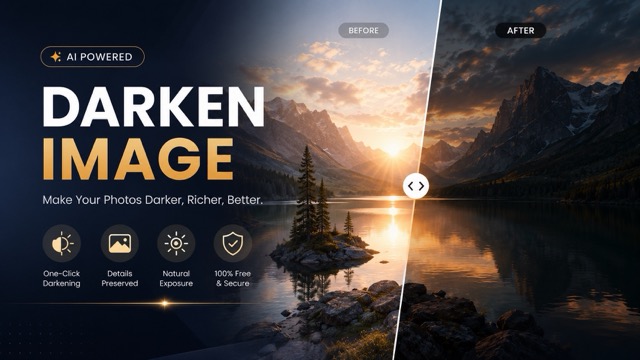
AI Image Darkener
Gemini Nano Banana 2.1 for Images Worth Refining
Shape the scene, preserve the important details, and keep your next revision focused with Gemini Nano Banana 2.1.
Make Nano Banana 2.1 part of a deliberate image workflow. Start with a subject and setting, describe the details that matter, then review and refine the output for your intended composition, audience, and format.
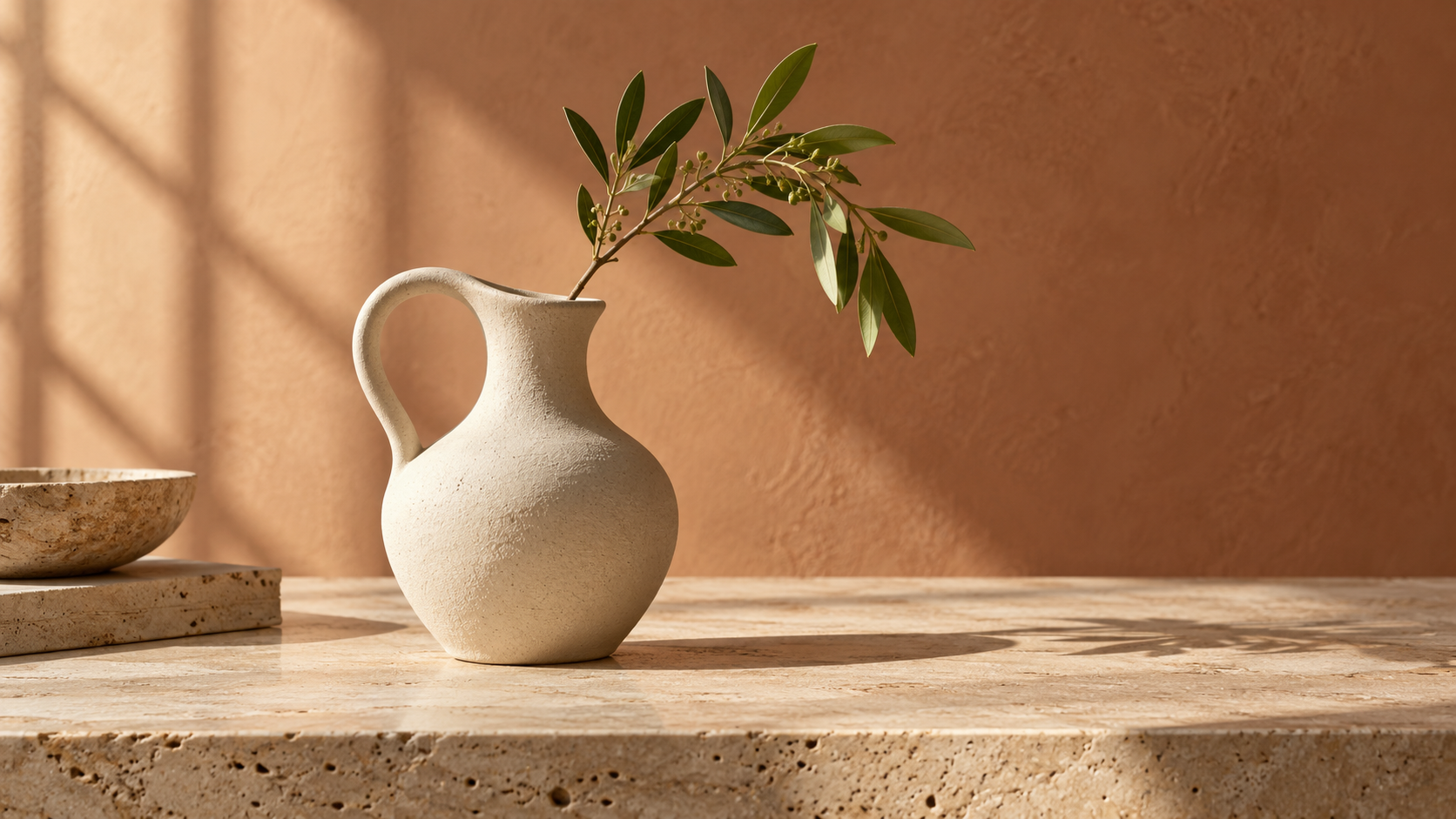
How to Work with Nano Banana 2.1
A useful image begins with a clear brief. Give Nano Banana 2.1 a defined subject, a specific visual direction, and a manageable revision goal so each step contributes to the result you actually need.

Define Your Nano Banana 2.1 Image
Begin with the subject, setting, and intended use. For Nano Banana 2.1, describe the camera angle, lighting, materials, and composition instead of relying on a string of style adjectives. If you are editing, provide an appropriate source image and identify the details that should stay unchanged.

Review One Priority at a Time
Look at the output against your original brief. With Nano Banana 2.1, make the next request specific: change the lighting, simplify the scene, or adjust an object placement. Keep the details you like explicit. Gemini Nano Banana 2.1 supports conversational editing, but each revision still benefits from a clear description of what matters.

Inspect Before You Use It
Choose the strongest version and check it at the size where it will appear. Nano Banana 2.1 can help develop campaign concepts and visual assets, but the final review belongs to you. Inspect small text, product geometry, and any factual detail. Save the brief alongside your chosen image so future variants have a concrete reference.
What Nano Banana 2.1 Helps You Create
Build a scene from words, make a targeted change, or bring references into a shared composition. Nano Banana 2.1 supports several ways to develop an image while keeping the creative brief central to the process.
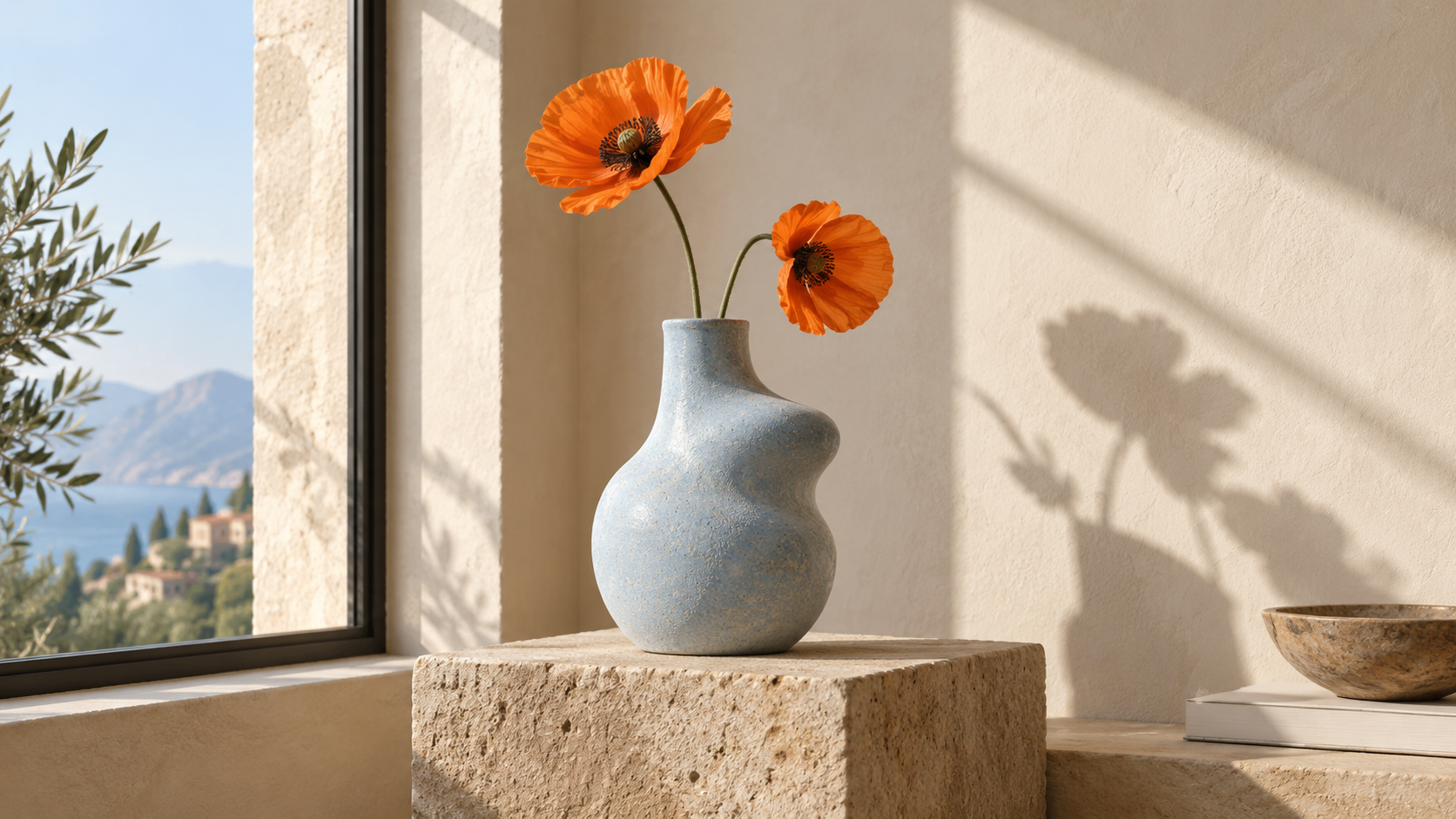
Turn Ideas into Images with Nano Banana 2.1
Give Nano Banana 2.1 a scene that can be pictured: a ceramic vessel on pale stone, morning light through a window, and room around the subject. Specify the material, framing, and atmosphere. Gemini Nano Banana 2.1 can generate images from text, giving you a starting point for creative exploration. Review the composition before adding more complexity, and refine whichever detail is doing the least useful work.

Make Precise Image Edits with Nano Banana 2.1
Use Nano Banana 2.1 to request a focused change to an existing image. Describe what should change and what must remain: the face, product shape, camera angle, or overall arrangement. Conversational editing lets you develop the result through follow-up instructions. Preservation is a goal to inspect, rather than an automatic guarantee. Compare the revision with your source and correct any unwanted changes before moving to the next request.
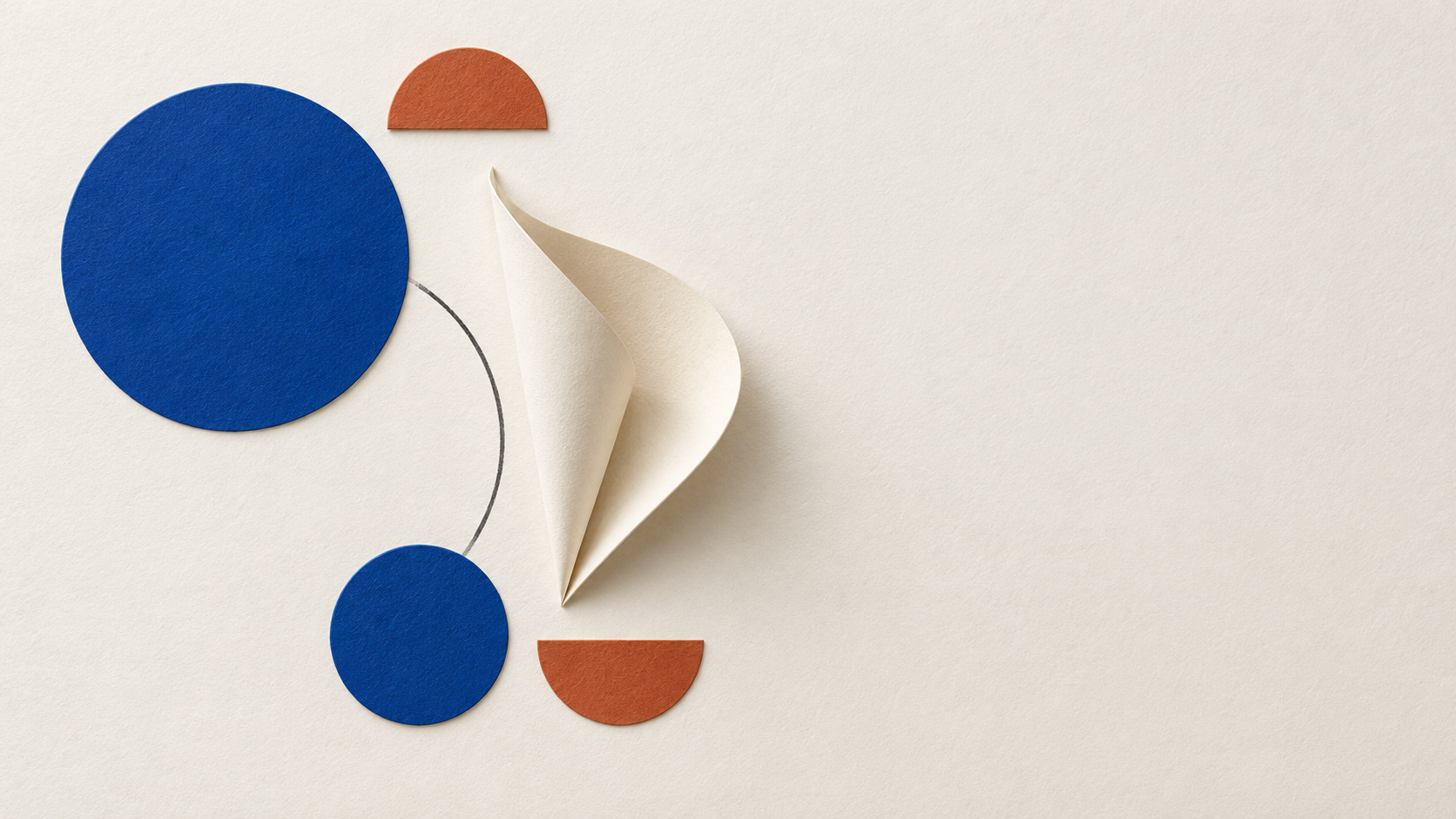
Create Clear Text and Layouts with Nano Banana 2.1
Google describes improvements to text rendering and infographic layout in Nano Banana 2.1. That makes short headings, carefully arranged information, and text-aware compositions useful directions to explore. Give the model the exact wording, placement, and hierarchy you want. Gemini Nano Banana 2.1 still needs an editorial check: inspect spelling, spacing, and meaning, especially when a design contains small labels or information that readers may rely on.
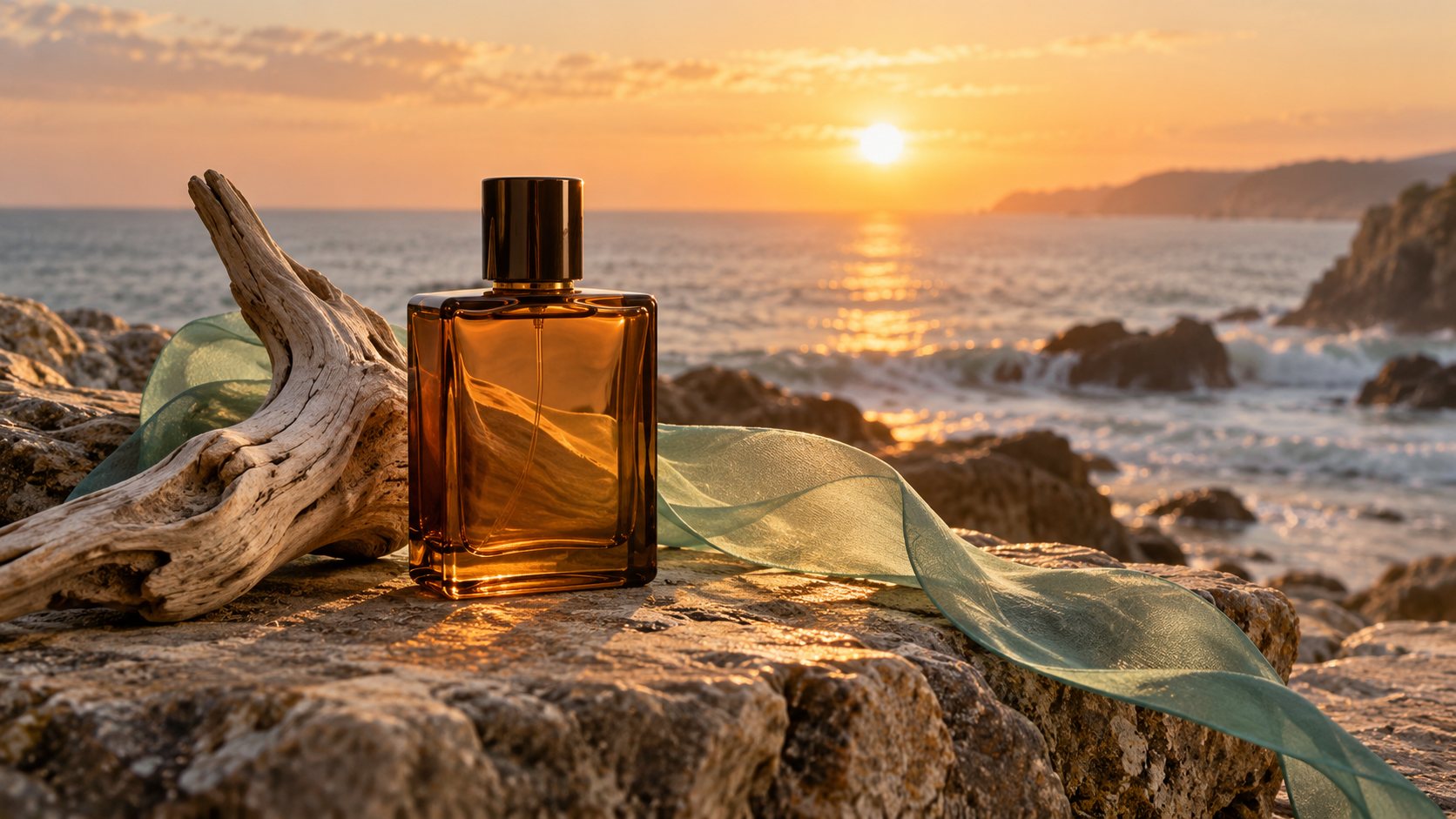
Combine Reference Images with Nano Banana 2.1
Bring compatible references to Nano Banana 2.1 when a brief depends on a particular subject, object, or visual treatment. Explain the role of each image and how the elements should relate in the final scene. Reference fusion is useful for developing a shared direction across otherwise separate materials. Check scale, perspective, lighting, and subject details after generation so the combination feels intentional rather than assembled from unrelated pieces.
Ways to Use Nano Banana 2.1
Different projects need different decisions. Use Nano Banana 2.1 to explore a visual direction, then judge the result against the actual requirements of the campaign, product, story, or presentation you are preparing.

Nano Banana 2.1 for Product Photography Concepts
A product concept benefits from believable surfaces and a clear focal point. Ask Nano Banana 2.1 for a restrained setting with specific materials, light direction, and camera distance. Use references when shape or appearance matters, then inspect the generated product carefully. A pleasing image is only one part of the brief; identifying details and proportions should also match your intended presentation before the asset moves into production.

Explore Campaign Ideas with Nano Banana 2.1
Explore a campaign direction by changing one meaningful variable at a time. Nano Banana 2.1 can help visualize a warmer palette, a quieter background, or a different viewpoint. Keep the central subject and purpose consistent across the brief so the variants answer the same question. Compare composition and tone before choosing a direction. The goal is a useful creative decision, rather than simply a larger collection of attractive images.

Develop Recurring Characters with Nano Banana 2.1
Google reports improved multi-turn character consistency for Nano Banana 2.1. For a story or recurring visual subject, describe the features that define the character and preserve those instructions through revisions. Gemini Nano Banana 2.1 can support this iterative approach, while reference images give the brief additional context. Inspect facial features, clothing, proportions, and distinguishing details each time. Consistency still requires review, especially when the pose or setting changes substantially.
Create Editorial Illustrations with Nano Banana 2.1
An editorial image should express a particular idea rather than decorate an empty space. Give Nano Banana 2.1 a concrete visual metaphor, a defined mood, and a composition that works beside your article. State what the image should communicate without asking it to invent evidence. If the subject involves real events, people, or technical facts, verify those details separately and avoid presenting a generated scene as documentary photography.
Creative Perspectives on Nano Banana 2.1
The most useful creative feedback is specific: what changed, what stayed consistent, and what still needed attention. These perspectives focus on practical ways Nano Banana 2.1 could fit into everyday image development and review.
I like a brief that gives the image a clear job. With Nano Banana 2.1, I would start with the product, surface, and lighting, then decide whether the composition supports the campaign. The part I care about is being able to ask for a particular revision without rewriting every detail. I would still check the product silhouette and materials before sharing a concept with a client.
I like a brief that gives the image a clear job. With Nano Banana 2.1, I would start with the product, surface, and lighting, then decide whether the composition supports the campaign. The part I care about is being able to ask for a particular revision without rewriting every detail. I would still check the product silhouette and materials before sharing a concept with a client.
My first question is whether the picture expresses the idea behind the article. Nano Banana 2.1 would fit into the early concept stage, where I need to see how a metaphor might look. I would keep the brief concrete and review a few directions against the same thesis. A strong visual is useful, but I would never treat a generated scene as proof of a real event.
My first question is whether the picture expresses the idea behind the article. Nano Banana 2.1 would fit into the early concept stage, where I need to see how a metaphor might look. I would keep the brief concrete and review a few directions against the same thesis. A strong visual is useful, but I would never treat a generated scene as proof of a real event.
For presentation work, I want one idea to read clearly at a glance. I would use Nano Banana 2.1 to explore the arrangement, then inspect the image at the size of the actual slide. Short labels and simple relationships matter more to me than decorative detail. I would check the wording myself and simplify anything that makes the audience work too hard to understand the point.
For presentation work, I want one idea to read clearly at a glance. I would use Nano Banana 2.1 to explore the arrangement, then inspect the image at the size of the actual slide. Short labels and simple relationships matter more to me than decorative detail. I would check the wording myself and simplify anything that makes the audience work too hard to understand the point.
The material details are where I spend most of my attention. Nano Banana 2.1 would give me a way to explore different surfaces and lighting around a product concept. I would keep the object description fixed, then compare how each setting changes its appearance. Before using a result, I would inspect edges, reflections, and proportions against the reference rather than assuming the model preserved every detail.
The material details are where I spend most of my attention. Nano Banana 2.1 would give me a way to explore different surfaces and lighting around a product concept. I would keep the object description fixed, then compare how each setting changes its appearance. Before using a result, I would inspect edges, reflections, and proportions against the reference rather than assuming the model preserved every detail.
A character can look appealing and still drift away from the original design. I would use Nano Banana 2.1 with a clear description of the face, clothing, and distinguishing features, then review each revision closely. I like the idea of developing a scene through conversation. My final choice would depend on whether the image keeps the character recognizable while giving the story the expression and movement it needs.
A character can look appealing and still drift away from the original design. I would use Nano Banana 2.1 with a clear description of the face, clothing, and distinguishing features, then review each revision closely. I like the idea of developing a scene through conversation. My final choice would depend on whether the image keeps the character recognizable while giving the story the expression and movement it needs.



Questions About Nano Banana 2.1
Understand the model before you shape a project around it. These answers explain how Nano Banana 2.1 fits into image generation, editing, reference-driven work, and a practical review process for the images you create.
Nano Banana 2.1 is Google’s image generation and conversational editing model, documented under the name Gemini Nano Banana 2.1. It updates Nano Banana 2 with improvements that Google describes in visual quality, prompt adherence, text rendering, and multi-turn consistency. You can use it to develop an image from a written brief or refine an existing visual with instructions. Choose a defined creative objective and review the output against it.
Yes. Nano Banana 2.1 supports image generation from text and conversational image editing. For generation, describe the subject, scene, composition, and visual treatment. For editing, supply the relevant image and state the change you want alongside the details that should remain. Keep follow-up requests focused so you can evaluate their effect. Inspect each revision against the source, since unwanted changes can occur even when your instructions are clear.
Google describes enhanced text rendering and infographic layout accuracy for Nano Banana 2.1. These improvements make text-aware compositions a relevant use case, but they do not remove the need for proofreading. Supply the exact words, describe their hierarchy, and leave enough space around them. Check spelling, punctuation, spacing, and readability at the final display size. For detailed or essential information, consider adding the final typography in your design workflow.
Nano Banana 2.1 supports multi-image fusion, which lets you guide a composition with more than one visual reference. Tell the model which image defines the subject, which suggests the setting, and which provides a visual treatment. Avoid references that conflict without explanation. After generation, compare important details with the source materials, including proportions, perspective, and lighting. References help communicate intent, but they do not guarantee an exact reproduction.
Gemini Nano Banana 2.1 is an update to Nano Banana 2, while Nano Banana Pro remains a separate model in Google’s image family. Google positions 2.1 around efficient image generation and conversational editing, with improvements to several aspects of visual output. Pick a model according to the task and the options in your chosen service. Compare results using a consistent brief rather than assuming that a name alone determines suitability.
Review a Nano Banana 2.1 result for composition, text accuracy, subject details, and consistency with your brief. Inspect faces, hands, reflections, edges, and any product features that viewers might rely on. Verify factual content separately, especially in diagrams or editorial illustrations. Also check the terms and image rights that apply to your chosen service and source material. A polished result still needs your judgment before it becomes a published asset.
Give Nano Banana 2.1 a Clear Creative Brief
Start with one image and one clear purpose. Explore Nano Banana 2.1 with a concrete brief, review the details that matter, and develop the result through focused revisions guided by your own creative judgment.
