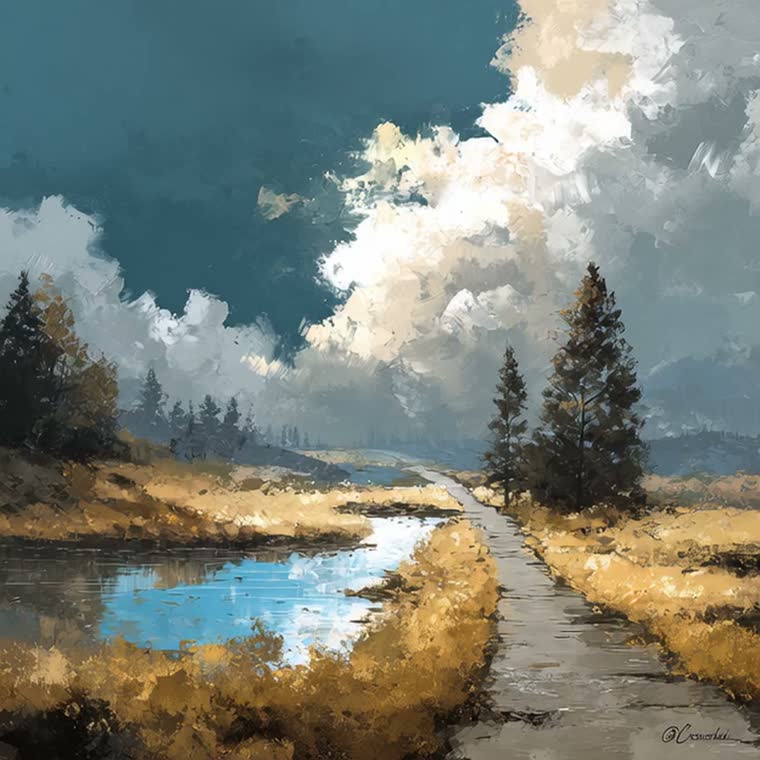
Upload an image, select a direction, and compare the generated result with your original.
AI Image Tools
Everything You Need to Edit Photos Faster
Open the PicEditor AI tools library for background removal, photo enhancement, object cleanup, face swap, upscaling, and more focused image workflows.
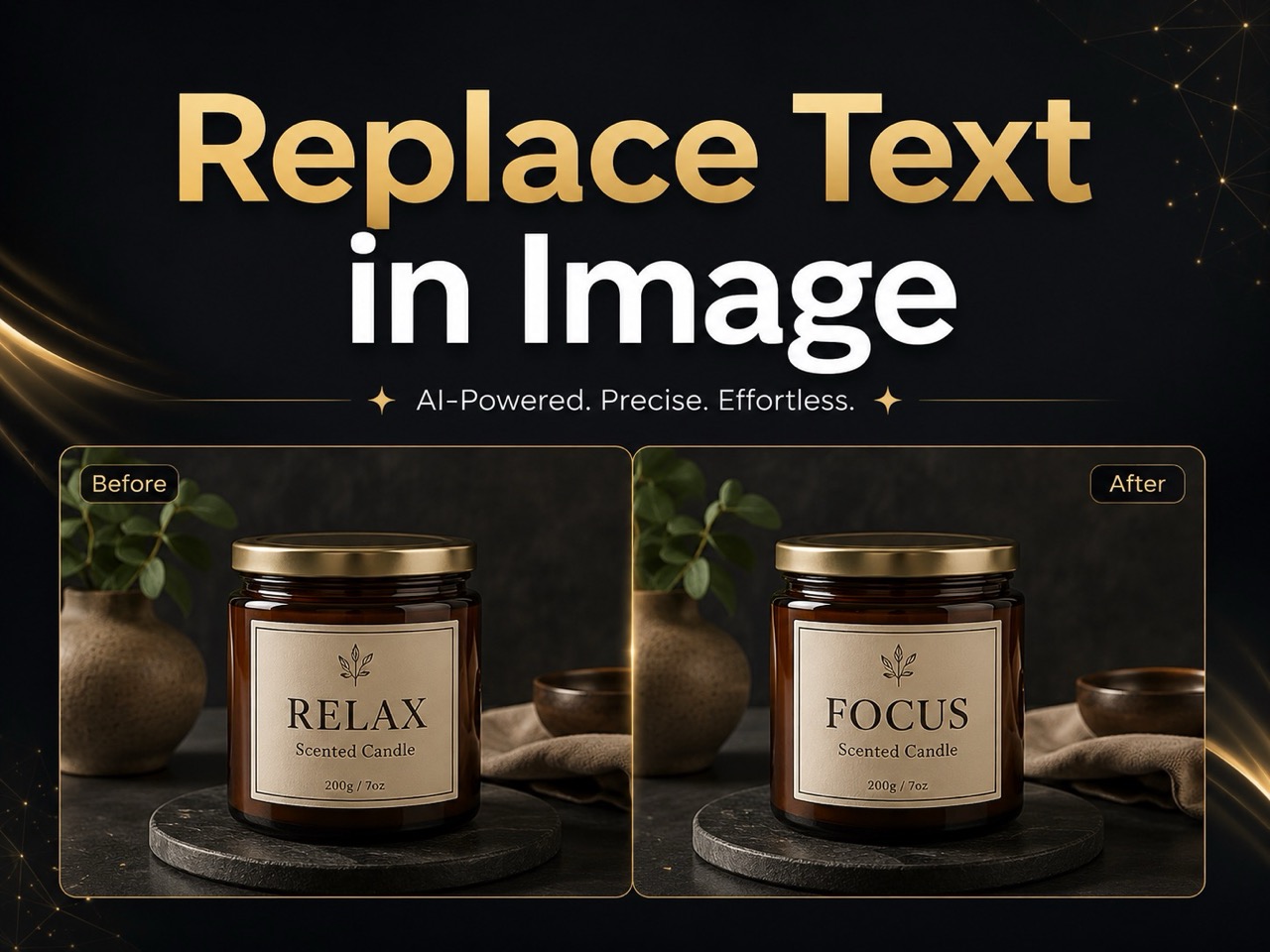
Replace Text in Image
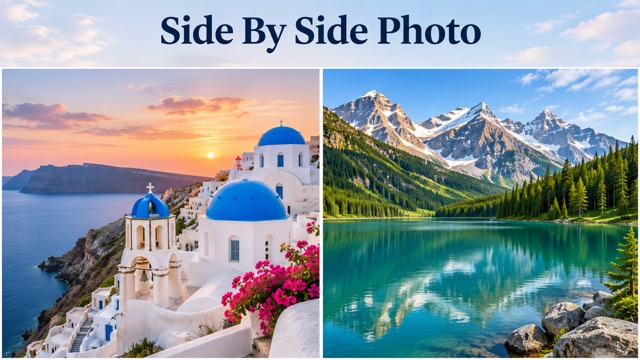
Side By Side Photo
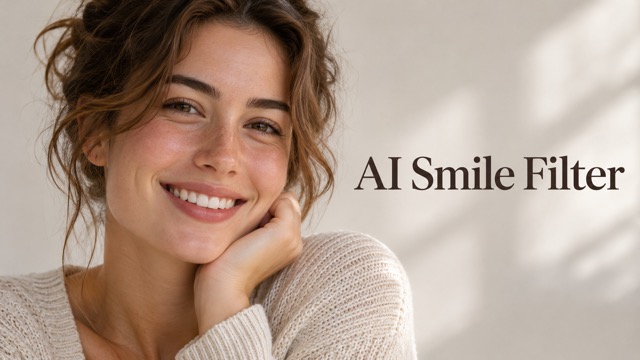
AI Smile Filter
Change Image Pose
Remove Background From Signature

Snowman Bestie Photo
1980s AI Photo Generator
AI Cow Makeup Photo

Sheru Bhai AI Photo
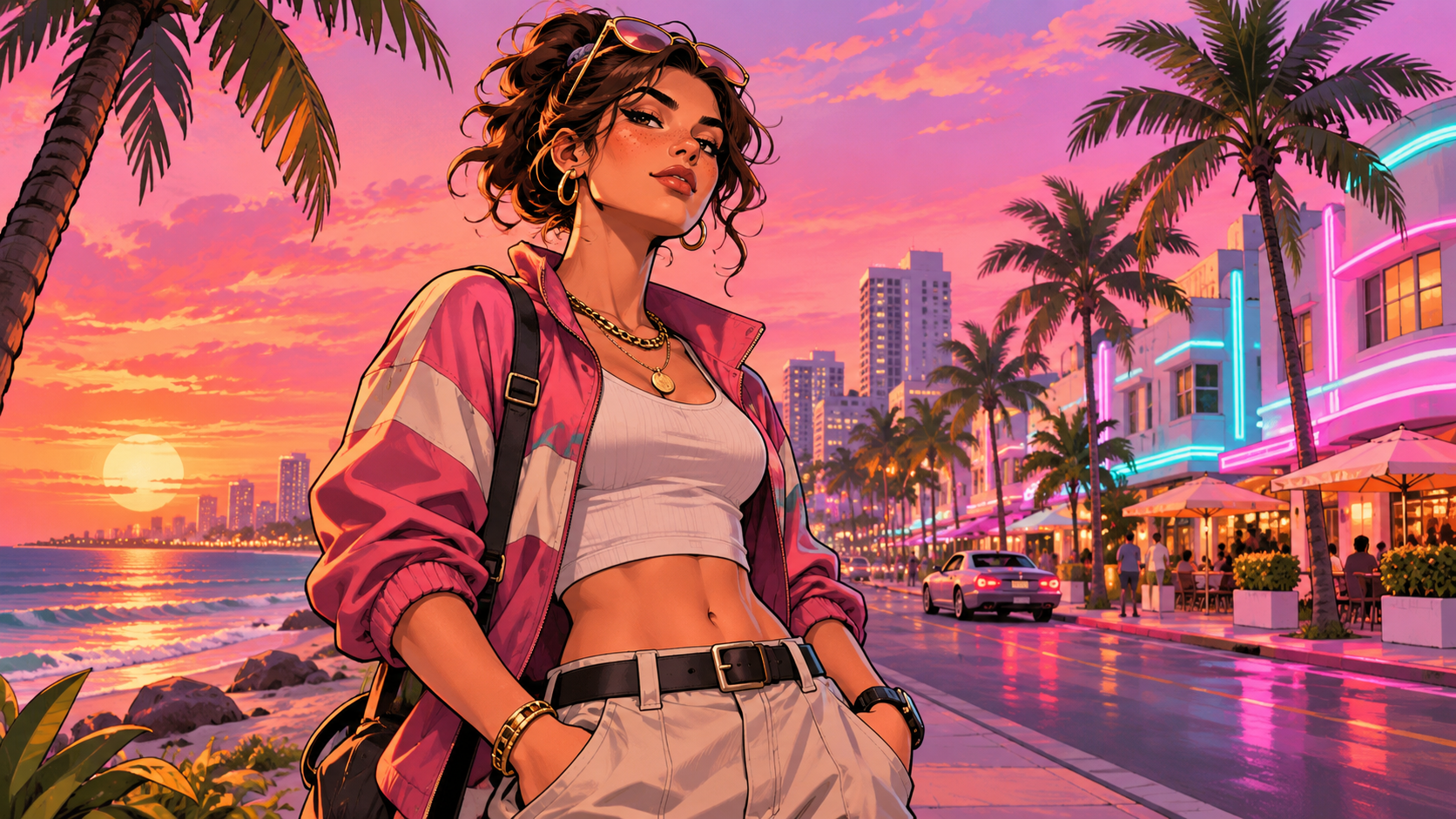
GTA 6 AI Photo
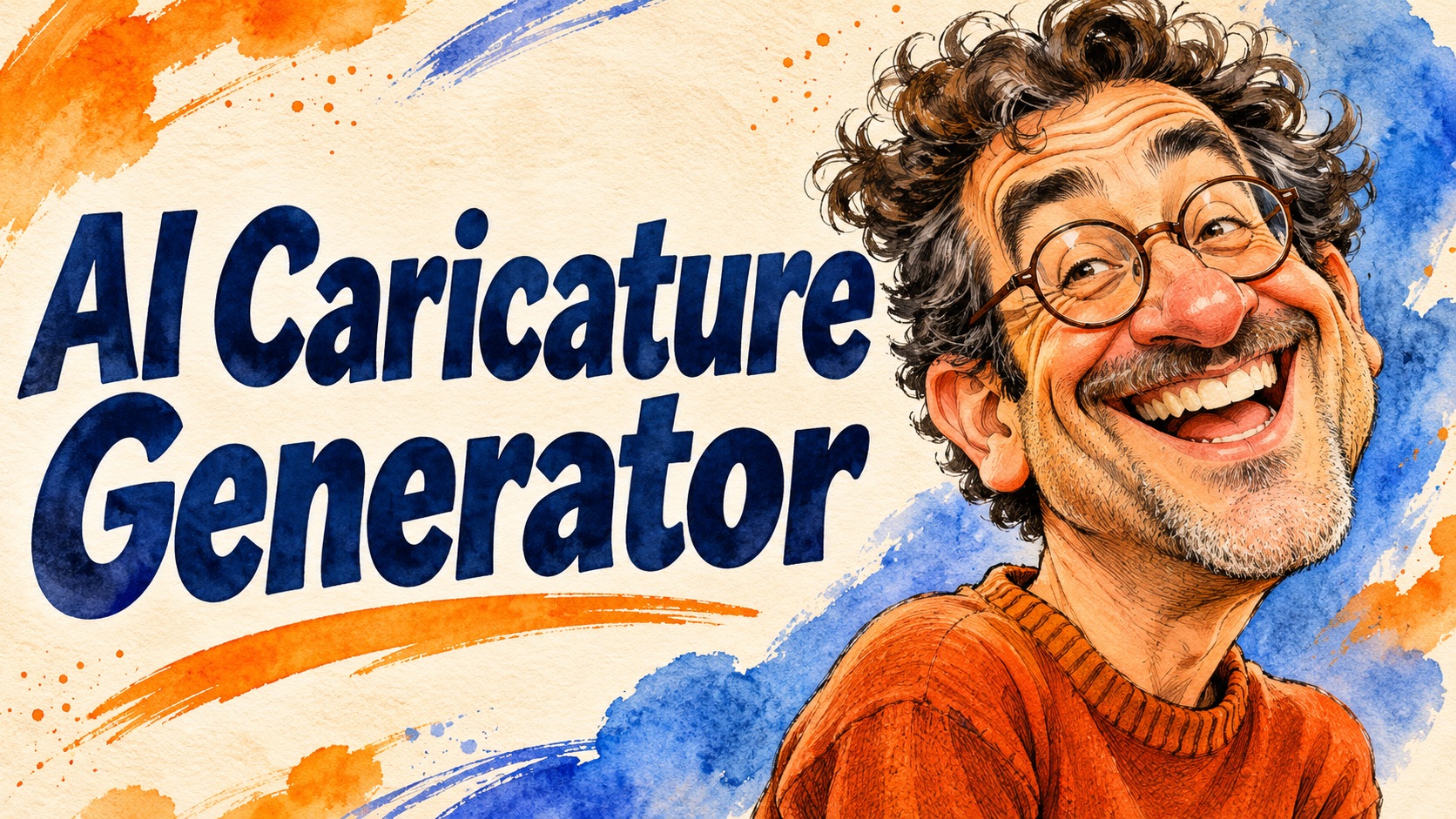
AI Caricature Generator
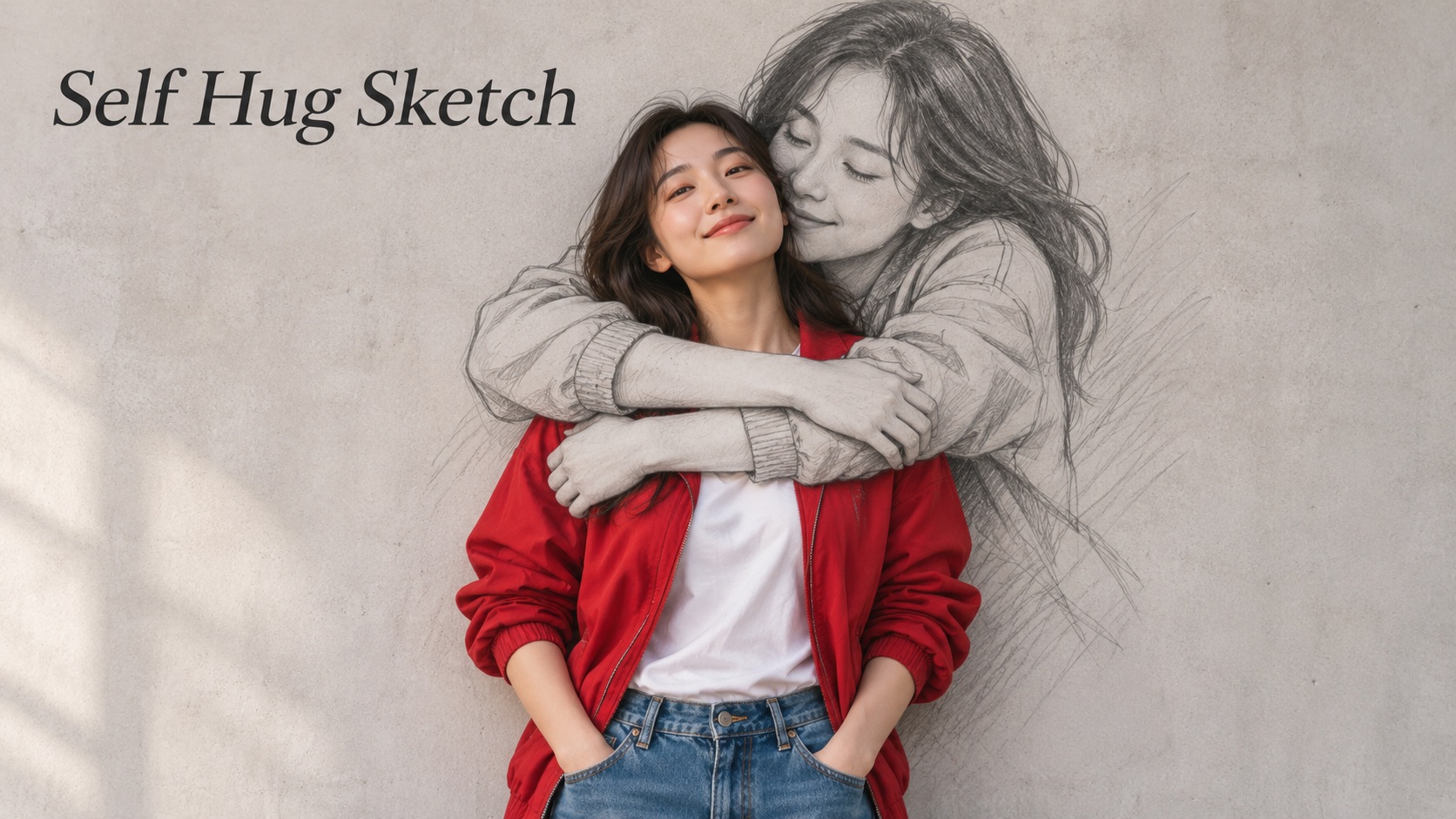
Self Hug Sketch

AI Snow Globe Photo

GTA 6 Loading Screen AI
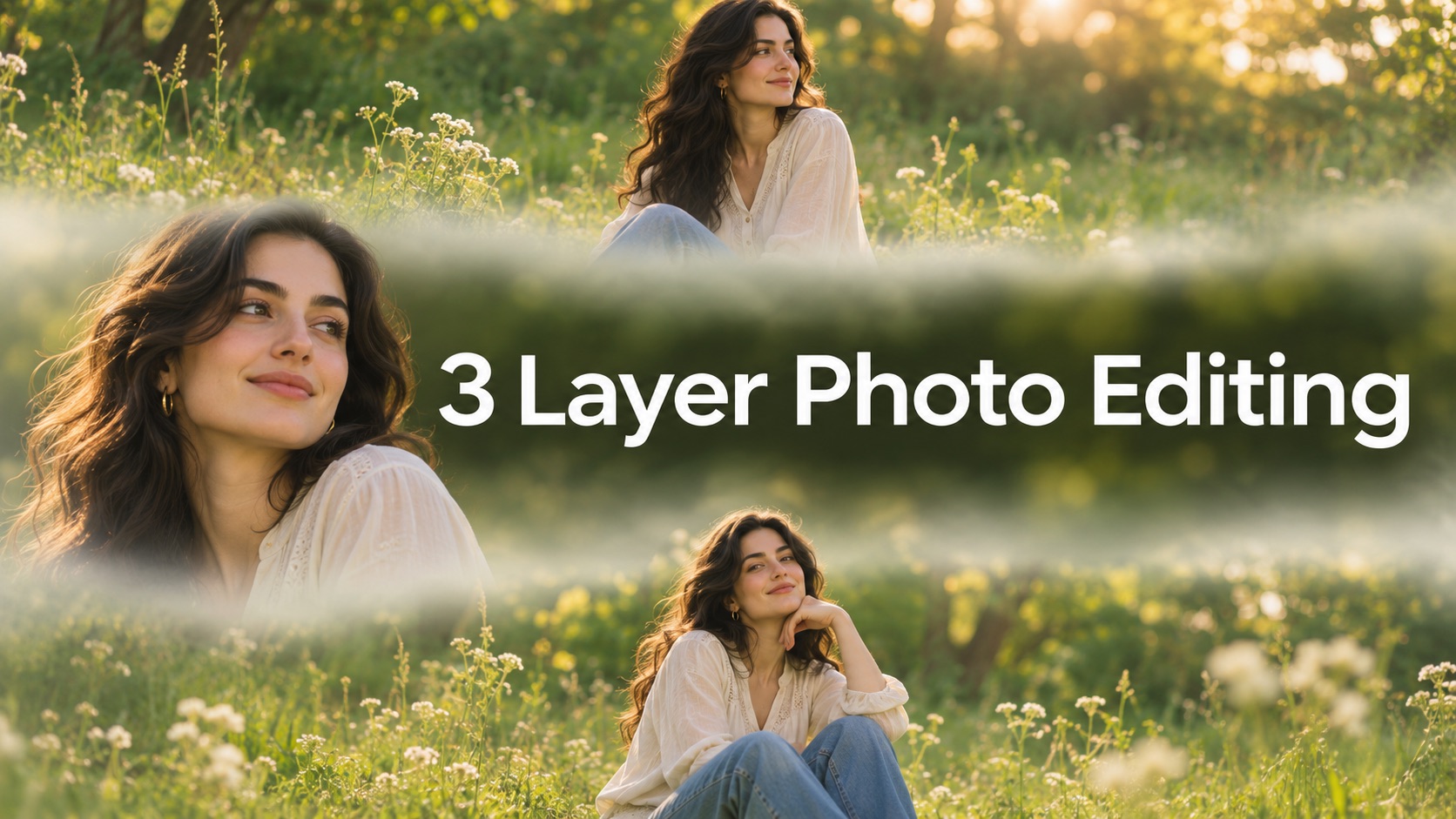
3 Layer Photo Editing

Make Them All Wear White Trend
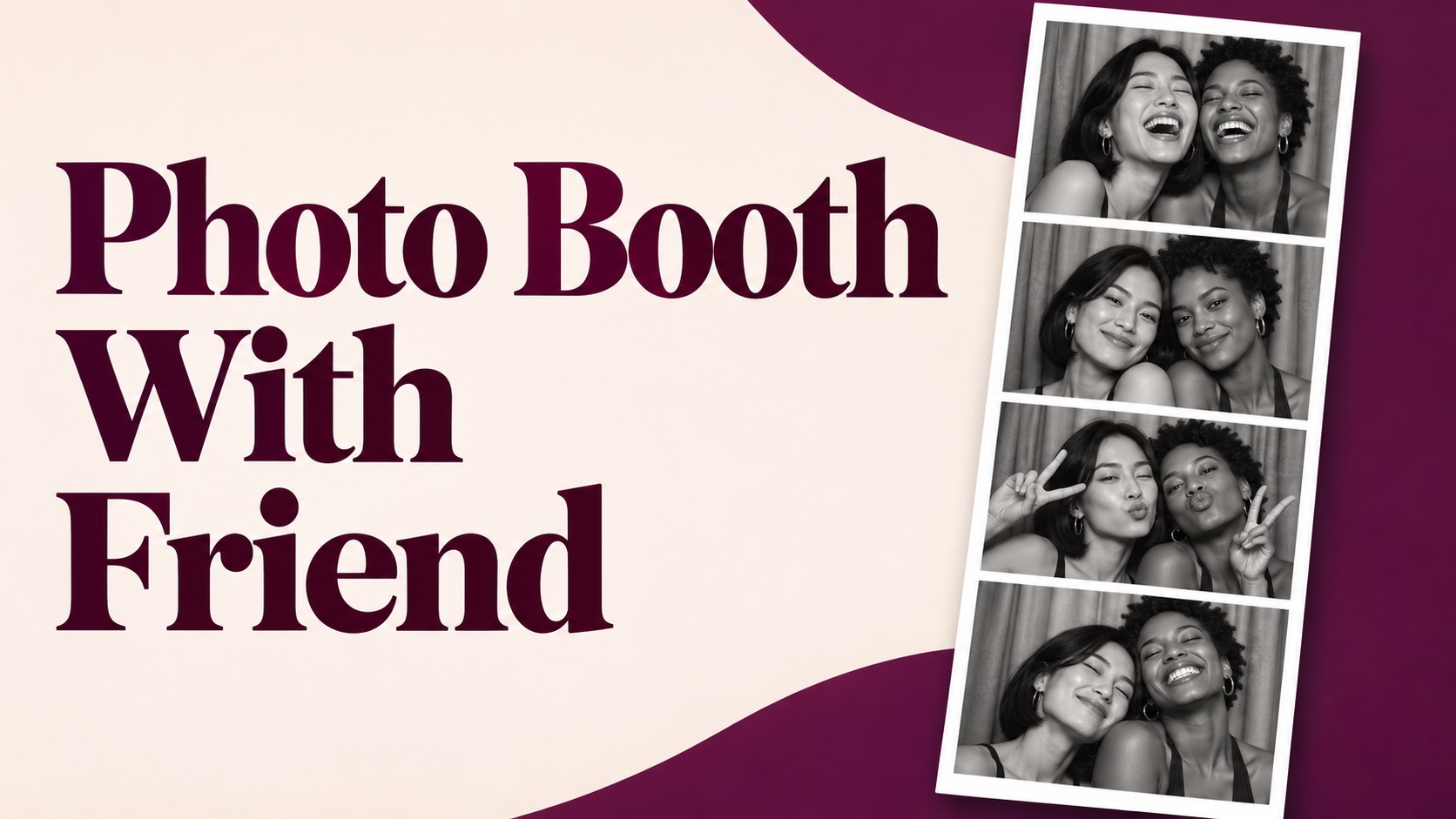
Photo Booth With Friend
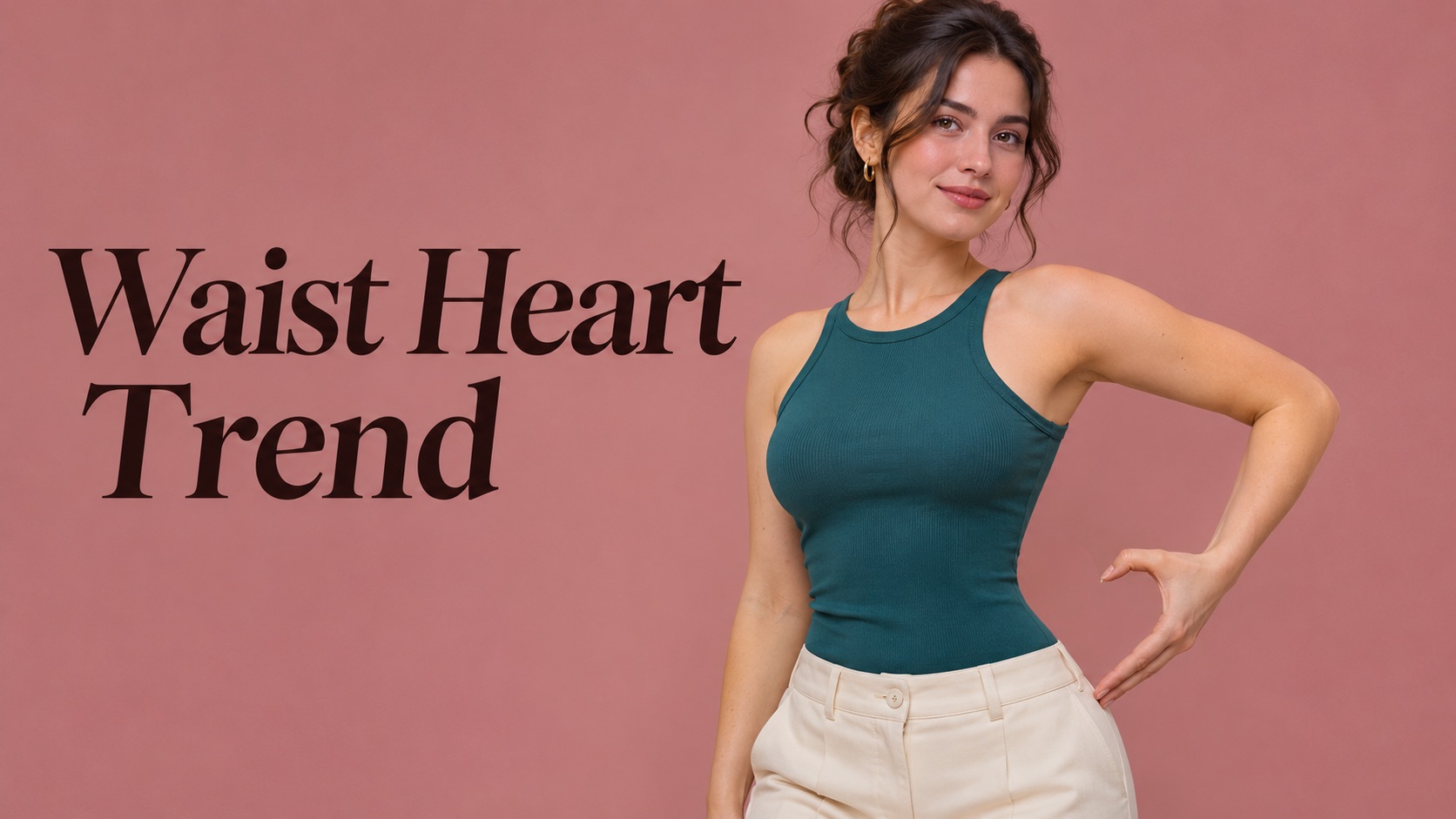
Waist Heart Trend

Bold Glamour Filter
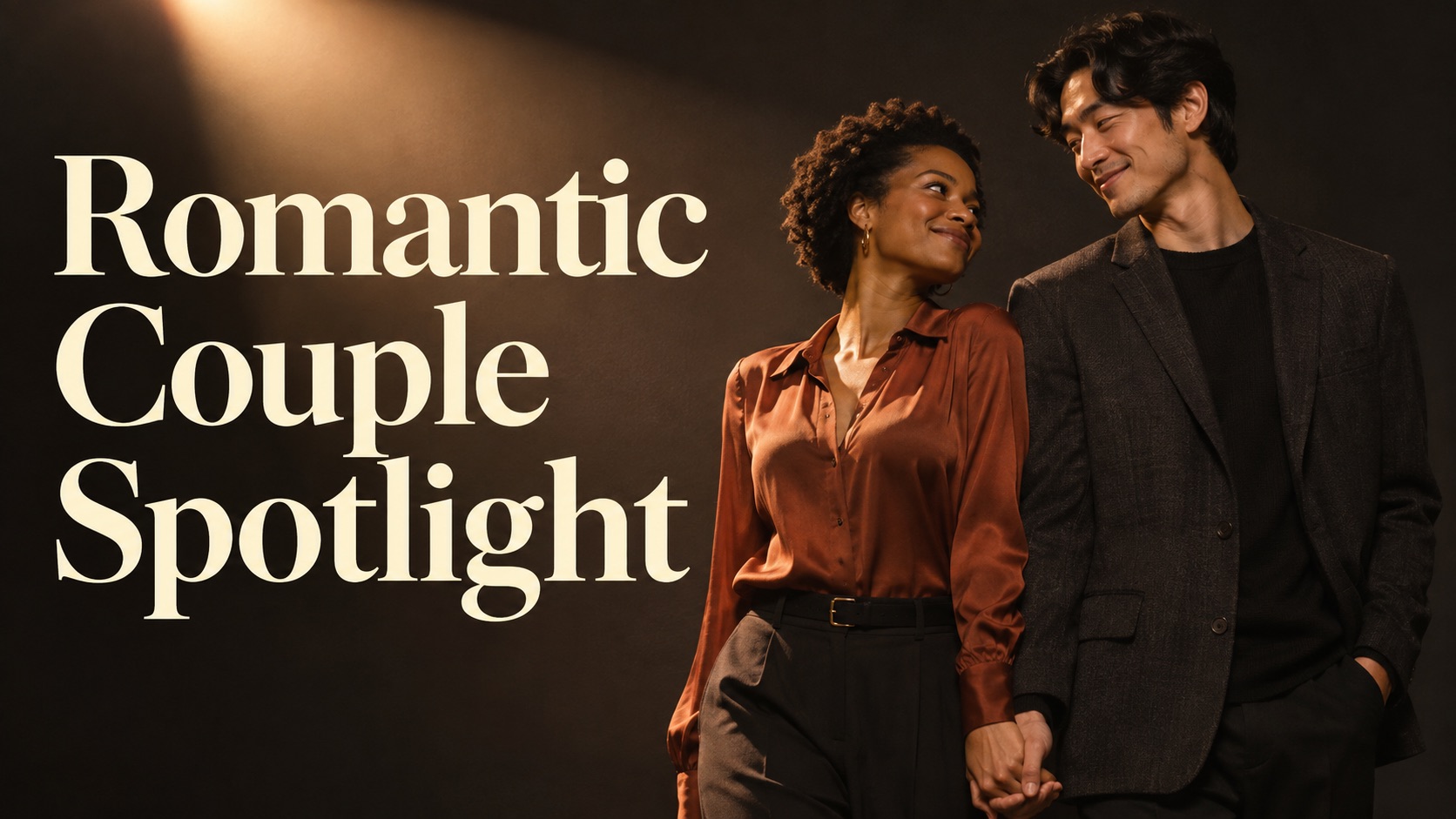
Romantic Couple Spotlight
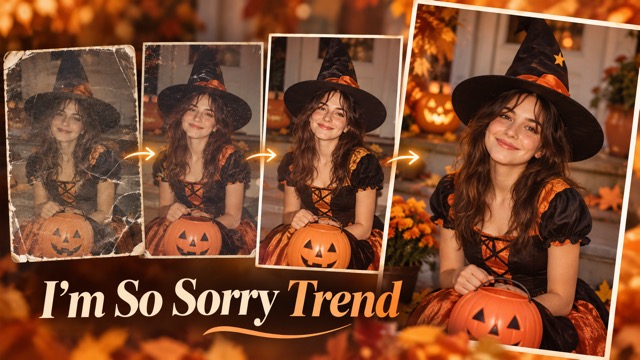
I'm So Sorry Trend AI Photo Editor
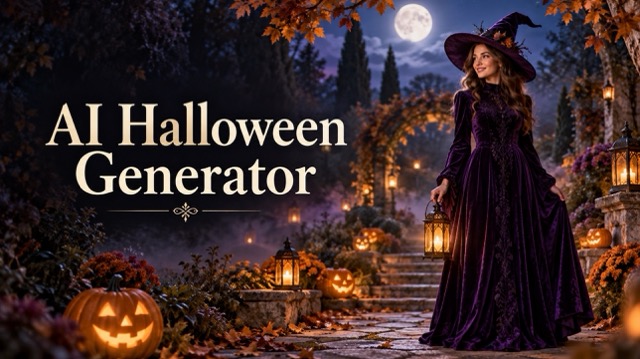
AI Halloween Generator
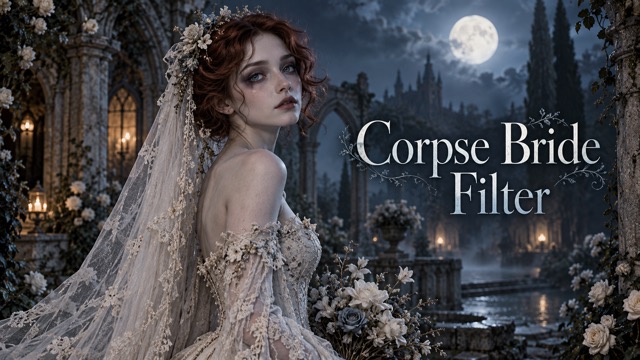
Corpse Bride AI Filter
Mirror Image Online: Flip Photos Horizontally Or Vertically
Mirror Image With AI For A New Perspective
Use Mirror Image to explore a reversed view of a photo. Upload a picture, choose a direction, and generate an AI edit. Compare the mirror image with your original before using it in a design or sharing it.
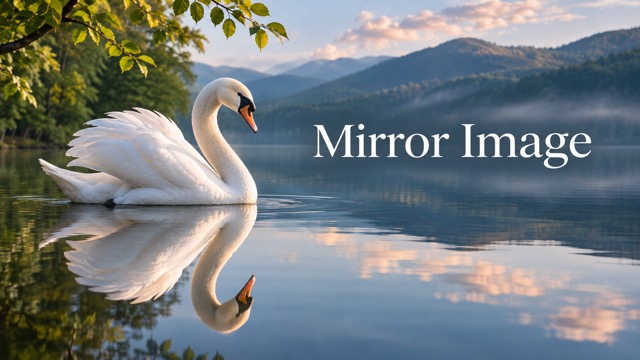
How To Mirror Image Online
Follow these steps to create a mirror image and check the direction of the result.

Upload An Image
Choose a clear source photo for your mirror image. Include the full subject and any details you want to retain.

Choose A Direction
Select horizontal or vertical to guide the mirror image edit. Horizontal reverses left and right; vertical reverses top and bottom.

Generate And Compare
Generate the mirror image and compare it with the original. Check faces, text, edges, and other important details after you flip image content.

Save Your Result
When the mirror image suits your project, save it and review it in the layout where you plan to use it.
Mirror Image Ideas For Photos And Designs
Explore ways to flip image orientation and use a mirror image in different projects.
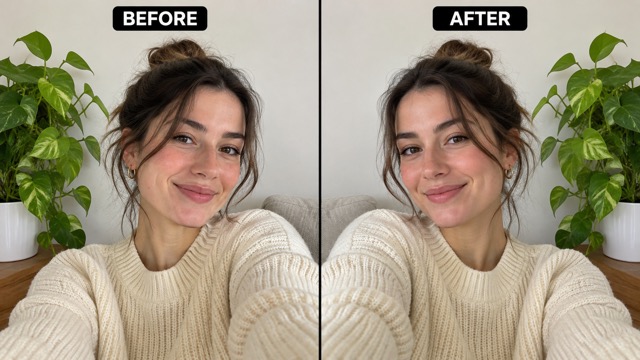
Mirror Image Horizontally For A Different View
A horizontal mirrored image reverses the left and right sides of a scene. It can help you explore a different visual balance when a portrait, object, or background faces away from the space available in your layout. Choose the horizontal option and compare the mirror image with the original.
When you flip image orientation, the apparent direction of a subject changes. A mirrored image can place a person toward a headline or make a product face into a composition. Look carefully at text, logos, jewelry, and other asymmetric details: an AI-generated mirror image may alter them. Keep your original and choose the result that fits your purpose.
Use a mirrored image to try an alternate arrangement before committing to a design. If you flip image content for a banner, leave room for the surrounding elements and check the result at its intended size.
Mirror Image Vertically For Creative Compositions
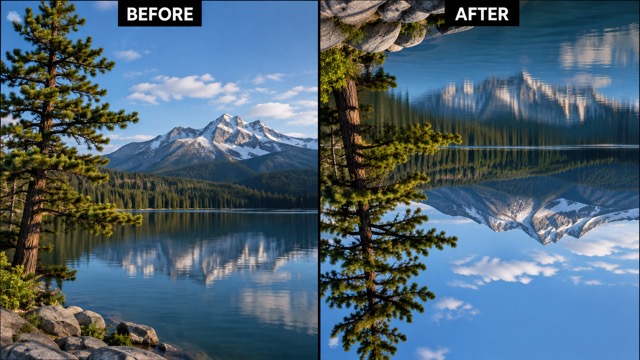
A vertical mirror image reverses the top and bottom of the source. This can change the feeling of a landscape, a pattern, or an abstract background. Select vertical when you want to flip image orientation and explore an unexpected version of the scene.
A mirrored image of a mountain or shoreline can suggest a reflection, while the original and a mirror image can also be arranged together in a separate collage. The generated result is an AI edit, so compare its structure, horizon, and small details with your source. Use a clear photo with visible boundaries to make your mirrored image easier to review.
For an artistic layout, flip image content and experiment with placement in your design editor. A mirror image can be a starting point for a poster, a background, or a visual study.
Flip Image Direction For Product Layouts
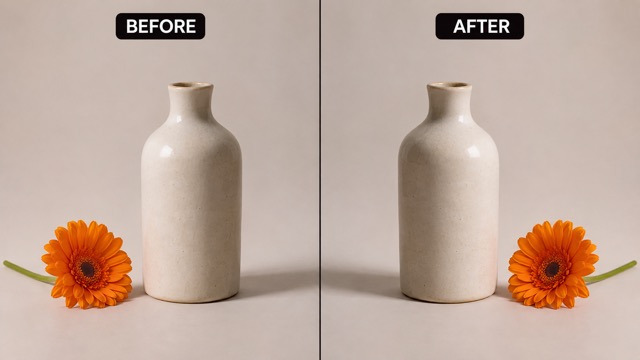
A mirrored image can help you consider how a product appears beside text or other items. If the object points toward the edge of a design, try a mirror image that faces the other way. Upload your source, select the direction, and review the generated image alongside the original.
When you flip image content for a product listing, accuracy matters. Check packaging, labels, marks, and the shape of the item. A mirrored image may reverse writing, and AI editing can change visual details. Use a suitable source and inspect the result before publishing it.
A mirror image can also help you test variations for a mood board or presentation. When you flip image orientation for a campaign, review it at the final display size and confirm it represents the product correctly.
Mirror Image For Portraits And Creative Projects
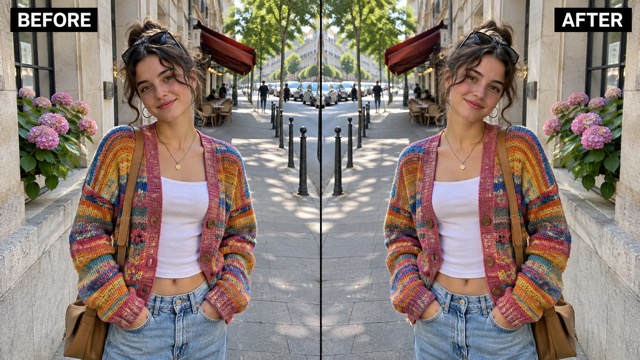
Try a mirrored image when you want a fresh version of a portrait for a profile, collage, or personal design. A horizontal mirror image changes the direction of the scene and may reveal a different composition. Choose the orientation that suits your project and inspect the generated details.
If a selfie contains backward writing, a mirrored image may help you explore the opposite orientation. After you flip image content, compare the text and facial features with the original rather than assuming that every detail is preserved. AI edits can vary between results.
Pair a mirror image with other design elements to develop a creative idea. You can flip image content for a visual experiment, then place the saved result in your preferred editor. Keep the original photo available for comparison.
Where To Use A Mirror Image
A mirror image gives you another way to explore the orientation of a visual.

Selfies And Portraits
Create a mirror image of a portrait to compare its left-to-right orientation. When you flip image content, review facial details and any text in the scene.

Product Presentations
Try a mirror image when testing the direction of a product in a layout. Check the result for accurate labels and recognizable details.

Posters And Banners
Use a mirror image as an alternate visual direction for a poster. Flip image elements to explore how a subject relates to surrounding copy.

Creative Collages
Combine an original with a mirror image in your design editor. Flip image orientation to explore symmetry, patterns, and contrasting arrangements.
Mirror Image Questions
Learn how to select a direction and review a mirror image.
A mirror image reverses an image along an axis. A horizontal mirror image swaps left and right; a vertical mirror image swaps top and bottom.
Upload your photo, choose a horizontal or vertical direction, and generate the edit. Compare the mirror image with your source before saving it.
Choose the direction that suits your project. Horizontal is intended to flip image content left to right, while vertical is intended to reverse it top to bottom. Review the mirror image to see how the AI interpreted your selection.
AI editing can change details as it generates a mirror image. Compare faces, lettering, logos, and other important features with your original. For an exact pixel-level flip, use a conventional image editor.
A mirror image can help you explore a layout, but inspect the product, branding, and writing carefully. When you flip image content, text may appear reversed or be changed by the edit.
A mirror image reverses content across an axis. Rotation turns the image around a point, such as by 90 or 180 degrees. Choose the transformation that matches your intended composition.
Mirror Image For Your Next Design
Upload a photo, choose a direction, and generate a mirror image. Compare the result with your source before using it in a layout. Flip image orientation to explore a new composition.