Upload one clear portrait to create a close-up with your snowman bestie.
AI Image Tools
Everything You Need to Edit Photos Faster
Open the PicEditor AI tools library for background removal, photo enhancement, object cleanup, face swap, upscaling, and more focused image workflows.

Replace Text in Image
Side By Side Photo
AI Smile Filter
Mirror Image
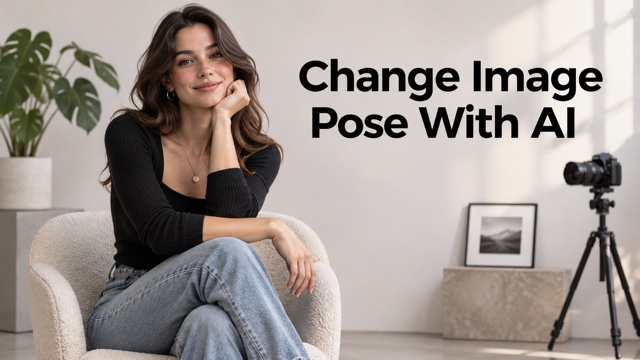
Change Image Pose

Remove Background From Signature
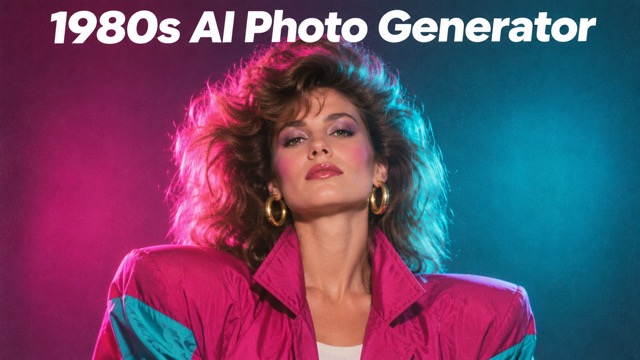
1980s AI Photo Generator
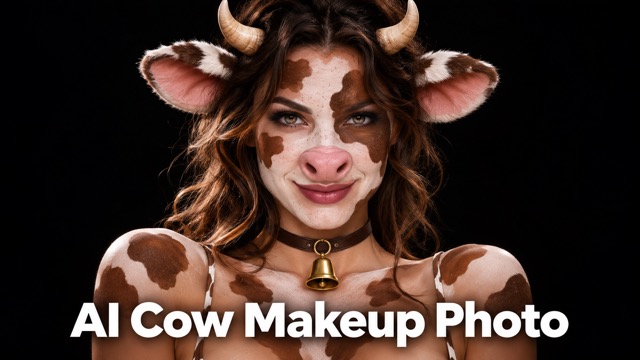
AI Cow Makeup Photo

Sheru Bhai AI Photo
GTA 6 AI Photo
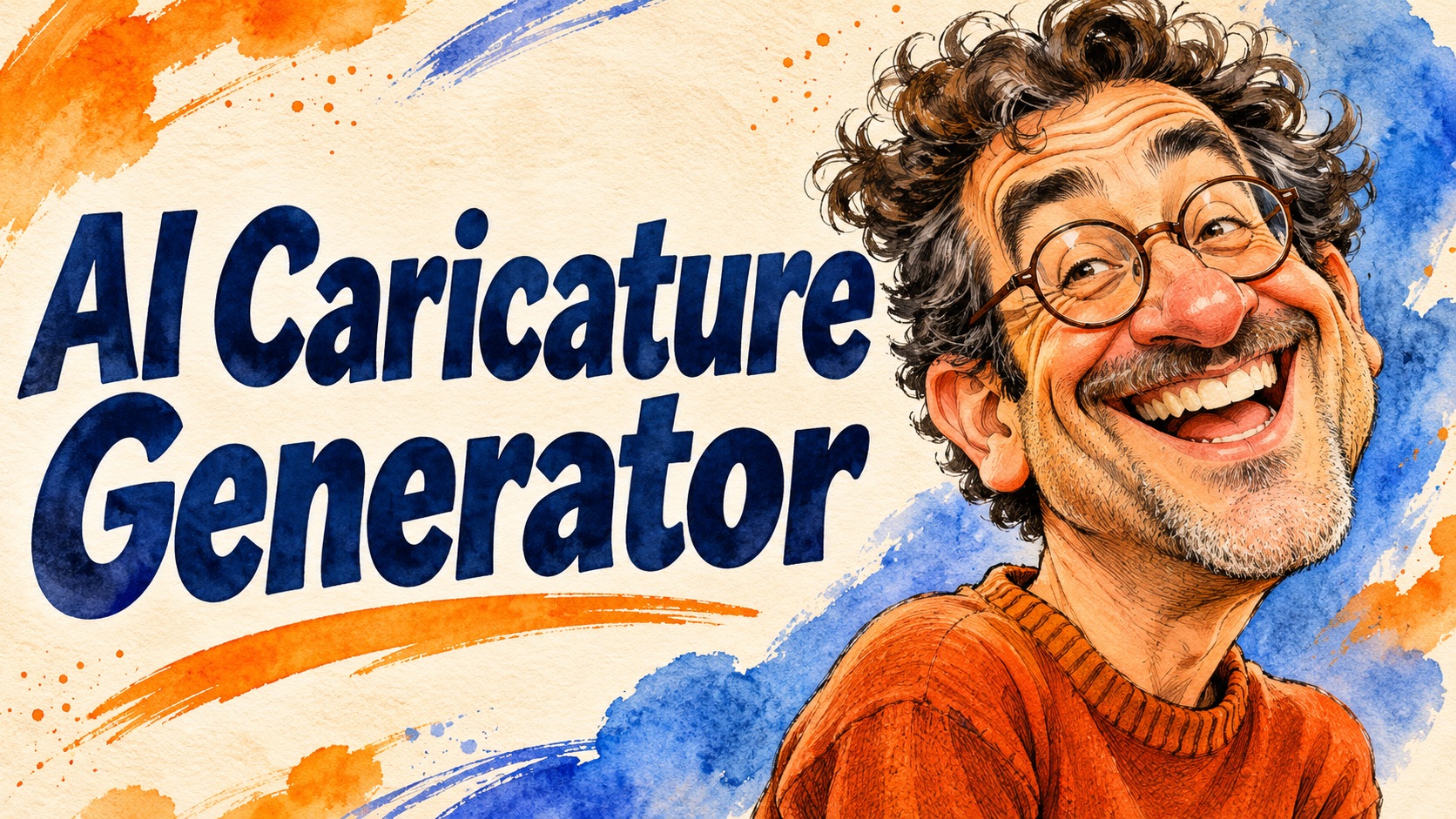
AI Caricature Generator
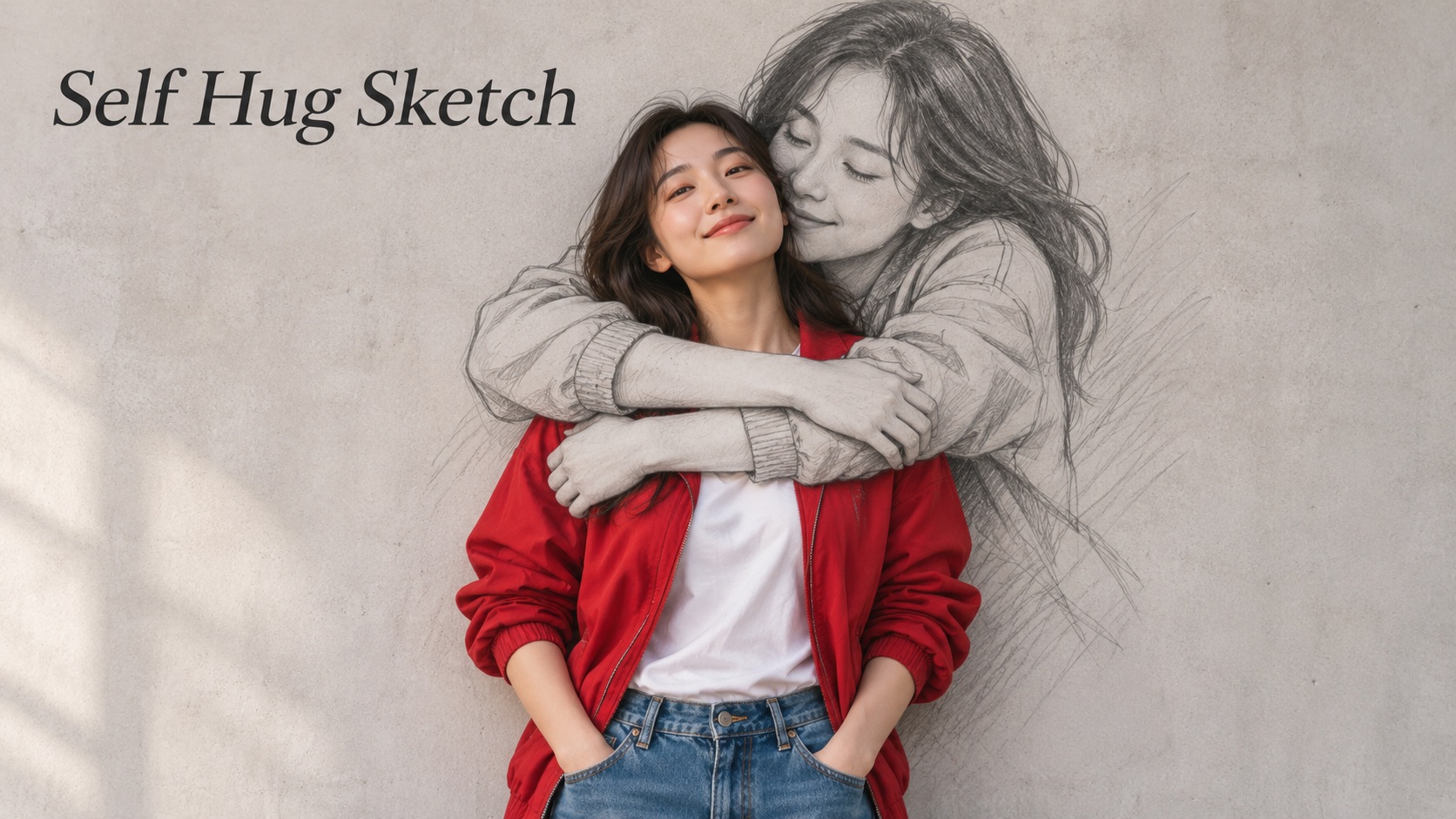
Self Hug Sketch
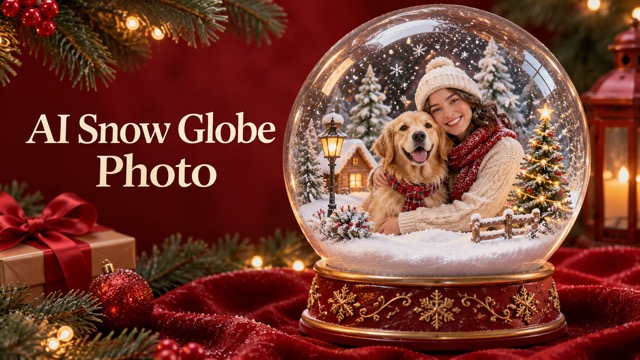
AI Snow Globe Photo

GTA 6 Loading Screen AI
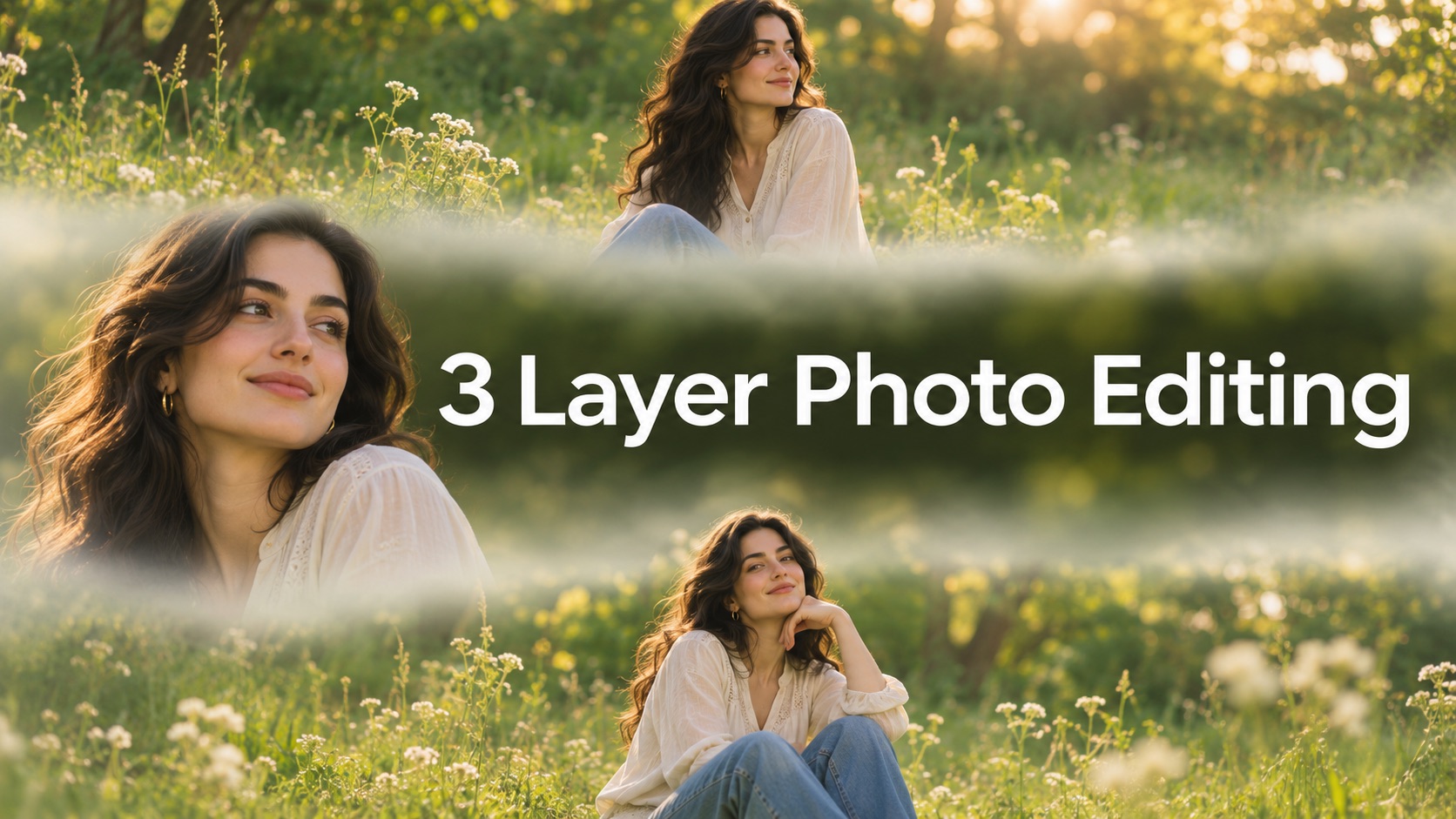
3 Layer Photo Editing

Make Them All Wear White Trend
Photo Booth With Friend
Waist Heart Trend

Bold Glamour Filter
Romantic Couple Spotlight
I'm So Sorry Trend AI Photo Editor
AI Halloween Generator
Corpse Bride AI Filter
Snowman Bestie Photo: Meet Your Winter Friend
One Portrait, One Snowy Bestie
Make a Snowman Bestie Photo with a friendly snowman leaning into your winter portrait. Upload one clear picture to create a close-up with snowy pines and cozy knitwear. Snowman Bestie Photo gives your familiar face a new seasonal setting without writing a prompt.
How To Make A Snowman Bestie Photo
Start your Snowman Bestie Photo with a clear portrait and follow these four steps to create a winter portrait.

Upload A Portrait
Choose one well-lit photo with your face and hair visible. Your upload provides the identity reference for your Snowman Bestie Photo.

Generate Your Winter Scene
Check the displayed settings and cost, then start generation. The prepared direction creates the winter portrait scene.

Review Both Faces
Look closely at your Snowman Bestie Photo, including your likeness, the snowman's expression and the contact between the two subjects.

Save Your Favorite
Download the winter portrait you like. You can try another generation or a different portrait if you want a new Snowman Bestie Photo.
What Makes A Snowman Bestie Photo Special
A Snowman Bestie Photo combines a familiar face with a playful winter companion. Explore the details that shape the snowman selfie.
A Close-Up With Your Snowy Bestie
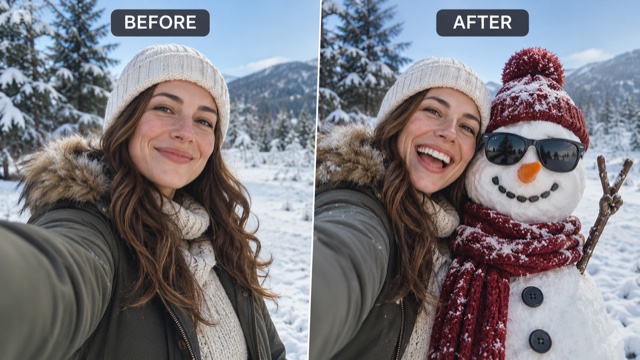
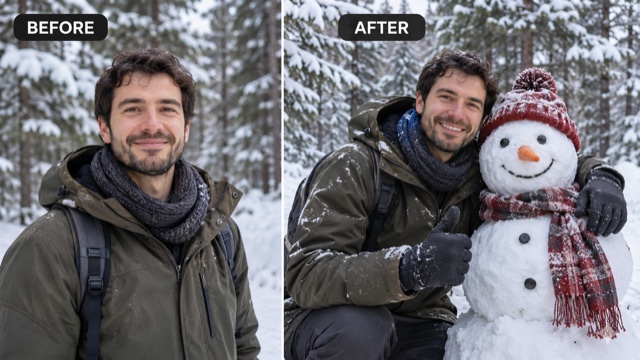
Snowman Bestie Photo frames you and your snowman close together, as if a friend has leaned into a phone camera. The shoulders-up composition keeps both faces prominent, while a cheerful carrot nose and rounded snowy features make the companion easy to recognize. A winter portrait works best when your source image gives the model a clear view of your eyes, face and hair.
The prepared direction asks the model to retain your recognizable features while placing a separate snowman next to you. Each Snowman Bestie Photo is newly generated, so compare the expression and proportions before choosing the image you want to keep. A clear view of both faces makes the winter portrait easy to enjoy even in a smaller crop.
Snowy Pines And Soft Winter Light
A snowy pine forest gives your Snowman Bestie Photo a seasonal backdrop without taking attention away from the two faces. Soft daylight, gentle snow and natural shadows bring the person and snowman into one scene. In a snowman selfie, the landscape supports the friendship instead of becoming the main subject.
Start with an evenly lit portrait for your Snowman Bestie Photo. The generated background can change from one result to another, so look for a version where the snowman is distinct and your features remain recognizable. A snowman selfie can feel bright and playful while keeping the setting simple enough for a social post or a personal greeting.
Cozy Accessories And A Playful Pose
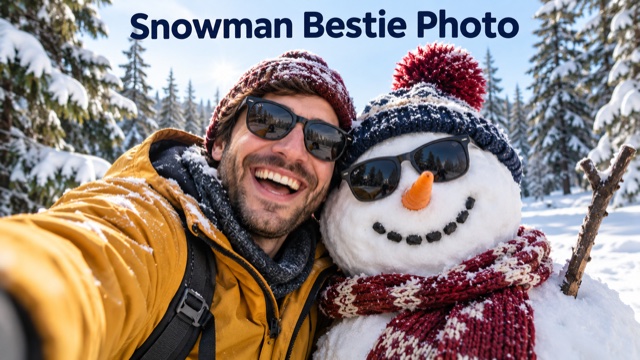
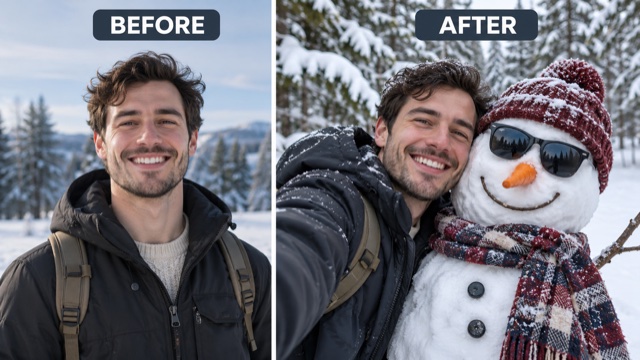
Your Snowman Bestie Photo gives the snowman sunglasses, a pom-pom beanie and a knitted scarf for a friendly winter look. A twig peace sign adds a playful gesture near the close-up. The snowman selfie places these details around the character while preserving the person as a separate human subject.
Look at the hands, twig arms and glasses when reviewing your Snowman Bestie Photo. Small details can vary between generations, so choose the image where the pose reads clearly and both faces are visible. If a snowman selfie feels crowded, try a source portrait with open space around your shoulders and a direct view of your face.
One Portrait And A Prepared Direction
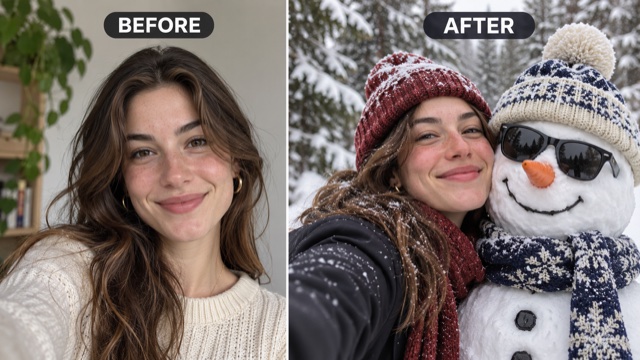
Snowman Bestie Photo starts with a single portrait and a built-in description of the winter scene. You do not need to write a long prompt to place your snowy companion beside you. The snowman selfie uses your upload as a visual reference and creates a new composition around it.
Choose a sharp image where your face is unobstructed, then review the result at a useful size. Your Snowman Bestie Photo may interpret hair, clothing and expression differently, so a second source can give you another starting point. Use the snowman selfie as a seasonal picture, a message to a friend or a playful image for your profile.
Ideas For Your Snowman Bestie Photo
Give your Snowman Bestie Photo a place in your winter plans. Each snowman selfie begins with the same friendly close-up and can be shared in your own way.

A Seasonal Profile Picture
Use a Snowman Bestie Photo to give your profile a winter update. Check the crop before posting: a snowman selfie should leave enough room for both faces, especially in a circular avatar. Save a version with a clear expression and a readable silhouette.

A Holiday Greeting
Turn your Snowman Bestie Photo into the picture for a seasonal message. Add your own greeting in a separate editor or messaging app after downloading. The snowman selfie gives the card a personal face and a cheerful companion.

A Winter Social Post
Share a Snowman Bestie Photo with a short caption about your new snowy friend. A snowman selfie can stand on its own in a feed, or accompany a collection of your favorite winter pictures. Review your chosen crop before posting.

A Playful Message To A Friend
Make a Snowman Bestie Photo as a lighthearted surprise for someone who loves winter. Send your snowman selfie in a group chat or save it as a seasonal keepsake. Choose a portrait you have permission to use.
Creative Ideas For Snowman Bestie Photo
Explore possible ways to enjoy a Snowman Bestie Photo and a snowman selfie.
A Snowman Bestie Photo gives my seasonal profile idea a cheerful companion.
A Snowman Bestie Photo gives my seasonal profile idea a cheerful companion.
I like the close framing of a snowman selfie for a playful winter post.
I like the close framing of a snowman selfie for a playful winter post.
A Snowman Bestie Photo is a fun starting point for a holiday greeting.
A Snowman Bestie Photo is a fun starting point for a holiday greeting.
The snowy forest makes a snowman selfie feel like a tiny winter adventure.
The snowy forest makes a snowman selfie feel like a tiny winter adventure.
I enjoy the cozy scarf and sunglasses in a Snowman Bestie Photo.
I enjoy the cozy scarf and sunglasses in a Snowman Bestie Photo.
A snowman selfie adds a lighthearted touch to a winter message.
A snowman selfie adds a lighthearted touch to a winter message.

Snowman Bestie Photo Questions
Learn how to prepare your portrait, review a Snowman Bestie Photo and use your snowman selfie.
A Snowman Bestie Photo is an AI-generated winter portrait that places your likeness beside a friendly snowman. The snowman selfie uses a close composition, snowy pines and cozy accessories to create a playful best-friends scene.
For a Snowman Bestie Photo, choose one sharp, well-lit portrait with one face visible. Avoid heavy shadows, hands across the face or a tiny subject. A clear reference makes it easier to compare your features with the finished snowman selfie.
No. Snowman Bestie Photo has a prepared scene direction. Upload one portrait and start generation after checking the displayed settings and cost. The direction describes the snowman selfie, so you can begin without writing a prompt.
The Snowman Bestie Photo direction asks the model to preserve recognizable features, skin tone and hairstyle. Results can vary. Inspect your face and expression in the snowman selfie and try another portrait or generation if you prefer a different result.
You can download a Snowman Bestie Photo you like and use it as the image in a personal winter greeting. Add any precise text separately after saving your snowman selfie.
Review your Snowman Bestie Photo at a larger size. Look at both faces, the snowman's accessories, hands and twig arms, and check the crop in the app where you plan to share. Choose the snowman selfie that best matches your idea.
Create Your Snowman Bestie Photo
Bring a snowy friend into your next portrait. Upload one clear picture, make a Snowman Bestie Photo and choose the snowman selfie you want to save.