AI Image Tools
Everything You Need to Edit Photos Faster
Open the PicEditor AI tools library for background removal, photo enhancement, object cleanup, face swap, upscaling, and more focused image workflows.
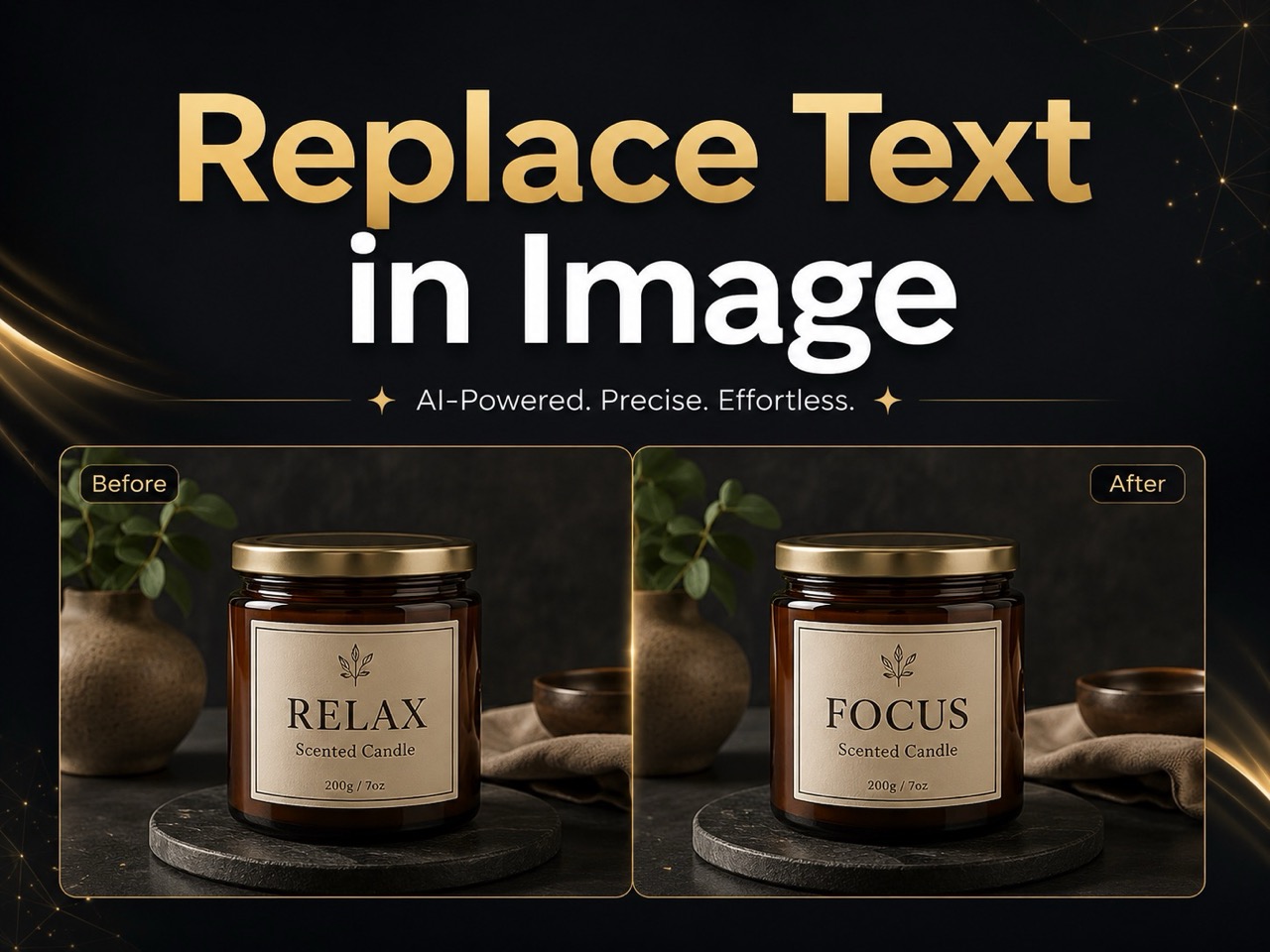
Replace Text in Image
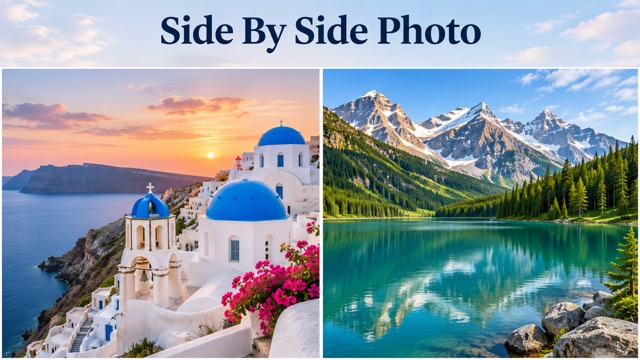
Side By Side Photo
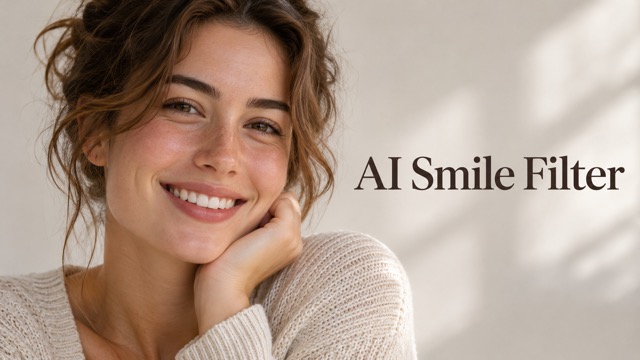
AI Smile Filter
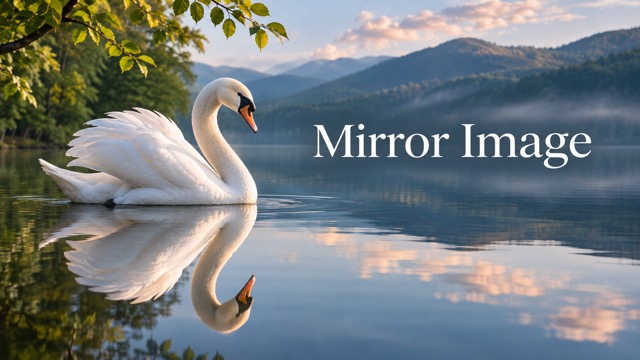
Mirror Image
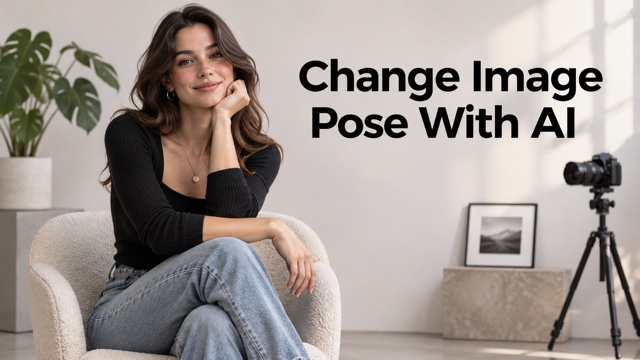
Change Image Pose
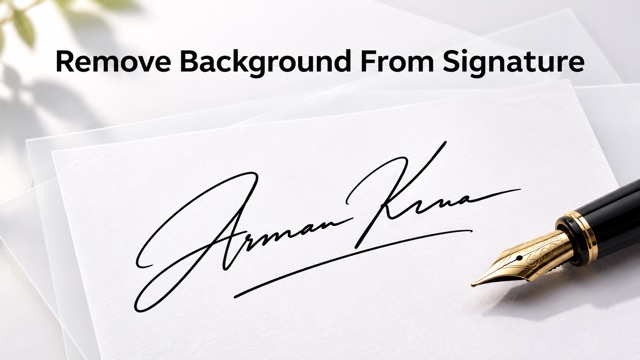
Remove Background From Signature

Snowman Bestie Photo
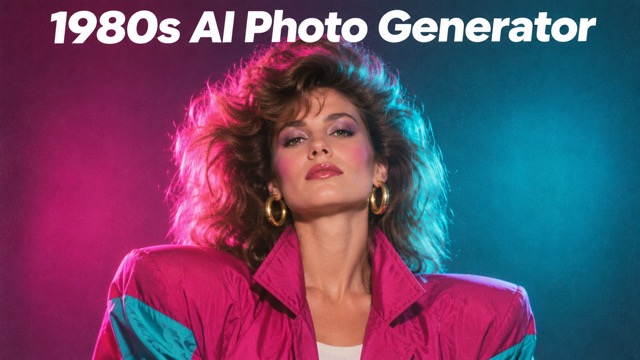
1980s AI Photo Generator
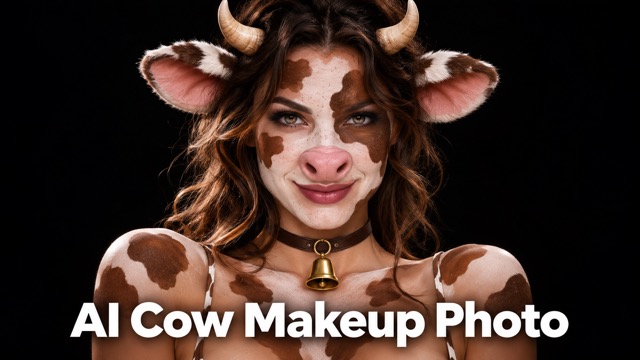
AI Cow Makeup Photo

Sheru Bhai AI Photo
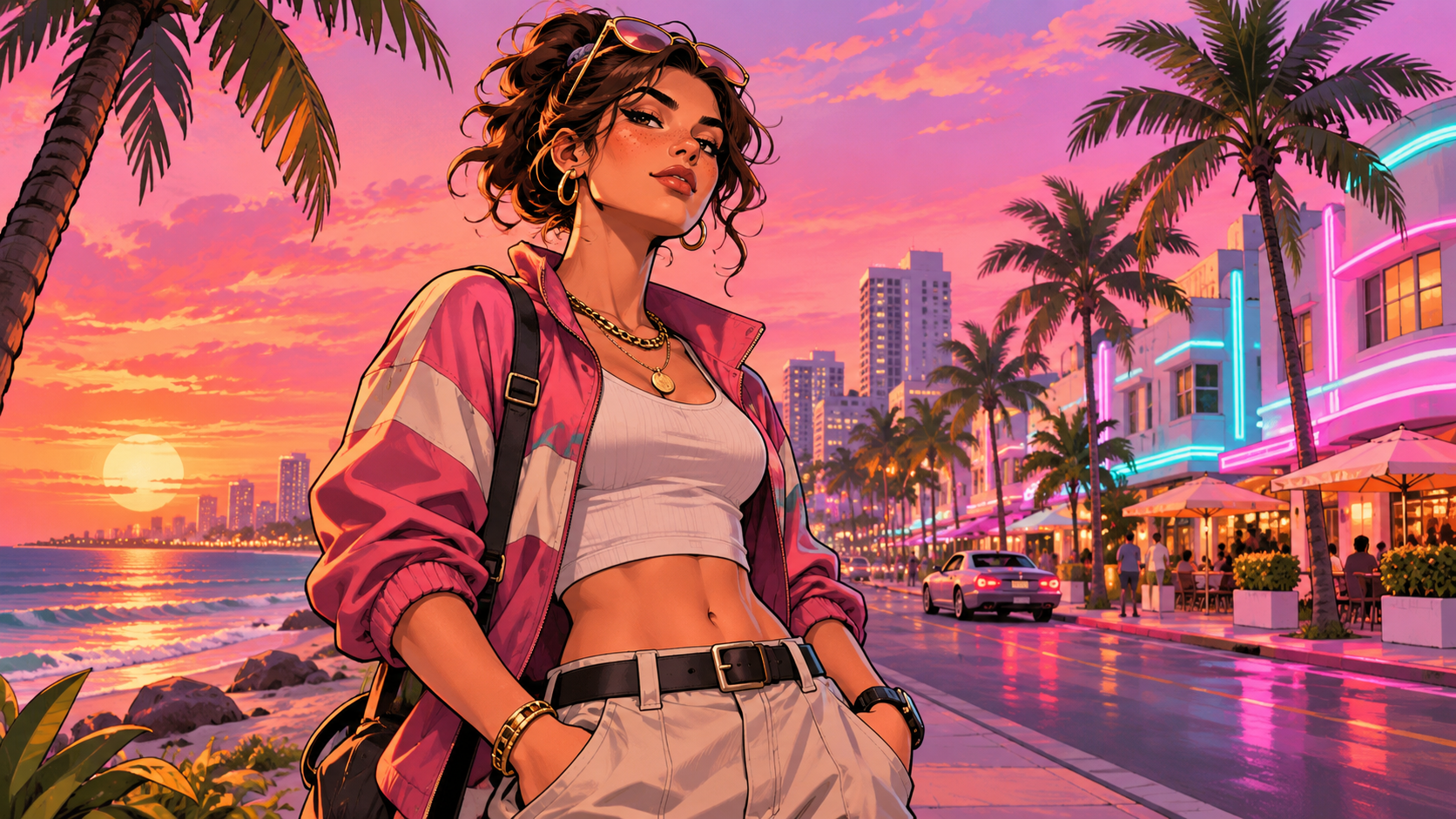
GTA 6 AI Photo
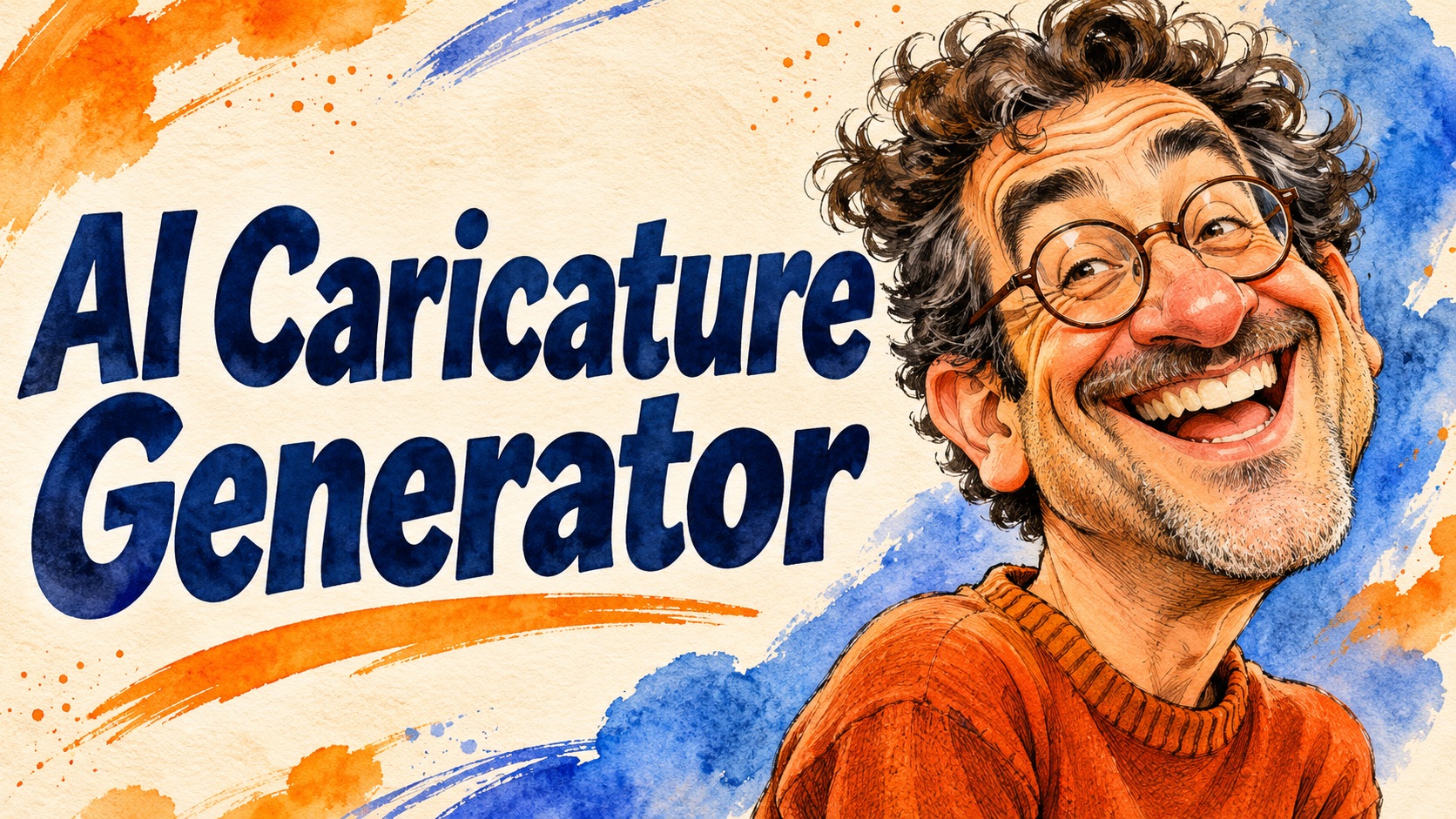
AI Caricature Generator
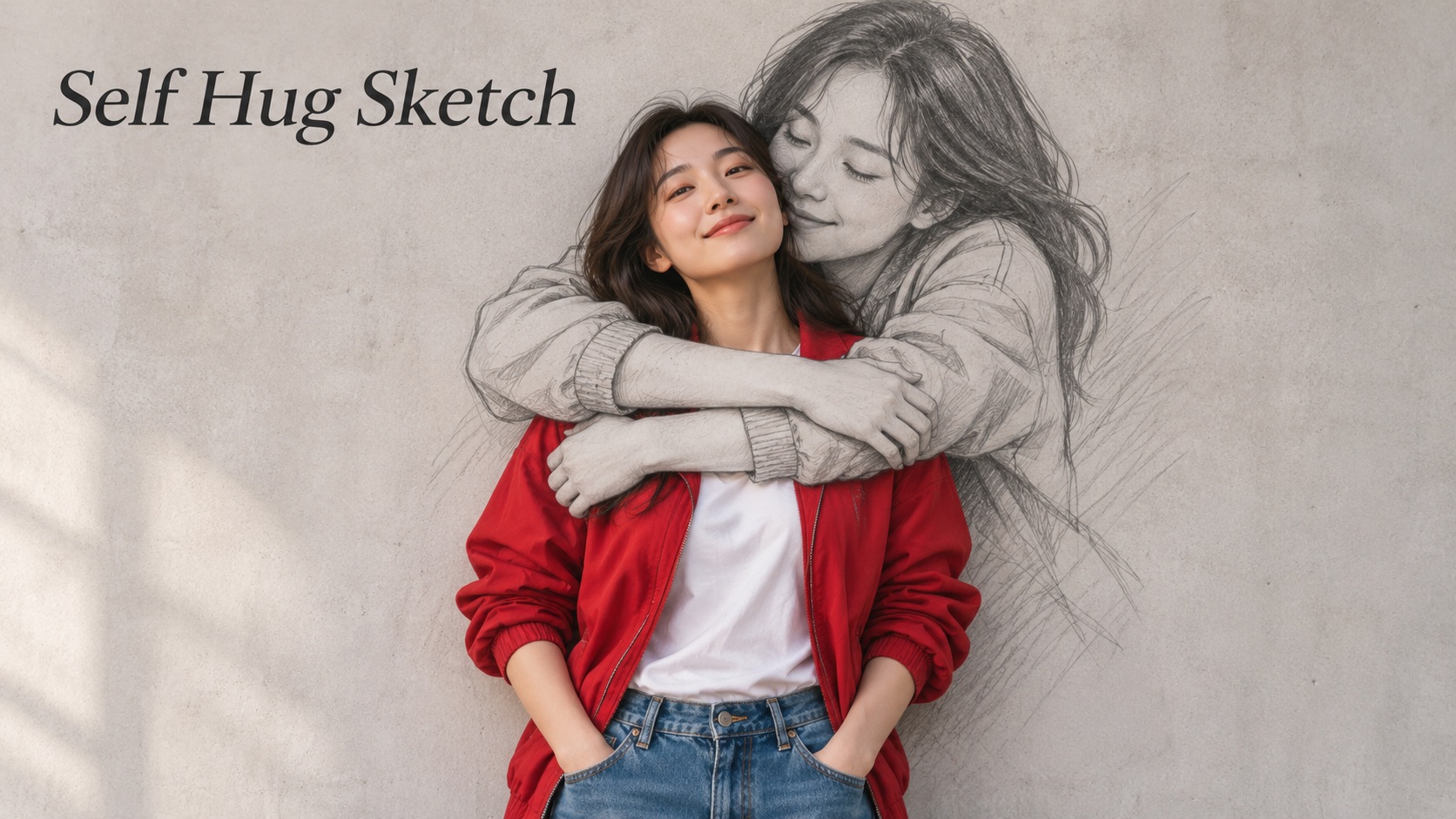
Self Hug Sketch

AI Snow Globe Photo
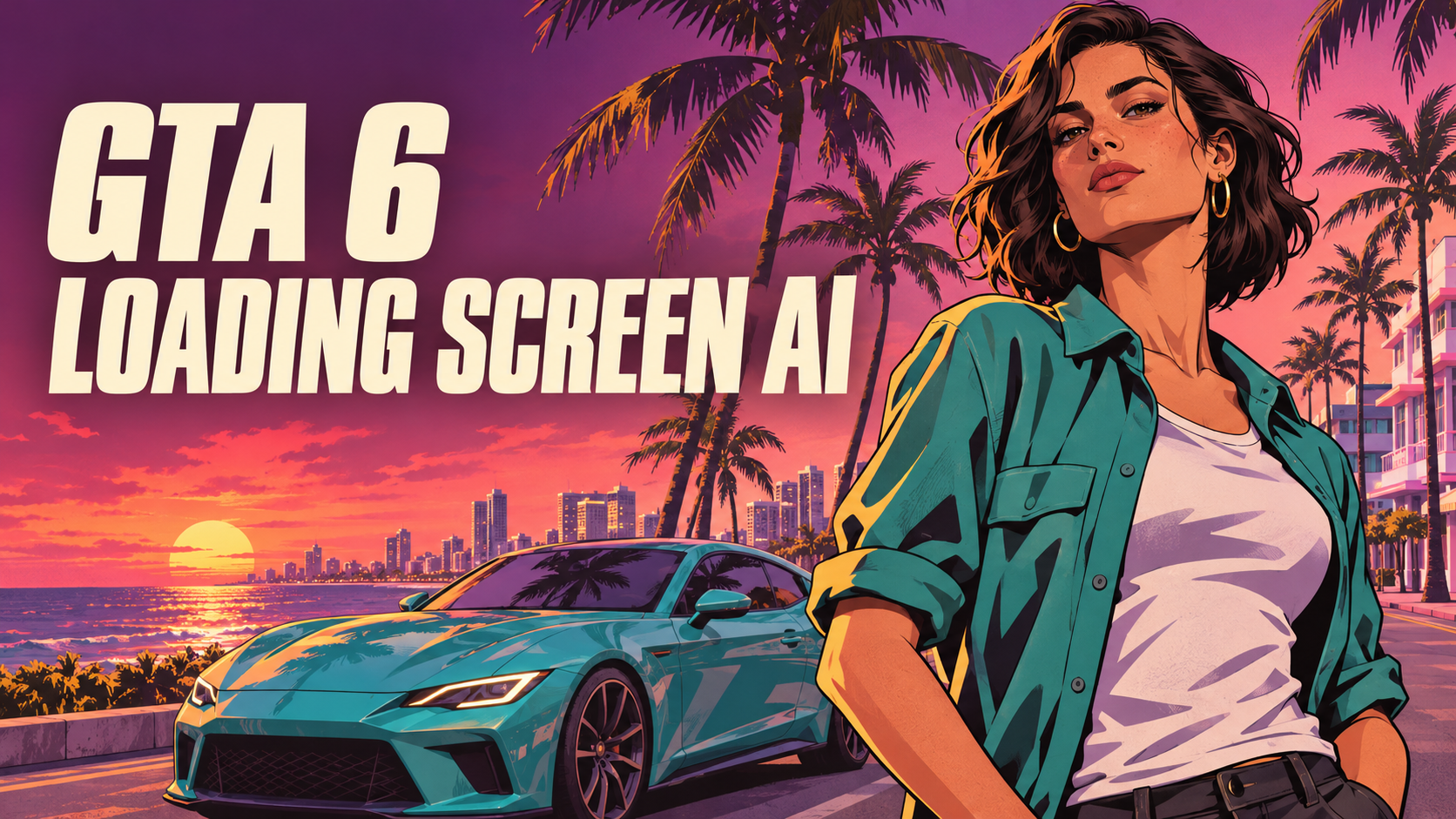
GTA 6 Loading Screen AI
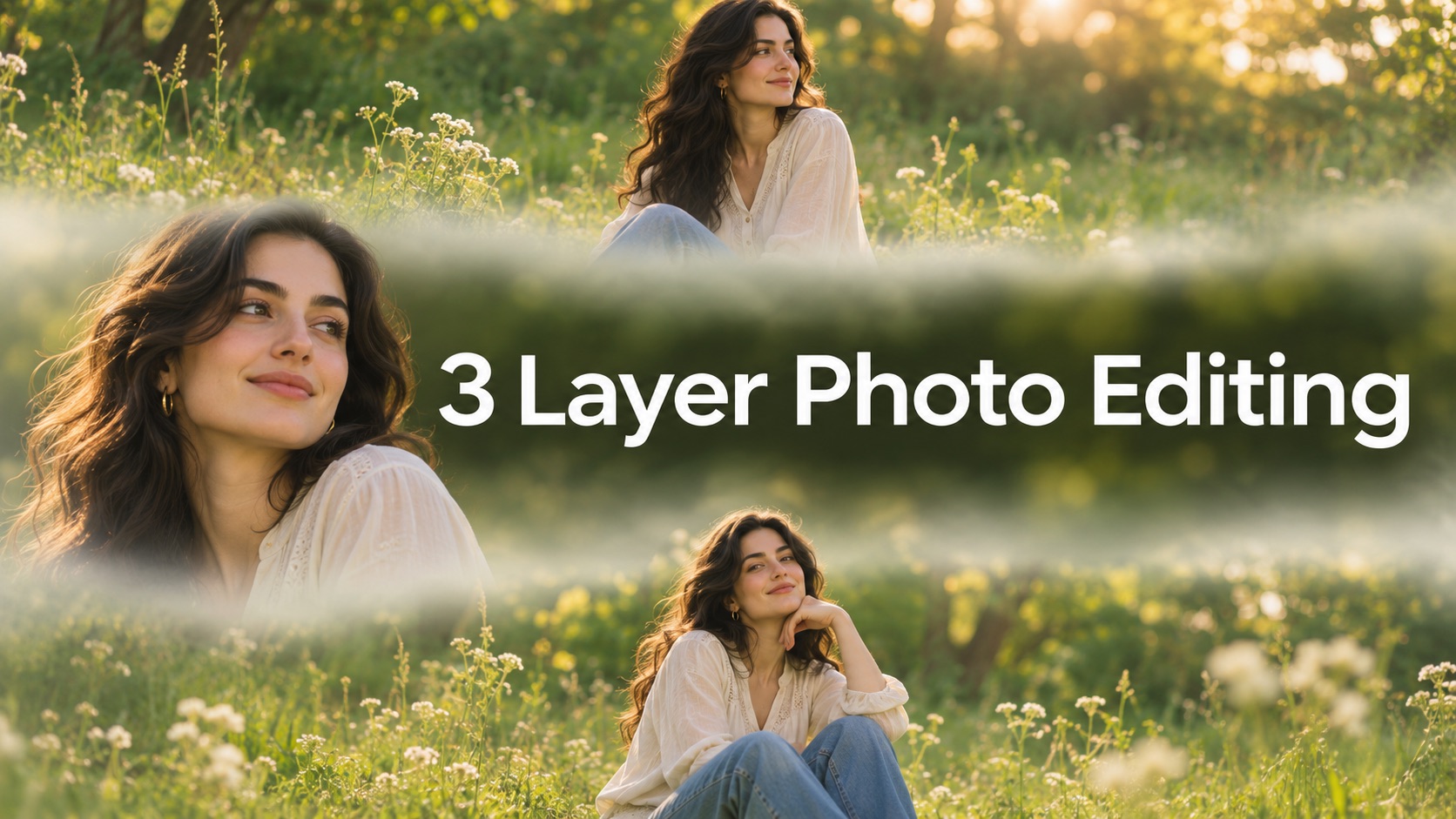
3 Layer Photo Editing
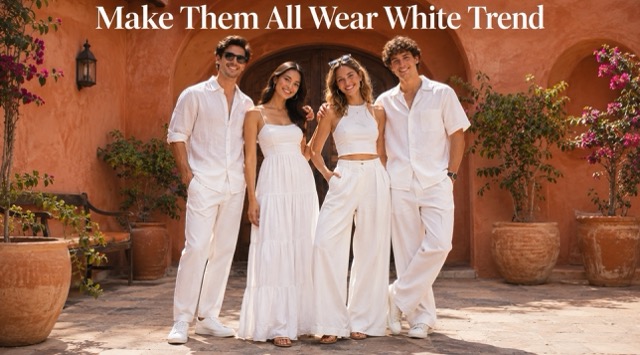
Make Them All Wear White Trend
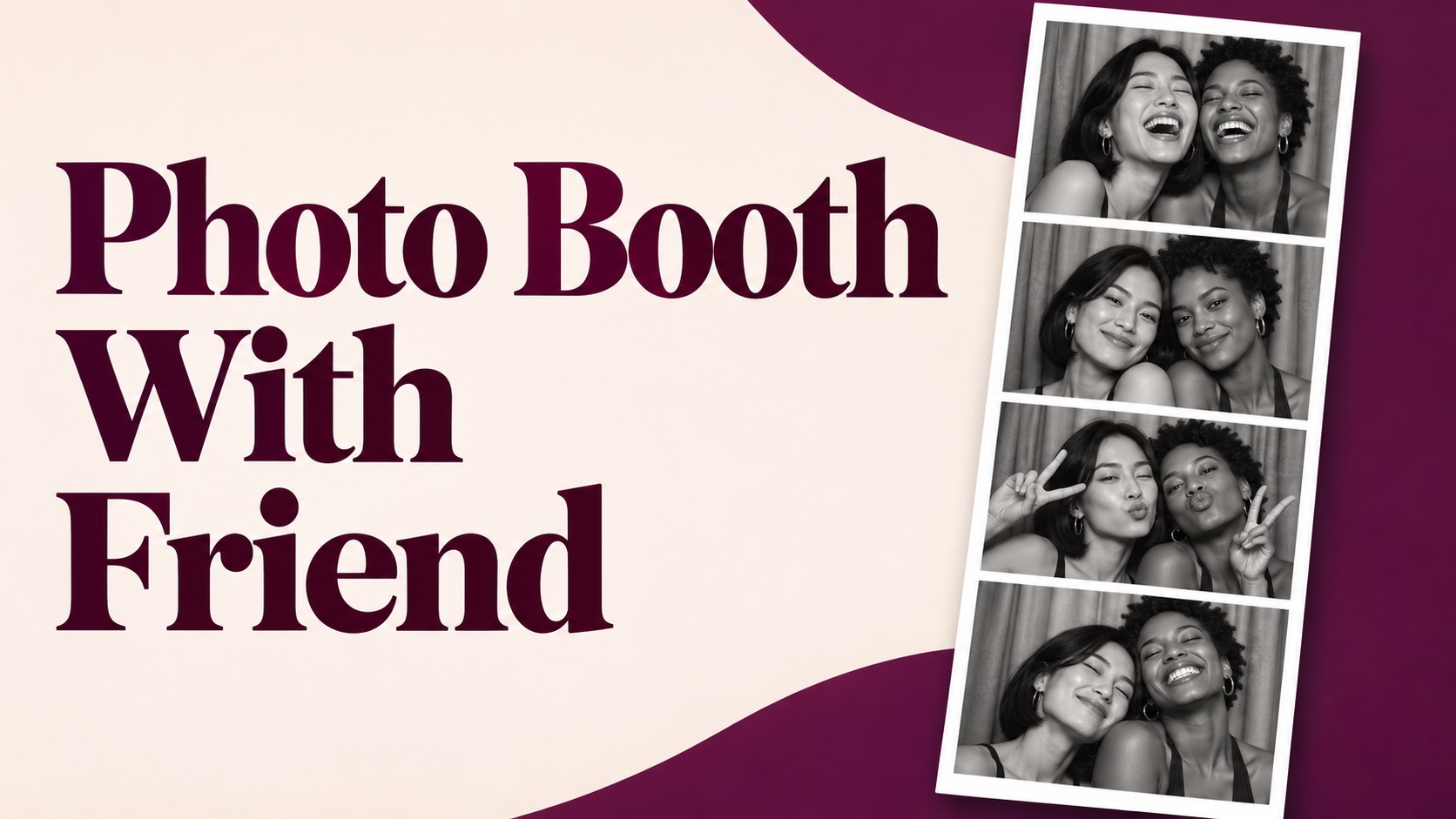
Photo Booth With Friend
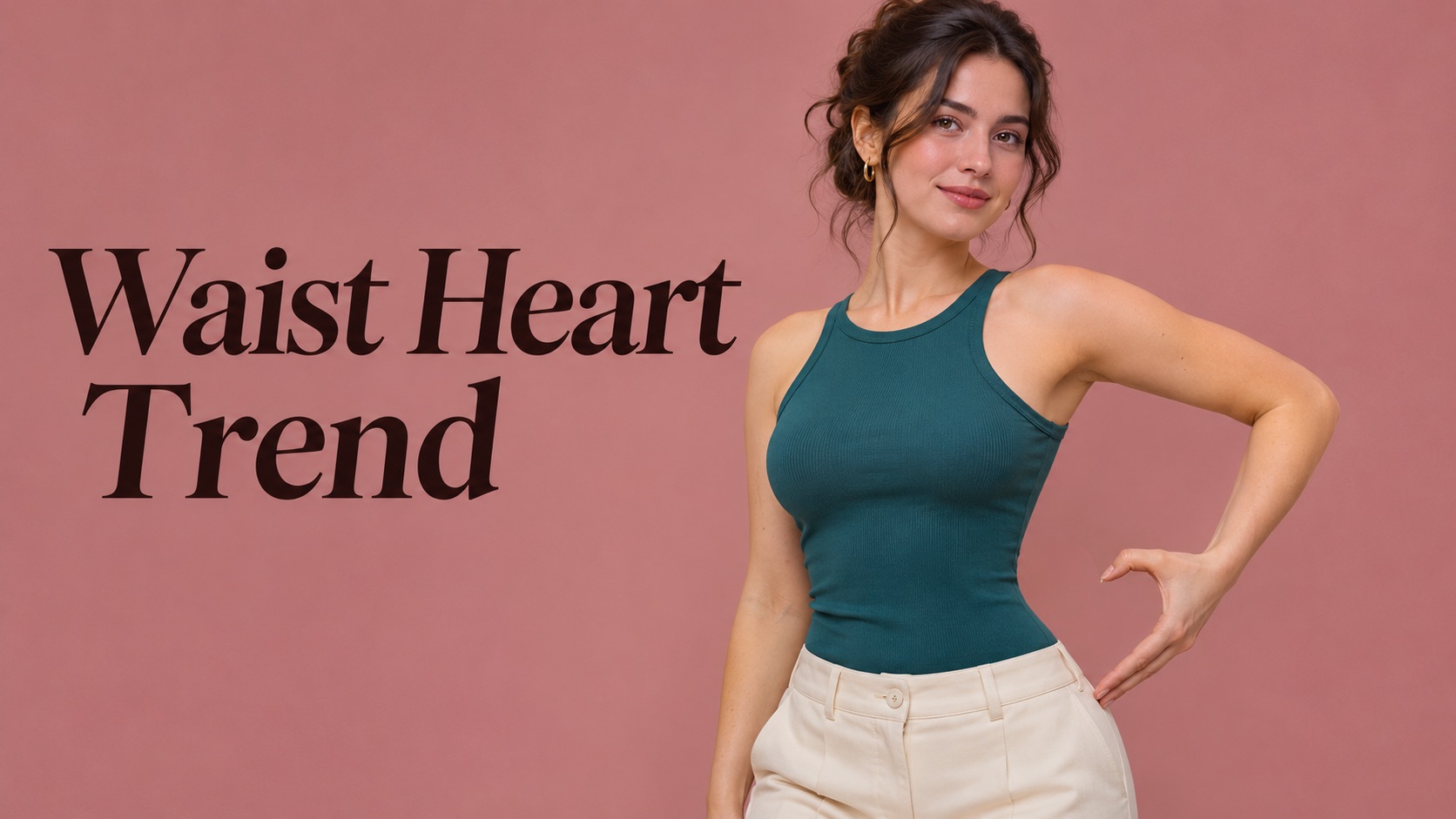
Waist Heart Trend
Bold Glamour Filter
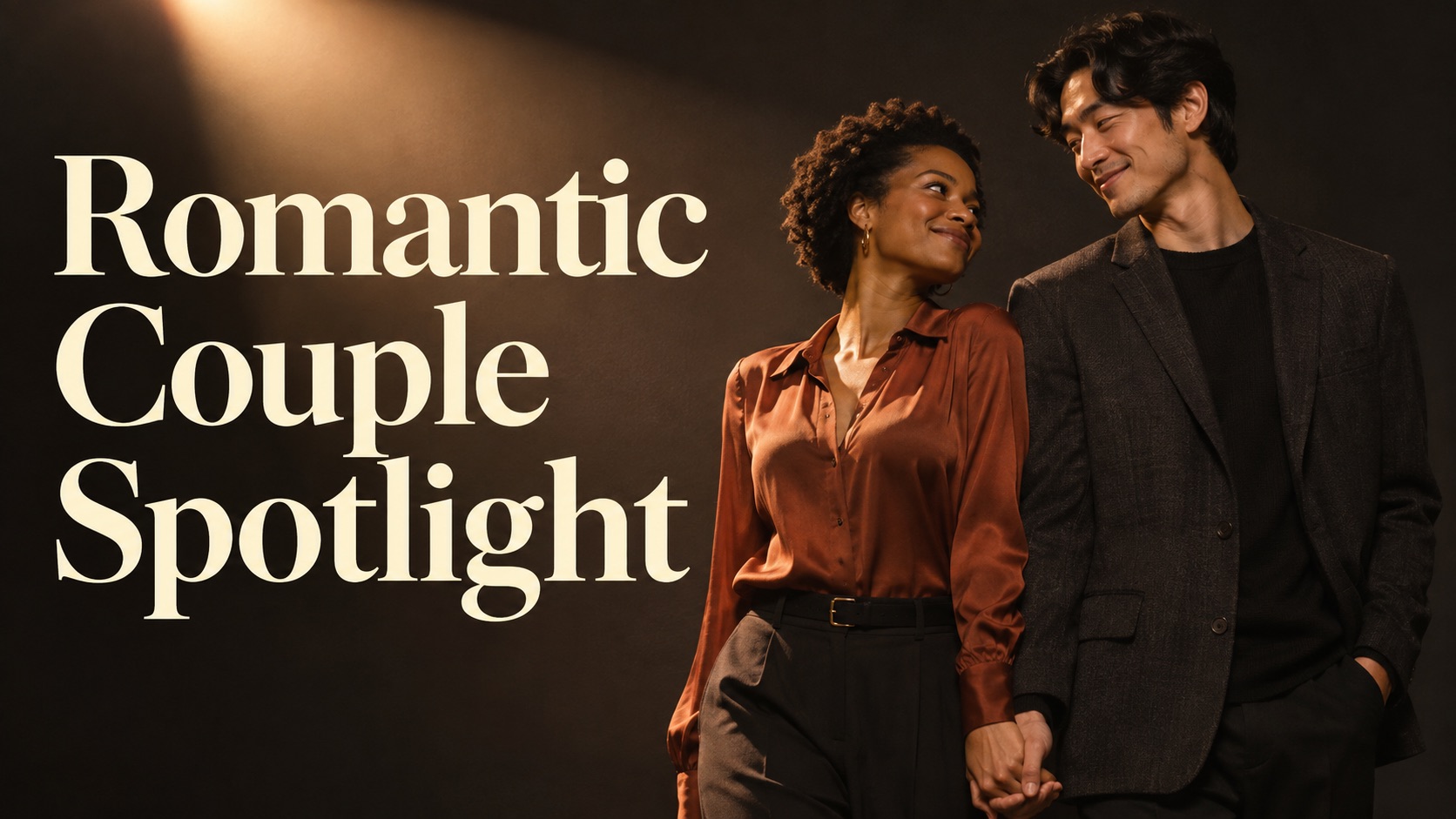
Romantic Couple Spotlight
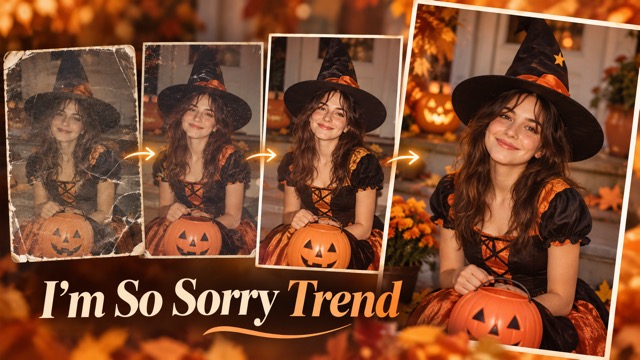
I'm So Sorry Trend AI Photo Editor
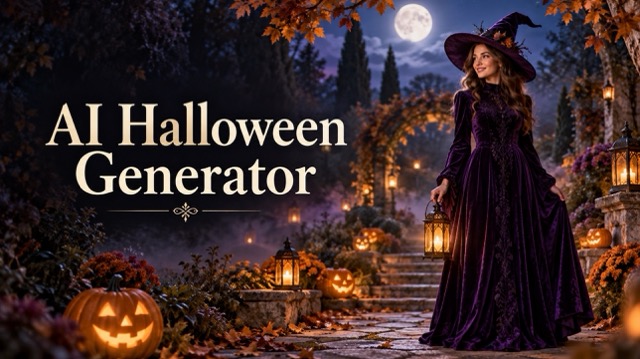
AI Halloween Generator
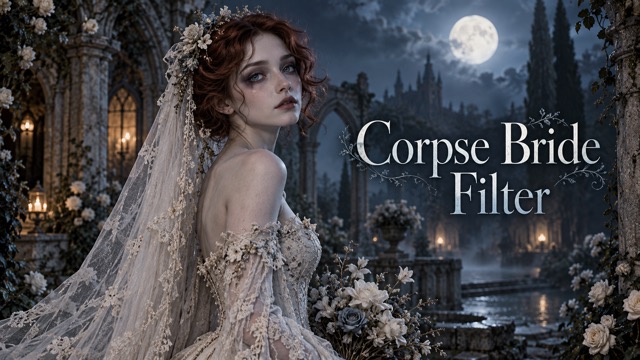
Corpse Bride AI Filter
Nano Banana Pro For Images With A Clear Creative Direction
Create From Words. Refine With References.
Bring a visual idea into focus with Nano Banana Pro, Google's Gemini 3 Pro Image model for image generation and image editing. Describe a scene, provide a reference, or explain a change to an existing picture. Nano Banana Pro helps you develop detailed compositions, explore visual treatments, and create images with readable text without reducing every decision to a filter.
Use Nano Banana Pro image prompts to explain materials, lighting, framing, and the details that should stay recognizable. For an existing picture, Nano Banana Pro image to image work begins with a clear reference and a focused instruction. Build a useful first version, review it, and refine the idea.
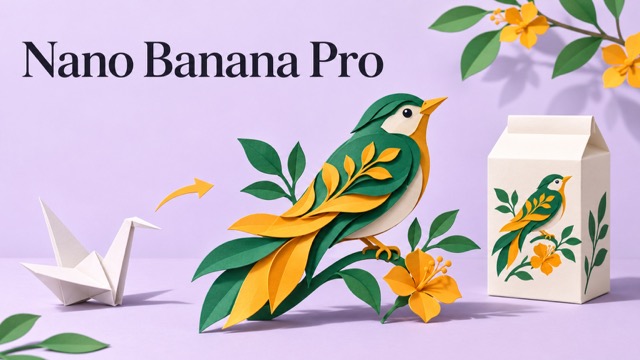
How To Create With Nano Banana Pro
Choose a starting point, then give Nano Banana Pro a concrete brief. A short, specific request is easier to assess than a long list of unrelated effects.

Describe Or Upload
Describe the picture you want, or upload reference images for an edit. Use clear images that show the subject and details you want to preserve.

Explain Your Direction
Tell Nano Banana Pro what to create or change. Include important wording, lighting, framing, and anything that must remain recognizable.

Choose And Generate
Review the available image settings and the displayed generation cost. Submit your prompt when the brief and references are ready.

Review And Refine
Inspect the result for text, shapes, and subject details. Download a version you like, or make another focused request.
What You Can Shape With Nano Banana Pro
Connect image generation with deliberate image editing. Nano Banana Pro gives you several ways to develop a visual idea, from a written scene to a reference-led revision, while keeping the creative brief central.
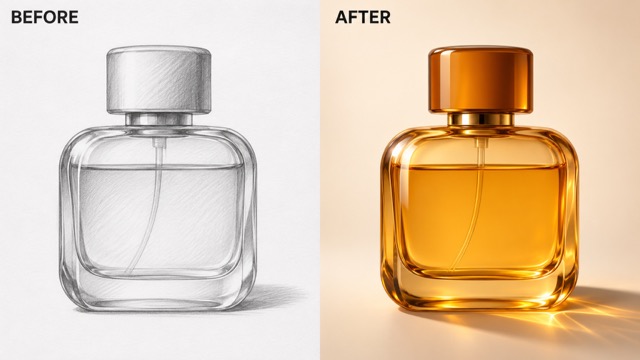
Build A Detailed Scene With Nano Banana Pro
Turn a written brief into a composition with a clear subject, setting, and visual hierarchy. Nano Banana Pro supports image generation from descriptions, making it useful for exploring a scene before choosing its final treatment. Describe what sits in the foreground, how light reaches the subject, and where the eye should go first. These decisions give Nano Banana Pro image prompts a purpose beyond adding more style words.
Imagine an amber glass bottle on pale stone, with soft morning light and open space for a headline. Nano Banana Pro can help develop that direction through image generation, while your brief defines which details matter. For images with readable text, provide the exact wording and intended placement. Keep small labels and factual details part of your review. Nano Banana Pro is a creative starting point for visual decisions; the strongest composition is the one that serves your actual message.
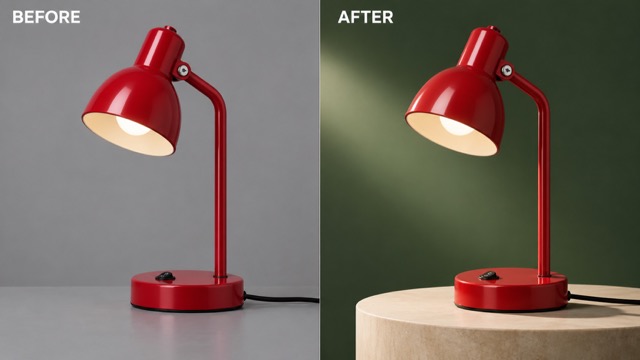
Direct Focused Changes With Nano Banana Pro
Keep a useful composition and change the part that needs attention. Nano Banana Pro supports image editing through natural language, so your instruction can focus on a background, material, lighting condition, or object detail. Describe the change and the elements to retain in the same brief. Nano Banana Pro image to image requests work best when the reference clearly shows those priorities.
For product image editing, you might move a red desk lamp from a grey room into a warm studio setting while keeping its shape and color. Ask Nano Banana Pro to preserve the viewpoint, proportions, and recognizable fittings. Focused image editing gives each revision a clear goal and makes unwanted changes easier to notice. Compare the result with your source before continuing. Nano Banana Pro can interpret a precise request, but it still needs a human check for product geometry, reflections, and details that carry commercial meaning.
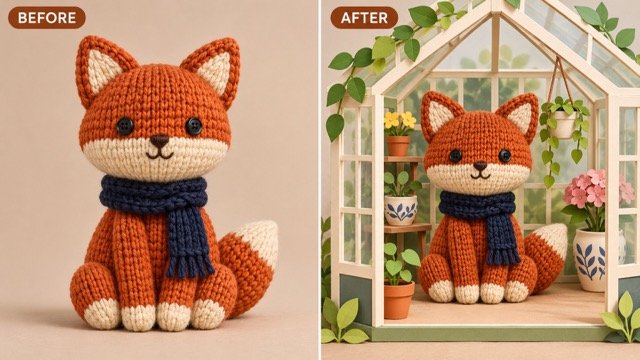
Carry References Into New Scenes With Nano Banana Pro
Use references when an idea depends on more than a description. Nano Banana Pro can combine visual information with a written direction for image generation and image editing. Explain the role of each reference: one might define a character, another a material, and another a setting. Compatible inputs help keep the final composition coherent rather than asking the model to resolve conflicting instructions.
For consistent character images, start with visible facial features, clothing, or distinctive colors that matter across scenes. Nano Banana Pro can help explore a recurring subject in a different environment while your prompt states what should remain. Use Nano Banana Pro image prompts to separate identity details from changes in pose, lighting, or location. Review each version beside the reference. Nano Banana Pro supports consistency as a creative goal, while your review decides if the resulting character or product remains suitable for the project.
Put Nano Banana Pro To Work On Your Next Brief
Each project needs its own visual direction. Nano Banana Pro is most useful when you can name the decision you want to explore, rather than asking for a result that is simply more impressive.

Product Concepts And Campaigns
Explore a product story before settling on a final composition. Nano Banana Pro can support image generation for packaging concepts, tabletop scenes, and campaign directions. Define the material, scale, and surrounding objects so each variation answers a useful design question. For product image editing, provide a clear product reference and explain which identifying details must remain. Nano Banana Pro lets you direct a new environment without turning the brief into a generic background request. Keep actual specifications and label copy separate from invented styling. Review image editing results against the real product before using them in a commercial presentation.

Posters And Text-Led Design
Develop images with readable text for a launch concept, an event announcement, or an editorial illustration. Nano Banana Pro supports multilingual lettering and text-aware image generation, giving you a way to explore wording and visual treatment together. Supply the exact text, describe its hierarchy, and leave enough space around important elements. Nano Banana Pro can help turn a short creative brief into a poster direction that is easier to discuss. Use image editing to refine a selected area rather than changing everything at once. Check spelling, line breaks, and language accuracy before treating the image as finished artwork.

Characters And Visual Stories
Plan consistent character images for a storyboard, illustrated sequence, or recurring social series. Nano Banana Pro can use a reference to anchor a character while you explore a new pose, mood, or setting. Write down the details that define the subject so later image generation has the same priorities. With Nano Banana Pro image to image work, keep the source visible during review and compare features that matter to the story. Image editing can then target a costume detail or background element. Avoid changing several identity cues at once when the goal is a recognizable character across scenes.

Explainers And Visual Briefs
Make a visual starting point for an explainer, a proposal, or a design conversation. Nano Banana Pro can help arrange supplied ideas into an illustrated composition through image generation. Nano Banana Pro image prompts can include your own verified facts, labels, and desired layout. Use image editing to simplify a crowded area or clarify a visual hierarchy. An attractive diagram still needs a content check: review numbers, physical relationships, and wording before sharing it as instructional material.
Creative Perspectives On Nano Banana Pro
Illustrative names and reactions describe possible creative uses; these are not verified customer endorsements.
A written brief becomes easier to discuss when there is a visual to compare. I would explore several directions, then focus each revision on one decision.
A written brief becomes easier to discuss when there is a visual to compare. I would explore several directions, then focus each revision on one decision.
For product image editing, I would start with a clear reference, explore a different setting, and compare the result with the details that must stay.
For product image editing, I would start with a clear reference, explore a different setting, and compare the result with the details that must stay.
I would plan consistent character images with clear references and a shared visual brief. A focused revision gives each change a purpose beyond choosing another style.
I would plan consistent character images with clear references and a shared visual brief. A focused revision gives each change a purpose beyond choosing another style.
Images with readable text help test a poster idea. Image generation offers a visual starting point, with spelling and layout checked before the final design.
Images with readable text help test a poster idea. Image generation offers a visual starting point, with spelling and layout checked before the final design.


Nano Banana Pro Questions, Answered
Get practical answers about image generation, image editing, references, and reviewing a result. These points help you give Nano Banana Pro a clear brief and judge its output against your actual purpose.
Nano Banana Pro is Google's Gemini 3 Pro Image model for image generation and image editing. It combines text instructions with optional visual references for creative work such as detailed scenes, poster concepts, and targeted changes to existing images. Nano Banana Pro is distinct from other models in the Nano Banana family; the Pro name identifies this specific model, not every Google image tool. Begin with a clear result in mind and use the relevant input mode.
Useful Nano Banana Pro image prompts explain the subject, setting, composition, and desired change. Add concrete details such as camera angle, material, lighting direction, or exact words to appear in the scene. For image generation, decide which visual elements matter most before introducing decorative effects. For image editing, say what should stay unchanged as well as what should change. Nano Banana Pro does not need every possible instruction at once. A focused brief makes the outcome easier to assess and gives you a clear reason for the next revision.
Nano Banana Pro image to image work uses an uploaded picture together with your written direction. Start with a reference that clearly shows the object, person, or composition you want to retain. Explain the requested transformation and identify important details. Nano Banana Pro supports image generation and image editing without requiring a fixed visual effect. You can explore a new background, a lighting adjustment, or another change appropriate to the brief. Image generation may reinterpret parts of a reference, so compare the result with your source rather than assuming every original detail will remain identical.
Nano Banana Pro supports text rendering and reference-based consistency, which makes images with readable text and consistent character images useful creative goals. Provide the intended wording, hierarchy, and language for text-led image generation. For a recurring character, explain which features, colors, or clothing define identity. Nano Banana Pro can then work from those priorities during image editing. Small lettering, anatomy, and fine details still deserve inspection. Neither a convincing overall style nor a familiar pose proves that every character feature or line of text is correct.
This page allows up to eight reference images for Nano Banana Pro. Use fewer when a single clear image supplies everything the brief needs. For image generation with several references, explain the role of each rather than expecting their purpose to be obvious. With uploaded references, compatible lighting and visible subject details can make the direction easier to communicate. Nano Banana Pro supports multi-image creative work, but a larger reference set is not automatically better. Avoid conflicting identities or product versions when you need the output to preserve one specific design.
Review Nano Banana Pro results at the size and placement where you intend to use them. For image generation, inspect composition, text, subject structure, and factual content. For an edit, compare the revised areas and preserved details with the source. Product image editing deserves a close check of logos, geometry, and materials; consistent character images need the same attention to identity. Nano Banana Pro can develop a useful visual direction, while final selection remains an editorial decision. Check the generation controls and displayed cost before submitting another version.
Create Your Next Visual With Nano Banana Pro
Start with the picture you want to make, or the change your current image needs. Nano Banana Pro brings image generation and image editing into a prompt-led workflow that you can direct with words and references. Choose a concrete subject, give the composition a purpose, and keep the important details explicit. Use Nano Banana Pro to explore a first version, then review it against the brief before deciding what comes next.