Upload one portrait of each friend and create a shared four-frame photo booth image without writing a prompt.
AI Image Tools
Everything You Need to Edit Photos Faster
Open the PicEditor AI tools library for background removal, photo enhancement, object cleanup, face swap, upscaling, and more focused image workflows.
Replace Text in Image
Waist Heart Trend
Bold Glamour Filter
Romantic Couple Spotlight
I'm So Sorry Trend AI Photo Editor
AI Halloween Generator
Corpse Bride AI Filter
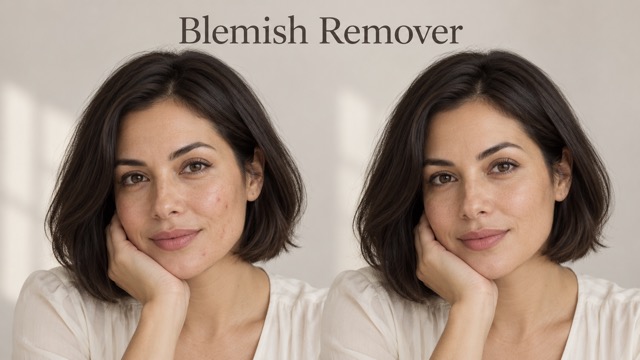
AI Blemish Remover
FLUX 3 Image Klein

Ideogram 4.5
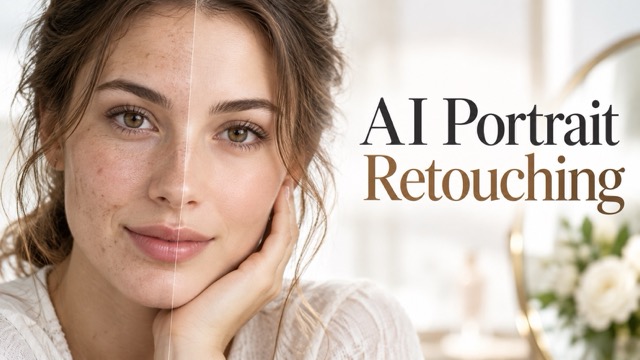
AI Portrait Retouching

Snatched Waist Editor
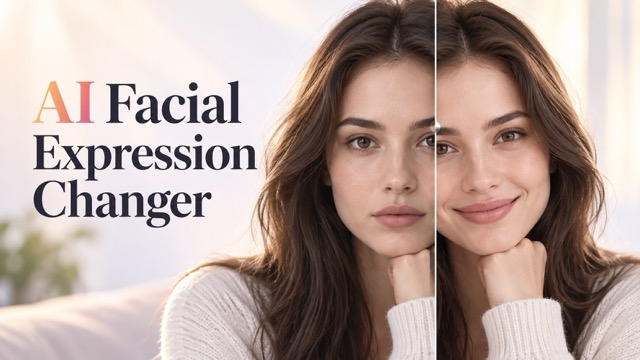
AI Facial Expression Changer
AI Texture Generator
AI Nose Piercing Filter
Replace Object in Photo Online
Add Object to Photo
Eyeliner Filter
AI Bust Down Filter

Image Splitter

Add White Background to Photo
Snapchat Text Remover
Realistic AI Skin Generator
Photo Booth With Friend: Create Your Shared Photo Strip
Two Portraits, Four Playful Moments Together
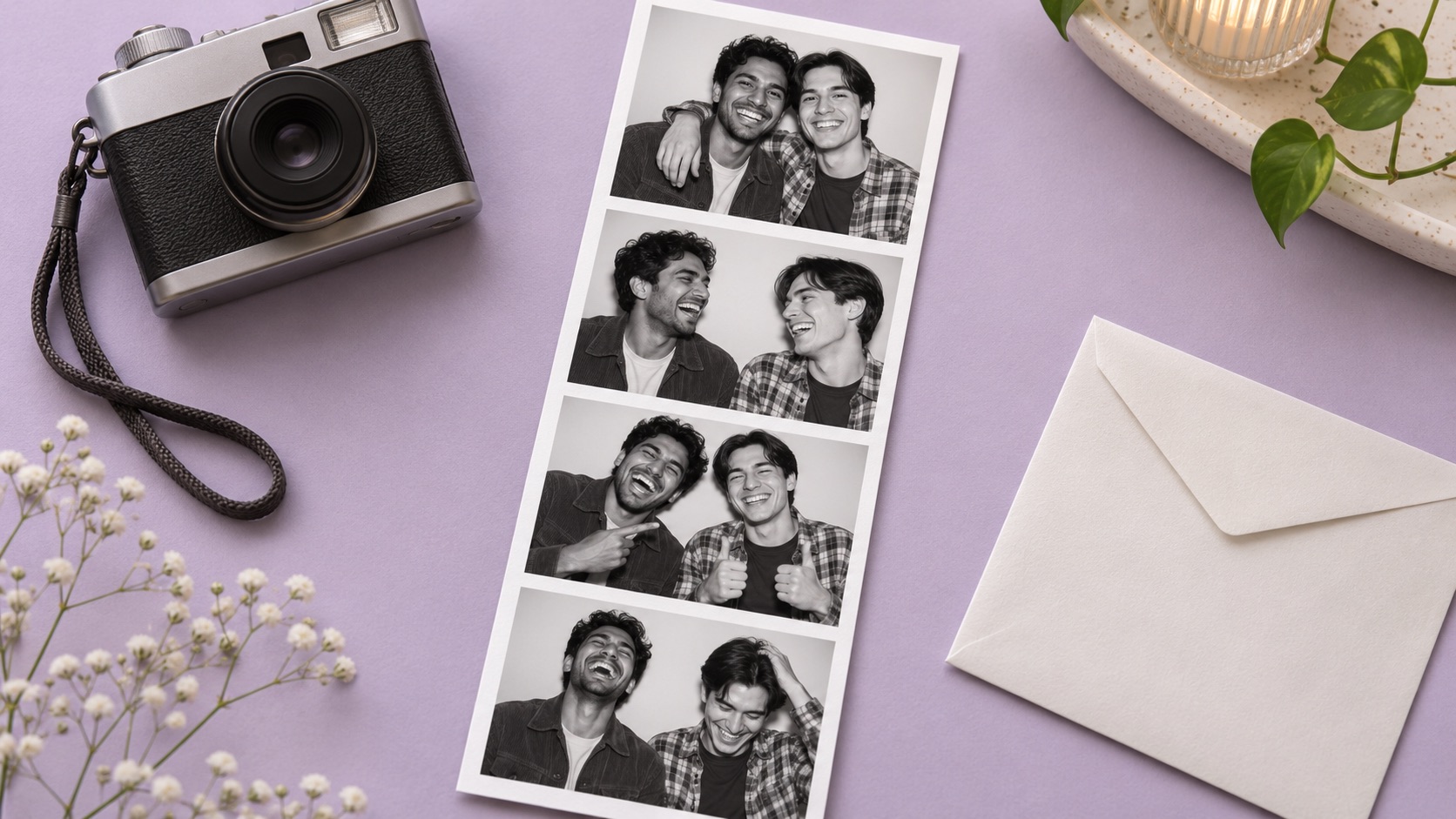
Photo Booth With Friend turns two separate portraits into a shared, black and white photo booth composition. Bring your best friend into the same four frames, with relaxed smiles, playful expressions, and the familiar feeling of stepping behind a booth curtain together.
Use this AI photo booth to make a photo booth from two photos without arranging a new shoot. Photo Booth With Friend gives an AI photo strip generator a clear purpose: one friendship, one coordinated strip, and a small collection of moments worth sending to each other.
How To Use Photo Booth With Friend
Make your Photo Booth With Friend image in four short steps. Prepare one clear portrait of each person before you begin.

Upload Two Portraits
Add one photo of yourself and one of your friend. Keep one clearly visible person in each image.
Check Your Photos
Check that both uploaded portraits show the intended people. Replace an image if a face is blurred or covered.

Generate Your Strip
Press Generate Image to create the shared composition. The booth direction is already prepared, so you do not need to write a prompt.

Review And Download
Check both faces, the poses, and all four panels. Download the result you want to keep or share.
What You Can Create With Photo Booth With Friend
Photo Booth With Friend brings separate portraits, expressive poses, and a coordinated layout into one creative workflow. This AI photo booth uses a focused visual direction, while the AI photo strip generator builds the shared composition around the two people you upload.
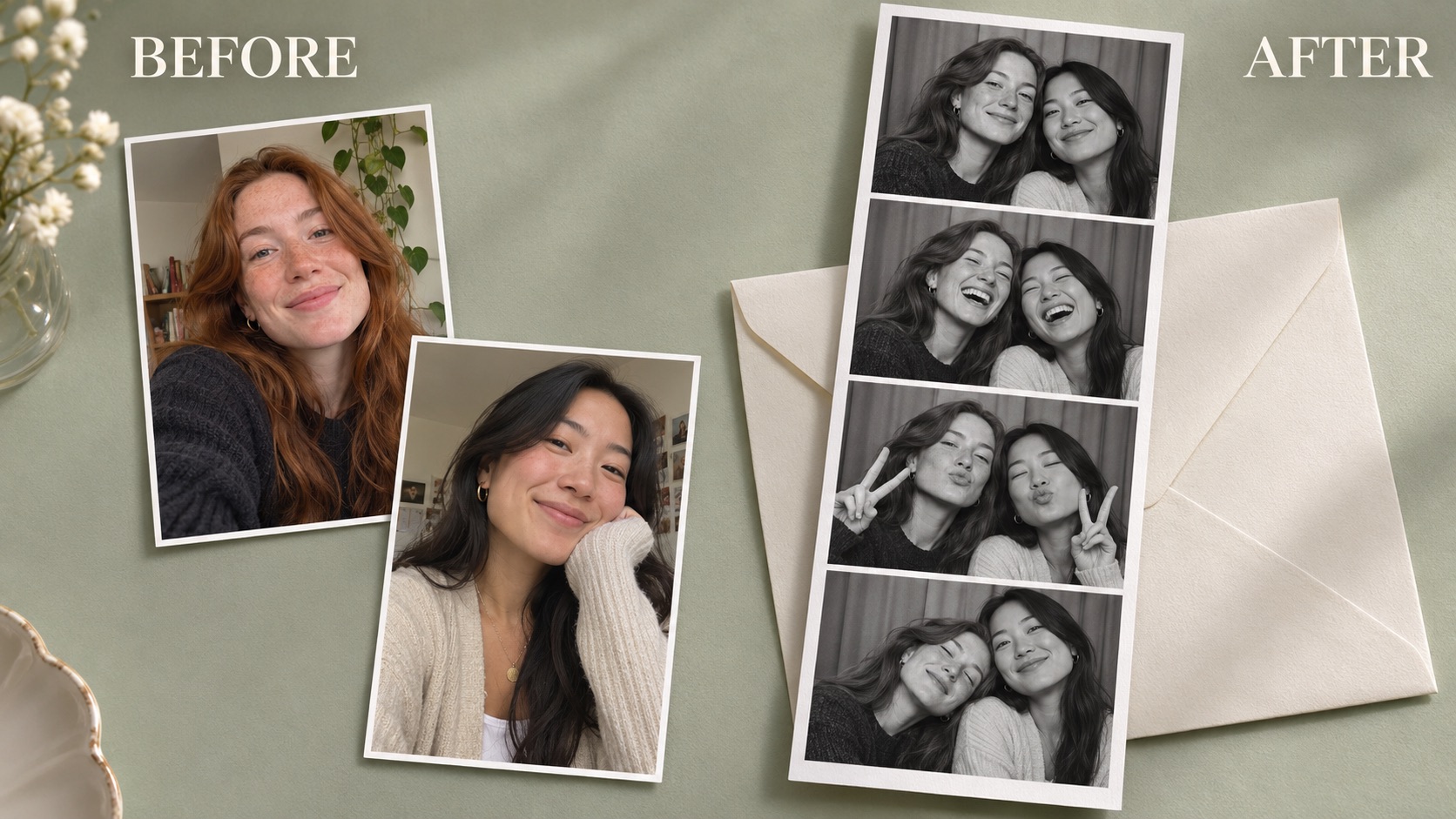
Photo Booth With Friend From Separate Portraits
Photo Booth With Friend starts with the portraits you already have, making a photo booth from two photos that were taken in different places. The AI photo booth aims for a shared scene with compatible lighting, framing, and scale, rather than disconnected headshots placed together by a basic collage template.
Photo Booth With Friend is useful when you live in different cities, missed a reunion, or simply want a different kind of friendship picture. A photo booth with friend online lets you prepare both images in your own time. The AI photo strip generator works from uploads, without a live camera session.
The AI photo booth uses these details as references for the shared scene. The AI photo strip generator is directed to keep both people distinct across the panels.
This AI photo booth works best with two people. Photo Booth With Friend is designed around making the pair feel present in one composition, with a simple curtain backdrop that keeps attention on your expressions.
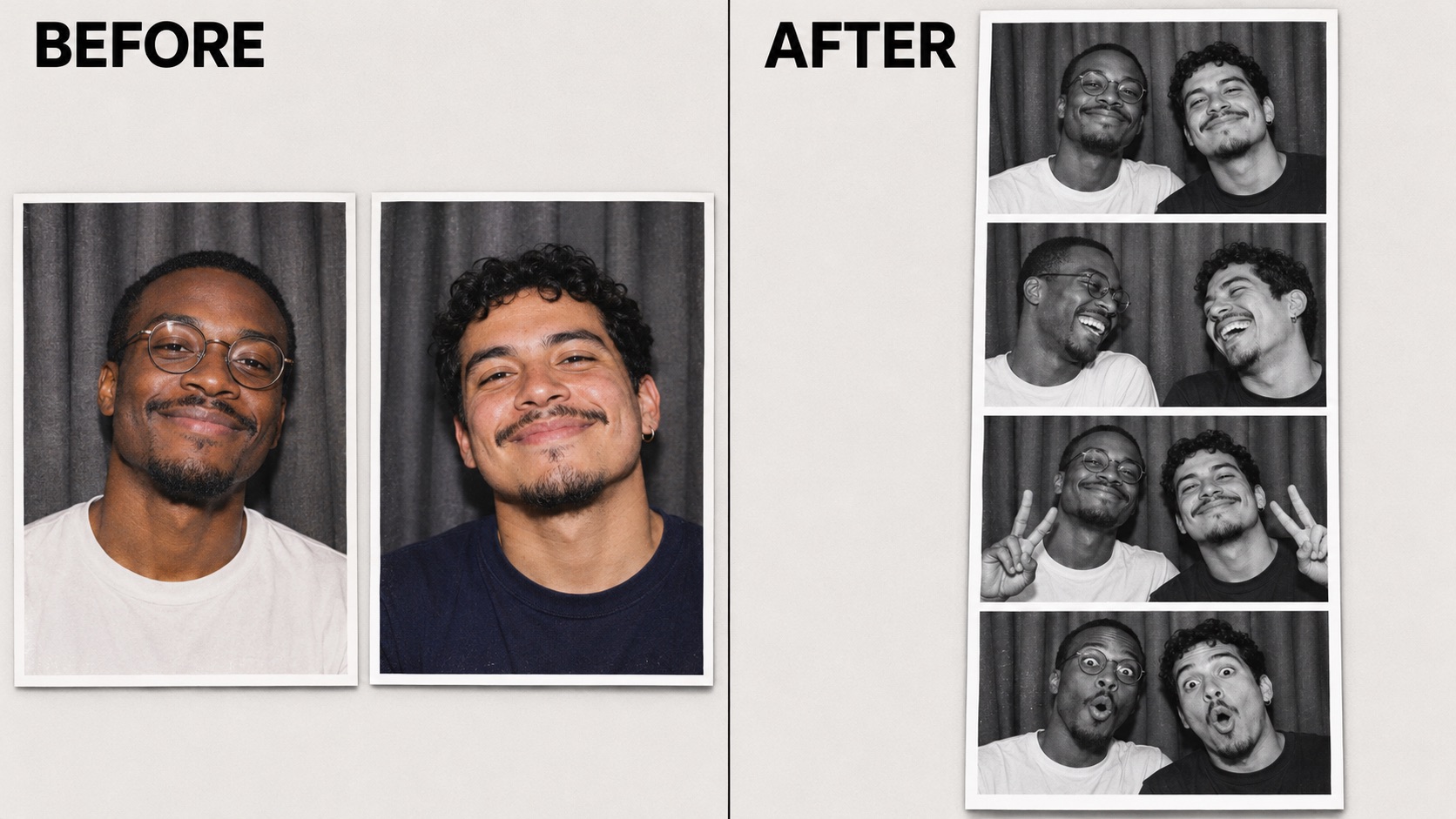
Photo Booth With Friend With Four Expressive Frames
A single portrait captures one expression. Photo Booth With Friend asks for an AI photo strip generator sequence: a relaxed smile, shared laughter, peace signs, and a playful final pose. These photo booth poses for friends give the finished image a sense of rhythm while keeping the same two people at the center.
The four frame photo booth format is part of the appeal. Each AI photo booth panel should feel related to the next, as if you stayed in the booth for another quick shot. Photo Booth With Friend uses the repeated backdrop and monochrome treatment to connect the expressions into one small visual story.
The prepared sequence removes the need to invent a scene description. The AI photo strip generator receives the AI photo booth pose direction automatically. Photo Booth With Friend keeps the workflow focused on your portraits and the result, rather than asking you to assemble a collage manually.
When reviewing photo booth poses for friends, look for natural eye lines, recognizable smiles, and comfortable spacing. Check hands and shoulders across all four panels.
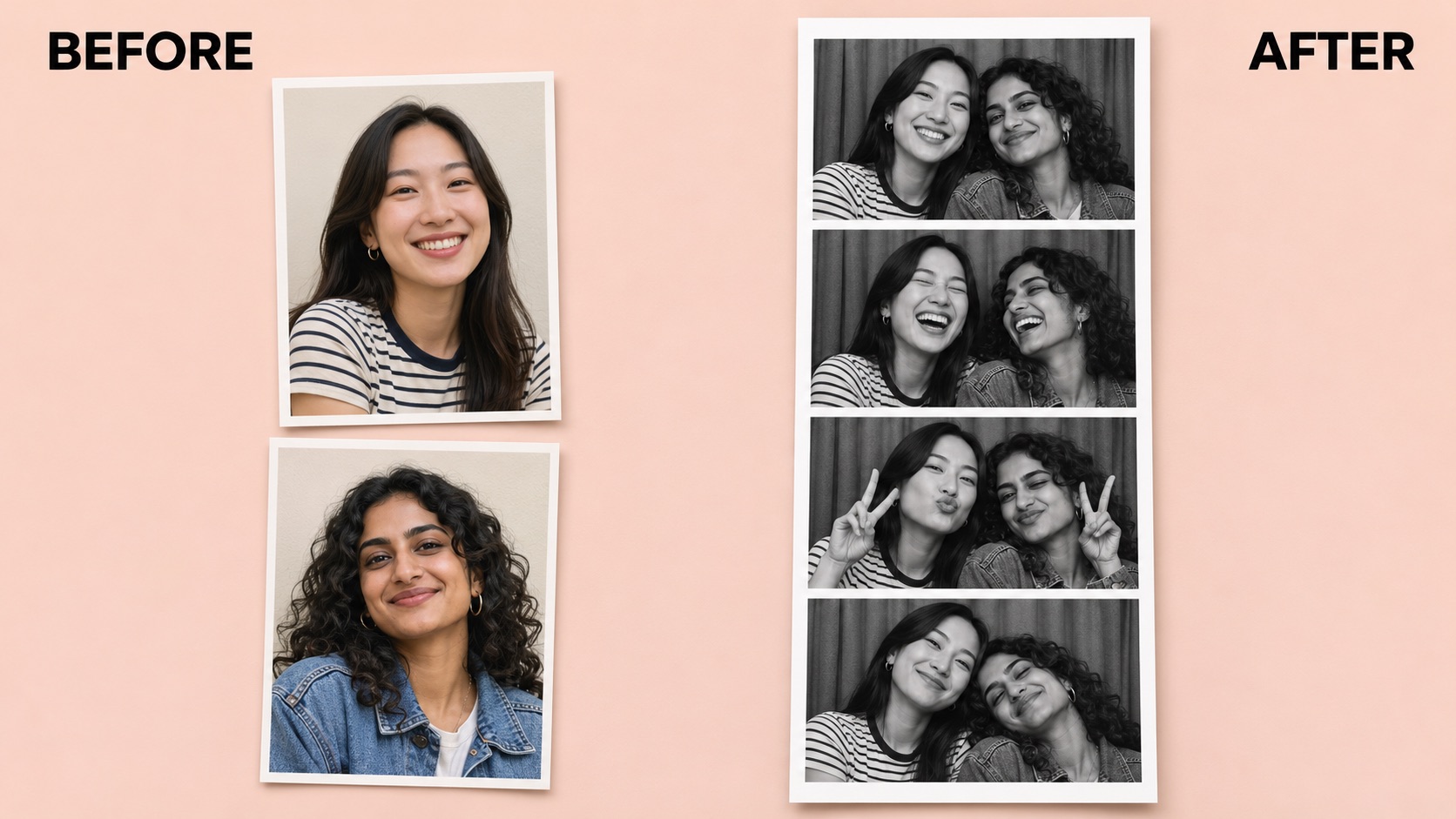
Photo Booth With Friend In A Classic Monochrome Style
Photo Booth With Friend uses a black and white photo booth look to keep attention on faces and expressions. Direct-flash lighting, a simple backdrop, and clean borders give the composition a familiar printed-strip character. The AI photo booth treatment suits friendship keepsakes without needing decorative text, stickers, or a busy setting.
A four frame photo booth composition also offers a clear reading order. You see the same pair move from one mood to another, with the AI photo strip generator varying each frame. Photo Booth With Friend combines this structure with a restrained visual style that can sit comfortably in a digital scrapbook or a message to your friend.
The AI photo strip generator does not need your photos to share the same original background, but comparable face size and clear lighting give it a stronger starting point.
If you plan to print, inspect the downloaded file at your intended size first. Photo Booth With Friend focuses on the visual keepsake; your own message can remain in the card or caption around it.
Everyday Ideas For Photo Booth With Friend
Photo Booth With Friend fits personal moments that deserve a shared picture. Use the AI photo booth for a thoughtful surprise or a playful post, and let the AI photo strip generator give your separate portraits a coordinated frame.
Long-Distance Friendships
Photo Booth With Friend offers a way to create a shared picture when meeting in person takes planning. Use this AI photo strip generator for a photo booth with friend online from different cities, then send the finished image alongside a message only the two of you would understand.
Photo Booth With Friend works as a photo booth from two photos, so pick portraits that capture how you recognize each other today.

Birthday Notes And Small Surprises
A birthday message can feel more personal with a picture created for the occasion. Photo Booth With Friend gives you a shared strip to place beside your own words. A black and white photo booth style keeps the picture simple enough to pair with a colorful card or handwritten note.
Photo Booth With Friend can support a thoughtful little surprise without turning the picture into a crowded birthday poster.
Friendship Scrapbooks
Photo Booth With Friend can add a playful page to a digital friendship scrapbook. The AI photo strip generator creates a four frame photo booth sequence of expressions, giving you something different from the single portraits already in your album.
Photo Booth With Friend leaves space for the story you want to tell around it.

Matching Social Posts
Photo Booth With Friend gives two friends one coordinated image to share. Simple photo booth poses for friends, recognizable outfits, and consistent borders can make the composition feel connected without adding a long explanation.
The AI photo strip generator prepares the visual sequence; you decide the caption and audience. Photo Booth With Friend is particularly suited to friendly, casual posts built around the pair.
Creative Reactions To Photo Booth With Friend
Illustrative reactions and names show possible creative preferences; these are not verified customer reviews.
Photo Booth With Friend feels like a sweet idea between visits. An AI photo booth strip would make our separate portraits feel like part of the same little moment.
Photo Booth With Friend feels like a sweet idea between visits. An AI photo booth strip would make our separate portraits feel like part of the same little moment.
Photo Booth With Friend has the restrained borders I want for my scrapbook. An AI photo strip generator leaves the surrounding page open for a message and personal details.
Photo Booth With Friend has the restrained borders I want for my scrapbook. An AI photo strip generator leaves the surrounding page open for a message and personal details.
Photo Booth With Friend has a playful keepsake feeling. A black and white photo booth composition pairs nicely with colorful handwriting while keeping both friends at the center.
Photo Booth With Friend has a playful keepsake feeling. A black and white photo booth composition pairs nicely with colorful handwriting while keeping both friends at the center.
I like the expression changes in this Photo Booth With Friend concept. An AI photo booth with simple photo booth poses for friends feels lively without a busy backdrop.
I like the expression changes in this Photo Booth With Friend concept. An AI photo booth with simple photo booth poses for friends feels lively without a busy backdrop.



Photo Booth With Friend Questions
Plan your Photo Booth With Friend image with clear answers about source photos, the prepared layout, and reviewing the result.
Photo Booth With Friend is an AI photo booth workflow for creating a shared portrait strip from two individual photos. The prepared direction asks for both people together in four monochrome panels, with a different friendly expression or pose in each one.
The AI photo strip generator creates a new composition using the uploaded portraits as references. Photo Booth With Friend is intended for friendship pictures, personal keepsakes, and casual sharing.
Yes. Photo Booth With Friend is configured for two uploaded portraits, with one person in each. This photo booth from two photos workflow lets the people begin in different settings; you do not need an existing picture together.
For a photo booth with friend online, choose images where both faces are clearly visible and reasonably similar in angle. The AI photo booth uses those references, and the AI photo strip generator builds the shared scene.
No. Photo Booth With Friend includes the creative direction for the AI photo booth setting, poses, and monochrome treatment. Upload the portraits and use the generation button; writing a scene description is not part of this workflow.
Photo Booth With Friend therefore keeps the main decisions simple: which portraits to upload and which result to keep.
Photo Booth With Friend is directed toward a four frame photo booth layout with both people present in every panel. The AI photo strip generator uses a curtain backdrop, white borders, monochrome lighting, and friendly poses.
The AI photo booth creates one composition rather than a live camera recording. The AI photo strip generator is also not a video editor. Photo Booth With Friend results should be checked for the intended panel count, clear faces, and natural-looking details before you save the image for a card, scrapbook, or social post.
For Photo Booth With Friend, use two sharp photos with one visible person in each. Front-facing or gently angled portraits make a practical starting point. Avoid heavy face coverings, tiny faces in distant scenes, and strong blur that hides the features you want the AI photo booth to reference.
Keep enough space around the head and shoulders, and choose portraits with broadly compatible viewpoints. Photo Booth With Friend gives the AI photo strip generator stronger material when both sources contain useful detail.
Check both AI photo booth portraits in every Photo Booth With Friend panel. Look at eyes, smiles, hair, glasses, hands, and the spacing between faces. Also check that the expressions vary and that the four-frame composition feels coherent from top to bottom.
An AI photo strip generator can change small details while creating new poses, so compare the result with your source portraits. Photo Booth With Friend is ready to share when you are happy with the whole image.
Create Your Photo Booth With Friend Image
Bring two separate portraits into one shared keepsake with Photo Booth With Friend. Choose clear photos, create the composition, and look through the expressions together. This AI photo booth gives an everyday friendship picture a playful new setting.
Start with the pair you want to celebrate and let the AI photo strip generator prepare the visual sequence. Photo Booth With Friend keeps the focus on both people, four friendly moments, and a picture you can send with your own words.