Upload one photo to create a waist heart pose with a curved arm, hand, and subtly defined waistline. No prompt needed.
AI Image Tools
Everything You Need to Edit Photos Faster
Open the PicEditor AI tools library for background removal, photo enhancement, object cleanup, face swap, upscaling, and more focused image workflows.

Replace Text in Image
Photo Booth With Friend

Bold Glamour Filter

Romantic Couple Spotlight
I'm So Sorry Trend AI Photo Editor

AI Halloween Generator

Corpse Bride AI Filter

AI Blemish Remover
FLUX 3 Image Klein

Ideogram 4.5
AI Portrait Retouching

Snatched Waist Editor
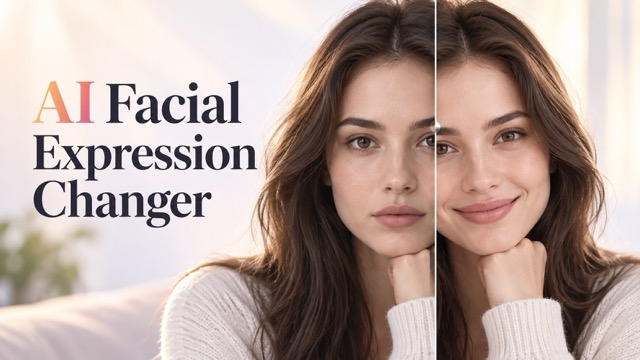
AI Facial Expression Changer

AI Texture Generator
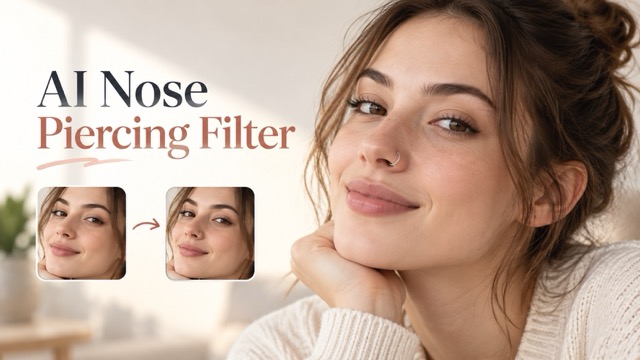
AI Nose Piercing Filter
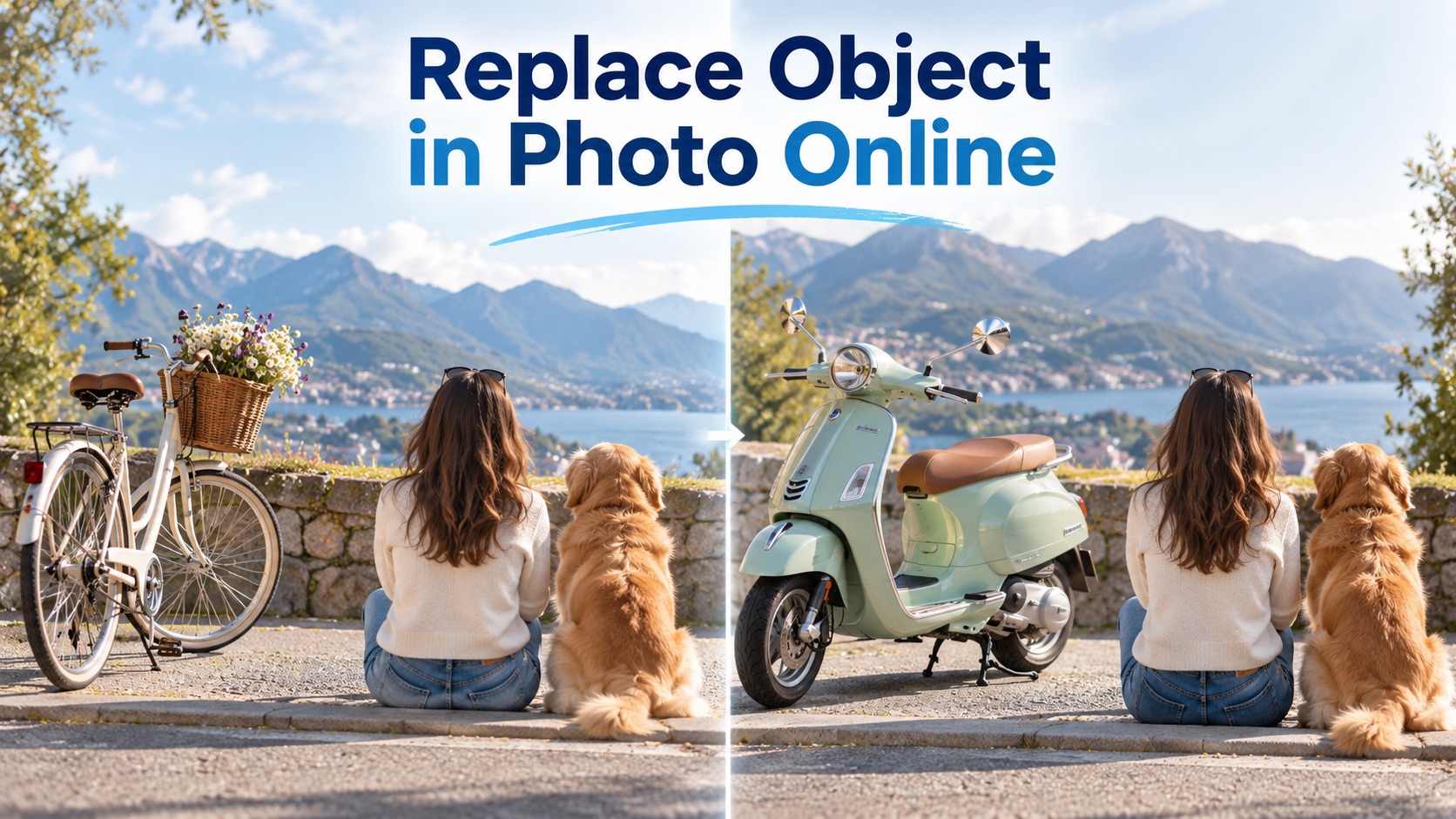
Replace Object in Photo Online
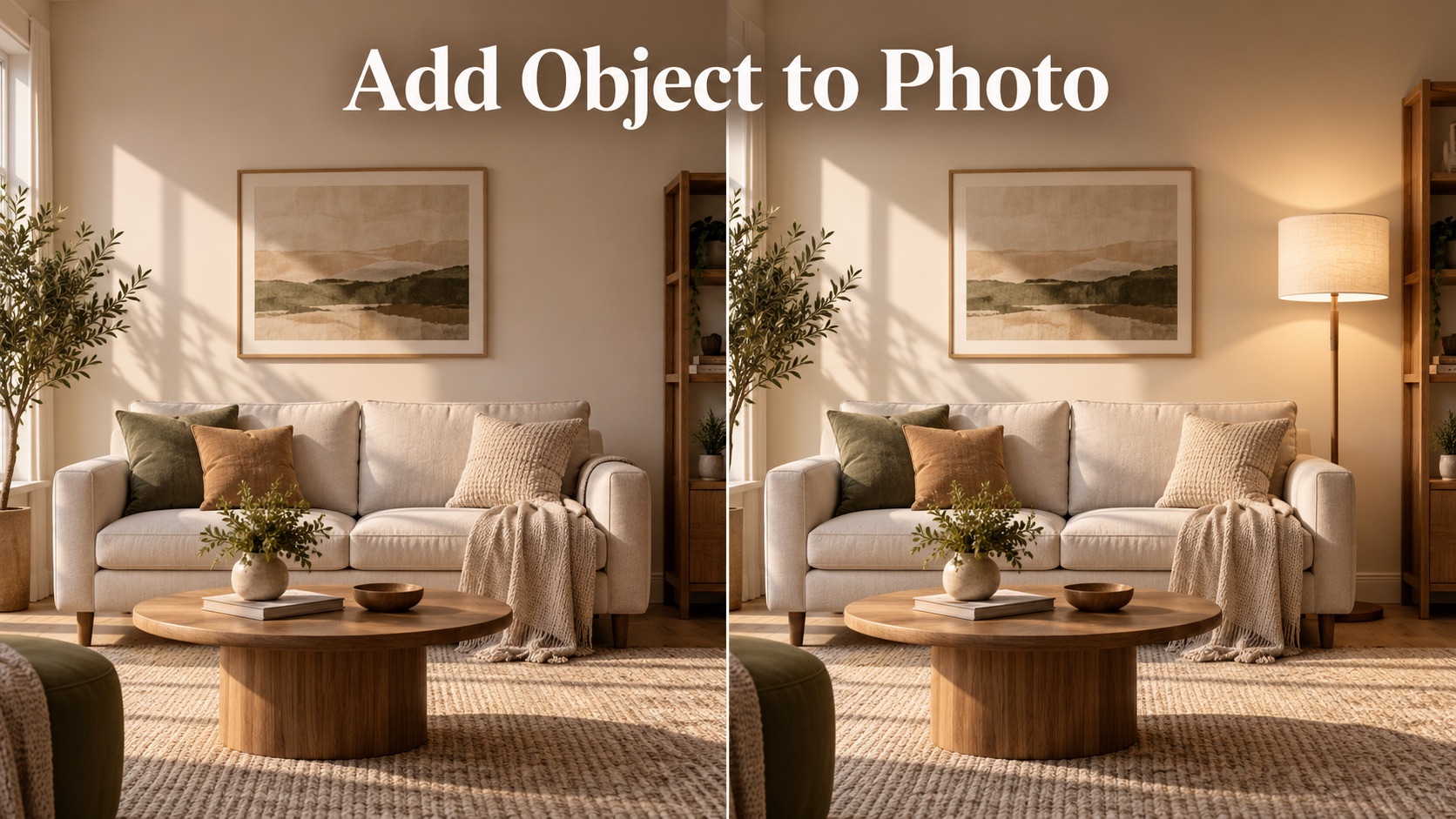
Add Object to Photo
Eyeliner Filter

AI Bust Down Filter

Image Splitter

Add White Background to Photo
Snapchat Text Remover
Realistic AI Skin Generator
Waist Heart Trend From Your Photo
Turn Your Arm And Waistline Into A Heart
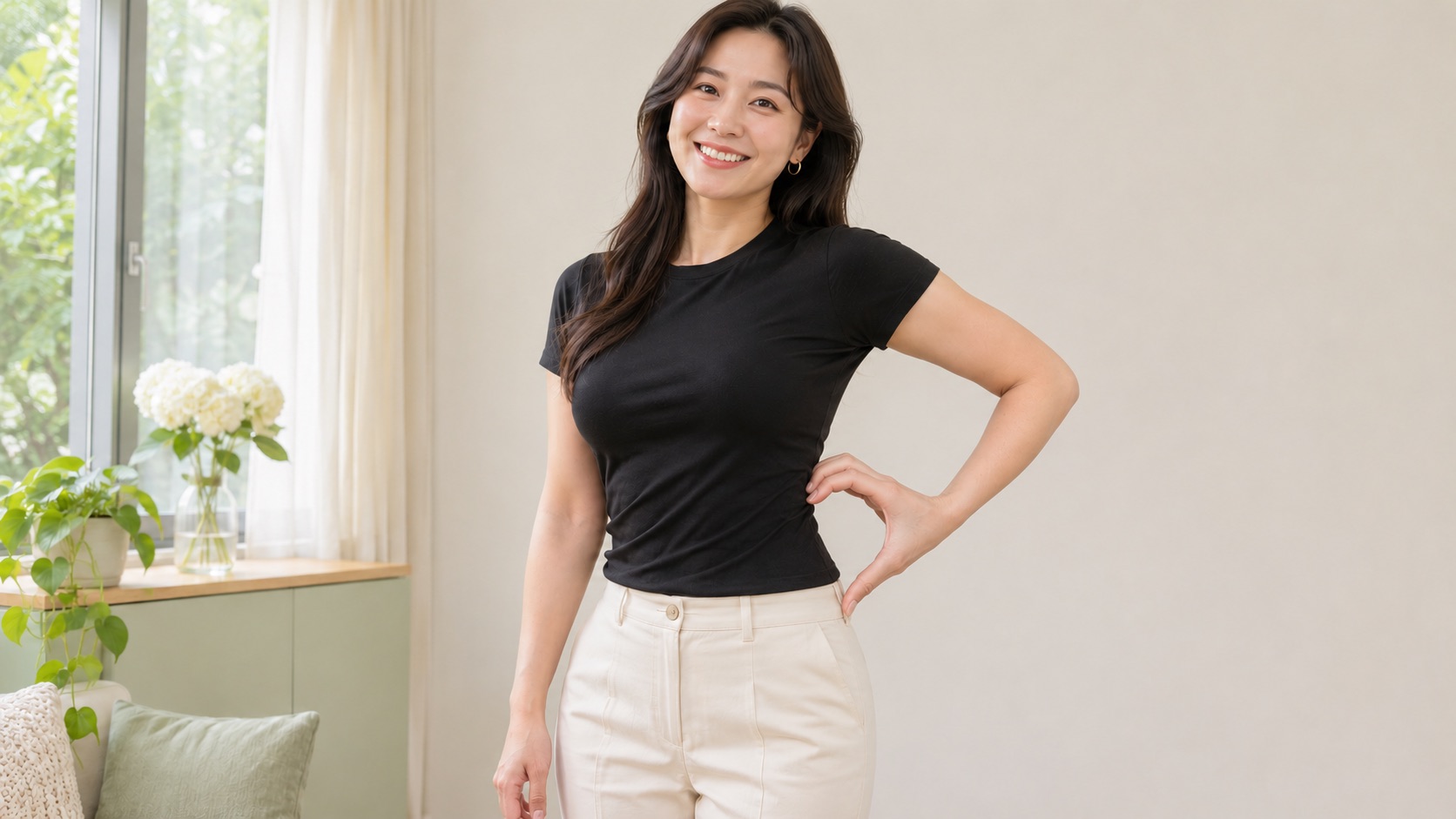
Create your own Waist Heart Trend image from one photo. A curved hand, relaxed arm, and the line from waist to hip come together in a recognizable heart, with a little extra definition where the shape needs it. Waist Heart AI handles the waist heart pose so you can start with a clear portrait and generate without writing instructions. Make a Waist Heart Trend pic for a social post, a playful reply, or a fresh portrait idea. The focus is a readable gesture that still feels connected to your face, outfit, and natural proportions.
Create A Waist Heart Trend Image In Four Steps
Start with one clear photo and let Waist Heart AI arrange the gesture. Your Waist Heart Trend image begins with an upload, without a prompt to write.

Upload Your Photo
Add one photo of yourself with your face, arms, waist, and hips visible. Keep bags or other objects away from the waist.

Check Your Image
Confirm that you uploaded the photo you want to use. Replace it if your waist or hands are cropped out.

Generate The Effect
Click Generate to create the waist heart pose. You do not need to type any instructions.

Review Your Result
Check the heart shape, fingers, and facial details in the finished image. Save the version you like.
A Waist Heart Trend Image Built Around The Gesture
Waist Heart Trend works when the body and hand share the outline. The edit brings attention to that connection, with a clear waist heart pose, considered framing, and restrained waist definition.
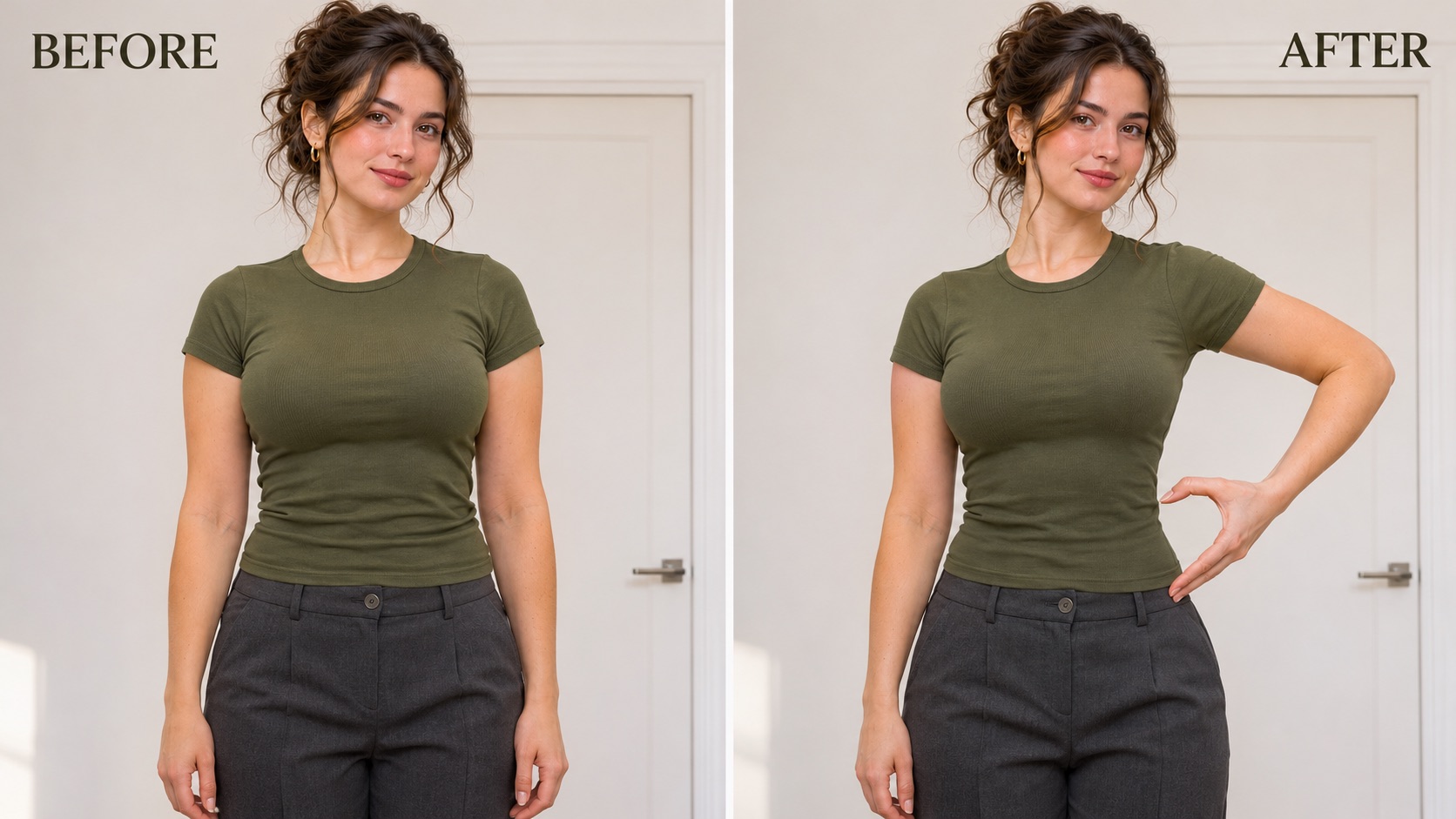
Make The Hand And Waist Complete One Heart
Waist Heart Trend starts with a small gesture that changes the whole portrait. In Waist Heart Trend, the hand stays outside the waistline, the lower fingertips approach the upper hip, and the forearm settles into an easy curve. A clear silhouette gives the image its meaning even before you add a caption.
If you are looking up how to do the waist heart, pay attention to where the hand meets the body. In Waist Heart Trend, a hand floating away from the waist leaves the shape unfinished. Fingers pressed flat against the stomach hide the opening. Waist Heart AI uses the side contour as part of the composition, keeping the gesture close enough to read.
Waist Heart Trend does not need a separate heart drawing to explain the idea. This Waist Heart Trend outline comes from the person in the photo. Choose a source with room around the elbow and hip so the waist heart pose has space. This Waist Heart AI generator is designed to arrange that waist heart pose from your upload, giving your Waist Heart Trend picture a focused starting point without manual drawing.
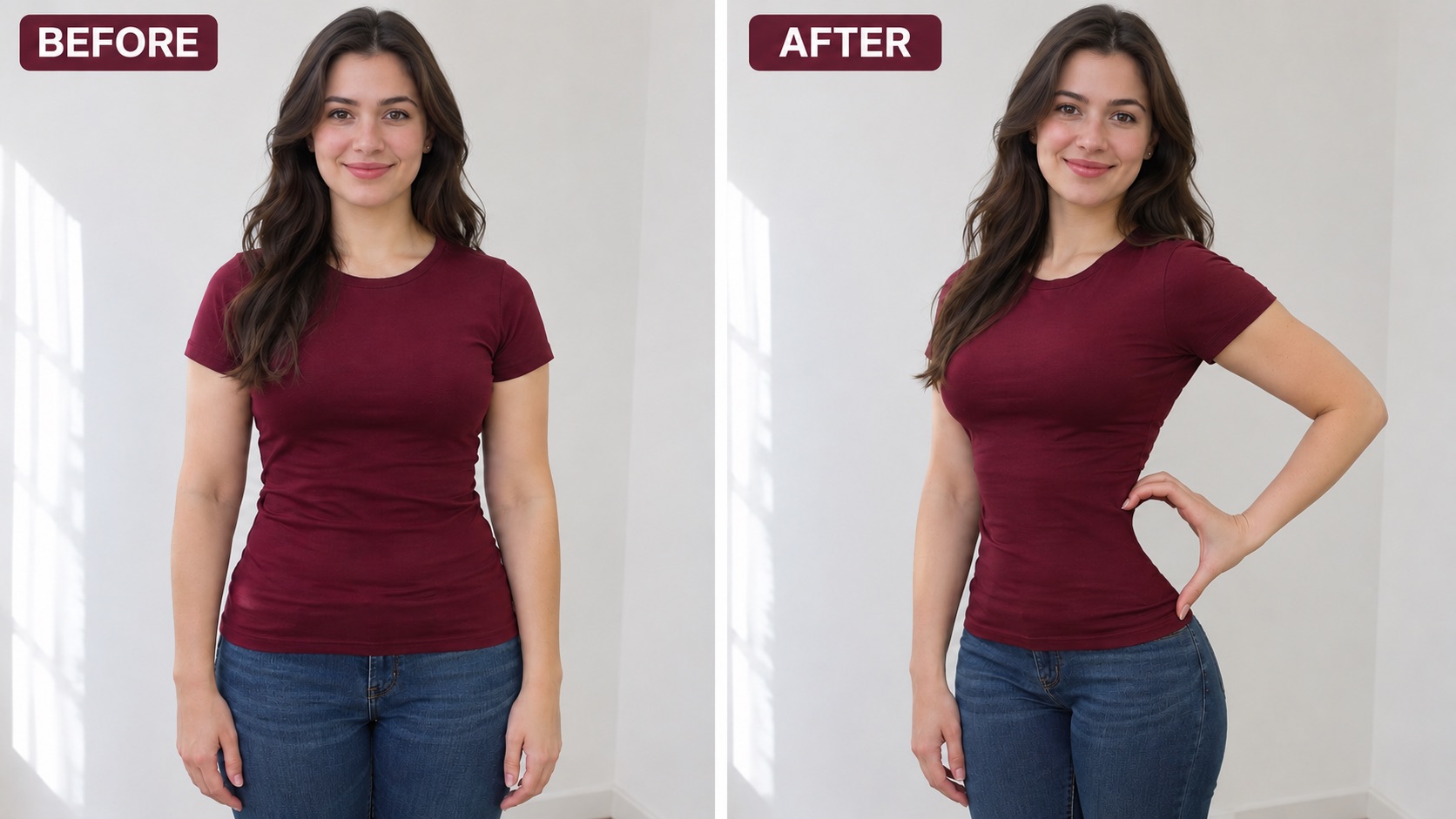
Give The Waistline Subtle Definition
A readable Waist Heart Trend image depends on the relationship between the hand and the waist. A slight turn, a relaxed elbow, and a clearer side contour can help the heart stand out. Waist Heart Trend treatment gently emphasizes the waistline while aiming to keep the person's build believable. Waist Heart Trend is a pose effect with light contour refinement, rather than a request for an entirely different body.
Waist Heart AI directs the edit toward modest definition, consistent fabric folds, and a smooth transition from waist to hip. Review these Waist Heart Trend details alongside the waist heart pose when choosing a finished result.
For anyone learning how to do the waist heart, a fitted outfit makes the side contour easier to see. You can create a waist heart from one photo without choosing a smaller body size or exposing more skin. For Waist Heart Trend, a tucked shirt or a close-fitting top can provide a useful outline. Waist Heart Trend should feel playful and recognizable, with the natural character of your portrait taking priority over an exaggerated silhouette.
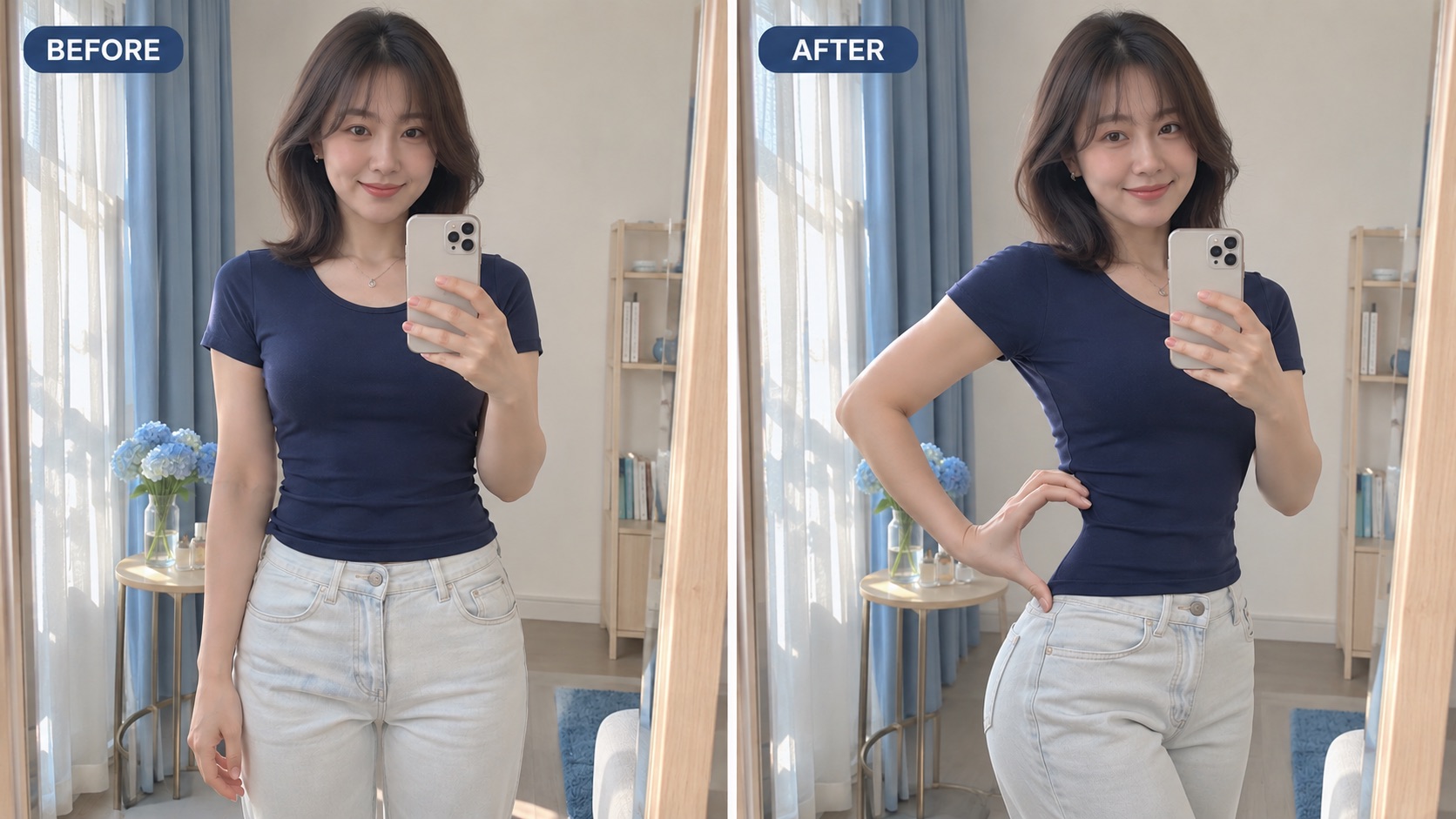
Keep Your Portrait At The Center
Your face, hair, outfit, and setting give a Waist Heart Trend image its personal character. A sharp source makes it easier to judge the finished waist heart pose against the person you started with. For Waist Heart Trend, keep the face visible and avoid a crop that ends above the hips.
Waist Heart AI works from the image you provide, so the starting composition matters. A waist heart mirror selfie can use the free hand for the gesture when the phone is already visible in the other hand. Waist Heart Trend portraits without a mirror can keep their own setting. The workflow does not require a new bedroom scene, a particular outfit, or an added phone.
Make a waist heart from one photo that already feels like you. For Waist Heart Trend, soft, even light and a quiet background help separate the fingers from the waistline. Waist Heart Trend gives that familiar portrait a new gesture, while the source provides the visual reference. Before sharing your Waist Heart Trend pic, inspect the face, wrist, and contour together so the whole picture feels coherent.
Ways To Share Your Waist Heart Trend Image
Use Waist Heart Trend for a simple visual reply or a portrait with a little personality. Waist Heart AI keeps the workflow centered on one photo and one recognizable gesture.

A Photo Post With A Clear Gesture
Make a Waist Heart Trend pic that communicates its idea in a single frame. A visible elbow, curved hand, and waistline give the waist heart pose a shape viewers can recognize while scrolling. Leave enough space around your Waist Heart Trend gesture when you choose a crop for your waist heart pose. Waist Heart Trend can be the focus of a portrait post or one image in a carousel of your own pictures. A Waist Heart AI generator supplies the edited image; your caption supplies the mood. Review the waist heart pose at the size you plan to share so the hand remains readable on a phone screen.

A Playful Portrait For Someone You Like
Turn a familiar photo into a lighthearted Waist Heart Trend reply. Start Waist Heart Trend with a portrait that already has an expression and outfit you like, then create a waist heart from one photo. Waist Heart AI asks for a natural hand position and a clear side contour so the waist heart pose feels part of the portrait. Waist Heart Trend can sit alongside a friend's own heart pose in a conversation.
A Fresh Take On A Mirror Portrait
A waist heart mirror selfie gives an everyday mirror portrait a specific gesture to play with. For Waist Heart Trend, choose a source where the phone leaves the face visible and the free arm has space beside the waist. Waist Heart Trend uses that free hand to close the heart against the hip curve. Waist Heart AI keeps the mirror context in mind rather than asking you to hold a second phone or hide your face. Inspect the waist heart pose, reflection, and finger placement before sharing. A readable waist heart pose should remain the focal point even when the room includes a little everyday detail.

An Idea To Compare With Your Own Pose
If you are figuring out how to do the waist heart, an edited portrait can help you see the relationship between fingers and silhouette. Waist Heart Trend highlights the opening beside the waist, the relaxed elbow, and the hand's upper and lower contact points. Waist Heart AI provides a visual interpretation you can use as inspiration for a later photo. You can also keep the generated Waist Heart Trend image as its own portrait, with no filming or choreography required.
Creative Reactions To Waist Heart Trend
Illustrative reactions describe possible creative uses; these are not verified customer testimonials.
Waist Heart Trend feels personal when the gesture reads clearly. I like a waist heart from one photo with my own outfit.
Waist Heart Trend feels personal when the gesture reads clearly. I like a waist heart from one photo with my own outfit.
A Waist Heart Trend pic gives a portrait a playful focal point. I prefer a clear hand outline to added decoration.
A Waist Heart Trend pic gives a portrait a playful focal point. I prefer a clear hand outline to added decoration.
A waist heart mirror selfie feels playful. Waist Heart AI appeals to me when the face, phone, and free hand look coherent.
A waist heart mirror selfie feels playful. Waist Heart AI appeals to me when the face, phone, and free hand look coherent.
I prefer Waist Heart Trend with subtle definition and a relaxed waist heart pose. The person should still look recognizable.
I prefer Waist Heart Trend with subtle definition and a relaxed waist heart pose. The person should still look recognizable.




Waist Heart Trend Questions
Find practical answers about Waist Heart Trend photos, source images, and the finished gesture before you upload.
Waist Heart Trend is a social photo pose where a curved hand and the waist-to-hip line combine into a heart. This page uses Waist Heart AI to create a still image from your upload. The waist heart pose is formed by the person in the picture, with the hand completing the outline at the side of the body.
Upload one clear portrait with the face, arms, waist, and hips visible, then click Generate. Waist Heart Trend supplies the effect direction, so there is no prompt to write. A Waist Heart AI generator can interpret the pose more clearly when clothing or objects do not hide the waistline. When the image is ready, check the fingers and the space between hand and body. If you were searching how to do the waist heart, this gives you a photo-based way to explore the gesture before photographing your own waist heart pose.
Waist Heart Trend is configured for a slightly more defined waistline, with the heart made primarily through hand placement and posture. The instruction asks for modest contour refinement and believable proportions rather than dramatic slimming. Waist Heart AI also asks to retain the face, outfit, and setting from the source. Review the result for a coherent waist heart pose, smooth clothing edges, and straight background lines.
Yes, you can start with a mirror portrait that shows the waist and a free arm. For a waist heart mirror selfie, keep the phone in one hand and leave the other available for the gesture. Waist Heart Trend asks the edit to use that free hand while retaining the scene in your source. Waist Heart AI should have a clear view of the face and hip line, so avoid a phone blocking the whole face or a tight crop around the shoulders.
No. Waist Heart Trend relies on a visible side contour, which can come from a fitted top, a tucked shirt, or another outfit that shows where the waist meets the hips. A very loose layer may conceal the shape. Waist Heart AI asks to keep the source outfit and its coverage, using posture and light definition to make the gesture clearer. A usable waist heart pose does not require exposing more skin.
This Waist Heart AI generator creates a still image. Waist Heart Trend here focuses on the moment when hand and waistline complete the heart, so you can make a photo post without filming a sequence. It does not add a soundtrack, animate a dance, or require a reference clip. Choose a source with enough space around the arm, then review the finished Waist Heart Trend portrait as a complete picture. If you want to add a caption later, keep it clear of the fingers and waist so the gesture stays visible.
Make Your Own Waist Heart Trend Picture
Give a portrait you like a playful new gesture. Upload one photo and let Waist Heart AI arrange the waist heart pose with the hand and waistline forming a heart, with subtle definition and natural proportions as the goal. Waist Heart Trend keeps the process simple: start with your image, generate, and choose the result you want to keep. Bring your own expression, outfit, and setting to the picture.