
AI Image Tools
Everything You Need to Edit Photos Faster
Open the PicEditor AI tools library for background removal, photo enhancement, object cleanup, face swap, upscaling, and more focused image workflows.

Eyeliner Filter

AI Bust Down Filter

Image Splitter

Add White Background to Photo

Snapchat Text Remover

Realistic AI Skin Generator

Add speech bubble to photo

Change Photo Background

AI Clothes Wrinkle Remover

AI LinkedIn Profile Picture

GPT Transparent BG Image Editor

Image to Layers

3D Angle Editor

Change Background of Photo
Add Text to Image
Speech Bubble Meme Generator
AI Image Darkener
AI Vignette Effect
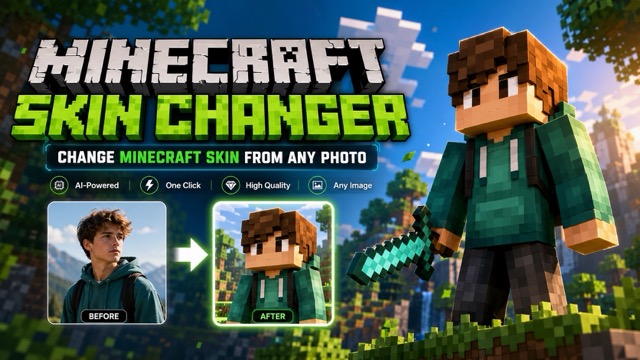
AI Change Minecraft Skin
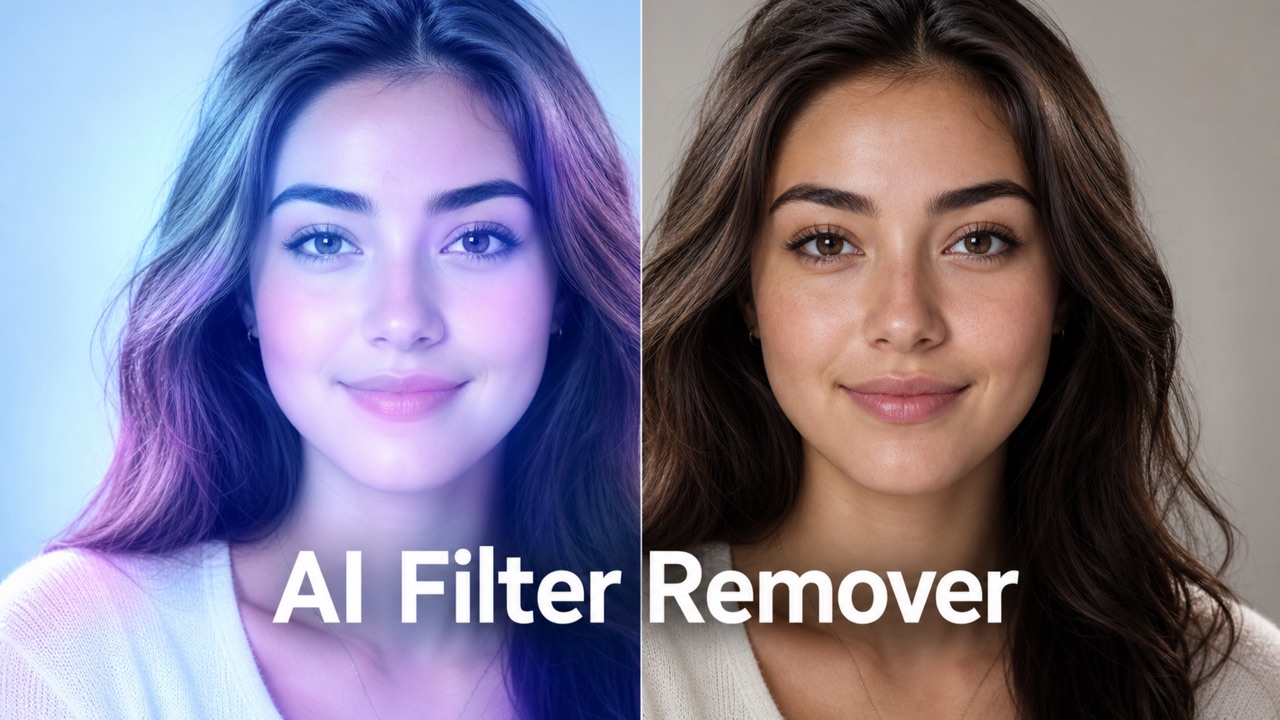
Remove Color From Image

Photo to Illustration

Photo to Coloring Page
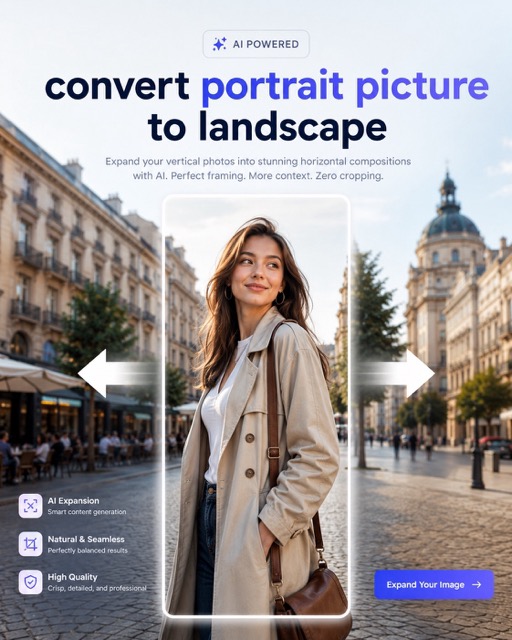
convert portrait picture to landscape
Photo to Silhouette
AI Relight: Fix Photo Lighting in One Click
Upload a picture, click generate, and AI Relight creates a natural relit version with balanced shadows, clearer subjects, and realistic highlights.
AI Relight improves dark, flat, or uneven images without prompts or manual editing. It keeps the original scene recognizable while Relight AI balances light, softens shadows, and makes each relight photo easier to use.
How to Use AI Relight
AI Relight follows the simple flow shown above: upload image, click generate, and get the result. This keeps the process friendly for users who want fast lighting correction instead of a complex editor. Relight AI handles the lighting logic in the background, while ai relight free testing helps you quickly see whether a dark image can become useful again.

Upload Image
Upload the photo you want to improve. AI Relight can read portraits, product shots, travel images, food photos, and everyday pictures when the subject is visible. For a better relight photo, choose an image where the face, object, or main area is not completely blurred. Relight AI uses the uploaded image as the only reference, so the original composition stays familiar.

Click Generate
Click generate and let AI Relight decide how the lighting should be improved. You do not need to write a prompt, adjust layers, or select technical controls. This ai relight tool checks shadows, highlights, face visibility, product edges, and background balance. Relight AI then creates a cleaner lighting result automatically.

Get the Relit Result
Preview the generated version and keep the image that looks clearer, brighter, and more natural. AI Relight aims to preserve identity, layout, objects, and atmosphere while improving light quality. The result is a practical relight photo that still feels like the same shot, only easier to view and share.
Why AI Relight Makes Photos More Useful
AI Relight is not about adding random effects. It is about making images easier to see, trust, and share. Relight AI improves the practical value of a photo by guiding attention toward the subject, reducing lighting distractions, and creating a more natural relight photo for real use.
Make Dark Photos Clear Enough to Use
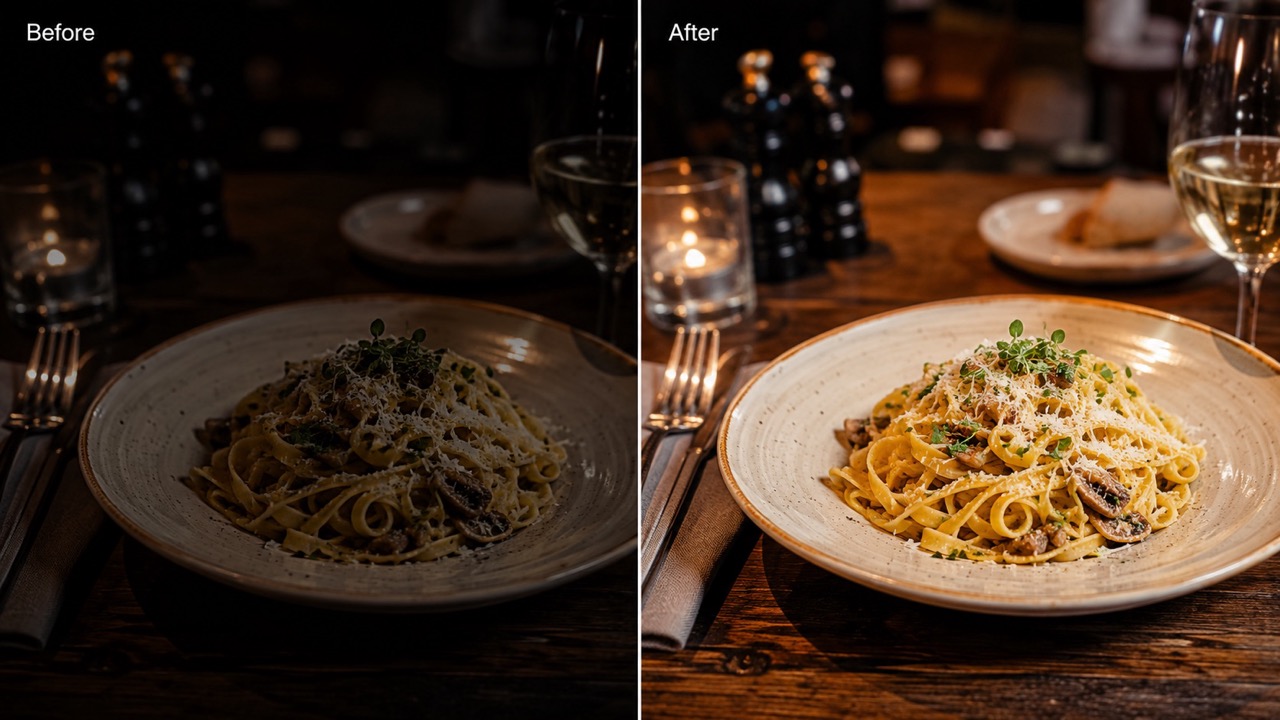
AI Relight is built for photos weakened by poor lighting. A face may be hidden by shadow, a product may look dull, or a room may feel flat. Instead of throwing the image away, ai relight photo processing can brighten the important area and restore visual attention. Relight AI improves visibility without making the scene look artificial. A cleaner relight photo helps viewers understand expressions, textures, colors, and shapes faster. AI Relight is useful when retaking the shot is impossible or inconvenient. For ai relight photo workflows, this is especially helpful when a picture has emotional value, a rare expression, or a product angle that would be difficult to capture again. The relit output gives the same image a stronger chance to work. The benefit is practical: a viewer can read the face, object, or scene faster, and the original capture does not lose its personal feeling.
Balance Shadows While Keeping Depth
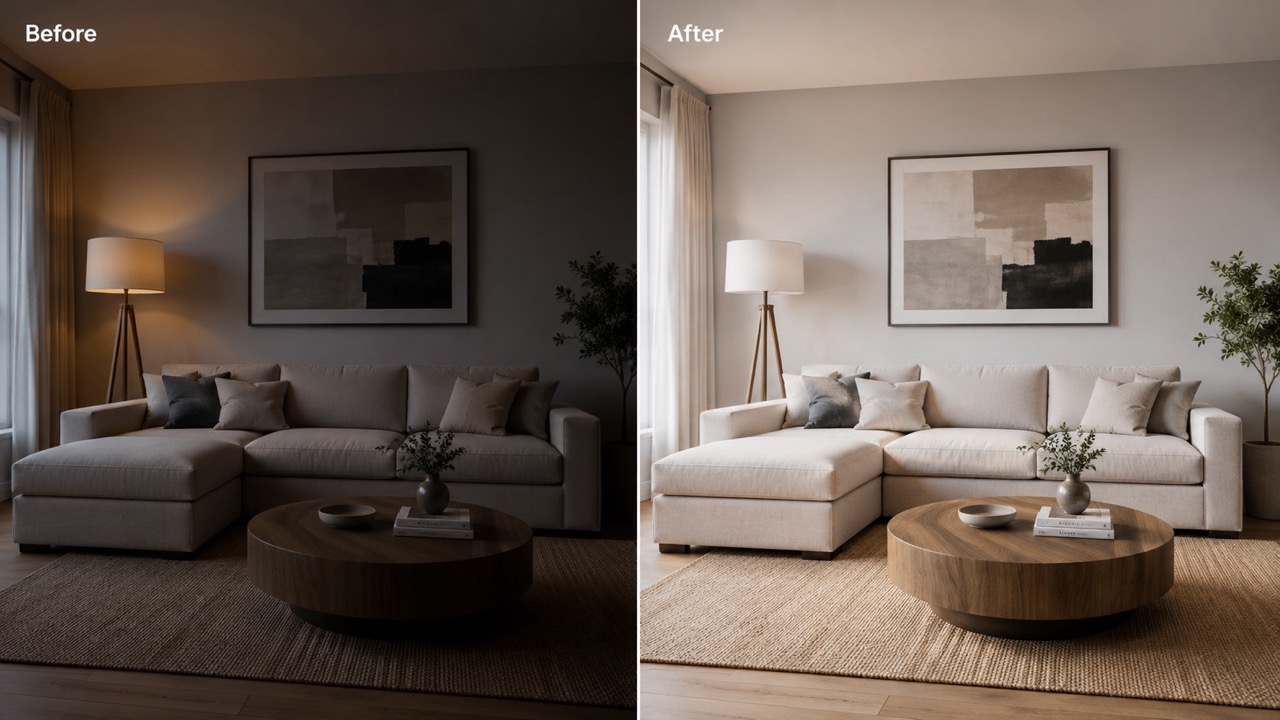
Basic exposure changes often brighten everything and flatten the image. AI Relight is different because it focuses on how light should sit within the scene. It can reduce harsh shadows, recover dark detail, and keep believable contrast. This matters for portraits, clothes, food, interiors, and product photos where depth helps the image feel real. When users need ai relight image improvement, they usually want the subject to stand out without losing natural shape. Relight AI supports that goal by making the light feel softer, clearer, and more controlled. For ai relight image cleanup, this balance is important because the viewer should notice the subject, not the correction. The image can feel more polished while still matching the original environment. The correction should feel invisible: viewers should think the photo was captured under better light, not heavily edited afterward. Better lighting can also make colors feel more accurate.
Prepare Photos for Posts, Profiles, and Listings
AI Relight helps a photo look ready before it appears online. Creators can improve thumbnails, sellers can make items easier to inspect, and professionals can clean up profile images. A strong relight photo can make the subject feel more intentional without changing the scene. Relight AI is helpful when lighting problems distract from what the viewer should notice first. With ai relight free trials, you can compare versions quickly and choose the most usable output. AI Relight turns lighting repair into a short step before sharing. For ai relight photo publishing, the benefit is speed and confidence: you can improve light before choosing captions, descriptions, or layouts. This helps small teams and solo creators turn quick captures into presentable visuals without rebuilding the entire shoot.
Who Needs Better Photo Lighting?
AI Relight fits anyone with an image that is almost right but poorly lit. It can support personal photos, commerce visuals, social content, and daily memories. Relight AI gives users a direct way to create a relight photo without learning advanced editing skills. The main value is speed: users can focus on choosing the right image instead of learning complex correction methods.

Portraits and Profile Images
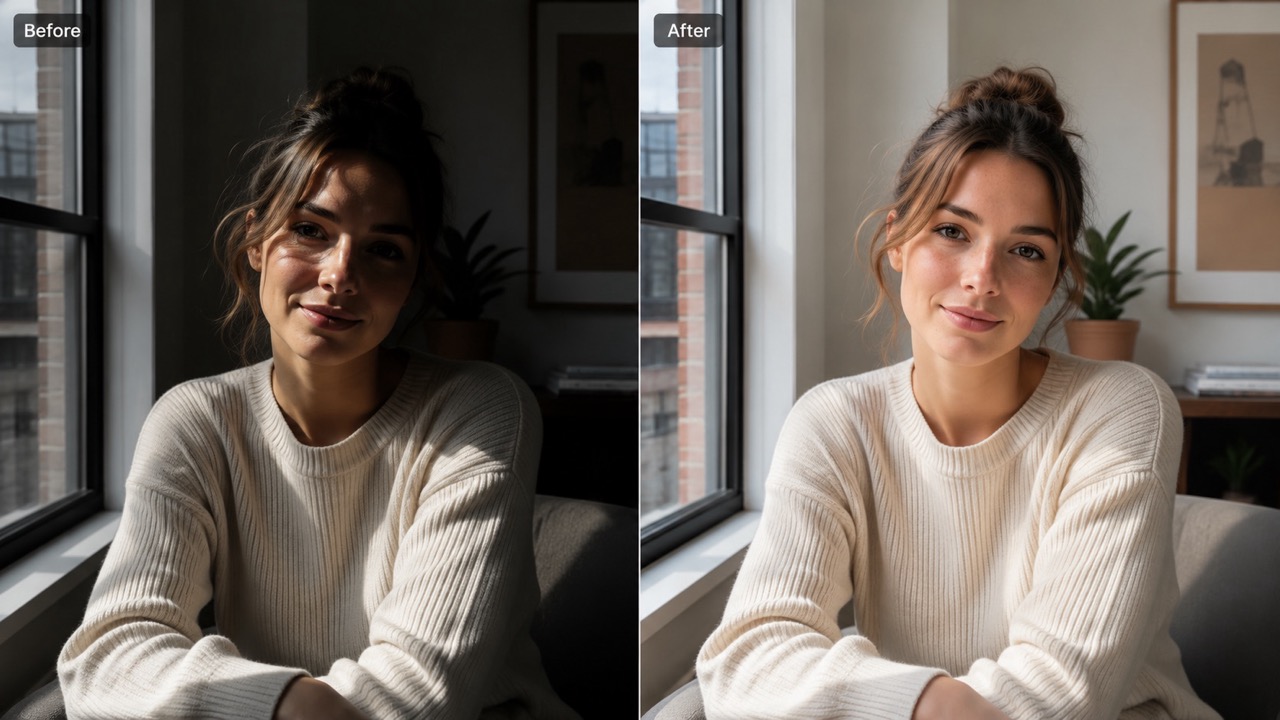
AI Relight can improve selfies, headshots, and profile pictures where the face is too dim or unevenly lit. Relight AI can soften shadows, reveal facial detail, and keep skin tones believable. This is useful when you like the expression but the lighting weakens the first impression. A balanced relight photo can feel cleaner for resumes, social profiles, introductions, and personal branding. AI Relight helps people use a photo they already like. It can also help when indoor bulbs, backlighting, or cloudy weather made the photo feel less welcoming than the moment actually was.
Product and Marketplace Photos
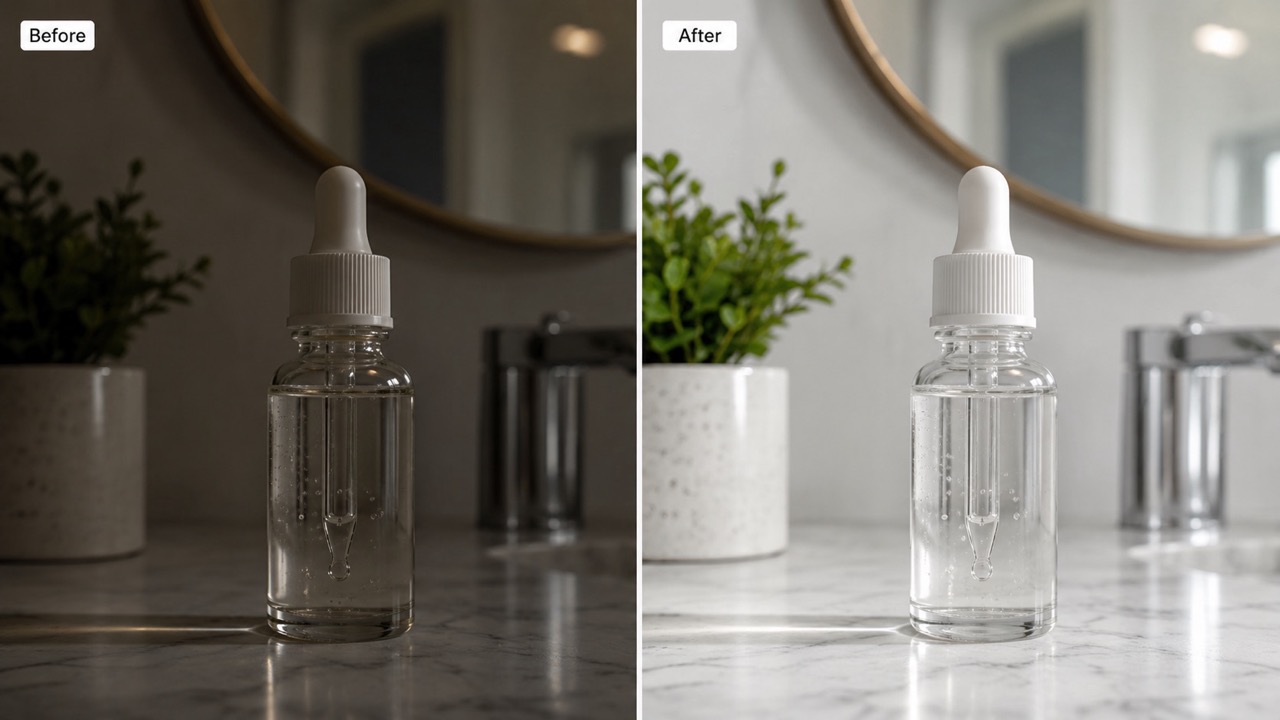
AI Relight can make products easier to inspect by brightening surfaces, edges, and important details. Sellers can use ai relight image correction when quick photos look too dark or shadow-heavy. Relight AI keeps the product shape and material believable, which matters for buyer confidence. A clearer relight photo can reduce visual doubt because customers can see what is being offered. AI Relight supports cleaner listings without a studio setup. It also helps when a listing needs a more consistent appearance across several items photographed at different times.
Content Creators and Social Media
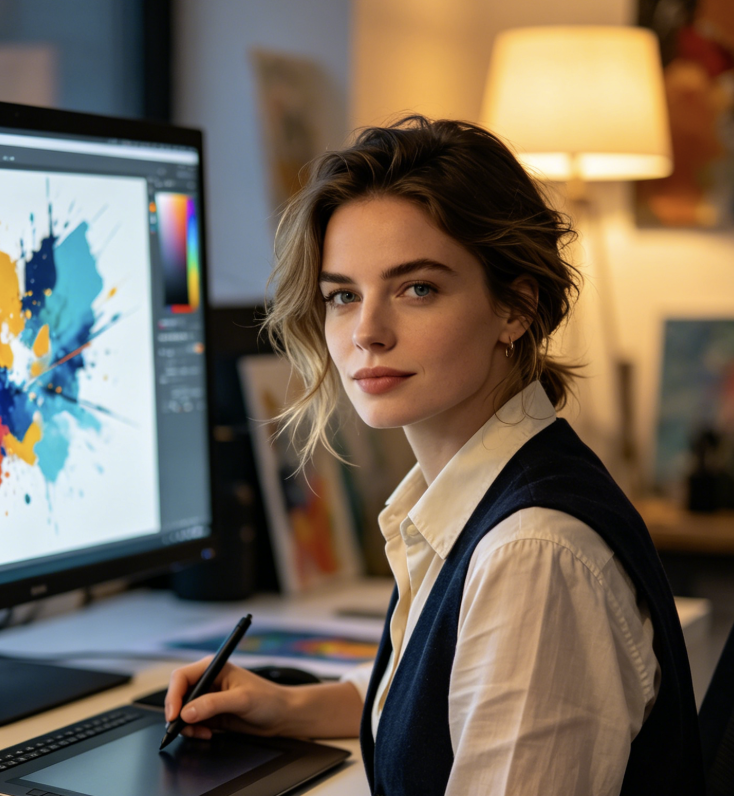
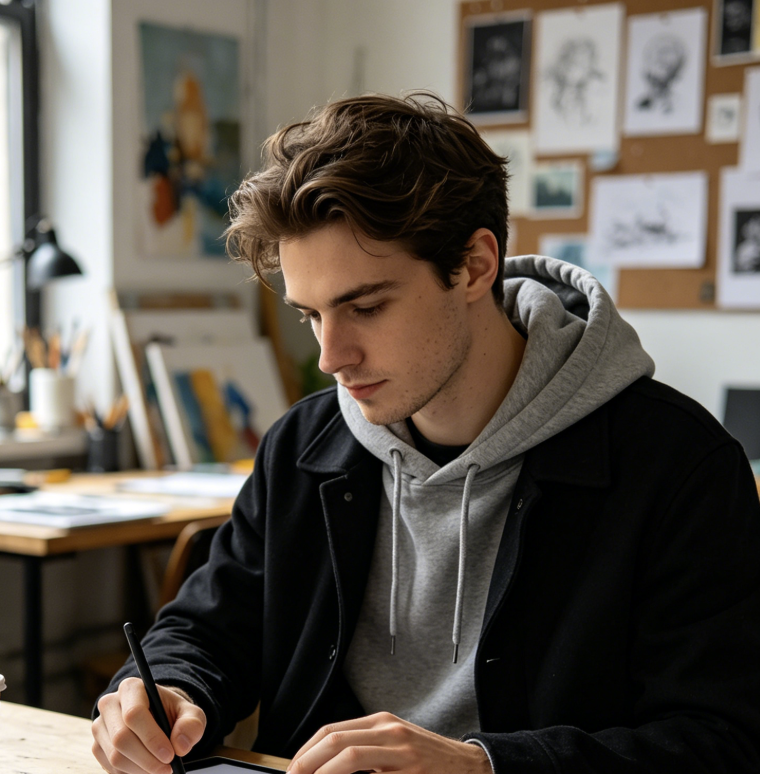
AI Relight helps creators improve images before using them as posts, covers, thumbnails, or story visuals. When a good idea is weakened by bad light, this ai relight tool can make the subject easier to notice in a crowded feed. Relight AI also helps older pictures feel fresh again without changing the core moment. AI Relight is practical for creators who need visual consistency across many quick captures. For ai relight tool use, this means fewer abandoned photos and more usable visuals from the same shoot.

Travel, Food, and Everyday Memories
AI Relight can improve pictures taken in restaurants, streets, bedrooms, offices, or cloudy outdoor scenes. It helps recover details in meals, faces, pets, rooms, and travel moments. With ai relight free use, casual photos can become more shareable in seconds. Relight AI keeps the natural mood while reducing the dull or muddy look caused by weak light. AI Relight is helpful when the moment cannot be captured again. The relit version can make important moments easier to revisit, especially when the original file is the only copy you have.
What Users Say About Photo Relighting
People use AI Relight when they want better lighting without rewriting the image. Relight AI helps rescue dark portraits, product shots, travel pictures, and social visuals. Each relight photo can become clearer while the original subject and mood remain familiar.
I had a portrait with a great expression, but window shadows made my face look tired. AI Relight brightened the face without changing who I was. Relight AI felt simple because I only uploaded and generated. The final relight photo looked natural enough for my profile, and I did not need to explain what I wanted. The image still looked like me, just more open and balanced.
I had a portrait with a great expression, but window shadows made my face look tired. AI Relight brightened the face without changing who I was. Relight AI felt simple because I only uploaded and generated. The final relight photo looked natural enough for my profile, and I did not need to explain what I wanted. The image still looked like me, just more open and balanced.
My product photos often look darker than the items do in real life. AI Relight helped me bring out texture and edges without making the product look fake. My ai relight image result was clearer than a basic brightness edit. Relight AI saved several pictures from a rushed shoot. It made the item feel easier to evaluate.
My product photos often look darker than the items do in real life. AI Relight helped me bring out texture and edges without making the product look fake. My ai relight image result was clearer than a basic brightness edit. Relight AI saved several pictures from a rushed shoot. It made the item feel easier to evaluate.
I needed quick visuals for a campaign and had no time for manual correction. This ai relight tool made my images cleaner after one click. AI Relight improved shadows and made the subject easier to see. I also used ai relight free tests before choosing final versions for the page.
I needed quick visuals for a campaign and had no time for manual correction. This ai relight tool made my images cleaner after one click. AI Relight improved shadows and made the subject easier to see. I also used ai relight free tests before choosing final versions for the page.
I tried ai relight photo editing on cloudy travel photos. The faces, buildings, and food looked clearer, but the pictures still felt real. Relight AI did not overdo the effect. AI Relight helped old images feel worth sharing again, especially the ones I could not retake.
I tried ai relight photo editing on cloudy travel photos. The faces, buildings, and food looked clearer, but the pictures still felt real. Relight AI did not overdo the effect. AI Relight helped old images feel worth sharing again, especially the ones I could not retake.


FAQs About Photo Relighting
These quick answers explain how AI Relight works, what it can improve, and how Relight AI helps create a natural relight photo through a simple upload and generate process.
Upload an image, click generate, and AI Relight creates a brighter relit result. Relight AI handles lighting balance automatically, so no prompt is required.
AI Relight is designed to preserve the subject, composition, and key details while improving shadows and highlights. Use a clear source image for best results.
Yes. AI Relight can improve portraits by brightening faces, softening uneven light, and keeping natural skin tones. It works best when facial detail is visible.
For ai relight photo workflows, yes. It can improve product visibility by making shapes, textures, and surfaces easier to see while keeping the item realistic.
A normal filter changes the whole image style. AI Relight focuses on realistic light correction, so each relight photo can look more natural.
Choose a photo with a visible subject and readable details. AI Relight can fix many lighting issues, but missing or heavily blurred detail may limit the result.
Create Better Light in Seconds
Upload a photo and let AI Relight create a clearer, more balanced version in seconds. Use ai relight tool results for portraits, products, posts, and any relight photo that needs a natural lighting upgrade. AI Relight gives you a faster way to improve images before sharing. Try ai relight image correction when a picture is worth keeping but the light makes it less effective.
