
AI Image Tools
Everything You Need to Edit Photos Faster
Open the PicEditor AI tools library for background removal, photo enhancement, object cleanup, face swap, upscaling, and more focused image workflows.

Eyeliner Filter

AI Bust Down Filter

Image Splitter

Add White Background to Photo

Snapchat Text Remover

Realistic AI Skin Generator

Add speech bubble to photo

Change Photo Background

AI Clothes Wrinkle Remover

AI LinkedIn Profile Picture

GPT Transparent BG Image Editor

Image to Layers

3D Angle Editor

Change Background of Photo
Add Text to Image
Speech Bubble Meme Generator
AI Image Darkener
AI Vignette Effect
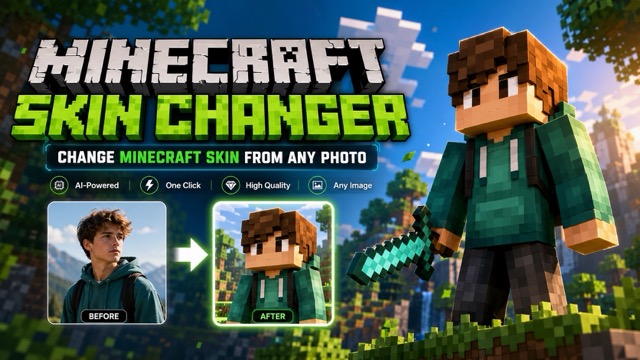
AI Change Minecraft Skin
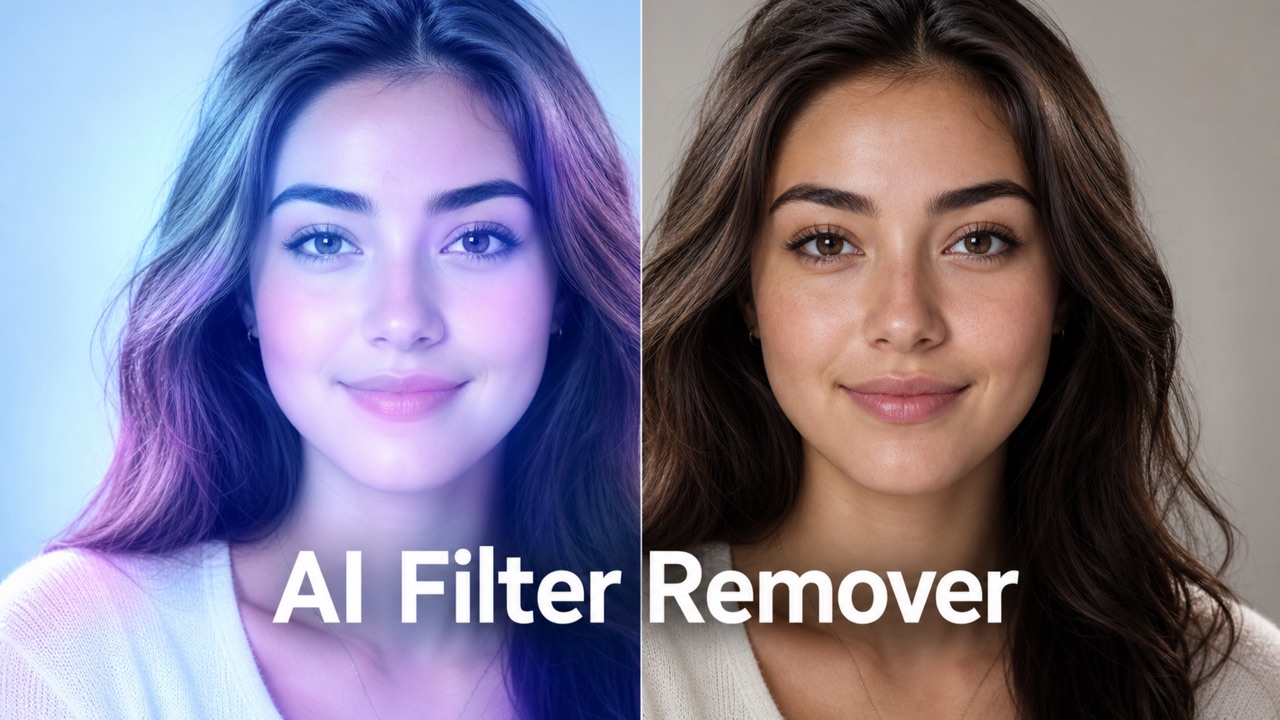
Remove Color From Image
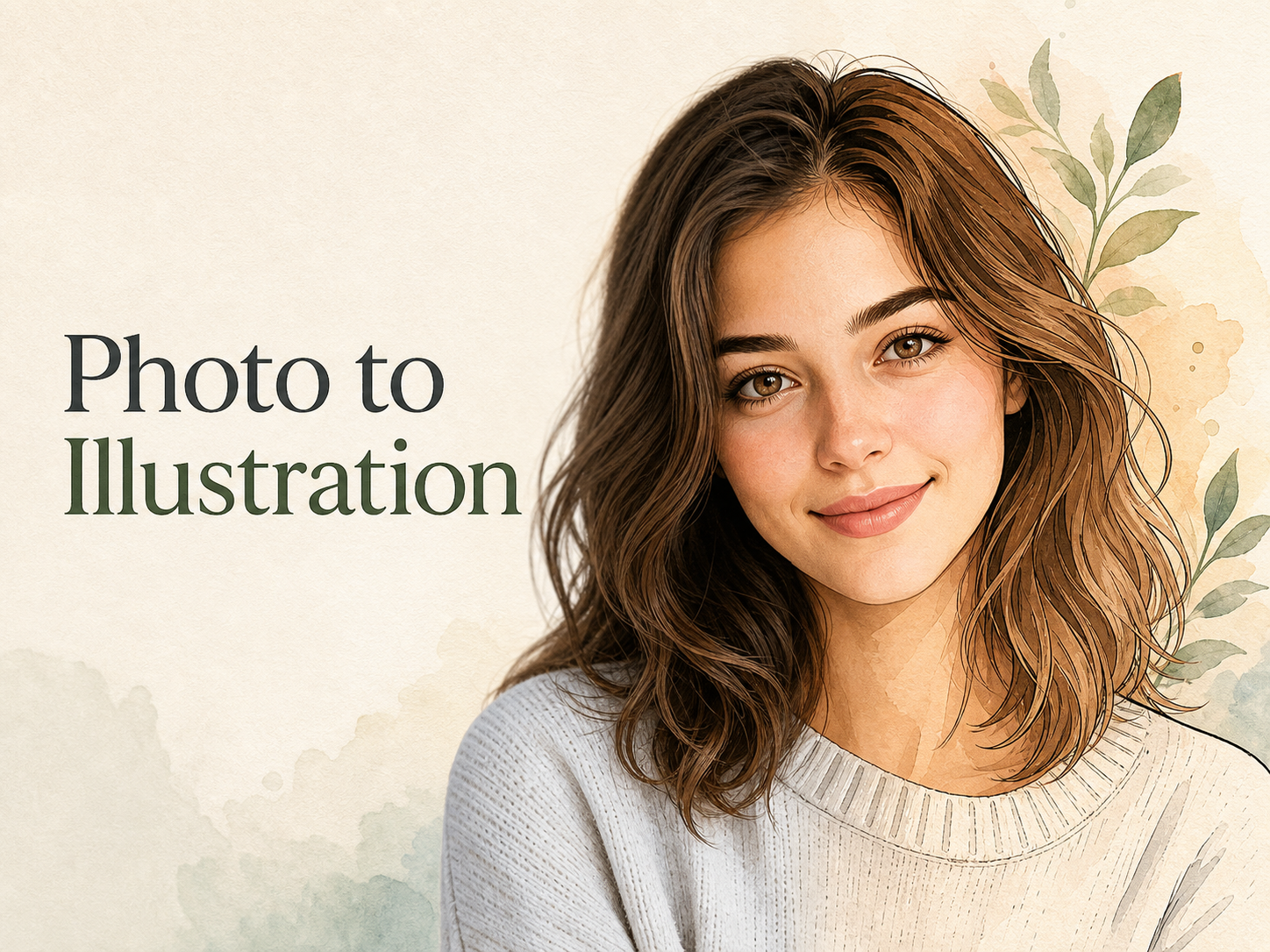
Photo to Illustration
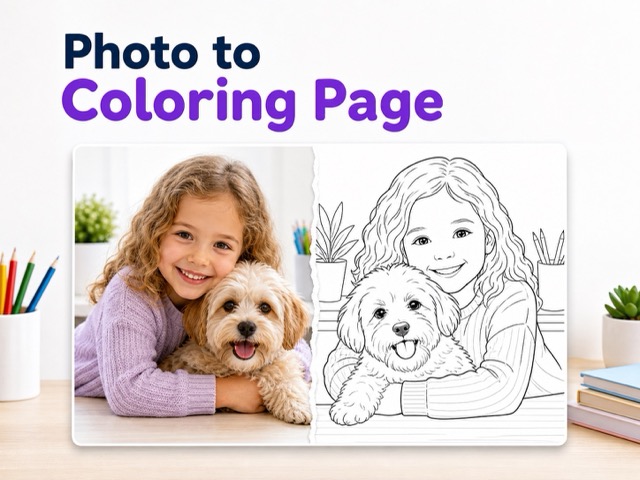
Photo to Coloring Page
convert portrait picture to landscape
Photo to Silhouette
Turn Photos Into Anime Art with Photo to Anime
Use Photo to Anime to create an illustrated anime version.
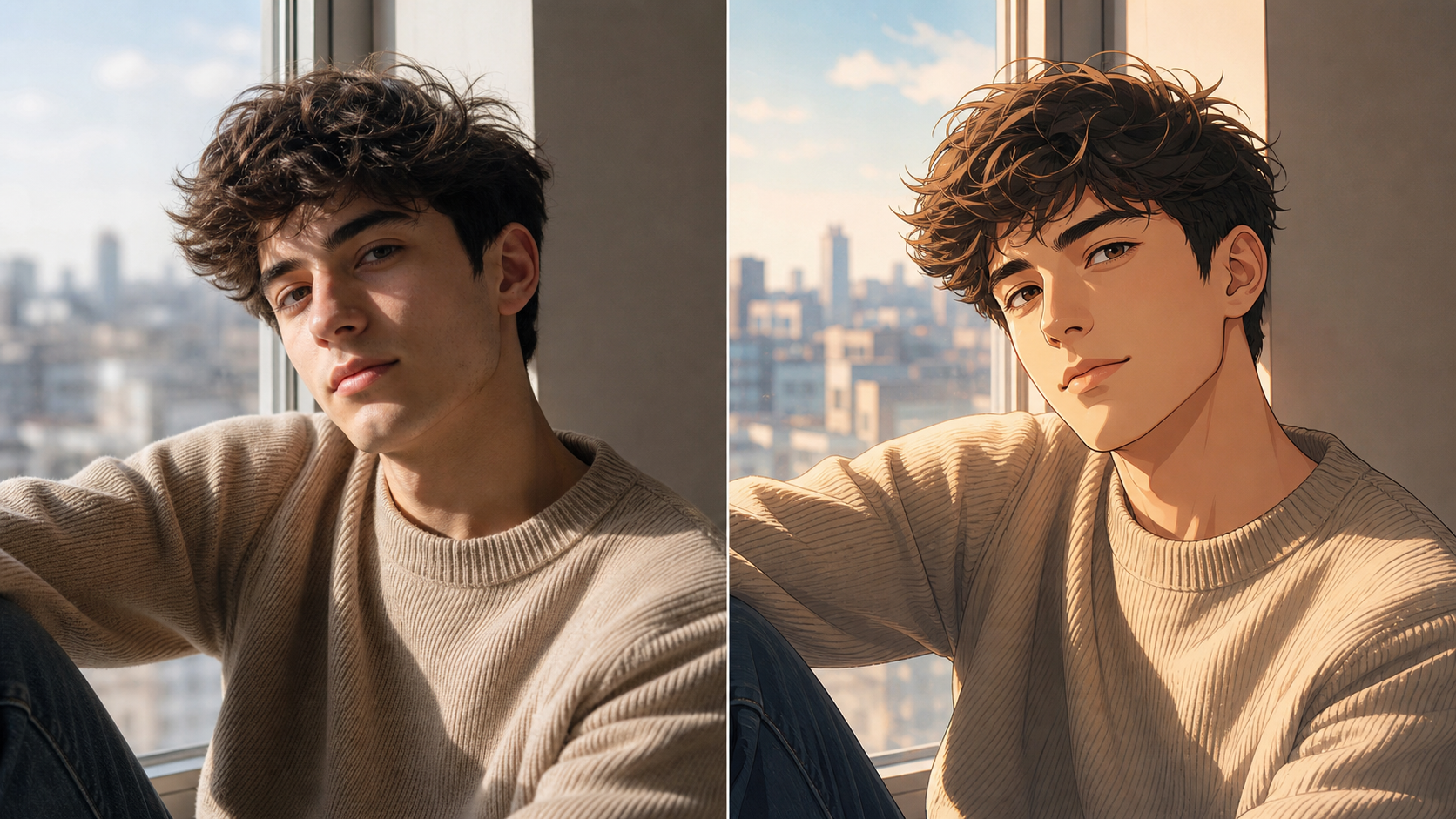
Photo to Anime turns an uploaded image into anime-inspired art that keeps its subject recognizable. Image to Anime AI adapts portraits, scenes, and memories. Refine your source or direction, then use Photo to Anime AI as a starting point.
How to Use Photo to Anime
Photo to Anime is straightforward: select an image, name details that must remain recognizable, and review the output. Use Photo to Anime as a creative step, then choose the variation that serves your idea.

Choose a Source Image
Start with a clear image whose main subject is easy to identify. Photo to Anime works best when a face, pet, outfit, or landmark is visible and not heavily obscured. Choose a photo with the framing you want to carry into the illustration. The original composition gives the model useful direction.

Generate the Anime
Use Photo to Anime to apply the transformation, then judge the image as an illustration rather than a literal copy. The Image to Anime AI interprets lighting, texture, and fine details through an anime visual language. If a key feature matters, describe it plainly in your direction and use a source image where that detail is visible.
Review and Save
Compare the output with your original and look first at identity, pose, expression, and the most important objects. Photo to Anime can be repeated with a different source image or clearer direction when the first result does not match your intent. The AI Anime Filter is most useful as an iterative creative step.
What You Can Make With Photo to Anime
Photo to Anime explores illustrated versions of people, pets, shared moments, and meaningful places. Your source image supplies the story and composition; Photo to Anime lets you work from familiar visual anchors rather than a blank canvas.
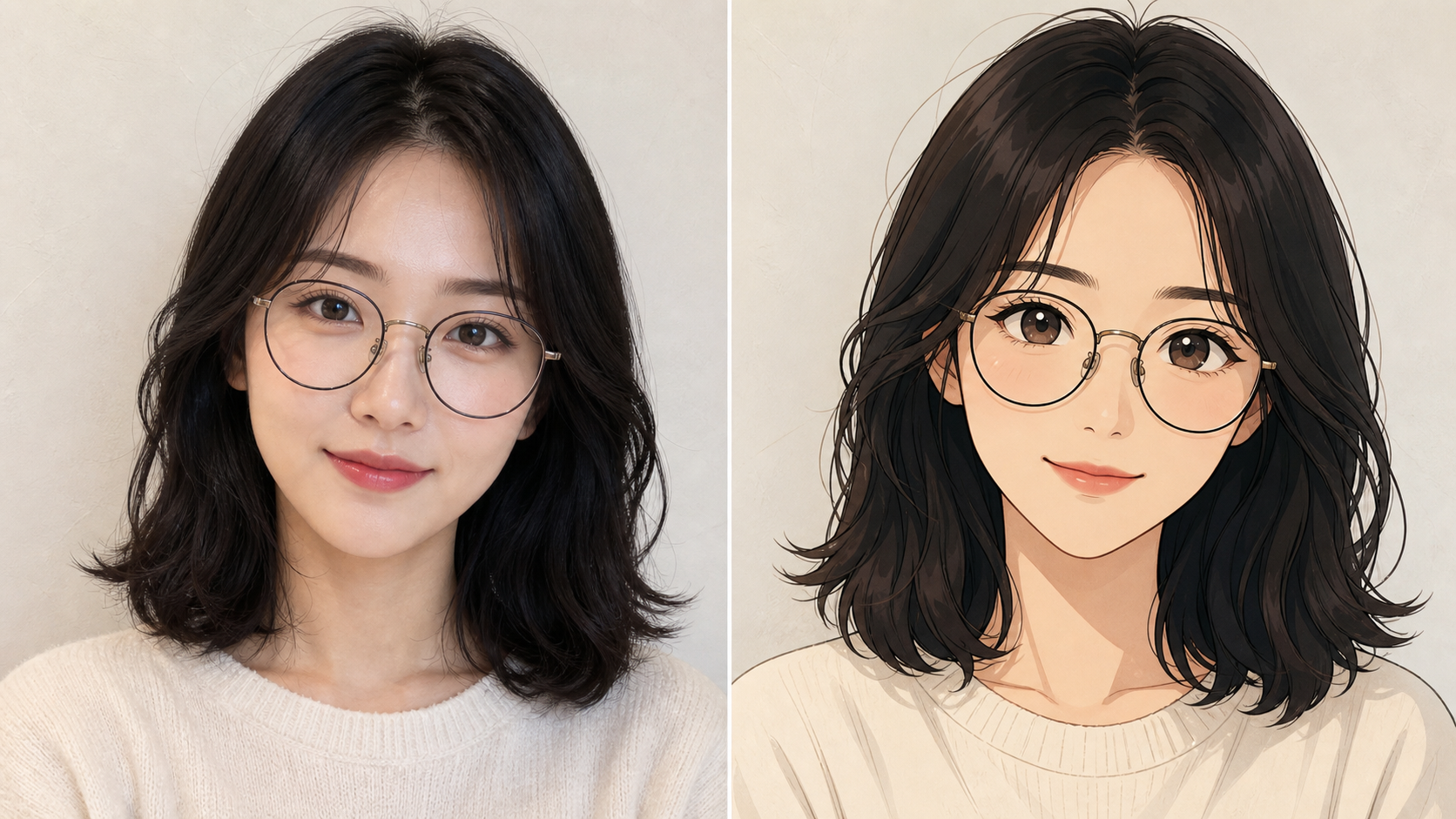
Keep Portraits Recognizable
- Photo to Anime starts with the person in your image, not a generic character.
- A Photo to Anime AI transformation can preserve a recognizable hairstyle, face shape, glasses, clothing, and expression when clear in the original.
- Use an AI Anime Filter for a stylized profile image that still feels connected to you.
- Photo to Anime suits simple, well-lit portraits with an uncluttered focal point.
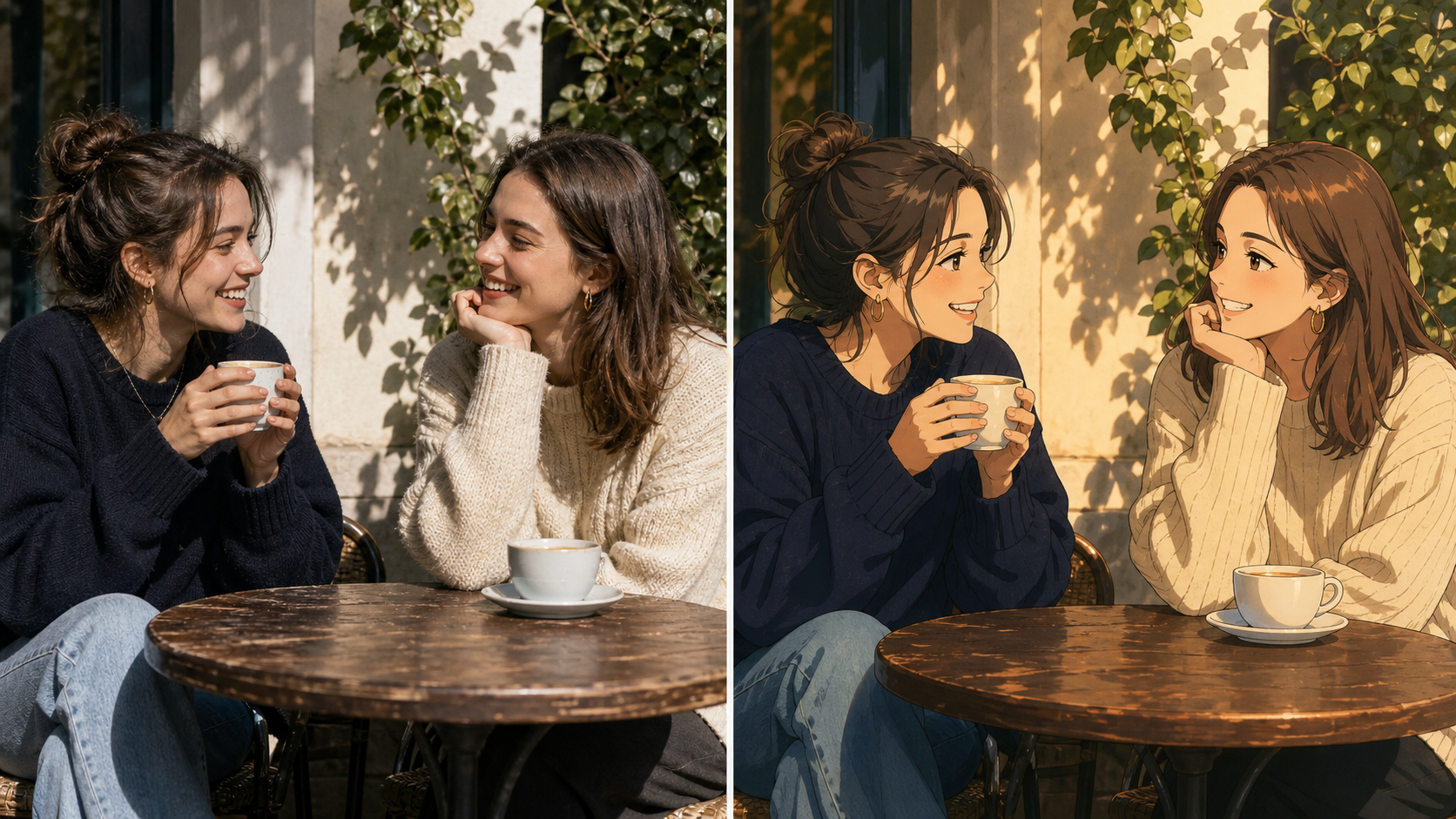
Turn Everyday Moments Into Illustration
- Photo to Anime gives everyday snapshots a deliberate illustrated treatment without drawing skills.
- Use Image to Anime AI for cafés, walks, graduations, or quiet at-home moments.
- The AI Anime Filter considers the whole scene, letting light and setting shape the mood.
- Photo to Anime retains the visual story while translating texture into linework and expressive color.
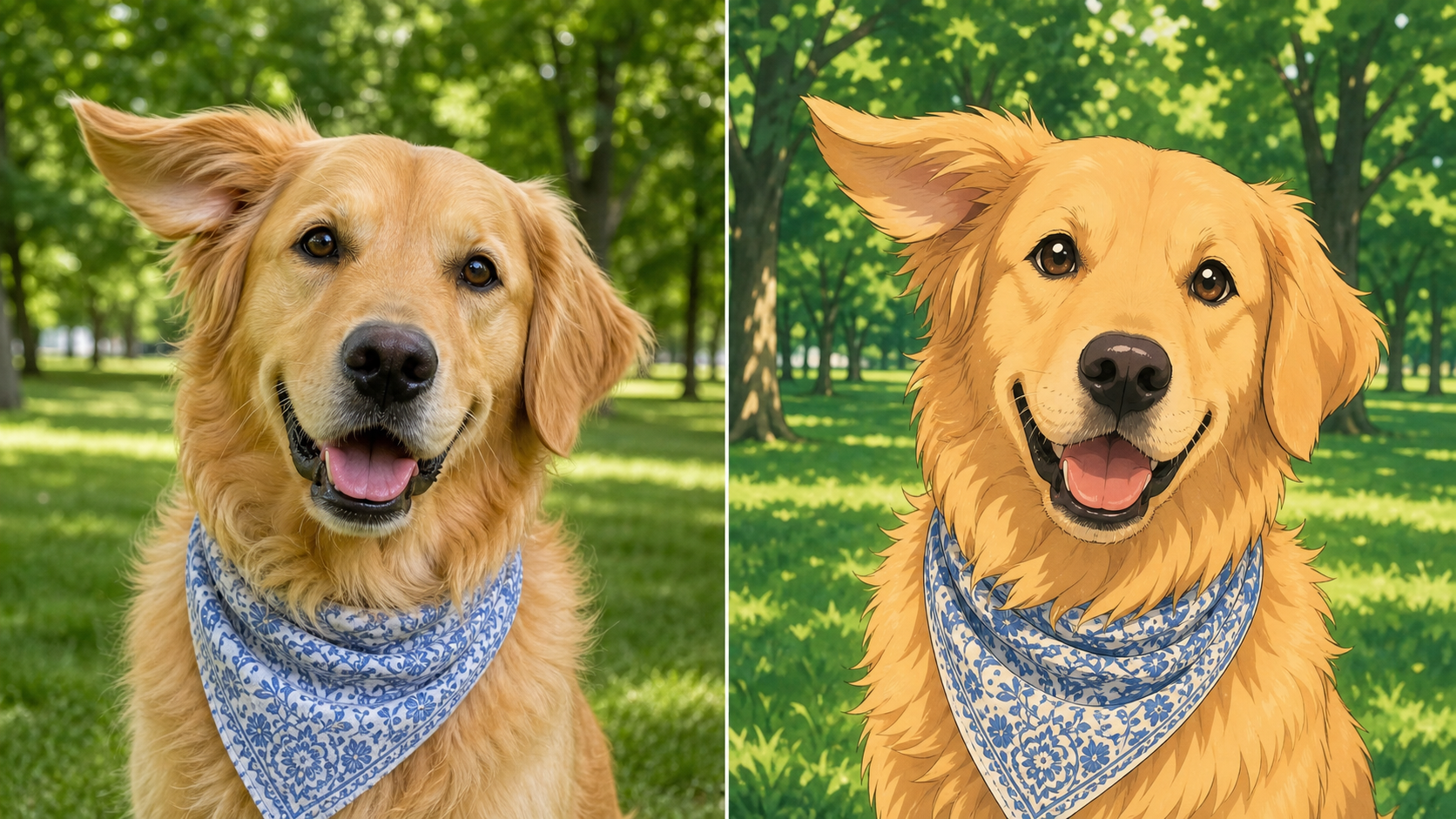
Create Character-Led Pet Art
- Photo to Anime turns a pet photo into character art while preserving markings, posture, and personality.
- A Photo to Anime AI result works best when clear facial details and coat patterns are present.
- Image to Anime AI benefits from a clear face and simple framing.
- Photo to Anime can make a favorite pet photo playful, tender, adventurous, or cinematic.
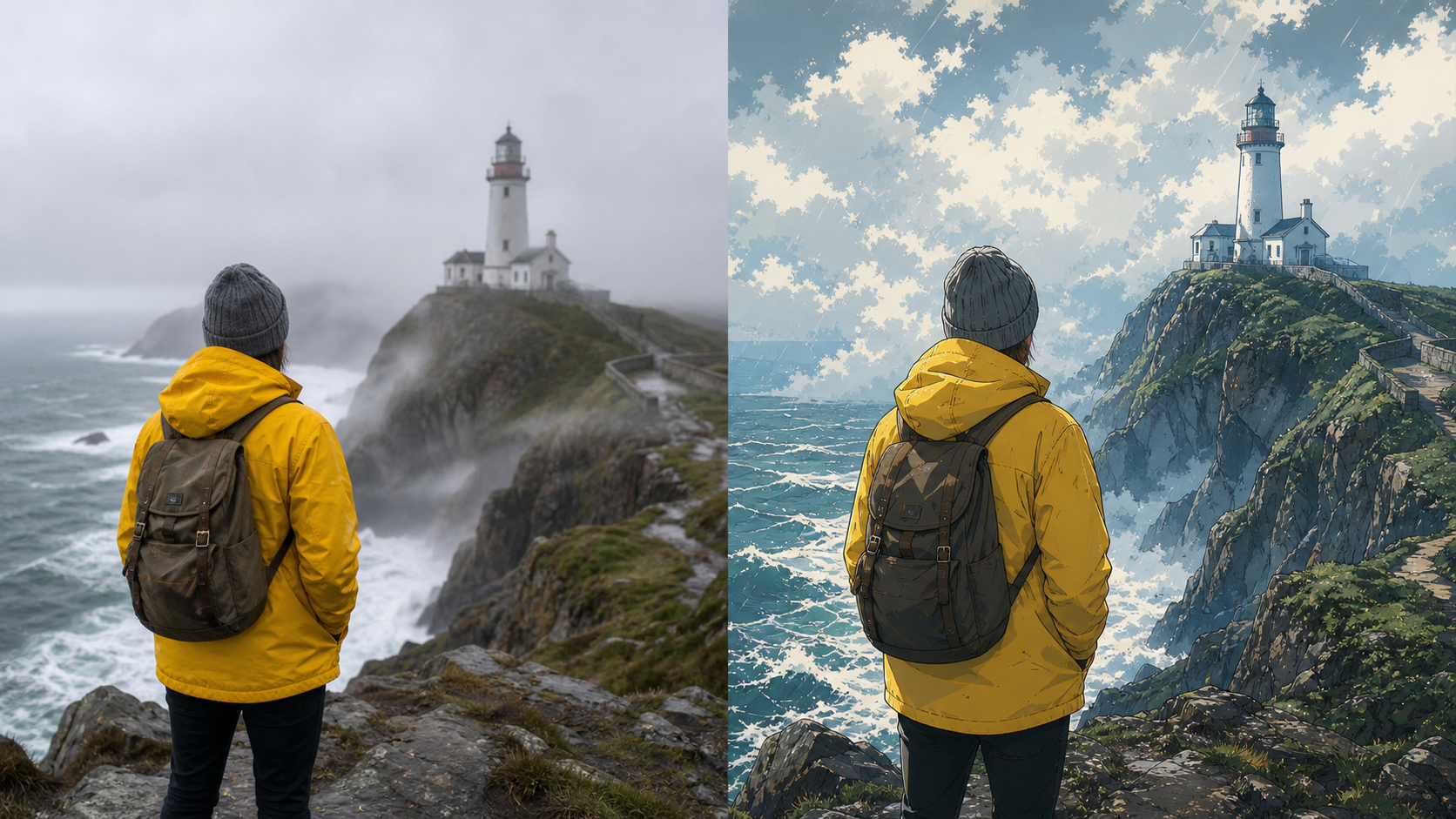
Reimagine Travel and Lifestyle Photos
- Photo to Anime reinterprets a meaningful location while retaining the key place, people, and atmosphere.
- An AI Photo to Anime Converter works for trips or celebrations where setting carries the story.
- Photo to Anime simplifies visual noise for clearer subjects and scenes.
- Use Photo to Anime for a visual keepsake that feels more expressive than the original photograph.
Why Use Photo to Anime
Photo to Anime makes an existing image a flexible creative source. You bring the subject, composition, and personal context; the model translates those cues into an anime-inspired treatment that you can review, revise, and use as you choose.

Make a More Personal Profile Image
A profile image needs personality without losing recognition. Photo to Anime turns a liked portrait into a character image with familiar features and mood. A Photo to Anime AI result can feel more casual than a formal headshot while still being identifiable. Photo to Anime offers a way to test a distinctive avatar direction.

Build a Travel Memory Collection
Travel photos can convey feelings a caption misses. Photo to Anime turns one chosen image into a scene that emphasizes weather, color, and connection to place. Use an AI Photo to Anime Converter for a favorite frame, then build a shared visual direction across a small set. Photo to Anime gives each image a common illustrated language.

Celebrate a Pet's Personality
Photo to Anime gives a pet portrait a clear character point of view. The transformation can emphasize alert ears, a familiar tilt of the head, bright eyes, or a favorite resting pose while moving the image toward illustration. Image to Anime AI is a useful creative starting point for pet keepsakes because it works from the companion you know rather than a stock animal.

Turn a Shared Moment Into a Gift Idea
A candid photo can become a thoughtful starting point for a card, print concept, or digital surprise. Photo to Anime reinterprets the people and setting through an illustrative lens while keeping the moment recognizable. The AI Anime Filter is useful when the emotional context matters more than precise photographic detail.

Explore Visual References for Creative Work
Photo to Anime can help creators explore composition, atmosphere, and character styling from a photo reference. Instead of replacing a finished illustration process, it gives you a visual direction to react to and develop. A Photo to Anime AI result can inform a mood board, a scene-study exercise, or an early concept conversation.

Refresh Familiar Photos for Social Posts
When a photo already has meaning, a different visual treatment can make people notice it again. Photo to Anime offers an illustrated variation that can complement a photo carousel, personal recap, or themed post. An Image to Anime AI conversion is useful when you want an image to feel cohesive with an anime-inspired mood without rebuilding the scene manually.
What Creators Like About Photo to Anime
These example use cases show why people return to Photo to Anime: they can begin with a meaningful image, retain a recognizable anchor, and explore a fresh illustrated direction for personal expression, references, or shared memories.
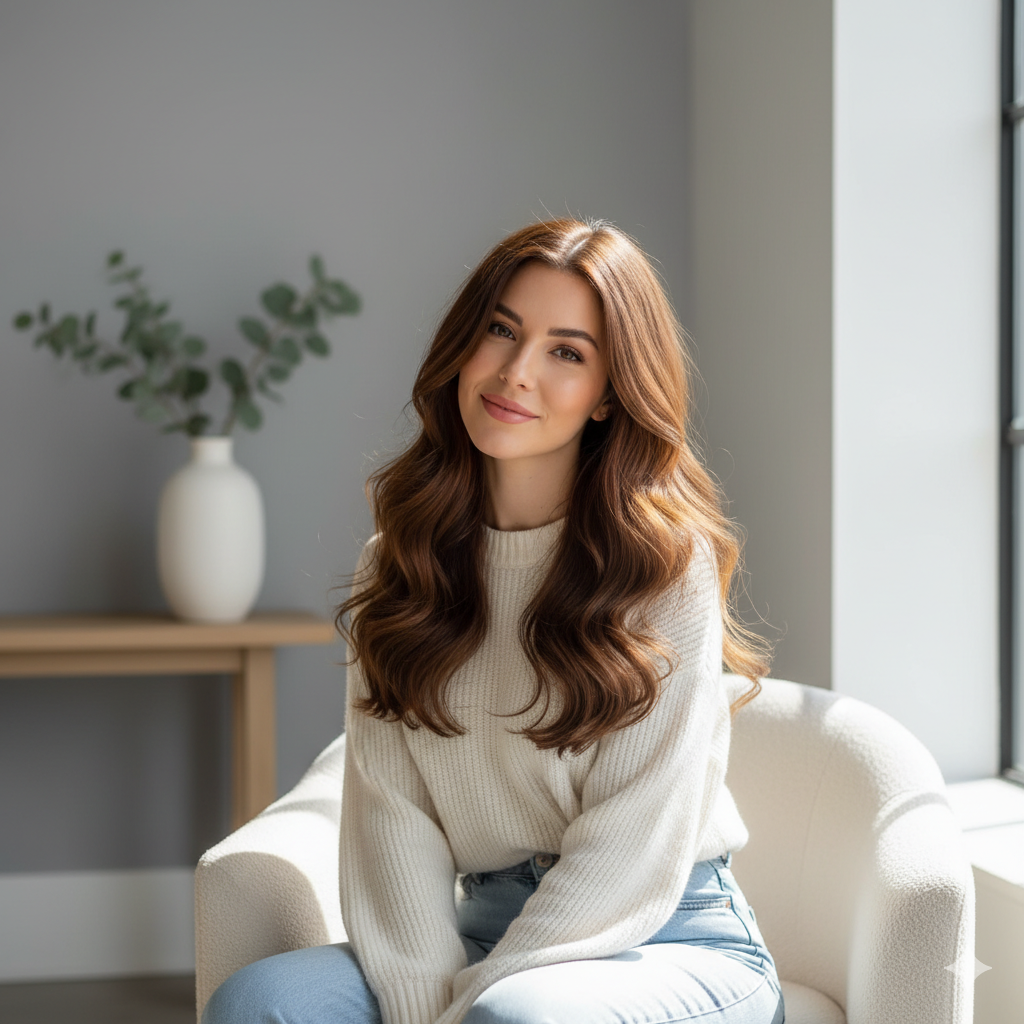
I used Photo to Anime on a candid picture from a weekend trip and was looking for something more personal than another filtered photo. The result kept the pose and backdrop I cared about, but the illustration made the scene feel like a memory from a story. Photo to Anime gave me a clearer direction for a small travel scrapbook I had been putting off.
I used Photo to Anime on a candid picture from a weekend trip and was looking for something more personal than another filtered photo. The result kept the pose and backdrop I cared about, but the illustration made the scene feel like a memory from a story. Photo to Anime gave me a clearer direction for a small travel scrapbook I had been putting off.
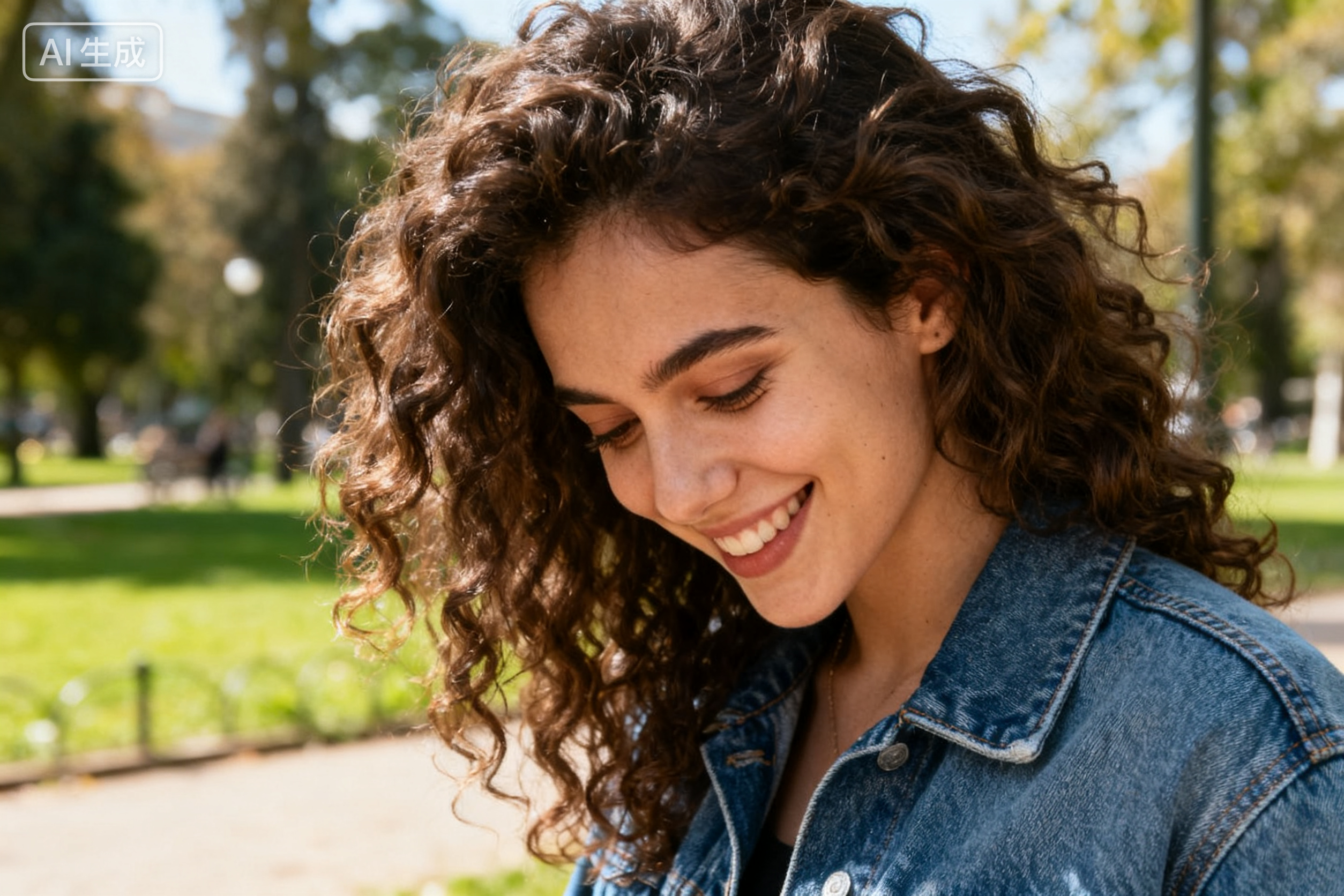
I wanted an avatar that was recognizably me without looking like a formal company headshot. Photo to Anime gave me a useful first pass because my glasses, haircut, and expression were all still part of the image. I then picked the version that matched the tone of my gaming group. Photo to Anime gave the group a reference point for the visual tone. It felt more considered than using a random character illustration.
I wanted an avatar that was recognizably me without looking like a formal company headshot. Photo to Anime gave me a useful first pass because my glasses, haircut, and expression were all still part of the image. I then picked the version that matched the tone of my gaming group. Photo to Anime gave the group a reference point for the visual tone. It felt more considered than using a random character illustration.
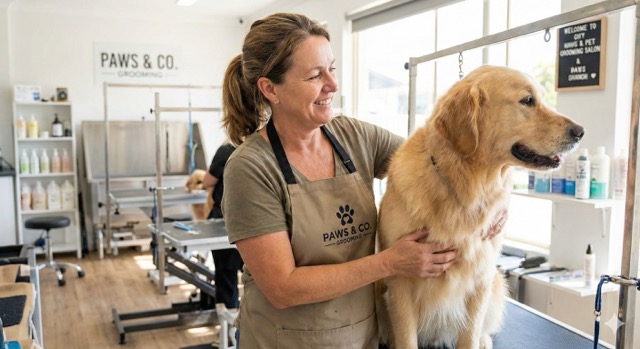
My dog has a very specific one-ear-up expression, and that is exactly what I wanted to preserve. The Image to Anime AI result turned the photograph into a playful character portrait while keeping the markings that make him look like himself. I used the output as a reference for a birthday card design, which made the idea feel much more personal.
My dog has a very specific one-ear-up expression, and that is exactly what I wanted to preserve. The Image to Anime AI result turned the photograph into a playful character portrait while keeping the markings that make him look like himself. I used the output as a reference for a birthday card design, which made the idea feel much more personal.
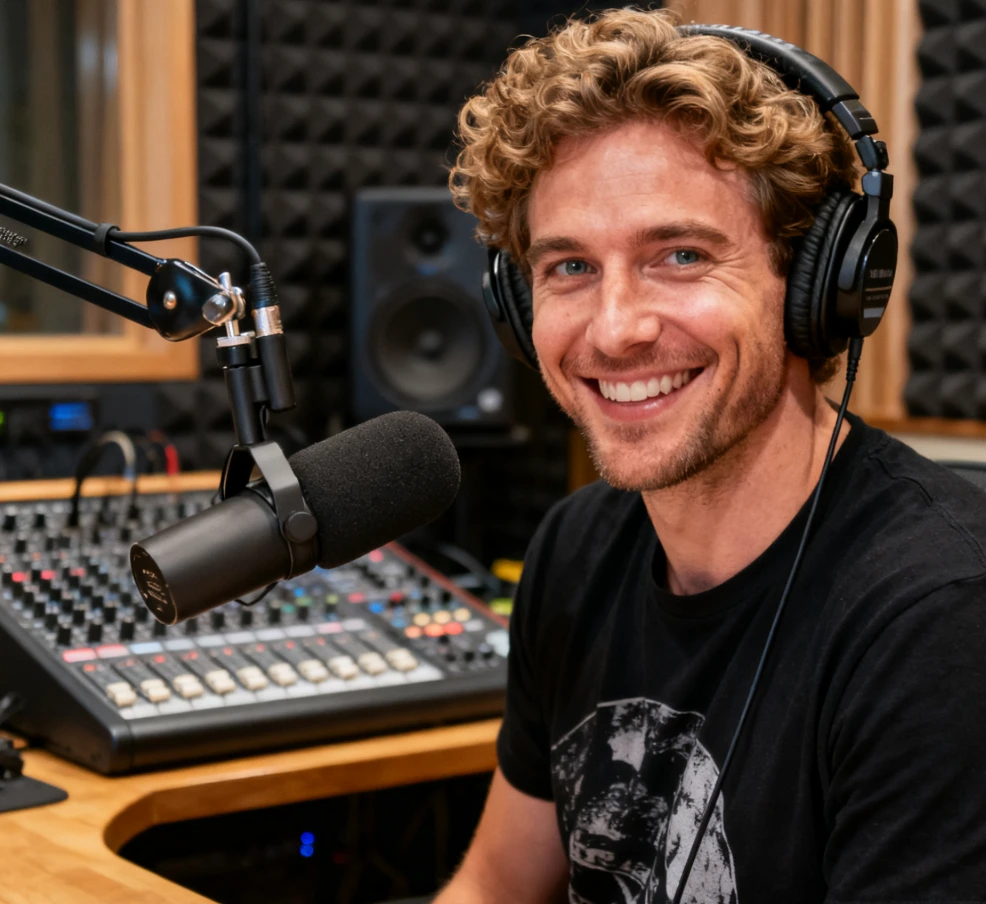
I work with early creative concepts, so I am always collecting visual directions rather than treating a first image as final art. Photo to Anime helped me compare how a familiar composition could read with flatter colors, clearer silhouettes, and a stronger sense of mood. The AI Anime Filter made the reference easier to discuss with collaborators before we moved into our own design work.
I work with early creative concepts, so I am always collecting visual directions rather than treating a first image as final art. Photo to Anime helped me compare how a familiar composition could read with flatter colors, clearer silhouettes, and a stronger sense of mood. The AI Anime Filter made the reference easier to discuss with collaborators before we moved into our own design work.
I chose a photo from a family dinner because everyone was naturally smiling and the table told part of the story. The AI Photo to Anime Converter did not erase that setting; it gave it a softer, illustrated feeling. I liked having a version that could sit beside the original in a digital album without pretending it was a replacement for the photograph.
I chose a photo from a family dinner because everyone was naturally smiling and the table told part of the story. The AI Photo to Anime Converter did not erase that setting; it gave it a softer, illustrated feeling. I liked having a version that could sit beside the original in a digital album without pretending it was a replacement for the photograph.
I test visual ideas for a local fan club, and Photo to Anime was useful because we could begin with photos from an event instead of inventing a scene from scratch. We picked images where the people and signs were easy to read, then compared several directions. Photo to Anime made the conversation about mood and composition much more concrete before anyone committed time to final artwork.
I test visual ideas for a local fan club, and Photo to Anime was useful because we could begin with photos from an event instead of inventing a scene from scratch. We picked images where the people and signs were easy to read, then compared several directions. Photo to Anime made the conversation about mood and composition much more concrete before anyone committed time to final artwork.

FAQs About Photo to Anime
These answers about Photo to Anime explain how the illustrated interpretation works, how to choose a stronger source image, and where an anime-inspired result can fit into your creative process.
Photo to Anime is an image-to-image transformation that uses an uploaded photo as the visual starting point for an anime-inspired result. The model reads visible cues such as subject, pose, clothing, setting, light, and major objects, then expresses them through illustrated linework, color, and shading. Photo to Anime is not a drawing tool or a guarantee of exact replication, so review the generated image for the details that matter most to you.
For the clearest Photo to Anime result, choose an image with a visible main subject and a composition that is easy to understand at a glance. Portraits benefit from clear facial features, pets benefit from visible markings and eyes, and travel scenes benefit from an obvious foreground or landmark. Extreme blur, heavy shadows, tiny subjects, and crowded frames give the model less useful information to preserve during transformation.
Photo to Anime aims to keep the main subject and composition recognizable, but the output is an interpretation rather than a pixel-for-pixel copy. Facial details, accessories, text, complex patterns, and background objects may be simplified or changed. If a detail is essential, make it clear in the source image and describe it directly when the tool provides an instruction field. Generate again with a stronger source image when needed.
Yes. Photo to Anime can work well for pet images because animals often have readable shapes, expressions, and distinctive markings. For the best result, use a photo where your pet's face is unobstructed and the coat pattern is visible. A clean foreground and uncluttered background help the model focus on the animal. As with any stylized edit, review the result to confirm it still reflects your pet's character.
Photo to Anime can turn travel and lifestyle images into illustrated keepsakes when the scene has a clear subject and visual anchor. A landmark, visible horizon, expressive gesture, or recognizable outfit gives the model context for the transformation. The output may simplify intricate signage or distant objects, so choose a photo for its overall feeling rather than relying on small documentary details that must remain exact.
Photo to Anime is a useful creative starting point for avatars, social posts, mood boards, keepsake concepts, and visual references. Use the generated result in a way that fits your platform rules and your rights to the source image. If you plan to publish, sell, or represent the artwork commercially, review the applicable service terms and obtain permission from any people, brands, or locations featured in the original photo.
An AI Photo to Anime Converter uses a photo as input and produces an anime-style interpretation, whereas traditional filters often make a fixed color or texture adjustment. The converter can respond to a wider set of image cues, including subject, framing, and environment, but it may also simplify or reinterpret fine details. Treat the output as creative artwork derived from your photo rather than a technically exact conversion.
Make Photo to Anime Part of Your Next Creative Idea
Choose a photo with a story, try Photo to Anime, and see its illustrated mood. Photo to Anime works best with a clear source image; review the result closely and keep the version that feels most like your moment.
