Create and refine images with realistic detail, stable edits, transparent assets, and clearer text.
AI Image Tools
Everything You Need to Edit Photos Faster
Open the PicEditor AI tools library for background removal, photo enhancement, object cleanup, face swap, upscaling, and more focused image workflows.
Replace Text in Image

Photo Booth With Friend

Waist Heart Trend

Bold Glamour Filter

Romantic Couple Spotlight

I'm So Sorry Trend AI Photo Editor

AI Halloween Generator
Corpse Bride AI Filter

AI Blemish Remover
FLUX 3 Image Klein
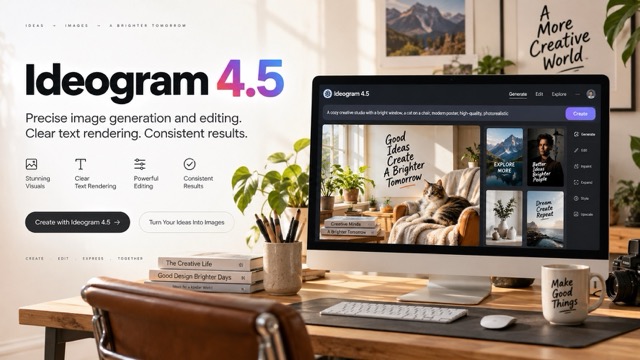
Ideogram 4.5
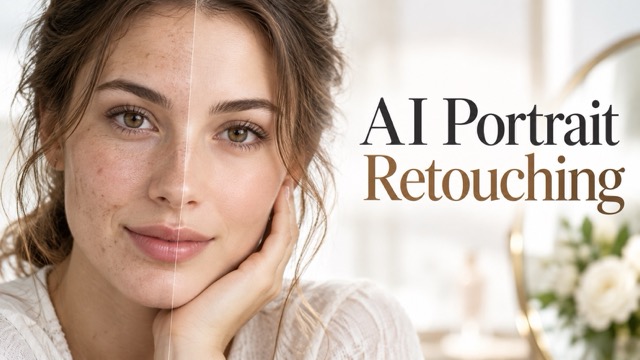
AI Portrait Retouching

Snatched Waist Editor
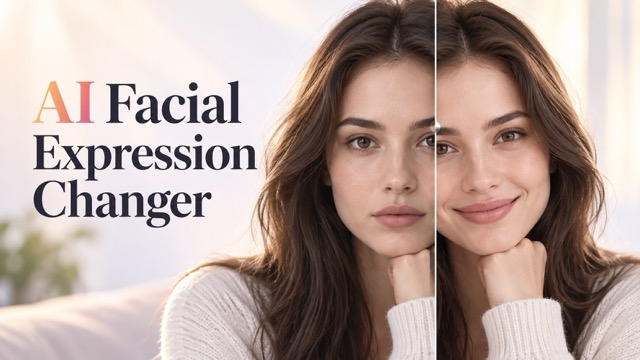
AI Facial Expression Changer

AI Texture Generator

AI Nose Piercing Filter
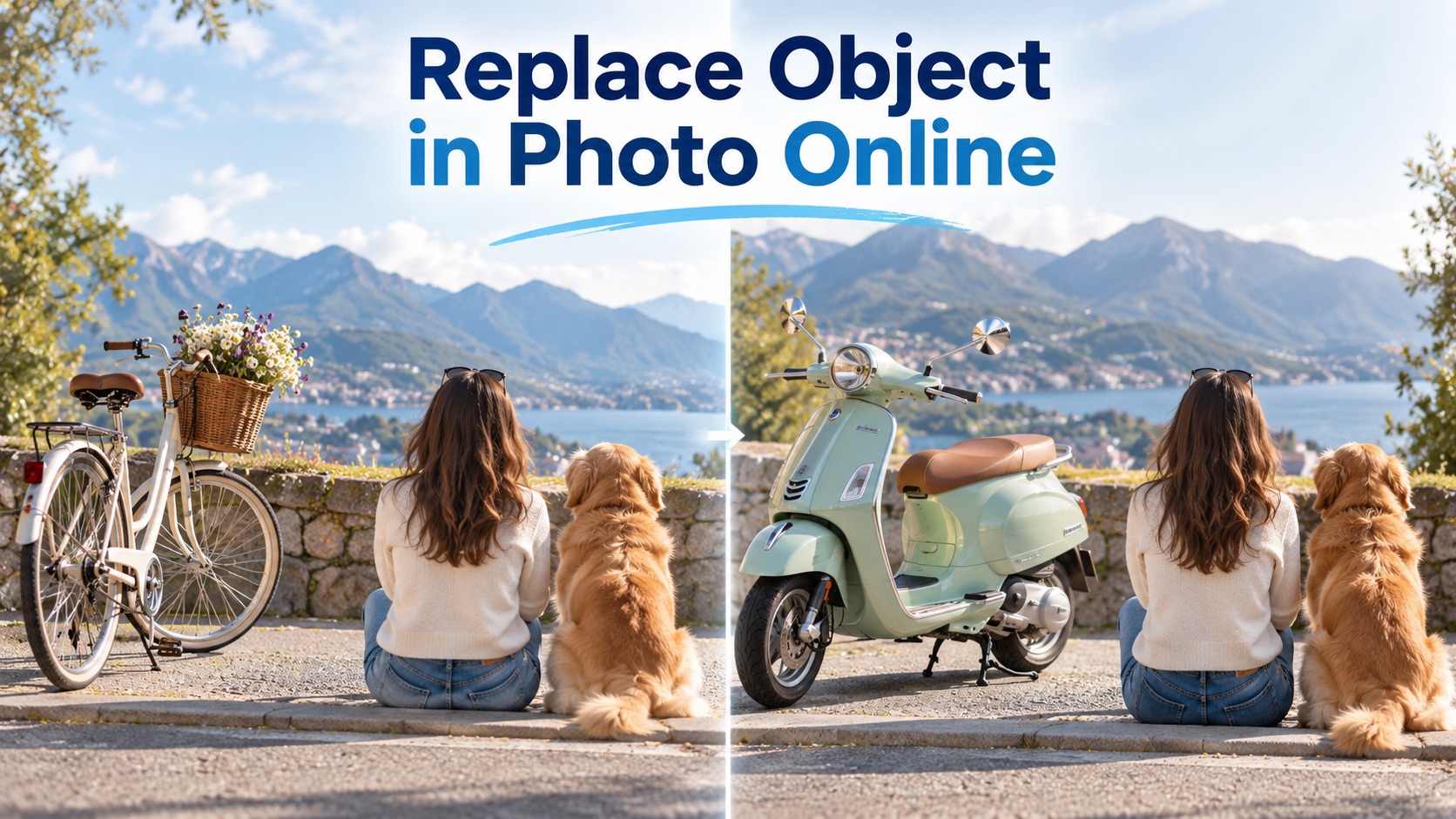
Replace Object in Photo Online
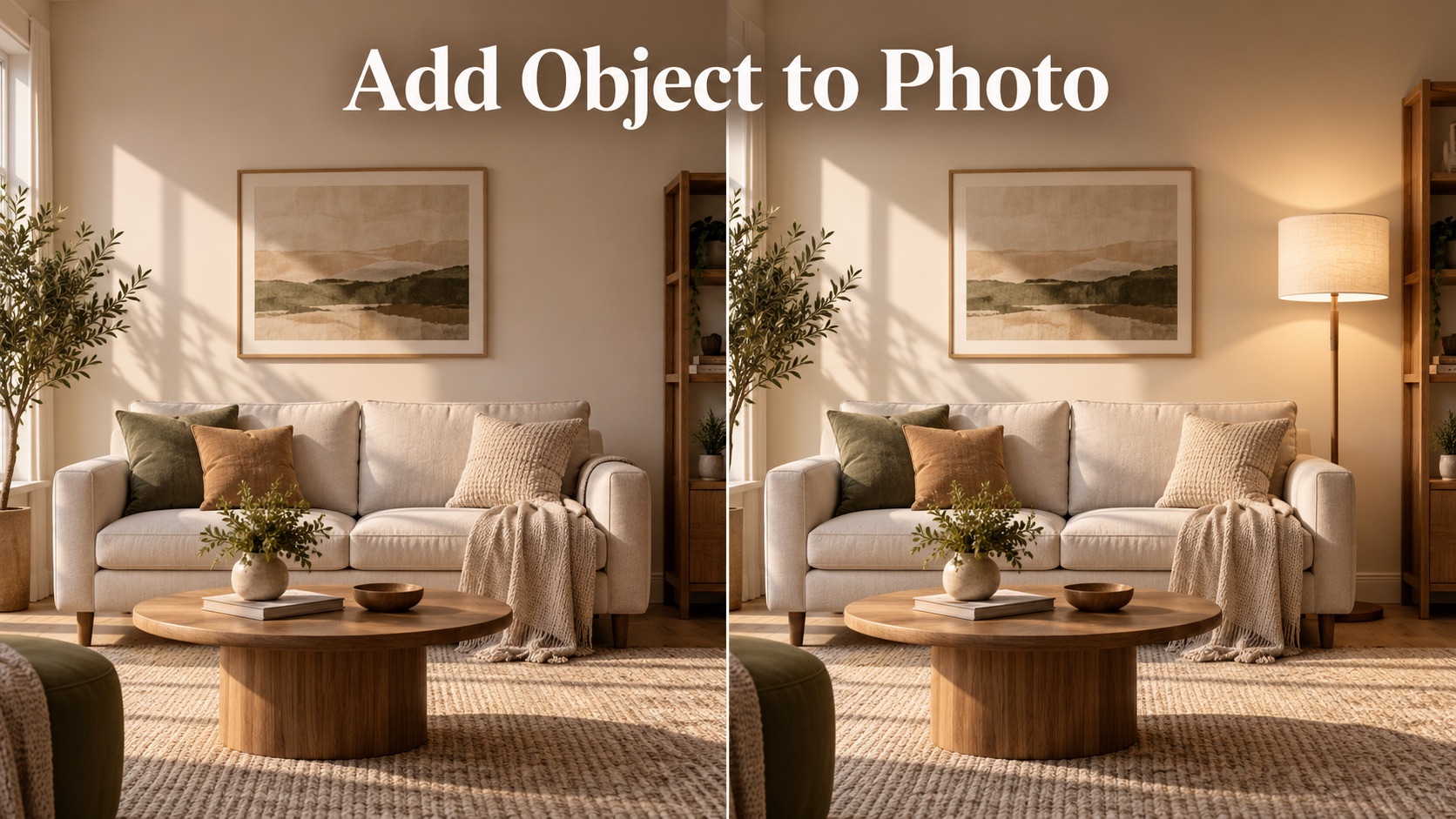
Add Object to Photo

Eyeliner Filter

AI Bust Down Filter

Image Splitter

Add White Background to Photo
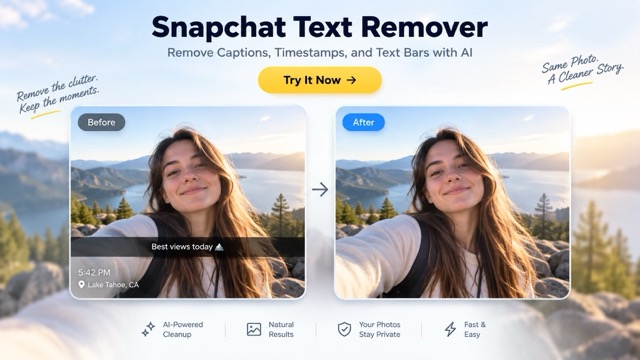
Snapchat Text Remover
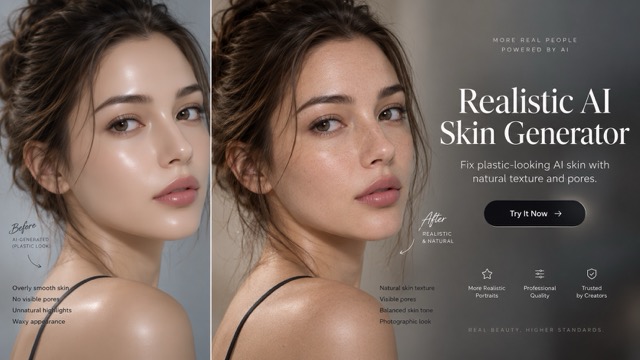
Realistic AI Skin Generator
Seedream 5.5
AI Image Generation And Multimodal Image Editing
Seedream 5.5 is a multimodal image editing model for realistic visuals, precise revisions, transparent assets, and clearer Chinese and English text. It combines text-to-image creation with image editing, reference-aware composition, transparent output, and careful typography. In practical AI image generation work, Seedream 5.5 can move from a rough idea to a usable asset while preserving the relationships that make a layout believable. For teams exploring multimodal image editing, Seedream 5.5 offers a single workflow for drafting, revising, comparing, and reusing visual material.

How Seedream 5.5 Works
Use Seedream 5.5 in four practical stages: define the brief, add references, review an AI image generation result, and refine only what needs to change. Keep the source context visible while you evaluate composition, text, lighting, and edges.

Define The Visual Brief
Describe the purpose, subject, layout, lighting, materials, exact text, and constraints. A structured brief gives Seedream 5.5 a clear target for AI image generation. For a first pass, treat Seedream 5.5 like a visual collaborator that needs a concise brief. Begin with the purpose of the image, then add subject, setting, framing, palette, lighting, and finish. Seedream 5.5 responds well when the most important relationship comes first, such as a product on the right with open space for copy on the left. In AI image generation, that order can make the result easier to review. In multimodal image editing, it helps the model distinguish the reference from the requested change.

Add References With Roles
Upload a source or reference image when identity, texture, style, or composition matters. Explain what each reference contributes to multimodal image editing. Seedream 5.5 supports a broad image workflow for portraits, products, editorial concepts, character sheets, stickers, diagrams, and campaign layouts. A clear request gives the model useful structure: state the canvas, place the subject, name the visual style, and describe what must remain stable. This is useful for AI image generation because the prompt carries both the idea and the production constraints. It also gives multimodal image editing a clear starting point when one or more image references define identity, texture, or arrangement.

Generate The First Direction
Create your first image, then inspect the composition, anatomy, materials, text, transparency, and shadows before choosing the next change.

Refine And Reuse The Asset
Use multimodal image editing for one focused change at a time. Preserve the stable regions, check the export, and reuse transparent or polished elements in later layouts.
What Makes Seedream 5.5 Useful
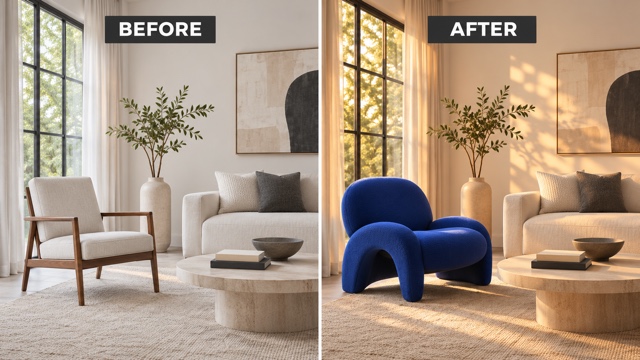
Seedream 5.5 brings multimodal image editing into one visual workflow. Compare the same subject before and after a focused change, then decide which direction is ready for your next design step.
Stable Multi-Turn Editing
Seedream 5.5 is designed for pixel-preserving multi-turn edits that keep unedited areas consistent while you change objects, clothing, lighting, décor, or small details. When a subject needs to evolve over several revisions, Seedream 5.5 is built around precise, targeted changes. Seedream 5.5 is intended to preserve unedited regions at pixel level and reduce color shifts and detail loss. These pixel-preserving multi-turn edits make multimodal image editing easier to manage. They also make AI image generation feel more like an iterative design process than a one-shot experiment. Seedream 5.5 is a good fit for controlled variations. Seedream 5.5 works best when the instruction names both the change and the invariant. That is the core discipline behind multimodal image editing: state what moves, what stays, and why. It also makes pixel-preserving multi-turn edits easier to assess. AI image generation becomes more useful when every variation answers a specific creative question. A useful Seedream 5.5 habit is to separate creation from refinement. Seedream 5.5 is intended to keep the stable parts stable as each round builds on the last one. This sequence supports pixel-preserving multi-turn edits and reduces the temptation to rewrite the entire brief. In AI image generation, each round becomes easier to compare. In multimodal image editing, each round has a clear reason.
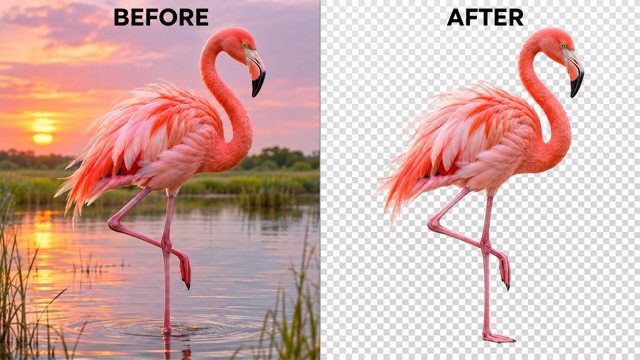
Native Transparent RGBA Output
Create transparent RGBA image assets with full or partial transparency for stickers, characters, product elements, and layered compositions. Inspect edges and the alpha channel before placing the asset in a larger design. Seedream 5.5 is especially useful when transparent assets need to be prepared for later composition. Seedream 5.5 can create transparent RGBA image assets with full or partial transparency, according to the official description. Those transparent RGBA image assets can be arranged in a layout, reused in a campaign, or kept as a standalone element. The result makes AI image generation more practical for production teams. The transparent workflow is also useful for stickers and layered illustrations. Seedream 5.5 can separate a subject from a reference or create a new standalone element, according to its official examples. Transparent RGBA image assets are easier to place when edges are clean and the subject is fully inside the frame. AI image generation can then support a library of reusable pieces instead of only finished backgrounds.
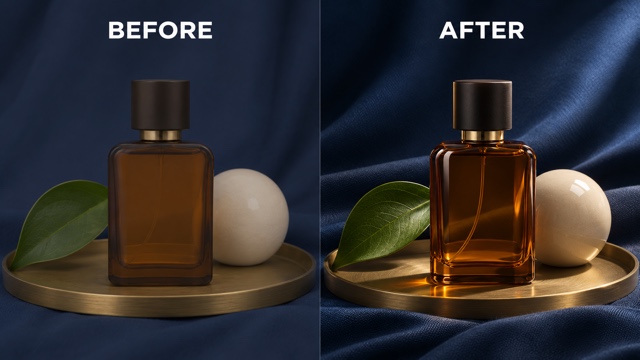
Realistic Detail And Clearer Text
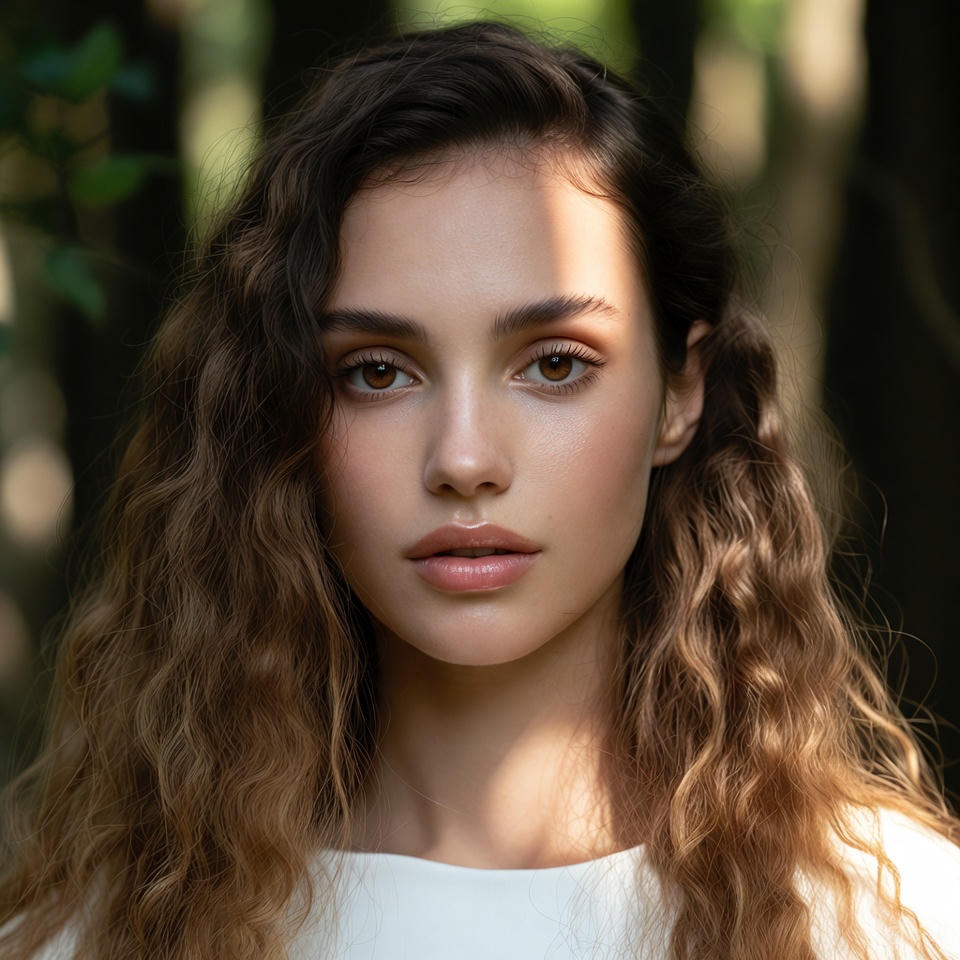
Explore realistic product visuals, natural light, skin texture, materials, and accurate Chinese and English text rendering. Seedream 5.5 can support posters, infographics, product scenes, and editorial concepts that need readable structure. Seedream 5.5 can help create text-rich layouts where wording and structure matter together. Seedream 5.5 improves small Chinese and English text rendering and dense arrangements, according to the official evaluation. That makes accurate Chinese and English text rendering a useful target for posters, infographics, packaging concepts, and editorial pages. For AI image generation, clear copy and layout instructions reduce unnecessary visual noise. If you are building a product concept, Seedream 5.5 can translate a written direction into a polished scene with material cues and lighting logic. Seedream 5.5 is positioned for more natural light, materials, and skin texture, which supports realistic product visuals. Those realistic product visuals can guide a campaign discussion before photography. Multimodal image editing can then refine a reference product without rebuilding the entire composition. Portrait work benefits from the same disciplined process. Give Seedream 5.5 a clear subject, pose, expression, wardrobe, and light source, then ask for one adjustment at a time. Seedream 5.5 aims for more natural skin texture and less excessive gloss, which can help a portrait feel grounded. In AI image generation, this is useful for editorial studies and character exploration. In multimodal image editing, an image reference can anchor the face, pose, or costume while the scene changes around it.
Ideas For Seedream 5.5
Use Seedream 5.5 across practical creative tasks where composition, text, references, and reusable assets matter. Each use case benefits from a clear brief and a focused review loop. AI image generation opens a new direction; multimodal image editing refines the visual context you already have.

Product And E-Commerce Concepts
Build realistic product visuals with clear surfaces, reflections, props, scale, and negative space. Seedream 5.5 can help teams compare a campaign direction before a full photo shoot. Seedream 5.5 can produce concept assets for e-commerce, marketing, film and television, gaming, office productivity, and fashion design, the use cases named in its launch evaluation. The model's value in those settings comes from combining interpretation with execution. Seedream 5.5 can draft a storefront visual, update a product arrangement, or explore a costume direction while keeping the task readable. For realistic product visuals, describe the surface and light rather than relying on a vague quality adjective. For image references for iterative design, say what the reference contributes.

Posters And Infographics
Use accurate Chinese and English text rendering for structured posters, editorial layouts, diagrams, and compact information graphics. Keep wording exact and inspect every small label. For an editorial poster, Seedream 5.5 can balance typography, photography, and texture on the same canvas. Describe the grid before the decorative details, then list the exact headline and supporting line. Seedream 5.5 is designed to handle complex character shapes and compact text more accurately than earlier versions. That focus on accurate Chinese and English text rendering is useful when a poster must remain readable at a smaller size. AI image generation can explore visual directions quickly, while multimodal image editing can correct one region without discarding the layout.

Characters And Stickers
Create transparent RGBA image assets for characters, stickers, and reusable elements. Define reference roles so identity, texture, and style remain easier to evaluate across variations. Seedream 5.5 also suits visual systems that need a consistent character or object across several images. Provide references with explicit roles, such as identity reference, style reference, or composition reference. Seedream 5.5 can use those roles to carry forward defining features while changing pose, grouping, or setting. This is a practical pattern for image references for iterative design. AI image generation becomes easier to review when each reference has one job, and multimodal image editing becomes clearer when every requested change names its boundary.

Portrait And Fashion Studies
Explore portraits, outfits, hair, accessories, lighting, and materials with focused revisions. Seedream 5.5 can support image references for iterative design when a source pose or look must remain visible. Compare AI image generation and multimodal image editing when testing a new lighting or wardrobe direction.
Creative Reactions To Seedream 5.5
These names and reactions are illustrative examples of how creative roles might evaluate Seedream 5.5; they are not verified customer endorsements.
Seedream 5.5 makes the connection between layout, copy, and visual direction feel easier to explore. I like being able to compare a focused revision with the same composition.
Seedream 5.5 makes the connection between layout, copy, and visual direction feel easier to explore. I like being able to compare a focused revision with the same composition.
I value a product workflow that keeps the arrangement in view while I assess materials and lighting. Small revisions make creative decisions easier to discuss.
I value a product workflow that keeps the arrangement in view while I assess materials and lighting. Small revisions make creative decisions easier to discuss.
The idea of turning a character study into separate transparent pieces feels useful for campaign design. I want assets I can arrange and reuse.
The idea of turning a character study into separate transparent pieces feels useful for campaign design. I want assets I can arrange and reuse.
Focused edits feel more useful than starting over. Naming one change gives me a clear way to review the result against the brief.
Focused edits feel more useful than starting over. Naming one change gives me a clear way to review the result against the brief.

Seedream 5.5 FAQ
Find practical answers about Seedream 5.5, AI image generation, multimodal image editing, references, transparent output, and text rendering.
Seedream 5.5 is a model for AI image generation and multimodal image editing from ByteDance Seed. Its announced capabilities include more realistic lighting and materials, more stable multi-turn editing, native RGBA output, and improved Chinese and English text rendering.
Yes. Seedream 5.5 is designed for multimodal image editing with references. Describe the specific object or region to change and state what should remain consistent. This makes multimodal image editing more controlled than a completely new generation.
The official announcement says Seedream 5.5 can generate native RGBA assets with full or partial transparency. Ask for a transparent background, then inspect the exported alpha channel and edge quality.
Start with the image purpose, composition, subject, materials, lighting, exact text, and constraints. Add references with clear roles. For iterative design, ask for one focused change and name the areas to preserve. In AI image generation, define the scene first; in multimodal image editing, define the reference and the change.
The official evaluation reports improved dense Chinese and English text rendering and lower corruption rates. Review every character, line break, and small label because output quality still depends on the prompt and scene.
You can explore portraits, realistic product visuals, posters, infographics, characters, stickers, campaign concepts, and other image assets. Choose a workflow that matches the controls available in your account and workspace.
Try AI Image Generation With Seedream 5.5
Start a new AI image generation brief with Seedream 5.5, or use multimodal image editing to revise a source you already have. Give image references for iterative design a clear role, choose one visible change, and review the result before the next round.