
AI Image Tools
Everything You Need to Edit Photos Faster
Open the PicEditor AI tools library for background removal, photo enhancement, object cleanup, face swap, upscaling, and more focused image workflows.

Eyeliner Filter

AI Bust Down Filter

Image Splitter

Add White Background to Photo

Snapchat Text Remover

Realistic AI Skin Generator

Add speech bubble to photo

Change Photo Background

AI Clothes Wrinkle Remover

AI LinkedIn Profile Picture

GPT Transparent BG Image Editor

Image to Layers

3D Angle Editor

Change Background of Photo
Add Text to Image
Speech Bubble Meme Generator
AI Image Darkener
AI Vignette Effect
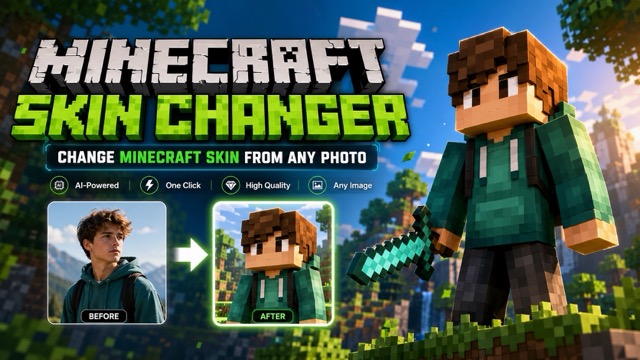
AI Change Minecraft Skin
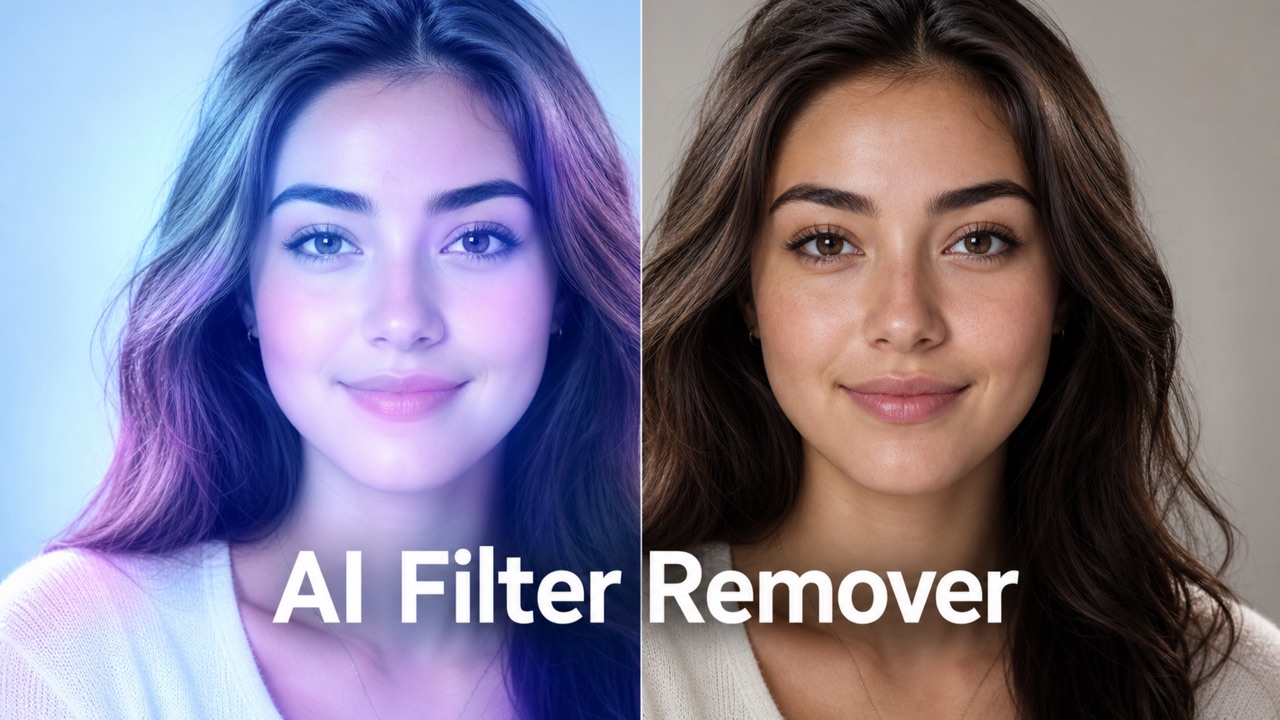
Remove Color From Image
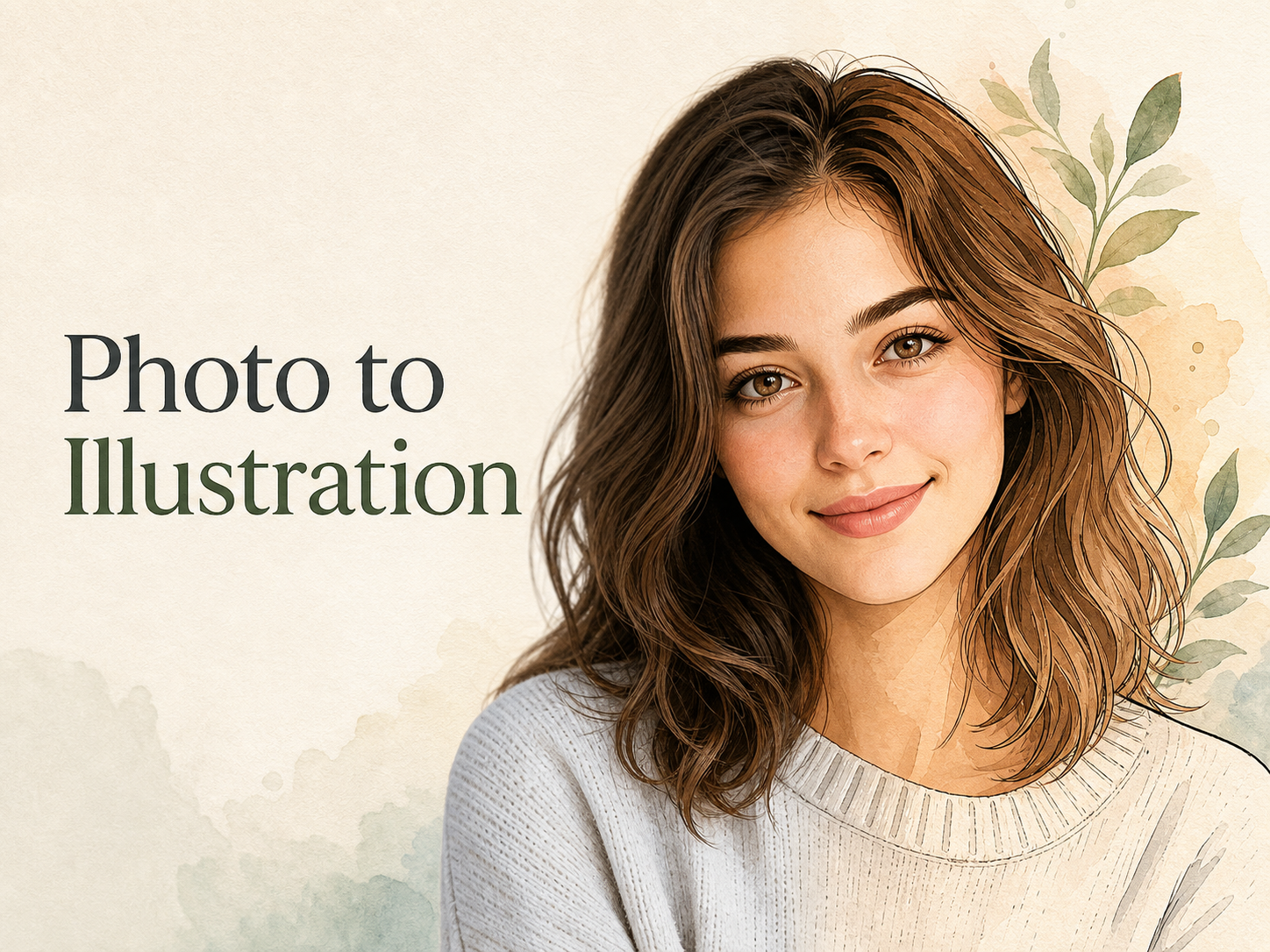
Photo to Illustration
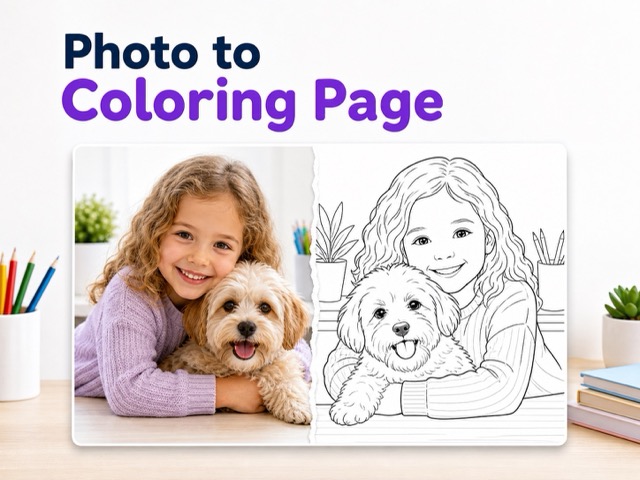
Photo to Coloring Page
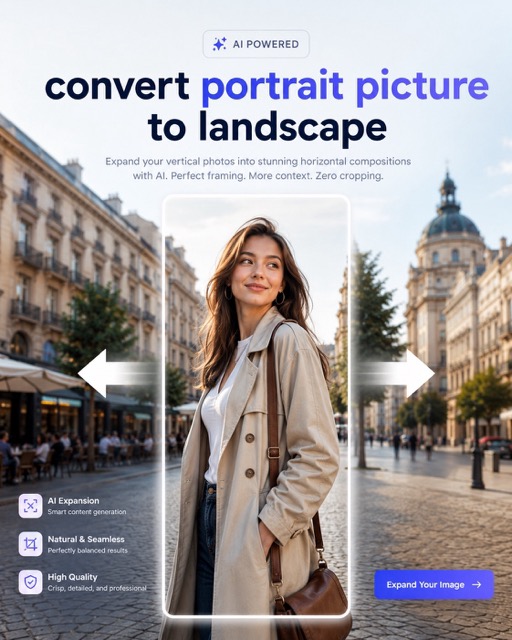
convert portrait picture to landscape
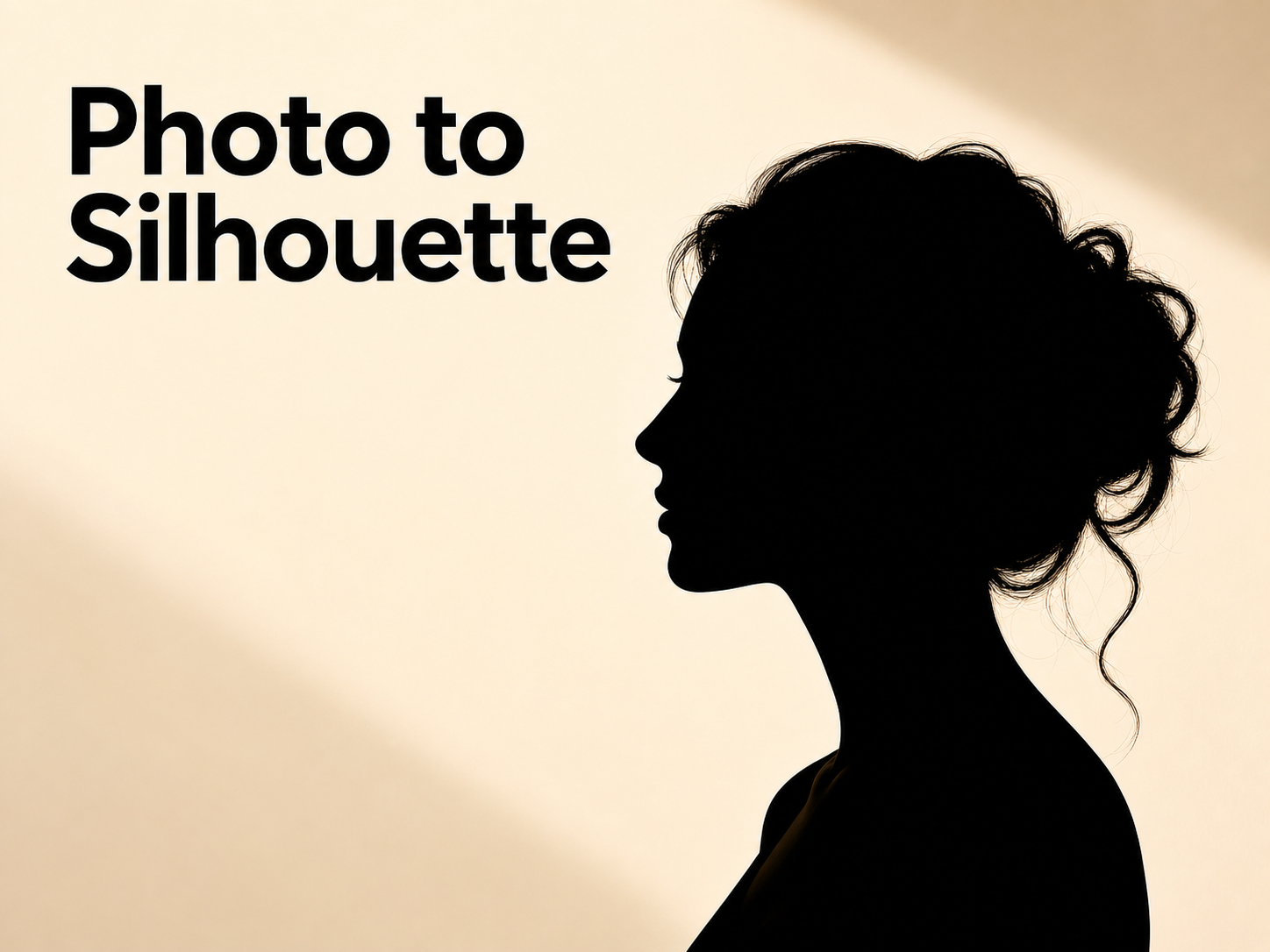
Photo to Silhouette
Turn Prompts Into Pictures with Text To Image AI
Describe what you want to see, choose a model and image ratio, then use Text To Image to explore an original visual direction.
Text To Image gives everyday creators a direct way to move from an idea to a visual. Write a prompt with a subject, setting, style, color, or mood, then let Text To Image turn that direction into an image. Choose the model and image ratio that fit your concept before you generate. A Text to Image AI Generator is useful when stock imagery feels too generic or a blank canvas feels slow.
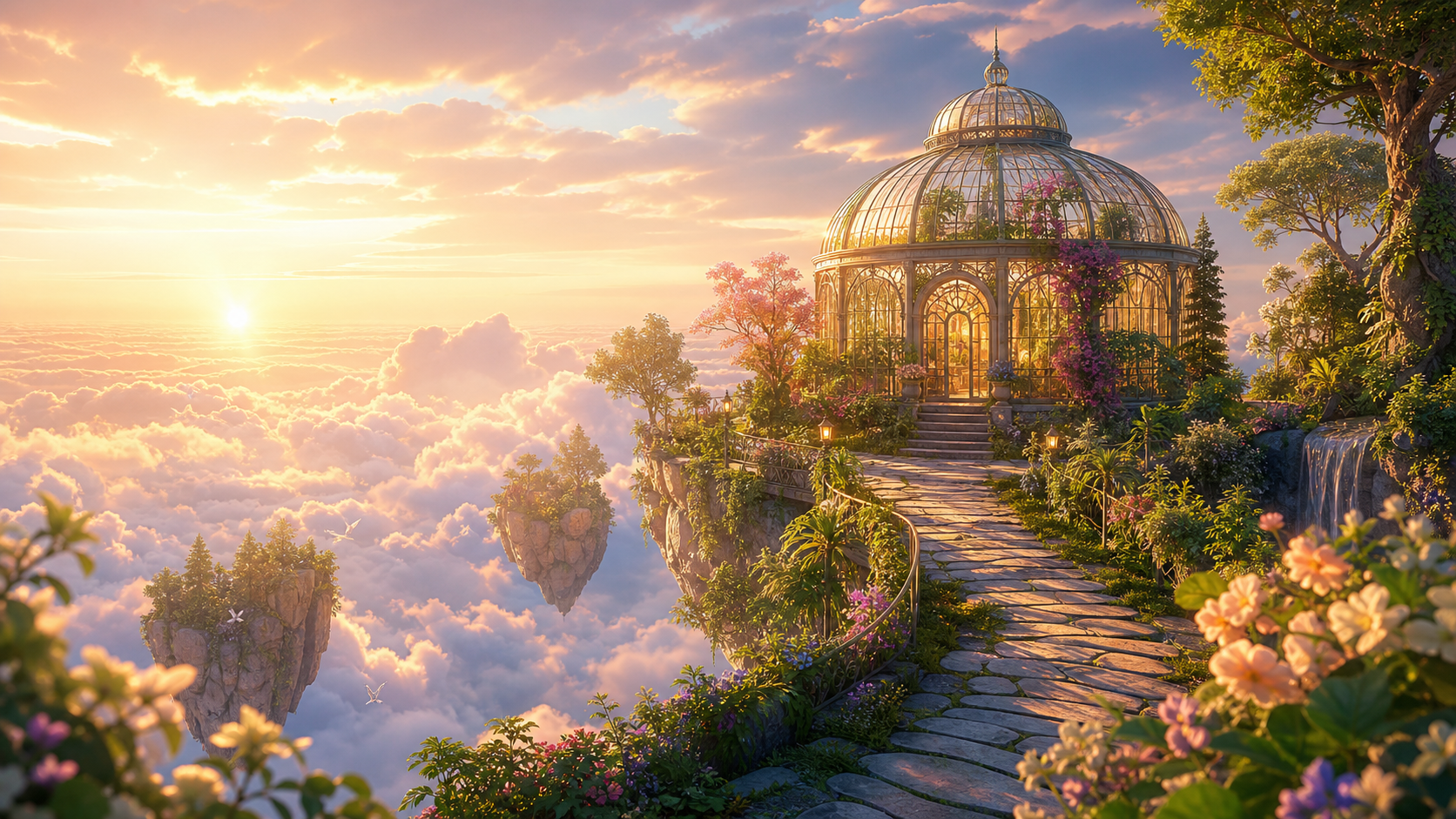
How to Create Images with Text To Image
Use Text To Image as a focused creative workflow: describe the idea, select a model and image ratio, then refine the result. The process stays approachable whether you are exploring a quick visual or a more specific concept.
Write the Visual Idea
Begin with the subject you want to see, then add the details that make it specific. Mention the setting, style, lighting, colors, mood, and any important objects. Text To Image works from your written direction, so a prompt such as a tiny greenhouse on a rainy rooftop at dusk is more useful than a broad request for a nice picture. The AI Text To Image Generator gives you a practical starting point without requiring illustration software.
Choose a Model and Ratio
Select the model that best matches the look you want, then choose an image ratio suited to the composition. A wide scene can give a landscape more room, while a taller format can emphasize a portrait or poster-like subject. Text To Image makes those choices part of the creative direction rather than an afterthought. The Text to Image AI Generator turns the prompt and selected settings into one coherent image request.
Generate and Refine
Review the generated result and decide what should change. If the subject is right but the mood feels wrong, revise the lighting or color words. If the composition is crowded, ask for a simpler scene or a different image ratio. Text To Image is most useful as an iterative loop: make one clear change, generate again, and compare the direction. An AI Image Generator helps turn that review into the next better prompt.
What You Can Do with Text To Image
Text To Image combines prompt writing, model selection, and image-ratio choices in one simple flow. Use it to give visual form to an idea, compare creative directions, and improve each result with more precise language.
Turn Plain Language into a Scene
- Text To Image starts with the words you already use to describe an idea.
- Name the subject, environment, and visual style, then add lighting, palette, or mood for clearer direction.
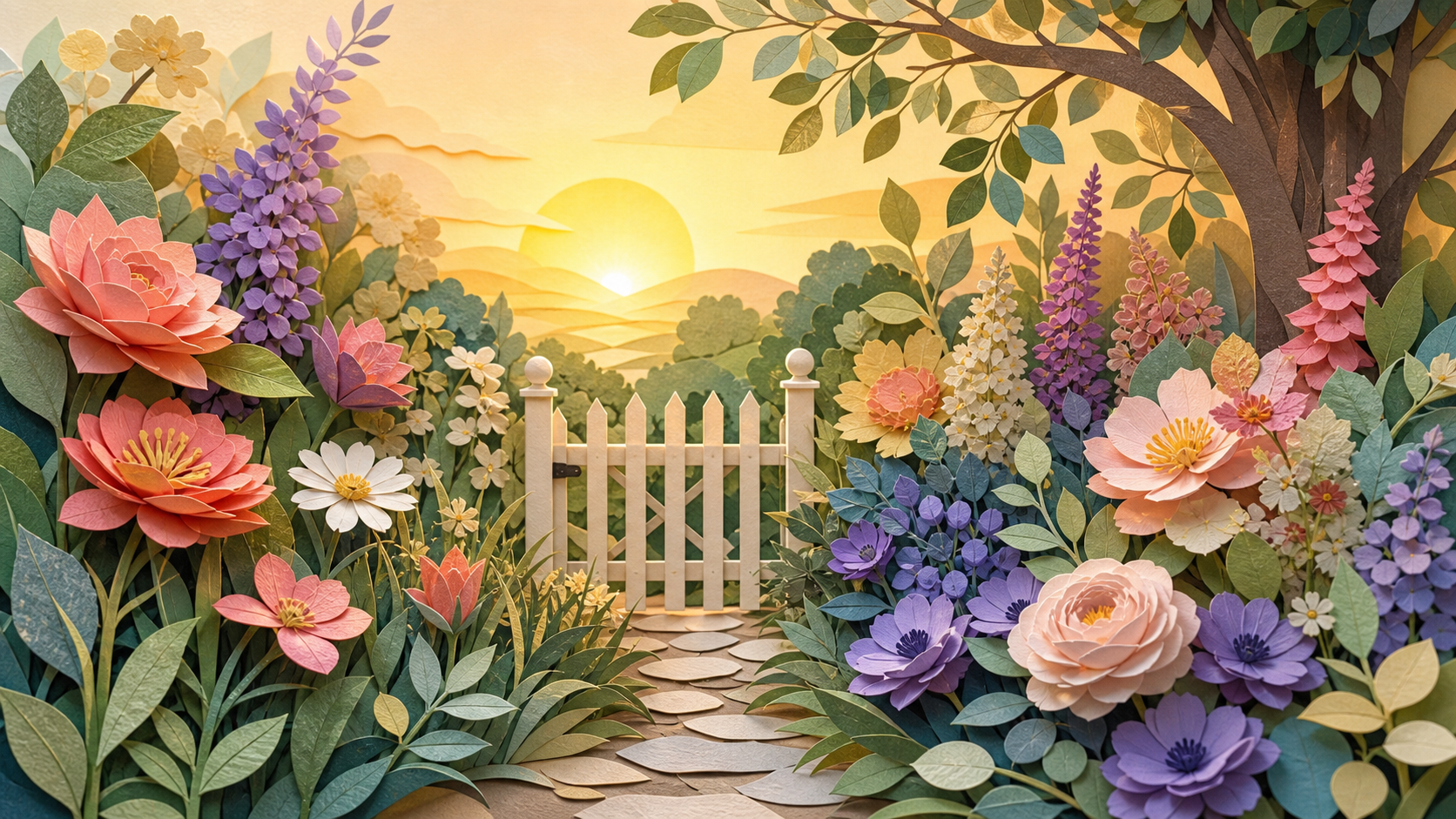
- A Text to Image AI Generator can turn a concise thought such as a paper-cut garden at sunrise into a complete scene.
Guide Style, Mood, and Composition
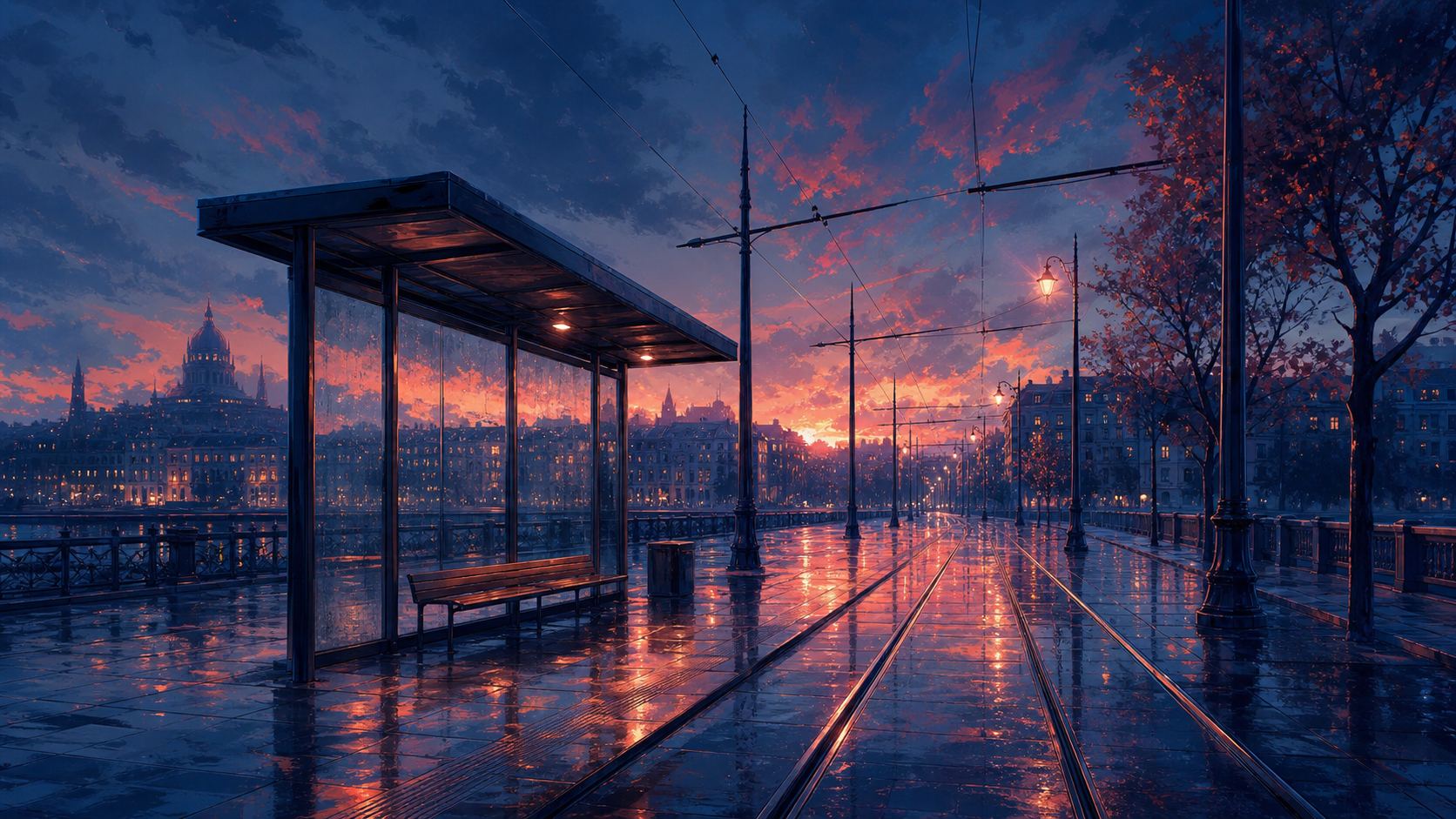
- Text To Image lets you describe a visual language instead of choosing from a fixed gallery.
- The AI Text To Image Generator responds best when the prompt separates what should appear from how it should feel.
- Use Text To Image to try one subject in several visual directions without changing the core idea.
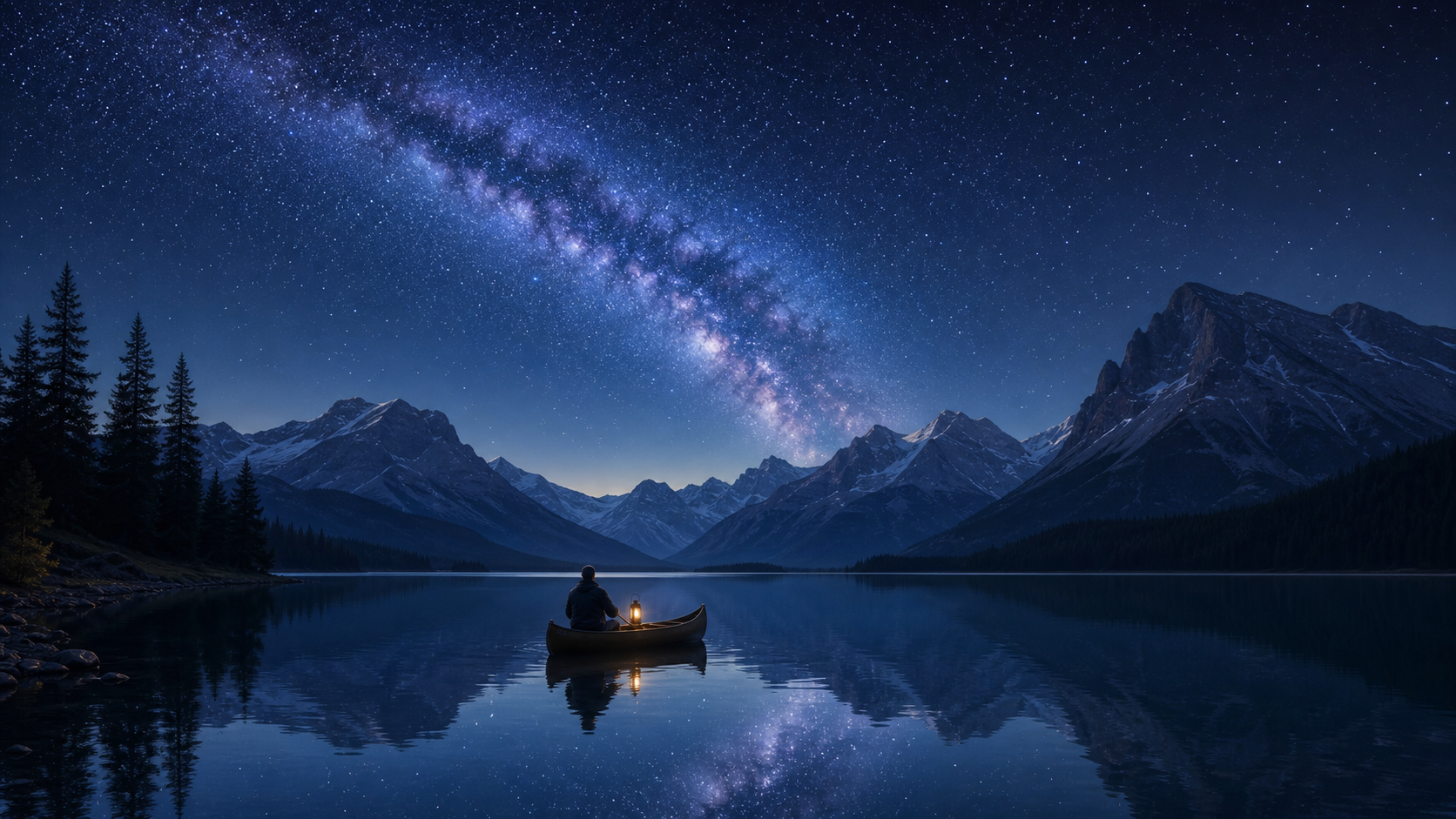
Match the Frame to the Idea
- Text To Image includes model and image-ratio choices in the same prompt-driven workflow.
- The Text to Image AI Generator uses those settings to shape the visual request before the image is created.
- Text To Image helps you consider composition early instead of cropping an idea after generation.
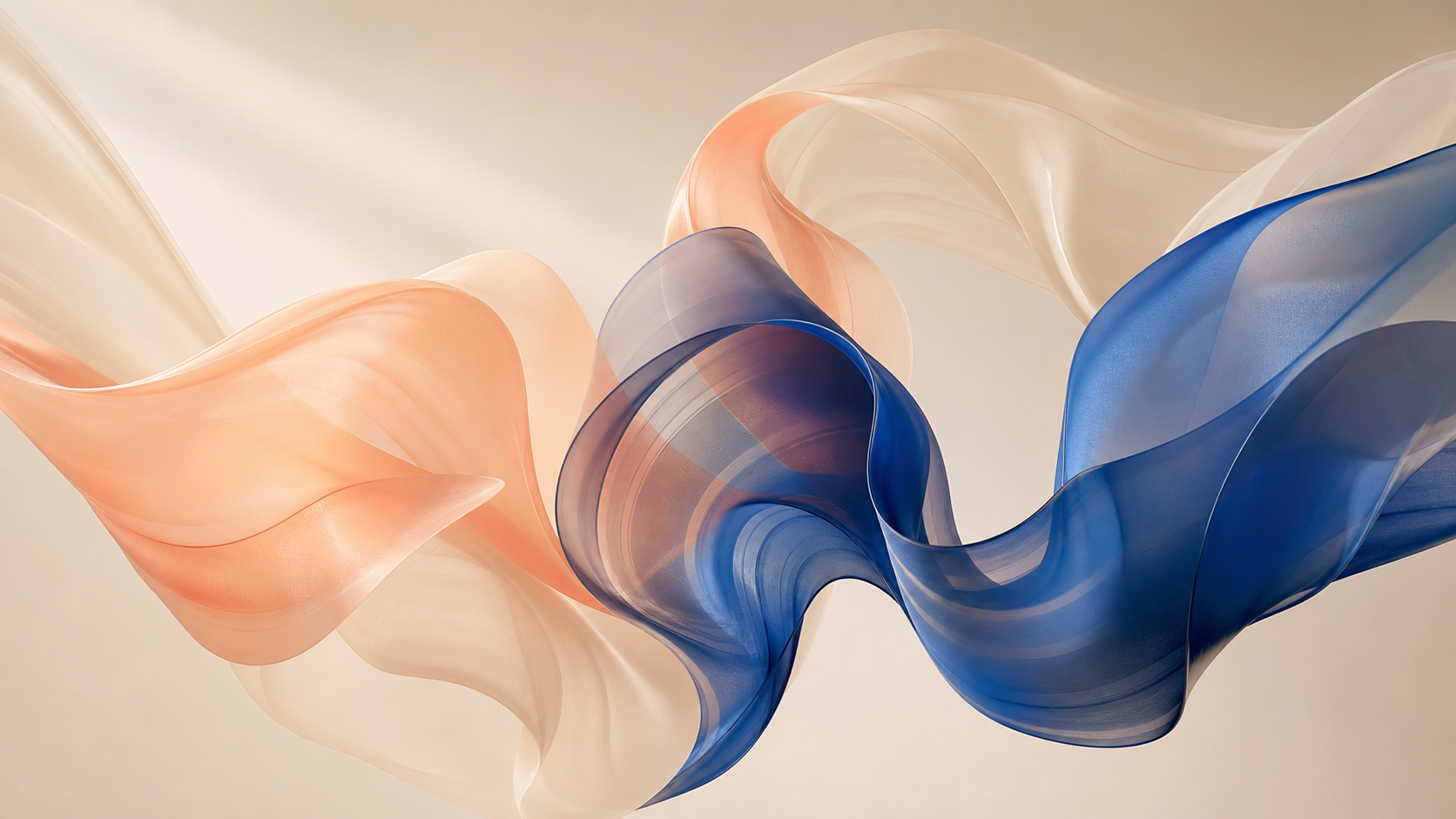
Make Variations with Intent
- Text To Image is not a one-prompt guessing game; it supports a deliberate process of revision.
- An AI Image Generator makes those variations useful when you label the change in plain language.
- Text To Image rewards specific edits, such as softer light, fewer objects, or a lower viewpoint.
Why Use Text To Image for Everyday Ideas
Text To Image helps people who have an idea but not a finished visual. It gives personal projects a prompt-led starting point, with enough control over model and image ratio to make creative exploration feel intentional.
Personal Creative Experiments
Use Text To Image when an idea is hard to picture but easy to describe. Try imaginative rooms, surreal landscapes, tiny worlds, abstract color studies, or a visual mood for a personal project. The Text to Image AI Generator gives you a concrete result to react to, even if the original prompt is only a sentence long. Text To Image makes experimentation less dependent on manual art tools.
Social and Personal Posts
Create a visual starting point for a social post, event invitation, personal blog header, or playlist mood. Text To Image can help you establish the subject and atmosphere before you add any final copy elsewhere. Choose an image ratio that suits the destination, then write a prompt with a clear focal point. An AI Text To Image Generator is practical when you need a distinctive visual direction from your own words. An AI Image Generator can make that early idea tangible.

Stories, Characters, and Worlds
Writers, players, and hobby creators can use Text To Image to visualize a setting, character, creature, or moment before it appears in a story. Describe the era, materials, weather, posture, and mood that matter. The Text To Image workflow makes it easier to compare a warm fantasy village with a colder, more mysterious version of the same world. Let the image prompt hold the details you want to revisit.
Mood Boards and Inspiration
When you have a loose aesthetic but no reference image, Text To Image can create a visual study from color, texture, and atmosphere words. Generate a few focused directions for a room, outfit, craft, party, or personal page, then notice which composition feels most useful. A Text to Image AI Generator helps turn taste into something you can discuss, save, or refine. Keep every prompt grounded in the mood you actually want.
Learning to Write Better Prompts
Text To Image gives immediate visual feedback on prompt choices. Start with a basic description, then add one clear constraint: a different light source, a more distant view, a limited palette, or fewer background objects. The difference between results teaches you which words affect the outcome. An AI Image Generator is most useful when you use each variation as feedback rather than treating it as a final answer.

Visual Concepts for Everyday Projects
Use Text To Image for a birthday theme, travel journal, study-board illustration, hobby presentation, custom greeting idea, or a background for a personal project. It is a flexible way to create a starting visual without borrowing a stock look. The AI Text To Image Generator works best when you name what should be prominent and what should stay quiet. Text To Image keeps the process centered on your direction.
What People Like About Text To Image
Everyday creators use Text To Image to turn a thought into a visual they can inspect, revise, and use as inspiration. The workflow is approachable because the direction begins with a prompt, not a complex design file.
I used Text To Image to make a visual mood board for a reading corner. I could describe warm lamp light, soft green walls, and rainy windows instead of trying to find one perfect reference photo.
I used Text To Image to make a visual mood board for a reading corner. I could describe warm lamp light, soft green walls, and rainy windows instead of trying to find one perfect reference photo.
The model and image-ratio choices helped me test the same skateboarding idea as a wide city scene and a taller poster-style scene. Text To Image made the difference easy to see.
The model and image-ratio choices helped me test the same skateboarding idea as a wide city scene and a taller poster-style scene. Text To Image made the difference easy to see.
I am not an illustrator, but the Text to Image AI Generator gave me a starting image for a family reunion invitation. Changing just the colors and flowers made the prompt feel much more like us.
I am not an illustrator, but the Text to Image AI Generator gave me a starting image for a family reunion invitation. Changing just the colors and flowers made the prompt feel much more like us.
Text To Image helps when I am writing short fiction. I make a scene from a few details, then notice what is missing from the atmosphere. That often sends me back to the story with better ideas.
Text To Image helps when I am writing short fiction. I make a scene from a few details, then notice what is missing from the atmosphere. That often sends me back to the story with better ideas.
I like using an AI Image Generator to explore color combinations for handmade cards. It is faster to ask for dusty peach and cobalt paper shapes than to collect lots of separate examples.
I like using an AI Image Generator to explore color combinations for handmade cards. It is faster to ask for dusty peach and cobalt paper shapes than to collect lots of separate examples.
The AI Text To Image Generator is a good way to make a simple visual for my personal study notes. I keep the prompt focused, choose the frame, and revise only the part that needs work.
The AI Text To Image Generator is a good way to make a simple visual for my personal study notes. I keep the prompt focused, choose the frame, and revise only the part that needs work.

FAQs About Text To Image
Get practical answers about Text To Image prompts, model choices, image ratios, and the revision process. These fundamentals help you move from a loose idea to a clearer image direction with less trial and error.
Text To Image is a prompt-based way to create an image from written creative direction. You describe what you want to see, such as a subject, place, style, mood, lighting, or colors. The system uses that direction, along with your model and image-ratio selections, to generate a visual result. It is useful when you want to explore an idea without starting from a drawing or photograph.
A useful prompt starts with the main subject, then adds the details that determine the look. Include a setting, visual style, lighting, color palette, and mood when they matter. For example, instead of asking for a forest, ask for a misty cedar forest at dawn with pale gold light and a quiet, cinematic mood. Text To Image responds best to concrete visual direction.
The model is part of the visual direction you choose before generating. Different models can produce different interpretations of style, detail, or atmosphere, so choose one that appears suited to the result you want. Keep the rest of the prompt stable when comparing models. Text To Image becomes easier to evaluate when you change one variable at a time and look for the differences that matter to your concept.
Image ratio defines the shape of the frame. A wide ratio gives a landscape or group scene more horizontal room, a square ratio can make a centered subject feel balanced, and a vertical ratio can suit a taller composition. Mention composition in the prompt as well, especially if the subject needs space around it. Text To Image uses the ratio as part of the request before generating the image.
If the first result is close but not quite right, revise the instruction that relates to the problem. Ask for softer lighting if the image feels harsh, fewer objects if it feels crowded, or a different camera distance if the subject is too close. Avoid rewriting everything at once. Text To Image works well as a repeatable feedback loop where each prompt change has a clear purpose.
You can create many kinds of visual directions, from realistic scenes and stylized illustrations to abstract studies, character concepts, decorative backgrounds, or story settings. The result depends on the language in your prompt and the settings you select. Use a Text to Image AI Generator to test different approaches to the same subject, such as calm, playful, cinematic, hand-drawn, or minimal, while keeping the concept recognizable.
No formal design training is needed to begin. Start with the words you would use to explain the picture to another person, then add details that help narrow the result. You can learn through small revisions: change the mood, remove an object, try another ratio, or make the style more specific. The AI Text To Image Generator turns that ordinary language into a visual experiment you can review.
Text To Image is useful for personal creative experiments, inspiration boards, story ideas, hobby projects, social visuals, and other concepts that benefit from an original image direction. Treat each result as a visual response to your prompt, then decide whether it needs a clearer subject, a better composition, or a different mood. Precise language and deliberate settings make the process more productive over time.
Make Your Next Idea Visible
Start with a prompt, choose the model and image ratio, then use Text To Image to create a visual direction you can refine. A Text to Image AI Generator makes that first step simple.
