
Create Dimensional Pixel Art from Text or Images3D Pixel Art Generator
Move from a simple idea or reference image to a polished 3D pixel-art result.
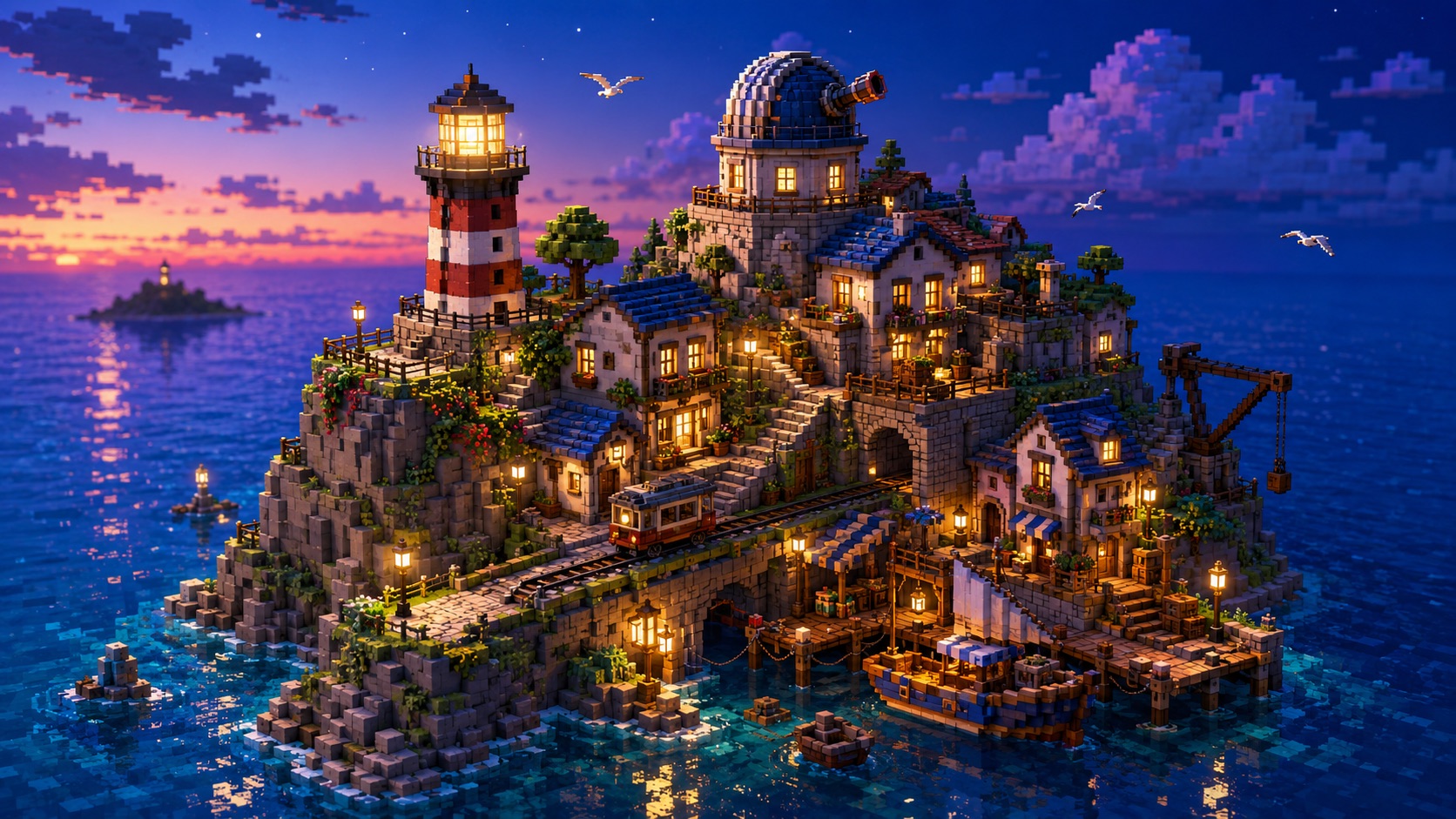
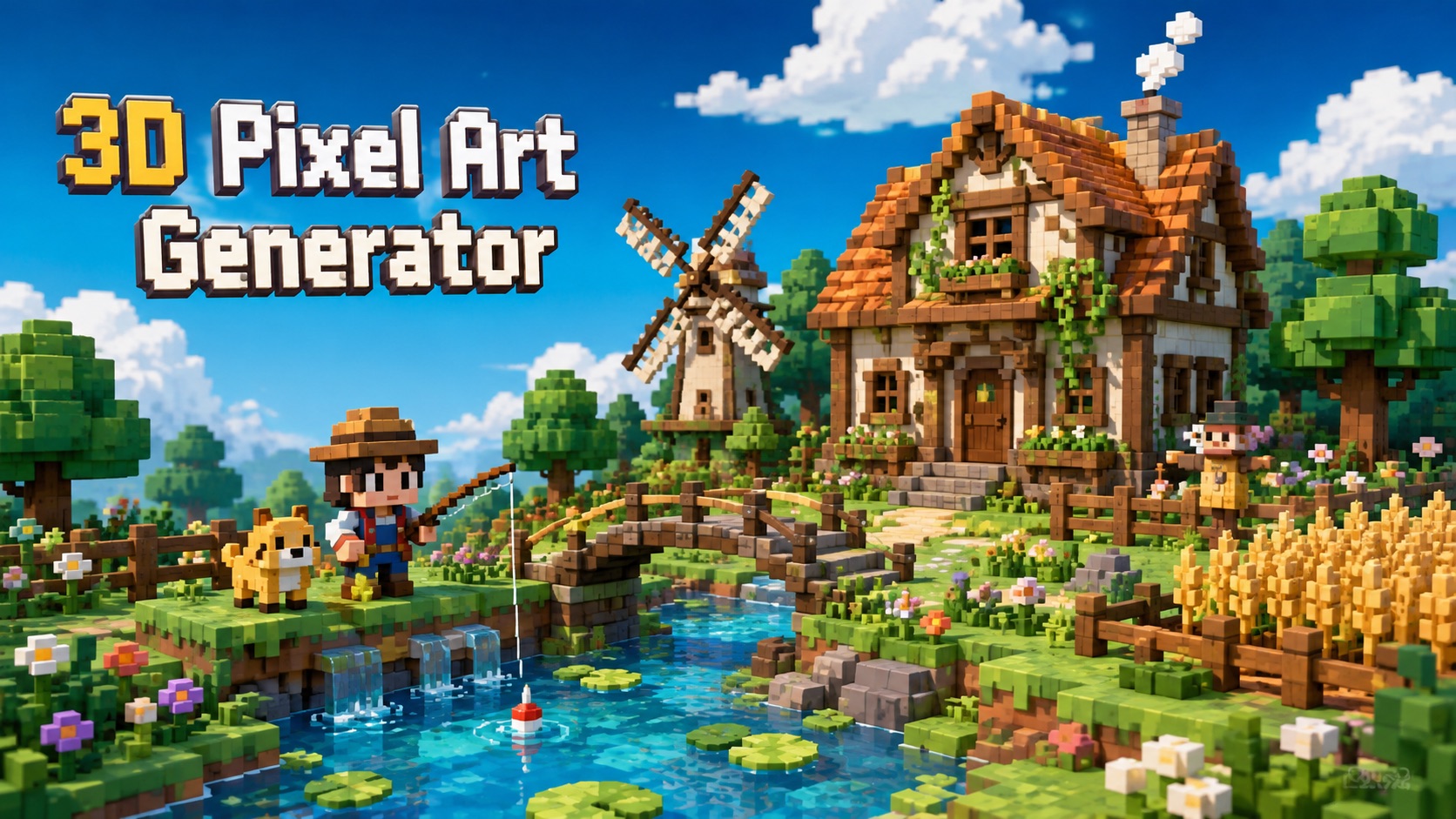
AI 3D Pixel Art Generator gives you a flexible way to create characters, objects, isometric scenes, and stylized photo transformations from one simple workflow. Move between text-led creation and image-led transformation depending on what you already have. Describe a new world from scratch, or use a reference when preserving a specific subject matters more. 3D Pixel Art Maker gives both routes the same simple generate-and-review workflow.
AI Image Tools
Everything You Need to Edit Photos Faster
Open the PicEditor AI tools library for background removal, photo enhancement, object cleanup, face swap, upscaling, and more focused image workflows.

Ideogram 4.5

AI Portrait Retouching

Snatched Waist Editor

AI Facial Expression Changer

AI Texture Generator

AI Nose Piercing Filter

Replace Object in Photo Online

Add Object to Photo

Eyeliner Filter

AI Bust Down Filter

Image Splitter

Add White Background to Photo

Snapchat Text Remover

Realistic AI Skin Generator

Add speech bubble to photo

Change Photo Background

AI Clothes Wrinkle Remover

AI LinkedIn Profile Picture

GPT Transparent BG Image Editor

Image to Layers

3D Angle Editor

Change Background of Photo
Add Text to Image
Speech Bubble Meme Generator
3D Pixel Art Generator: Create 3D Pixel Art with AI
Turn prompts or uploaded images into dimensional pixel scenes, characters, objects, and environments with 3D Pixel Art Maker.
Create blocky, dimensional artwork without drawing every pixel by hand. 3D Pixel Art Maker can build scenes from text or restyle an uploaded image while keeping the subject recognizable. Use Free 3D Pixel Art Generator for characters, rooms, landscapes, icons, and playful visual concepts with crisp pixel structure and convincing depth.
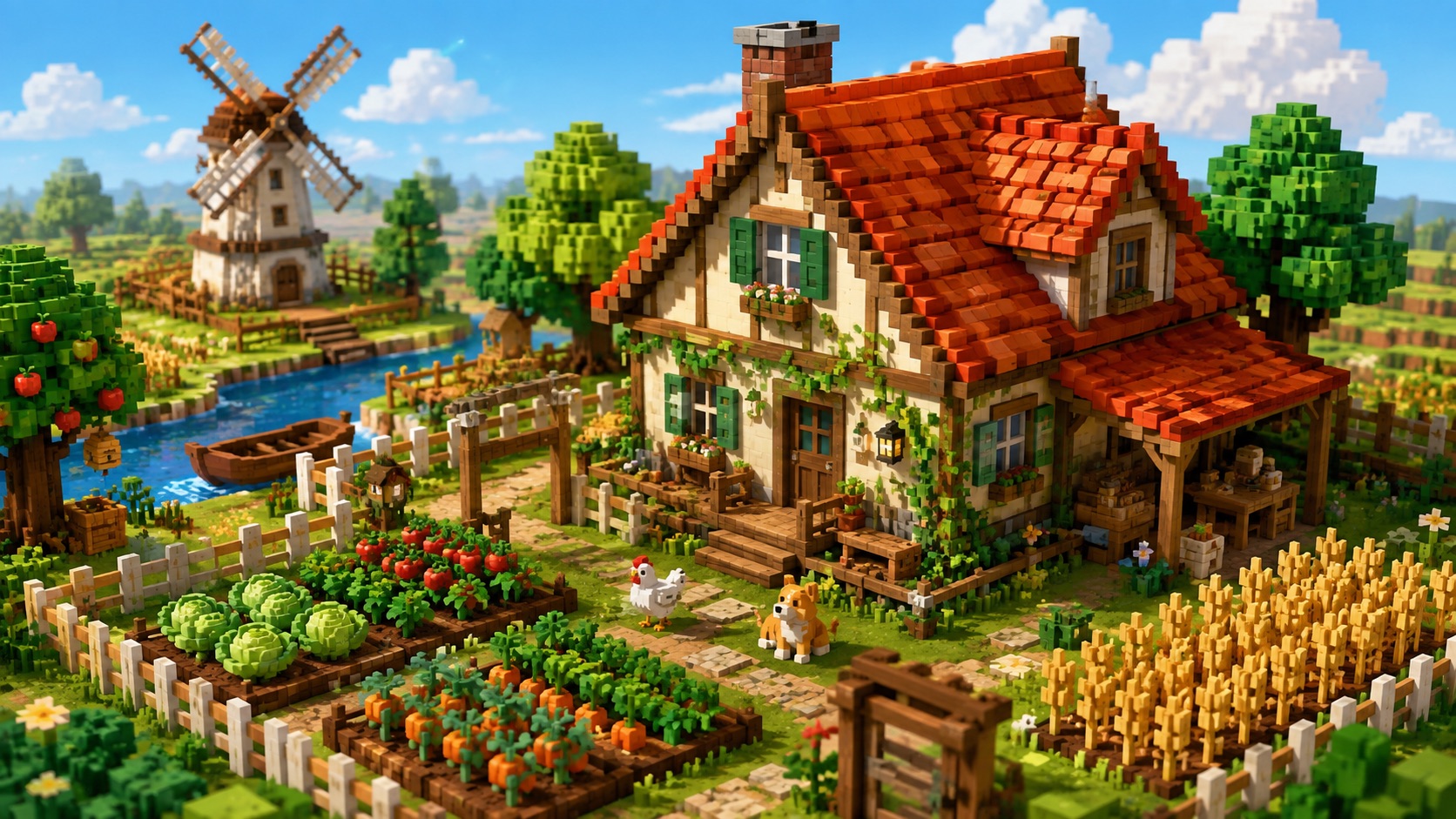
How to Use 3D Pixel Art Generator in 3 Steps
Use 3D Pixel Art Generator Online to create from a written idea or an uploaded picture. The workflow stays simple: provide input, generate, and review your finished pixel-art image.

Enter a Prompt or Upload an Image
Start 3D Pixel Art Generator from Text by describing the subject, setting, viewpoint, mood, and important details you want. If you already have a reference, use 3D Pixel Art Generator from Image or 3D Pixel Art Generator from Photo and upload a clear picture. 3D Pixel Art Maker can use either input route, so you can create from an idea or transform an existing visual. AI 3D Pixel Art Generator also follows descriptive cues such as cozy, futuristic, bright, dark, cute, or cinematic, helping the output reflect the visual direction you intended.

Click Generate
After your text or image is ready, click Generate. AI 3D Pixel Art Generator interprets the prompt, subject, spatial relationships, and pixel-art style, then converts them into a cohesive 3D-looking composition. You do not need to manually place blocks or shade individual pixels. 3D Pixel Art Generator Online handles the visual transformation from your input. Keep your instruction focused on what should appear in the image. Clear subject and scene details usually produce a more intentional result than a long list of unrelated style words.

Get Your 3D Pixel Art
Review the generated result and check whether the character, object, or scene matches your idea. 3D Pixel Art Maker keeps the final image focused on readable shapes, layered depth, and crisp pixel styling. If you want another direction, change the prompt or upload a different reference and generate again with AI 3D Pixel Art Generator. You can compare the output with your original idea, then revise only the details that need improvement, such as viewpoint, background, object placement, expression, or atmosphere.
Create More Than a Simple Pixel Filter
3D Pixel Art Maker helps you transform references, build scenes from text, and explore dimensional pixel aesthetics for many kinds of creative images. Instead of applying one fixed look, the workflow can adapt to portraits, objects, rooms, buildings, landscapes, and imaginative environments.
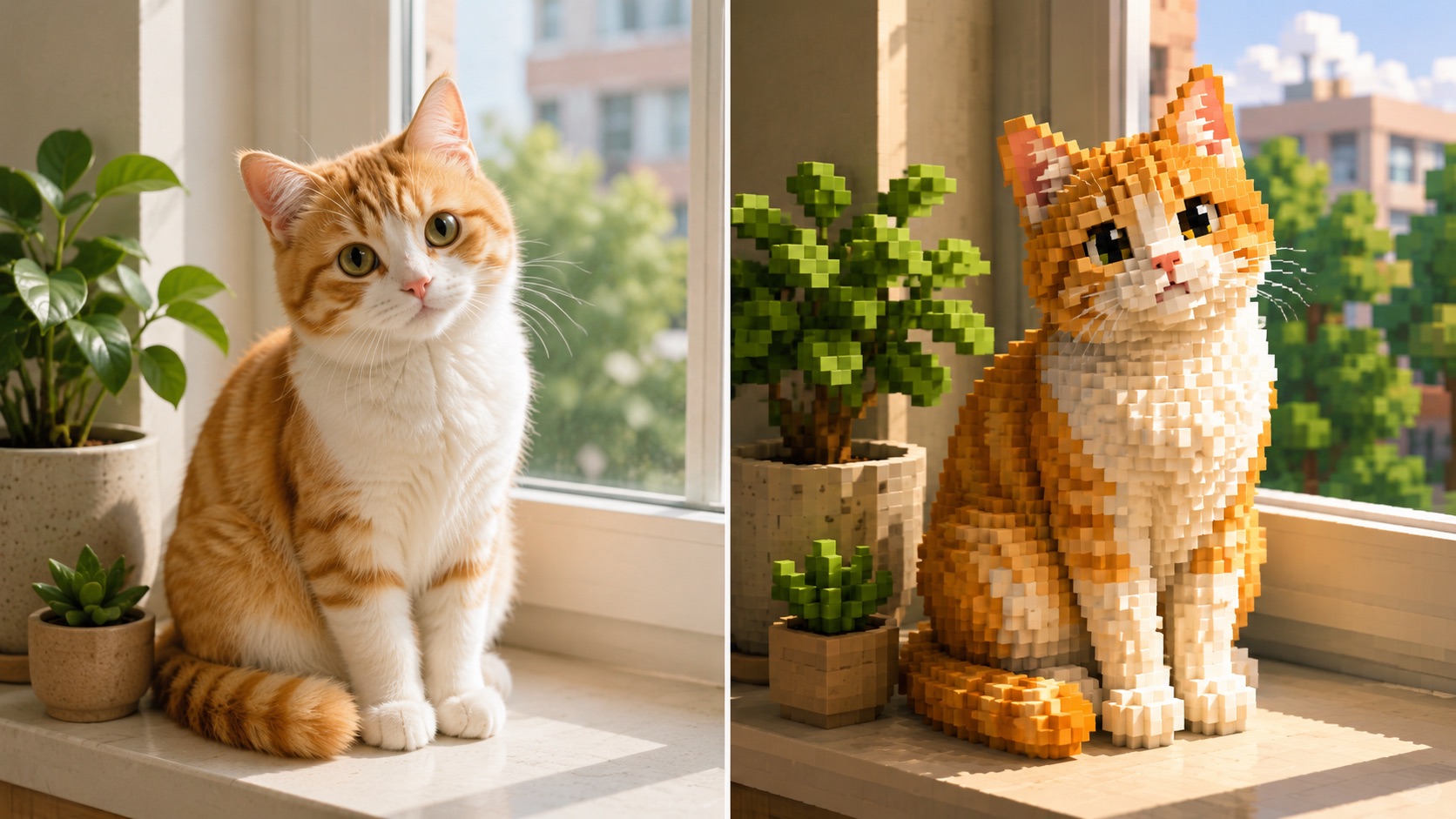
Turn Photos into Recognizable 3D Pixel Art
Use 3D Pixel Art Generator from Photo when you want a familiar person, pet, object, building, or place to keep its core identity while gaining a block-based 3D pixel look. 3D Pixel Art Generator from Image focuses on the subject, pose, major colors, and composition instead of replacing everything with an unrelated scene. This makes 3D Pixel Art Maker useful for profile images, pet portraits, travel memories, object studies, and visual experiments. AI 3D Pixel Art Generator adds depth and simplified pixel geometry while keeping the source understandable at a glance. AI 3D Pixel Art Generator is helpful when the original image contains distinctive clothing, markings, architecture, or props that should remain part of the transformed result rather than disappear during stylization.
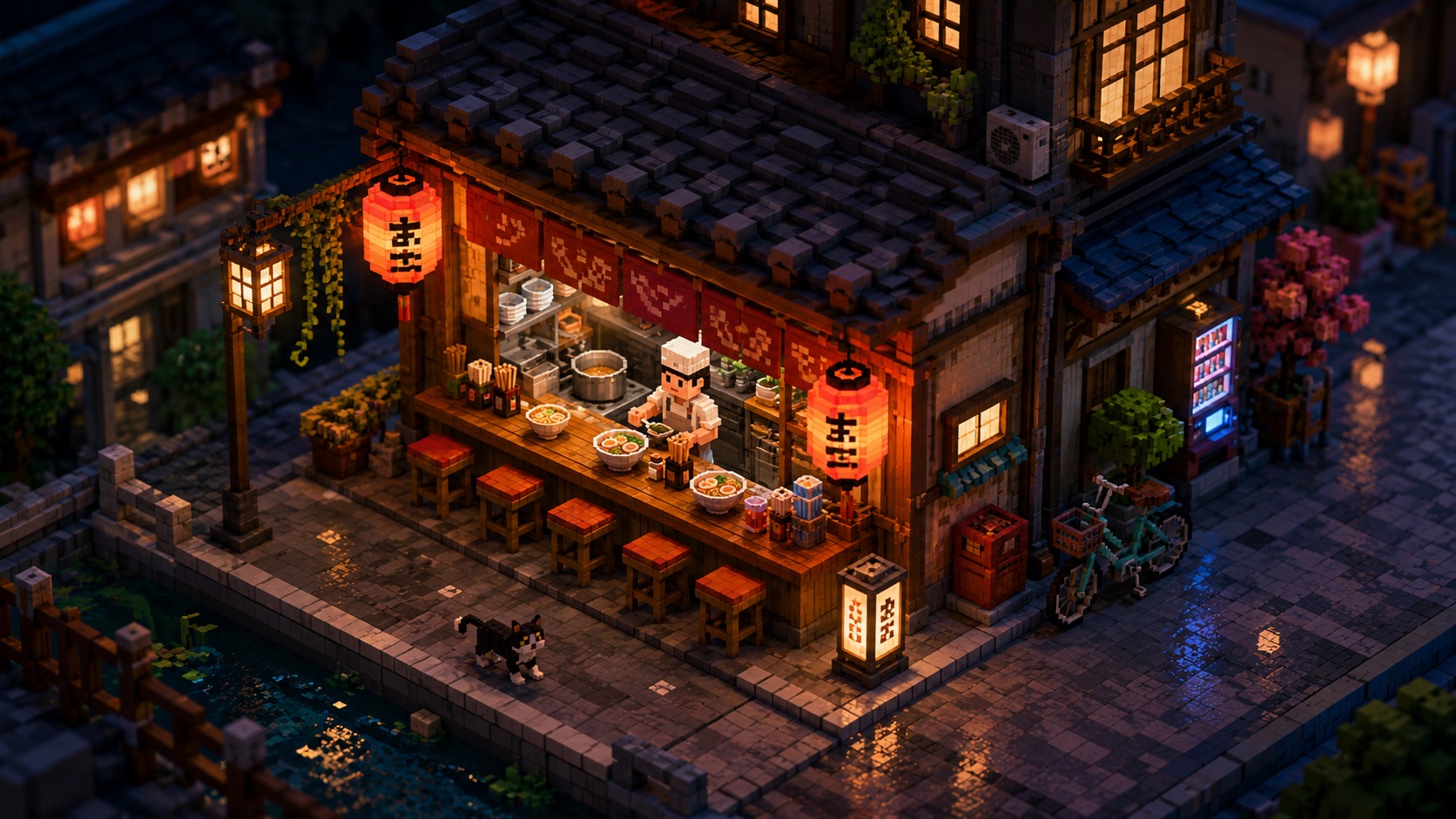
Build Complete Pixel Scenes from a Written Idea
Use 3D Pixel Art Generator from Text when no reference image exists. Describe a tiny café, floating island, fantasy shop, bedroom, robot workshop, city corner, or any other concept, then let AI Pixel Art Generator turn the description into a visual scene. AI 3D Pixel Art Generator can interpret subject relationships, viewpoint, atmosphere, and environmental details in one request. 3D Pixel Art Maker is especially useful for testing visual ideas before spending time drawing a complete pixel composition manually. AI 3D Pixel Art Generator also makes prompt iteration practical: change one element such as lighting, season, time of day, or camera angle while keeping the core idea intact. This gives you a faster way to compare visual directions.
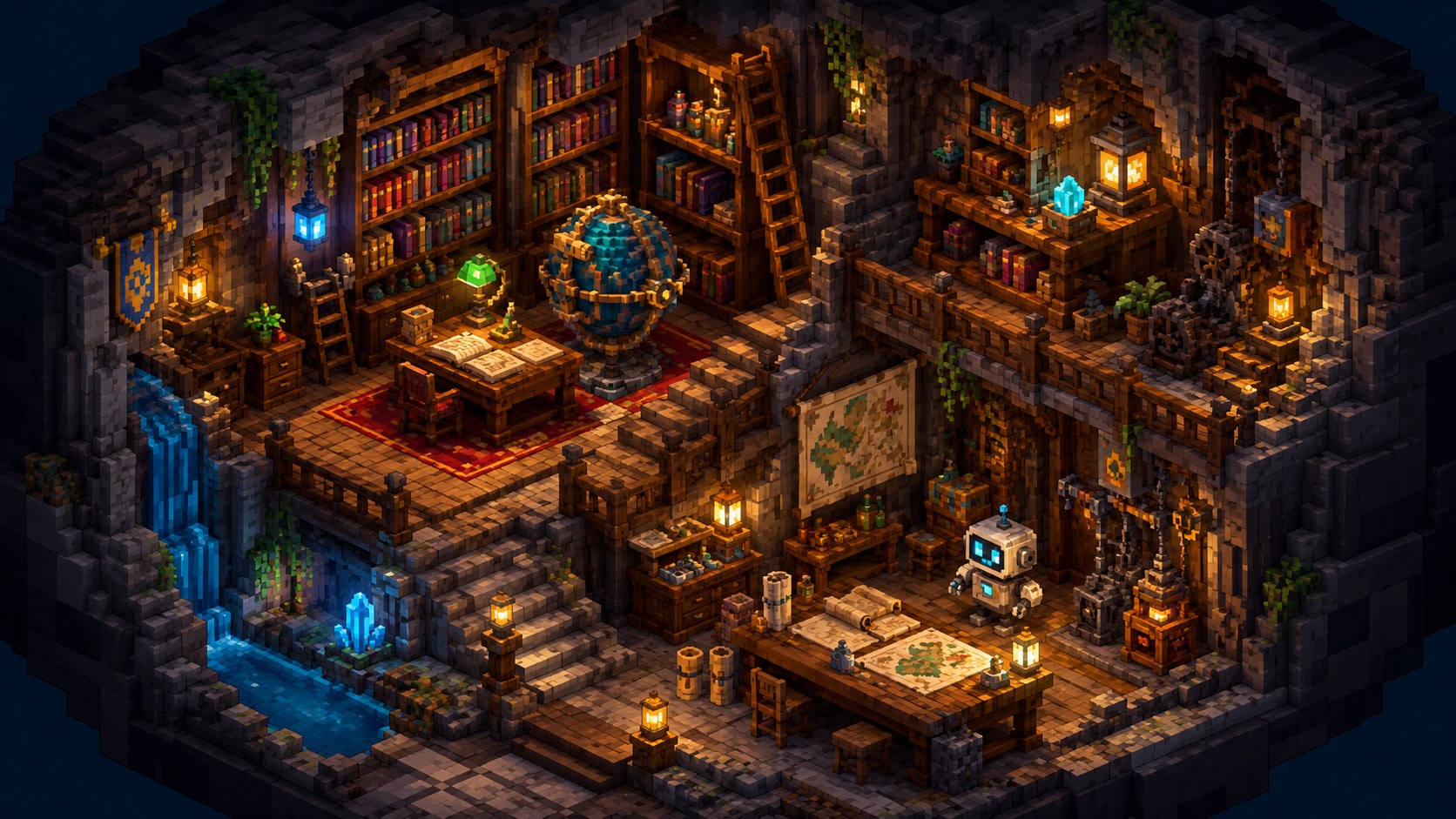
Explore Isometric Worlds, Characters, and Objects
3D Pixel Art Maker works well for images where spatial depth matters: isometric rooms, compact buildings, diorama-like scenes, characters, vehicles, props, and small environments. 3D Pixel Art Maker helps define clear silhouettes and block structure so the result feels dimensional without losing the charm of pixel art. With AI 3D Pixel Art Generator, you can explore different settings or subject ideas quickly and keep the visual language consistent. Free 3D Pixel Art Generator also makes it practical to experiment with several concepts before choosing a favorite direction. AI 3D Pixel Art Generator can also turn ordinary subjects into compact diorama-like compositions, which is useful when you want a scene to feel playful, collectible, or inspired by classic game environments.
Ways to Use 3D Pixel Art Generator
From concept development to personal image transformations, 3D Pixel Art Maker supports both idea-first and image-first workflows for creative pixel art. It is useful whenever you need a recognizable subject or a clearly staged scene expressed through dimensional pixel styling.

Game Concept Artists
Use 3D Pixel Art Maker to explore locations, props, characters, shops, interiors, and environmental ideas before committing to a final art direction. 3D Pixel Art Maker can turn a written concept into an isometric-looking reference, while 3D Pixel Art Generator from Image can restyle an existing sketch or mood reference. AI 3D Pixel Art Generator is useful for early visual exploration, especially when you want to compare several scene concepts quickly without manually drawing each pixel. AI 3D Pixel Art Generator can support mood boards and pitch references by turning short briefs into concrete visual examples that are easier to discuss with collaborators.

Creators Making Social Visuals
Create distinctive avatars, scene illustrations, themed posts, and nostalgic pixel visuals with 3D Pixel Art Generator Online. Instead of relying on flat filters, 3D Pixel Art Maker can rebuild the subject with block-like depth and a more crafted visual identity. AI Pixel Art Generator is useful when your content needs a playful game-inspired look, while 3D Pixel Art Maker gives you both prompt-based and image-based ways to start. AI 3D Pixel Art Generator is also useful for recurring content themes because you can describe similar subject types, moods, and environments while changing the specific concept in each post.

Writers and Worldbuilders
Turn descriptions of fantasy villages, science-fiction rooms, cozy shops, unusual landscapes, or fictional objects into visual references with 3D Pixel Art Generator from Text. AI 3D Pixel Art Generator helps translate written details into a scene you can react to and refine. Writers can use 3D Pixel Art Maker to establish atmosphere, layout, and visual motifs, then revise the prompt as the fictional world becomes more specific. AI 3D Pixel Art Generator can help visualize places that do not exist yet, making abstract descriptions easier to evaluate before they become final illustrations or more detailed production references.

People Restyling Personal Photos
3D Pixel Art Generator from Photo gives portraits, pets, vacation pictures, homes, and everyday objects a stylized pixel makeover while keeping the original subject recognizable. Use Free 3D Pixel Art Generator to try a different visual treatment without manually tracing the source. 3D Pixel Art Generator from Image can also work with illustrations or reference art, and 3D Pixel Art Maker helps convert those familiar visuals into compact, dimensional pixel compositions. AI 3D Pixel Art Generator also works well for nostalgic reinterpretations of familiar places, giving everyday photos a game-like atmosphere without requiring you to rebuild the scene manually.
What People Create with 3D Pixel Art Generator
Users choose 3D Pixel Art Generator for photo transformations, text-based scene creation, and fast visual exploration across different pixel-art ideas. Their examples show how the same creation flow can support personal photos, fictional settings, concept references, and playful social visuals.
I used 3D Pixel Art Generator to mock up a tiny fantasy market for a game concept. I described the stalls, lanterns, stone path, and isometric angle, and the result gave me a much clearer direction than my rough notes. AI 3D Pixel Art Generator was especially helpful for testing a second layout without redrawing the scene from scratch. 3D Pixel Art Maker also made it easy to refine the same concept by changing only the lighting and shop arrangement.
I used 3D Pixel Art Generator to mock up a tiny fantasy market for a game concept. I described the stalls, lanterns, stone path, and isometric angle, and the result gave me a much clearer direction than my rough notes. AI 3D Pixel Art Generator was especially helpful for testing a second layout without redrawing the scene from scratch. 3D Pixel Art Maker also made it easy to refine the same concept by changing only the lighting and shop arrangement.
I tried 3D Pixel Art Generator from Photo with a picture of my cat and liked that the result still looked like her instead of becoming a random pixel character. 3D Pixel Art Maker kept the pose and markings recognizable while giving the image a chunky, dimensional style. It made a great profile picture. The blocky shading gave the portrait personality without hiding the small details that made the original photo feel personal.
I tried 3D Pixel Art Generator from Photo with a picture of my cat and liked that the result still looked like her instead of becoming a random pixel character. 3D Pixel Art Maker kept the pose and markings recognizable while giving the image a chunky, dimensional style. It made a great profile picture. The blocky shading gave the portrait personality without hiding the small details that made the original photo feel personal.
For a story project, I needed a visual for a small underground library. 3D Pixel Art Generator from Text turned the description into a surprisingly readable scene with shelves, lamps, stairs, and depth. AI Pixel Art Generator made it easy to adjust the mood, and 3D Pixel Art Generator gave me several useful directions to compare. I also liked using 3D Pixel Art Maker to test a warmer color mood without rewriting the entire concept.
For a story project, I needed a visual for a small underground library. 3D Pixel Art Generator from Text turned the description into a surprisingly readable scene with shelves, lamps, stairs, and depth. AI Pixel Art Generator made it easy to adjust the mood, and 3D Pixel Art Generator gave me several useful directions to compare. I also liked using 3D Pixel Art Maker to test a warmer color mood without rewriting the entire concept.
I wanted something more interesting than a normal photo filter, so I used 3D Pixel Art Generator from Image on a street photo from my trip. AI 3D Pixel Art Generator turned the buildings and signs into a compact pixel scene while keeping the overall composition familiar. Free 3D Pixel Art Generator was simple enough to test several prompt variations. I especially liked how the street layout still felt familiar even after the photo was simplified into chunky pixel forms.
I wanted something more interesting than a normal photo filter, so I used 3D Pixel Art Generator from Image on a street photo from my trip. AI 3D Pixel Art Generator turned the buildings and signs into a compact pixel scene while keeping the overall composition familiar. Free 3D Pixel Art Generator was simple enough to test several prompt variations. I especially liked how the street layout still felt familiar even after the photo was simplified into chunky pixel forms.


3D Pixel Art Generator FAQ
Get concise answers about using 3D Pixel Art Generator with prompts, photos, reference images, and isometric-style scene ideas.
Enter a description or upload an image, then click Generate. 3D Pixel Art Generator interprets your input and creates a dimensional pixel-art image.
Yes. Use 3D Pixel Art Generator from Image to restyle a reference while keeping the main subject, composition, and recognizable details.
Yes. 3D Pixel Art Generator from Text can create characters, objects, rooms, landscapes, buildings, and other scenes directly from a written prompt.
Describe the subject, environment, viewpoint, important colors, mood, and key objects. AI 3D Pixel Art Generator works best when the visual idea is specific.
Yes. 3D Pixel Art Generator can create isometric-looking rooms, buildings, streets, dioramas, and other scenes where depth and spatial layout matter.
No. 3D Pixel Art Generator creates images with a three-dimensional pixel-art appearance; it does not output editable 3D model files.
Create Your Next Pixel Scene
Use 3D Pixel Art Generator Online to turn a prompt or image into dimensional pixel art and explore a new visual direction in seconds. Start with a short description, a favorite photo, or a visual reference, then refine the result by changing only the details that matter to your idea. AI 3D Pixel Art Generator helps keep the generated scene aligned with those instructions.
