
AI Image Tools
Everything You Need to Edit Photos Faster
Open the PicEditor AI tools library for background removal, photo enhancement, object cleanup, face swap, upscaling, and more focused image workflows.

AI Blemish Remover
FLUX 3 Image Klein
Ideogram 4.5

AI Portrait Retouching

Snatched Waist Editor

AI Facial Expression Changer

AI Texture Generator

AI Nose Piercing Filter

Replace Object in Photo Online

Add Object to Photo

Eyeliner Filter

AI Bust Down Filter

Image Splitter

Add White Background to Photo

Snapchat Text Remover

Realistic AI Skin Generator

Add speech bubble to photo

Change Photo Background

AI Clothes Wrinkle Remover

AI LinkedIn Profile Picture

GPT Transparent BG Image Editor

Image to Layers

3D Angle Editor
Change Background of Photo Online with AI
Replace Any Photo Background While Keeping the Subject Intact
Use PicEditor to change background of photo content in seconds without cutting out the subject by hand. Upload a portrait, product image, pet photo, travel shot, or marketing visual, then describe the new setting you want. You can change background of photo files for clean studios, outdoor scenes, offices, homes, seasonal themes, branded campaigns, or imaginative environments. PicEditor makes it easy to change background of photo online with a simple prompt, so every result can match your purpose, audience, and visual style.
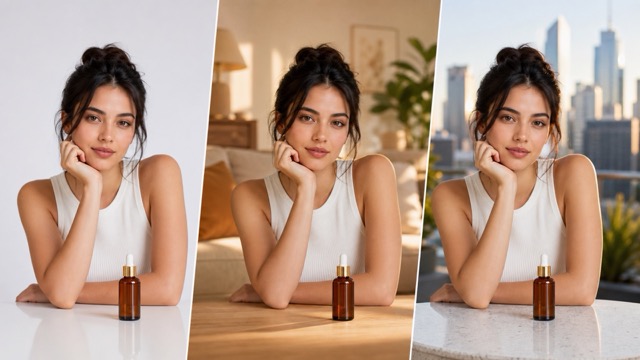
How to Change Background of Photo in Three Steps
The workflow is designed for speed and creative control. Follow three clear steps to change background of photo images while keeping the original person, product, animal, or object visually consistent.

Upload Your Photo
PicEditor analyzes edges, hair, clothing, transparent objects, product contours, and other important details before you change background of photo content. A well-lit source image usually helps the AI create a cleaner separation, but the tool can also process many everyday photos with busy or distracting surroundings. Use this step to change background of photo files with a clear foreground.

Describe the New Background
Enter a short prompt for the setting you want, such as a white studio, modern office, tropical beach, luxury hotel, cozy bedroom, city street, mountain landscape, holiday scene, or custom brand environment. Add lighting, colors, mood, depth, or composition details when you change background of photo files. This direction helps the AI change background of photo content more accurately.

Generate and Download
Click generate and let the AI change background of photo content while preserving the visual subject. Review the new image, refine your prompt when needed, and generate another version until the scene fits your goal. You can change background of photo results again with a revised prompt.
Create the Right Setting for Every Photo
You can change background of photo images for practical edits or completely new visual concepts while maintaining a recognizable and consistent subject.
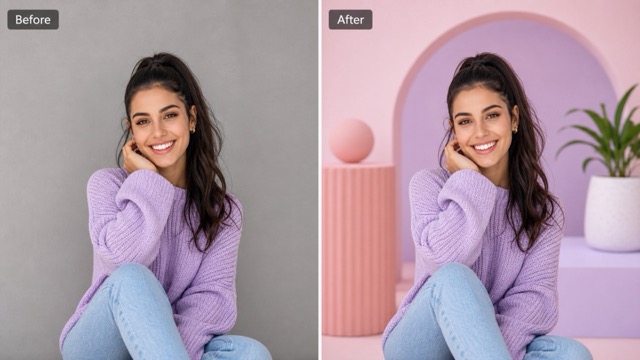
Preserve People, Products, and Key Details
When you change background of photo content, the subject should remain the visual focus. PicEditor is built to preserve facial identity, pose, hairstyle, clothing, product shape, packaging details, accessories, and other defining features.This makes it easier to change background of photo files without creating the obvious cutout look often caused by rough manual selections. Natural edges, realistic depth, and balanced composition help the subject feel connected to the replacement setting. It is a practical way to change background of photo assets while protecting key details.

Write a Prompt for Any Background Idea
A fixed library of templates can limit your options. With PicEditor, you can change background of photo images by describing the exact scene you need. Request a minimalist studio with soft shadows, a bright kitchen with morning light, a futuristic showroom with reflective surfaces, or a garden filled with spring flowers. You can also specify camera depth, color palette, lighting direction, atmosphere, and visual style. This prompt-based approach helps you change background of photo content for a unique campaign instead of repeating the same common backdrop. This freedom makes it easier to change background of photo scenes for specific creative goals.
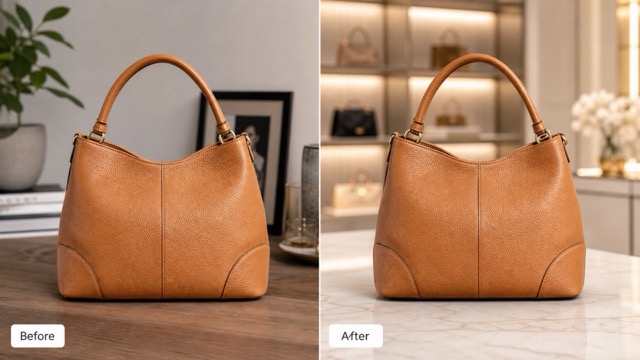
Build Clean Product Photos for Ecommerce
Product images often need different surroundings for marketplaces, ads, category pages, and seasonal promotions. Use the tool to change background of photo files into pure white, soft gray, premium studio, lifestyle room, marble counter, retail shelf, or branded environment. You can change background of photo content without arranging another shoot for every campaign. Keep the product visible and consistent while testing several settings that support its materials, colors, and intended audience. The result can help small brands create a more unified catalog with less production work. Brands can change background of photo collections while keeping the featured item consistent.
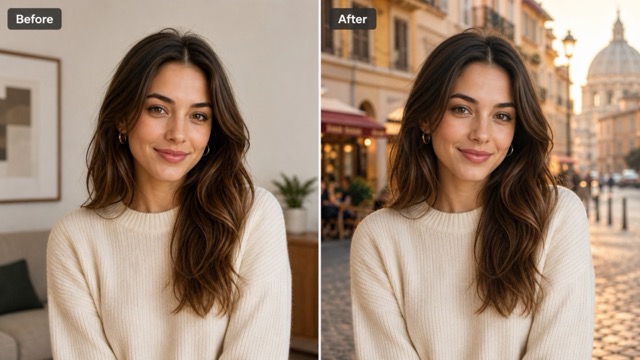
Explore Realistic or Imaginative Locations
Not every edit needs to look like a standard studio photo. Use PicEditor to change background of photo files into cinematic streets, fantasy castles, sci-fi interiors, illustrated worlds, luxury resorts, snowy forests, desert landscapes, or other creative settings. You can change background of photo content to support storytelling, concept art, invitations, character posts, or playful personal projects. Add prompt details about time of day, weather, light, mood, and perspective so the generated environment feels intentional and visually connected to the subject. Creators can change background of photo concepts without limiting themselves to real locations.
Frequently Asked Questions
Learn how the AI works, what kinds of images it supports, and how to get better results when you change background of photo content online.
The change background of photo tool creates a complete new background from your prompt and blends it with the foreground.
No. You can change background of photo files without drawing masks, tracing edges, building layers, or learning complex software. Upload the image, enter the background description, and click generate. The process to change background of photo content remains simple from start to finish.
The tool is designed to keep the main visual subject consistent while replacing the background. When you change background of photo content, PicEditor aims to preserve identity, pose, clothing, shape, and important object details. Complex edges or unclear source images may require another generation or a more precise prompt.
Describe the location, style, lighting, colors, and mood you want. For example, ask the tool to change background of photo content to a clean white studio with soft shadows, a modern office with natural window light, or a tropical beach at sunset. Clear visual details usually produce more targeted results.
Yes. Sellers can change background of photo files for marketplace listings, product pages, lifestyle ads, seasonal promotions, and brand campaigns. Try white, neutral, premium, indoor, outdoor, or contextual settings while keeping the product as the main focus. This makes it efficient to change background of photo collections for different storefront needs.
Yes. You can change background of photo portraits for professional profiles, social accounts, resumes, speaker pages, invitations, or creative posts. Choose a setting that supports the person’s role and make sure the original face is clear for stronger identity preservation.
Use a source image with visible subject edges and write a prompt that matches the original camera angle and lighting. When you change background of photo content, mention details such as soft daylight, shallow depth of field, eye-level perspective, or subtle floor shadows to help the scene blend naturally.
Yes. Change the prompt or generate again to explore alternative scenes, moods, lighting, and compositions. The ability to change background of photo content repeatedly makes it easier to compare options before choosing the version that best fits your project.
Why Creators Choose PicEditor
Professionals across ecommerce, marketing, photography, real estate, and small business use PicEditor to change background of photo assets faster and create more flexible visual content.
I use PicEditor to change background of photo files for product launches and seasonal promotions. It helps our catalog stay consistent, and I can create lifestyle scenes without scheduling a new shoot for every campaign.
I use PicEditor to change background of photo files for product launches and seasonal promotions. It helps our catalog stay consistent, and I can create lifestyle scenes without scheduling a new shoot for every campaign.
The prompt control is the biggest advantage. I can change background of photo images for different marketplace requirements, then create premium studio versions for ads while keeping the product shape and packaging recognizable.
The prompt control is the biggest advantage. I can change background of photo images for different marketplace requirements, then create premium studio versions for ads while keeping the product shape and packaging recognizable.
PicEditor lets me change background of photo content for several social themes in one working session. I can test bright, minimal, seasonal, and cinematic settings without rebuilding the design from the beginning.
PicEditor lets me change background of photo content for several social themes in one working session. I can test bright, minimal, seasonal, and cinematic settings without rebuilding the design from the beginning.
I often need to change background of photo listings when a room looks cluttered or the exterior lacks visual impact. The generated settings help me present cleaner concepts for marketing previews and pitch materials.
I often need to change background of photo listings when a room looks cluttered or the exterior lacks visual impact. The generated settings help me present cleaner concepts for marketing previews and pitch materials.
For portrait projects, I can change background of photo images without spending time on detailed manual selections. The subject stays clear, and the new environment gives each portrait a more purposeful context.
For portrait projects, I can change background of photo images without spending time on detailed manual selections. The subject stays clear, and the new environment gives each portrait a more purposeful context.
As a small business owner, I need simple tools that produce useful results quickly. PicEditor helps me change background of photo assets for menus, promotions, online listings, and announcements from the same original image.
As a small business owner, I need simple tools that produce useful results quickly. PicEditor helps me change background of photo assets for menus, promotions, online listings, and announcements from the same original image.
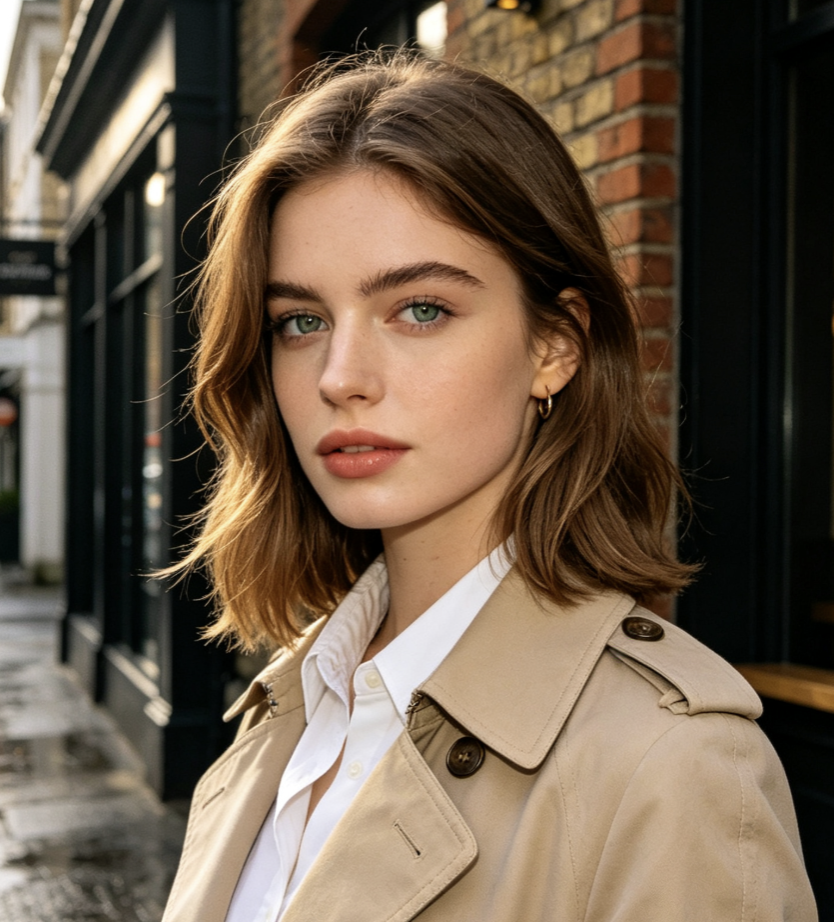
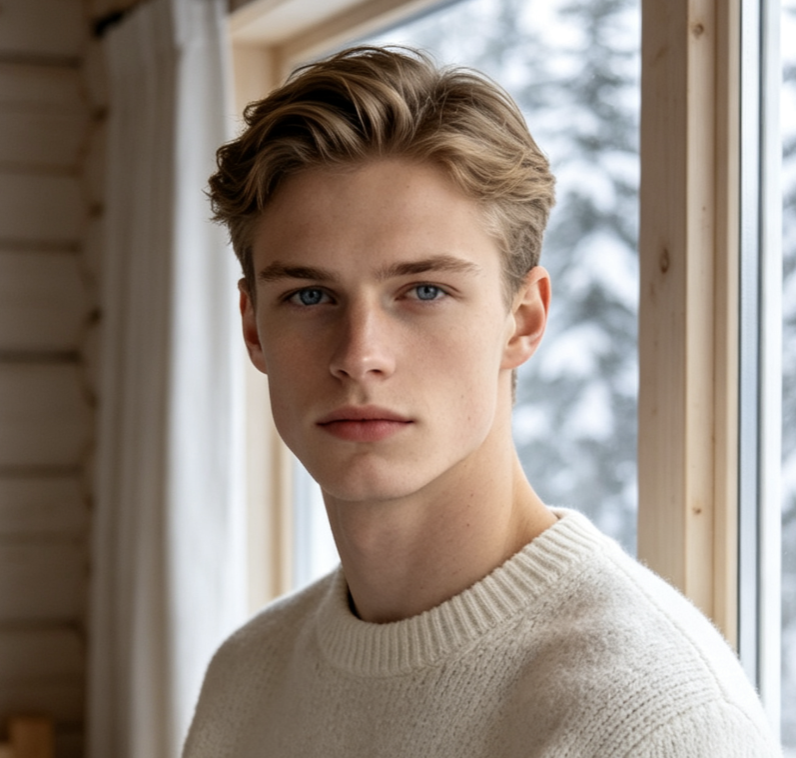
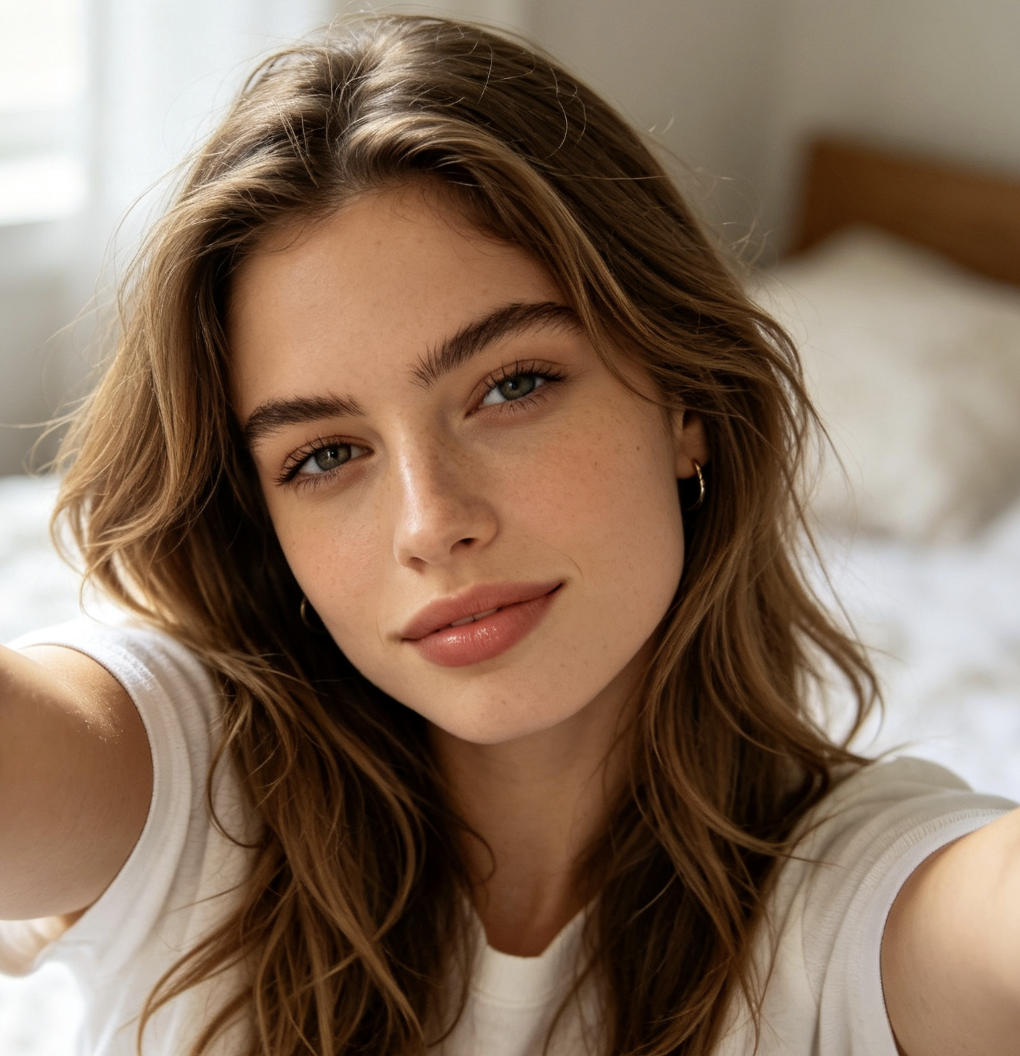

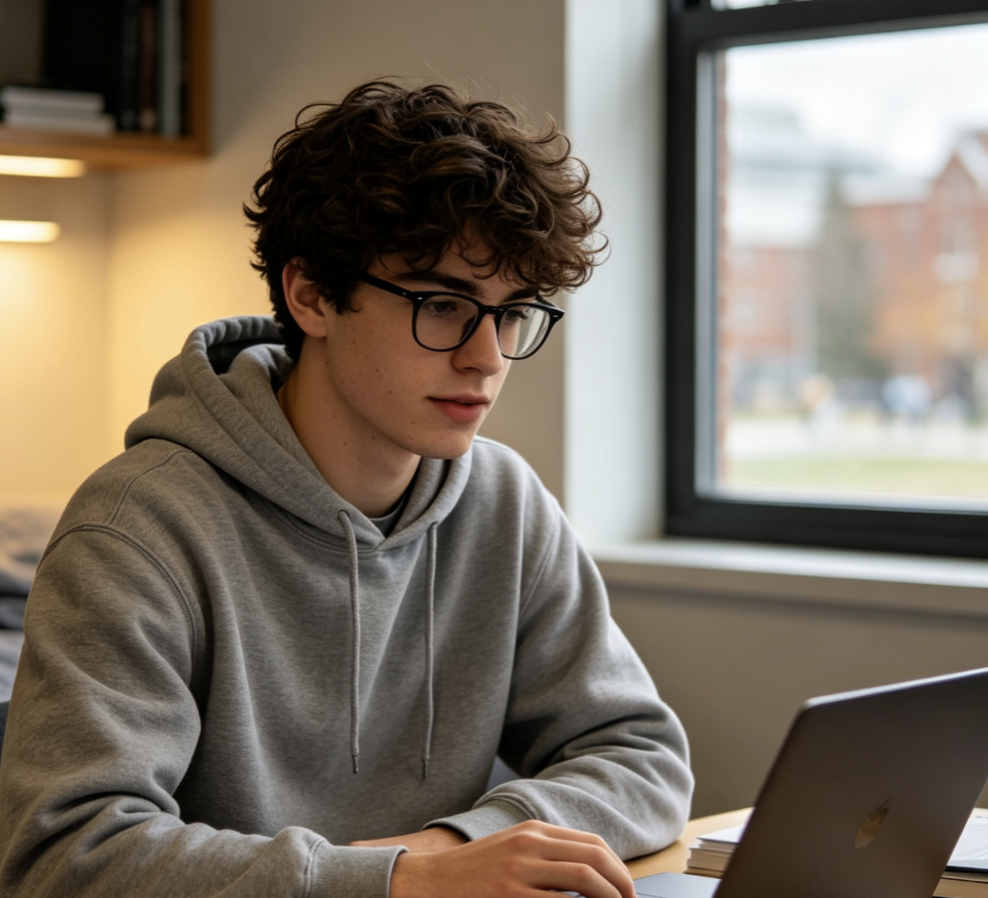
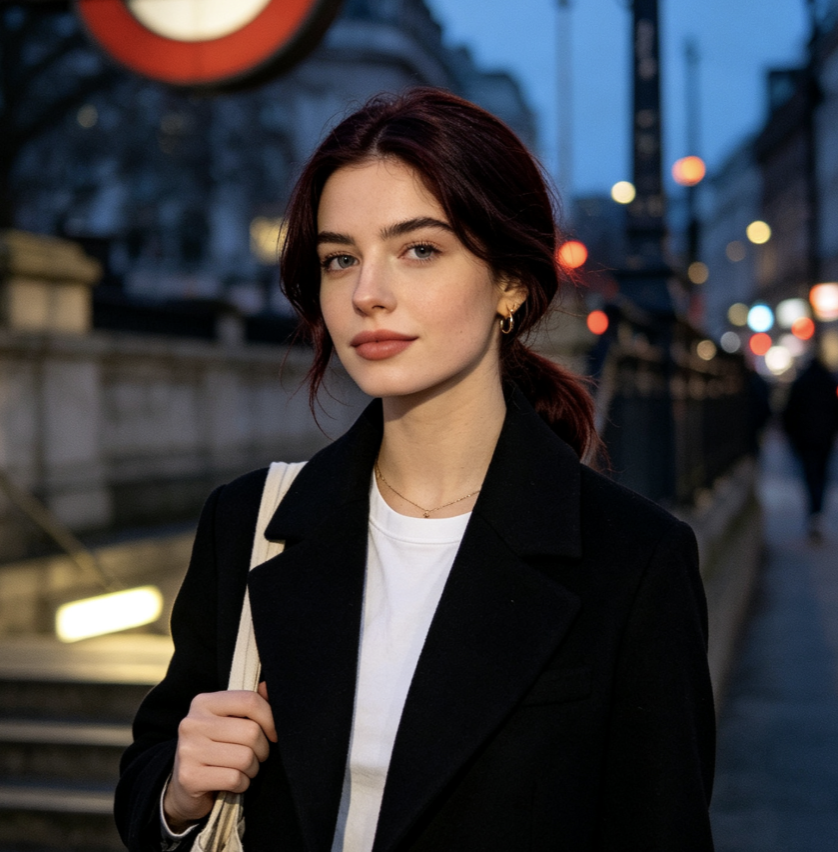
Popular Ways to Change Photo Backgrounds
One source image can support many goals when the setting is easy to replace. Use PicEditor to change background of photo content for commercial, professional, social, and personal projects.

Online Store Product Images
Change background of photo files to white, neutral, branded, or lifestyle scenes for product pages, marketplaces, ads, and promotional collections. Maintain a consistent product presentation across multiple sales channels.

Professional Headshots
Change background of photo portraits to offices, studios, event venues, or clean neutral environments for resumes, company pages, conference profiles, and professional networks.

Social Media Content
Change background of photo posts to match trends, seasonal themes, campaign colors, travel concepts, or creator aesthetics while keeping the person or product easy to recognize.

Property Marketing Concepts
Change background of photo assets for cleaner staging ideas, architectural previews, promotional boards, and listing presentations. Use realistic prompts that match the property angle and lighting.
Events and Invitations
Change background of photo images for birthdays, weddings, graduations, holidays, announcements, and digital invitations. Create a setting that supports the occasion without arranging another photo session.

Creative Visual Experiments
Change background of photo content to fantasy, cinematic, illustrated, futuristic, or surreal scenes for storytelling, character concepts, personal art, and imaginative posts.
Change Background of Photo with One Prompt
Upload your image, describe the setting you want, and let PicEditor change background of photo content while keeping the subject visually consistent. Start now and change background of photo files into scenes built for your next idea.
