
Upload the main photo first, then optionally upload a person photo to add — leave it empty to generate a realistic person with AI.
AI Image Tools
Everything You Need to Edit Photos Faster
Open the PicEditor AI tools library for background removal, photo enhancement, object cleanup, face swap, upscaling, and more focused image workflows.

Image Splitter

Add White Background to Photo

Snapchat Text Remover

Realistic AI Skin Generator

Add speech bubble to photo

Change Photo Background

AI Clothes Wrinkle Remover

AI LinkedIn Profile Picture

GPT Transparent BG Image Editor

Image to Layers

3D Angle Editor

Change Background of Photo
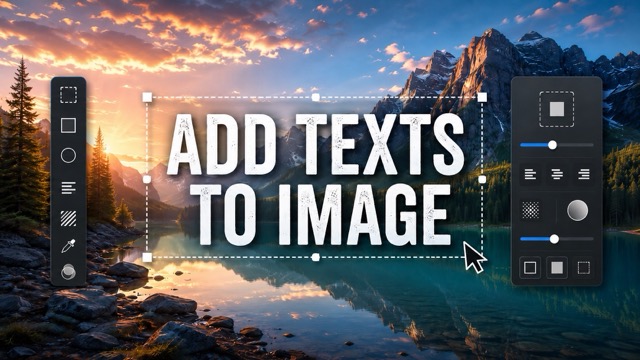
Add Text to Image
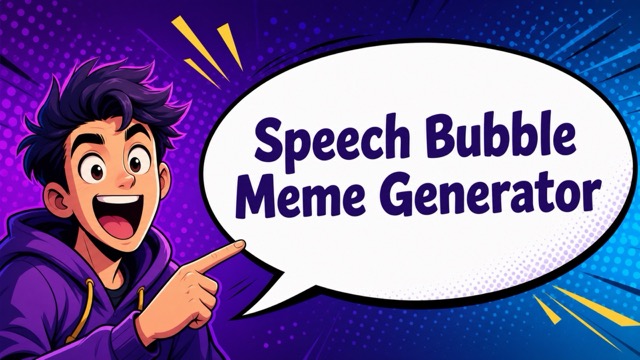
Speech Bubble Meme Generator
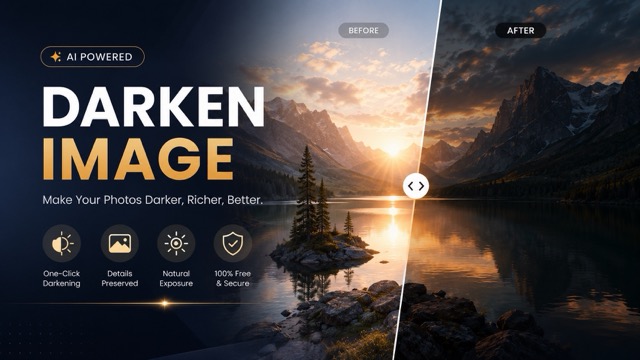
AI Image Darkener
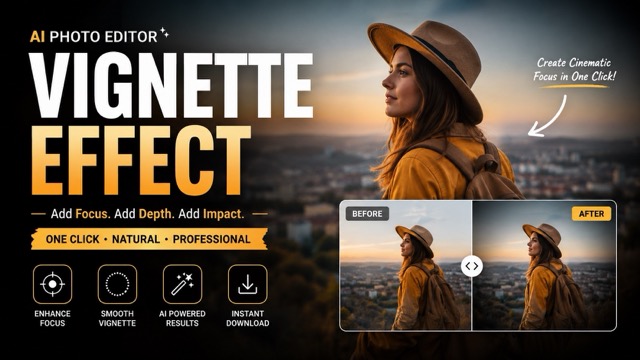
AI Vignette Effect
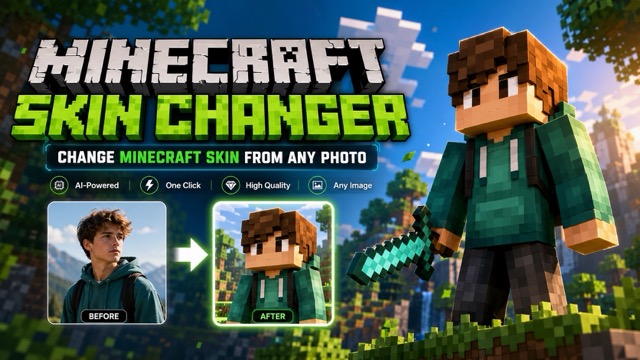
AI Change Minecraft Skin
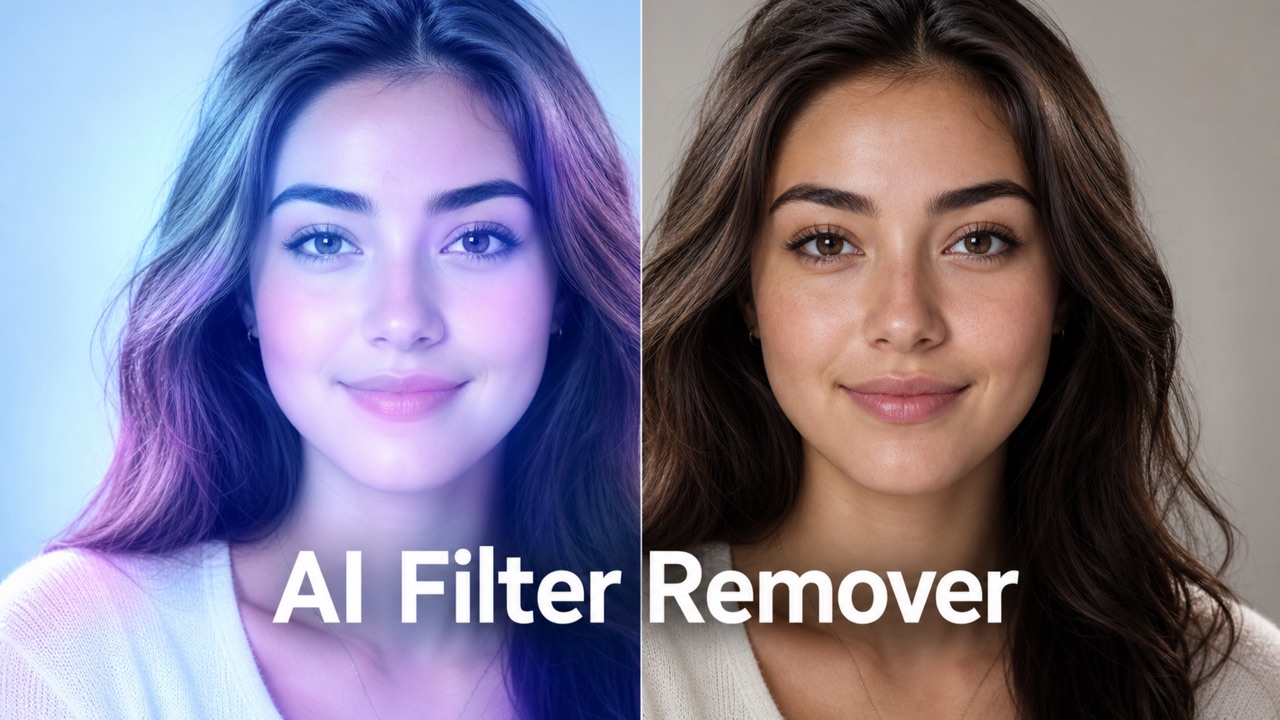
Remove Color From Image
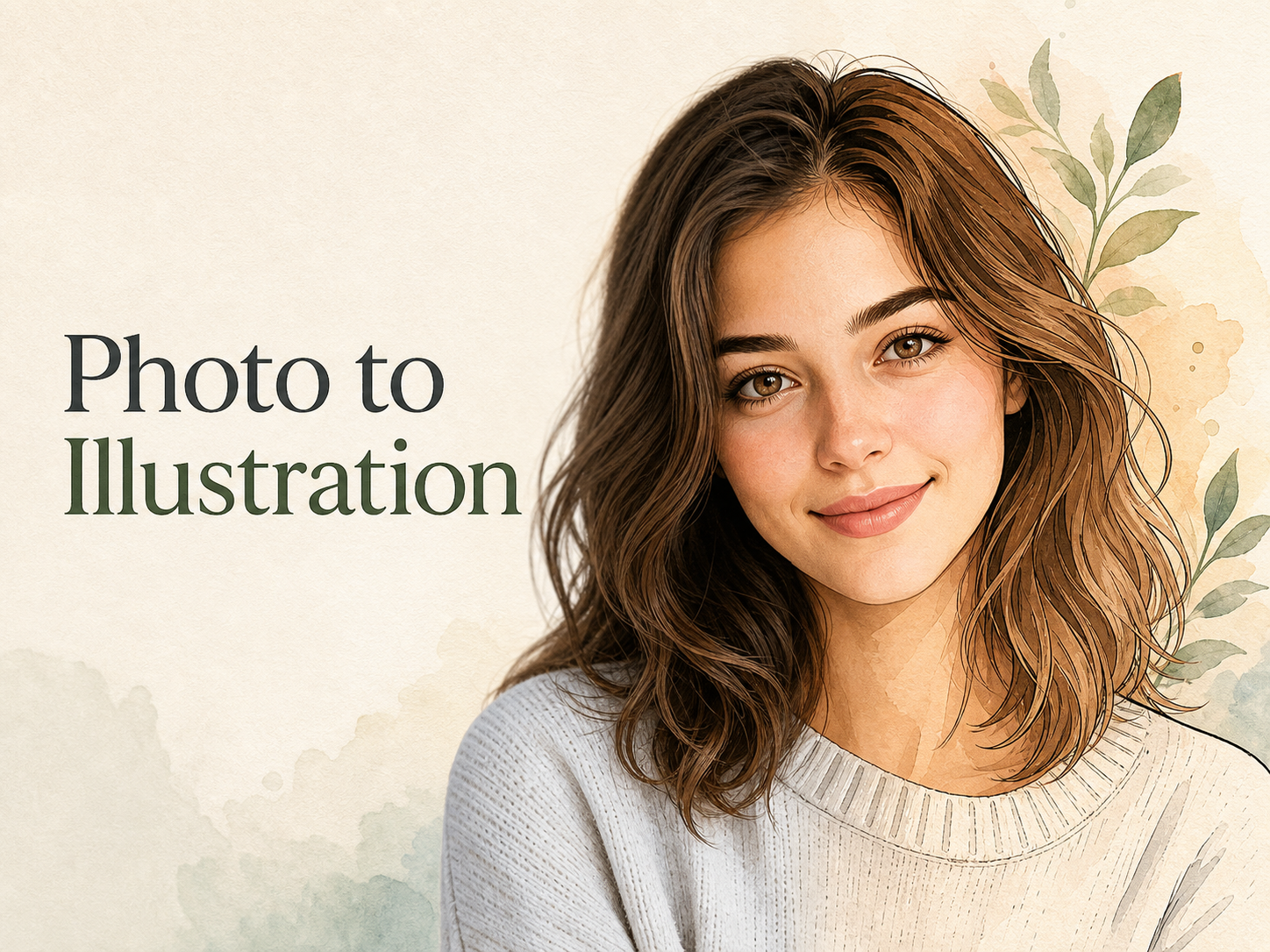
Photo to Illustration
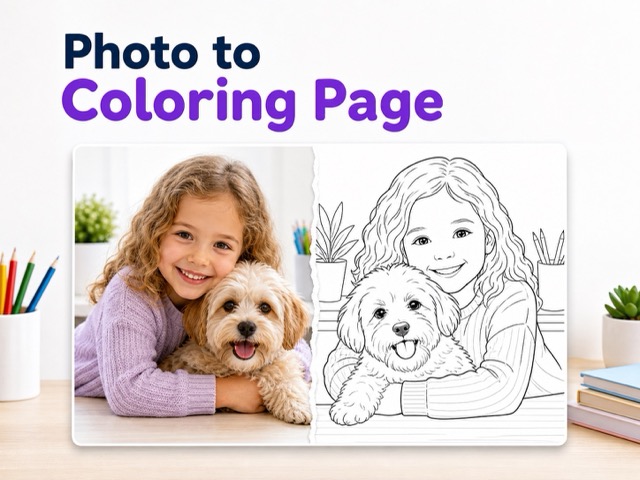
Photo to Coloring Page
convert portrait picture to landscape
Photo to Silhouette
Photo to Pixel Art
Photo to Line Art
Add a Person to a Photo
Use Add a Person to a Photo to place a friend, family member, or realistic AI-generated person into your image with natural lighting, scale, and scene blending.
Add a Person to a Photo lets you upload a main image, optionally add a reference person, and generate a realistic result. If no reference is uploaded, AI Add Person to Photo creates a natural person who fits the scene. Use Add a Person to a Photo for quick photo completion.
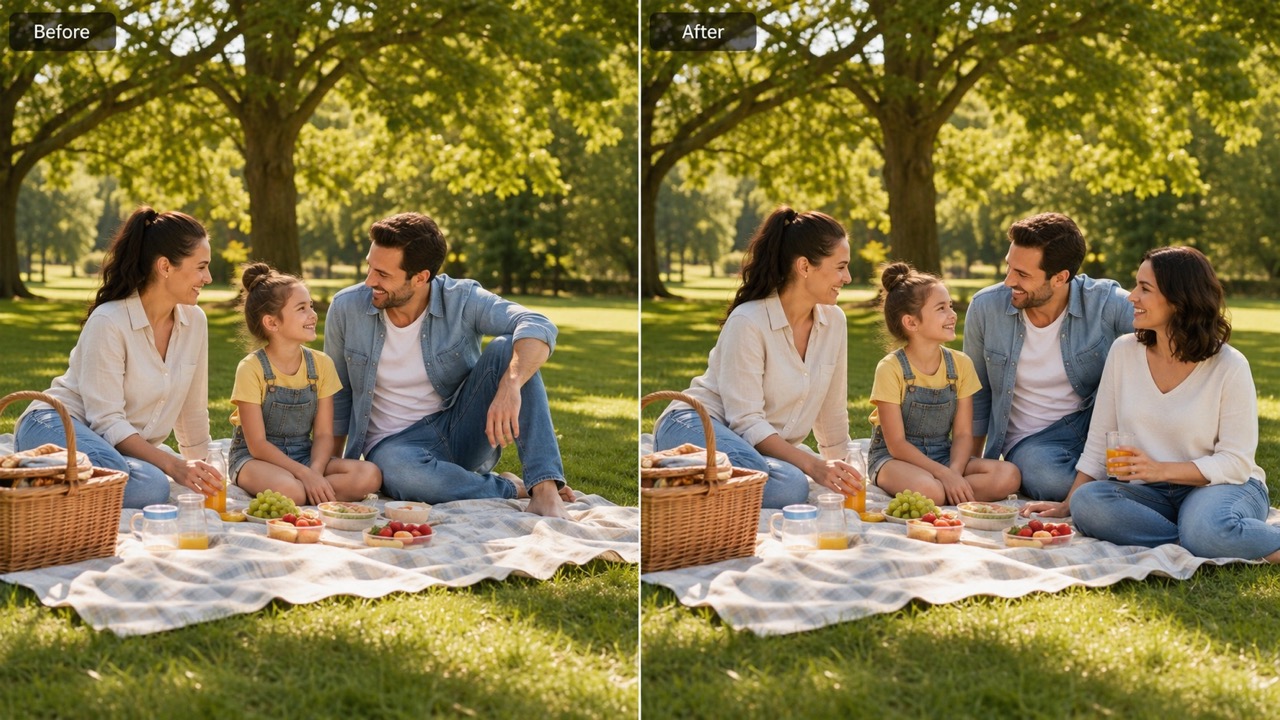
How to Use Add a Person to a Photo
The workflow for Add a Person to a Photo is simple: upload the main photo, optionally upload the person you want to insert, then generate. It also supports add someone to a photo when no reference person is provided. For this edit, the choice stays simple: add a real person with a reference or let AI Add Person to Photo invent one.

Upload the Main Photo
Start Add a Person to a Photo by uploading the image you want to edit. Choose a clear group, family, travel, event, or portrait scene where the new person can stand, sit, or blend naturally. Add a Person to a Photo works best when the new person has clear space and a believable place to stand or sit.

Upload a Person Photo or Leave It Empty
Add a reference photo if you want to add someone to a photo as a specific person. Leave the second upload empty when you want AI Add Person to Photo to create a realistic person for the scene. This step also supports add someone to a photo, AI Add Person to Photo, and add a person to a photo ai free when you want a fast result.

Click Generate
Click Generate and Add a Person to a Photo will place the person with matched scale, lighting, shadows, and perspective. Review the final image and save the result when it looks right. Use Add a Person to a Photo again if you want a different placement, or generate a new person.
What Add a Person to a Photo Helps You Do
Add a Person to a Photo solves a specific image problem: someone should be in the picture, but they are not. AI Add Person to Photo can use a reference or create a new person naturally. Use Add a Person to a Photo for add someone to a photo edits, reference-based insertion, and AI-generated people in one flow.
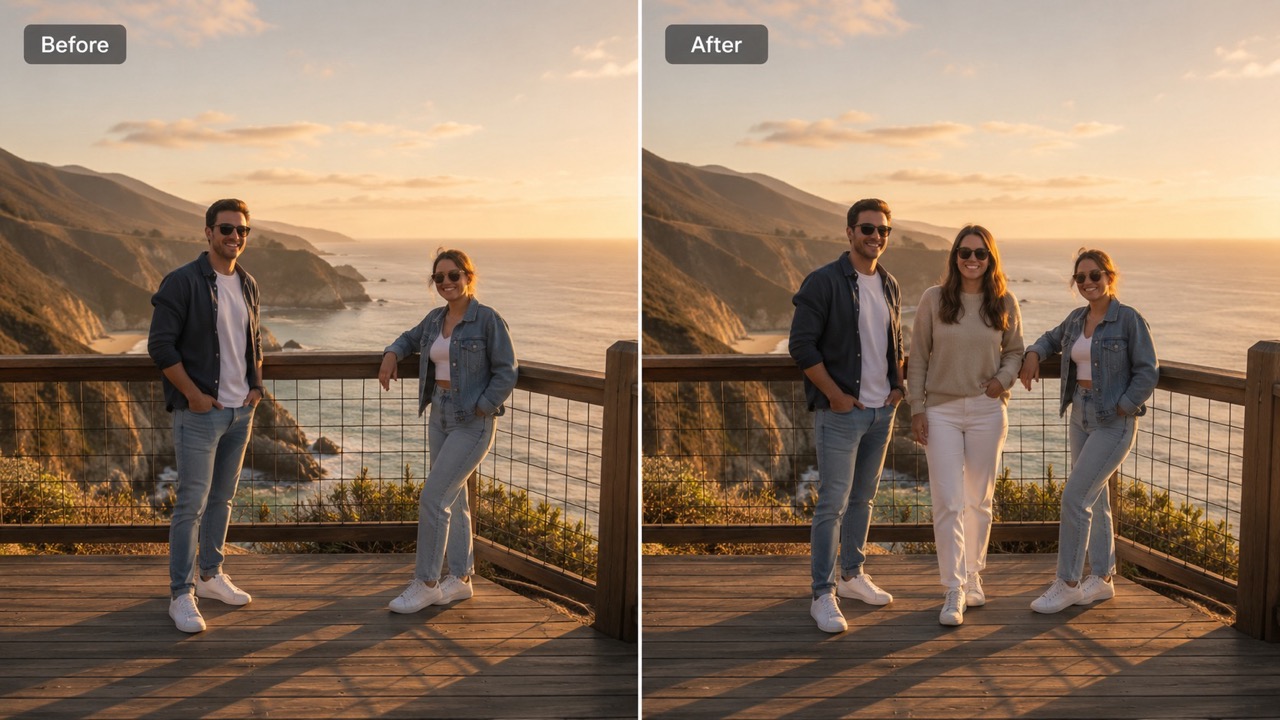
Add the Right Person Without Rebuilding the Scene
Add a Person to a Photo helps when one person is missing from an important image. Upload a reference portrait to guide the face, hair, and overall look, or let AI Add Person to Photo create a believable person. This is useful when you need to add someone to a photo without cutting, pasting, or manually masking edges. Use Add a Person to a Photo when you want to add someone to a photo, add a person to an existing photo, or add a person to a photo ai free without complicated manual editing. The AI process focuses on believable placement, not decorative effects.
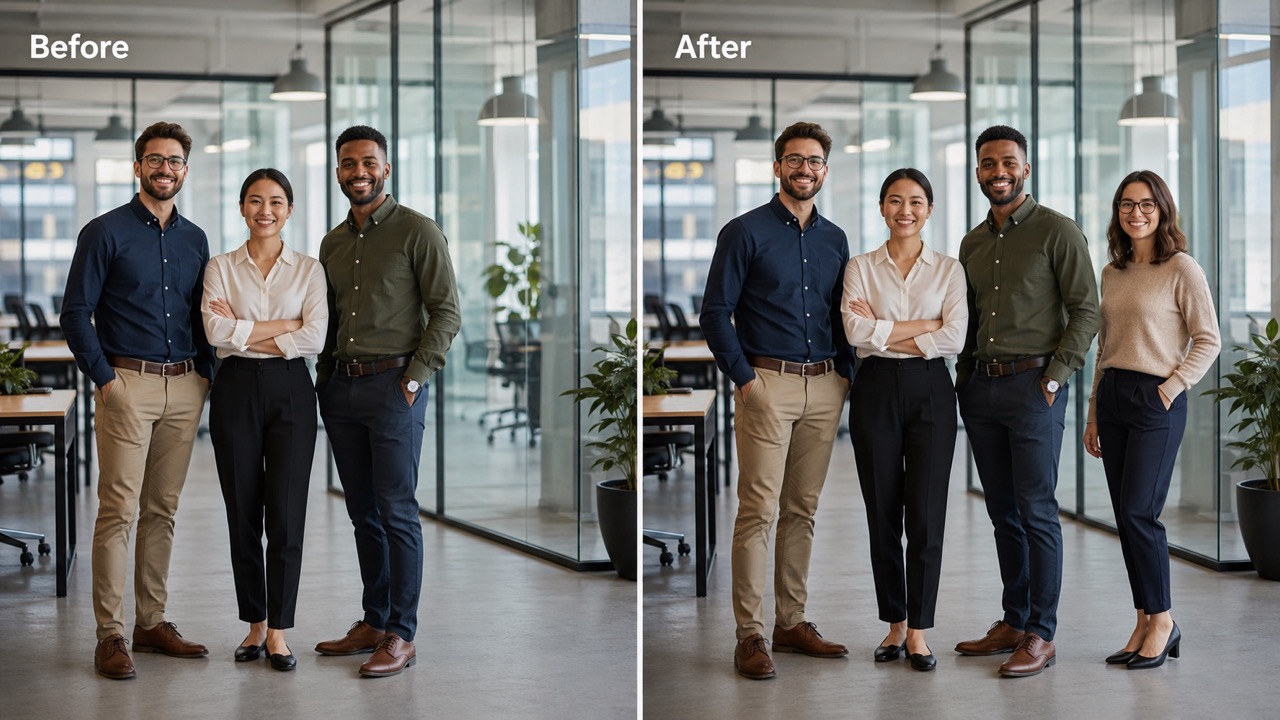
Make Group Photos Feel Complete
Use Add a Person to a Photo for reunions, trips, parties, school events, team pictures, and casual hangouts. It can add a person to a group photo online free by matching body position, ground contact, and shadows. When you need add a missing person to a photo, the result should feel like the person belonged there originally. Many users search add a person to a group photo online free because one friend, teammate, or relative was absent. Add a Person to a Photo and AI Add Person to Photo make that edit direct. It also helps insert a person without making the group look crowded.
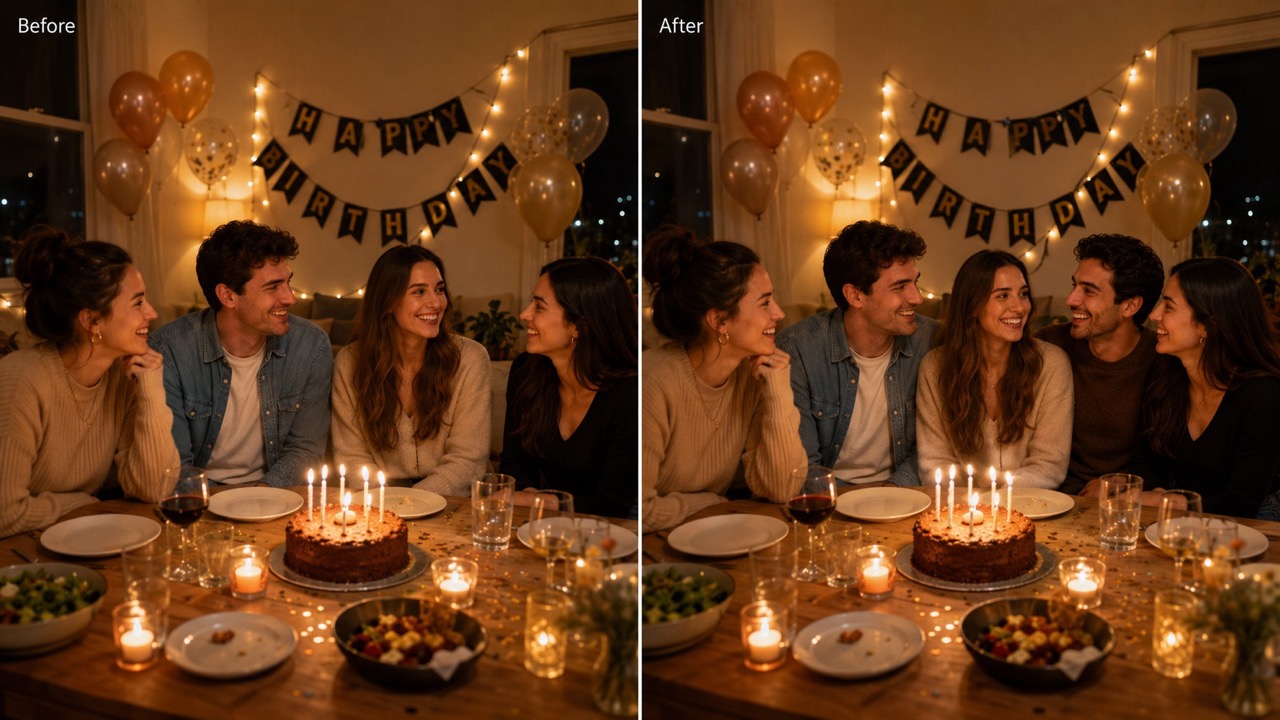
Turn Existing Photos Into Better Memories
Add a Person to a Photo is built for real situations: add a person to a family photo, add a person to an existing photo, or add another person to photo when plans changed. It keeps the original scene intact while adding only the person and the shadows or reflections needed for realism. Use Add a Person to a Photo to add a person to a family photo, add a missing person to a photo, and add another person to photo while keeping faces, spacing, and mood believable. AI Add Person to Photo can fill a scene when no reference is available.
Popular Ways to Use Add a Person to a Photo
From group shots to personal memories, Add a Person to a Photo supports edits that feel practical and believable. Use it to add someone to a photo with or without a reference person. Add a Person to a Photo also covers add a person to a group photo online free and add a person to an existing photo needs in a single workflow.

Group Photos With Someone Missing
When a friend arrived late or stood outside the frame, Add a Person to a Photo can help add a missing person to a photo and make the memory feel complete. Use a reference person image for accuracy, or use AI Add Person to Photo for a natural extra person. Add a Person to a Photo is especially useful for add a person to a group photo online free, add a missing person to a photo, and add someone to a photo requests after events. AI Add Person to Photo can also create a neutral extra person if nobody specific is needed.

Family Pictures and Personal Moments
Add a Person to a Photo is helpful when you need add a person to a family photo after someone missed the original shot. It can also add someone to a photo for birthdays, holidays, reunions, and everyday snapshots without changing the emotional feel. Use Add a Person to a Photo to add a person to a family photo, add a missing person to a photo, or add another person to photo while preserving the feeling of the original moment. AI Add Person to Photo can add someone to a photo when the space looks empty.

Existing Photos That Need One More Person
Use Add a Person to a Photo to add a person to an existing photo without rebuilding the background. It is also useful when you want add another person to photo for social posts, invitations, visual concepts, or personal edits. Add a Person to a Photo supports add a person to an existing photo, add a person to a photo ai free, and add another person to photo for quick concepts. It can add someone to a photo without forcing you to redesign the whole image.

Creative Scenes With AI-Generated People
When you do not have a reference image, AI Add Person to Photo can generate a person who fits the place, mood, and composition. This makes add a person to a photo ai free style editing useful for empty spaces, lifestyle scenes, and natural-looking storytelling. Use Add a Person to a Photo when you want add a person to a photo ai free results, add someone to a photo, or a natural lifestyle subject. AI Add Person to Photo can create a person who matches age range, posture, and scene energy.
What Users Say About Add a Person to a Photo
Users choose Add a Person to a Photo when they need believable edits, not obvious cutouts. Many use it to add someone to a photo with a reference or AI-generated person. AI Add Person to Photo is also helpful when users add someone to a photo for casual scenes or complete missing group memories.
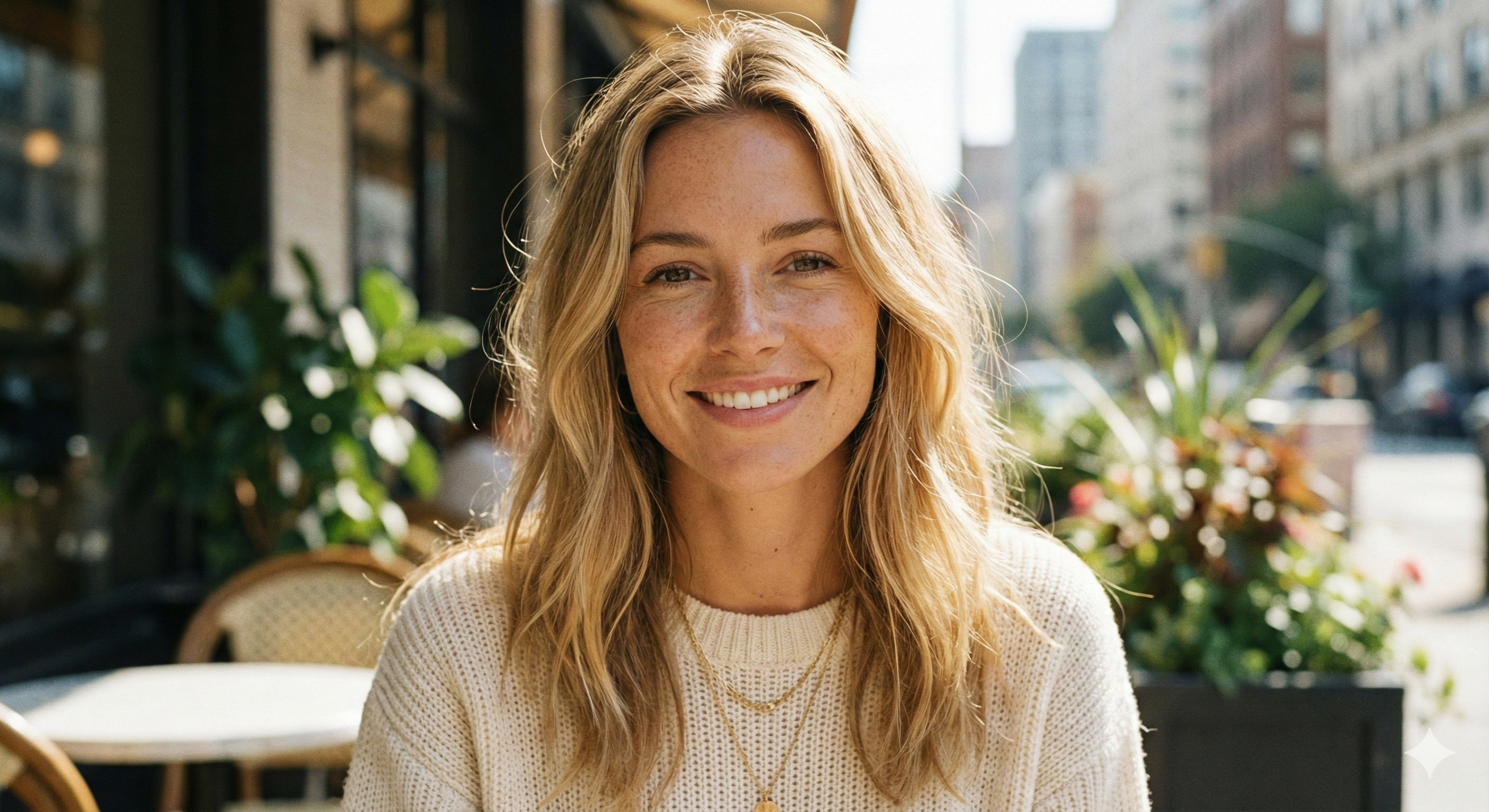
I used Add a Person to a Photo to include my brother in a family picture after he missed the original shot. The reference upload helped the result look like him, and the lighting matched better than I expected. I would use Add a Person to a Photo again for add a person to a family photo or add a missing person to a photo.
I used Add a Person to a Photo to include my brother in a family picture after he missed the original shot. The reference upload helped the result look like him, and the lighting matched better than I expected. I would use Add a Person to a Photo again for add a person to a family photo or add a missing person to a photo.
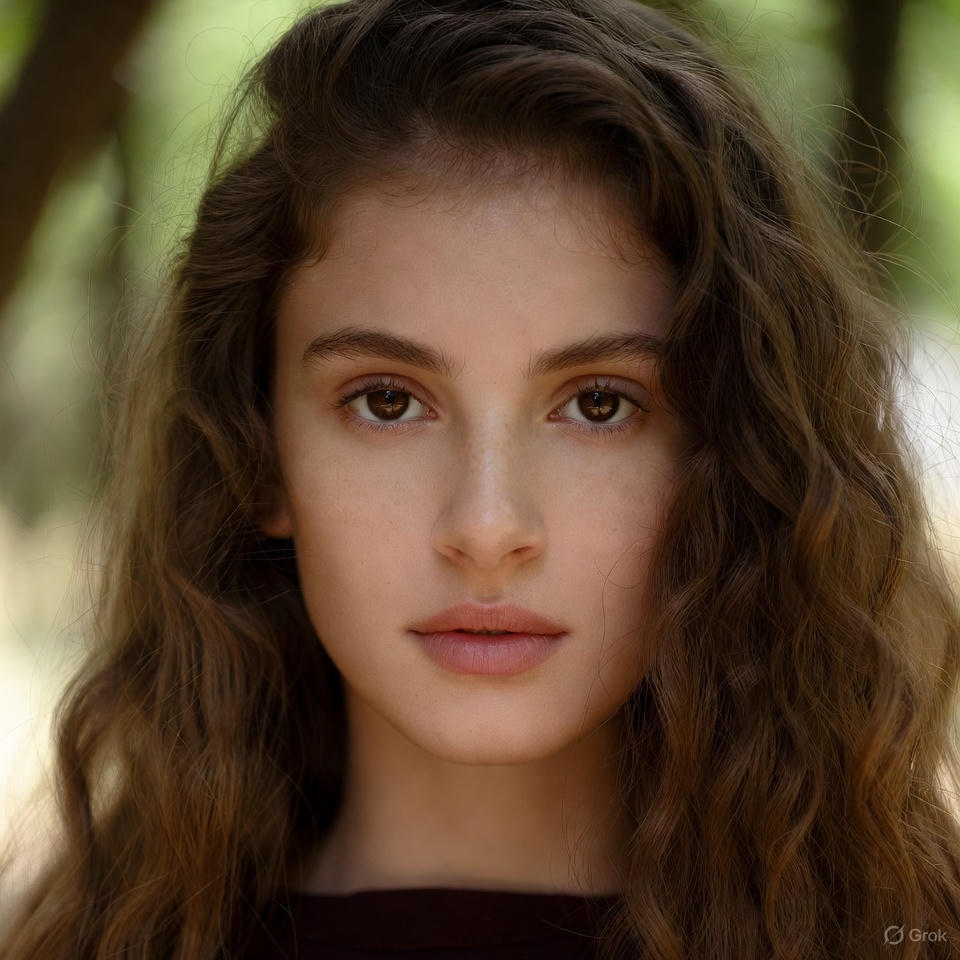
I needed to add someone to a photo for a small team image. AI Add Person to Photo placed the person at a natural size and kept the background clean, so the edit did not look forced. It worked well for add a person to a group photo online free, and I could add someone to a photo without obvious cutout edges.
I needed to add someone to a photo for a small team image. AI Add Person to Photo placed the person at a natural size and kept the background clean, so the edit did not look forced. It worked well for add a person to a group photo online free, and I could add someone to a photo without obvious cutout edges.
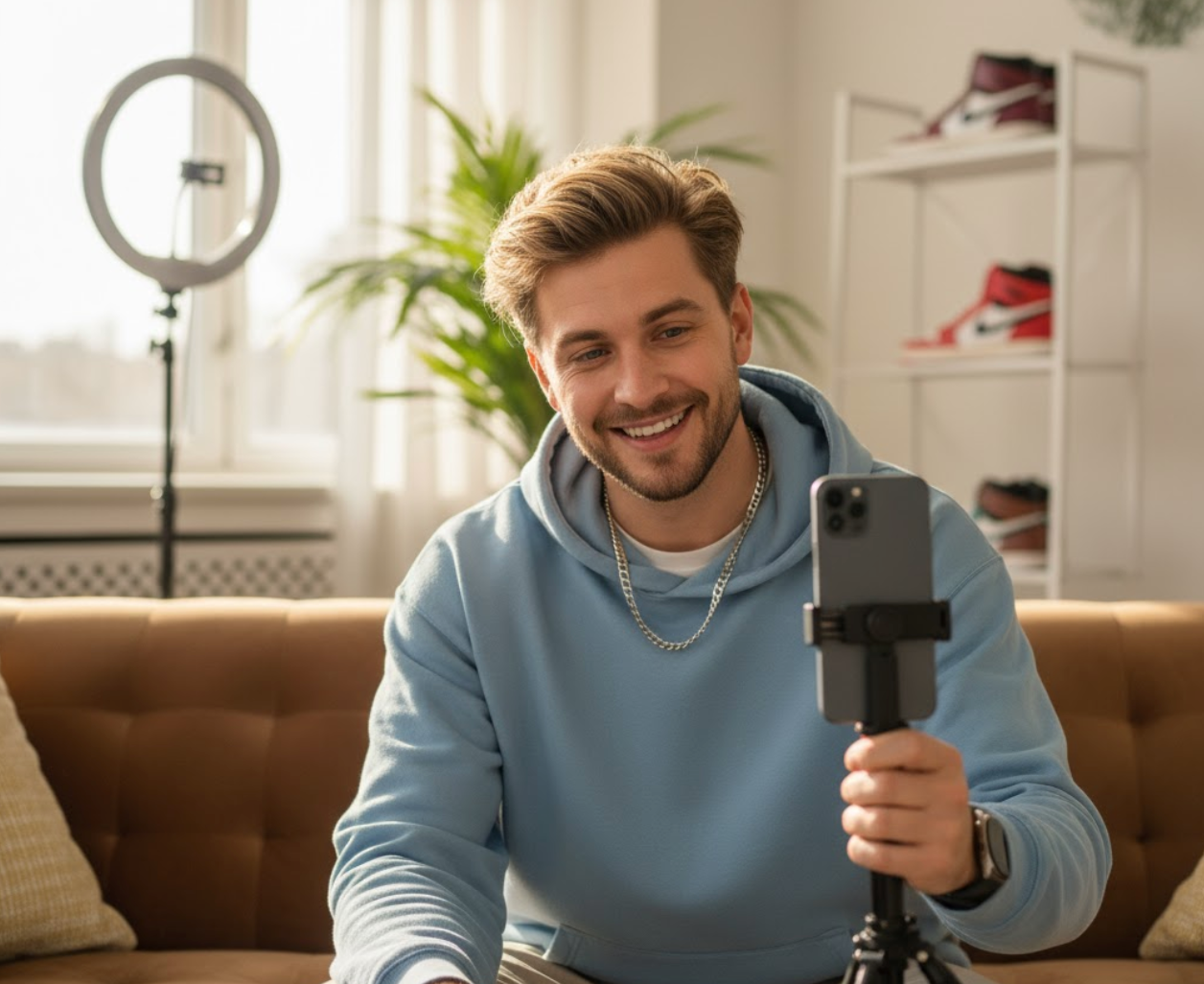
Add a Person to a Photo helped me add a missing person to a photo from a birthday party. I liked that I could use the second upload for a real person instead of getting a random result. For me, Add a Person to a Photo made add a missing person to a photo feel simple and respectful.
Add a Person to a Photo helped me add a missing person to a photo from a birthday party. I liked that I could use the second upload for a real person instead of getting a random result. For me, Add a Person to a Photo made add a missing person to a photo feel simple and respectful.
For a travel scene, I left the reference image empty and let AI Add Person to Photo create a person. It filled the empty foreground naturally and made the picture feel more alive. AI Add Person to Photo gave me add a person to a photo ai free results without needing a second image.
For a travel scene, I left the reference image empty and let AI Add Person to Photo create a person. It filled the empty foreground naturally and made the picture feel more alive. AI Add Person to Photo gave me add a person to a photo ai free results without needing a second image.

FAQs About Add a Person to a Photo
Find quick answers about Add a Person to a Photo, including references, group scenes, family photos, and how to add someone to a photo naturally. AI Add Person to Photo can also add someone to a photo when the second upload is empty.
Upload the main image, optionally upload a reference person photo, then generate. Add a Person to a Photo will blend the person into the scene. Use Add a Person to a Photo when you want the edit to stay focused and simple.
Yes. AI Add Person to Photo can use the second upload as a person reference for face, hairstyle, and general identity. This makes Add a Person to a Photo suitable for adding a friend, relative, or teammate.
It creates a realistic person that fits the image. This is useful when you want to add someone to a photo but do not have a person reference. AI Add Person to Photo chooses a natural subject so Add a Person to a Photo still produces a complete image.
Yes. You can add a person to a group photo online free and place someone naturally into group scenes when space and perspective allow it. Add a Person to a Photo can also help with add a person to a group photo online free when the scene has room.
Use a clear main photo and a clear person reference if available. Add a Person to a Photo works best when faces, lighting, and body shape are visible. AI Add Person to Photo works better when the reference person has a visible face and body outline.
Yes. You can add a person to an existing photo, add a person to a family photo, or add another person to photo without starting from scratch. Add a Person to a Photo is useful for add a person to an existing photo, add a person to a family photo, and add another person to photo edits.
Start Add a Person to a Photo Today
Use Add a Person to a Photo to complete group shots, add someone to a photo, or generate a realistic person when no reference image is available. Start Add a Person to a Photo for group shots, family memories, add a person to a photo ai free edits, or add someone to a photo in seconds.
