
AI Image Tools
Everything You Need to Edit Photos Faster
Open the PicEditor AI tools library for background removal, photo enhancement, object cleanup, face swap, upscaling, and more focused image workflows.

Eyeliner Filter

AI Bust Down Filter

Image Splitter

Add White Background to Photo

Snapchat Text Remover

Realistic AI Skin Generator

Add speech bubble to photo

Change Photo Background

AI Clothes Wrinkle Remover

AI LinkedIn Profile Picture

GPT Transparent BG Image Editor

Image to Layers

3D Angle Editor

Change Background of Photo
Add Text to Image
Speech Bubble Meme Generator
AI Image Darkener
AI Vignette Effect
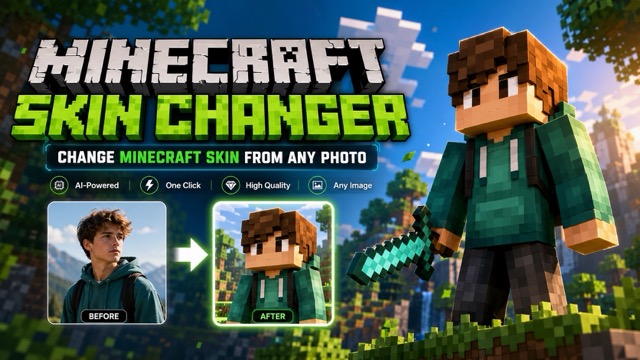
AI Change Minecraft Skin
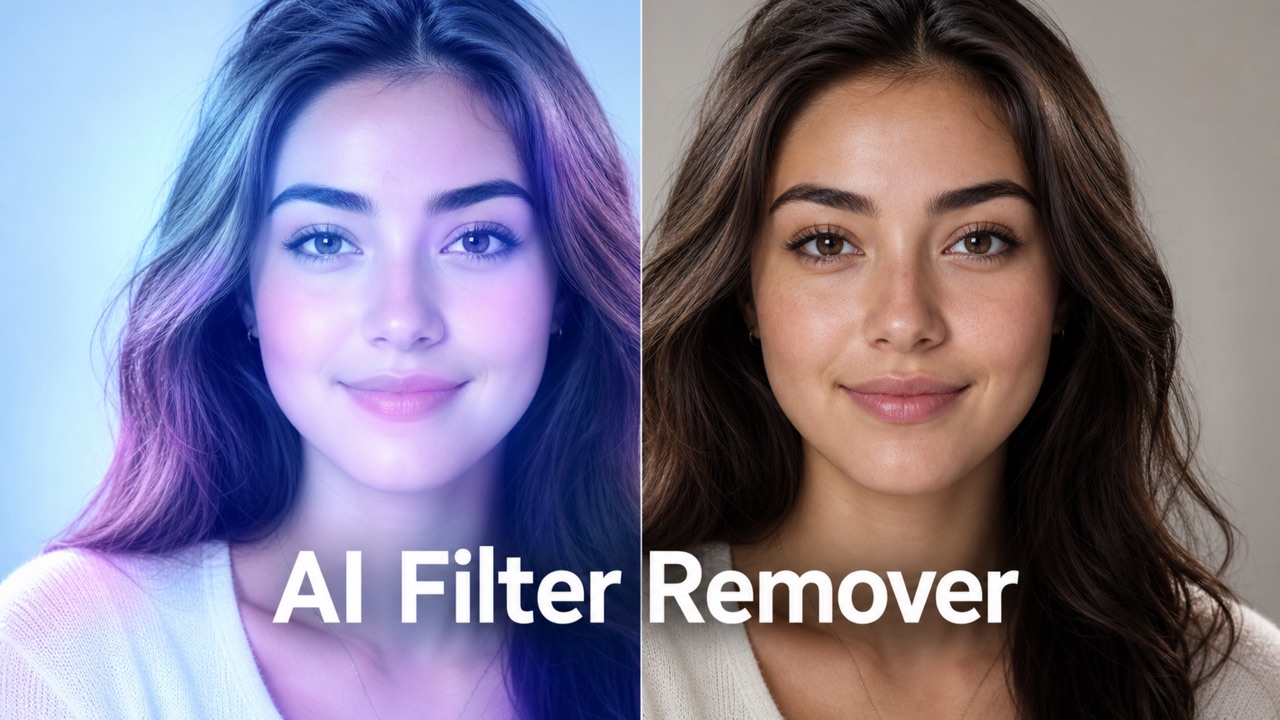
Remove Color From Image
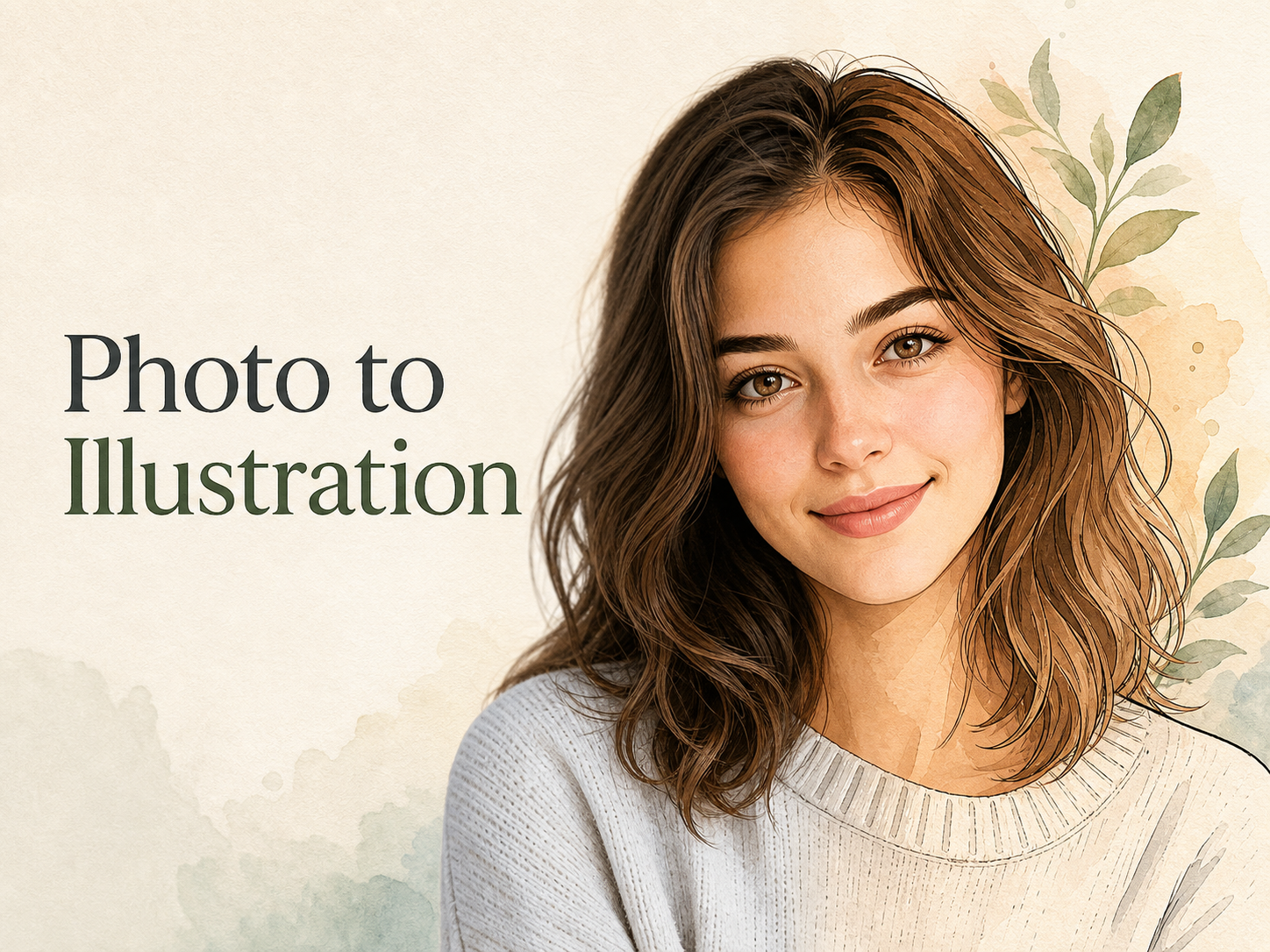
Photo to Illustration
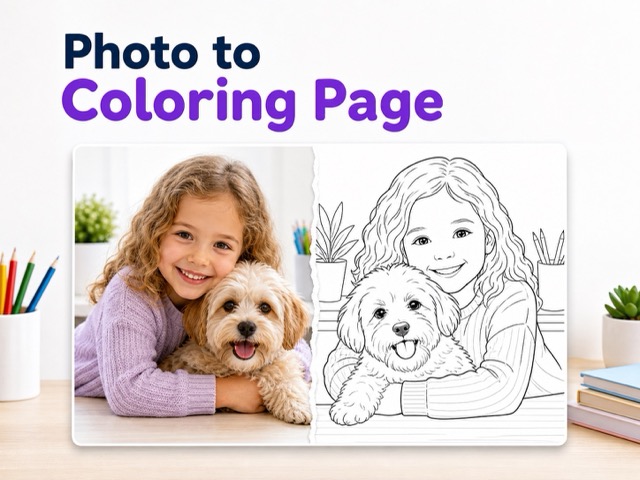
Photo to Coloring Page
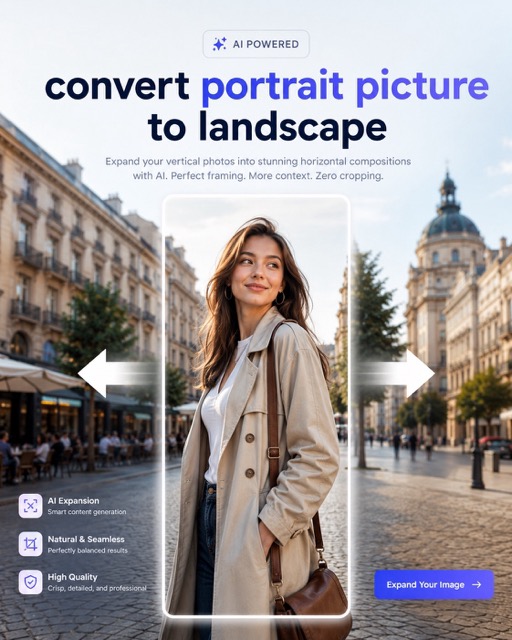
convert portrait picture to landscape
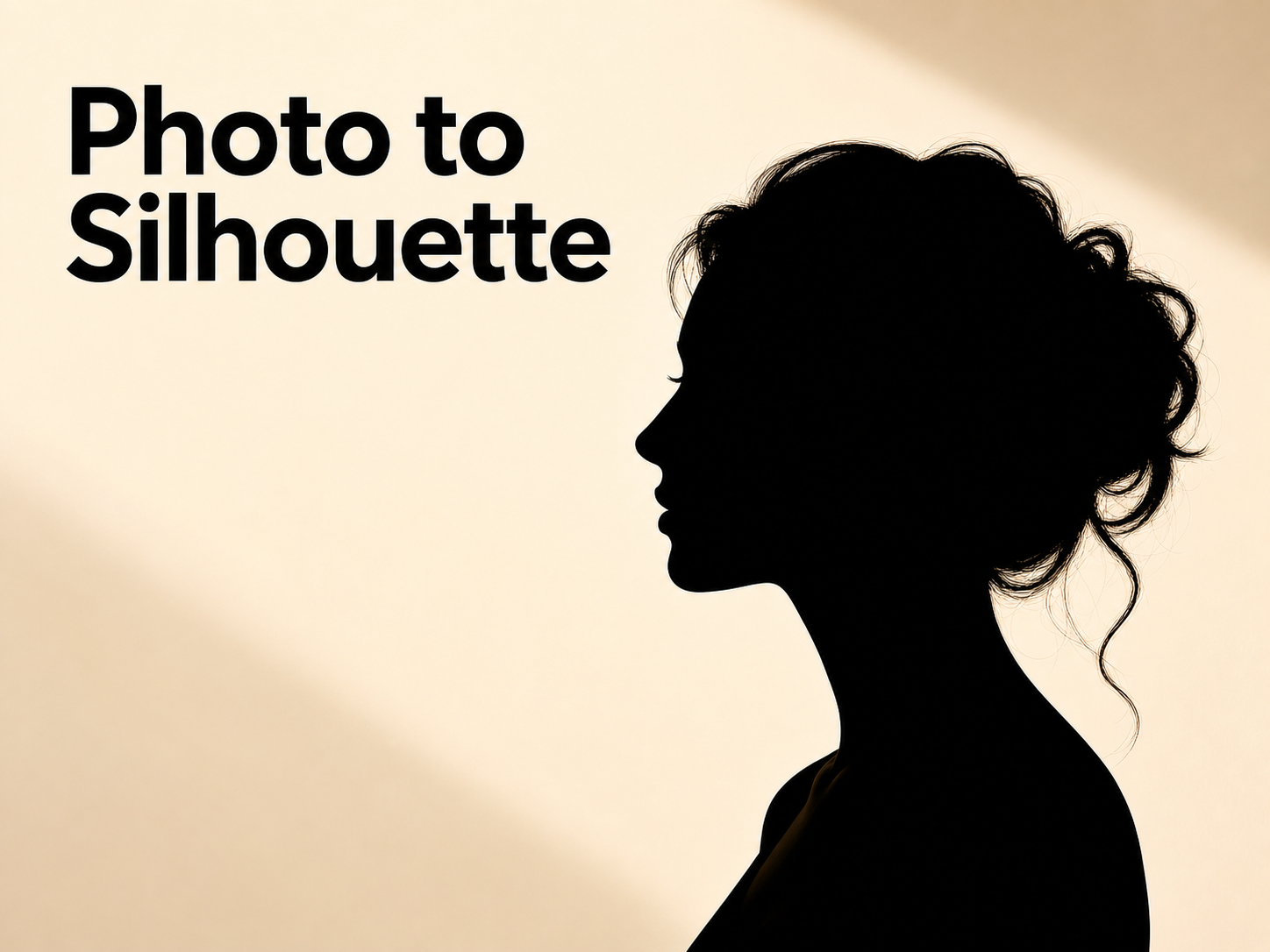
Photo to Silhouette
AI Image Extender Online for Fast Background Expansion
Expand images to any ratio without cropping. Extend backgrounds with AI in seconds.
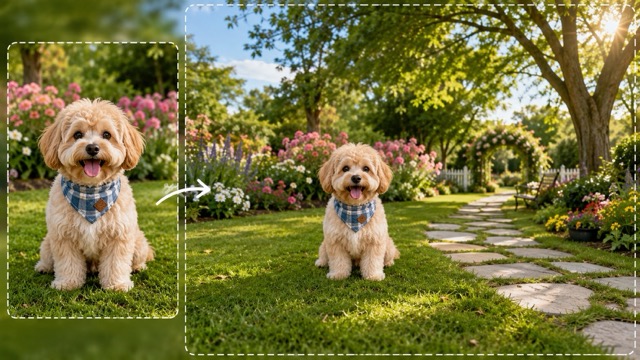
Use this AI Image Extender to extend image with ai, expand photo background, and uncrop image with ai online. Whether you need to extend image to 16:9, extend image to 4:5, or extend image to square, this ai image extender online creates natural ai background extension without Photoshop. It helps fix tight crops, add more space around subjects, and download clean results for social media, ecommerce, banners, ads, and creative projects.
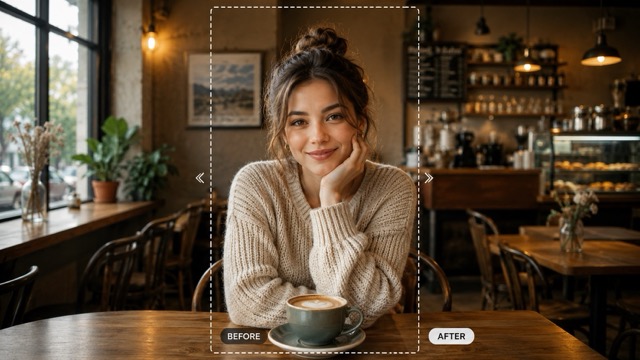
How to Use AI Image Extender
Upload photo - Click generate - Download. This workflow helps you extend image online, resize image without cutting subject, and create natural ai image outpainting in a simple workflow.
Upload photo
Upload the picture you want to expand. The tool analyzes the edges and prepares the photo for smooth ai image outpainting, whether you need to extend product photo background, extend portrait background, or expand a tight crop.

Click generate
Click generate to extend image with ai automatically. The tool expands the canvas and creates matching background details, making it easy to make image wider with ai or make image taller with ai.
Download
Download the expanded image for social media, ecommerce, banners, posters, and personal content. The final ai image outpainting result is clean, natural, and ready to use.
Core Features of the AI Image Extender
This tool helps solve common framing problems fast. Use the ai image extender online to extend image with ai, expand photo background, and create clean ai image outpainting results without manual editing.
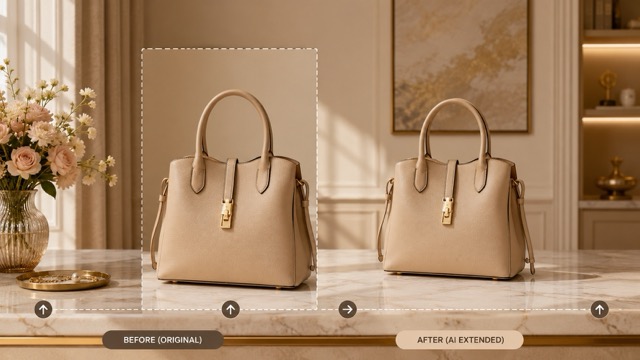
Extend Images Beyond the Original Frame Fast
• Fast image expansion: Use it to add space to the left, right, top, or bottom of a photo. It is useful when you need to extend image for social media, covers, ads, or banners.
• Flexible ratios: Easily extend image to 16:9, extend image to 4:5, or extend image to square with this ai image extender online.
• Quick ai image outpainting: Extend image with ai to turn tight portraits, cropped products, or narrow photos into wider, taller, or better-framed visuals.
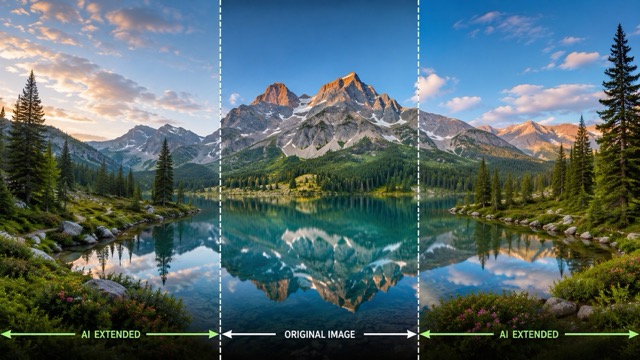
Preserve Subject, Style, Lighting, and Background Details Naturally
• Natural ai background extension: It keeps the main subject stable while extending matching colors, light, texture, and space.
• Smooth background expansion: When you extend image with ai, the ai photo extender continues the original visual style and helps new areas blend with the photo.
• Useful for many images: Use ai image outpainting to extend landscape photo scenes, portraits, products, and creative images without distorting the main subject.
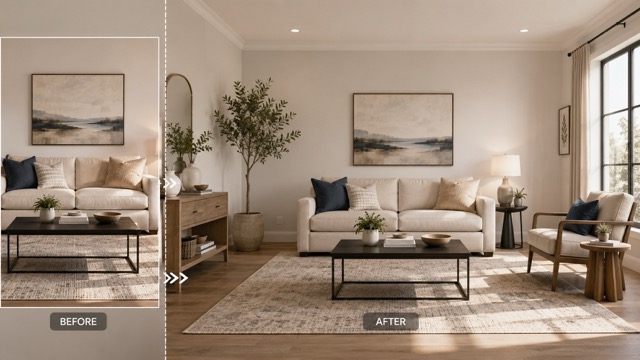
No Editing Skills Required for Clean and Convincing Results
• No Photoshop needed: Beginners can outpaint image online without manual drawing, masking, or retouching.
• Automatic workflow: The ai image extender online handles the ai image outpainting process and helps expand image without cropping important details.
• Clean outputs: Use this image extender online to extend photo background, make layouts fit better, and prepare visuals faster for daily content work.
Download-Ready Images for Posting, Design, and Creative Use
• Social media ready: Use it to extend image for Instagram, TikTok covers, YouTube thumbnails, and profile visuals.
• Ecommerce ready: Sellers can use the ai image extender online to extend product photo background and create cleaner store listings.
• Ready to download: After ai image outpainting, download clean images for posters, ads, websites, banners, presentations, and creative references.
Why Choose This AI Image Extender
Choose this tool to fix tight crops, expand backgrounds, and resize images for social media, ecommerce, ads, and banners. The ai image extender online helps you extend image with ai without Photoshop.
Resize Images Without Cutting Important Details
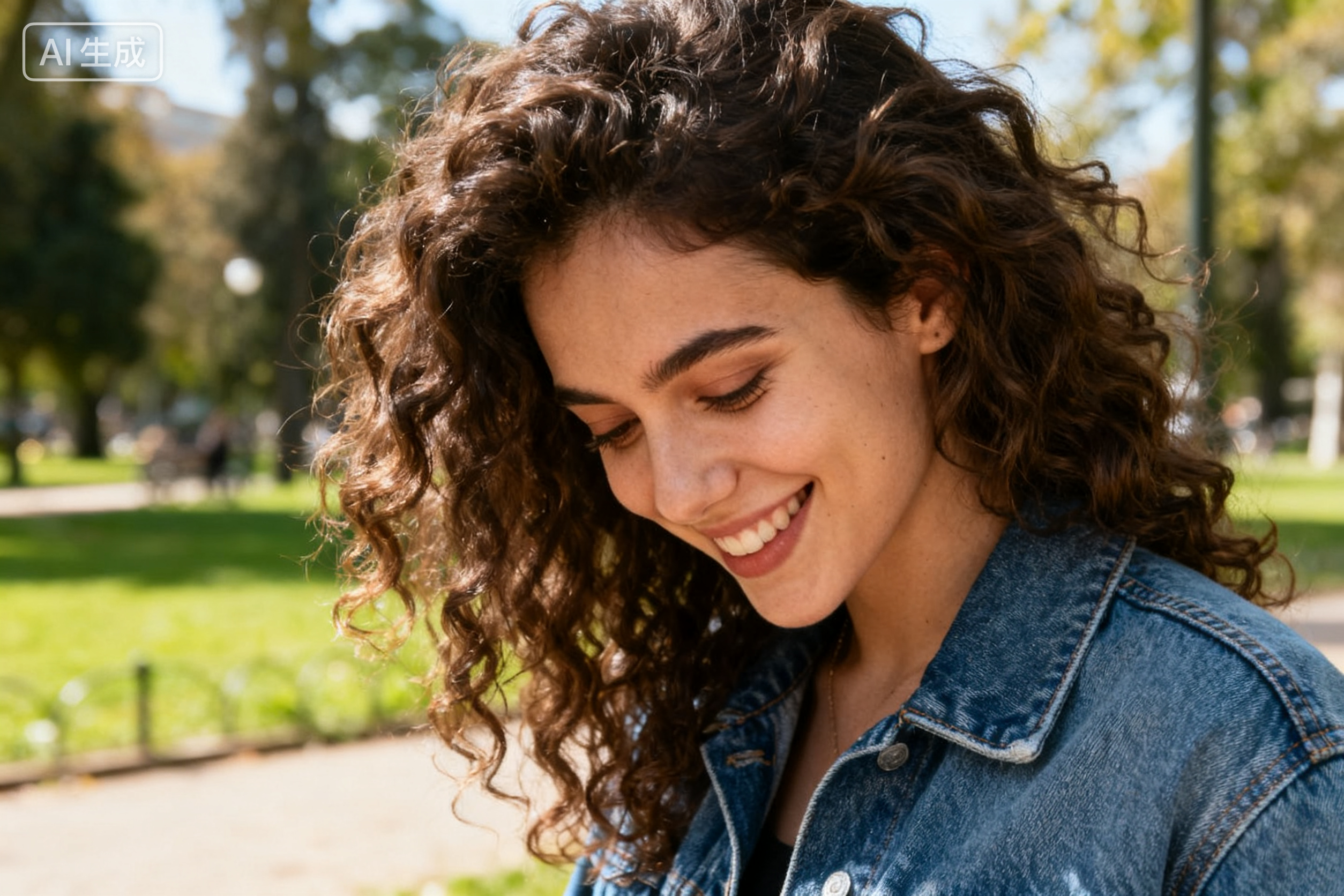
Make portraits fit wider layouts. This tool helps you resize image without cutting subject details like faces, outfits, products, or text areas. Use the ai image extender online to outpaint image online and keep the main focus clear while adding more space around it.

Expand Product Photos for Cleaner Ecommerce Layouts
Extend product photo background for cleaner store images. This tool works as an ai photo extender for online sellers who need wider or taller product photos. Use ai image outpainting to create more room around the product and make listings look more polished.
Add More Space Around the Subject for Text and Logos
Create space for text, logos, and design elements. This tool helps marketers and designers extend image with ai when a photo feels too tight. Use the ai image extender online to create cleaner layouts for ads, posters, covers, and website banners.
Expand Photo Backgrounds Without Learning Photoshop
No Photoshop skills needed. This tool lets beginners extend image online, uncrop image with ai, and create natural ai image outpainting results in a few clicks. It is useful for creators, students, sellers, and everyday users.
What Users Say About Our AI Image Extender
See how users apply this AI Image Extender for ecommerce photos, social media layouts, banners, posters, and presentation images.
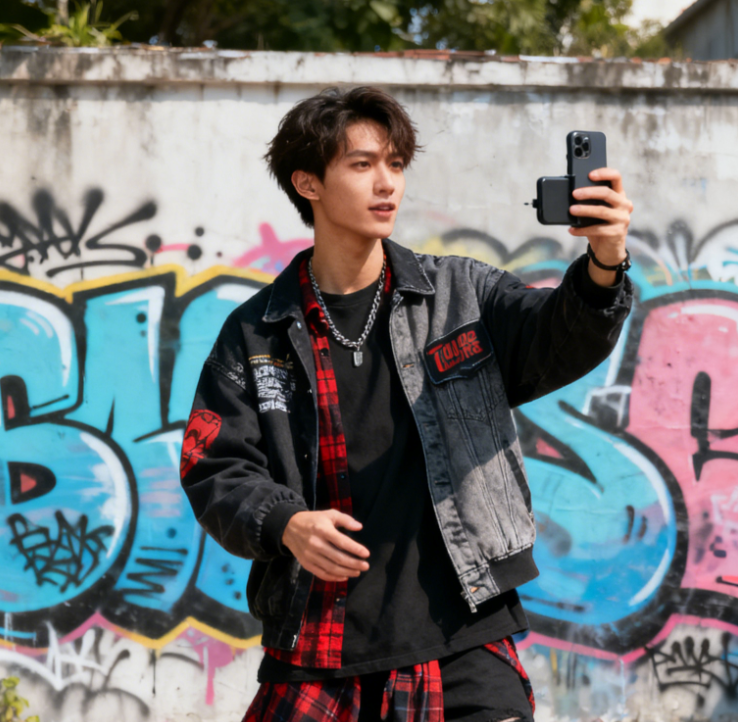
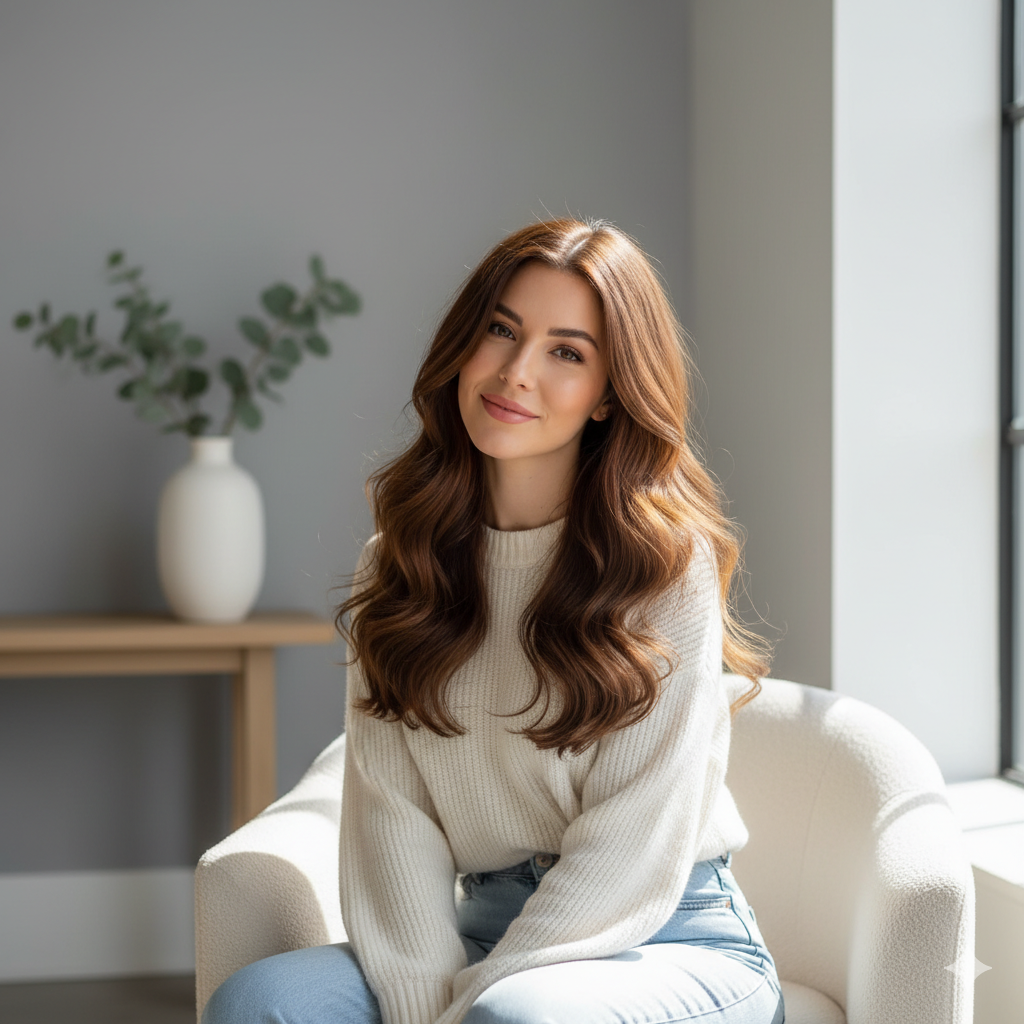
I use this AI Image Extender to extend product photo background for my online store. The ai image extender online helps my listings look cleaner, and I can extend image with ai in seconds.
I use this AI Image Extender to extend product photo background for my online store. The ai image extender online helps my listings look cleaner, and I can extend image with ai in seconds.
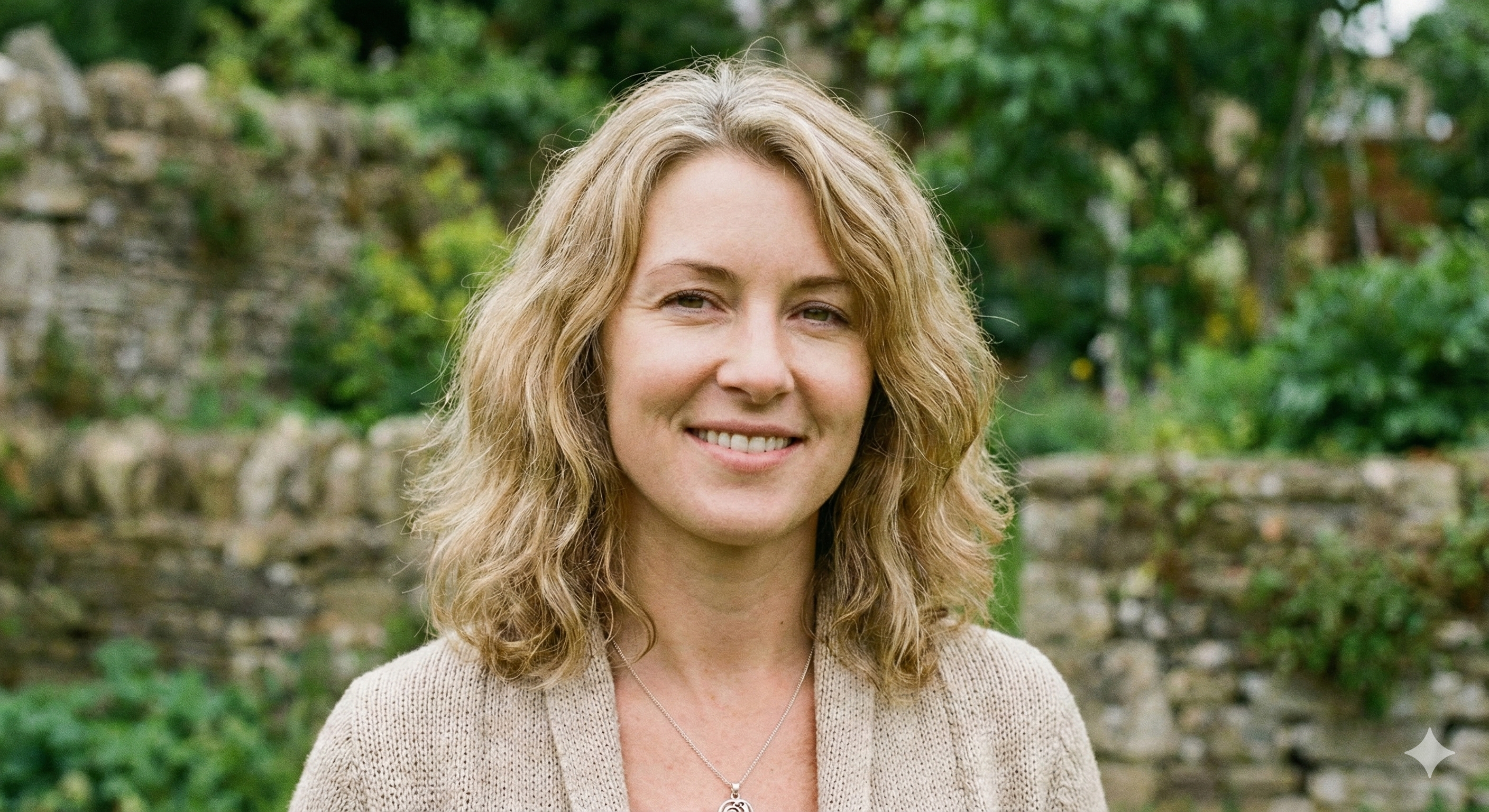
As a photographer, I use the AI Image Extender to fix tight framing. It helps me expand photo background and extend landscape photo areas without rebuilding the shot by hand.
As a photographer, I use the AI Image Extender to fix tight framing. It helps me expand photo background and extend landscape photo areas without rebuilding the shot by hand.
This AI Image Extender helps me turn one photo into different social media sizes. I use the ai image extender online to extend image for Instagram without cropping my outfits.
This AI Image Extender helps me turn one photo into different social media sizes. I use the ai image extender online to extend image for Instagram without cropping my outfits.
I use the AI Image Extender for presentation covers. It lets me make image wider with ai and prepare clean widescreen slides quickly.
I use the AI Image Extender for presentation covers. It lets me make image wider with ai and prepare clean widescreen slides quickly.
Our team uses the AI Image Extender for ads and website banners. It helps us extend photo background and launch campaign images faster.
Our team uses the AI Image Extender for ads and website banners. It helps us extend photo background and launch campaign images faster.
I needed the AI Image Extender to extend image online for a class project. It made it easy to uncrop image with ai and format my poster correctly.
I needed the AI Image Extender to extend image online for a class project. It made it easy to uncrop image with ai and format my poster correctly.


AI Image Extender FAQ
Find quick answers about this AI Image Extender, ai image extender online, extend image with ai, and ai image outpainting.
An AI Image Extender is a tool that uses AI to add new visual pixels around your picture borders. It helps expand photo background and extend image with ai without manual editing.
Upload your picture to the AI Image Extender, click generate, and download the result. The ai image extender online handles the ai image outpainting process automatically.
Yes. The AI Image Extender can expand photo background naturally, add more space around the subject, and create cleaner layouts for social media, ecommerce, banners, or posters.
You can use portraits, landscapes, product photos, social media images, and creative graphics. It works well when you need to extend product photo background or extend portrait background.
Yes. It helps you extend image for social media, prepare cleaner ecommerce images, and create wide banners. You can extend image to 16:9, 4:5, or square.
Yes. You can extend image to 16:9, extend image to 4:5, or extend image to square, depending on your layout needs.
No. The AI Image Extender lets you extend image with ai, resize image without cutting subject, and get clean results without Photoshop or design skills.
Yes. You can try ai image extender online free to extend image online and preview natural ai image outpainting results with this AI Image Extender.
Start Using AI Image Extender Now
Use the AI Image Extender to expand images without cropping the main subject. Fill backgrounds naturally, adapt photos for social media, ecommerce, ads, banners, and profile visuals, then download clean ai image outpainting results.
