
AI Image Tools
Everything You Need to Edit Photos Faster
Open the PicEditor AI tools library for background removal, photo enhancement, object cleanup, face swap, upscaling, and more focused image workflows.

Image Splitter

Add White Background to Photo

Snapchat Text Remover

Realistic AI Skin Generator

Add speech bubble to photo

Change Photo Background

AI Clothes Wrinkle Remover

AI LinkedIn Profile Picture

GPT Transparent BG Image Editor

Image to Layers

3D Angle Editor

Change Background of Photo
Add Text to Image
Speech Bubble Meme Generator
AI Image Darkener
AI Vignette Effect
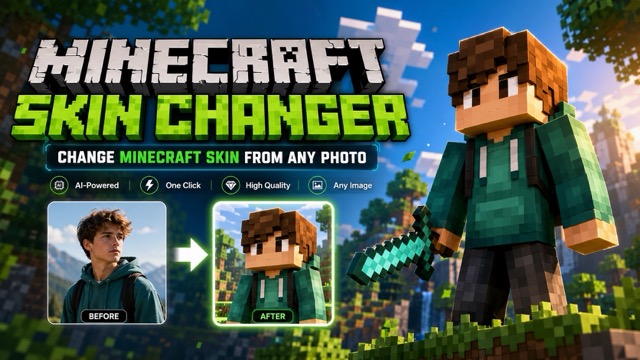
AI Change Minecraft Skin
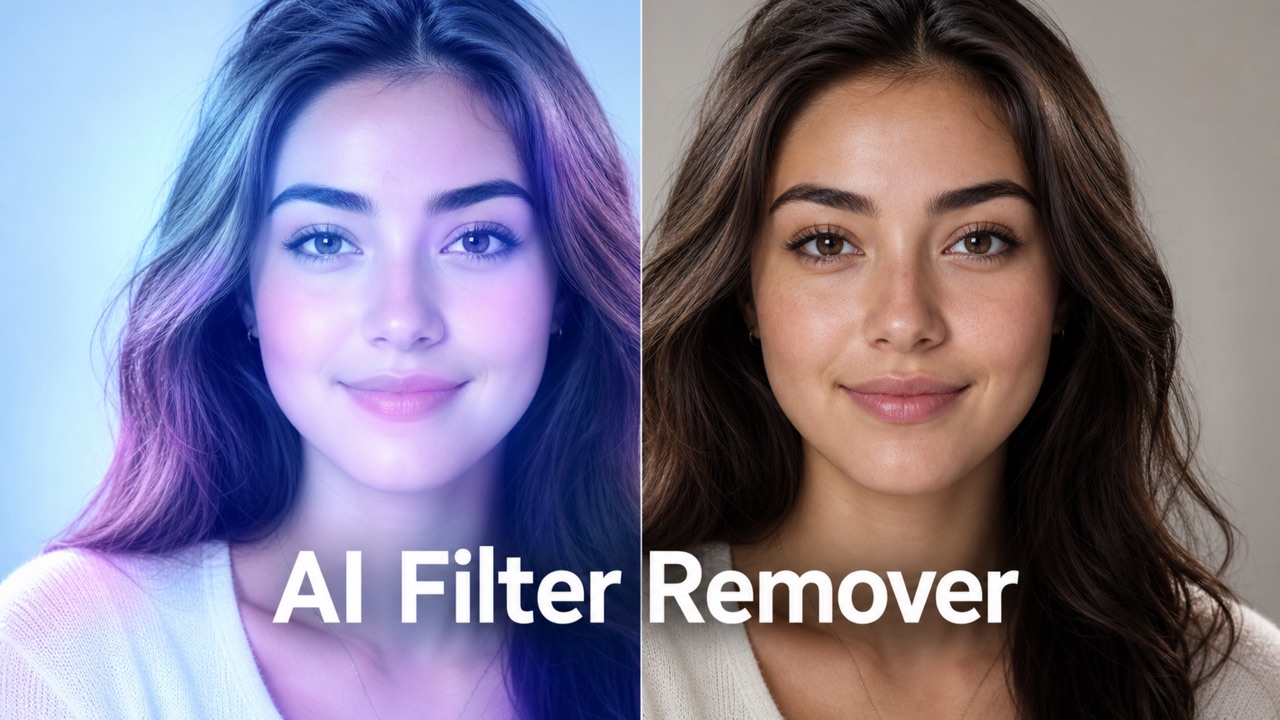
Remove Color From Image

Photo to Illustration

Photo to Coloring Page

convert portrait picture to landscape

Photo to Silhouette
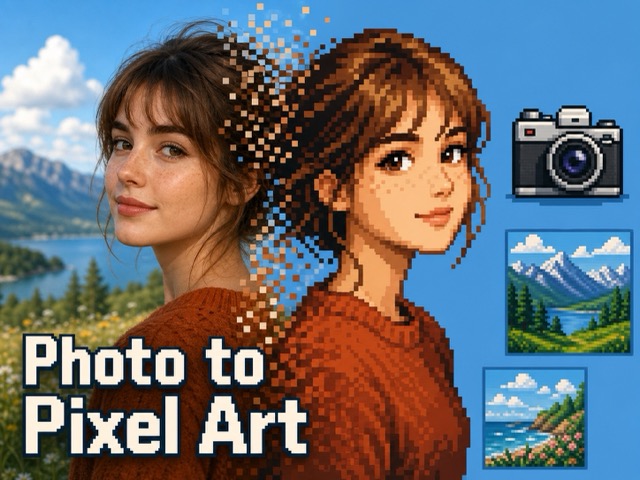
Photo to Pixel Art
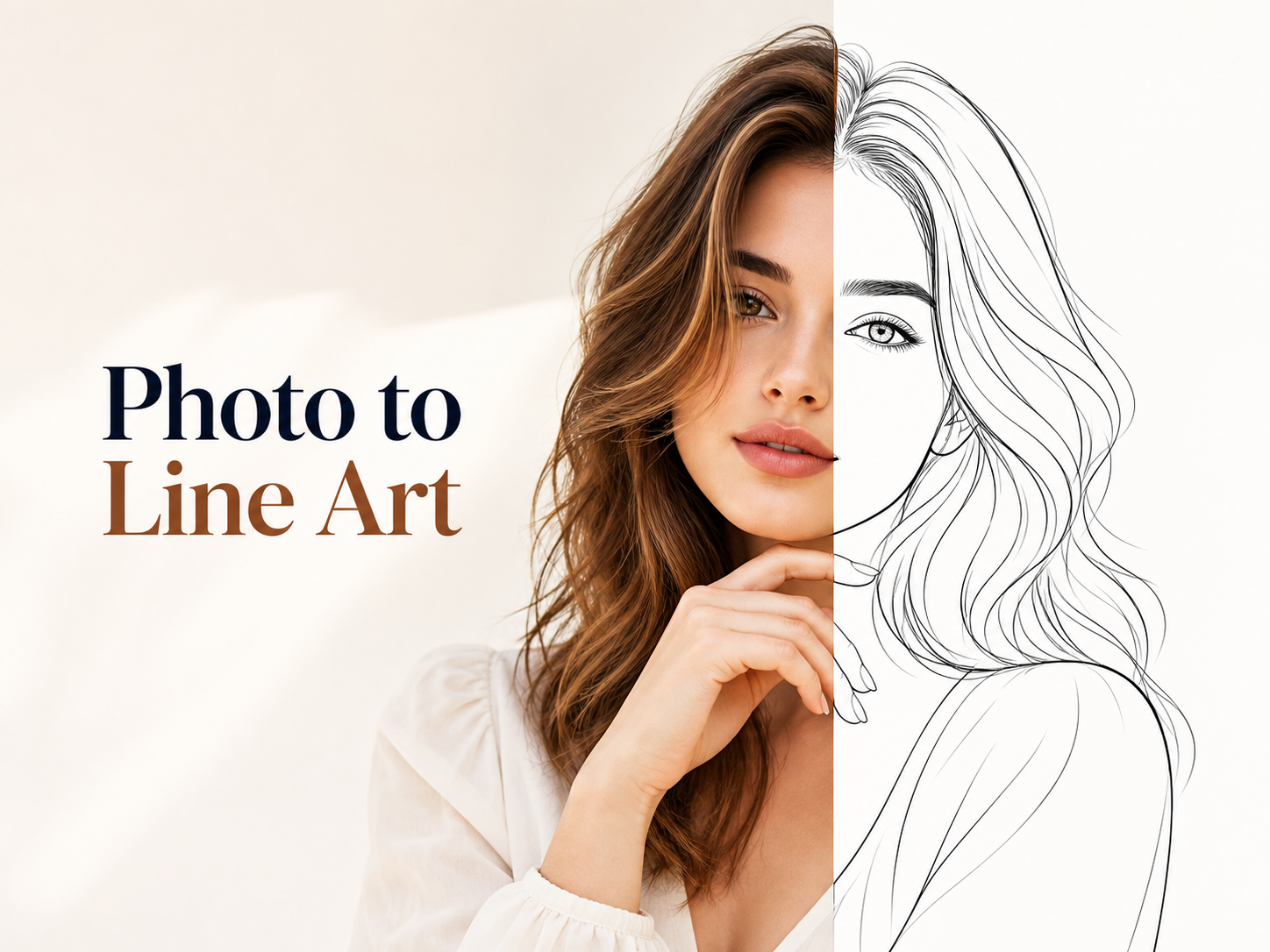
Photo to Line Art
AI Photo Restoration Online Free Without Watermark
Use AI Photo Restoration to repair faded, scratched, blurry, or torn old pictures online. Upload a photo, click generate, and get a natural restored result without complex editing.
AI Photo Restoration helps revive family portraits, vintage albums, and damaged keepsakes with clean detail recovery, realistic color balance, and faithful preservation. Use AI Photo Restorer to reduce scratches, stains, fading, grain, and blur while keeping faces, clothing, lighting, and the original mood intact.
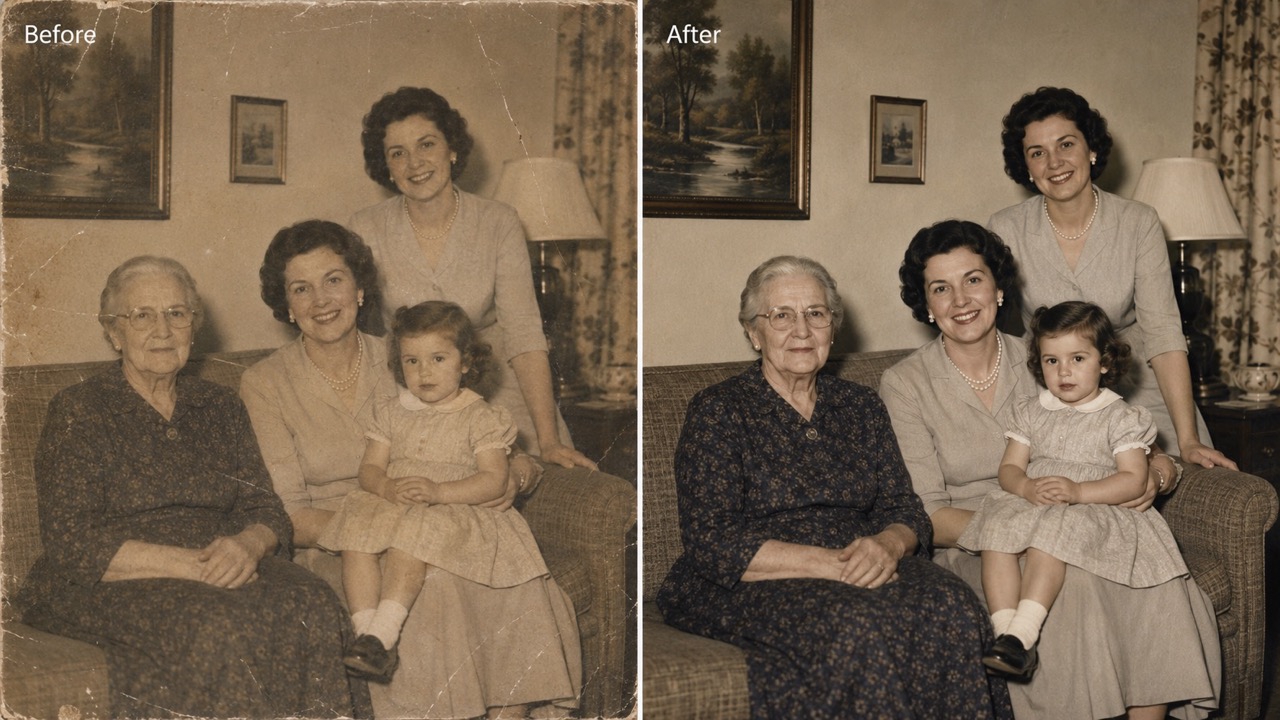
How to Use AI Photo Restoration in 3 Steps
AI Photo Restoration follows a simple flow: upload image, click generate, and get the generated restored photo. This keeps AI photo restoration free easy for family albums, memorial images, school archives, and personal collections. The steps are intentionally short, so people can repair a keepsake without learning editing terms. Old photo restoration online free also helps when a damaged picture needs a fast first pass before a family event, school project, or archive review.

Upload Your Old Photo
Start AI Photo Restoration by uploading a scanned print, phone snapshot, family portrait, or vintage image. AI Photo Restorer works best when the subject is visible, but it can still improve many faded, scratched, stained, or blurry photos. A clear upload helps the generated result protect tiny details such as eyes, buttons, handwriting, frames, and background texture.

Click Generate
Click generate and let AI Photo Restoration analyze damage, faces, tones, and missing texture. AI Photo Restorer repairs the image automatically, so you do not need manual retouching skills or complicated editing controls. The process looks for common age marks, then balances repair with respect for the original photograph.

Get the Restored Result
Preview the generated result, then save the restored photo for sharing, printing, or archiving. AI Photo Restoration keeps the image natural, and AI Photo Restorer focuses on authentic repair rather than changing the people in the photo. Use the output for albums, frames, family messages, or memory projects that need a cleaner image.
Why Choose AI Photo Restoration for Old Pictures
AI Photo Restoration is built around the value of memory. Instead of generic enhancement, this restoration flow focuses on repairing damage, recovering faces, balancing old tones, and keeping each image emotionally familiar. It is made for people who care about recognition, not only sharpness.
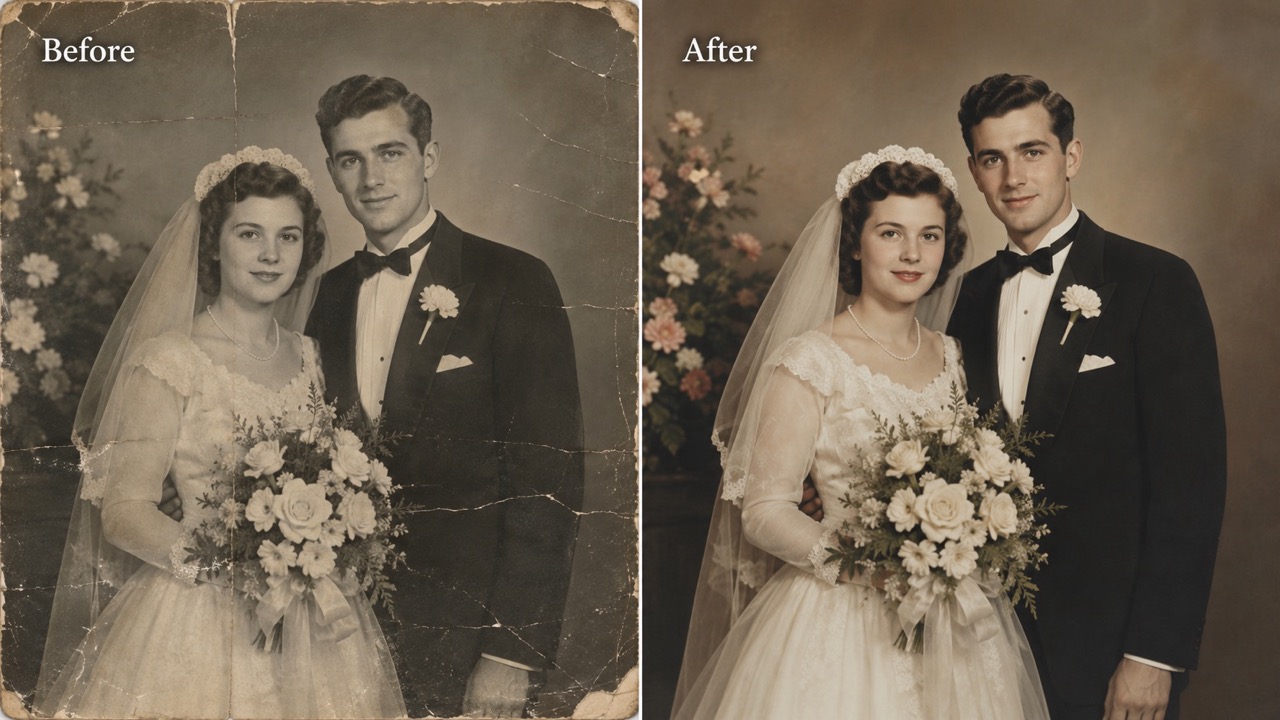
Repair Damage Without Losing the Original Story
Scratches, dust, stains, folds, and faded paper can hide the details that make an old image meaningful. AI Photo Restoration rebuilds visible texture and balances contrast while protecting the original scene. AI Photo Restorer does not try to modernize the image; it restores what already belongs there. For users comparing AI photo restoration tools, this matters because memory repair should feel believable, not artificial. AI Photo Restoration Tools are useful when they help people recognize faces, clothing, backgrounds, and small family details again.
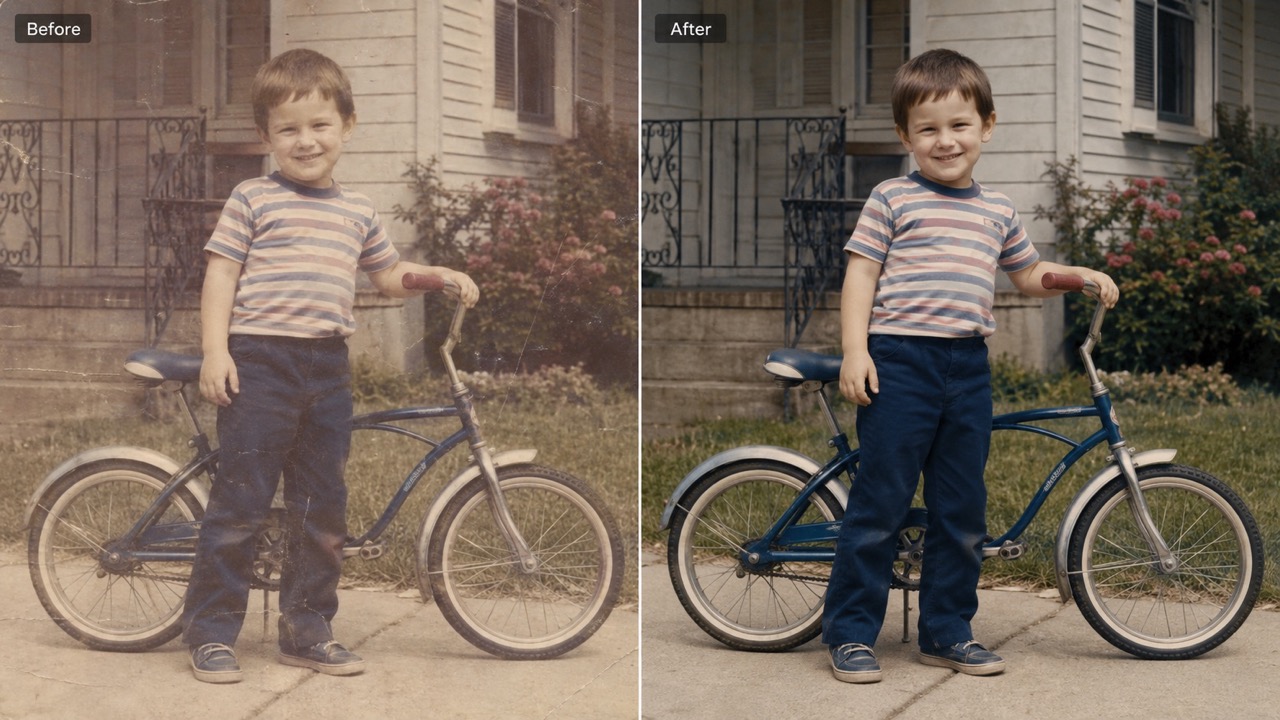
Restore Faces While Preserving Identity
Faces are the most important part of many old photographs. AI Photo Restoration improves eyes, skin texture, hair, smiles, and facial edges without changing identity, age, pose, or expression. AI Photo Restorer is especially helpful for portraits where blur, fading, or cracks cover important features. If you need old photo restoration online free for family history, this feature helps make people recognizable again. AI Photo Restoration supports emotional clarity, so the restored image still feels like the same loved one. This is important for memorial prints, ancestry records, and images passed between relatives.
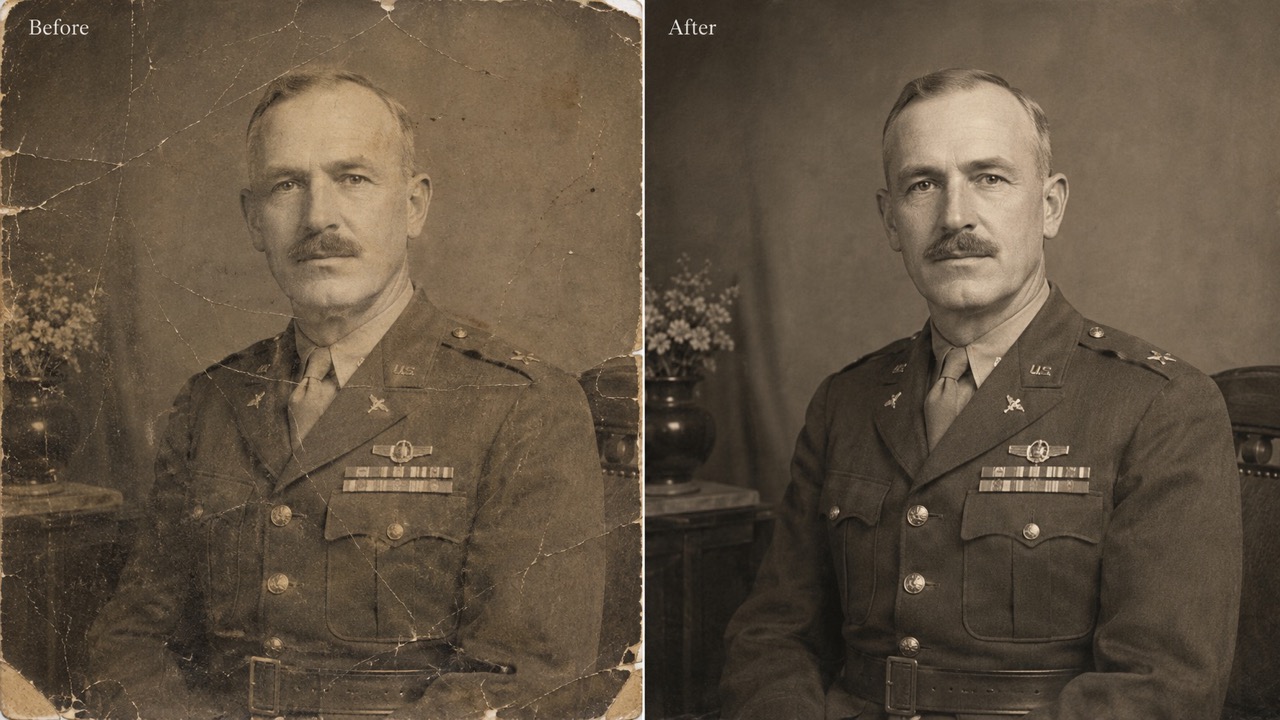
Bring Faded Memories Back with Natural Color
Old photos often lose warmth, contrast, and depth over decades. AI Photo Restoration can recover faded tones and, when suitable, create realistic color for black-and-white images. AI Photo Restorer keeps the color treatment restrained, period-aware, and believable. For users searching best AI Photo Restoration free, natural color is often the difference between a restored memory and an edited picture. AI photo restoration online free without watermark also makes the final image easier to share in family albums or tribute projects.
Who Uses AI Photo Restoration?
AI Photo Restoration serves anyone who wants damaged memories to look clearer without losing authenticity. From family albums to archives, the restoration process helps old images become easier to view, share, and preserve. It fits both private keepsakes and public history projects.

Families Preserving Old Albums
AI Photo Restoration helps families rescue portraits from boxes, drawers, and aging albums. Use AI Photo Restorer to make grandparents, parents, childhood scenes, weddings, and reunions clearer for the next generation. AI photo restoration free is useful when you want to test several memories before choosing which ones to print or share. A restored image can start new conversations, help children connect with relatives, and turn forgotten albums into living stories again. It can also help when relatives live far apart: one restored image can be sent in a message, added to a shared album, or used to ask older family members for names and stories.

Memorial and Tribute Projects
For memorial slideshows, funeral programs, tribute videos, and anniversary posts, AI Photo Restoration can make damaged photos presentable while staying respectful. AI Photo Restorer removes visual distractions so attention returns to the person and moment. Old photo restoration online free helps users restore meaningful images quickly during emotional deadlines. Cleaner photos can support a tribute table, social post, family email, or printed program without feeling overedited. The repair should feel quiet and supportive, helping viewers focus on the memory instead of cracks, stains, or faded paper.

Genealogy and Historical Research
Researchers, students, and genealogy fans use AI Photo Restoration to recover visual clues in family trees, historical collections, and local archives. AI Photo Restorer can improve faces, signs, clothing, and surroundings that help identify time, place, and relationships. AI Photo Restoration Tools also support cleaner visual records for presentations and family history pages. A clearer image may reveal a uniform detail, storefront sign, date mark, or neighborhood feature that was hard to see before. Cleaner details can make a record easier to discuss in a classroom, exhibit, or family meeting, especially when the original print is fragile.

Social Sharing and Personal Gifts
AI Photo Restoration can turn an old snapshot into a thoughtful digital gift. Restore a wedding picture, military portrait, school photo, or childhood moment, then share it with relatives. AI Photo Restorer makes the process simple, and AI photo restoration online free without watermark supports clean sharing for birthdays, reunions, and holiday surprises. The best gifts often feel personal, and a restored memory can be more meaningful than a new object. It is also useful for people creating photo books, reunion boards, tribute cards, or framed keepsakes from pictures that have aged unevenly.
What Users Say About AI Photo Restoration
People use AI Photo Restoration to protect memories, prepare gifts, repair portraits, and share restored family history. AI Photo Restorer is valued most when the result feels natural, respectful, and recognizable. These stories reflect practical, emotional use cases.
I used AI Photo Restoration on a faded photo of my grandparents from the 1950s. The faces were clearer, the scratches were reduced, and the result still looked like the original picture. AI Photo Restorer gave my family a version we could finally print and frame. My father noticed details in his mother's dress that he had not seen for years.
I used AI Photo Restoration on a faded photo of my grandparents from the 1950s. The faces were clearer, the scratches were reduced, and the result still looked like the original picture. AI Photo Restorer gave my family a version we could finally print and frame. My father noticed details in his mother's dress that he had not seen for years.
I compared several AI photo restoration tools for a local history display. AI Photo Restoration was the easiest option because I could upload, generate, and download without learning complex controls. The restored photos looked natural enough for our community archive. It helped us show old storefronts, school events, and portraits with much less visual damage.
I compared several AI photo restoration tools for a local history display. AI Photo Restoration was the easiest option because I could upload, generate, and download without learning complex controls. The restored photos looked natural enough for our community archive. It helped us show old storefronts, school events, and portraits with much less visual damage.
I needed old photo restoration online free for a memorial video, and AI Photo Restoration helped me clean up a damaged portrait quickly. AI Photo Restorer softened cracks, improved the eyes, and kept the expression untouched. That was exactly what I needed. The final image felt respectful, warm, and close to how the family remembered him.
I needed old photo restoration online free for a memorial video, and AI Photo Restoration helped me clean up a damaged portrait quickly. AI Photo Restorer softened cracks, improved the eyes, and kept the expression untouched. That was exactly what I needed. The final image felt respectful, warm, and close to how the family remembered him.
AI photo restoration online free without watermark was important because I wanted to send the restored photo to my family right away. AI Photo Restoration removed stains from an old wedding image, and AI Photo Restorer kept the vintage feel instead of making it look fake. Everyone said the picture looked clearer, but still completely familiar.
AI photo restoration online free without watermark was important because I wanted to send the restored photo to my family right away. AI Photo Restoration removed stains from an old wedding image, and AI Photo Restorer kept the vintage feel instead of making it look fake. Everyone said the picture looked clearer, but still completely familiar.


FAQs About AI Photo Restoration
These quick answers explain how AI Photo Restoration works, what AI Photo Restorer can repair, and how to prepare images for better restored results.
AI Photo Restoration repairs scratches, dust, stains, fading, blur, discoloration, and small tears. AI Photo Restorer works best when the main subject is still visible and enough original detail remains.
Yes. AI Photo Restoration can colorize black-and-white photos when it improves the image. AI Photo Restorer aims for realistic, era-appropriate color, not exaggerated modern tones.
No. AI Photo Restoration is designed to preserve identity, pose, expression, clothing, and composition. AI Photo Restorer focuses on repair, not face replacement or style changes.
Use the clearest scan or photo you have. AI Photo Restoration can improve damage, but better source detail helps AI Photo Restorer create a more faithful result.
AI Photo Restoration Tools usually work with portraits, family photos, wedding pictures, school images, historical photos, and scanned prints. Clear subjects and visible faces help.
Use AI photo restoration online free without watermark when you need a clean result for sharing. Best AI Photo Restoration free searches often focus on this clean-output need. This is a common reason users compare best AI Photo Restoration free choices.
Start AI Photo Restoration Now
Use AI Photo Restoration to bring faded family memories back to life. Try AI photo restoration free, AI photo restoration online free without watermark, best AI Photo Restoration free, AI Photo Restoration Tools, and old photo restoration online free in one simple workflow. Whether you are preparing a gift, restoring an archive, or improving a portrait for relatives, a cleaner version can make an old memory easier to see and easier to share.
