
AI Image Tools
Everything You Need to Edit Photos Faster
Open the PicEditor AI tools library for background removal, photo enhancement, object cleanup, face swap, upscaling, and more focused image workflows.

Eyeliner Filter

AI Bust Down Filter

Image Splitter

Add White Background to Photo

Snapchat Text Remover

Realistic AI Skin Generator

Add speech bubble to photo

Change Photo Background

AI Clothes Wrinkle Remover

AI LinkedIn Profile Picture

GPT Transparent BG Image Editor

Image to Layers

3D Angle Editor

Change Background of Photo
Add Text to Image
Speech Bubble Meme Generator
AI Image Darkener
AI Vignette Effect
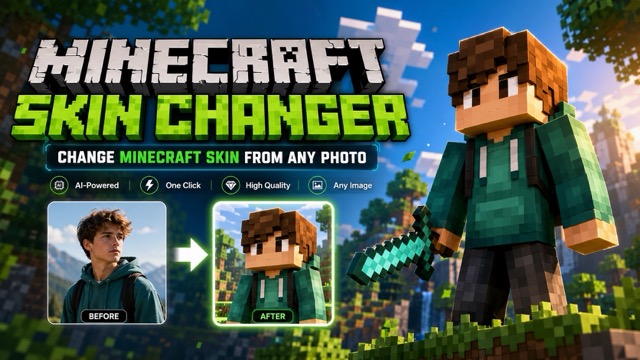
AI Change Minecraft Skin
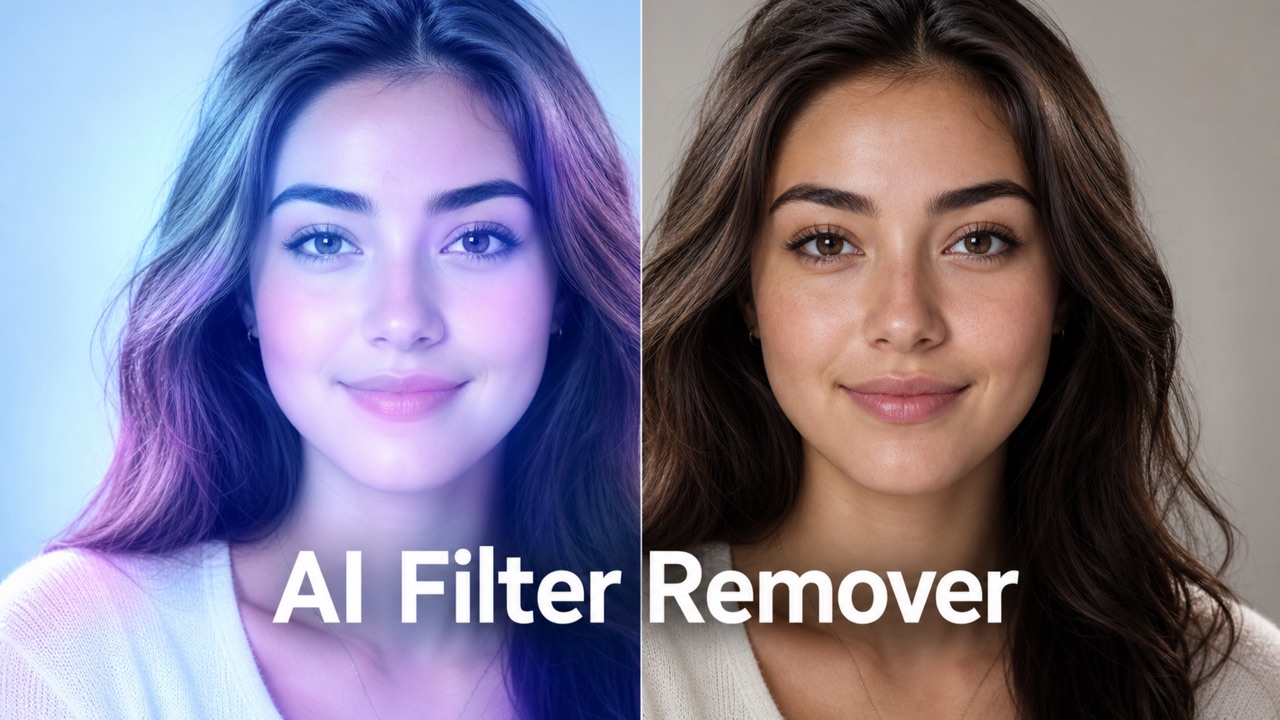
Remove Color From Image
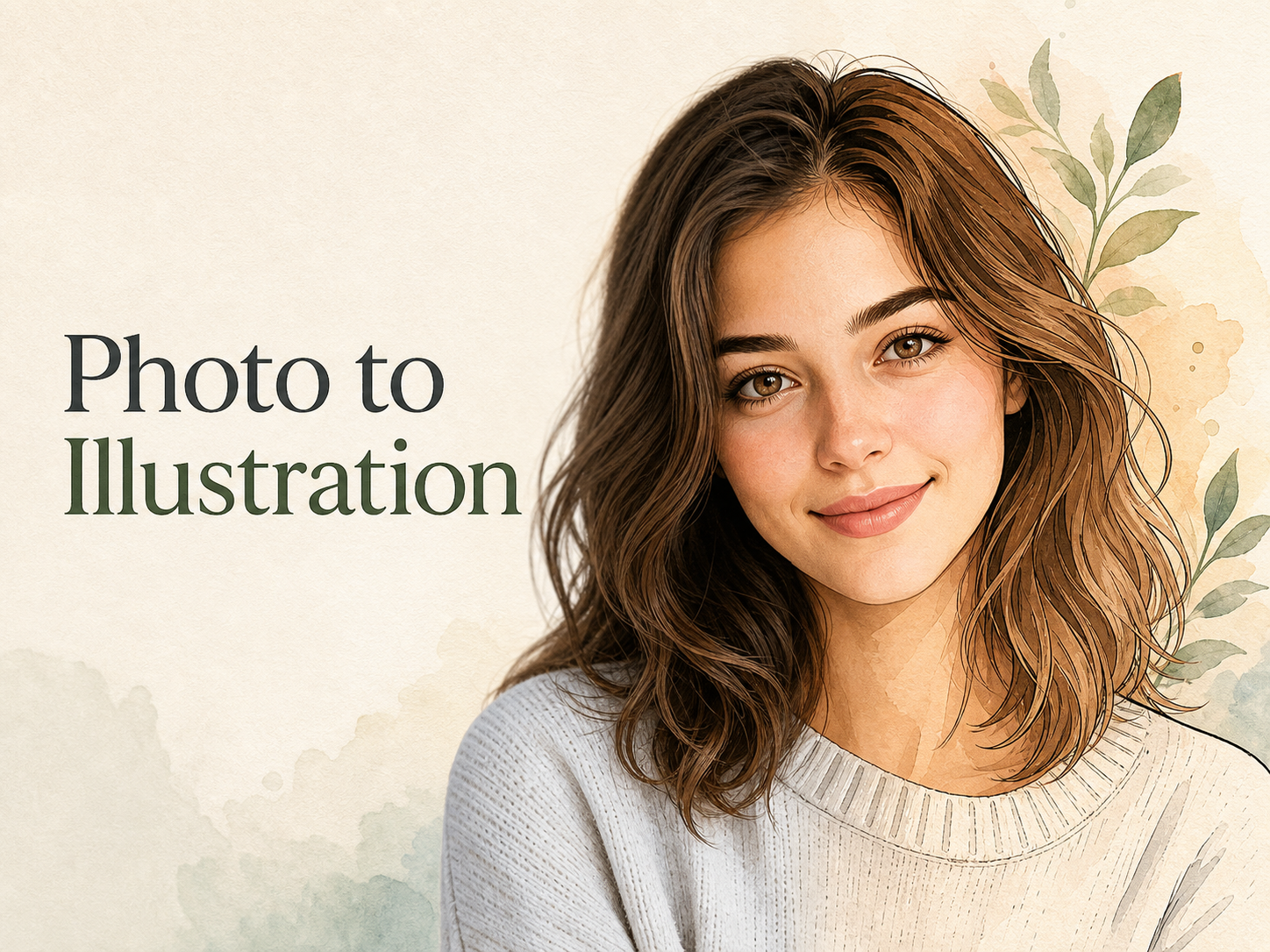
Photo to Illustration
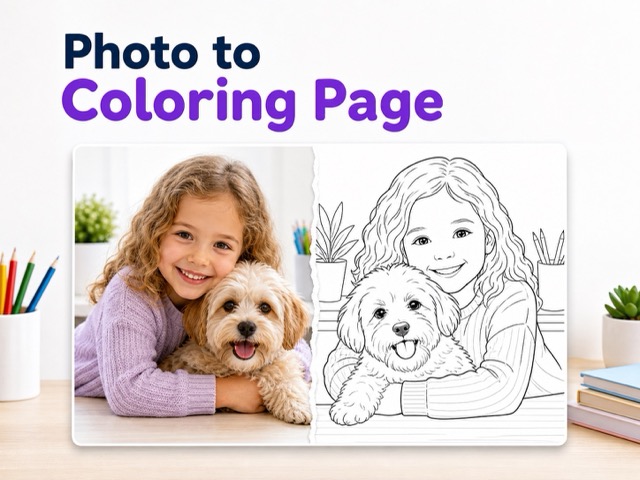
Photo to Coloring Page
convert portrait picture to landscape
Photo to Silhouette
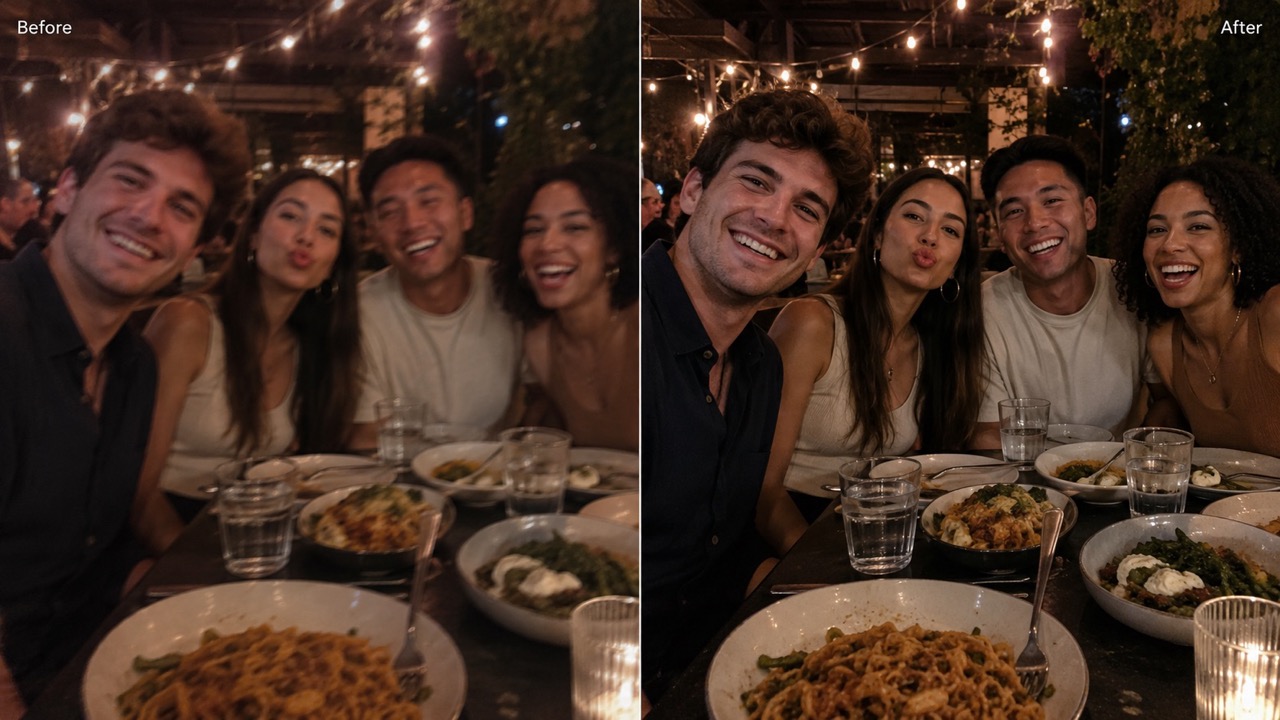
AI Photo Retake for Natural, Realistic Photo Fixes
Upload a flawed photo, click generate, and get a cleaner retaken version that keeps the same people, scene, and moment.
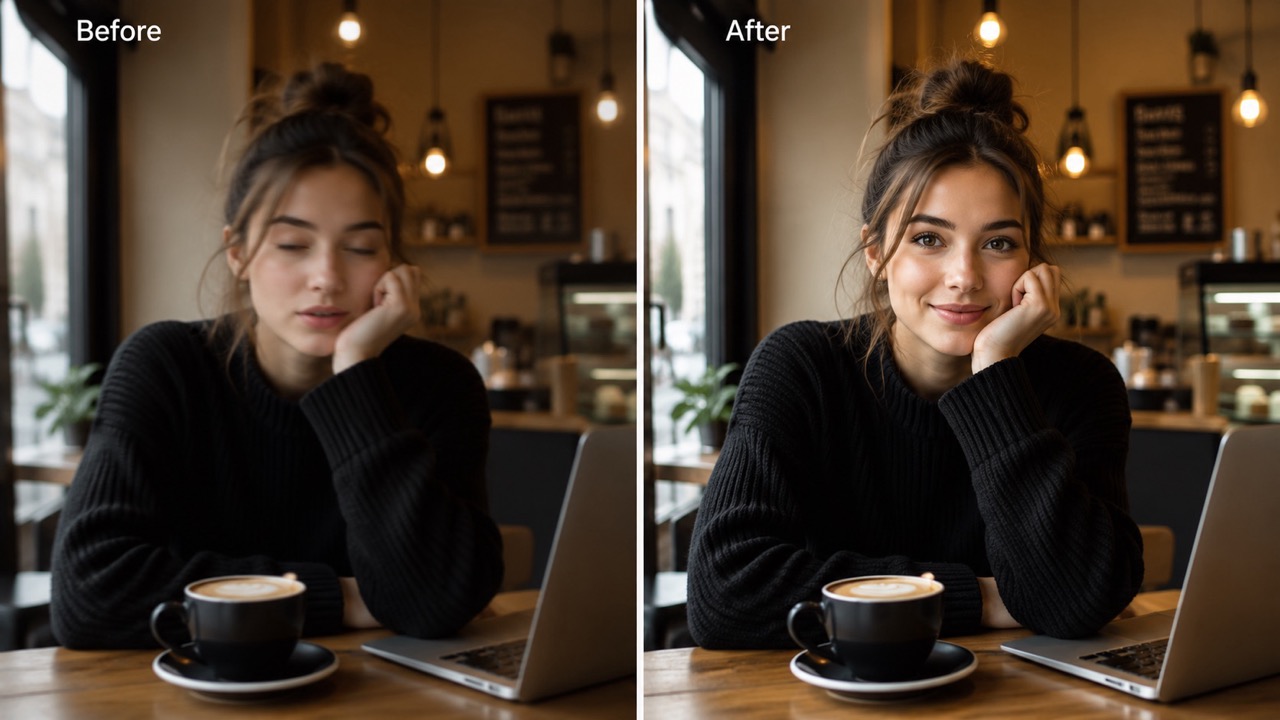
AI Photo Retake helps turn a missed shot into a natural-looking retaken photo. Use AI Photo Retake to improve lighting, blur, framing, facial expression, and photo quality while keeping original identity, pose, clothing, background, and scene intent. AI Photo Retake makes the result feel photographed again.
How to Use AI Photo Retake in 3 Simple Steps
The workflow follows the real user path: upload image, click generate, then get the generated result. AI Photo Retake keeps the process focused, so you do not need editing skills or complicated controls. Photo retake ai supports a quick decision: keep, regenerate, or save the best retaken image.
Upload Your Photo
Start AI Photo Retake by uploading the image you want to improve. Choose a selfie, portrait, group picture, travel shot, or casual photo where timing, expression, lighting, or focus could be better. Photo retake ai works best when the main subject is visible and the original scene is clear enough to guide a believable correction.
Click Generate
After the photo loads, click generate. AI Photo Retake studies the uploaded image, understands the subject, scene, pose, and composition, then prepares a realistic retake that preserves the moment instead of changing it into a new concept. Photo retake ai keeps the action simple for users who want results without manual editing.
Get the Retaken Photo
Review the generated result and save the version that feels most natural. AI Photo Retake is designed to produce a cleaner photo that looks newly captured, not heavily edited, filtered, or artificial. Photo retake ai can help you compare the improved shot with the original and choose the most believable version.
Why AI Photo Retake Helps Users Save Imperfect Photos
AI Photo Retake focuses on usefulness: making missed shots look like better captures while preserving identity, setting, and purpose. It helps users rescue photos they would otherwise delete. Photo retake ai is especially valuable when the memory matters but the original capture feels slightly wrong.
Recover the Photo You Almost Got Right
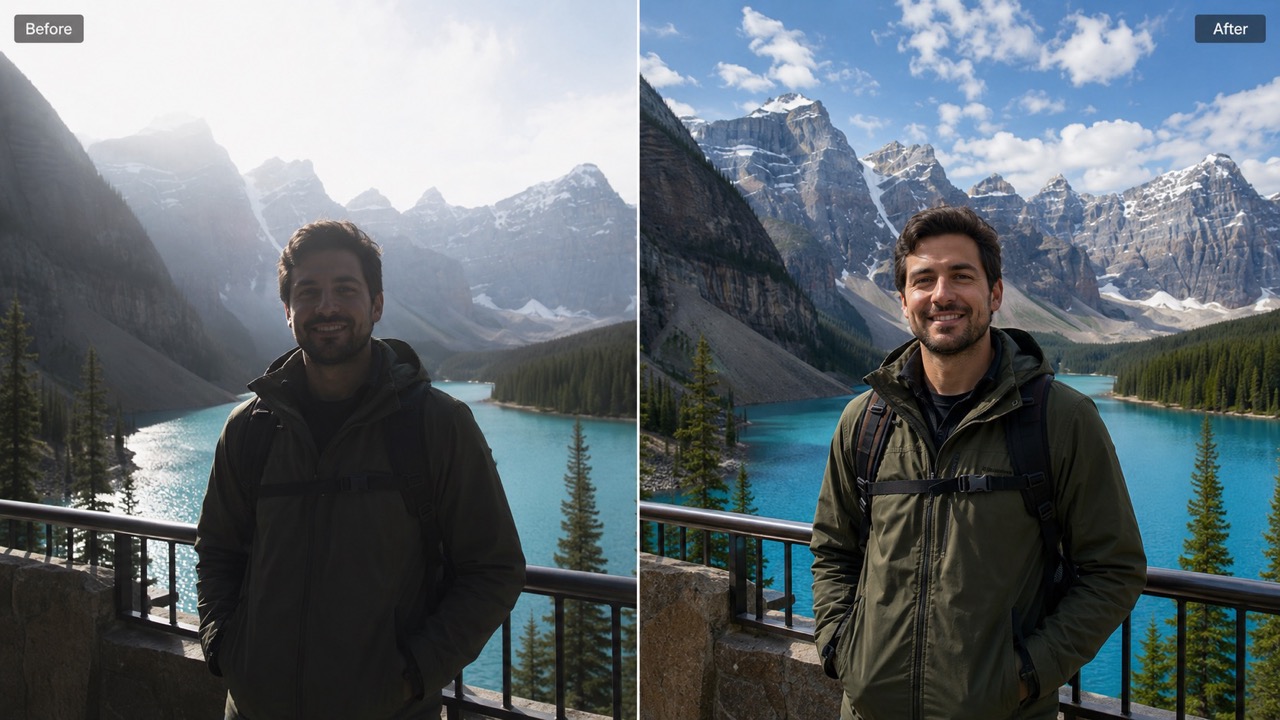
Many photos fail for small reasons: someone blinked, the face is tense, the camera moved, or the lighting ruined a great moment. AI Photo Retake helps repair those near-perfect images without replacing the memory. Use photo retake ai to make the same scene feel clearer, calmer, and more usable. This is why users searching for best ai photo retake often want more than a beauty filter; they want a believable second chance for a real photo. AI Photo Retake turns small mistakes into practical fixes for images worth keeping. AI Photo Retake is most helpful when the image already carries emotional value, such as a graduation smile, birthday moment, travel view, or quick family capture.
Make Faces and Poses Look More Natural
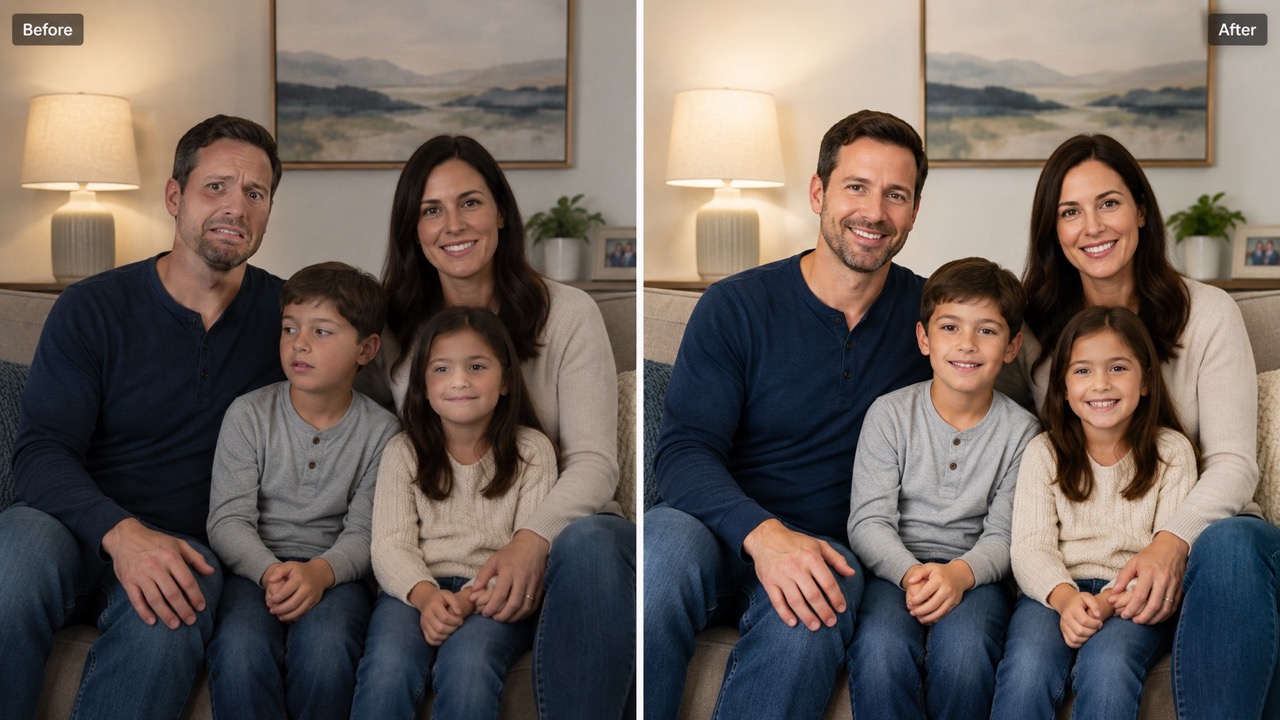
AI Photo Retake is useful when a face looks frozen, eyes are partly closed, a smile feels awkward, or posture makes the image less flattering. Instead of creating a fantasy version, photo retake ai refines the original expression and body language so the person still looks like themselves. Retake ai photo editor searches often come from users who want this exact outcome: a natural retake, not a dramatic makeover. AI Photo Retake helps people look present, relaxed, and closer to how they meant to appear. AI Photo Retake can soften the small signs that make a person reject a photo, such as a stiff jaw, uneven smile, or distracted gaze.
Keep the Scene While Improving the Shot
A strong retake should not erase the context that made the photo valuable. AI Photo Retake keeps clothing, objects, background, angle, and mood aligned with the uploaded image while improving the parts that reduce quality. Use photo retake ai when you need a better version of the same moment for a profile, listing, invitation, post, or keepsake. Retake ai photo generator and ai photo editor retake both describe this practical need. AI Photo Retake focuses on continuity, so the output still belongs to the original photo.
Who Can Use AI Photo Retake?
AI Photo Retake is for anyone who has a photo that is almost right. It helps everyday users, creators, families, professionals, and small businesses turn imperfect images into usable results. Photo retake ai works best when the goal is a realistic improvement, not a completely different image. Instead of learning complex editing terms, users can focus on choosing the photo that deserves another chance.
Selfies and Profile Photos
Use AI Photo Retake when a selfie has poor lighting, tired eyes, slight blur, or an awkward smile. Photo retake ai can create a more confident version for social profiles, resumes, creator pages, or dating photos without making the person look unrecognizable. AI Photo Retake helps maintain real identity while improving the photo enough to feel shareable. AI Photo Retake is especially useful when you like your outfit, angle, and background but dislike one facial detail. This is helpful when a photo has the right mood but a small flaw distracts from the impression you want to make. The result can feel polished while staying personal.
Group Photos with One Bad Expression
Group photos are hard to repeat because everyone must look good at the same time. AI Photo Retake helps fix blinks, odd expressions, and uneven lighting while keeping the group arrangement. For families, teams, and events, best ai photo retake results feel like the camera simply caught a better second. Photo retake ai can save group images that would otherwise be ignored. AI Photo Retake can reduce the pressure of getting every person perfect in one capture. It is useful after weddings, dinners, school events, office parties, and quick team photos where gathering everyone again is impossible.
Travel, Lifestyle, and Event Moments
A trip or event may not happen again, but one photo can still be improved. AI Photo Retake can clean up motion blur, harsh shadows, or bad framing while keeping the place and mood. Photo retake ai is useful for memories that deserve a more polished version. AI Photo Retake gives travel photos a second chance without changing the story. AI Photo Retake is made for moments that are worth saving even when the camera did not cooperate. It can make a memory easier to post, frame, or send to friends without removing the feeling of being there.
Creator and Small Business Visuals
Creators and sellers often need usable visuals quickly. AI Photo Retake can improve casual product shots, thumbnails, personal branding photos, and announcement images. Retake ai photo editor and retake ai photo generator intent both fit users who need better images without reshooting everything. Photo retake ai helps convert rough captures into presentable visuals for posts, pages, and campaigns. This saves time when a deadline is close and the original image already has the right product, person, background, or message.
User Feedback on AI Photo Retake
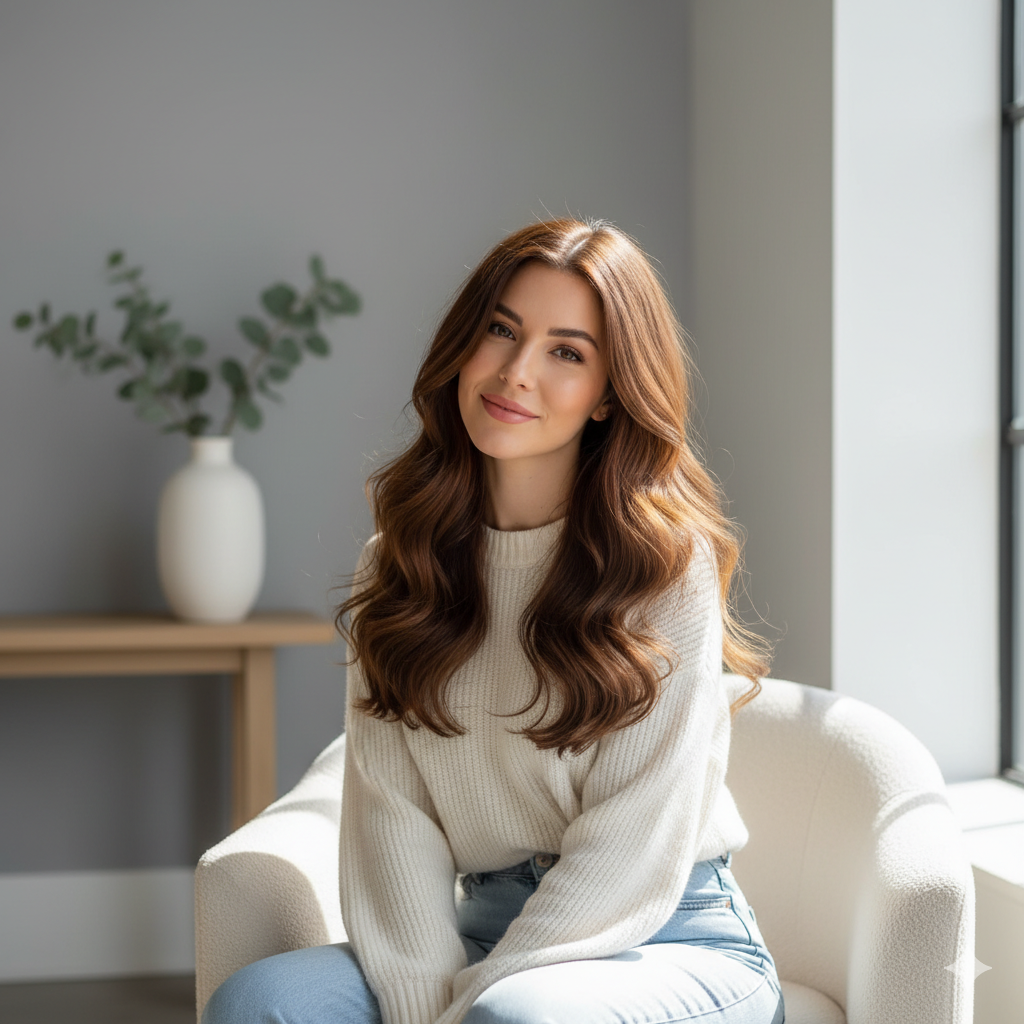
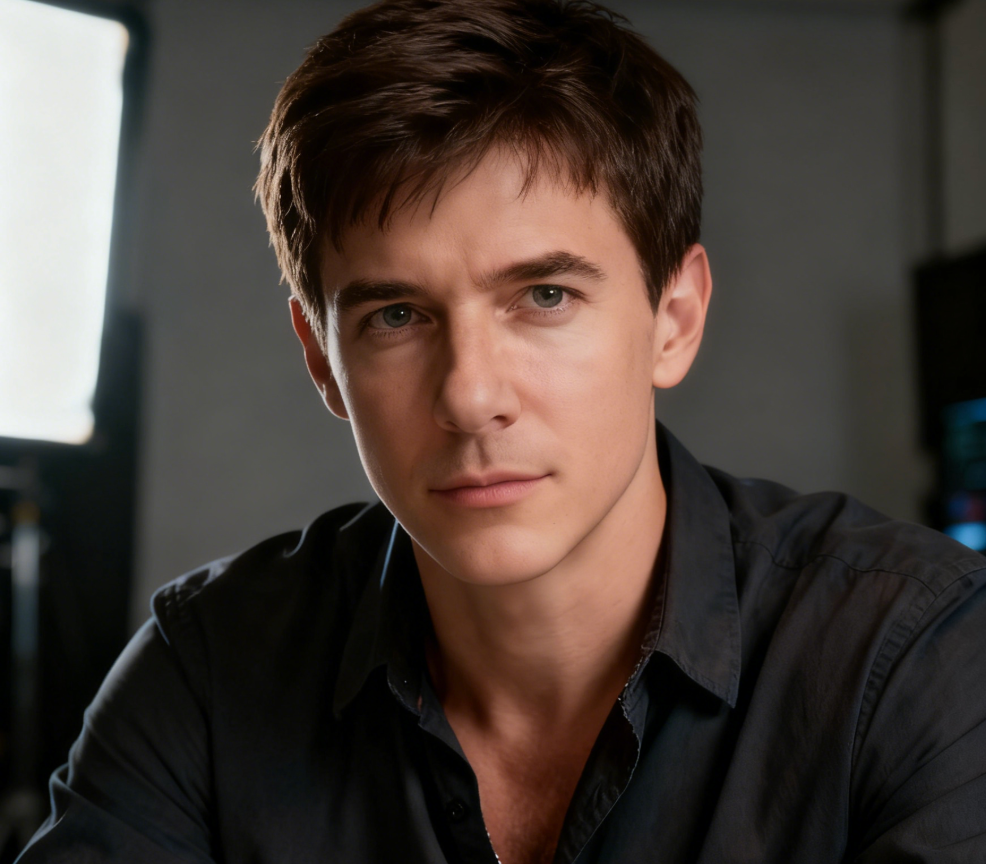
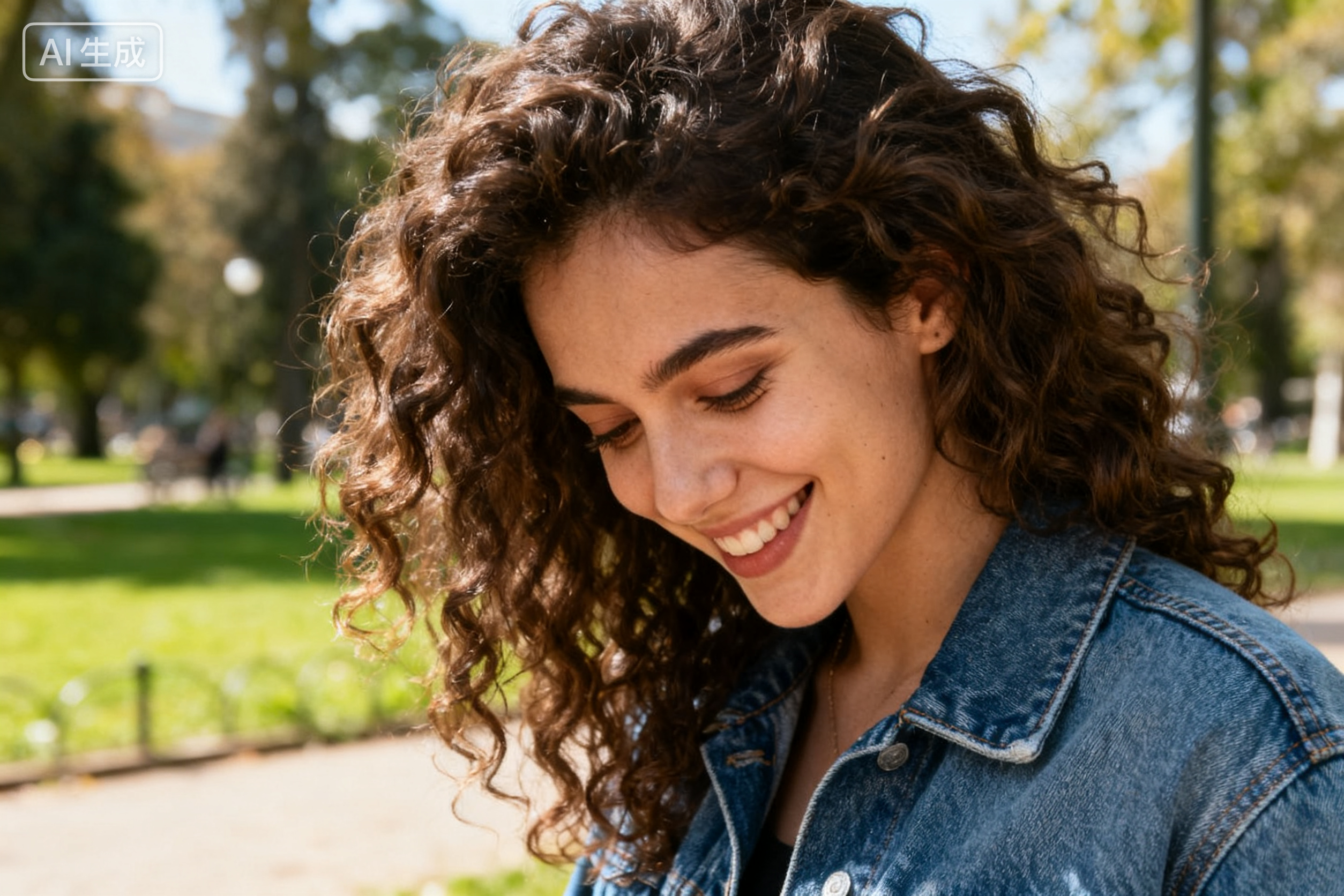
These users chose AI Photo Retake because they wanted believable photo repair, not a new identity, heavy beauty effect, or unrelated image generation. AI Photo Retake gave them improved versions that still felt connected to their original photos.
My favorite vacation photo had my eyes half closed, and I thought it was unusable. AI Photo Retake gave me a version that looked like the same moment with better timing. I tried photo retake ai because I wanted a realistic fix, and the result felt natural enough to print. AI Photo Retake kept the background and outfit exactly in spirit. The improved image looked calm, sharp, and true to the day.
My favorite vacation photo had my eyes half closed, and I thought it was unusable. AI Photo Retake gave me a version that looked like the same moment with better timing. I tried photo retake ai because I wanted a realistic fix, and the result felt natural enough to print. AI Photo Retake kept the background and outfit exactly in spirit. The improved image looked calm, sharp, and true to the day.
I needed a profile photo but only had one decent picture. AI Photo Retake improved the lighting and expression without making me look fake. It felt closer to best ai photo retake than a normal filter because the face and pose stayed believable. Photo retake ai gave me a clean option for work without scheduling a new shoot. I used it on my laptop during a lunch break and had a usable image before my next meeting.
I needed a profile photo but only had one decent picture. AI Photo Retake improved the lighting and expression without making me look fake. It felt closer to best ai photo retake than a normal filter because the face and pose stayed believable. Photo retake ai gave me a clean option for work without scheduling a new shoot. I used it on my laptop during a lunch break and had a usable image before my next meeting.
Our family photo had one child looking away and another blinking. AI Photo Retake made the image feel like a better capture from the same session. I had searched retake ai photo generator, and this was exactly the kind of practical result I wanted. AI Photo Retake helped us keep the memory instead of retaking the whole day. The final picture still felt like us, which mattered more than a perfect studio look.
Our family photo had one child looking away and another blinking. AI Photo Retake made the image feel like a better capture from the same session. I had searched retake ai photo generator, and this was exactly the kind of practical result I wanted. AI Photo Retake helped us keep the memory instead of retaking the whole day. The final picture still felt like us, which mattered more than a perfect studio look.
For thumbnails, I often have good photos with small problems. AI Photo Retake helped me fix awkward posture and face tension while keeping the original setup. I would describe the workflow as ai photo editor retake for people who want fast, realistic improvements. Photo retake ai saved me time when deadlines were tight. The best part was that the output did not look overprocessed.
For thumbnails, I often have good photos with small problems. AI Photo Retake helped me fix awkward posture and face tension while keeping the original setup. I would describe the workflow as ai photo editor retake for people who want fast, realistic improvements. Photo retake ai saved me time when deadlines were tight. The best part was that the output did not look overprocessed.
FAQs About AI Photo Retake
Quick answers to common questions about AI Photo Retake, realistic retakes, subject preservation, and practical photo improvement. Photo retake ai is simple, but better source images usually create stronger results.
AI Photo Retake creates a better version of an uploaded image while preserving the same subject, scene, and intent. Photo retake ai is ideal for blur, awkward expressions, bad lighting, closed eyes, and missed timing. It is most useful when the photo is close to good but not ready to share.
Upload the photo, click generate, and review the generated retake. AI Photo Retake handles expression, lighting, framing, and quality improvements automatically, so the photo retake ai workflow stays simple.
Yes. AI Photo Retake aims to keep the person recognizable by preserving face structure, clothing, pose, and scene context while improving the flawed parts of the image. The goal is a better capture of the same person, not a replacement face.
Yes. AI Photo Retake can help with selfies, portraits, group photos, travel shots, event images, creator visuals, and small business photos where a realistic retake is more useful than a full redesign.
Use ai photo retake online free workflow directly from the page. Upload an image, generate a retaken version, and use the result that best matches your original moment.
Use clear images when possible, choose photos with visible subjects, and avoid extreme obstructions. AI Photo Retake performs best when the original photo contains enough detail to guide a realistic retake. AI Photo Retake relies on the source image for realism.
Create a Better Shot with AI Photo Retake
Upload a photo, click generate, and let AI Photo Retake create a cleaner, more natural version of the same moment. Try ai photo retake online free when you need photo retake ai for an imperfect image you can actually use.
