
AI Image Tools
Everything You Need to Edit Photos Faster
Open the PicEditor AI tools library for background removal, photo enhancement, object cleanup, face swap, upscaling, and more focused image workflows.

Eyeliner Filter

AI Bust Down Filter

Image Splitter

Add White Background to Photo

Snapchat Text Remover

Realistic AI Skin Generator

Add speech bubble to photo

Change Photo Background

AI Clothes Wrinkle Remover

AI LinkedIn Profile Picture

GPT Transparent BG Image Editor

Image to Layers

3D Angle Editor

Change Background of Photo
Add Text to Image
Speech Bubble Meme Generator
AI Image Darkener
AI Vignette Effect
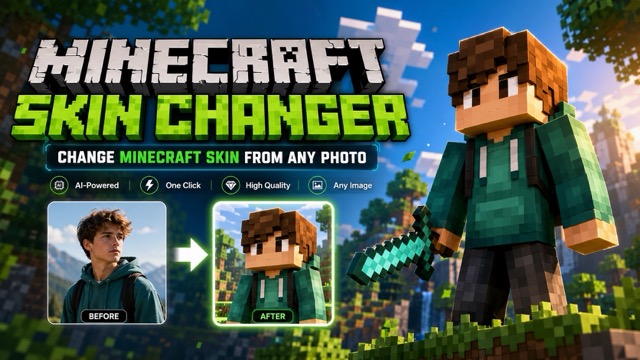
AI Change Minecraft Skin
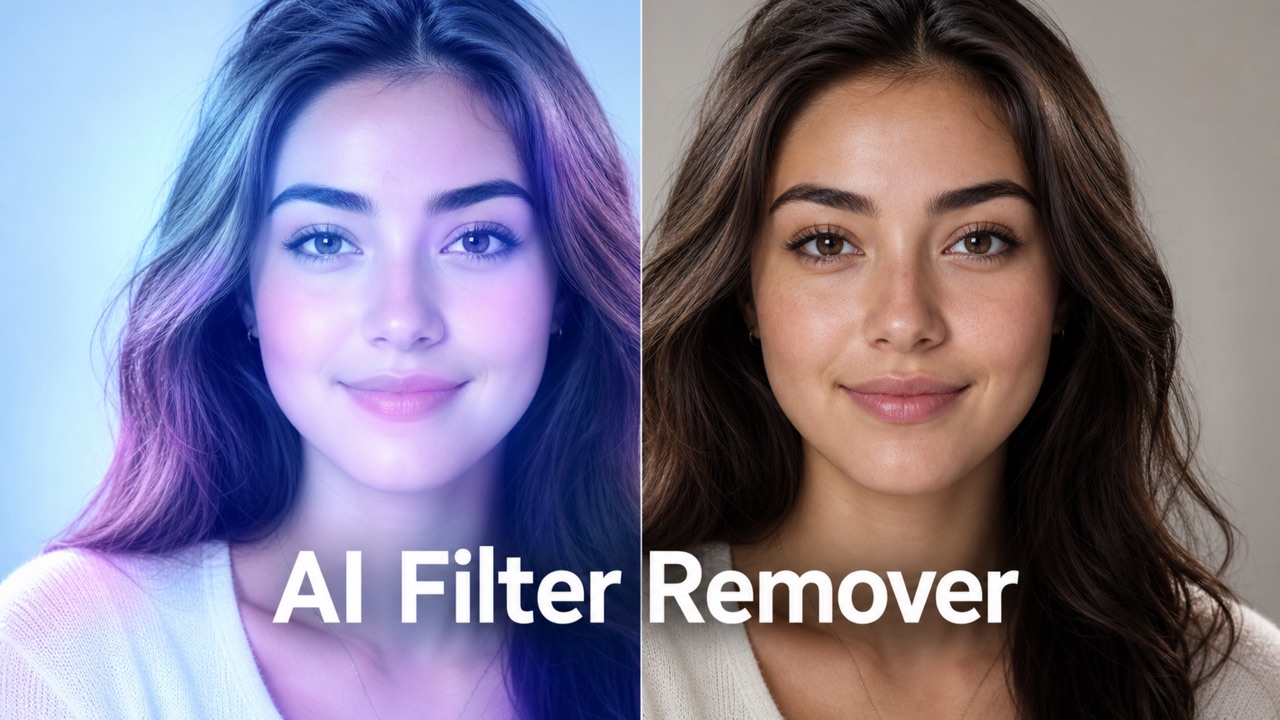
Remove Color From Image
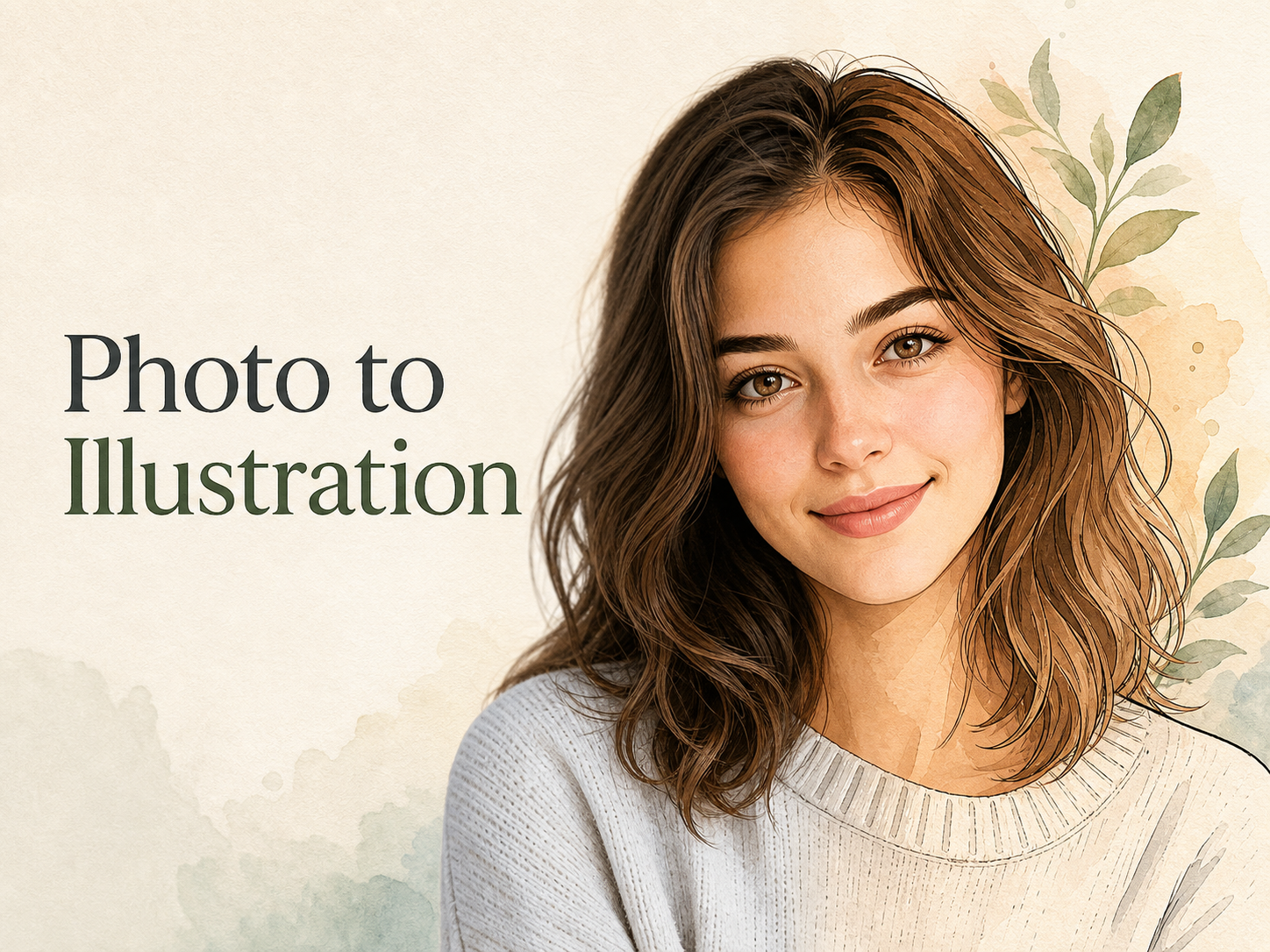
Photo to Illustration
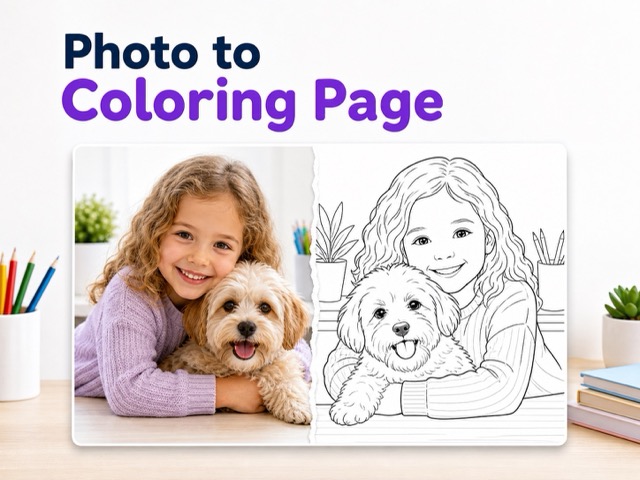
Photo to Coloring Page
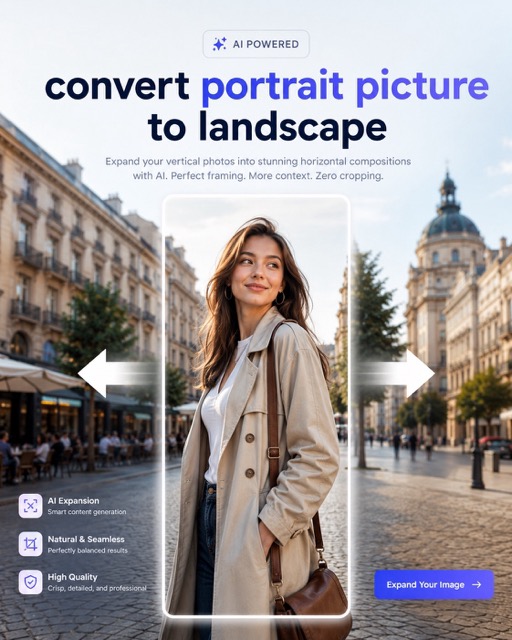
convert portrait picture to landscape
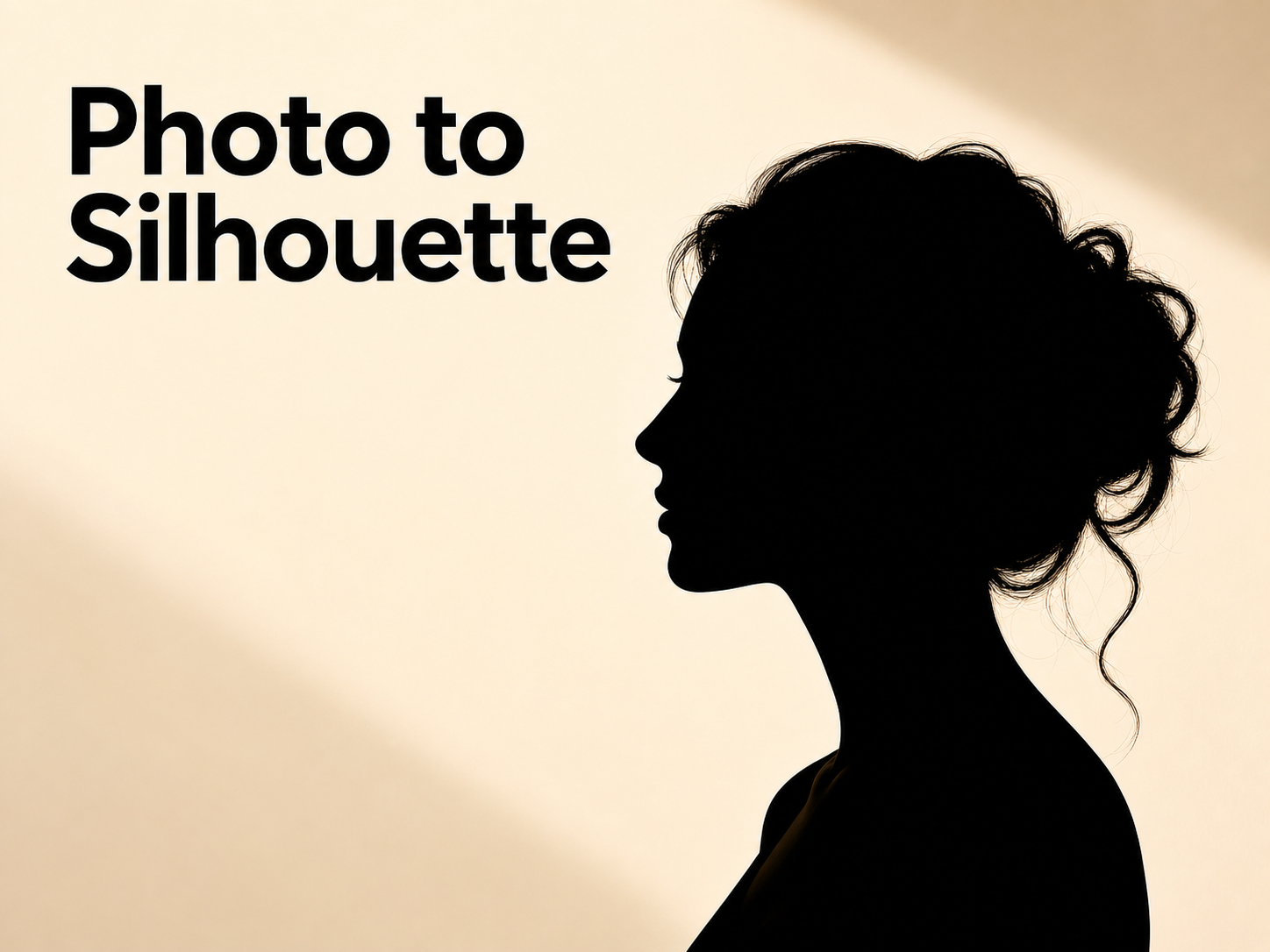
Photo to Silhouette
Turn Photo to Cartoon with AI Cartoon Generator
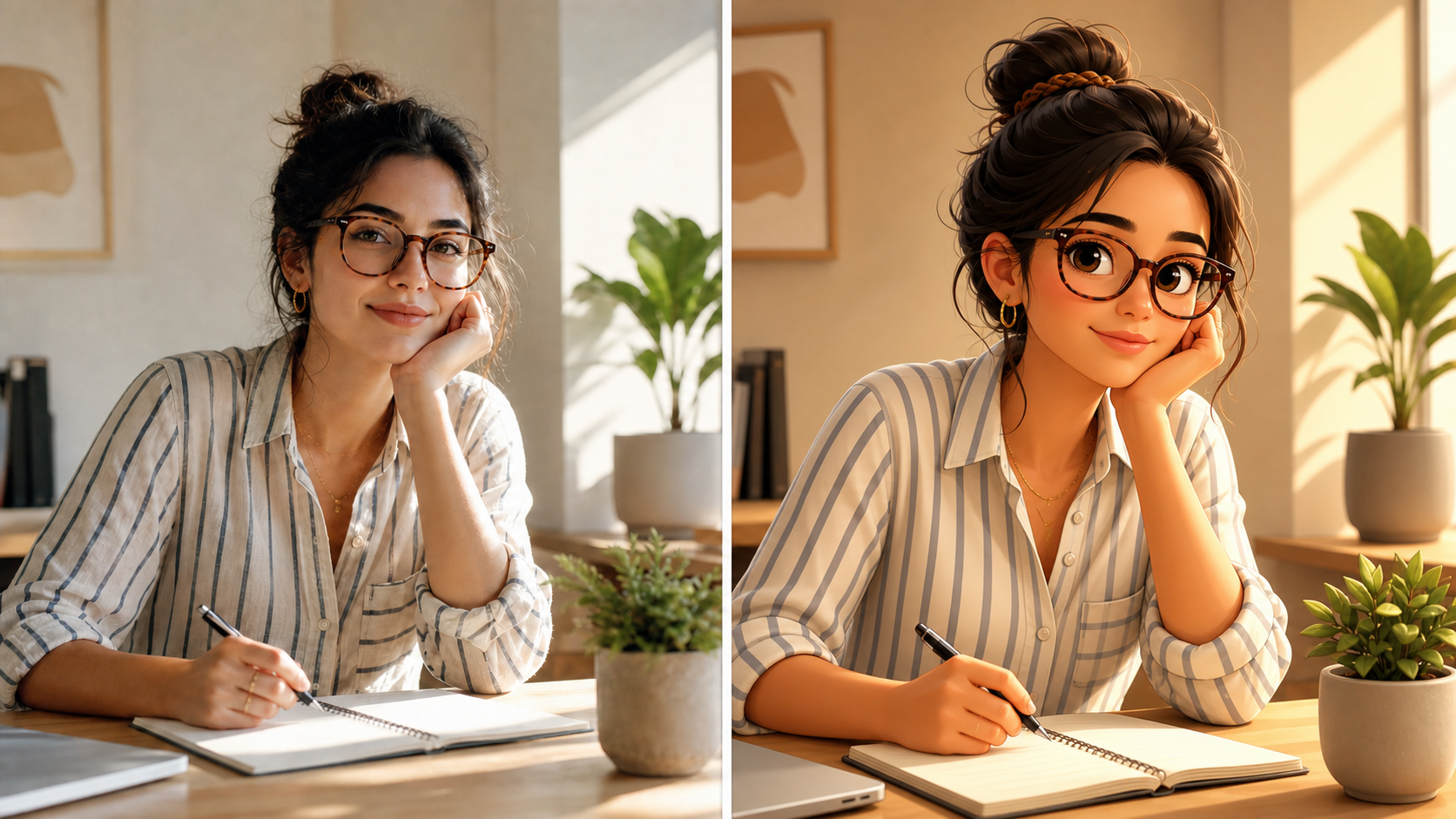
Upload a picture and use Photo to Cartoon to create an illustrated version.
Photo to Cartoon transforms an uploaded image into a polished cartoon interpretation while keeping the subject recognizable. Explore portraits, pet illustrations, and scene-based artwork with a distinct illustrated voice. Photo to Cartoon keeps the original moment central.
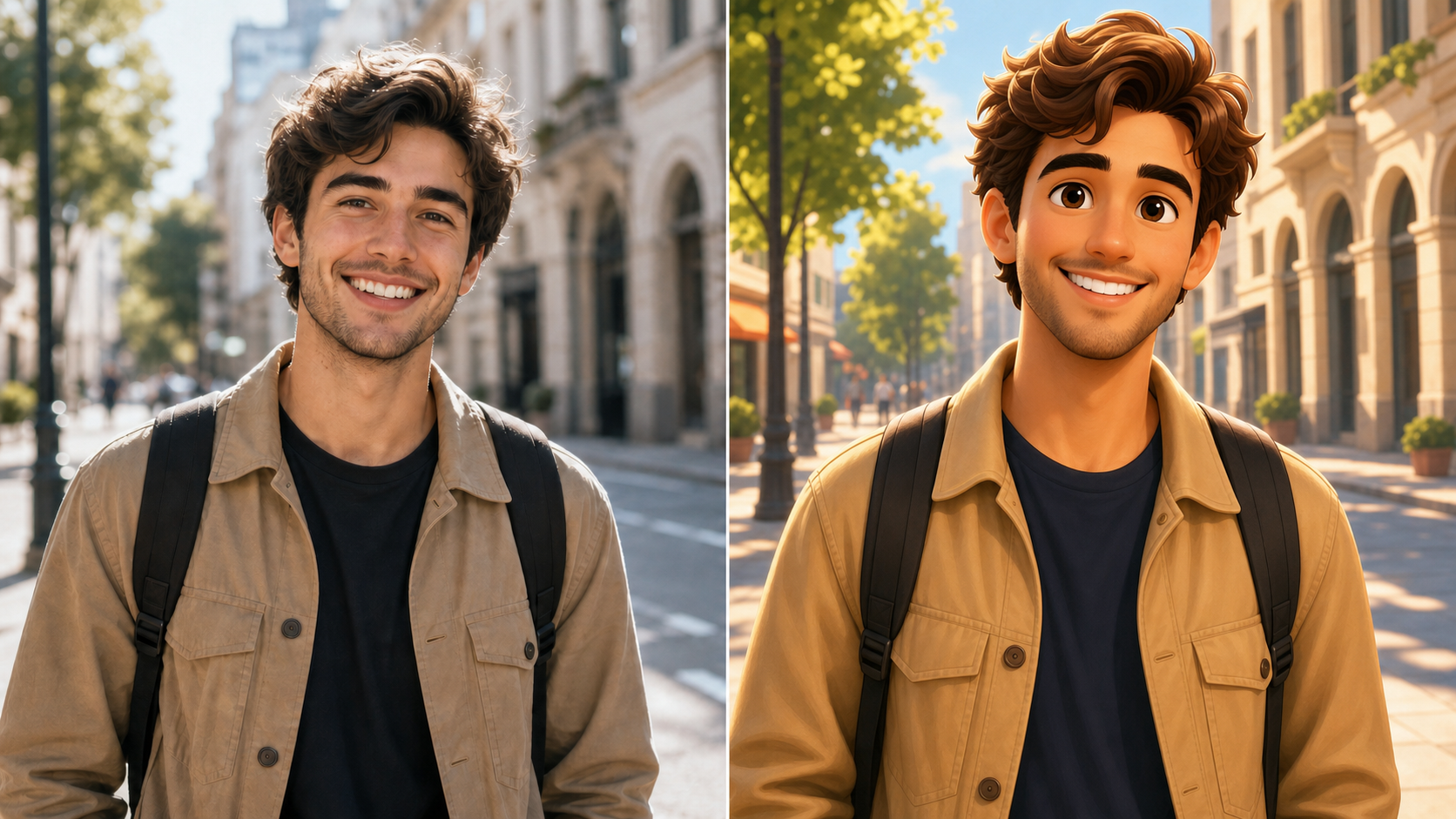
How to Use Photo to Cartoon
Photo to Cartoon keeps the creative process focused: choose an image, generate a cartoon interpretation, and review the result. The Image to Cartoon Converter removes drawing from the process. With Photo to Cartoon, your photo guides each decision.

Choose a Photo You Want to Reimagine
Start with a clear picture whose people, pets, or objects are easy to see. Photo to Cartoon works best when the important subject is visible and the lighting tells a readable story. Select a picture, then let the AI Photo Cartoonizer use that original composition as the foundation for a fresh illustrated look. Photo to Cartoon gives the visual details a clear creative direction.
Create the Cartoon Treatment
AI Cartoon Generator studies visible forms, expressions, colors, and scene relationships before rendering cartoon-style details. Photo to Cartoon does not ask you to redraw anything by hand; it turns the image you selected into an illustrated result. The Image to Cartoon Converter keeps the workflow focused on one simple creative decision: transform this photo.
Review and Save the Result
Compare the original image with its new illustrated version and decide whether the style matches your idea. Photo to Cartoon gives you a visual starting point for profiles, greetings, mood boards, or personal keepsakes. The tool makes the move from ordinary photo to expressive character art straightforward. Photo to Cartoon helps you decide whether the new style suits the purpose.
What Photo to Cartoon Can Help You Create
Photo to Cartoon adapts familiar images into expressive illustrated assets. Whether the source is a face, pet, destination, or everyday scene, the AI Cartoon Generator builds on visual identity.
Give Portraits an Illustrated Personality
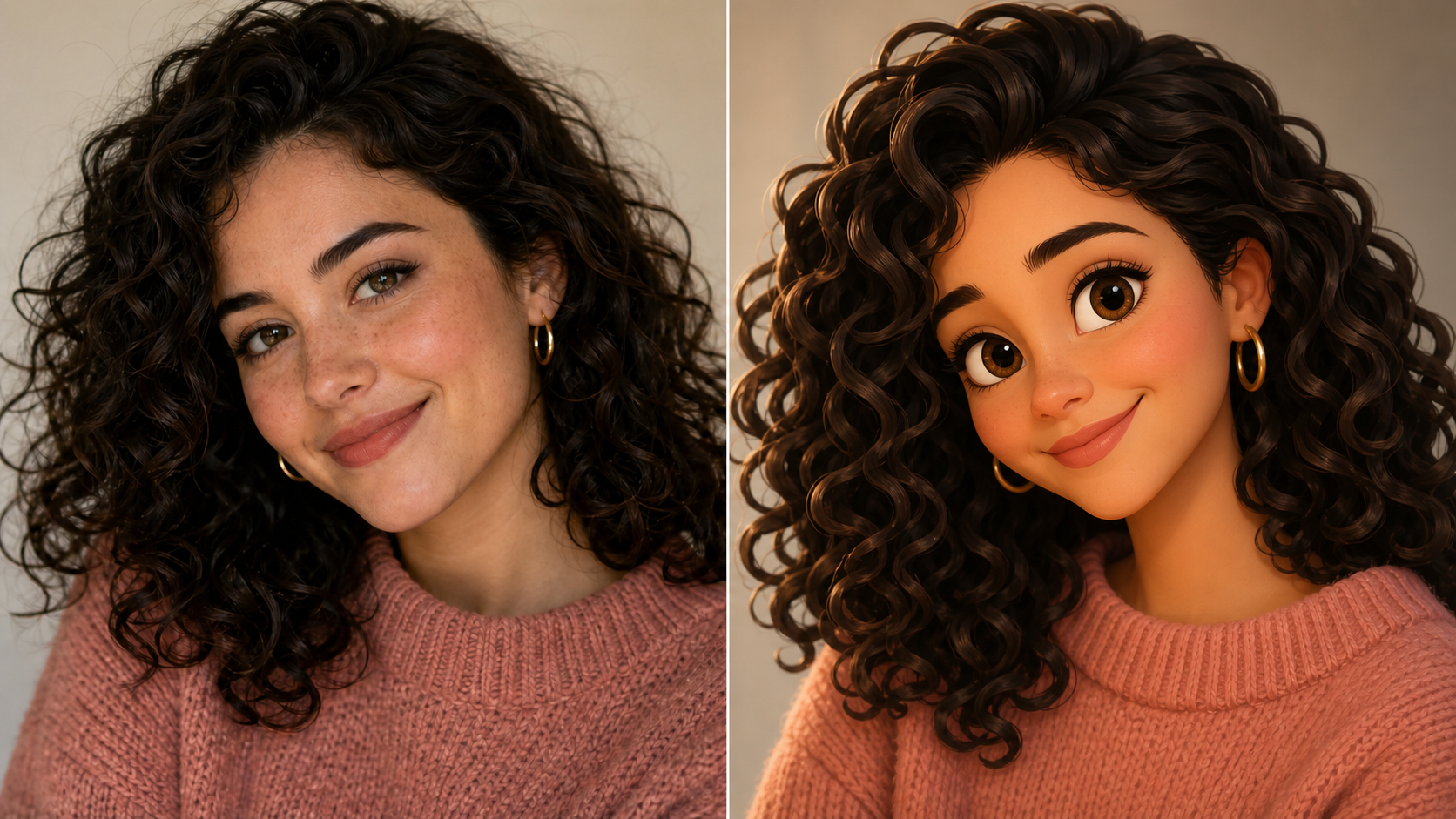
A good portrait contains the cues that make someone memorable: expression, hairstyle, posture, clothing, and color. Photo to Cartoon interprets those cues as an illustrated portrait rather than a generic character. The AI Cartoon Generator can turn a snapshot or celebration photo into something playful while retaining details that help friends recognize the person. Use Photo to Cartoon when a profile picture feels too ordinary. Photo to Cartoon retains visual clues that make the person feel familiar.
Make Pet Photos More Shareable
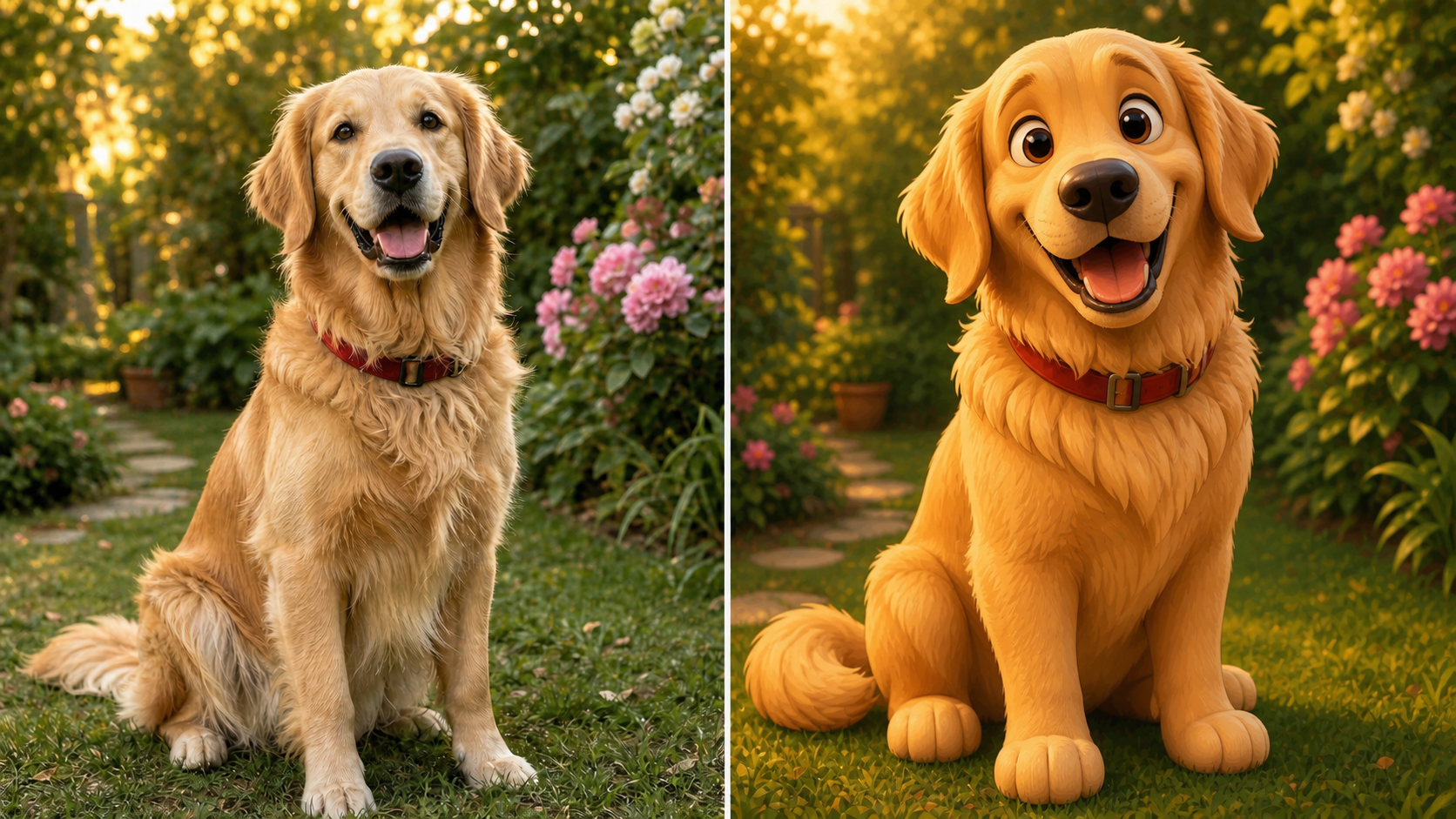
Pet pictures are full of personality, from alert ears and bright eyes to markings and favorite poses. Photo to Cartoon turns those traits into stylized artwork without losing the charm of the original animal. Try the AI Photo Cartoonizer on a sunlit dog portrait, a curled-up cat, or a playful outdoor image. The Image to Cartoon Converter creates a strong contrast while keeping the pet as the unmistakable subject. Photo to Cartoon lets the animal's familiar character lead the illustration.
Reframe Travel Moments as Story Art
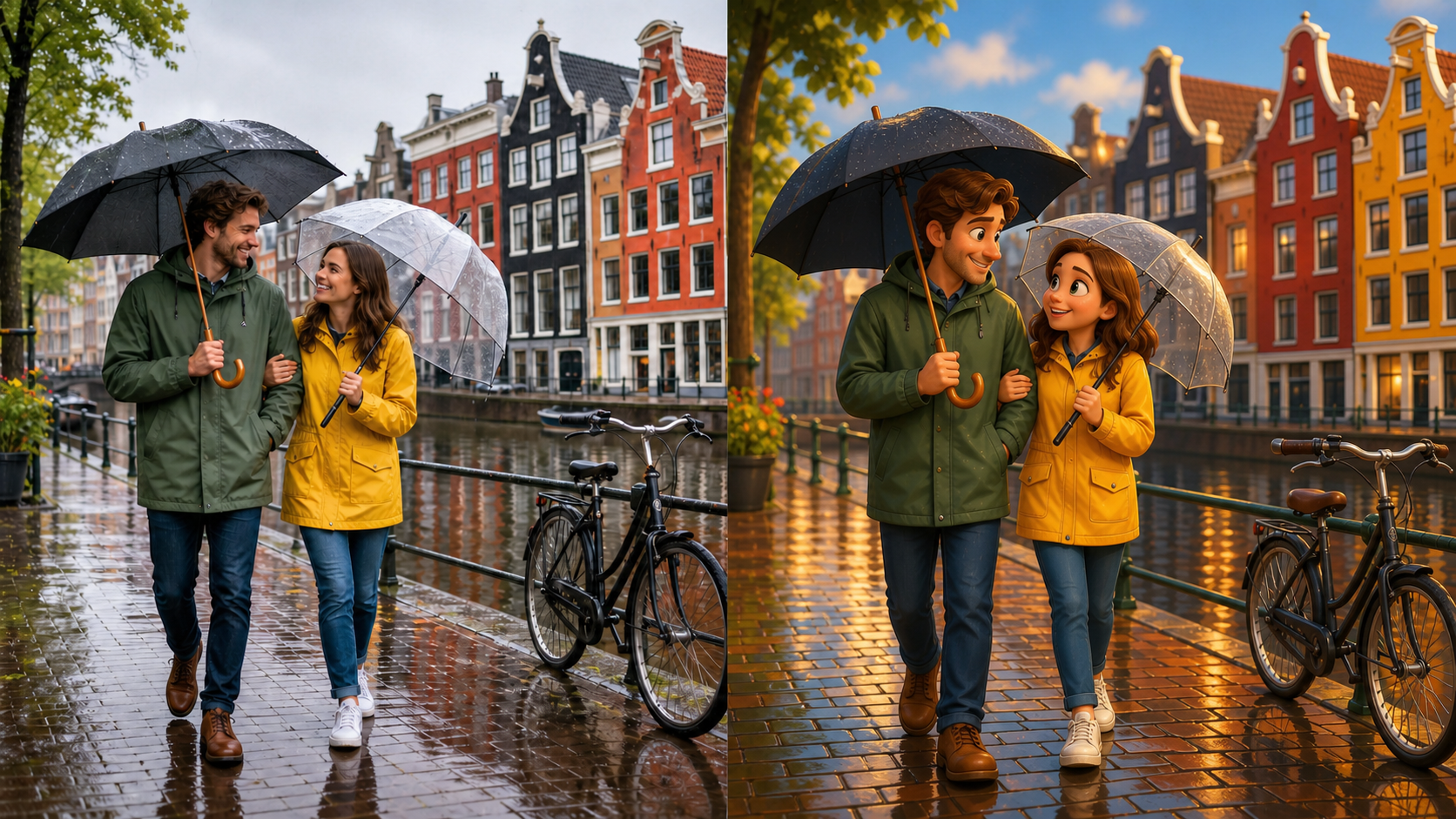
A travel photo can hold more than a landmark. It records weather, colors, companions, and the feeling of being somewhere new. Photo to Cartoon reframes those ingredients as scene-based illustration, giving a familiar snapshot a different register. Use the AI Cartoon Generator for city walks, beach days, mountain views, or family trips. The AI Photo Cartoonizer transforms the moment into a keepsake with an imaginative point of view. Photo to Cartoon turns a trip into a story-like visual memory.
Explore a New Look Before You Share
Sometimes the best way to refresh an image is to change its visual language, not its subject. Photo to Cartoon lets you explore a cartoon treatment for a post, project, or creative direction. The Image to Cartoon Converter keeps your picture as the source. Use the AI Cartoon Generator to test a more expressive presentation. Photo to Cartoon is a lightweight way to try an alternate visual direction.
Why Choose Photo to Cartoon for Creative Image Styling
Photo to Cartoon pairs a familiar upload workflow with an illustrated result. The AI Photo Cartoonizer and Image to Cartoon Converter make image styling approachable when you want creative output. Photo to Cartoon starts with a meaningful image.
Start With Your Own Visual Story
Photo to Cartoon begins with a photo you choose, so the result has a personal point of reference. A familiar smile, backdrop, or beloved pet can carry into an illustrated direction without requiring you to invent a scene. The AI Photo Cartoonizer makes personal images feel more crafted while keeping the original subject central to the finished artwork. Photo to Cartoon keeps a real experience at the core of the image.

Keep Faces and Scenes Recognizable
The goal of Photo to Cartoon is not to erase what makes the source image distinct. It interprets facial features, pose, clothing, background relationships, and visual emphasis through a cartoon aesthetic. That makes it useful when you want a more artistic presentation without losing the context people care about. Use the Image to Cartoon Converter for portraits and scenes where recognition matters as much as the new visual style. Photo to Cartoon gives the original subject a recognizable illustrated counterpart.

Turn Everyday Photos Into Creative Assets
A snapshot can become a conversation piece in a different medium. Photo to Cartoon gives ordinary images a stylized angle for invitations, profile updates, memory boards, or creative experiments. The AI Cartoon Generator is useful when you have an image worth sharing but want it to feel less literal. It lets the original moment lead while the cartoon treatment adds a visual layer. Photo to Cartoon can turn a routine picture into a creative conversation starter.

Use a Simple Photo-First Workflow
Creative image editing should not require an illustration background. With Photo to Cartoon, the source image provides the composition and the AI handles stylistic reinterpretation. Upload a photo, start the transformation, and evaluate the outcome. The AI Photo Cartoonizer reduces a technical process to a familiar action: choosing a picture that means something to you and seeing it expressed through a new illustrated treatment. Photo to Cartoon makes the starting point as simple as choosing a meaningful photo.

Create Characterful Social Images
Social posts and profile images often compete for attention with similar-looking photography. Photo to Cartoon gives you another way to represent a person, pet, hobby, or outing without changing the underlying memory. The AI Cartoon Generator can help you make a feed post, story image, or community avatar feel deliberate and distinctive. The Image to Cartoon Converter turns a recognizable source image into art that invites a second look. Photo to Cartoon helps the image feel designed for sharing.

Keep a Playful Version of a Favorite Moment
Not every image needs to serve a public purpose. Photo to Cartoon is a way to revisit a meaningful photo through a new visual lens. Transform a birthday picture, reunion, quiet afternoon, or spontaneous photo because you like the result. The AI Photo Cartoonizer and AI Cartoon Generator create an illustrated companion to the original image that can feel lighthearted while remaining personal. Photo to Cartoon offers another way to keep a favorite moment close.
How People Use Photo to Cartoon
Photo to Cartoon helps people give familiar images a different voice. From affectionate pet portraits to travel memories and profile refreshes, the AI Cartoon Generator offers an approachable starting point for illustrated personal artwork.
I used Photo to Cartoon on a candid picture from a family picnic. The result kept the people and the little details I remembered, but the cartoon treatment made it feel like a page from a personal storybook. It gave me a new version of a photo I already loved. Photo to Cartoon made the memory feel fresh without losing its warmth.
I used Photo to Cartoon on a candid picture from a family picnic. The result kept the people and the little details I remembered, but the cartoon treatment made it feel like a page from a personal storybook. It gave me a new version of a photo I already loved. Photo to Cartoon made the memory feel fresh without losing its warmth.
My dog is expressive in every photo, and the AI Cartoon Generator captured that character without making him look like a random mascot. I now have a playful illustration that still feels like my dog, not just a cartoon animal. Photo to Cartoon kept the little expression I recognize immediately.
My dog is expressive in every photo, and the AI Cartoon Generator captured that character without making him look like a random mascot. I now have a playful illustration that still feels like my dog, not just a cartoon animal. Photo to Cartoon kept the little expression I recognize immediately.
I wanted a profile picture with more personality than another filtered selfie. Photo to Cartoon gave me a polished illustrated alternative while preserving the pose and colors from the original photo. It was a useful way to explore a different online look. Photo to Cartoon made the refresh feel personal rather than generic.
I wanted a profile picture with more personality than another filtered selfie. Photo to Cartoon gave me a polished illustrated alternative while preserving the pose and colors from the original photo. It was a useful way to explore a different online look. Photo to Cartoon made the refresh feel personal rather than generic.
The Image to Cartoon Converter helped me rethink a travel shot from a rainy afternoon in Kyoto. The cartoon version kept the umbrellas and street atmosphere, but it made the scene feel more imaginative than the original camera image. Photo to Cartoon let the rainy-day mood become part of the artwork.
The Image to Cartoon Converter helped me rethink a travel shot from a rainy afternoon in Kyoto. The cartoon version kept the umbrellas and street atmosphere, but it made the scene feel more imaginative than the original camera image. Photo to Cartoon let the rainy-day mood become part of the artwork.
I tried the AI Photo Cartoonizer on a photo of my niece and her birthday cake. The output felt playful without losing the moment that mattered: her expression, the candles, and the bright room around her. It made a sweet digital keepsake. Photo to Cartoon gave us a cheerful version of that celebration.
I tried the AI Photo Cartoonizer on a photo of my niece and her birthday cake. The output felt playful without losing the moment that mattered: her expression, the candles, and the bright room around her. It made a sweet digital keepsake. Photo to Cartoon gave us a cheerful version of that celebration.
Photo to Cartoon is now part of how I collect ideas for personal projects. I can start with a real photograph, see it as a cartoon scene, and decide whether that visual direction fits the mood I want to explore next. Photo to Cartoon gives my project notes a more visual way to evolve.
Photo to Cartoon is now part of how I collect ideas for personal projects. I can start with a real photograph, see it as a cartoon scene, and decide whether that visual direction fits the mood I want to explore next. Photo to Cartoon gives my project notes a more visual way to evolve.
FAQs About Photo to Cartoon
Get practical answers about selecting images, preserving recognizable details, and using results creatively. Photo to Cartoon starts with your image, while the AI Cartoon Generator helps you see that same moment through an illustrated perspective.
Photo to Cartoon is an image transformation workflow that starts with a picture you upload and renders it in a cartoon-style visual language. Rather than asking you to draw a new scene, it uses the people, objects, colors, pose, and composition already visible in the source. The result is an illustrated interpretation of that photo, designed to feel more stylized while remaining connected to the original moment. Photo to Cartoon makes the original image the source of the visual story.
Choose a photo with a clearly visible main subject and enough visual detail to communicate the scene. Portraits, pet photos, group snapshots, and travel pictures are all natural places to start. If the source image has an expression, distinctive clothing, a favorite object, or a meaningful backdrop, those details give the AI Cartoon Generator more context for creating an illustrated result that still feels related to your image.
The AI Photo Cartoonizer is designed to interpret the image you provide rather than substitute an unrelated subject. In practical terms, it uses visible facial features, pose, hair, clothing, animal markings, objects, and background relationships as the basis for the cartoon treatment. The finished image is still a transformation, so artistic details may be stylized, but a clear source image gives the best foundation for recognizability.
Photo to Cartoon can suit many personal creative uses, including profile images, social posts, digital greetings, mood boards, travel recaps, and private keepsakes. The right use depends on why you selected the original image. A close-up may become an illustrated avatar, while a wide travel photo may become a story-like scene. Start with the desired feeling, then choose a source photo that supports it. Photo to Cartoon gives that source a new format for the audience you have in mind.
No drawing background is required. The Image to Cartoon Converter uses the photo as the visual starting point, so you do not need to sketch outlines, choose paint techniques, or build a scene manually. Your role is to select an image that tells the story you want to reimagine. The transformation then creates a cartoon-styled interpretation from that source material.
Photo to Cartoon is useful for pet images because an animal's pose, markings, eye shape, and environment often communicate its personality. A relaxed indoor photo can lead to a warm, playful illustration, while an outdoor action shot may feel more energetic. Choose a source picture where your pet stands out from the background. That gives the AI Photo Cartoonizer the visual cues needed to make the result feel specific.
A cartoon transformation changes the presentation of a photo, not the personal meaning behind it. Think of Photo to Cartoon as an alternative interpretation of your source image. It may simplify, emphasize, or restyle visual details in service of the illustrated look. Review the result against the original and use the version that best supports your profile, project, gift idea, or memory collection.
Create Your Photo to Cartoon Version
Choose an image with meaning, then use Photo to Cartoon to give it an illustrated direction. The transformation makes a playful visual result possible without asking you to draw it yourself.
