
AI Image Tools
Everything You Need to Edit Photos Faster
Open the PicEditor AI tools library for background removal, photo enhancement, object cleanup, face swap, upscaling, and more focused image workflows.

Eyeliner Filter

AI Bust Down Filter

Image Splitter

Add White Background to Photo

Snapchat Text Remover

Realistic AI Skin Generator

Add speech bubble to photo

Change Photo Background

AI Clothes Wrinkle Remover

AI LinkedIn Profile Picture

GPT Transparent BG Image Editor

Image to Layers

3D Angle Editor

Change Background of Photo
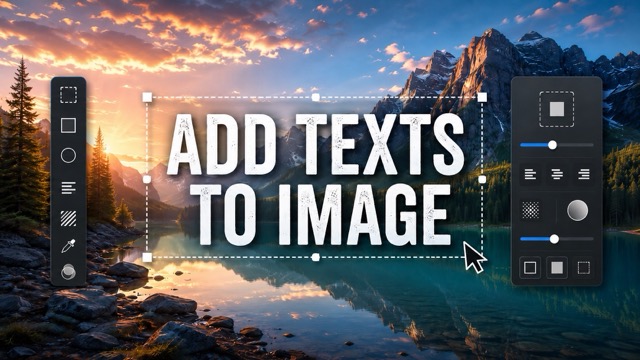
Add Text to Image
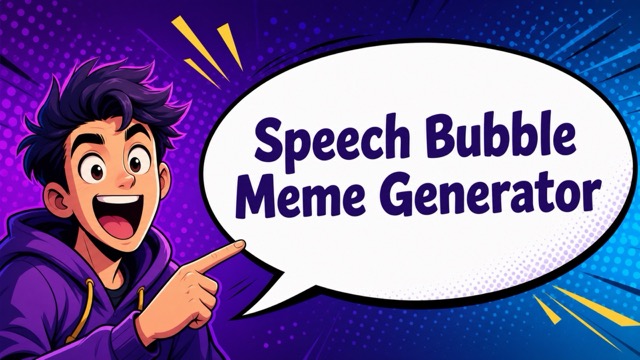
Speech Bubble Meme Generator
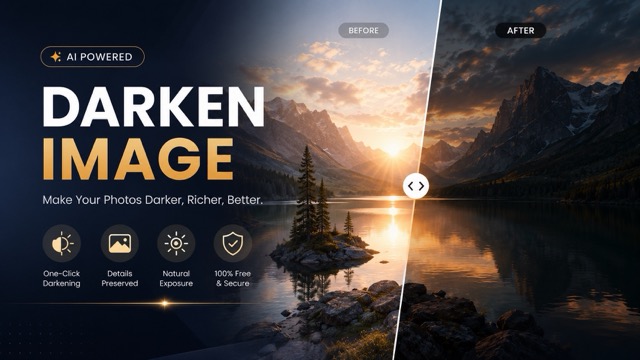
AI Image Darkener
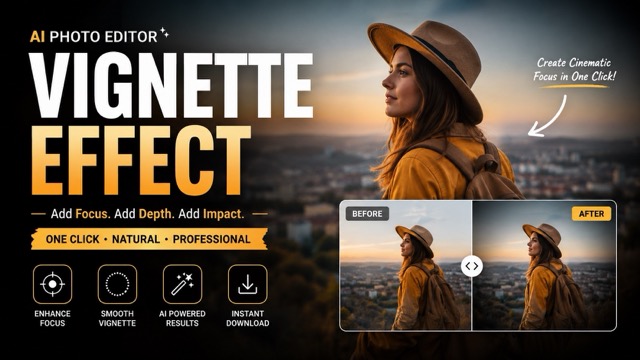
AI Vignette Effect
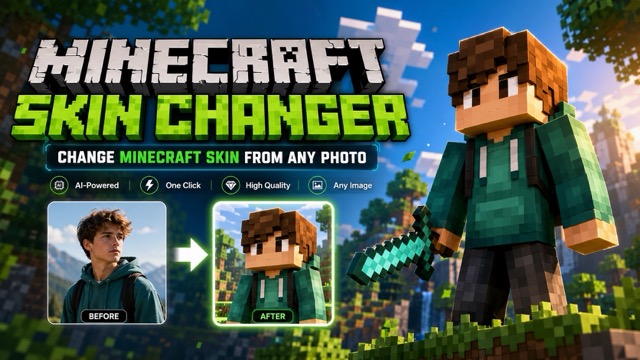
AI Change Minecraft Skin
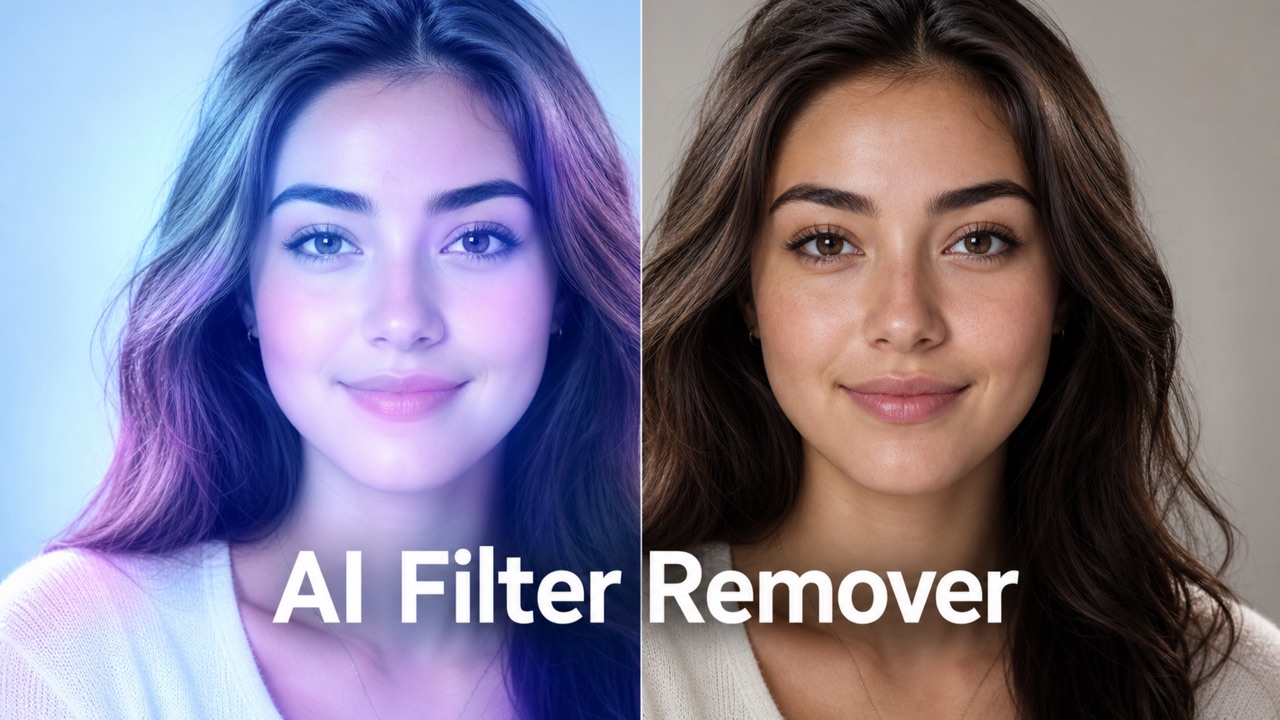
Remove Color From Image
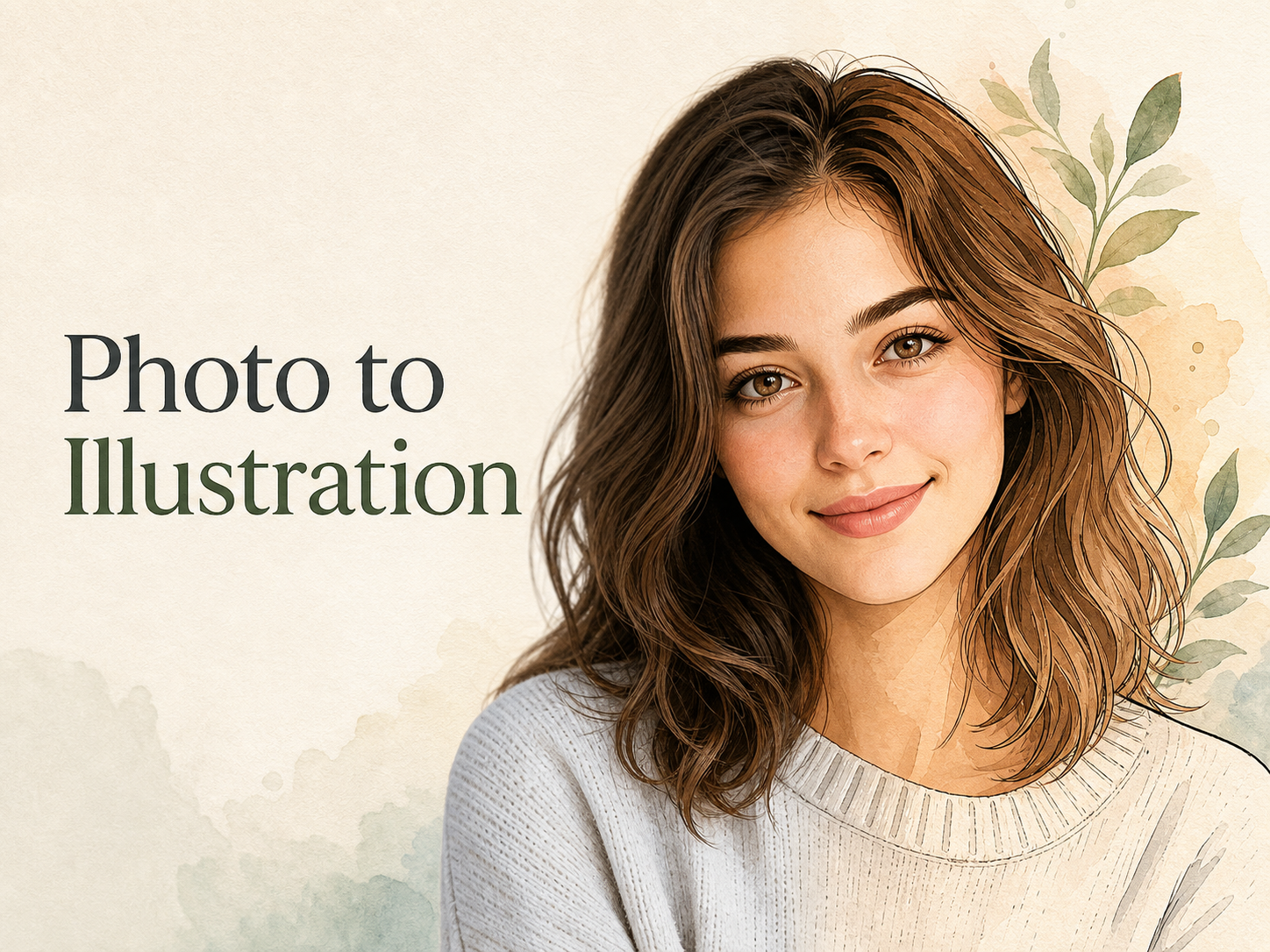
Photo to Illustration
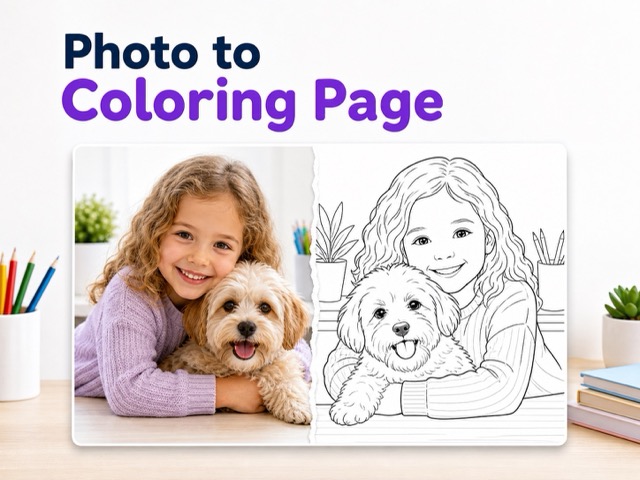
Photo to Coloring Page
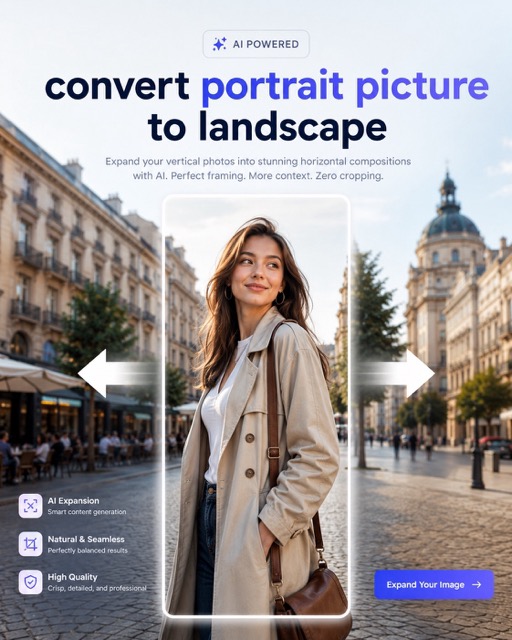
convert portrait picture to landscape
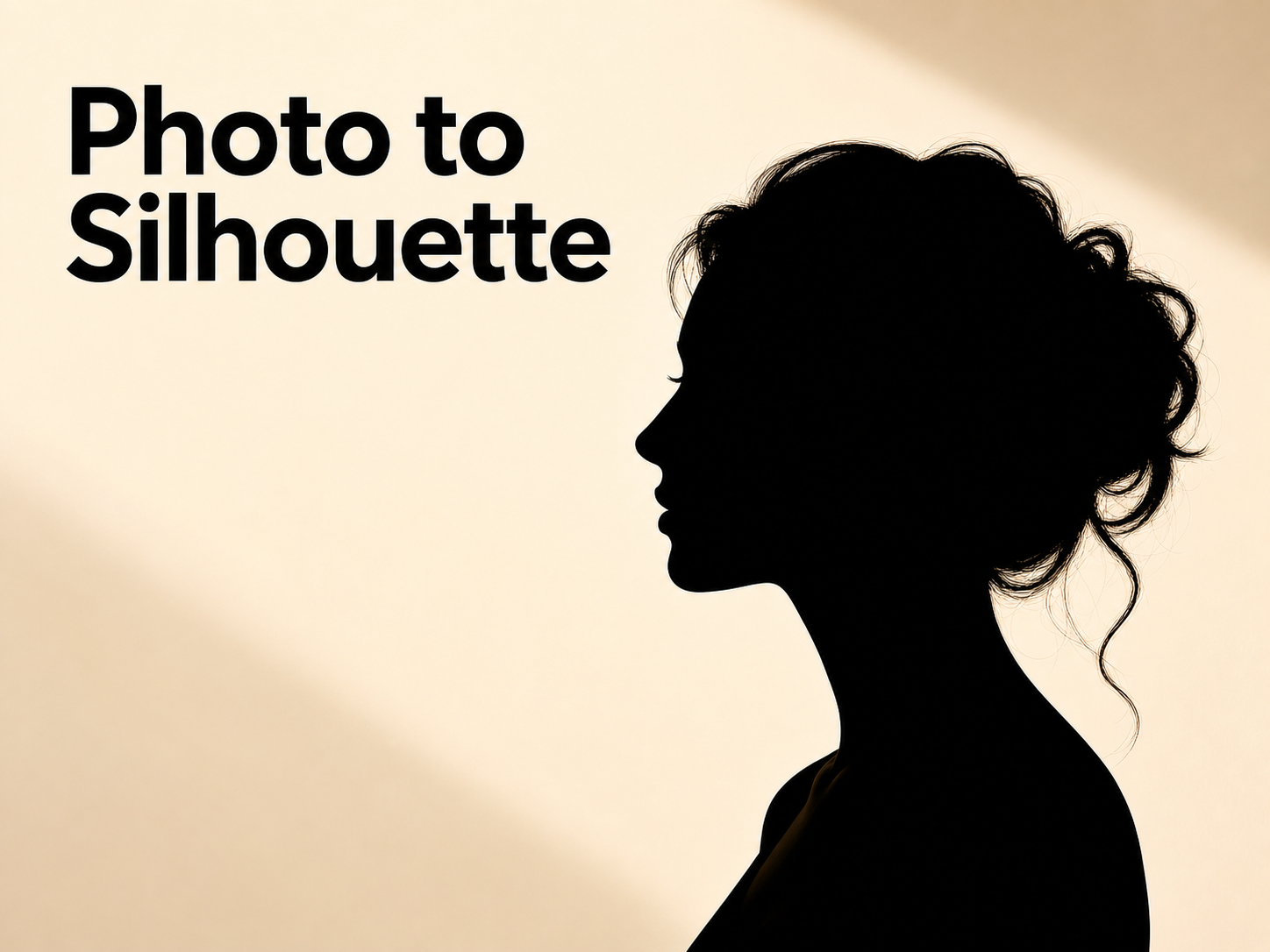
Photo to Silhouette
Turn Picture Into Painting with Photo to Painting
Let Photo to Painting reinterpret the subject and composition as painterly artwork.
Photo to Painting helps creators transform an uploaded image into painting-style artwork while preserving the original subject. Use the tool for portraits, pets, products, landscapes, gifts, social visuals, and creative references that need a crafted painterly finish.
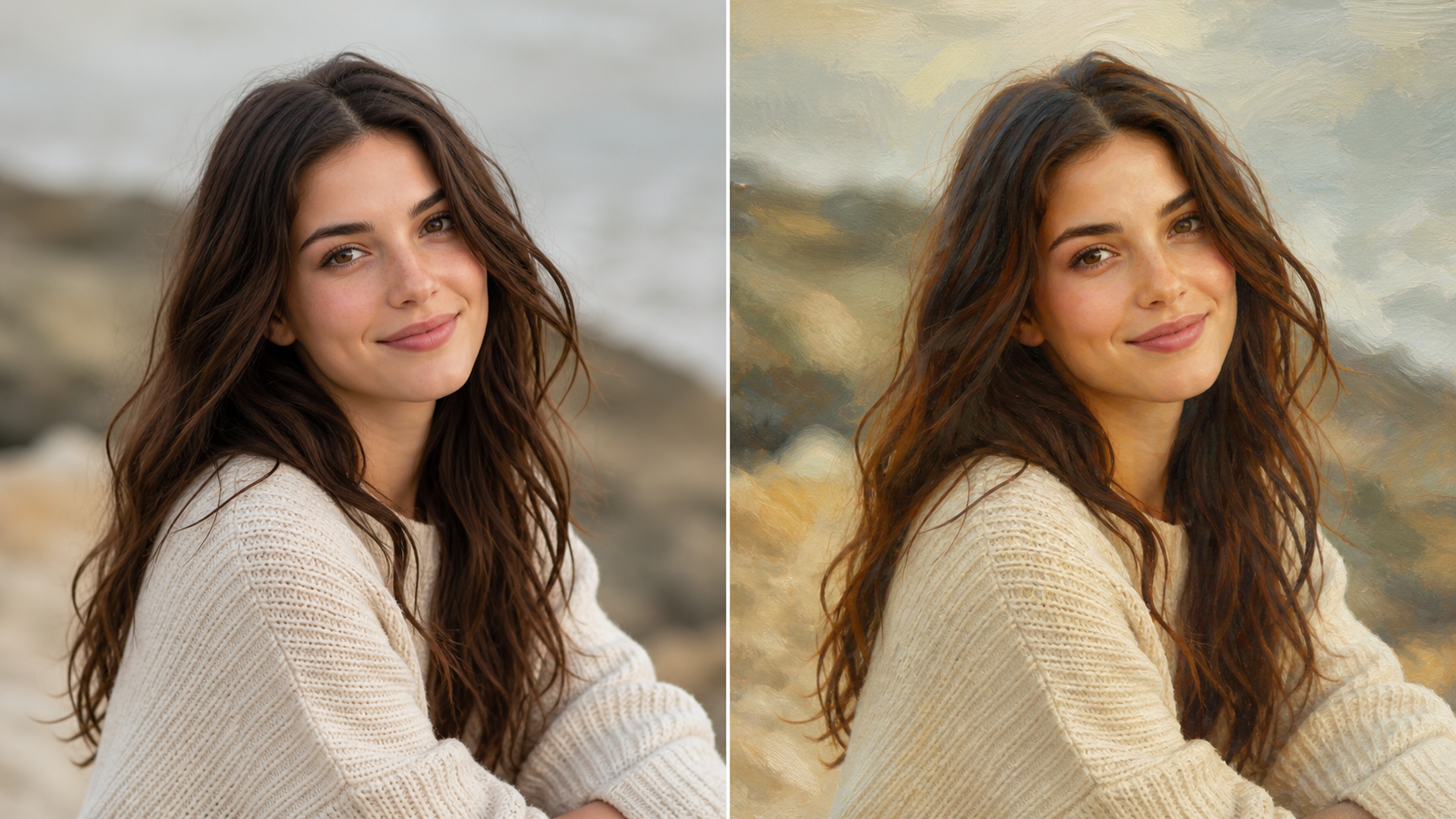
How to Use Photo to Painting
Photo to Painting keeps the workflow focused: upload a source image, generate a painted interpretation, then review the result. The workflow is built around recognizable subjects and polished painterly transformation.

Upload a Clear Picture
Start with a picture that shows the subject, lighting, edges, and background context clearly. Photo to Painting uses the upload as its visual foundation, so portraits, pet photos, landscapes, product shots, and travel images benefit from readable detail. A cleaner source gives the converter more structure when you want to Turn Picture Into Painting without losing the image's identity.

Generate a Painted Look
After upload, Photo to Painting studies the main subject, composition, color relationships, shadows, and important background cues before creating a painterly version. The model can translate photo detail into brush texture, softened edges, richer color movement, and a more artful surface while keeping the original pose, scene, and visual intent connected to the source.

Review the Artwork
Compare the uploaded image with the transformed result and choose the version that best fits your project. Photo to Painting is useful for profile artwork, framed gift ideas, content graphics, concept boards, and personal creative studies. When you Turn Picture Into Painting, review face detail, subject edges, and background mood before using the final image.
Features of Photo to Painting
Photo to Painting combines source-photo preservation with expressive painterly treatment. The workflow helps convert portraits, pets, products, landscapes, and everyday scenes into artwork with brush texture, softened edges, color depth, and recognizable structure.
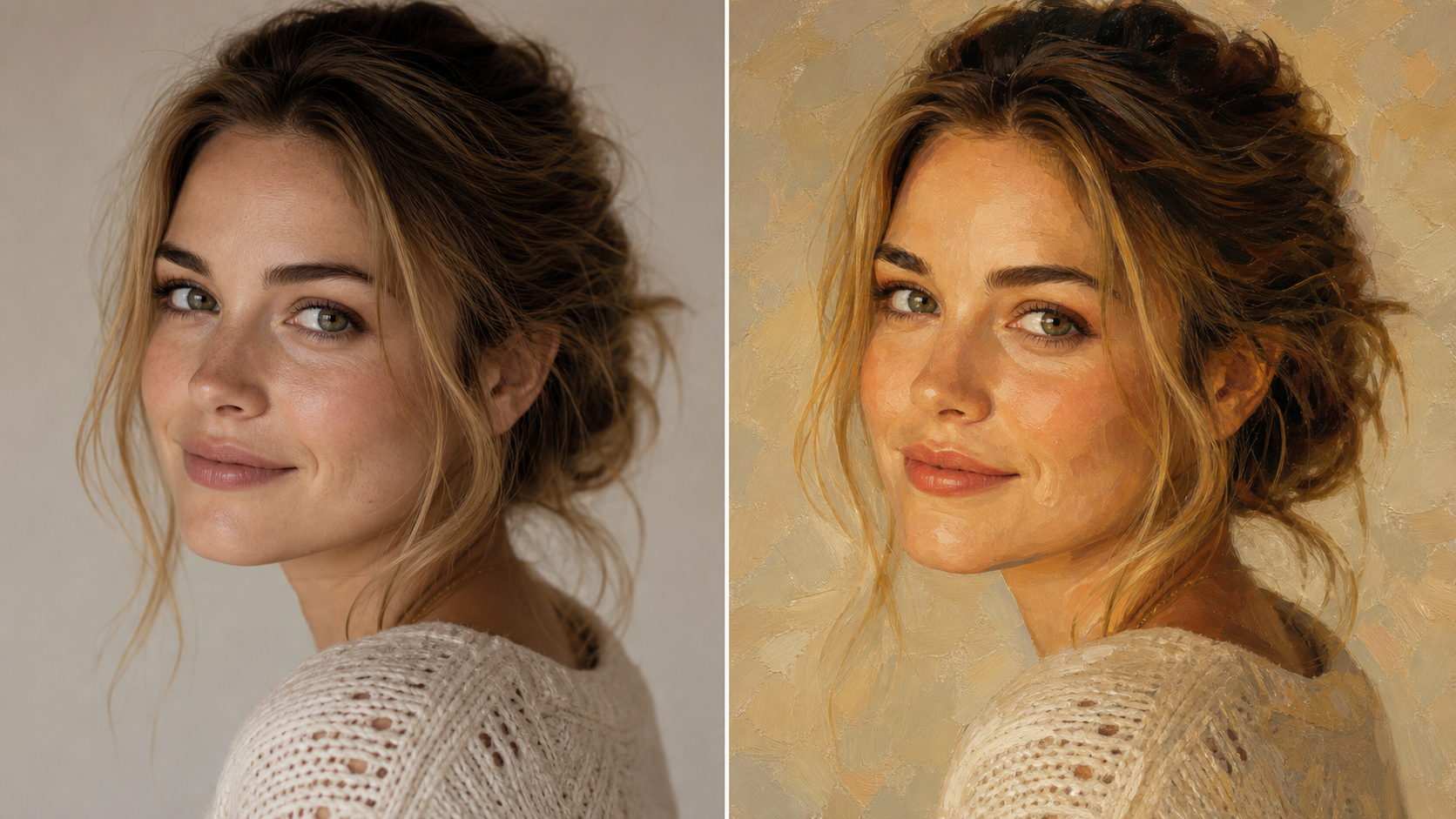
Portrait Artwork from Photos
- Photo to Painting can reinterpret selfies, headshots, couple photos, and family portraits as painterly artwork while keeping people recognizable.
- Use Photo to Painting when a portrait needs a warmer, more crafted finish for profile art, keepsakes, invitations, or personal creative projects that Turn Picture Into Painting with care.
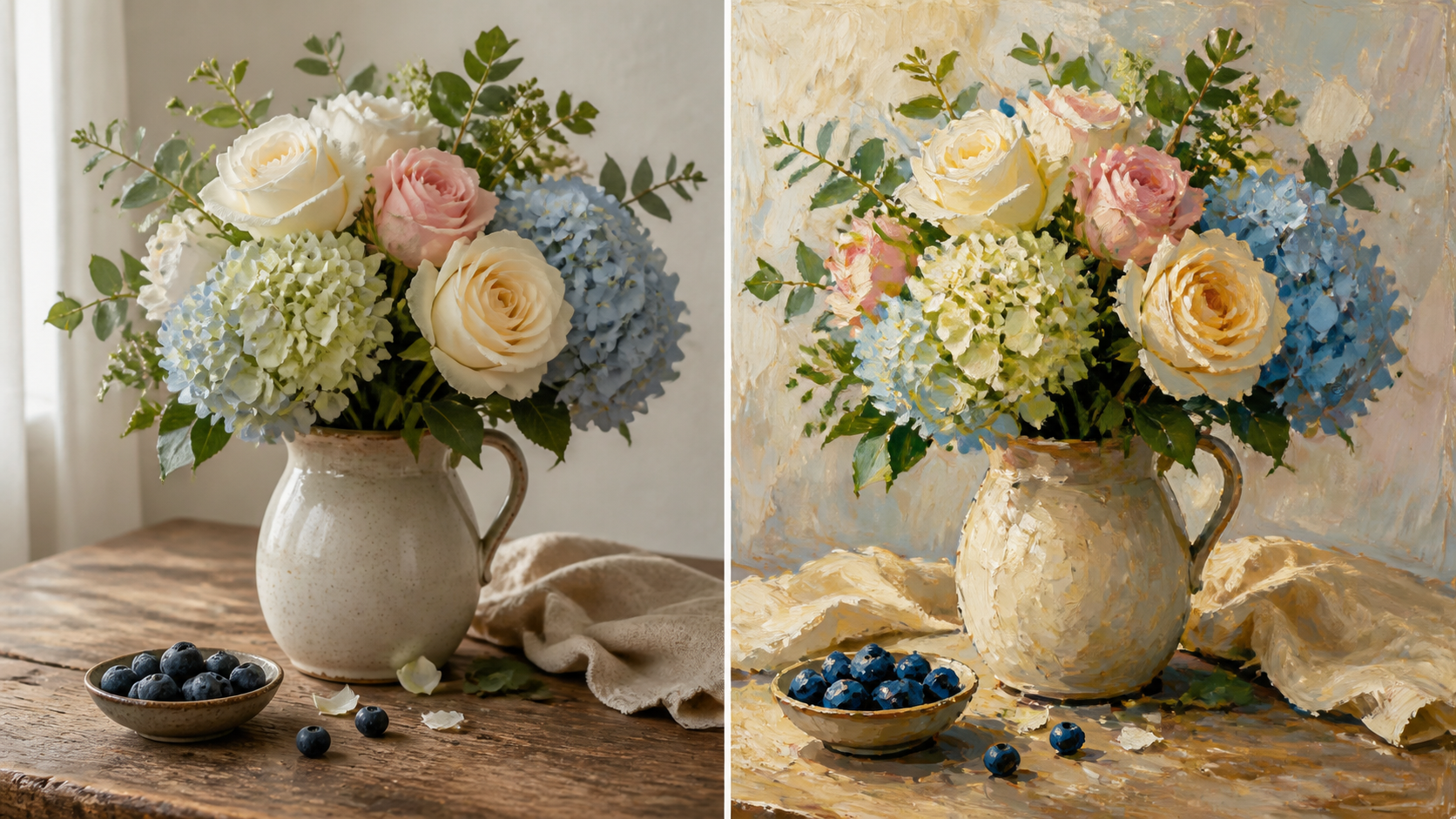
Brush Texture and Color
- Photo to Painting can turn natural shadows, fabric, hair, skies, foliage, and surface detail into visible brush-inspired texture.
- Use Photo to Painting when you want color depth, painterly edges, and a composition that can Turn Picture Into Painting for display, sharing, or ideation.
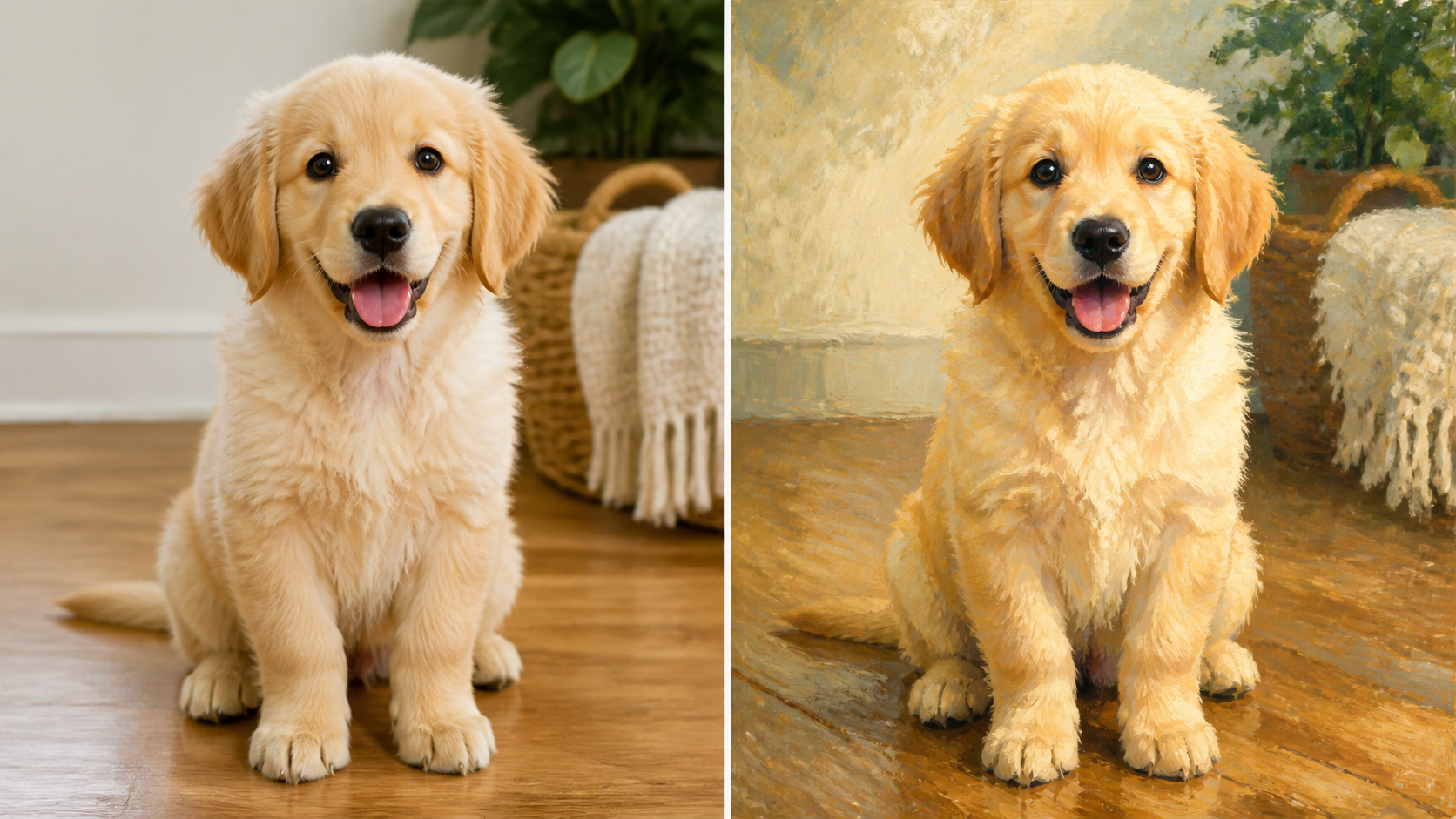
Pets, Places, and Objects
- Photo to Painting is not limited to people. It can reinterpret pets, rooms, flowers, food, vehicles, product photos, and landscape scenes.
- A strong Photo to Painting result keeps the subject silhouette, important colors, and scene layout while simplifying busy areas into paintable forms.
- Choose Photo to Painting when ordinary images need a more personal, giftable, or gallery-inspired look that still reflects the uploaded picture.
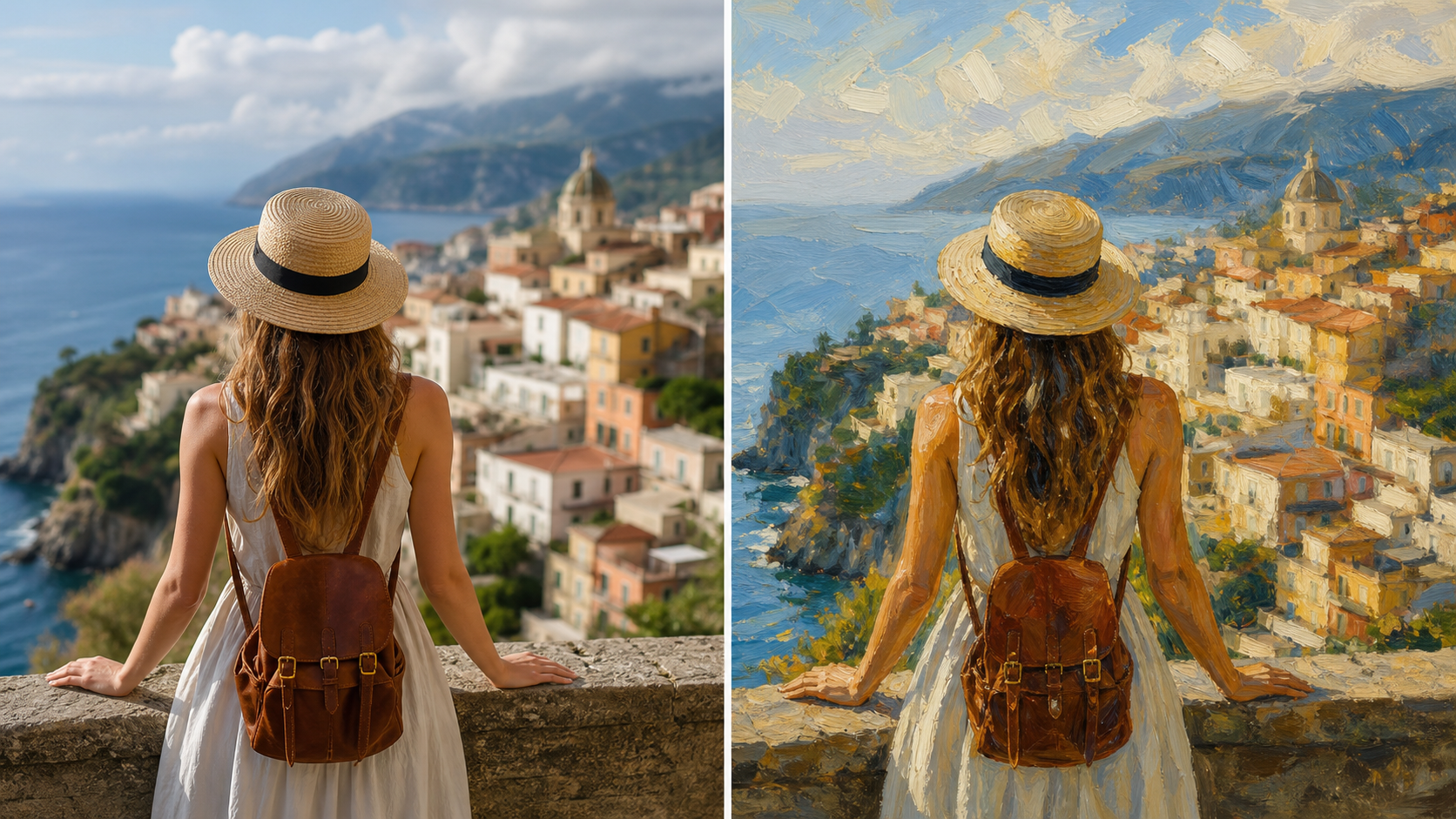
Creative Direction from Photos
- Photo to Painting gives designers, sellers, teachers, artists, and content teams a fast way to explore a painterly direction from existing visuals.
- Use Photo to Painting before commissioning, redrawing, or rebuilding a scene by hand, especially when you need to Turn Picture Into Painting for review.
Why Choose Photo to Painting
Photo to Painting is practical for creators who want recognizable photo edits with artistic surface quality. Photo to Painting supports portraits, pets, landscapes, products, social images, gifts, and creative references.

Create Portraits with a Painted Feel
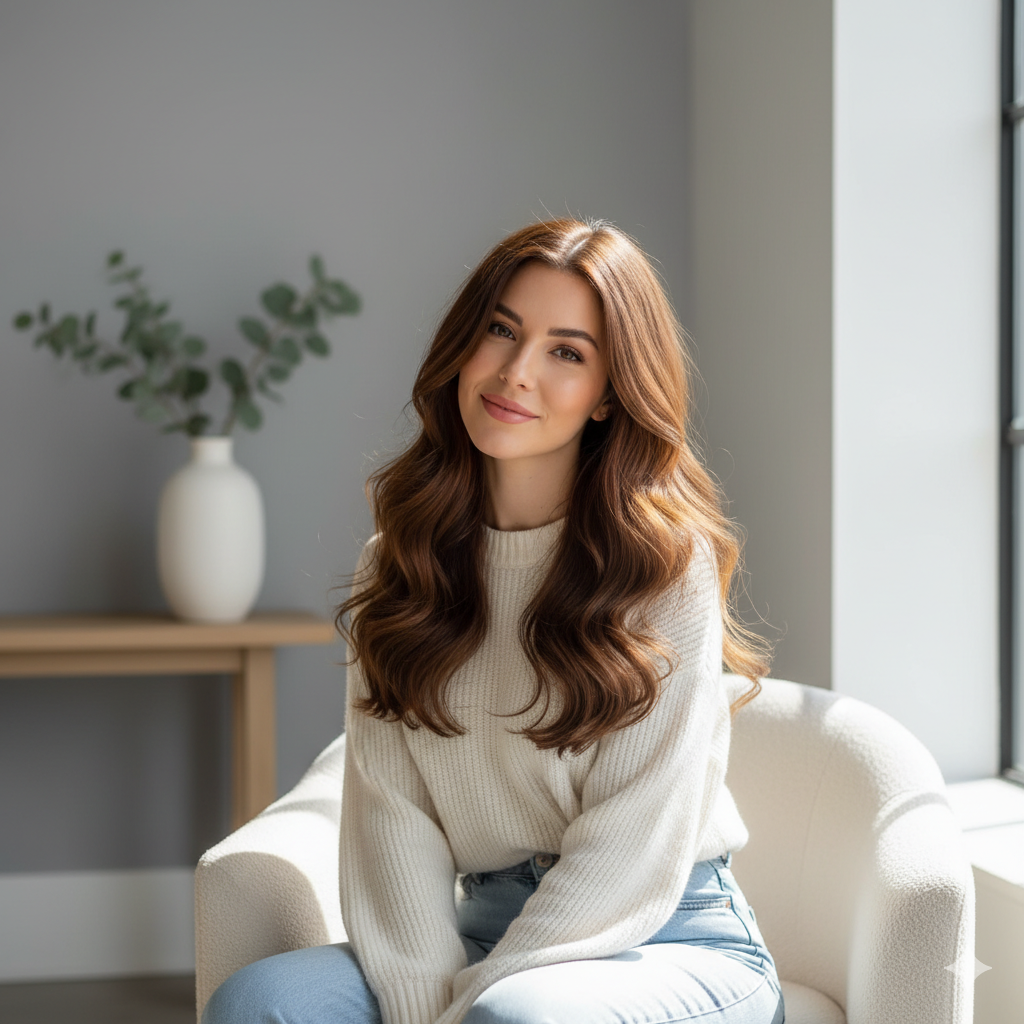
A personal portrait can feel more memorable when it looks painted rather than photographed. Photo to Painting can transform a clear face image into artwork with softer edges, richer color, and a more crafted mood. Use it for creator avatars, couple art, family keepsakes, profile refreshes, or thoughtful visual gifts where recognition still matters.

Make Pet Photos More Giftable
Pet images often carry personality through eyes, fur pattern, posture, and silhouette. Photo to Painting can reinterpret a dog, cat, horse, or other animal as painted artwork while keeping those details readable. The result can support memorial concepts, framed previews, social posts, custom merchandise ideas, and personal galleries that Turn Picture Into Painting with warmth.

Turn Landscapes into Art References
Travel scenes, gardens, skylines, interiors, and nature photos can become more expressive with painterly color and texture. Photo to Painting can keep the major perspective and lighting while simplifying noise into larger visual masses. Use the workflow for mood boards, wall-art ideas, trip albums, story references, and scenic experiments that feel more intentional.

Explore Product and Merch Concepts
Products, packaging, fashion items, food shots, and handmade goods can gain a more editorial quality after a painting pass. Photo to Painting can soften hard photo realism and make a subject feel suitable for posters, mockups, or campaign exploration. The AI converter helps teams study visual direction before final layout work.
Build Social Visuals from Real Photos
Social feeds often need images that feel distinct but still personal. Photo to Painting can take a real photo and give it a more illustrated presence for posts, banners, thumbnails, and profile updates. Use the tool when you want content to feel more crafted without inventing a completely unrelated scene from text alone.

Prepare Creative Studies and Class Materials
Teachers, students, and artists can use Photo to Painting to study how color, composition, and surface texture change the mood of a source image. It can help compare a photograph with a painted interpretation before manual drawing or critique. Turn Picture Into Painting when you need a quick reference for discussion, ideation, or practice.
What Users Say About Photo to Painting
Creators use Photo to Painting for portraits, pet art, travel scenes, lessons, product concepts, and social visuals. Photo to Painting gives them painterly results without abandoning the uploaded image completely.
Photo to Painting helped me turn a plain portrait into artwork that still looked like the person in the upload. The brush texture made the image feel warmer, and the AI Photo to Painting Converter gave me a strong direction before I designed the final profile layout.
Photo to Painting helped me turn a plain portrait into artwork that still looked like the person in the upload. The brush texture made the image feel warmer, and the AI Photo to Painting Converter gave me a strong direction before I designed the final profile layout.
I used Photo to Painting for pet keepsake previews, and the results were much easier for customers to imagine as framed art. Being able to Turn Picture Into Painting while keeping the animal expression recognizable made each concept feel personal instead of generic.
I used Photo to Painting for pet keepsake previews, and the results were much easier for customers to imagine as framed art. Being able to Turn Picture Into Painting while keeping the animal expression recognizable made each concept feel personal instead of generic.
Photo to Painting became useful for travel storyboards because it changed ordinary snapshots into a consistent painted mood. The tool preserved the scene layout, but the color and brush treatment made the images easier to place together on a concept board.
Photo to Painting became useful for travel storyboards because it changed ordinary snapshots into a consistent painted mood. The tool preserved the scene layout, but the color and brush treatment made the images easier to place together on a concept board.
The AI Photo to Painting Converter helped my class compare photographic detail with painterly simplification. Students could see which shapes, shadows, and colors mattered most, then use the Photo to Painting result as a reference for their own studies.
The AI Photo to Painting Converter helped my class compare photographic detail with painterly simplification. Students could see which shapes, shadows, and colors mattered most, then use the Photo to Painting result as a reference for their own studies.
Photo to Painting gave our product images a softer editorial style for early campaign mockups. We did not need a final illustration yet; we needed a fast visual test that kept the object clear while giving it more artistic character.
Photo to Painting gave our product images a softer editorial style for early campaign mockups. We did not need a final illustration yet; we needed a fast visual test that kept the object clear while giving it more artistic character.
I like using Photo to Painting when a photo feels too literal for a post. The tool helps me Turn Picture Into Painting for a more handmade look, but the finished image still feels tied to the moment I captured.
I like using Photo to Painting when a photo feels too literal for a post. The tool helps me Turn Picture Into Painting for a more handmade look, but the finished image still feels tied to the moment I captured.


FAQs About Photo to Painting
These answers explain how Photo to Painting works, which images suit it, and how Photo to Painting can help creators turn uploaded pictures into recognizable painting-style artwork with clearer expectations.
Photo to Painting is an image transformation tool that turns an uploaded photo into painting-style artwork. Instead of creating an unrelated picture from text, it uses your source image as the foundation. The model studies the subject, composition, color, lighting, and background context, then creates a painterly version with brush texture and softened detail while keeping the result visually connected to the original.
Photo to Painting works best with images that have a clear subject, balanced exposure, and enough visible detail for the model to understand forms and edges. Portraits, pets, products, flowers, buildings, food, rooms, and landscapes can all work well. Very dark, blurry, crowded, or heavily cropped images may still transform, but cleaner inputs usually create cleaner painting-style results. Simple backgrounds also help the painted surface stay organized.
The AI Photo to Painting Converter should preserve the main subject, facial identity when present, pose, camera angle, clothing, object shape, scene layout, and important background cues. It changes the medium and texture, not the core meaning of the upload. A good Photo to Painting result should look painted while still feeling clearly based on your original image. That continuity makes the edit easier to trust.
You can use Photo to Painting for profile art, custom gift previews, pet portraits, travel memories, wall-art ideas, social posts, mood boards, classroom studies, and creative direction. It is especially useful when you want a recognizable subject with a more artistic surface. Turn Picture Into Painting when a normal photo feels too literal but a full manual illustration is not needed.
Photo to Painting is different from a text-to-image workflow because the upload controls the subject and composition. A text prompt might invent a new scene, while Photo to Painting starts from your real picture and applies a painting transformation to it. This makes the tool better suited for portraits, pets, products, places, and keepsakes where recognizability matters. The source image remains the creative anchor throughout.
The final look can vary because every source image has different lighting, contrast, color, texture, and background complexity. Photo to Painting may emphasize brush texture in one picture and softer color blending in another. For stronger results, use a photo with a visible subject, avoid heavy blur, and choose an image where the most important details are not hidden in shadow.
For a better Photo to Painting result, choose a source image with readable edges, clean lighting, and a subject that is not buried in clutter. If the first output feels too busy, try a simpler crop or a picture with more contrast. When you Turn Picture Into Painting, small input improvements can make the final brushwork and structure easier to read.
Use the AI Photo to Painting Converter when you already have a photo that carries the person, pet, place, or object you want to keep. It can help you explore a painted direction before making posters, gifts, storyboards, social graphics, or classroom references. Review the result carefully and combine it with your own design workflow when preparing final materials. That keeps exploration practical without skipping normal review.
Create Painted Artwork from Your Photo
Upload an image and use Photo to Painting to create a painterly version with recognizable subject detail. Photo to Painting helps you Turn Picture Into Painting for portraits, gifts, social visuals, and creative references.
