
AI Image Tools
Everything You Need to Edit Photos Faster
Open the PicEditor AI tools library for background removal, photo enhancement, object cleanup, face swap, upscaling, and more focused image workflows.

Eyeliner Filter

AI Bust Down Filter

Image Splitter

Add White Background to Photo

Snapchat Text Remover

Realistic AI Skin Generator

Add speech bubble to photo

Change Photo Background

AI Clothes Wrinkle Remover

AI LinkedIn Profile Picture

GPT Transparent BG Image Editor

Image to Layers

3D Angle Editor

Change Background of Photo
Add Text to Image
Speech Bubble Meme Generator
AI Image Darkener
AI Vignette Effect
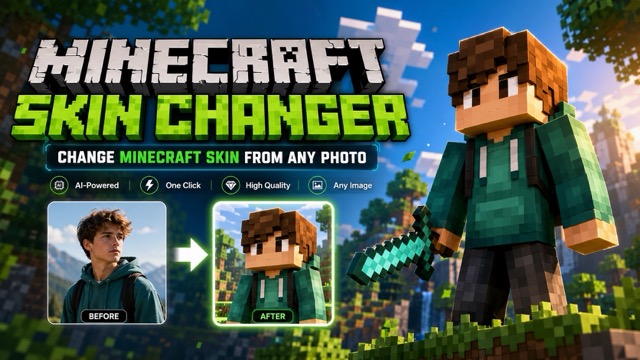
AI Change Minecraft Skin
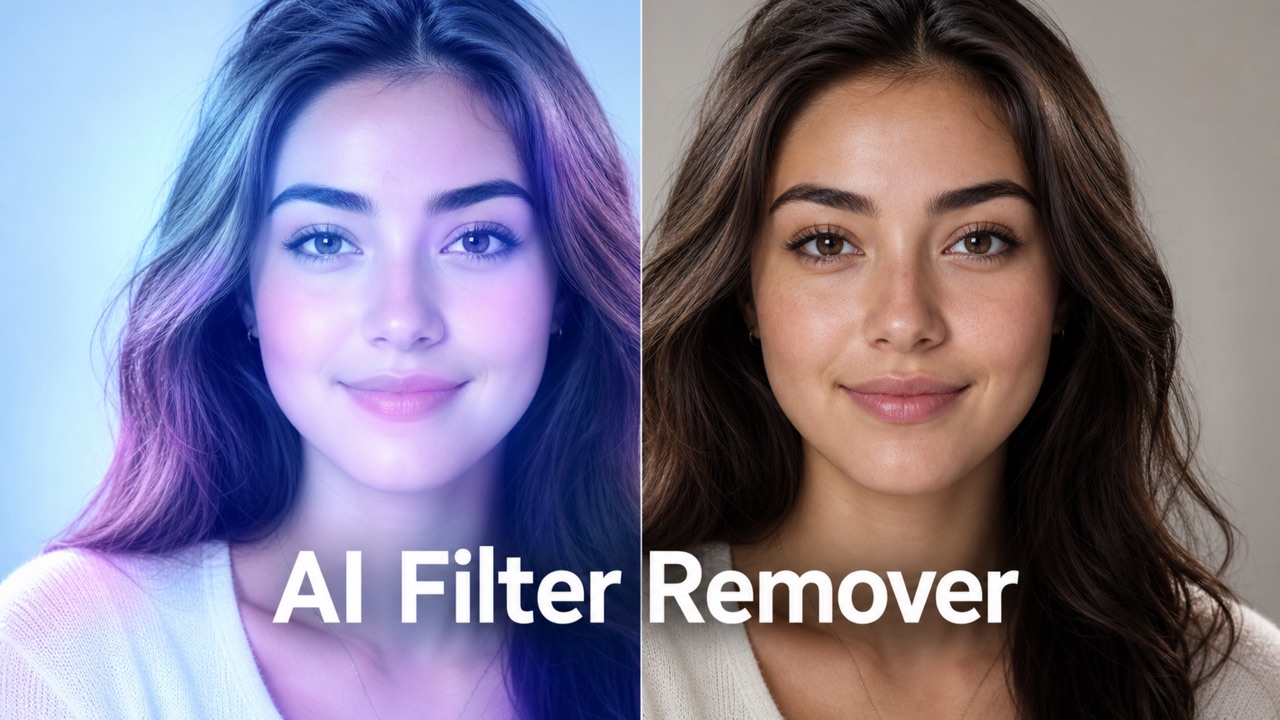
Remove Color From Image
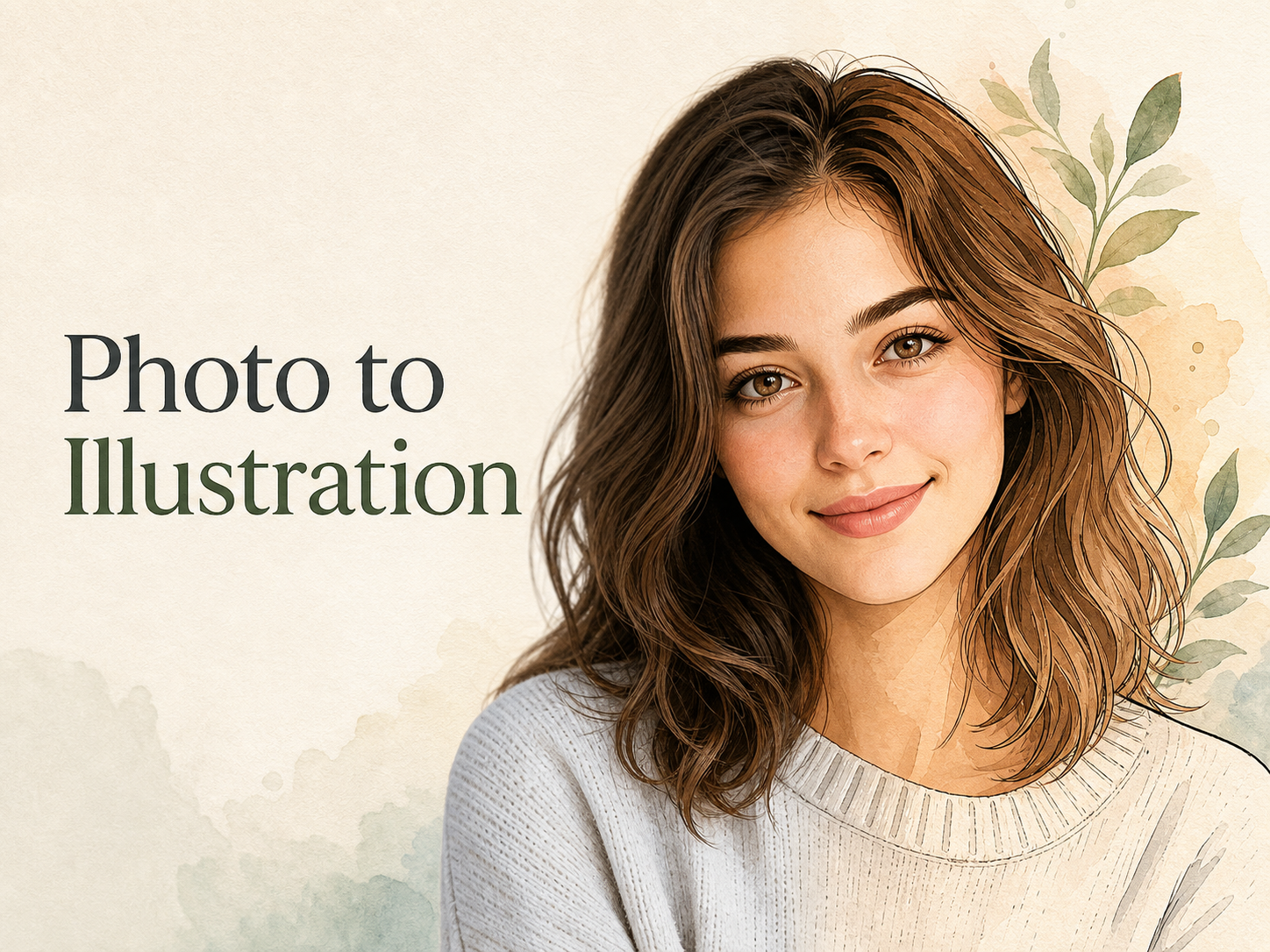
Photo to Illustration
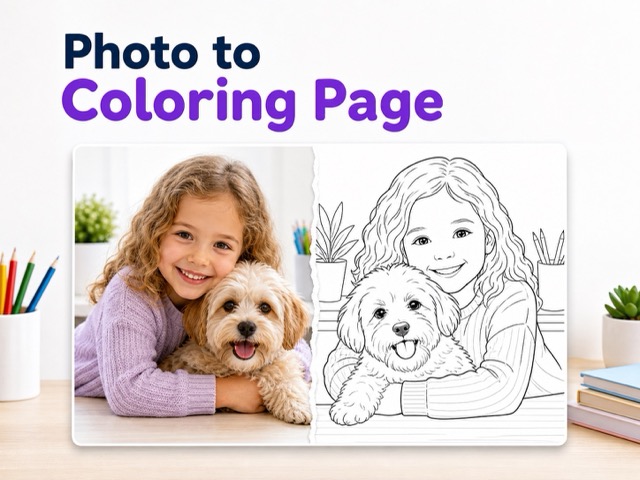
Photo to Coloring Page
convert portrait picture to landscape
Photo to Silhouette
Photo to Sketch for Clean Hand-Drawn Image
Let Photo to Sketch turn the subject, light, and composition into sketch artwork.
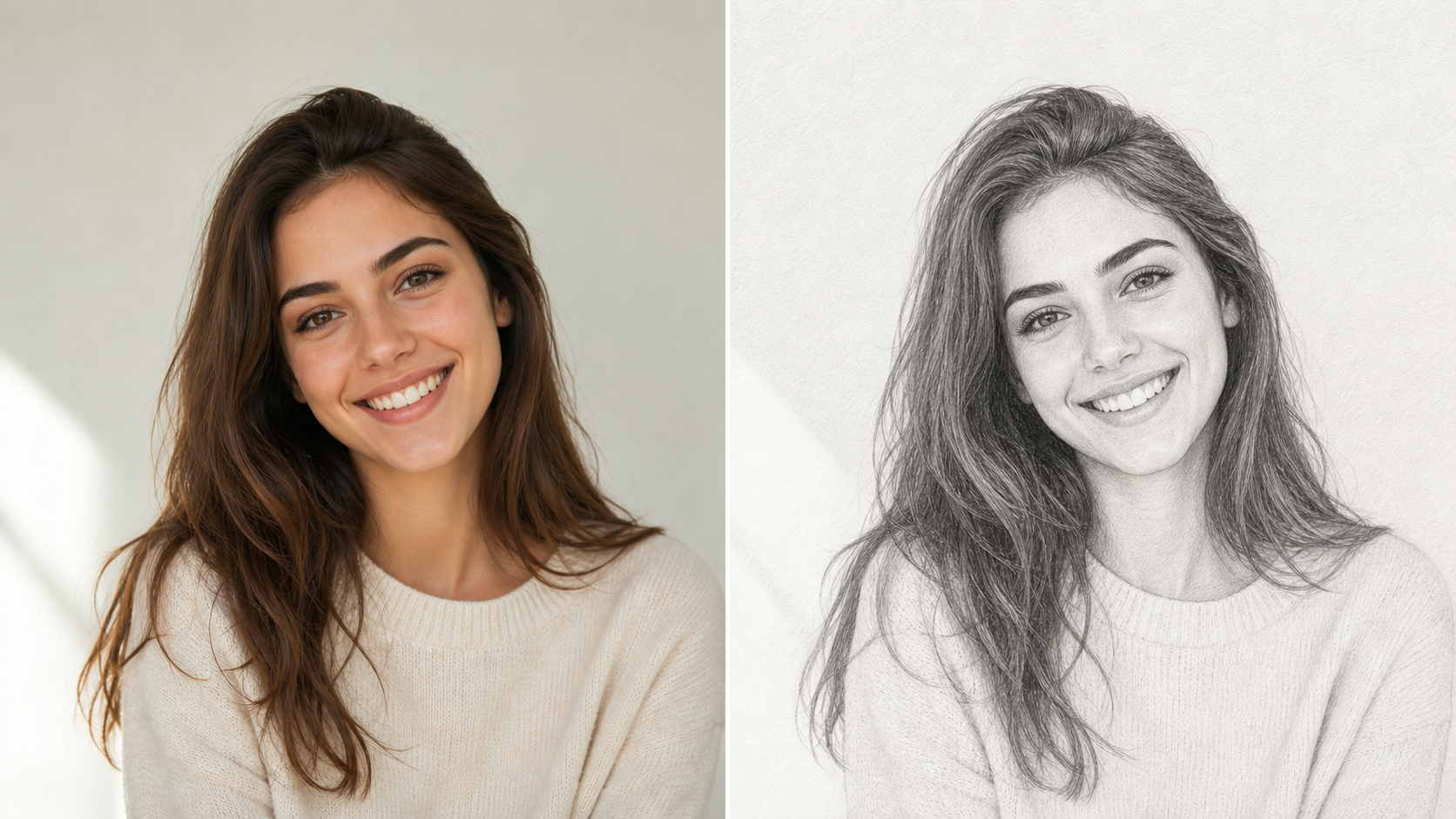
Photo to Sketch helps creators turn uploaded images into clean sketch artwork while keeping the important subject recognizable. Use Photo to Sketch for portraits, product ideas, pet images, travel scenes, and visual concepts that need a hand-drawn finish.
How to Use Photo to Sketch
Photo to Sketch keeps the workflow focused: upload a source image, generate a sketch interpretation, then review the result. The tool is built around recognizable subjects and clean drawing-style output.

Upload a Clear Photo
Start the Image to Sketch AI workflow with an image that shows the subject, lighting, edges, and background context clearly. Photo to Sketch works best when the face, object, pet, or scene is easy to read, because the model can preserve the original structure while translating detail into sketch marks. A cleaner source gives the sketch more stable edges and values.
Generate the Sketch Look
After upload, Photo to Sketch studies contours, shadows, textures, and spatial relationships before creating a drawing-inspired result. Image to Sketch AI can simplify clutter, emphasize useful outlines, and turn tonal changes into pencil-like shading while keeping the main composition connected to the source image. This keeps the result useful for design review, art study, and polished visual planning without overloading it with unnecessary detail.

Review and Use the Artwork
Compare the uploaded photo with the new sketch and choose the version that best fits your project. Photo to Sketch AI is useful for profile art, study references, mood boards, handmade-style content, gift concepts, and creative drafts that need a recognizable but more artistic image. Because the subject remains familiar, the artwork can move into design work with fewer extra corrections.
Features of Photo to Sketch
Photo to Sketch combines source-photo preservation with a clear drawing treatment. It helps turn portraits, objects, pets, and scenes into sketch-style visuals with contours, shading, texture, and controllable visual emphasis.
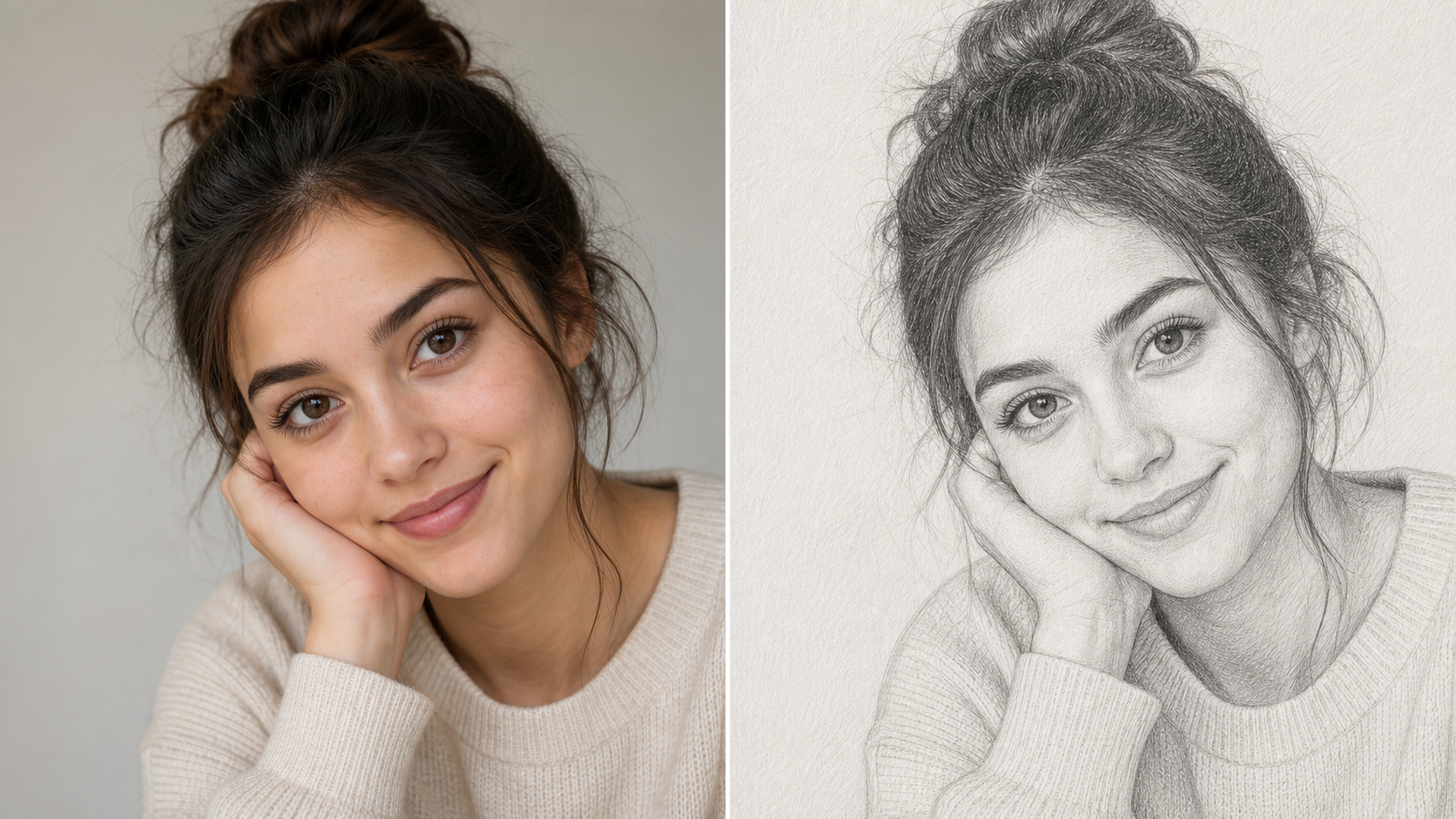
Photo to Sketch for Portraits
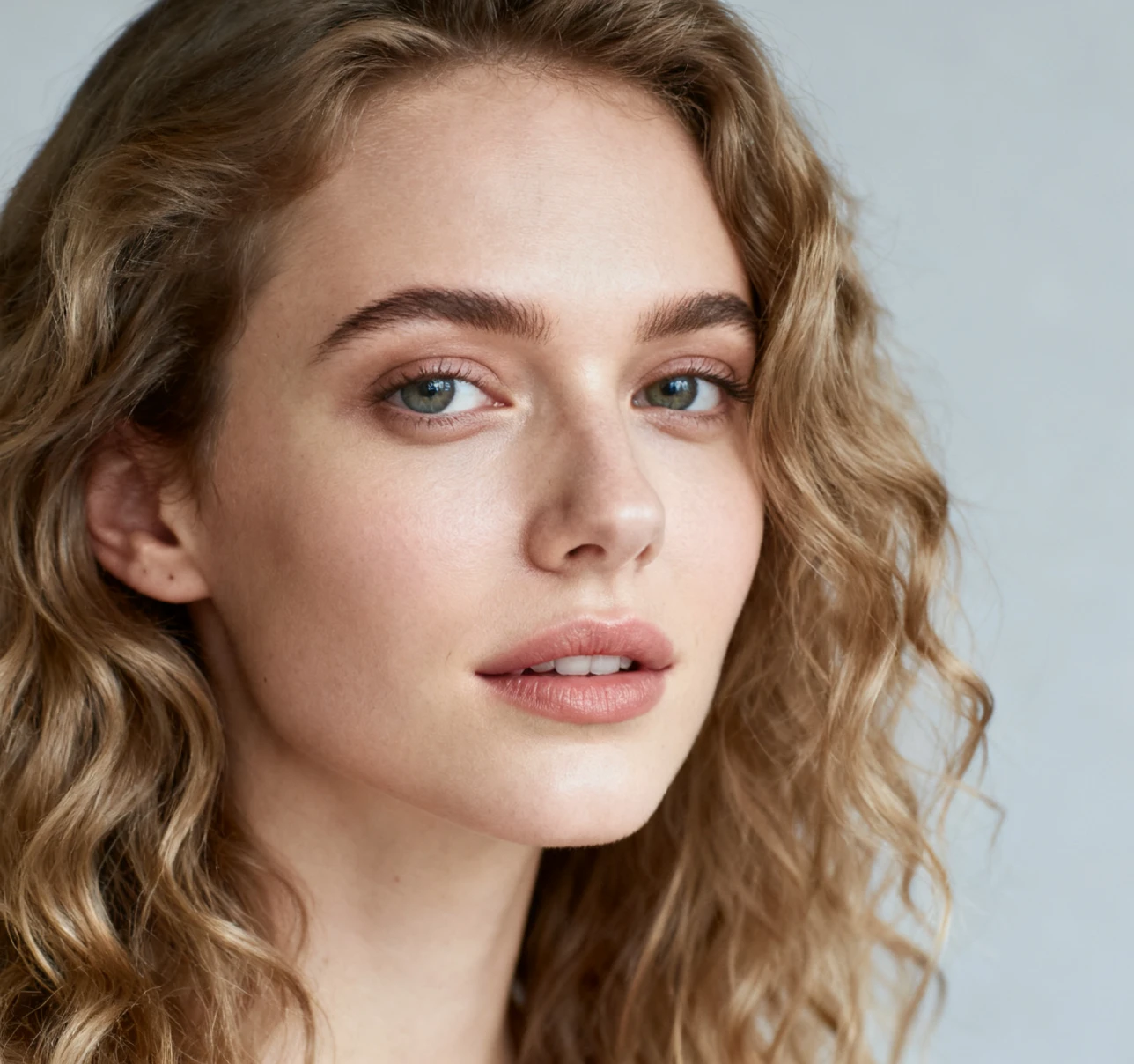
- Photo to Sketch can reinterpret selfies, headshots, and profile images as pencil-style artwork while keeping the person recognizable.
- The AI Photo to Sketch Converter should preserve face shape, expression, hair silhouette, clothing, pose, and camera angle.
- Use Photo to Sketch when a portrait needs a softer hand-drawn look for avatars, creator pages, concept boards, or personal art experiments. This balance makes the image easier to reuse.
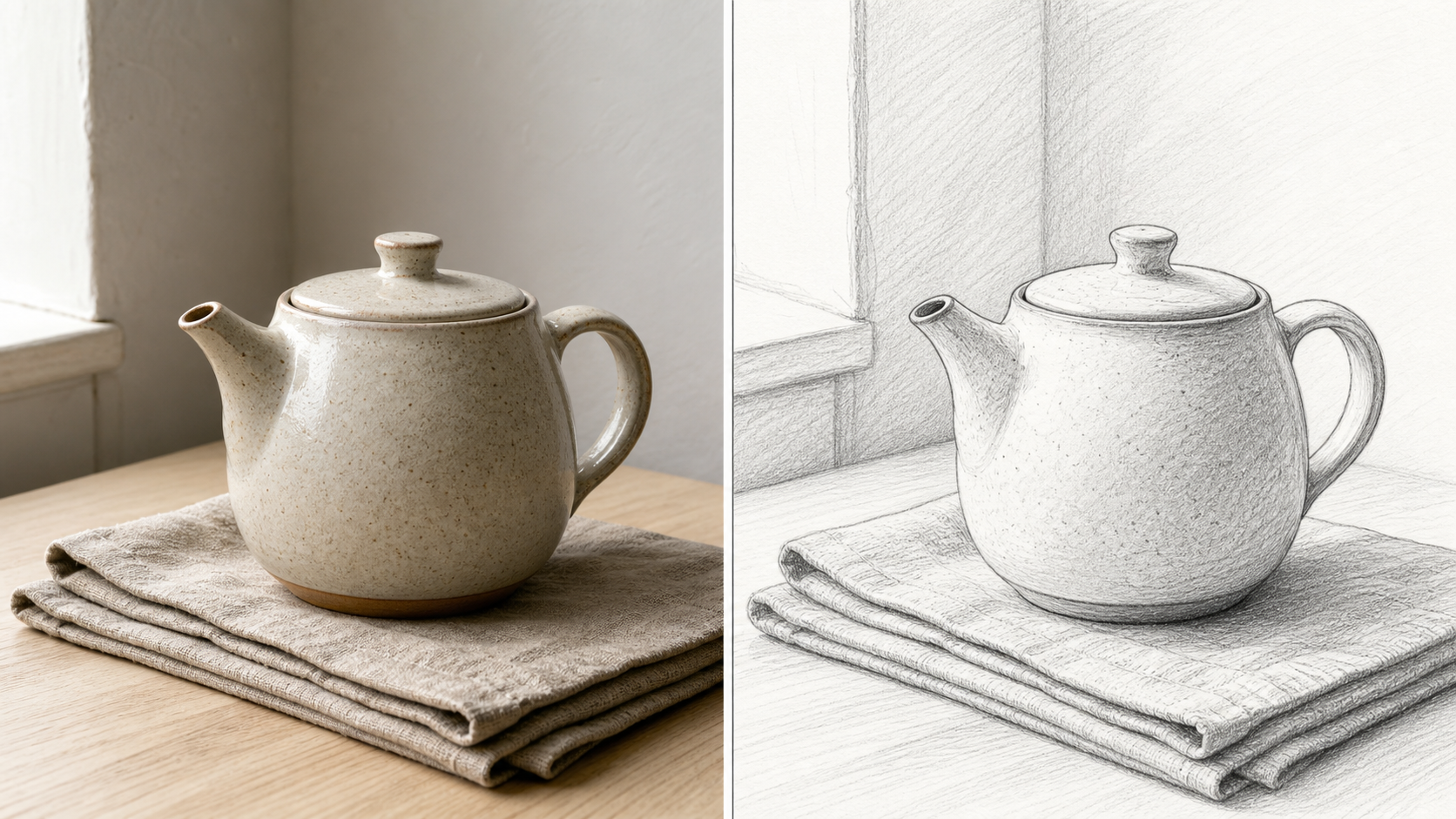
Photo to Sketch for Clean Line Detail
- Photo to Sketch can turn strong edges, fabric folds, architecture, hair texture, and product contours into readable sketch detail.
- Image to Sketch AI helps reduce visual noise so the drawing feels intentional rather than copied from a filter.
- Use Photo to Sketch when you want outline clarity, light shading, and a crafted image that still reflects the uploaded photo. The result can feel detailed without becoming visually crowded.
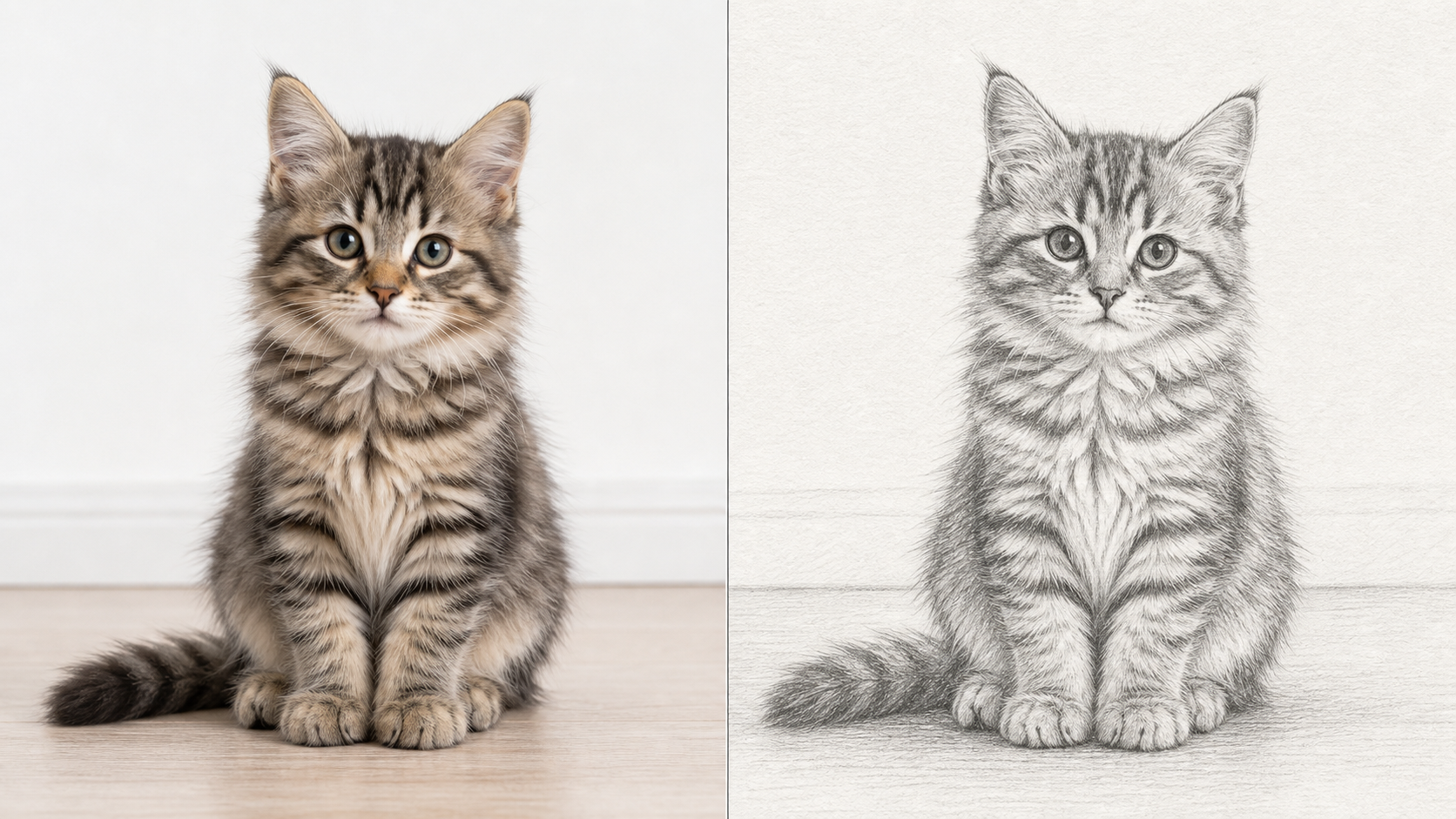
Photo to Sketch for Pets, Products, and Scenes
- Photo to Sketch is not limited to faces. It can reinterpret pets, shoes, food, room details, travel photos, flowers, vehicles, and simple landscapes.
- Photo to Sketch AI should keep important shapes and scene cues while simplifying busy areas into drawing-friendly structure.
- Choose Photo to Sketch when ordinary images need a more personal, handmade, or editorial feeling. This gives everyday subjects a more intentional creative finish.
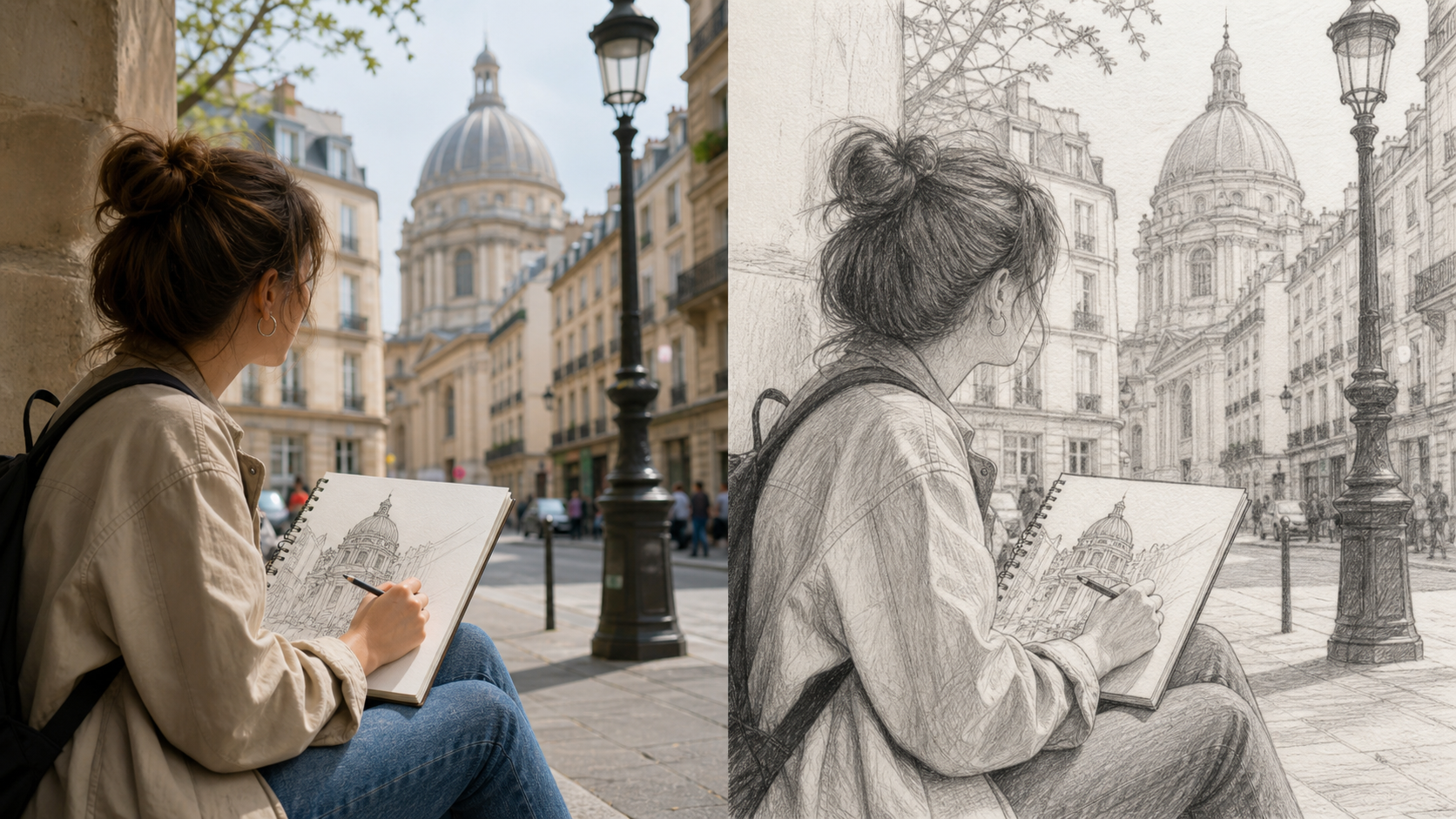
Photo to Sketch for Creative Drafts
- Photo to Sketch gives designers, artists, teachers, and creators a fast way to explore a sketch direction from existing visuals.
- The AI Photo to Sketch Converter can help create references for layouts, covers, lesson materials, mood boards, and campaign concepts.
- Use Photo to Sketch before spending time tracing, redrawing, or rebuilding a composition by hand. The result can support quick review before deeper production.
Why Choose Photo to Sketch
Photo to Sketch is practical for creators who want recognizable photo edits with a hand-drawn finish. Photo to Sketch supports portraits, products, pets, references, and storytelling visuals across everyday creative projects.

Create Profile Art with a Softer Feel
A profile image can feel more personal when it looks drawn instead of photographed. Photo to Sketch can transform a clear portrait into a cleaner avatar concept with preserved expression, hair shape, and face structure. Photo to Sketch is useful for creator pages, community profiles, personal branding, and visual refreshes. The drawn finish can make the image feel warmer and less formal.

Turn Product Photos into Concept Art
Products, accessories, packaging, and handmade items often benefit from a drawing pass during early presentation. Photo to Sketch can simplify reflections, edges, and surfaces into sketch-friendly structure. Image to Sketch AI helps teams explore how a product could look in a more editorial, storyboard-like, or craft-focused context. The result can sit beside sketches, notes, and early layout options during review.

Make Pet Photos Feel Giftable
Pet portraits usually have expressive eyes, distinct fur patterns, and memorable silhouettes. Photo to Sketch can turn those details into a warm drawing-style image that feels more personal than a standard snapshot. Photo to Sketch AI is useful for custom gift previews, social posts, keepsake concepts, and creative pet galleries. The output can support previews before choosing a final design direction.

Prepare Visual References for Drawing
Artists and students often study photos by looking for contour, value, and simplified form. Photo to Sketch can turn a reference image into a more drawing-focused version that highlights structure. The AI Photo to Sketch Converter can help users study shape relationships before making their own manual sketch. That makes the reference easier to discuss during critique or team review.
Build Mood Boards and Story Concepts
Mood boards can look more unified when photographic references share a consistent sketch language. Image to Sketch AI can help transform mixed source images into related visual material with cleaner lines and toned shading. Use Photo to Sketch for storyboards, classroom visuals, editorial planning, and art direction drafts. The shared style can make scattered references feel easier to compare quickly.

Give Travel and Lifestyle Images a Hand-Drawn Finish
Landmarks, interiors, food scenes, outfits, and travel snapshots can become more memorable with a sketch treatment. Photo to Sketch can keep the original scene readable while replacing photo realism with textured strokes. Image to Sketch AI is helpful when a lifestyle image needs a calmer, more illustrative tone. This helps everyday moments feel ready for journals, boards, or concepts later.
What Users Say About Photo to Sketch
Creators use Photo to Sketch for portraits, product concepts, pet art, lessons, and mood boards. Photo to Sketch gives them recognizable source-based artwork with a cleaner drawn finish without manual redrawing.
Photo to Sketch helped me turn a plain headshot into a softer creator image without losing the face. The linework kept the portrait recognizable, and the sketch texture gave me a better direction for profile art than another standard cropped photo.
Photo to Sketch helped me turn a plain headshot into a softer creator image without losing the face. The linework kept the portrait recognizable, and the sketch texture gave me a better direction for profile art than another standard cropped photo.
I used Image to Sketch AI for product concept boards and it made our references feel more cohesive. The output simplified reflections and edges enough to discuss form, but it still looked connected to the original product photos we uploaded.
I used Image to Sketch AI for product concept boards and it made our references feel more cohesive. The output simplified reflections and edges enough to discuss form, but it still looked connected to the original product photos we uploaded.
Photo to Sketch is useful when I need gift ideas from customer pet photos. The sketches kept the animals expressive and recognizable, while the drawn texture made each preview feel more personal than a direct photo print.
Photo to Sketch is useful when I need gift ideas from customer pet photos. The sketches kept the animals expressive and recognizable, while the drawn texture made each preview feel more personal than a direct photo print.
The AI Photo to Sketch Converter gave my class a helpful bridge between photography and drawing. Students could see how light, contours, and proportions translated into sketch marks before attempting their own versions by hand.
The AI Photo to Sketch Converter gave my class a helpful bridge between photography and drawing. Students could see how light, contours, and proportions translated into sketch marks before attempting their own versions by hand.
Photo to Sketch AI helped me create early storyboard references from location photos. The results were cleaner than raw snapshots and easier to place into a mood board, especially when several scenes needed the same drawn tone.
Photo to Sketch AI helped me create early storyboard references from location photos. The results were cleaner than raw snapshots and easier to place into a mood board, especially when several scenes needed the same drawn tone.
Photo to Sketch became part of my concept workflow for editorial layouts. I can test whether a portrait or scene works as sketch-style art before committing to a detailed illustration or a full design pass.
Photo to Sketch became part of my concept workflow for editorial layouts. I can test whether a portrait or scene works as sketch-style art before committing to a detailed illustration or a full design pass.

FAQs About Photo to Sketch
Learn how Photo to Sketch works, which photos perform best, and how to use sketch-style results. Photo to Sketch is most effective with clear source images and recognizable subjects from first upload to final review.
Photo to Sketch is an image transformation tool that turns an uploaded photo into sketch-style artwork. Instead of asking you to draw from scratch, it uses the source image as the foundation and reinterprets visible details as contours, shading, and pencil-like texture. The goal is to preserve recognizable subject matter while giving the result a hand-drawn visual character. This keeps the workflow approachable.
Photo to Sketch works best with images that have a clear subject, readable lighting, and enough detail for the model to understand edges and form. Portraits, pets, products, flowers, buildings, food, interiors, and travel scenes can all work well. Very dark, blurry, crowded, or heavily cropped images may still transform, but the final sketch may lose important structure. Cleaner inputs usually give cleaner drawings.
Photo to Sketch AI should keep the subject, pose, composition, and important source details while changing the visual treatment. Faces should remain recognizable, objects should keep their silhouette, and scenes should retain their main layout. The sketch effect changes line quality, tonal shading, and texture, but the result should still feel connected to the uploaded photo. That balance is central to the edit.
Image to Sketch AI can be useful for social posts, profile images, handmade-style gifts, drawing references, product concept boards, editorial drafts, classroom materials, and mood boards. Because the workflow starts with an existing image, it is especially helpful when you want a recognizable subject with a more artistic look instead of a completely new generated scene. It also supports early visual exploration.
The AI Photo to Sketch Converter is designed for photo-based transformation, while a text-to-image generator creates a new image from written instructions. In this workflow, the uploaded photo provides the subject, composition, and visual evidence. That makes it better suited for turning a real portrait, product, pet, or scene into a sketch-style version. The source photo remains the creative anchor throughout.
Yes. Photo to Sketch can help with drawing practice because it makes contours, values, and shape relationships easier to study. You can compare the original photo with the sketch-style result and notice which edges matter most. It should not replace learning to draw, but it can give beginners and instructors a useful visual reference. It also encourages more deliberate observation.
For a stronger Photo to Sketch result, choose a source image with visible edges, balanced exposure, and a subject that is not hidden by heavy blur or clutter. A simple background often helps the model focus on the main shape. If the first result feels too busy, try a cleaner crop or a photo with clearer contrast. Small input changes can improve clarity.
Photo to Sketch is useful when a normal photo feels too literal but a full illustration would take too long to create manually. The tool can provide a sketch-style starting point for thumbnails, posters, storyboards, keepsakes, and design exploration. For final production, review the result carefully and combine it with your own layout or editing workflow. That makes it useful during early ideation.
Create Sketch Artwork from Your Photo
Upload an image and use Photo to Sketch to create a clean drawing-style version that keeps the subject recognizable. Photo to Sketch gives portraits, products, pets, and scenes a crafted visual finish.
