
AI Image Tools
Everything You Need to Edit Photos Faster
Open the PicEditor AI tools library for background removal, photo enhancement, object cleanup, face swap, upscaling, and more focused image workflows.
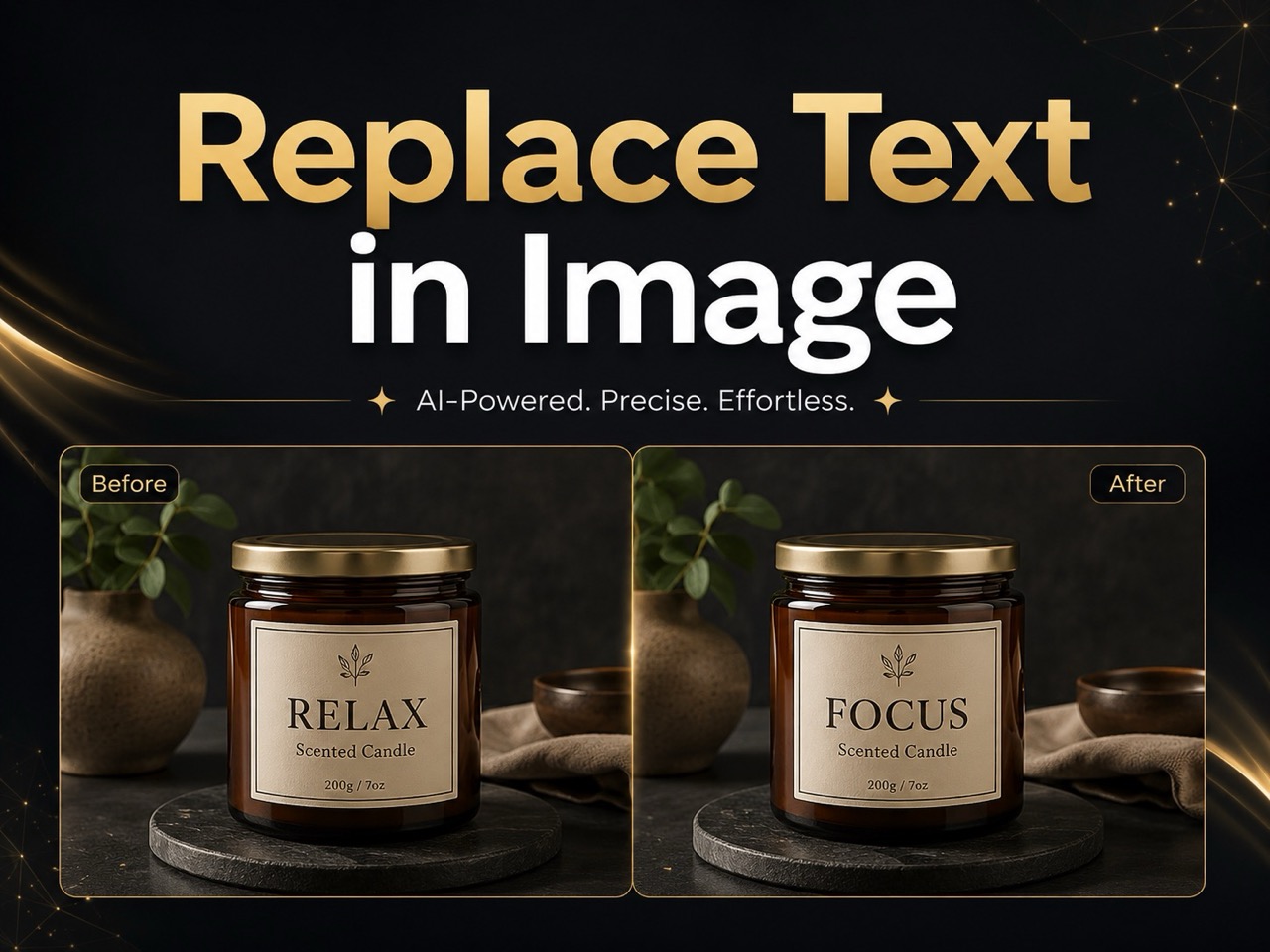
Replace Text in Image
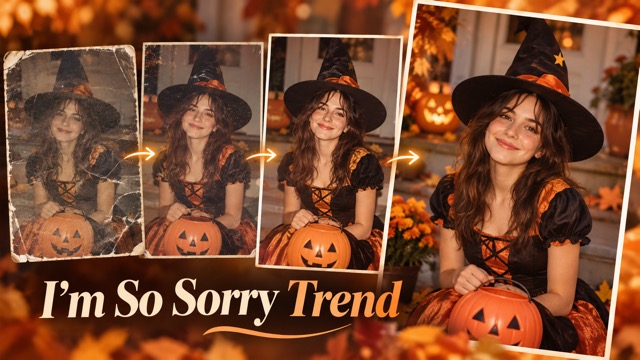
I'm So Sorry Trend AI Photo Editor
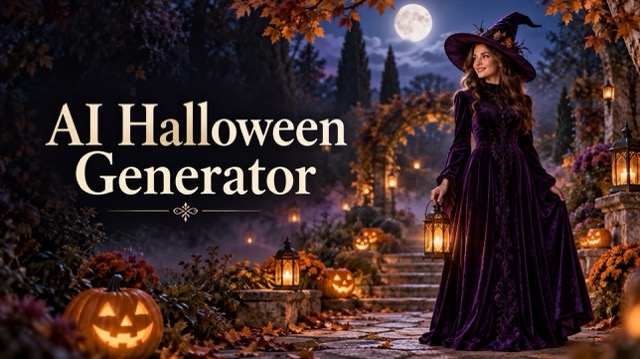
AI Halloween Generator
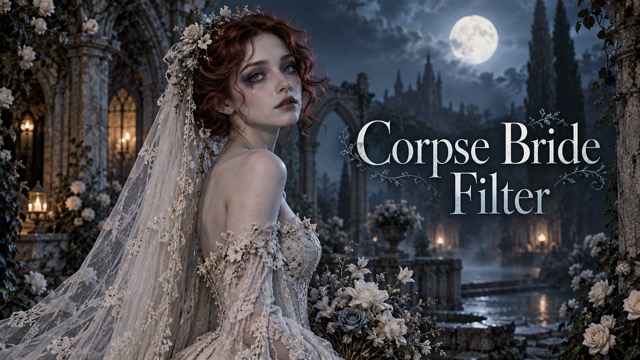
Corpse Bride AI Filter
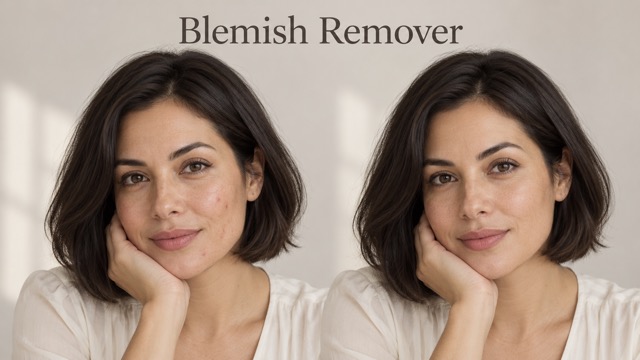
AI Blemish Remover
FLUX 3 Image Klein
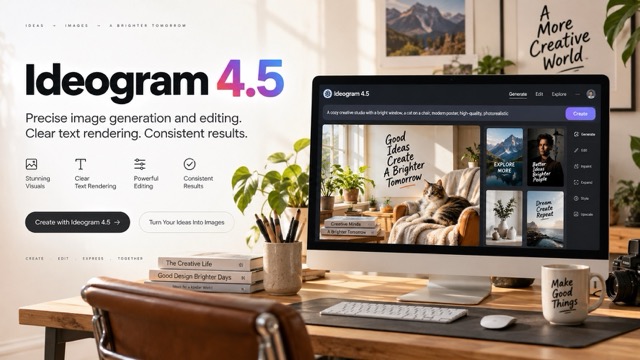
Ideogram 4.5

AI Portrait Retouching

Snatched Waist Editor

AI Facial Expression Changer

AI Texture Generator

AI Nose Piercing Filter

Replace Object in Photo Online

Add Object to Photo

Eyeliner Filter

AI Bust Down Filter

Image Splitter

Add White Background to Photo

Snapchat Text Remover

Realistic AI Skin Generator

Add speech bubble to photo

Change Photo Background

AI Clothes Wrinkle Remover

AI LinkedIn Profile Picture
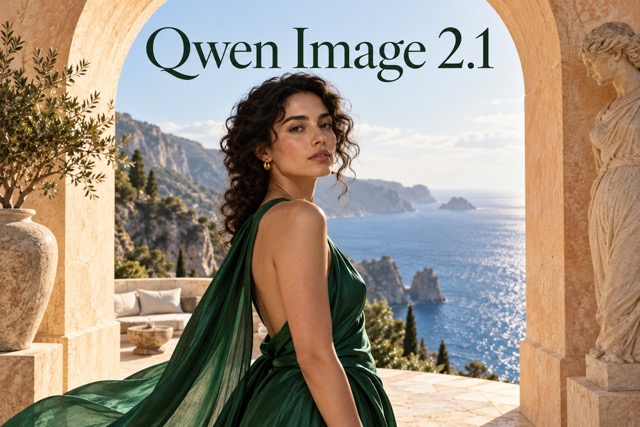
Qwen Image 2.1: Give Your Photos a New Direction
Explore Qwen image generator free options for creative image editing
Qwen Image 2.1 brings natural-language image editing and image creation together. Start with a photograph, describe a focused change, and explore a different visual direction. Looking for Qwen image generator free access? Check the current allowance and credit requirements before generating. With Qwen Image 2.1, a clear brief helps turn an everyday image into a considered composition. This PicEditor page currently uses Qwen Image Edit with one source image; the model overview below describes the separate 2.1 release.
How to Edit With Qwen Image 2.1
Use this four-step workflow to plan your Qwen Image 2.1 edit. If you arrived searching for Qwen image generator free, begin by checking the available account allowance. A thoughtful image editing experiment starts with one image and one clear goal.

Choose a Clear Source
Upload a sharp photograph with the subject fully visible. Avoid heavy compression and explain which details must remain unchanged. Use Qwen Image 2.1 with a specific visual goal. Make each Qwen image generator free trial informative by changing one variable at a time.

Describe the Change
Name the object, location, color, or lighting you want to change. For example: replace the wall with warm beige plaster while keeping the chair and camera angle. Use Qwen Image 2.1 with a specific visual goal. Make each Qwen image generator free trial informative by changing one variable at a time.

Generate a Variation
Review the available settings and credit cost, then submit your direction. Keep the first request focused so the result is easy to evaluate. Use Qwen Image 2.1 with a specific visual goal. Make each Qwen image generator free trial informative by changing one variable at a time.

Inspect and Refine
Compare the result with your source. Inspect faces, edges, lettering, and shadows; adjust the instruction if an important detail drifted. Use Qwen Image 2.1 with a specific visual goal. Make each Qwen image generator free trial informative by changing one variable at a time.
Explore the Editing Possibilities of Qwen Image 2.1
Qwen Image 2.1 combines several creative tasks in one model. These capabilities provide useful directions for a Qwen image generator free comparison; availability of particular controls and export formats depends on the interface. Evaluate Qwen image generator free results using your own source images.
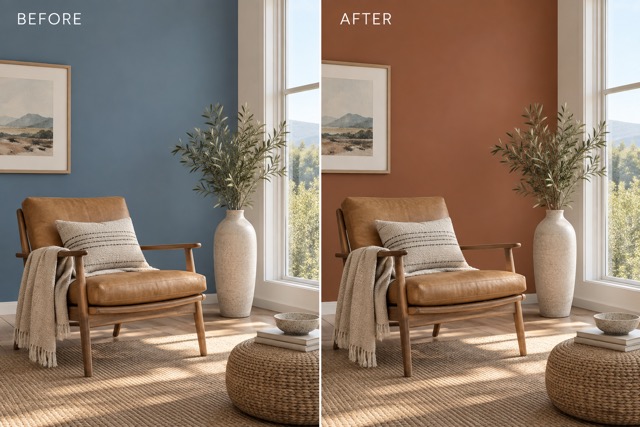
Qwen Image 2.1: Direct Local Changes
Ask for a different object color or a more suitable background while identifying what should stay. The official model supports localized editing, including annotated or masked directions. Available input controls determine which guidance you can provide here. Explore this direction with Qwen Image 2.1 when comparing Qwen image generator free options. For a useful image editing test, keep the desired result specific and review the finished image closely.
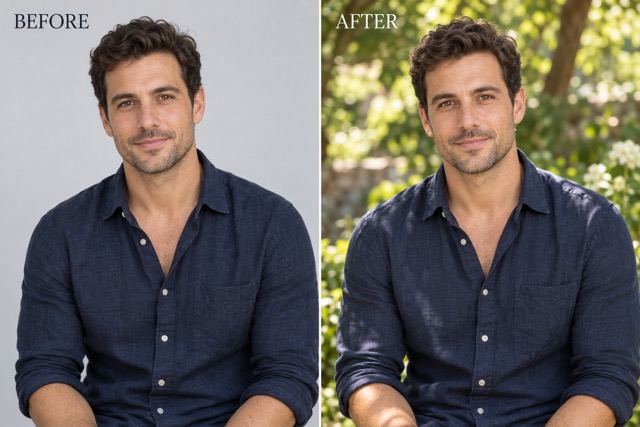
Qwen Image 2.1: Keep Subjects Recognizable
Describe the person or object that must remain recognizable, then specify the new setting. Clear references and restrained instructions help you evaluate identity, shape, and material continuity. Inspect the result instead of assuming every detail is preserved. Explore this direction with Qwen Image 2.1 when comparing Qwen image generator free options. For a useful image editing test, keep the desired result specific and review the finished image closely.
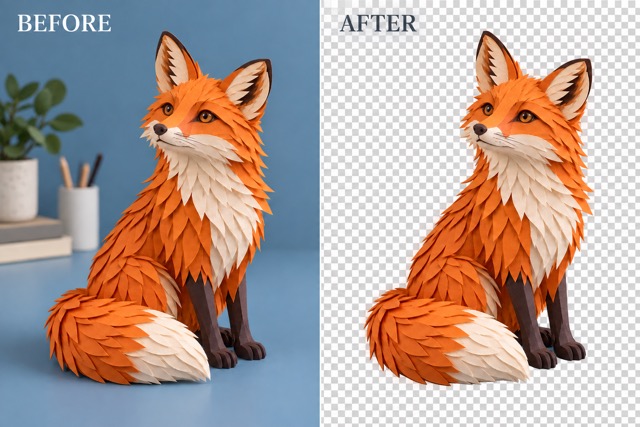
Qwen Image 2.1: Explore Transparent Assets
The official model supports transparent image generation and editing. This can help with isolated subjects and layered visual ideas. An actual alpha channel depends on the generation and export path; a checkerboard-looking background alone does not prove transparency. Explore this direction with Qwen Image 2.1 when comparing Qwen image generator free options. For a useful image editing test, keep the desired result specific and review the finished image closely.
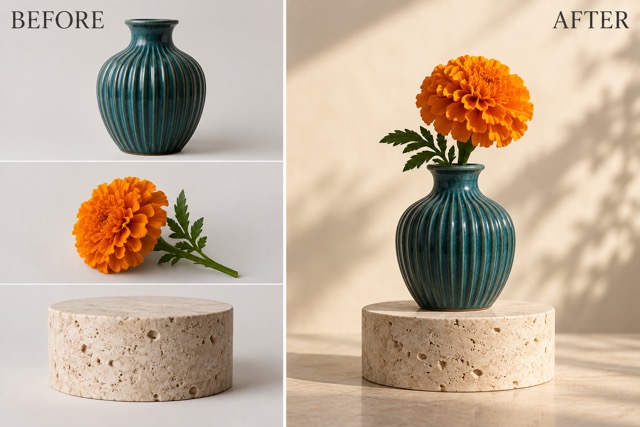
Qwen Image 2.1: Combine Visual References
The official model accepts up to ten reference images. That model limit is distinct from the upload allowance offered by an individual interface. Explain the role of each available reference and check perspective, scale, and lighting in the composition. Explore this direction with Qwen Image 2.1 when comparing Qwen image generator free options. For a useful image editing test, keep the desired result specific and review the finished image closely.
Creative Ideas for Qwen Image 2.1
Take Qwen Image 2.1 into a focused personal experiment. These five starting points help make a Qwen image generator free search practical: choose a subject, define the change, and compare the outcome. Keep your Qwen image generator free brief short enough to judge clearly.

Portrait Experiments
Try a softer background or a different lighting mood while naming the facial features and expression to preserve. Use Qwen Image 2.1 to explore the direction. When testing Qwen image generator free options, save your original brief; a repeatable image editing comparison makes strengths and limitations easier to spot.

Object Studies
Explore how a familiar ceramic vase or everyday accessory looks against different surfaces. Check its silhouette and material details. Use Qwen Image 2.1 to explore the direction. When testing Qwen image generator free options, save your original brief; a repeatable image editing comparison makes strengths and limitations easier to spot.

Room Concepts
Test a new wall color or furniture arrangement in a personal interior concept. Keep camera position and room proportions explicit. Use Qwen Image 2.1 to explore the direction. When testing Qwen image generator free options, save your original brief; a repeatable image editing comparison makes strengths and limitations easier to spot.
Personal Poster Ideas
Explore composition and lettering for a personal visual study. Specify short text exactly and proofread every character after generation. Use Qwen Image 2.1 to explore the direction. When testing Qwen image generator free options, save your original brief; a repeatable image editing comparison makes strengths and limitations easier to spot.
Character and Asset Studies
Develop a consistent visual subject across a few concepts. Describe the defining colors, shapes, and details you want to retain. Use Qwen Image 2.1 to explore the direction. When testing Qwen image generator free options, save your original brief; a repeatable image editing comparison makes strengths and limitations easier to spot.
Illustrative Creative Reactions to Qwen Image 2.1
These six fictional scenarios illustrate possible goals for Qwen Image 2.1; they are not verified customer reviews or claims of actual results. Each describes a different reason someone might explore Qwen image generator free. Any Qwen image generator free allowance is subject to the service terms shown at use.
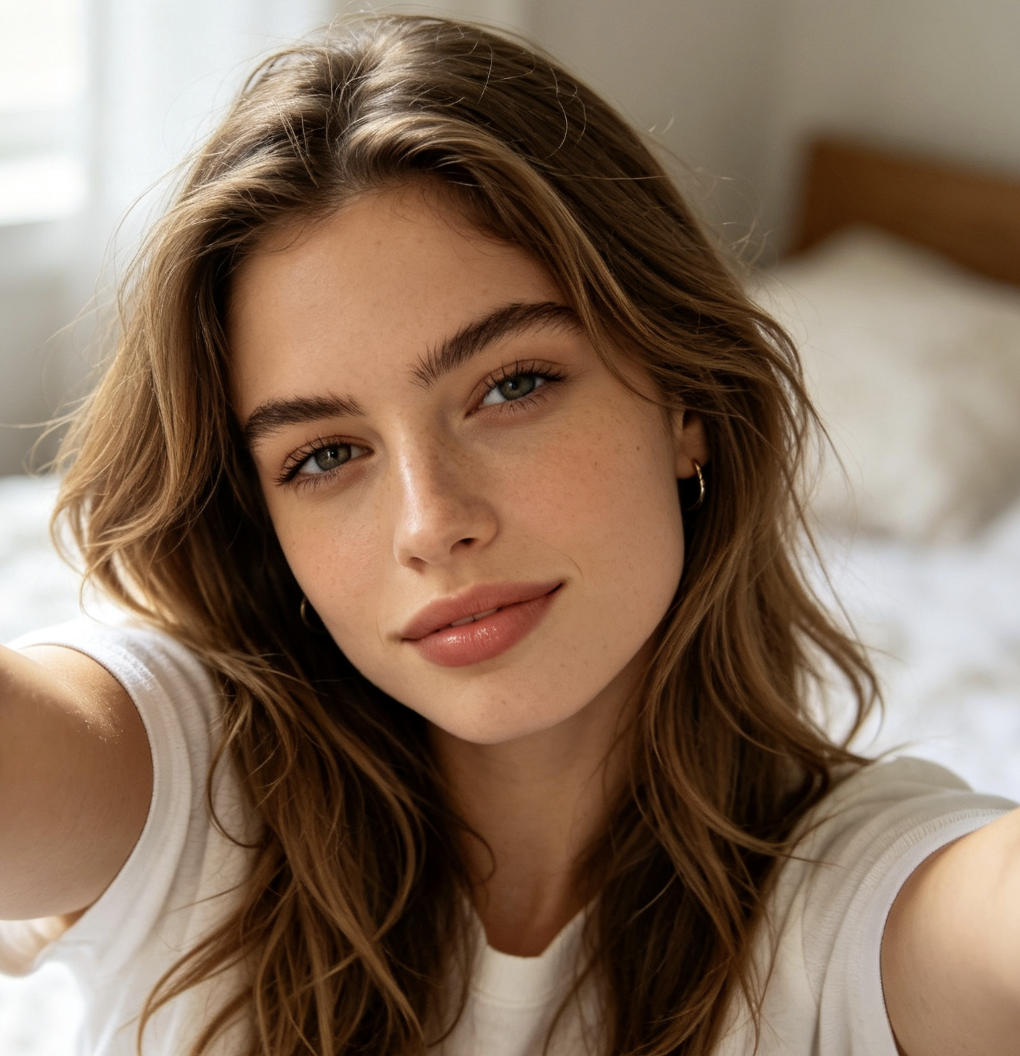
I would use it to explore a softer portrait background while keeping the expression that makes the photo personal. Qwen Image 2.1 would be part of that experiment. My first Qwen image generator free test would have a clear goal; I would compare image editing options by the result and the stated allowance.
I would use it to explore a softer portrait background while keeping the expression that makes the photo personal. Qwen Image 2.1 would be part of that experiment. My first Qwen image generator free test would have a clear goal; I would compare image editing options by the result and the stated allowance.
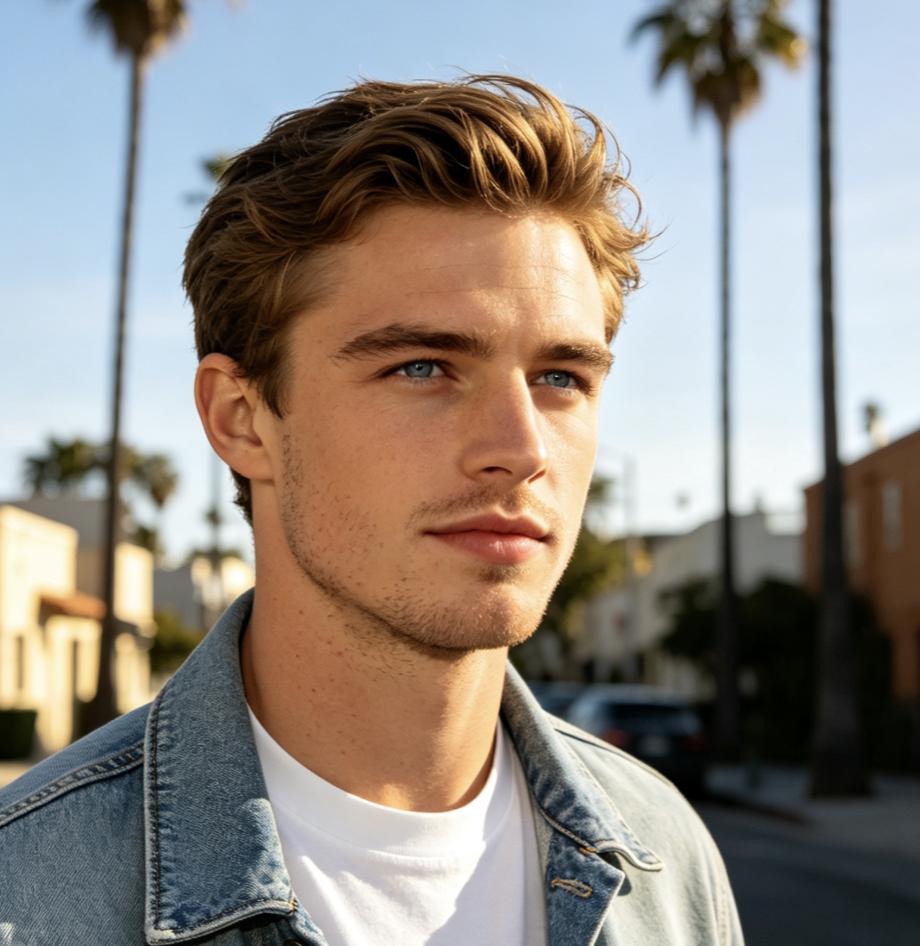
I would compare two background directions for the same vase and inspect whether its shape stays recognizable. Qwen Image 2.1 would be part of that experiment. My first Qwen image generator free test would have a clear goal; I would compare image editing options by the result and the stated allowance.
I would compare two background directions for the same vase and inspect whether its shape stays recognizable. Qwen Image 2.1 would be part of that experiment. My first Qwen image generator free test would have a clear goal; I would compare image editing options by the result and the stated allowance.
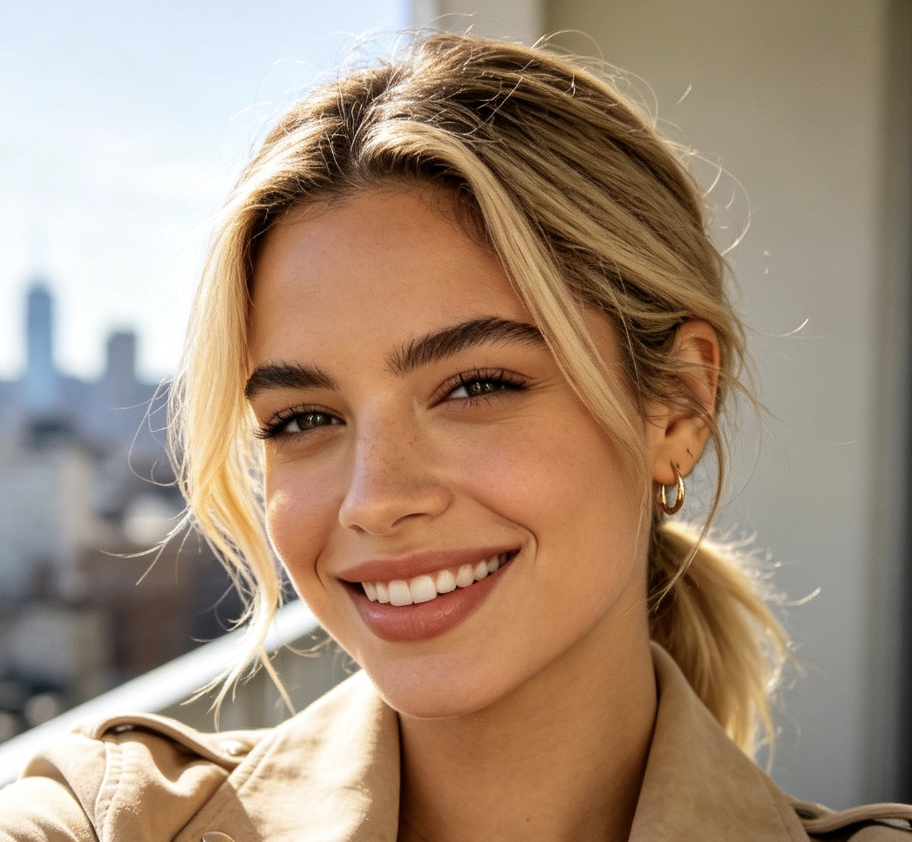
I would test one wall color at a time so I could explain which version suits the room and why. Qwen Image 2.1 would be part of that experiment. My first Qwen image generator free test would have a clear goal; I would compare image editing options by the result and the stated allowance.
I would test one wall color at a time so I could explain which version suits the room and why. Qwen Image 2.1 would be part of that experiment. My first Qwen image generator free test would have a clear goal; I would compare image editing options by the result and the stated allowance.
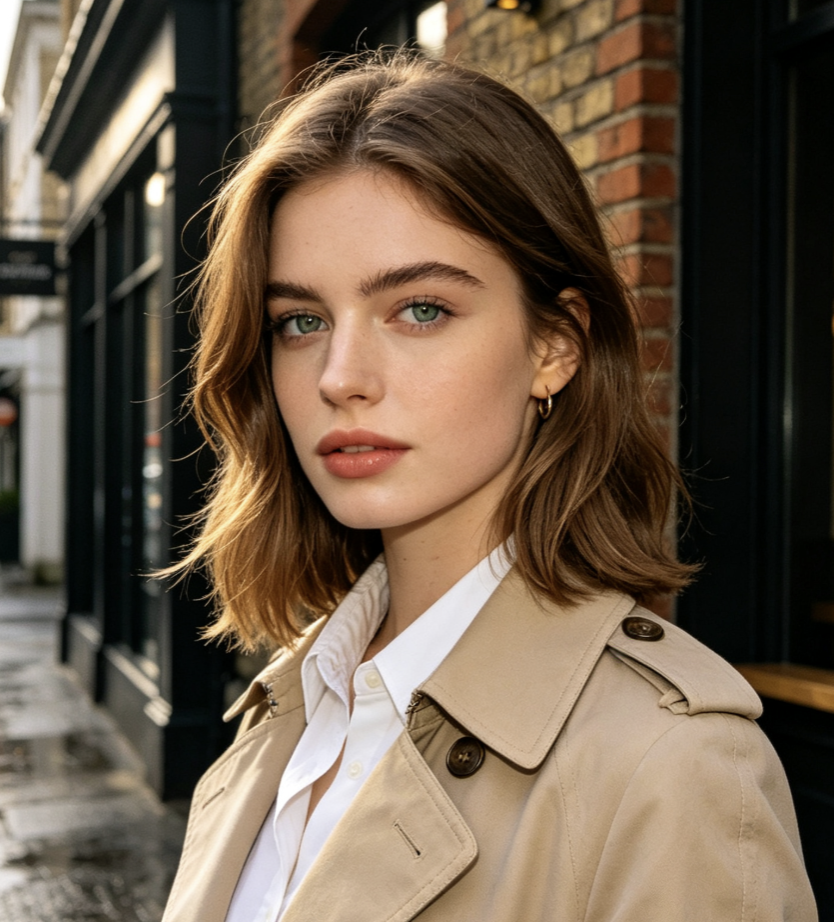
I would plan a simple isolated character and check the downloaded file before treating the background as transparent. Qwen Image 2.1 would be part of that experiment. My first Qwen image generator free test would have a clear goal; I would compare image editing options by the result and the stated allowance.
I would plan a simple isolated character and check the downloaded file before treating the background as transparent. Qwen Image 2.1 would be part of that experiment. My first Qwen image generator free test would have a clear goal; I would compare image editing options by the result and the stated allowance.
I would bring a small set of references into one scene and check the scale and lighting carefully. Qwen Image 2.1 would be part of that experiment. My first Qwen image generator free test would have a clear goal; I would compare image editing options by the result and the stated allowance.
I would bring a small set of references into one scene and check the scale and lighting carefully. Qwen Image 2.1 would be part of that experiment. My first Qwen image generator free test would have a clear goal; I would compare image editing options by the result and the stated allowance.
I would try a short poster headline, then proofread the lettering and refine the layout before sharing my study. Qwen Image 2.1 would be part of that experiment. My first Qwen image generator free test would have a clear goal; I would compare image editing options by the result and the stated allowance.
I would try a short poster headline, then proofread the lettering and refine the layout before sharing my study. Qwen Image 2.1 would be part of that experiment. My first Qwen image generator free test would have a clear goal; I would compare image editing options by the result and the stated allowance.


Qwen Image 2.1 Questions Answered
Understand Qwen Image 2.1 before beginning. These answers clarify what a Qwen image generator free search can and cannot tell you, and how to evaluate Qwen image generator free options responsibly.
Qwen Image 2.1 is a Qwen model that combines text-to-image generation and image editing. The official release describes transparency support, localized editing, and multiple reference images. A Qwen image generator free search describes access intent, not a separate model edition. Compare the available service controls when evaluating Qwen image generator free results.
No unlimited allowance is promised here. Qwen Image 2.1 availability, credits, and account requirements depend on the service. Check the amount displayed before submitting a job. When comparing Qwen image generator free offers, distinguish trial credits from ongoing access. A Qwen image generator free listing alone does not establish pricing.
Name the source subject, the desired change, and what should remain. Start with one edit, then inspect the result. Qwen Image 2.1 benefits from a brief you can evaluate. For a Qwen image generator free trial, avoid combining unrelated changes; a focused Qwen image generator free experiment gives you a clearer comparison.
The official model supports up to ten reference images, while individual interfaces may expose fewer. Check the upload controls before planning a composite. Qwen Image 2.1 instructions should explain each reference. When testing Qwen image generator free services, compare actual upload limits rather than assuming every Qwen image generator free interface exposes the full model capability.
The model supports generating and editing RGBA images. The interface and export path must preserve alpha for a genuinely transparent file. Qwen Image 2.1 capability does not guarantee every download format retains it. For a Qwen image generator free test, inspect the downloaded result; compare Qwen image generator free export options before planning layered work.
Inspect faces, geometry, fine details, and spelling. Qwen Image 2.1 can still produce mistakes or change details you wanted to keep. Check the applicable service terms and model license for your intended use. A Qwen image generator free search does not establish commercial permission; evaluate Qwen image generator free access and usage rights separately.
Find Your Next Visual Direction With Qwen Image 2.1
Choose one photo and one change to explore with Qwen Image 2.1. If you are comparing Qwen image generator free options, check the available allowance, write a precise brief, and inspect the result. Let your next Qwen image generator free experiment begin with a clear creative idea.
