
AI Image Tools
Everything You Need to Edit Photos Faster
Open the PicEditor AI tools library for background removal, photo enhancement, object cleanup, face swap, upscaling, and more focused image workflows.

Eyeliner Filter

AI Bust Down Filter

Image Splitter

Add White Background to Photo

Snapchat Text Remover

Realistic AI Skin Generator

Add speech bubble to photo

Change Photo Background

AI Clothes Wrinkle Remover

AI LinkedIn Profile Picture

GPT Transparent BG Image Editor

Image to Layers

3D Angle Editor

Change Background of Photo
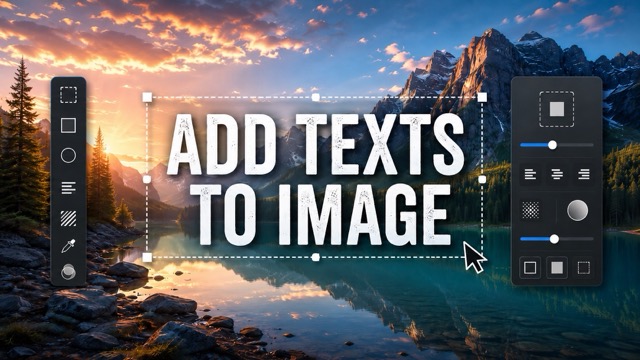
Add Text to Image

Speech Bubble Meme Generator
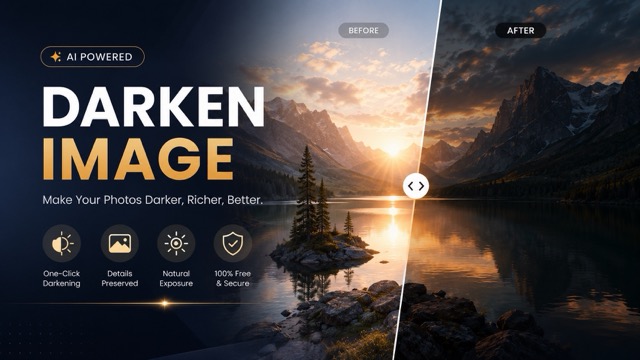
AI Image Darkener
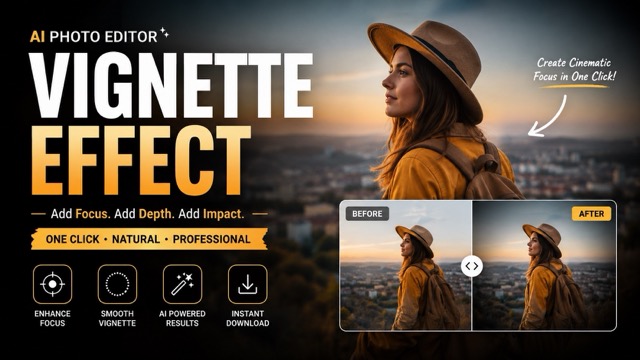
AI Vignette Effect

AI Change Minecraft Skin
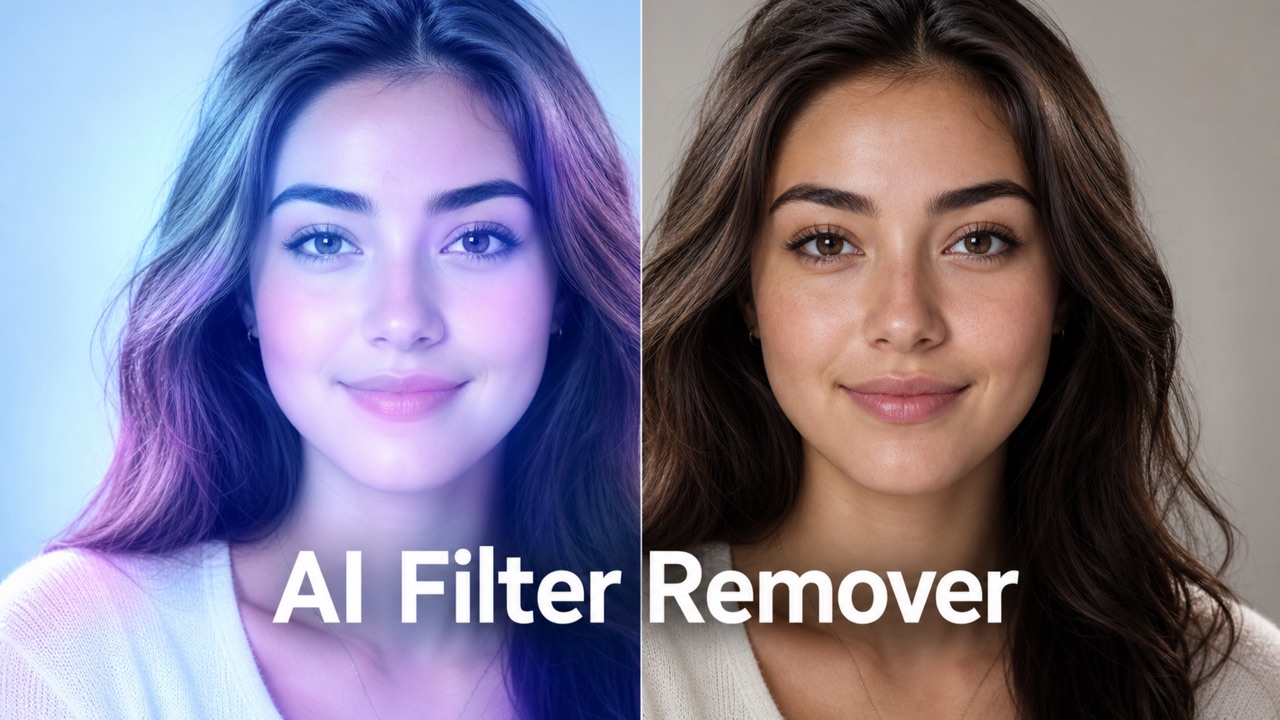
Remove Color From Image
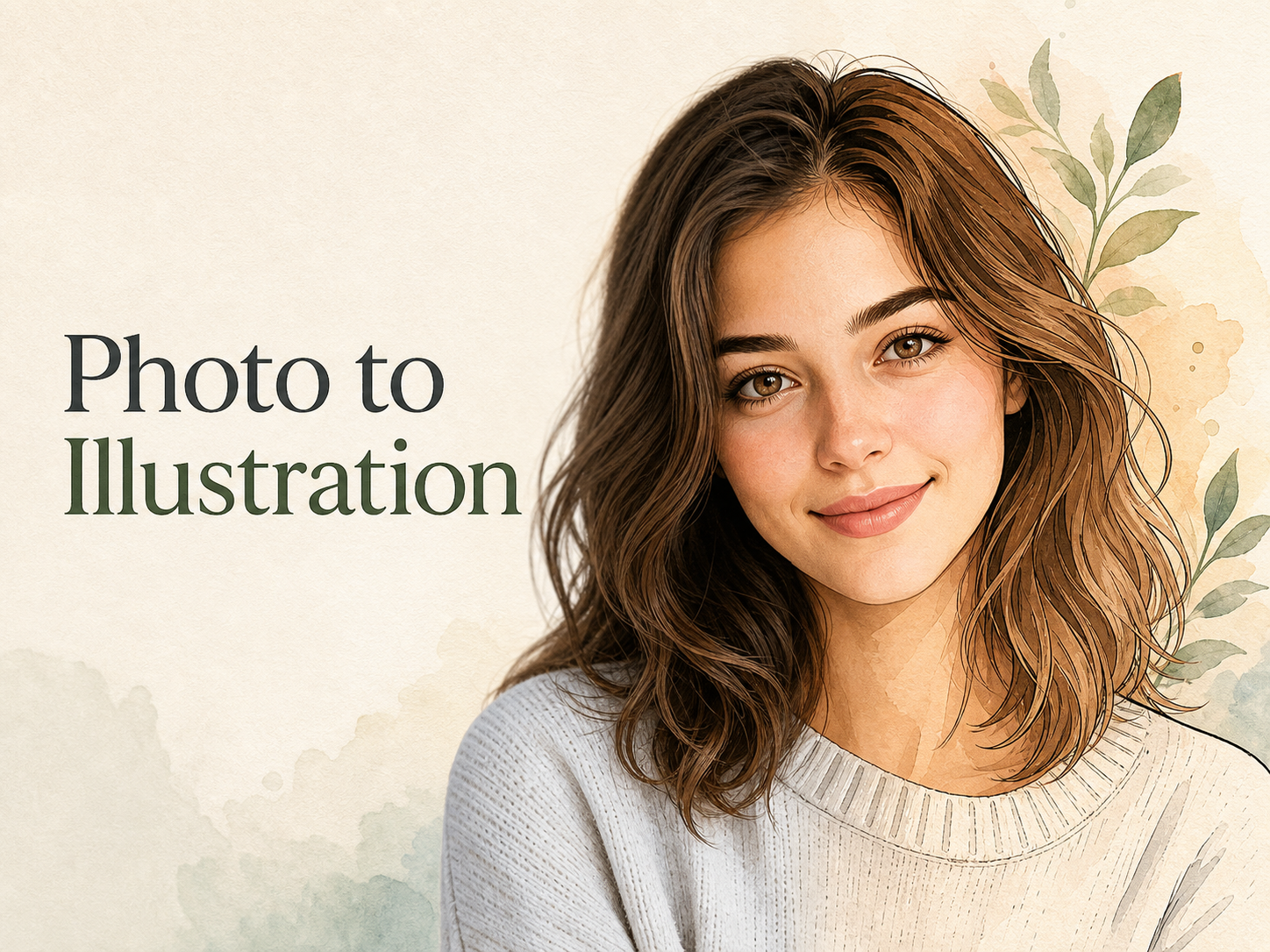
Photo to Illustration

Photo to Coloring Page

convert portrait picture to landscape
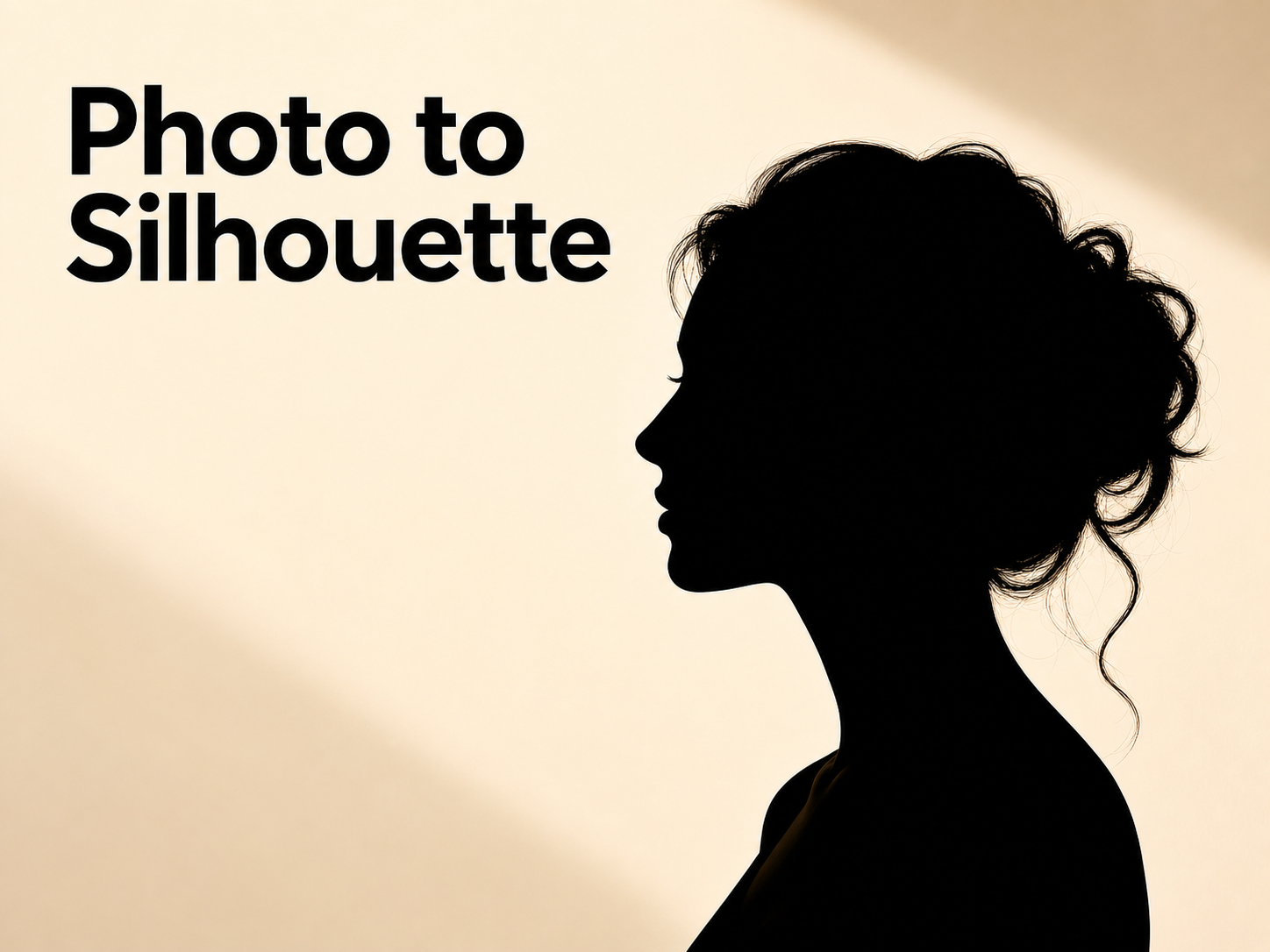
Photo to Silhouette
Remove Filter From Photo Online with Natural AI Restoration
Use Remove Filter From Photo to clean heavy edits, reduce artificial color effects, and restore a natural, realistic image in seconds.
Upload an edited picture and let Remove Filter From Photo reduce harsh overlays, beauty smoothing, boosted saturation, and color casts. This AI filter remover helps bring back balanced light, natural skin tone, and a cleaner photo that looks closer to the original scene.
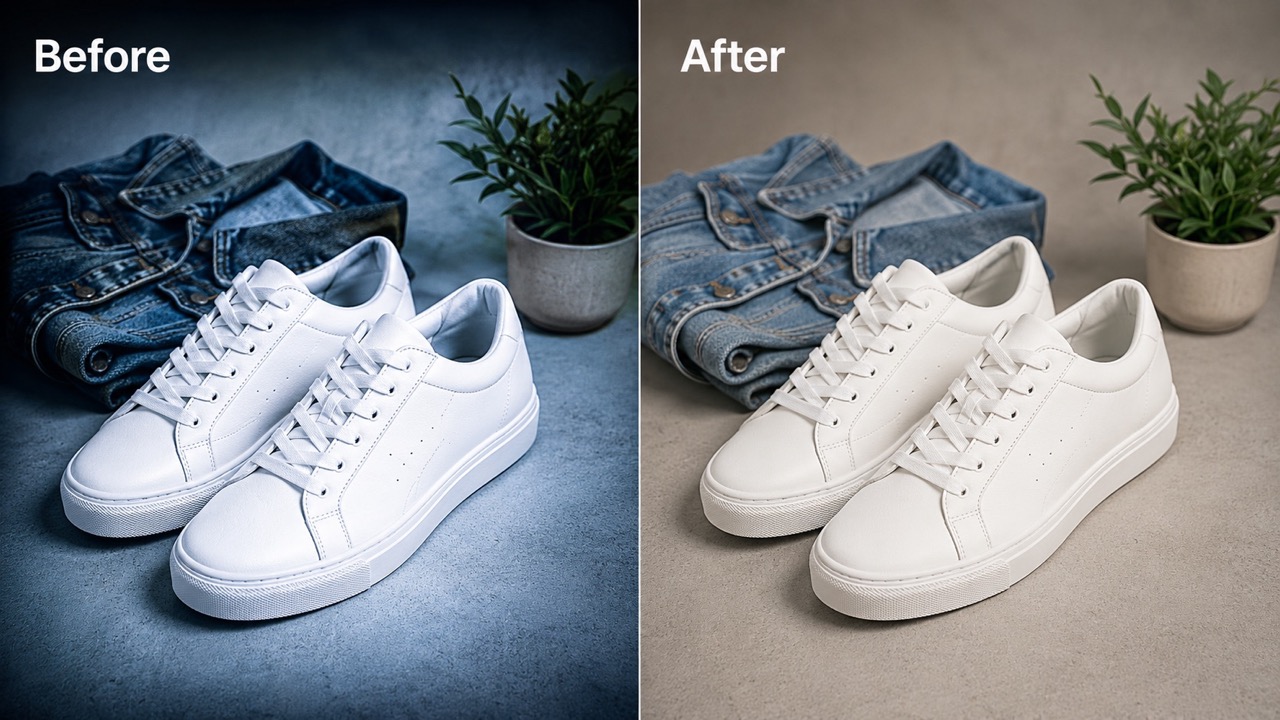
How to Use Remove Filter From Photo in 3 Simple Steps
Remove Filter From Photo follows the workflow users expect: upload image, click Generate, then receive the generated result. The process is made for quick restoration, not manual editing, and the AI filter remover keeps the focus on natural recovery.

Upload Your Photo
Start Remove Filter From Photo by uploading the image you want to restore. Choose a clear selfie, portrait, product shot, travel photo, or saved social image with visible filter effects. For best results, use a photo where the subject is recognizable and the main filter issue is color, tone, smoothing, or artificial lighting.

Click Generate
After the upload, click Generate. Remove Filter From Photo will analyze the image and guide the AI filter remover to reduce unwanted filter effects while keeping faces, clothing, background details, and composition consistent. You do not need to adjust complex settings or write a prompt.

Get the Restored Result
When generation is complete, preview the cleaner image. Remove Filter From Photo aims to restore natural colors, realistic lighting, normal contrast, and visible texture. Save the result when it looks unfiltered, balanced, and ready to use for personal profiles, posts, listings, or archives.
What Remove Filter From Photo Actually Does for Your Images
Remove Filter From Photo is made for people who want less artificial editing and more natural detail. It helps restore balance, not create a new fantasy effect. As an AI filter remover, it works on the practical problems users notice first: wrong color, too much smoothness, harsh shadows, and filtered skin tones.
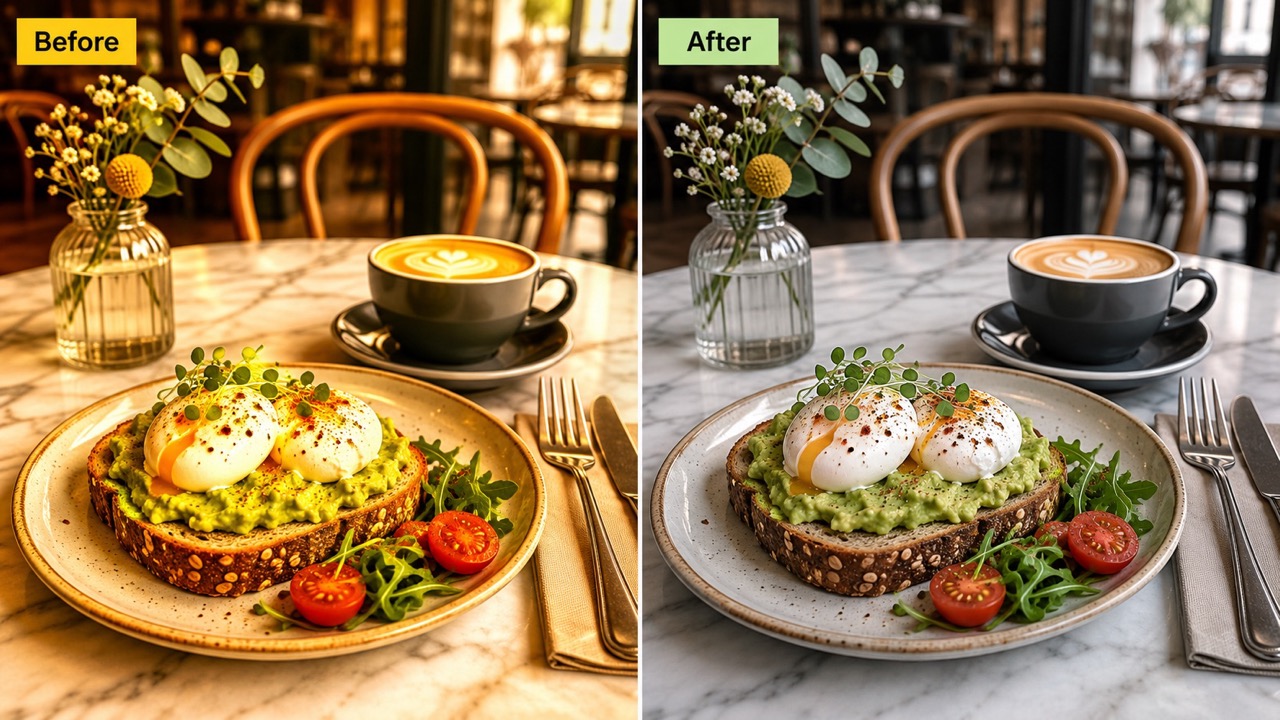
Turn Over-Edited Photos Back Into Natural Images
Some photos look too edited because a filter changed skin tone, shadows, contrast, or the entire mood. Remove Filter From Photo helps reverse that artificial look without replacing the subject. The AI filter remover focuses on reducing tinted overlays, excessive saturation, waxy smoothing, and fake glow so the image feels more believable. If you search remove filter from photo because a saved picture no longer looks like real life, this feature is built for that exact need. Use remove filter from any photo when the goal is a cleaner, more neutral image, not a new style.
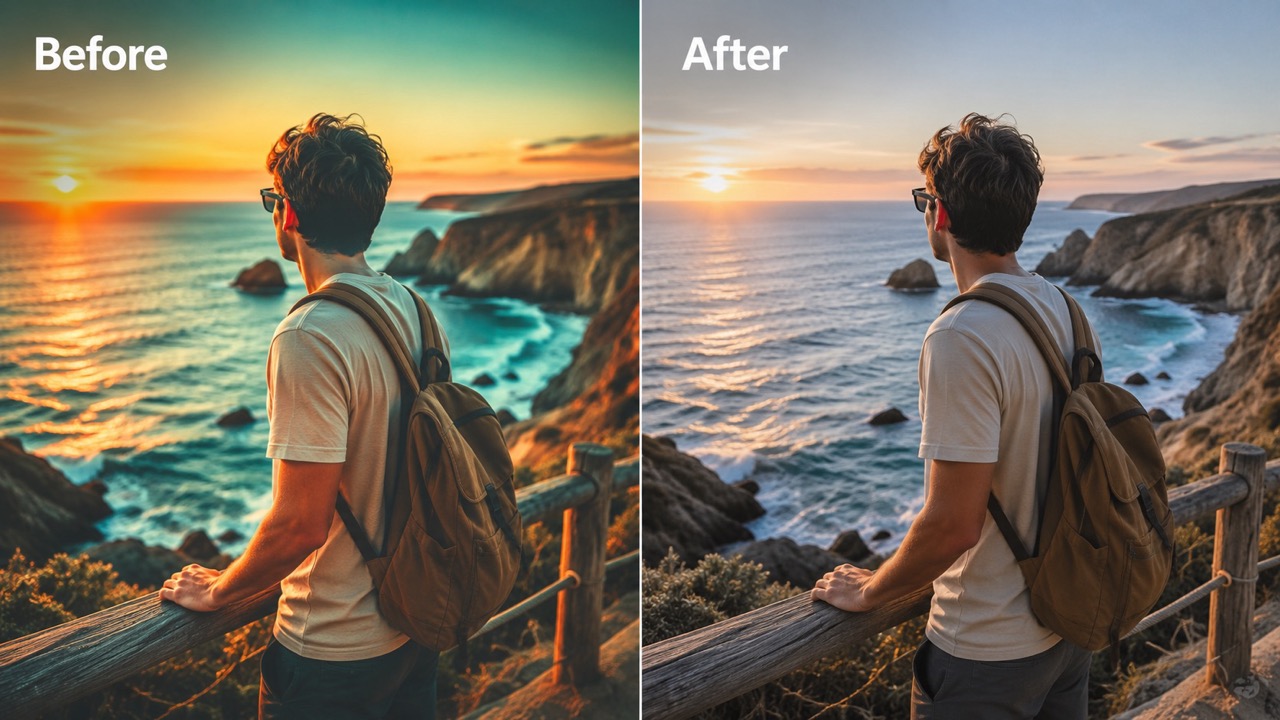
Fix Color Casts Without Making the Photo Look Fake
Color filters can make white walls look blue, skin look orange, shadows look green, or black areas look crushed. Remove Filter From Photo is designed to soften these shifts while preserving the image story. Use remove color filter from photo when a general tint covers the whole frame. Use remove blue filter from photo for cold casts, remove yellow filter from photo for warm casts, or remove black filter from photo when dark filters hide detail. The AI filter remover targets the unwanted color layer while keeping natural depth and believable light.
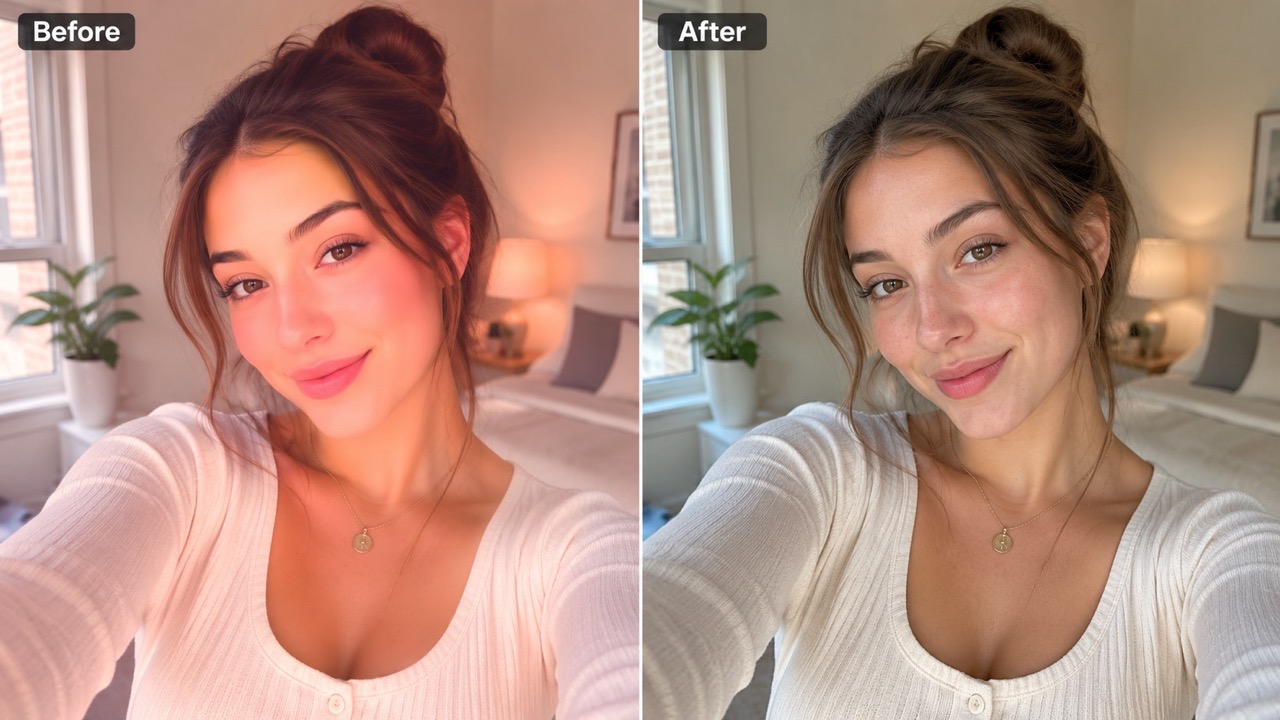
Recover Social Photos That Look Too Stylized
Social filters often add smoothing, glow, tint, and contrast at the same time. Remove Filter From Photo helps recover a more authentic version of those images for resumes, dating profiles, family albums, or product pages. If your search is remove filter from my photo, the goal is usually not to create a new style but to make the same image look honest again. Use remove tiktok filter from photo when a short-video-style effect made the picture too polished or unrealistic. Remove Filter From Photo keeps the subject recognizable and the composition stable.
Who Should Use Remove Filter From Photo?
Remove Filter From Photo is useful whenever an artificial filter hides the real mood, color, or texture of an image. It supports personal, social, and practical photo restoration needs. Whether you need remove filter from any photo for a quick correction or careful cleanup for a public image, the goal stays natural.

Profile Photos That Need a More Authentic Look
A profile photo can feel untrustworthy when the filter is too obvious. Remove Filter From Photo helps reduce heavy smoothing, glowing skin, and unnatural tones so your face looks more realistic. Use remove filter from my photo when you want the same picture, just cleaner and closer to real life. Remove Filter From Photo is useful before updating a professional profile, social bio, or portfolio page where authenticity matters. Remove Filter From Photo can make the image feel less filtered while still keeping the expression, crop, and identity you wanted.

Old Edits You Want to Restore
Many saved images were edited years ago with harsh presets. Remove Filter From Photo can make those memories easier to reuse by softening vintage fades, colored shadows, and excessive contrast. People searching remove filter from photo free often want to test whether an old edited image can look natural again. Remove Filter From Photo helps you judge that quickly by producing a cleaner version for comparison. The AI filter remover is also useful when a faded preset makes an image look old even when the memory still matters.

Product, Fashion, and Listing Images
Filters can distort product colors and make buyers doubt what they see. Remove Filter From Photo helps reduce inaccurate tones so fabric, makeup, accessories, or decor look closer to reality. Use remove color filter from photo before publishing a listing when the original edit changes the product’s true appearance. The AI filter remover can help restore trust by making the image easier to evaluate. Remove Filter From Photo can support better color confidence when a buyer expects the picture to match the real item.

Social Media Images Before Reposting
A trendy filter can age quickly. Remove Filter From Photo helps refresh social images by reducing old platform-style effects and bringing back natural tone. If a clip frame or repost looks too stylized, remove tiktok filter from photo can describe exactly what users need from the AI filter remover. Remove Filter From Photo helps the image fit newer feeds without looking overly processed. Use Remove Filter From Photo when you want to repost an older image without the heavy editing style attached.
User Results with Remove Filter From Photo
People use Remove Filter From Photo to make edited images look real again. These experiences show how natural restoration can help portraits, products, and social photos. The AI filter remover is most valuable when users want the same image with less artificial styling.
I had a portrait with a warm filter that made my skin look orange. Remove Filter From Photo made it feel natural again without changing my face. I also tried remove yellow filter from photo on another image, and the result looked much closer to the actual lighting. It felt like a simple way to fix a mistake from an old edit. Remove Filter From Photo gave me a version I could use without explaining the old filter.
I had a portrait with a warm filter that made my skin look orange. Remove Filter From Photo made it feel natural again without changing my face. I also tried remove yellow filter from photo on another image, and the result looked much closer to the actual lighting. It felt like a simple way to fix a mistake from an old edit. Remove Filter From Photo gave me a version I could use without explaining the old filter.
I wanted to update an old profile picture but the filter looked dated. Remove Filter From Photo reduced the glow and smoothing, and the AI filter remover kept the background intact. It felt like restoring the original, not making a new image. The final photo looked clear enough for my portfolio page. Remove Filter From Photo was quick enough that I could compare a few options.
I wanted to update an old profile picture but the filter looked dated. Remove Filter From Photo reduced the glow and smoothing, and the AI filter remover kept the background intact. It felt like restoring the original, not making a new image. The final photo looked clear enough for my portfolio page. Remove Filter From Photo was quick enough that I could compare a few options.
My product photos had a cold cast from a preset. I used Remove Filter From Photo and then tried remove blue filter from photo on several images. The colors looked more accurate, which made the listings feel more professional and honest. It helped customers see the items without a distracting filter. The AI filter remover made the change feel practical instead of over-edited.
My product photos had a cold cast from a preset. I used Remove Filter From Photo and then tried remove blue filter from photo on several images. The colors looked more accurate, which made the listings feel more professional and honest. It helped customers see the items without a distracting filter. The AI filter remover made the change feel practical instead of over-edited.
I searched remove filter from photo because a saved social picture looked too sharp and dark. Remove Filter From Photo softened the effect and brought back detail. The AI filter remover gave me a clean version I could share again. I also tested remove black filter from photo on a darker edit, and it worked well. Remove Filter From Photo made the picture look more like what I remembered.
I searched remove filter from photo because a saved social picture looked too sharp and dark. Remove Filter From Photo softened the effect and brought back detail. The AI filter remover gave me a clean version I could share again. I also tested remove black filter from photo on a darker edit, and it worked well. Remove Filter From Photo made the picture look more like what I remembered.




FAQs About Remove Filter From Photo
Find quick answers about using Remove Filter From Photo, what the AI filter remover can improve, and how to get a natural-looking result. The AI filter remover is simple because users usually want a clean answer, not technical editing instructions.
Upload your image, click Generate, and review the restored result. Remove Filter From Photo will reduce visible filter effects and aim for a natural photo appearance. Remove Filter From Photo is designed for a simple upload, generate, result flow.
Remove Filter From Photo works best on color casts, beauty smoothing, boosted saturation, heavy contrast, glow, faded tones, and similar artificial effects. Remove Filter From Photo can also help with strong color overlays.
The AI filter remover is designed to preserve identity, pose, background, and composition while reducing filter effects. Results depend on the uploaded image. The AI filter remover focuses on natural restoration, not identity changes.
Yes. Remove Filter From Photo can help restore portraits, selfies, product images, travel shots, and saved social media photos with obvious filter effects. Remove Filter From Photo is suitable for many everyday image types.
Use a clear image with visible filter issues and enough detail. Remove Filter From Photo performs better when faces and objects are not severely blocked or distorted. Remove Filter From Photo should be used on the clearest version available.
It reduces artificial edits, but it cannot always perfectly recover data that was permanently lost in the original filtered image.
Restore a Natural Image with Remove Filter From Photo
Upload your edited picture and use Remove Filter From Photo to reduce artificial tones, harsh overlays, and overdone effects. Get a cleaner image that looks more natural, realistic, and ready to share. Remove Filter From Photo is built for fast restoration when a filter has gone too far.
