
AI Image Tools
Everything You Need to Edit Photos Faster
Open the PicEditor AI tools library for background removal, photo enhancement, object cleanup, face swap, upscaling, and more focused image workflows.

Eyeliner Filter

AI Bust Down Filter

Image Splitter

Add White Background to Photo

Snapchat Text Remover

Realistic AI Skin Generator

Add speech bubble to photo

Change Photo Background

AI Clothes Wrinkle Remover

AI LinkedIn Profile Picture

GPT Transparent BG Image Editor

Image to Layers

3D Angle Editor

Change Background of Photo

Add Text to Image

Speech Bubble Meme Generator
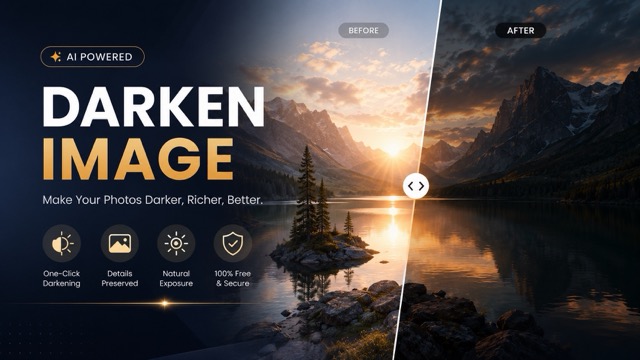
AI Image Darkener
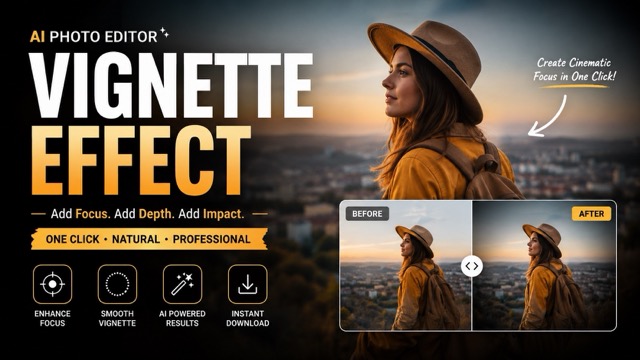
AI Vignette Effect

AI Change Minecraft Skin
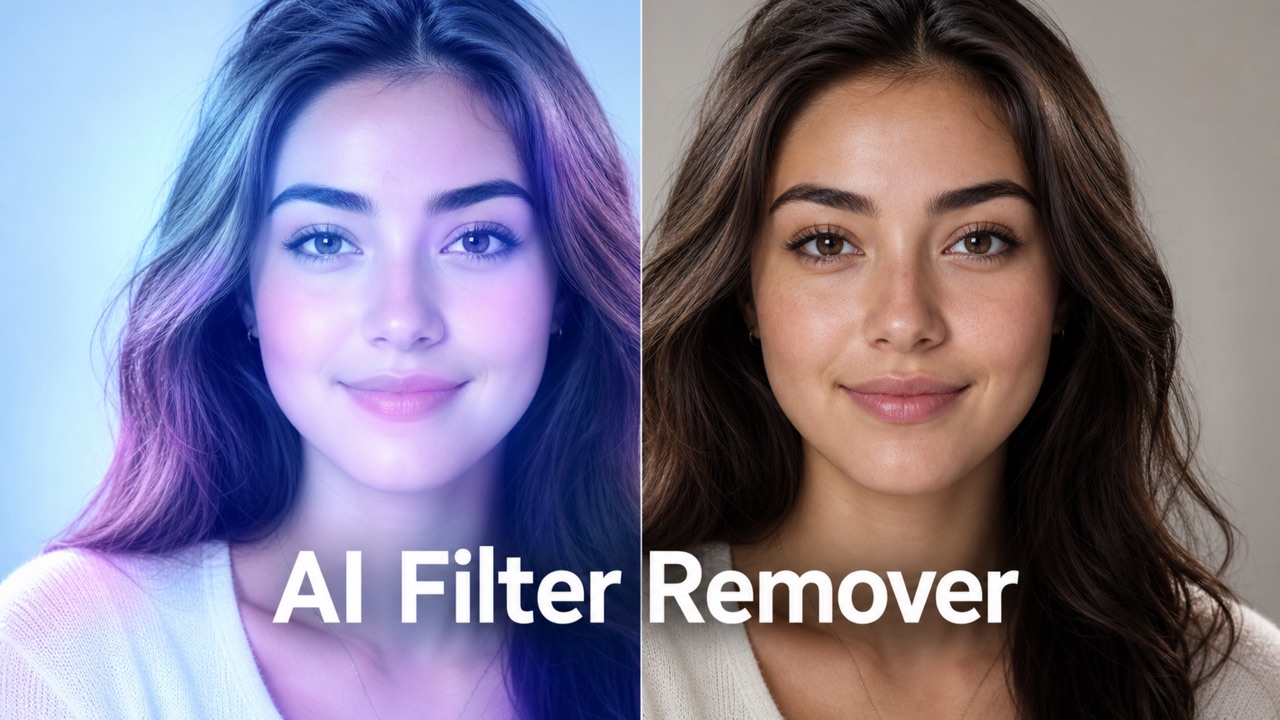
Remove Color From Image

Photo to Illustration

Photo to Coloring Page

convert portrait picture to landscape
Photo to Silhouette
Remove Glare From Photo Online with AI
Clean harsh flash, glass reflections, shiny highlights, and washed-out spots while keeping your photo natural and ready to share.
Remove Glare From Photo helps restore portraits, product shots, travel pictures, and scanned images affected by bright reflections. Upload a photo, generate a cleaner version, and keep the original subject, texture, color, realistic lighting, and scene context intact.
How to Use Remove Glare From Photo in 3 Steps
The workflow is simple: upload image, click Generate, then get the result. Remove Glare From Photo is designed for quick image cleanup without complex manual editing, so users can focus on restoring the image instead of learning advanced retouching techniques.

Upload Your Image
Start with a clear photo that contains glare, reflection, flash hotspot, or shiny white patches. Remove Glare From Photo works best when the main subject is visible, even if part of the image is washed out by light. A portrait, product image, travel shot, document photo, or framed picture can all work as long as the important area is still recognizable.

Click Generate
After uploading, click Generate. The AI will inspect the glare area, surrounding texture, color balance, and shadows. Use remove glare from photo with AI when you want the correction to blend with the real scene instead of looking painted over. You do not need to brush, mask, or manually select every bright patch before processing.

Get the Clean Result
Preview the generated image and save the clean version when it looks natural. Remove Glare From Photo keeps faces, objects, backgrounds, and text as close to the original as possible while reducing distracting light marks. If the first result still shows a strong highlight, generate again with the same image for a refined correction.
Why Choose Remove Glare From Photo
Remove Glare From Photo is built for practical cleanup: less glare, clearer subjects, and believable results. It is useful when reflections distract from the content you actually want people to notice, from a face in a portrait to text on an important document.
Recover Details Hidden by Flash and Harsh Light
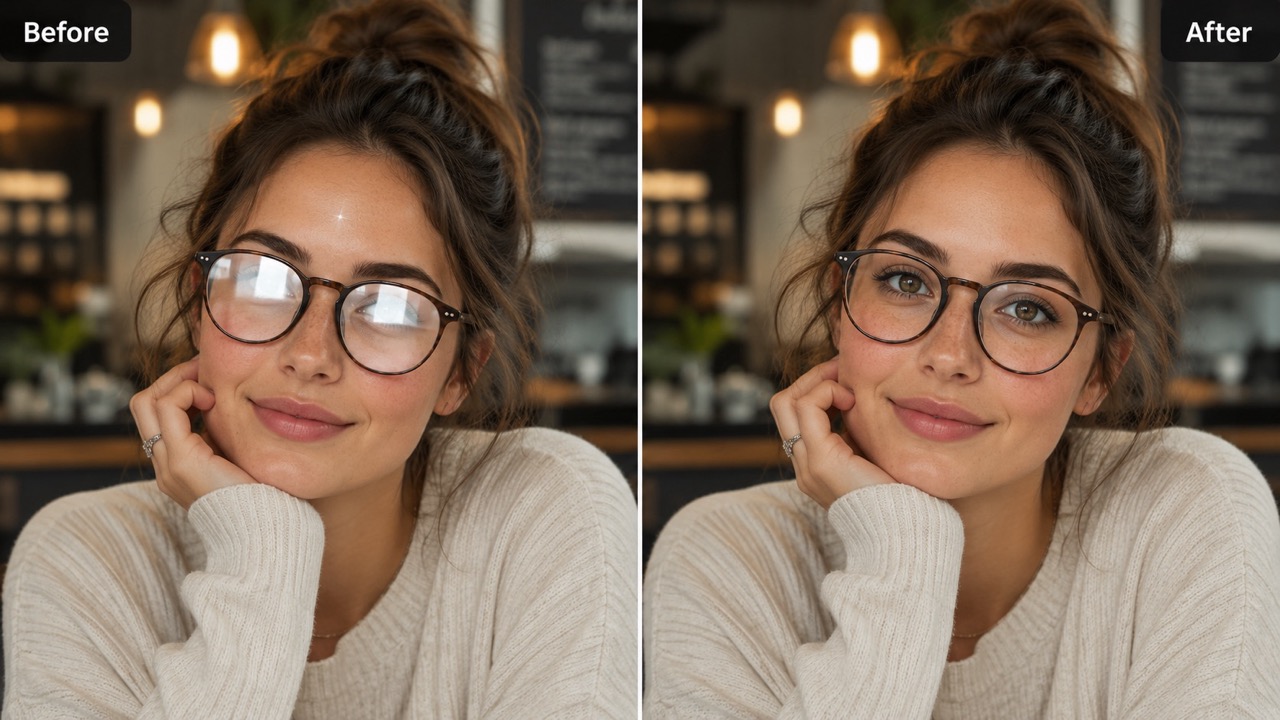
Flash glare can turn skin, paper, metal, or packaging into a flat white patch. Remove Glare From Photo analyzes nearby detail and rebuilds the damaged area so the image feels complete again. Use remove glare from photo online for selfies, event photos, certificates, menus, receipts, and indoor pictures taken under strong light. Instead of darkening the whole image, the correction targets the bright spot and keeps natural contrast. Remove Glare From Photo is especially useful when the photo matters but retaking it is impossible. It helps recover a cleaner memory, clearer record, or more professional visual from one imperfect capture.
Clean Reflections on Glass, Windows, and Glossy Surfaces
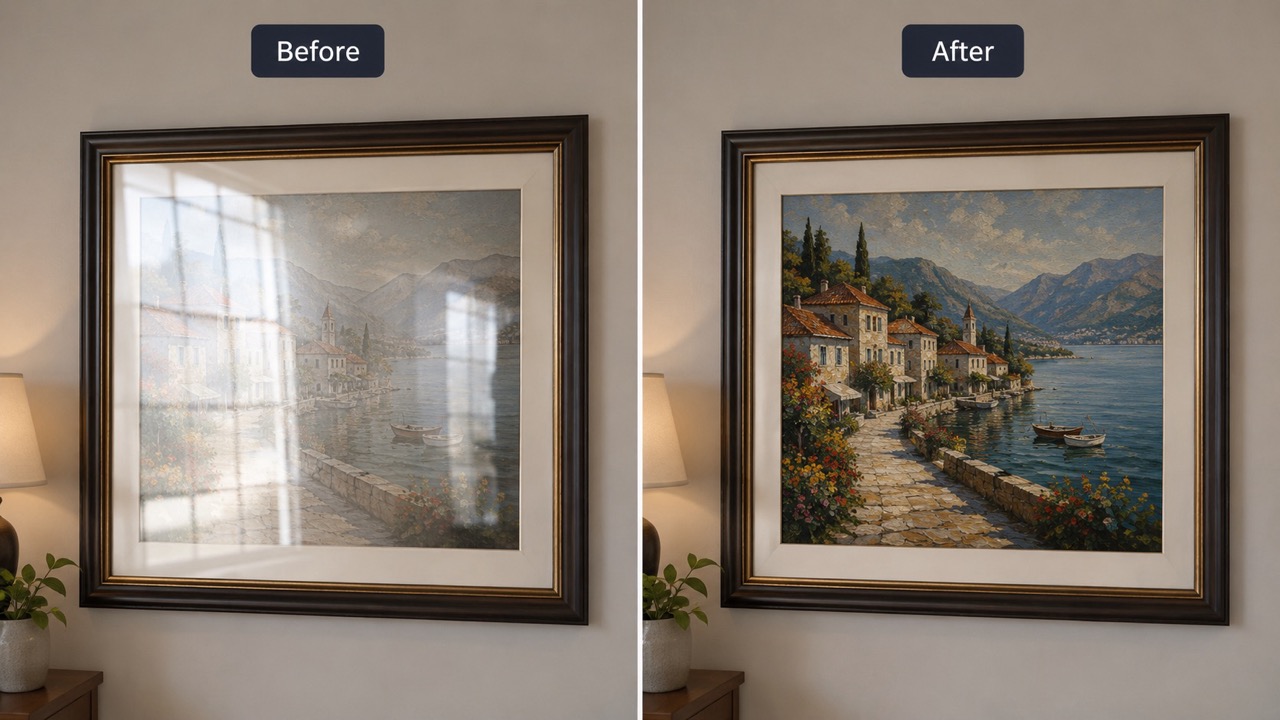
Reflections on glass can hide faces, artwork, products, signs, or landscapes behind bright streaks. Remove Glare From Photo reduces those distracting marks while preserving the scene underneath. If you shoot through windows, framed pictures, museum glass, car windshields, or glossy tables, remove glare from photo with AI can help reveal a cleaner view. The goal is not to change the story of the image, but to make the visible content easier to see. Remove Glare From Photo keeps edges, shadows, and perspective consistent, which matters when reflection crosses a face, label, skyline, or object boundary.
Keep Photos Natural, Not Over-Edited
Good glare correction should be invisible. Remove Glare From Photo focuses on local repair, so faces do not become plastic, product colors do not shift, and backgrounds do not turn artificial. People searching AI remove glare from photo often need a clean result that still looks like the original capture. The feature balances brightness, texture, and detail around the glare area while avoiding unnecessary retouching. Remove Glare From Photo helps you improve the image without losing authenticity. This makes it useful for personal photos, visual proof, online listings, portfolios, and archives where trust matters.
Best Uses for Remove Glare From Photo
Remove Glare From Photo supports everyday image cleanup for people who need clearer photos, readable details, and fewer distracting reflections. It helps turn a flawed capture into a usable image while keeping the original content recognizable.

Portraits and Selfies
Glare on skin, glasses, or forehead shine can pull attention away from the face. Remove Glare From Photo helps soften bright spots while keeping facial features recognizable. Use remove glare from photo online when you want a profile picture, family photo, or casual portrait to look cleaner without changing identity. It is also helpful for group photos where one person caught a flash reflection and everyone else looks good. Remove Glare From Photo is useful for eyeglass reflections that make a portrait feel less personal. It can lower the glare without turning the face into a beauty retouch, so the expression and character remain intact. For close-up portraits, even a small white reflection can make eyes or skin look uneven. A careful correction helps the viewer focus on the person, not the lighting problem.

Product and Marketplace Photos
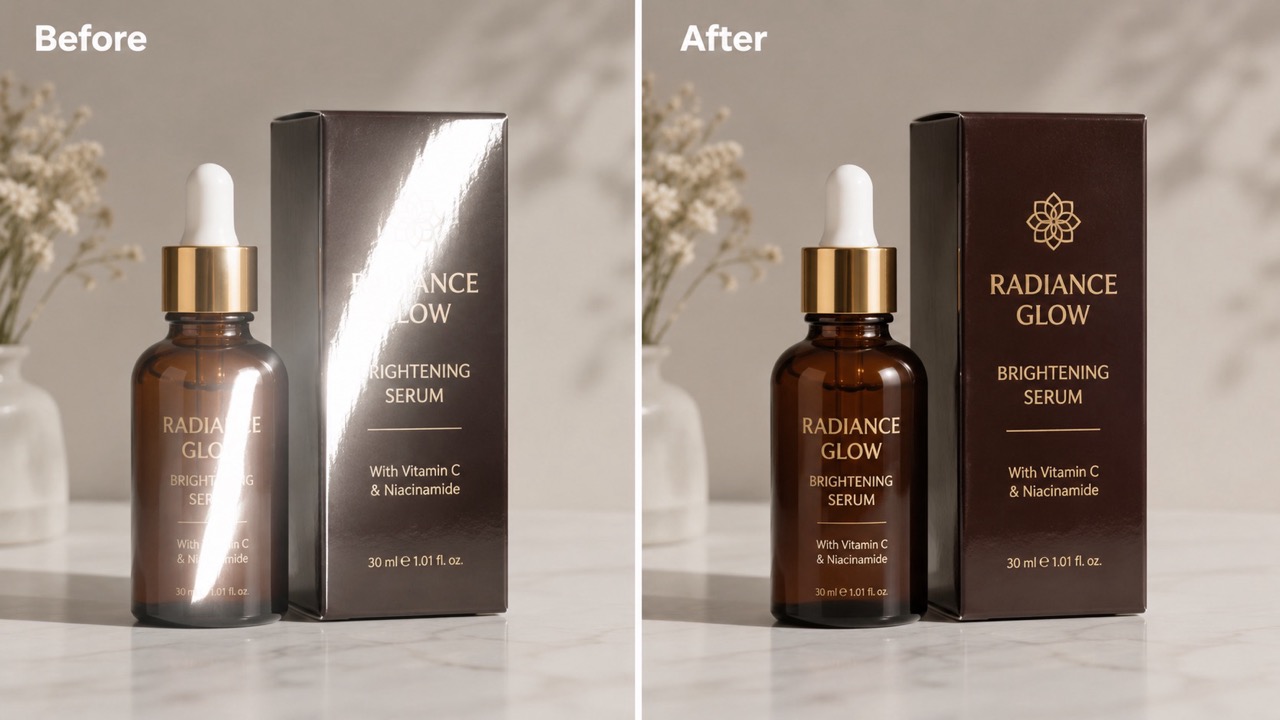
Glossy packaging, jewelry, watches, screens, and polished items often reflect lamps or windows. Remove Glare From Photo can make product details easier to read and colors easier to judge. Sellers use remove glare from photo with AI to improve listing images without making the item look different from reality. Cleaner reflections can help shoppers see labels, finishes, edges, and materials more clearly before they decide. Remove Glare From Photo is also helpful when customers need to compare similar items. Cleaner photos can show texture, printed information, and surface finish more clearly while keeping the listing faithful to the real product. This is especially valuable for secondhand goods, handmade items, cosmetics, electronics, and collectibles, where buyers depend on small visual details before trusting a listing.

Travel, Outdoor, and Window Shots
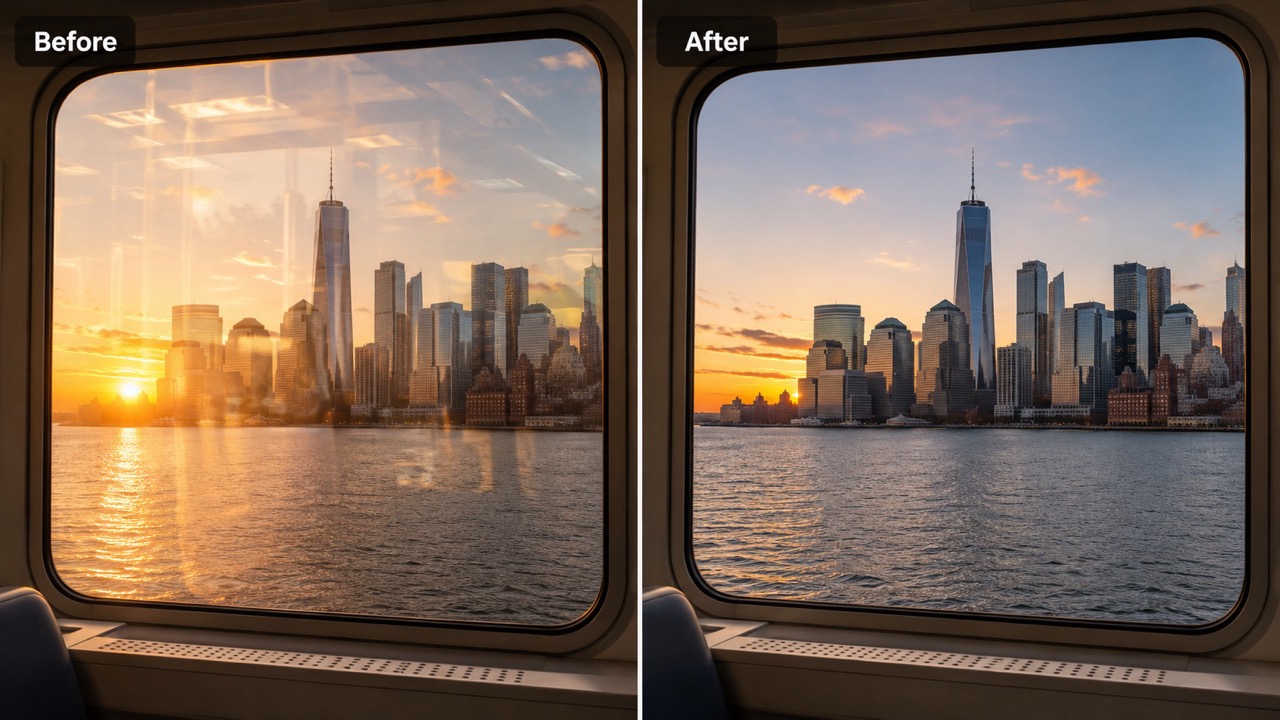
Sun glare, car window reflections, and glass barriers can ruin a once-in-a-moment shot. Remove Glare From Photo helps reduce bright streaks and recover the scene behind them. AI remove glare from photo is useful for landscapes, city views, museums, vehicles, and photos taken through glass. It can make a travel memory feel closer to what you actually saw when the camera caught unwanted light. Remove Glare From Photo can help rescue photos taken from trains, buses, towers, observation decks, and hotel windows. When glare blocks part of the view, the correction can make the memory easier to enjoy and share. It is also useful for quick social posts, personal albums, and visual notes from trips where there is no chance to return for another shot.

Documents, Art, and Scanned Images
Paper, laminated cards, certificates, paintings, and framed photos often show white glare from overhead lights. Remove Glare From Photo makes text, color, and artwork easier to see. Use remove glare from photo online when you need a cleaner record without rescanning or reshooting the item. It is useful for school projects, work files, collection records, and older photos protected behind glass. Remove Glare From Photo can support archiving when a scanned or photographed item is hard to repeat. It reduces the light patch while keeping the document or artwork understandable, which is often the real goal. For records and references, the priority is clarity. A cleaner image can help viewers read text, see colors, and understand the item without distraction.
Users Who Trust Remove Glare From Photo
People use Remove Glare From Photo for portraits, products, documents, artwork, and travel images where glare hides important detail. These short stories show how cleaner light can make an image more useful.
I had a graduation picture with a flash spot across my glasses. Remove Glare From Photo cleaned it without changing my face. I tried AI remove glare from photo because I wanted the result to look real, and the corrected image was ready to share with classmates and family. The best part was that my eyes still looked like mine. I liked that the correction did not add a fake filter or change the background.
I had a graduation picture with a flash spot across my glasses. Remove Glare From Photo cleaned it without changing my face. I tried AI remove glare from photo because I wanted the result to look real, and the corrected image was ready to share with classmates and family. The best part was that my eyes still looked like mine. I liked that the correction did not add a fake filter or change the background.
My product photos had reflections from a desk lamp, especially on glossy boxes. Remove Glare From Photo reduced the glare and kept the packaging color accurate. Using remove glare from photo with AI saved me from setting up another shoot. The labels were easier to read, and the items still looked honest. It helped me keep my workflow simple and still publish clearer images.
My product photos had reflections from a desk lamp, especially on glossy boxes. Remove Glare From Photo reduced the glare and kept the packaging color accurate. Using remove glare from photo with AI saved me from setting up another shoot. The labels were easier to read, and the items still looked honest. It helped me keep my workflow simple and still publish clearer images.
I photographed framed artwork for a portfolio, but the glass caught a window reflection. Remove Glare From Photo made the art visible again. I searched remove glare from photo online and needed something simple, not a complicated editing process. The result kept the brush detail and removed the distracting streak. I could finally show the piece without explaining the reflection.
I photographed framed artwork for a portfolio, but the glass caught a window reflection. Remove Glare From Photo made the art visible again. I searched remove glare from photo online and needed something simple, not a complicated editing process. The result kept the brush detail and removed the distracting streak. I could finally show the piece without explaining the reflection.
A travel photo taken through a bus window had bright streaks across the skyline. Remove Glare From Photo toned them down and kept the city view natural. AI remove glare from photo was exactly what I needed for a quick cleanup. It helped save a shot I could not take again. The image felt closer to the view I remembered from the trip.
A travel photo taken through a bus window had bright streaks across the skyline. Remove Glare From Photo toned them down and kept the city view natural. AI remove glare from photo was exactly what I needed for a quick cleanup. It helped save a shot I could not take again. The image felt closer to the view I remembered from the trip.




FAQ About Remove Glare From Photo
Quick answers about Remove Glare From Photo, common glare problems, and how AI correction improves everyday images without changing the original subject.
Upload your image, click Generate, and download the corrected result. Remove Glare From Photo handles the glare area automatically without manual masking.
Yes. Remove Glare From Photo can reduce reflections on eyeglasses while preserving eyes, skin tone, and facial structure when the source detail is visible.
Yes. remove glare from photo online can help clean window, frame, and display reflections if enough surrounding detail remains.
Use remove glare from photo with AI for flash spots, sun glare, shiny surfaces, window reflections, and washed-out light patches.
AI remove glare from photo estimates missing detail from nearby texture, color, lighting, and perspective to create a natural-looking repair.
Severe glare may hide information completely, so results depend on the source image. Remove Glare From Photo aims for the most plausible natural correction.
Start Using Remove Glare From Photo
Clean distracting reflections, flash marks, and shiny white spots in seconds. Remove Glare From Photo helps you restore a clearer, more natural image with a simple upload and generate workflow. Use it when one bright glare mark is the only thing stopping a photo from being useful.
