
Upload Image 1 as the target photo, and upload Image 2 as the face to apply.
AI Image Tools
Everything You Need to Edit Photos Faster
Open the PicEditor AI tools library for background removal, photo enhancement, object cleanup, face swap, upscaling, and more focused image workflows.
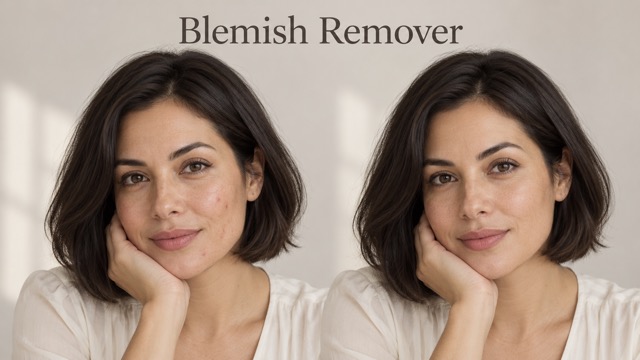
AI Blemish Remover
FLUX 3 Image Klein
Ideogram 4.5
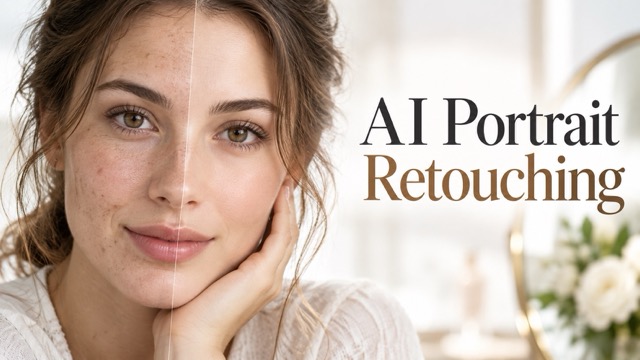
AI Portrait Retouching
Snatched Waist Editor
AI Facial Expression Changer
AI Texture Generator
AI Nose Piercing Filter
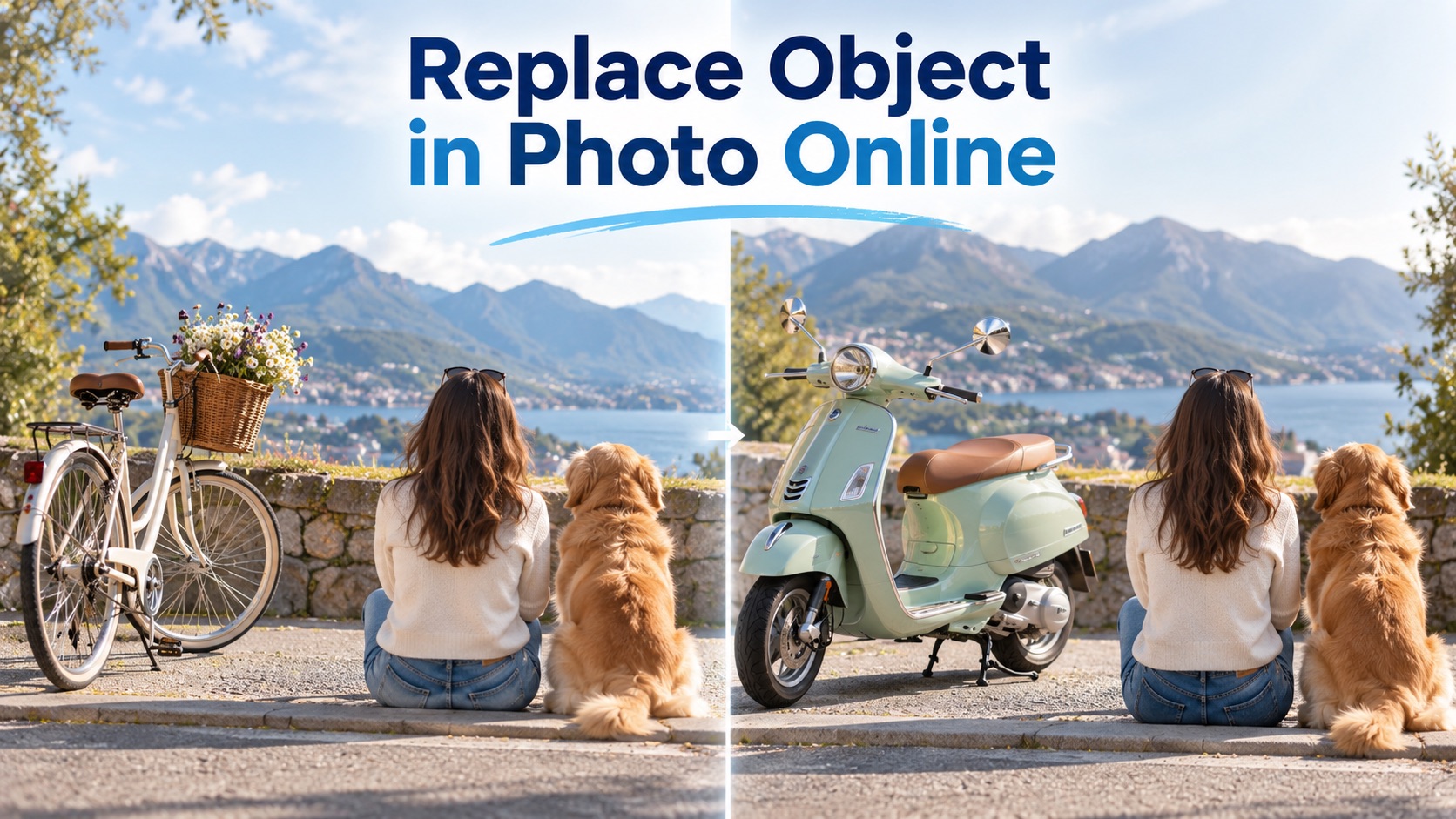
Replace Object in Photo Online
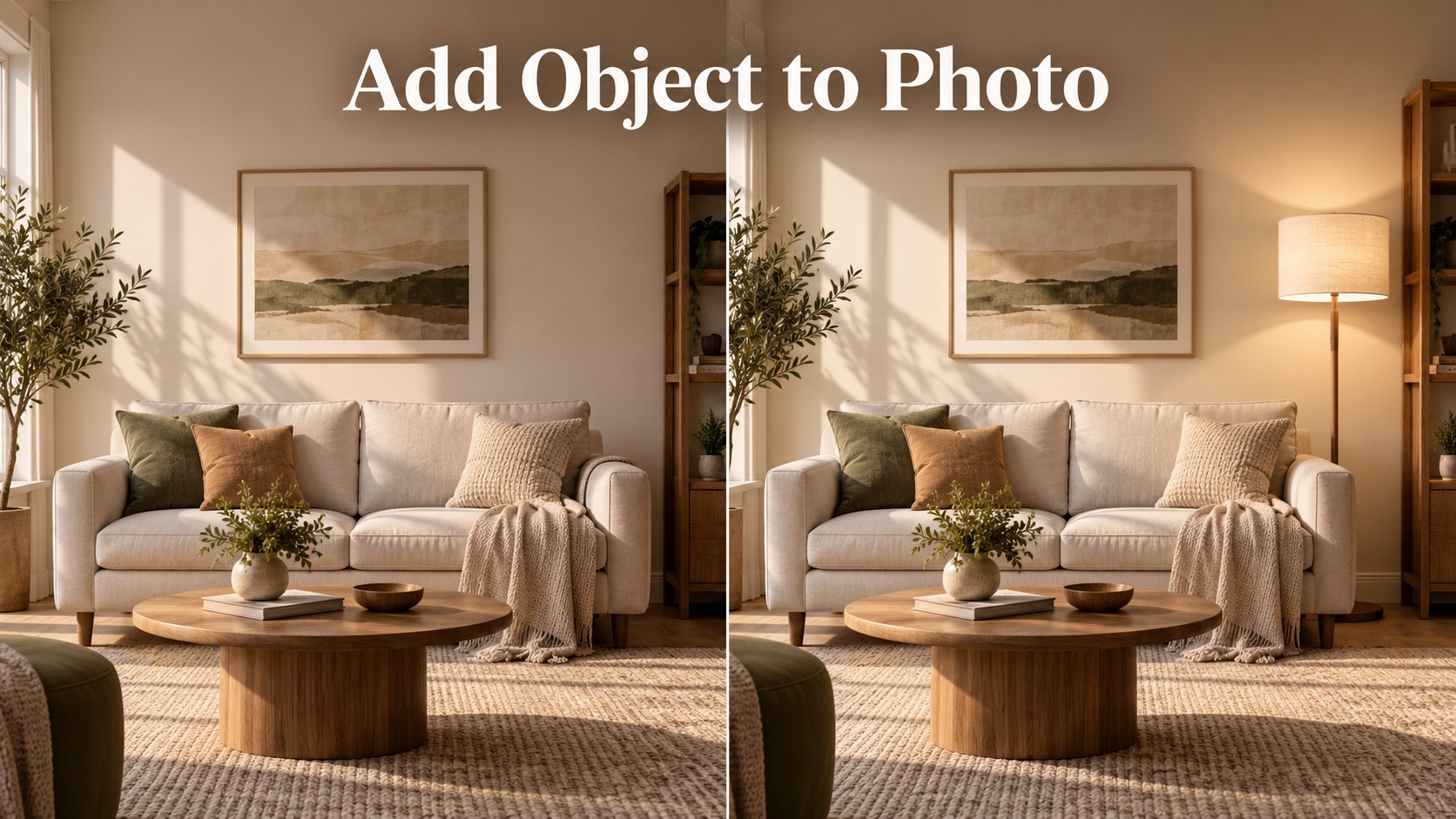
Add Object to Photo

Eyeliner Filter

AI Bust Down Filter

Image Splitter

Add White Background to Photo

Snapchat Text Remover

Realistic AI Skin Generator

Add speech bubble to photo

Change Photo Background

AI Clothes Wrinkle Remover

AI LinkedIn Profile Picture

GPT Transparent BG Image Editor

Image to Layers

3D Angle Editor

Change Background of Photo
AI Face Swap Free Online with PicEditor AI
Upload two images and create a natural face swap in seconds.
PicEditor AI gives you an AI face swap free tool built for simple, realistic, and fast portrait editing. Upload a target photo as the first image, upload the face you want to keep as the second image, and let our AI faceswapper blend the second face naturally onto the first person. Whether you want a creative profile photo, a fun character look, a marketing visual, or a realistic face edit, AI face swap free makes the process easy. With AI swap face free, you do not need Photoshop skills, manual masking, or complex editing steps. The AI faceswapper studies facial structure, skin tone, lighting, angle, and expression, then creates an AI face swap free result that feels clean, balanced, and share-ready.
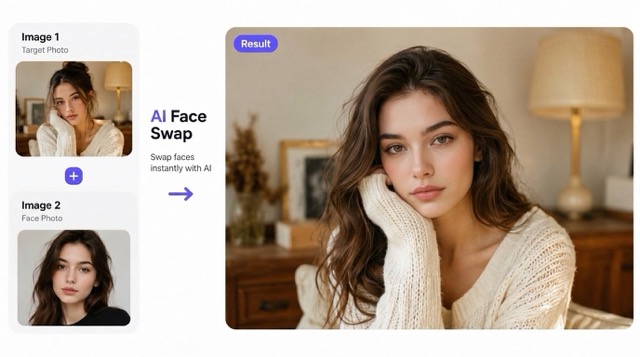
How to Use AI Face Swap Free
PicEditor AI keeps AI face swap free simple. The workflow is designed for anyone who wants AI swap face free results without manual editing. Our AI faceswapper handles alignment, blending, and facial consistency automatically.

Upload the Target Photo
Start AI face swap free by uploading the first image. This is the main photo where the new face will appear. For the best AI faceswapper result, use a clear image with visible facial features, natural lighting, and a stable head angle.

Upload the Face Photo
Upload the second image with the face you want to keep. The AI faceswapper reads the identity, facial proportions, skin tone, and expression, then prepares AI swap face free blending for the target image.

Generate the Face Swap
Click generate and PicEditor AI will create an AI face swap free result. The AI faceswapper blends the second face into the first photo while matching light, pose, shadow, and texture for a natural AI swap face free effect.
Why Choose PicEditor AI Face Swap Free
PicEditor AI is made for realistic, fast, and accessible face replacement. Instead of stretching pixels or pasting a face layer, our AI faceswapper creates a more natural AI face swap free result with better tone matching and facial alignment.
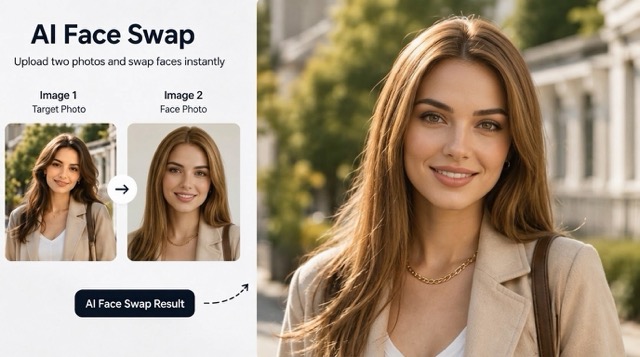
Realistic AI Face Swap Free for Portraits
Use AI face swap free to create realistic portrait edits from two photos. The AI faceswapper detects face shape, eye position, mouth angle, skin color, lighting, and head direction, then blends the second face into the first image. With AI swap face free, portraits can look cleaner and more natural than basic cut-and-paste edits.
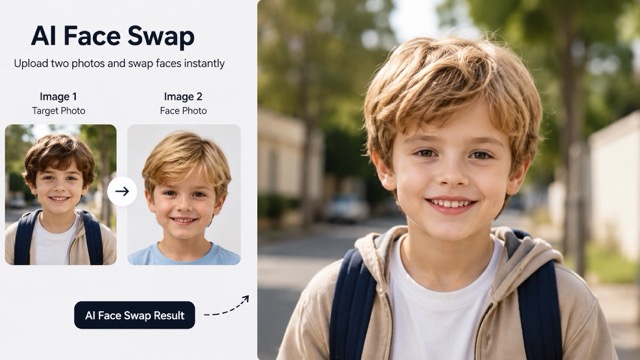
AI Faceswapper for Fun, Creative, and Social Images
PicEditor AI gives creators an AI faceswapper for playful content, character looks, themed photos, profile experiments, and visual storytelling. AI face swap free helps you test a new identity style quickly, while AI swap face free makes the process accessible for casual users, creators, and designers.
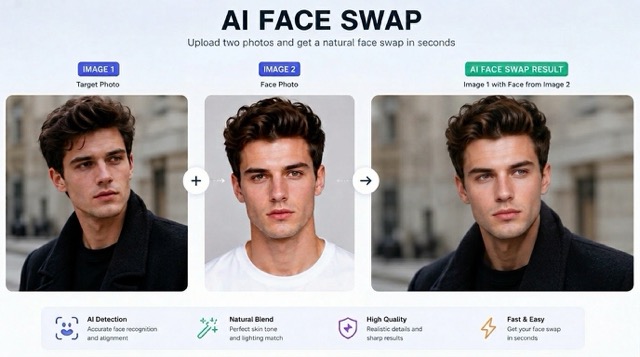
AI Swap Face Free with Better Lighting Match
A strong AI face swap free result depends on believable lighting. The AI faceswapper analyzes shadows, highlights, face direction, and image atmosphere before blending. With AI swap face free, the final photo can keep the original scene while the new face appears naturally integrated.
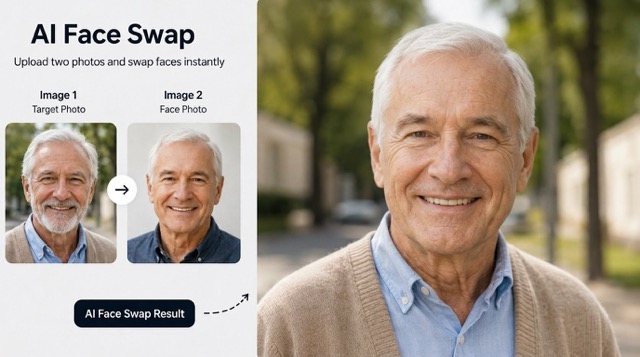
No Design Skills Needed
AI face swap free removes complicated editing work. You only need two images and one click. PicEditor AI acts as your AI faceswapper, handling face detection, placement, blending, and refinement. AI swap face free is useful when you want a polished visual quickly without learning advanced photo editing software.
AI Face Swap Free FAQ
Learn how PicEditor AI face swap free works, what images perform best, and how to get a better AI faceswapper result.
AI face swap free is an online tool that lets you upload two images and replace the face in the first photo with the face from the second photo. PicEditor AI uses an AI faceswapper to align facial features, match skin tone, adjust lighting, and create a natural AI swap face free result.
The AI faceswapper analyzes the target photo and the face photo separately. It detects facial landmarks, angle, expression, skin texture, and lighting, then blends the second face onto the first image. This makes AI face swap free faster and cleaner than manual editing.
For the best AI swap face free result, use clear photos with visible faces, good lighting, and minimal blur. AI face swap free works better when both images have similar face angles, but the AI faceswapper can still handle many casual portrait styles.
Yes. AI face swap free is useful for profile images, creative posts, funny edits, character photos, and campaign visuals. Always use the AI faceswapper responsibly and avoid misleading, harmful, or non-consensual use.
No. PicEditor AI is an online AI faceswapper, so you do not need Photoshop, layers, masks, or manual retouching. Upload two images, generate, and get an AI face swap free result with a simple AI swap face free workflow.
PicEditor AI is designed to create realistic AI face swap free outputs by matching face shape, light, color, and texture. The final quality depends on the uploaded images, but the AI faceswapper helps produce a smooth AI swap face free result.
What Users Say About AI Face Swap Free
Creators, marketers, and everyday users choose PicEditor AI because the AI faceswapper makes face editing faster, cleaner, and easier.
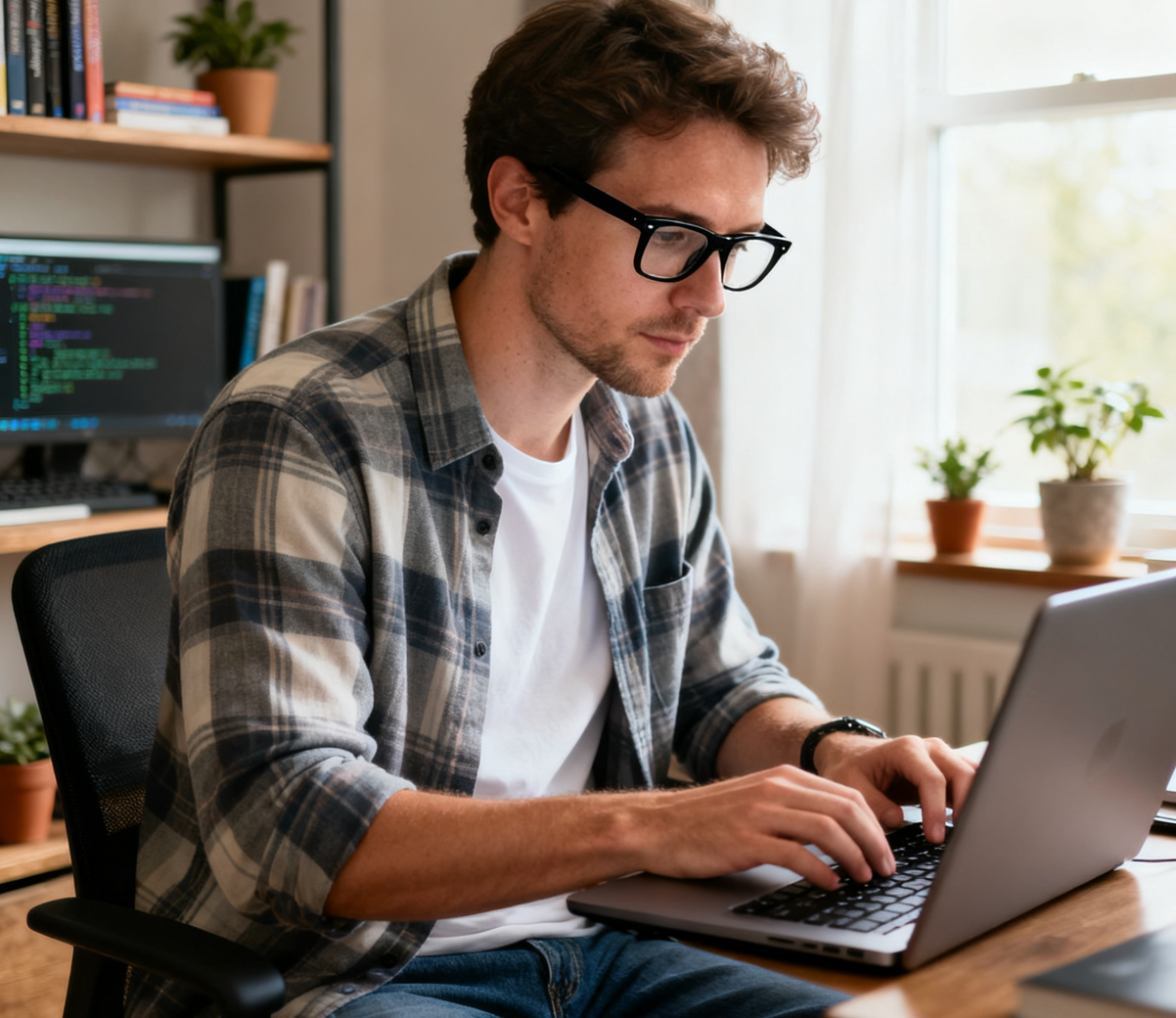
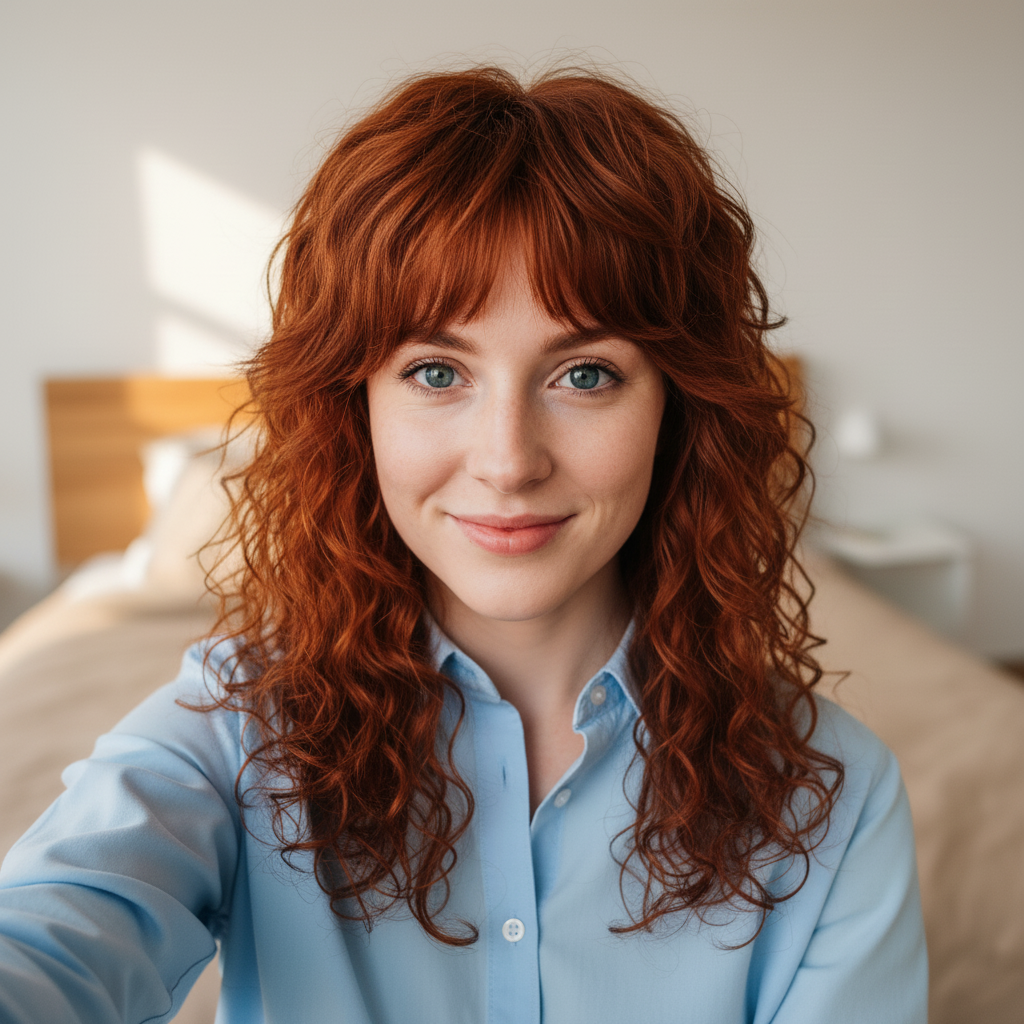
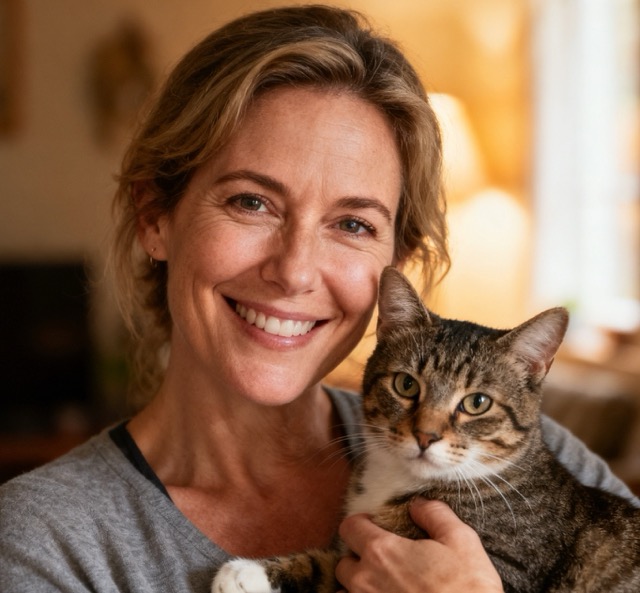
PicEditor AI face swap free saved me a lot of editing time. I uploaded two portraits, and the AI faceswapper created a clean result that looked natural enough for a social concept preview.
PicEditor AI face swap free saved me a lot of editing time. I uploaded two portraits, and the AI faceswapper created a clean result that looked natural enough for a social concept preview.
I used AI swap face free for a character test, and the result was much better than a manual paste edit. The AI faceswapper handled the skin tone and face angle very well.
I used AI swap face free for a character test, and the result was much better than a manual paste edit. The AI faceswapper handled the skin tone and face angle very well.
The AI face swap free workflow is very straightforward. Upload the target image, upload the face image, and generate. PicEditor AI is now my quick AI faceswapper for campaign mockups.
The AI face swap free workflow is very straightforward. Upload the target image, upload the face image, and generate. PicEditor AI is now my quick AI faceswapper for campaign mockups.
I needed a fast AI swap face free tool for visual references. PicEditor AI produced a polished face blend without forcing me to open any advanced editing software.
I needed a fast AI swap face free tool for visual references. PicEditor AI produced a polished face blend without forcing me to open any advanced editing software.
This AI faceswapper is simple but powerful. The AI face swap free result kept the original pose and lighting while changing the face in a believable way.
This AI faceswapper is simple but powerful. The AI face swap free result kept the original pose and lighting while changing the face in a believable way.
I tried AI face swap free for fun profile ideas and got several share-ready images. AI swap face free is especially useful when I want fast creative variations.
I tried AI face swap free for fun profile ideas and got several share-ready images. AI swap face free is especially useful when I want fast creative variations.


AI Face Swap Free Use Cases
PicEditor AI face swap free supports creative, personal, and professional editing needs. Use the AI faceswapper when you want a fast AI swap face free result from two photos.

Profile Photo Experiments
Create new profile concepts with AI face swap free. The AI faceswapper helps you test different styles, outfits, scenes, or character looks while keeping the face you choose. AI swap face free is ideal for quick social media ideas.

Marketing Visual Mockups
Use AI face swap free to create campaign mockups, model previews, and creative references. The AI faceswapper helps teams explore visual directions faster, while AI swap face free keeps the workflow simple and repeatable.

Fun Character Edits
Turn ordinary portraits into playful character edits with AI swap face free. Upload a base image and a face image, then let the AI faceswapper create an AI face swap free result for fun, memes, or themed content.

Photo Restoration Ideas
AI face swap free can help test facial replacement concepts when you have one stronger face image and one target scene. The AI faceswapper blends the selected face into the target photo for a cleaner AI swap face free preview.

Creator Content Production
Creators can use AI face swap free to generate quick variations for thumbnails, social posts, and storytelling visuals. The AI faceswapper reduces editing friction, and AI swap face free helps produce more content ideas quickly.

Personal Creative Photos
Make fun edits, role-play looks, birthday visuals, or themed portraits with AI face swap free. PicEditor AI works as an easy AI faceswapper, giving you an AI swap face free result without complicated tools.
Start AI Face Swap Free Now
Upload two images and let PicEditor AI create a natural face blend. Try AI face swap free today, use the AI faceswapper in seconds, and generate an AI swap face free result for creative portraits, social content, and visual mockups.
